4th of July Appliances Sale.Free delivery. Ends 7/8. Terms apply.Shop now

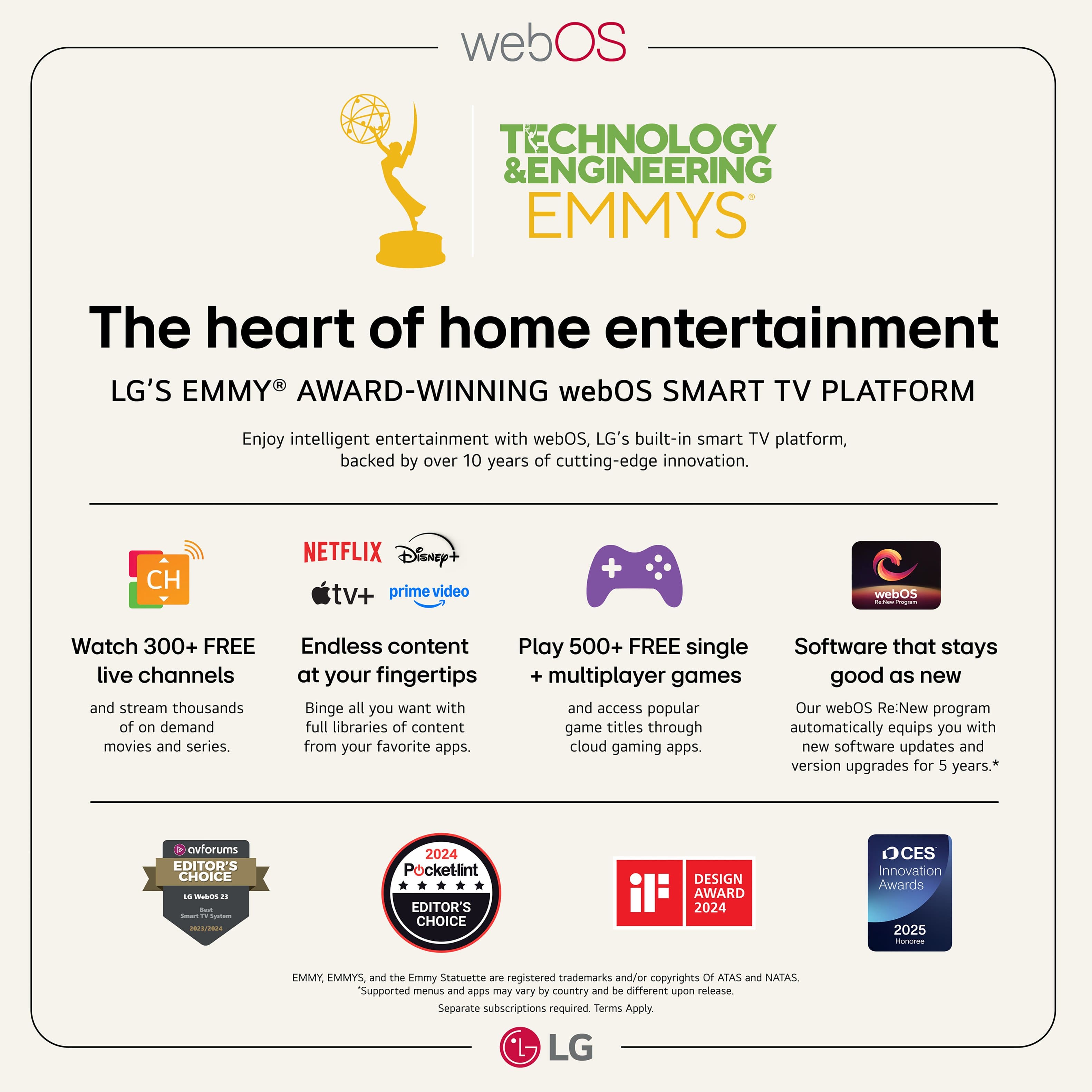
Main Content

Questions & Answers

$649.99
Page Showing 41-60 of 125 questions
  • QuestionDoes this tv have easy "internet" access? Like a specific app to connect to on the screen? Similar like, Netflix, etc. I'm not talking about live streaming. Thx

    Asked by Greg.

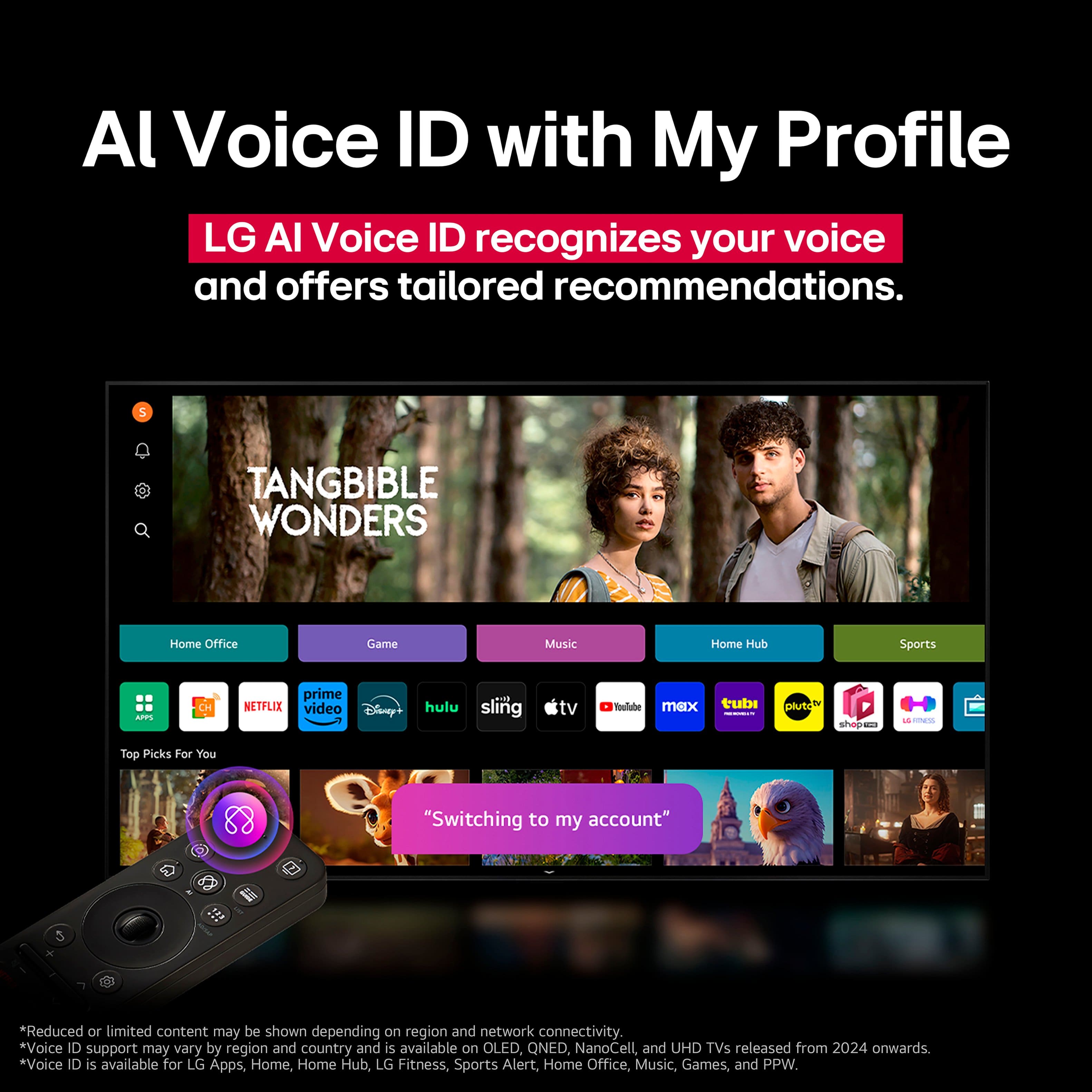
    • Answer Yes! Super easy to access the internet and your typical apps have qr codes for easy sign in

      Answered by Jaxx

  • Questiondoes this TV come with an external box or are all functions contained in the tv? I do not want an external box. I have all connections thru the wall and I just want to be able to connect the power and html cables and hang the tv.

    Asked by CLS320.

    • Answer You get a TV and a remote. Nothing else. Ours is connected to our WIFi cabble box and Fire TV Stick by HDMI as is our DVD player.

      Answered by JanetE

  • QuestionHow do you get LG WebOS to recognize an AirTV device on my WiFi network? Only solution I can find is to return the LG and buy a different brand that uses Google TV or Roku.

    Asked by JimM.

    • Answer I used a external antena it flows inti the lg tv but doesnt separate your stations and it is complicated

      Answered by LouisD

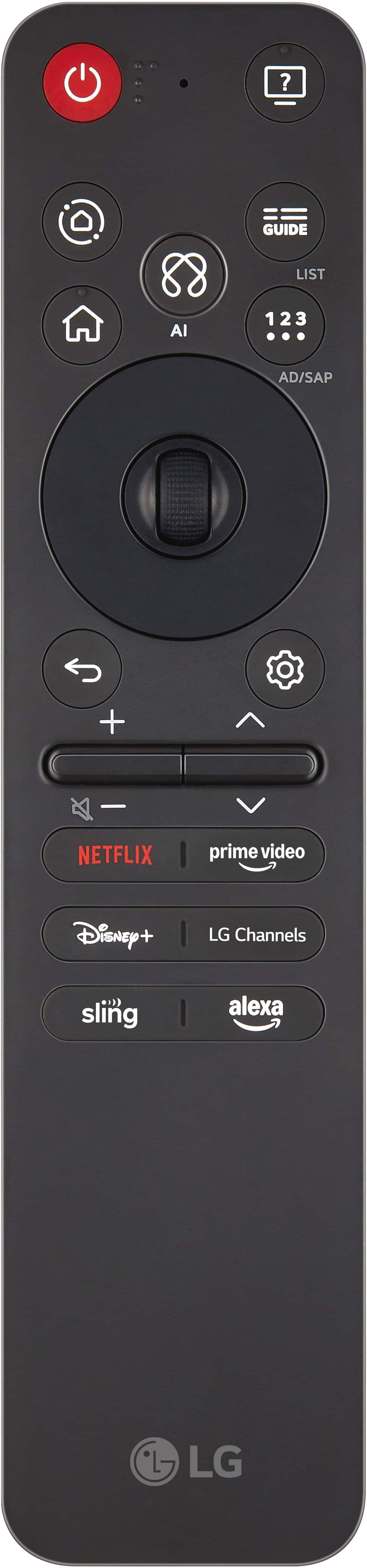
  • QuestionIs the remote control covered under the warranty? I also paid for an extended geek squad warranty. The circular controller doesn't click down any longer.

    Asked by Anonymous.

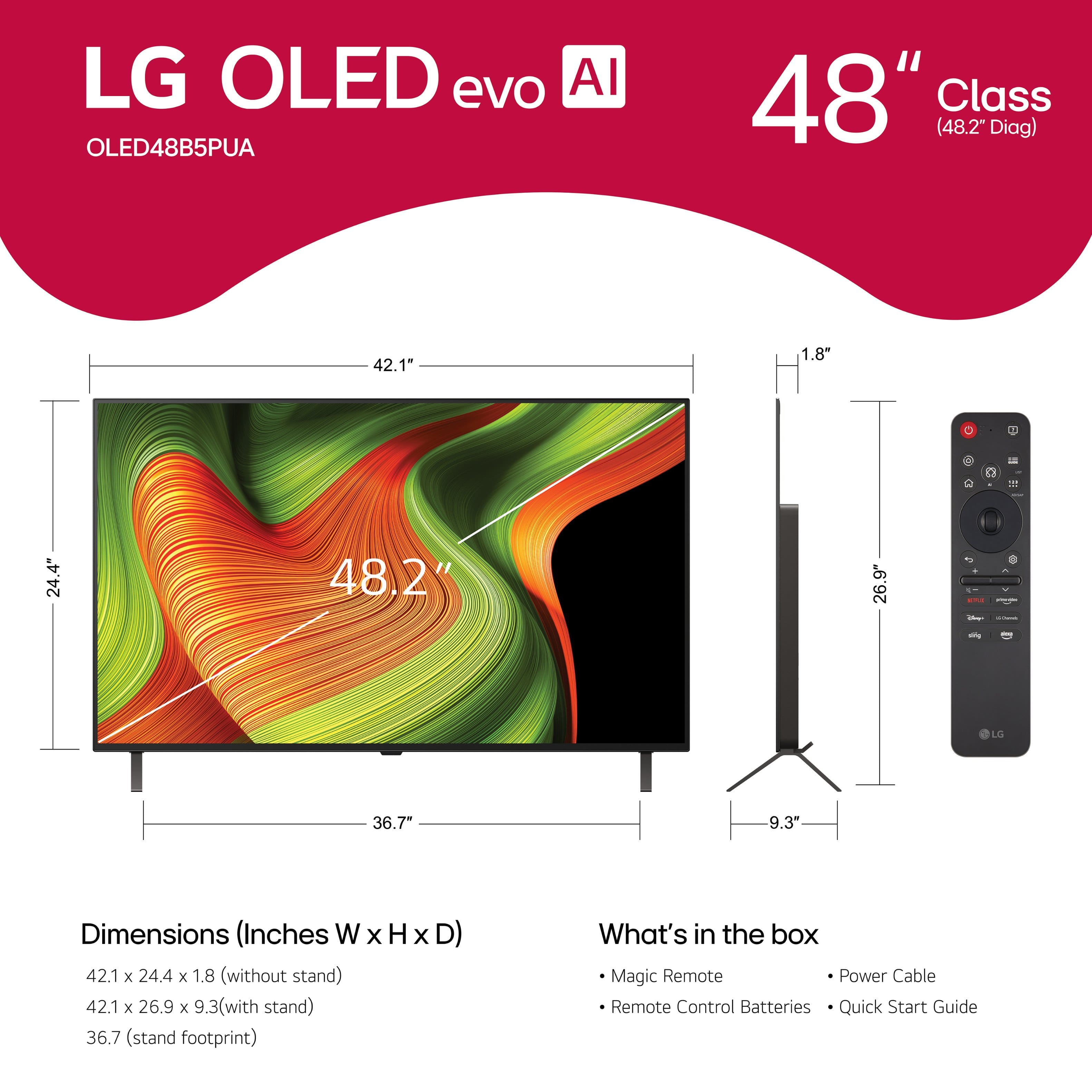
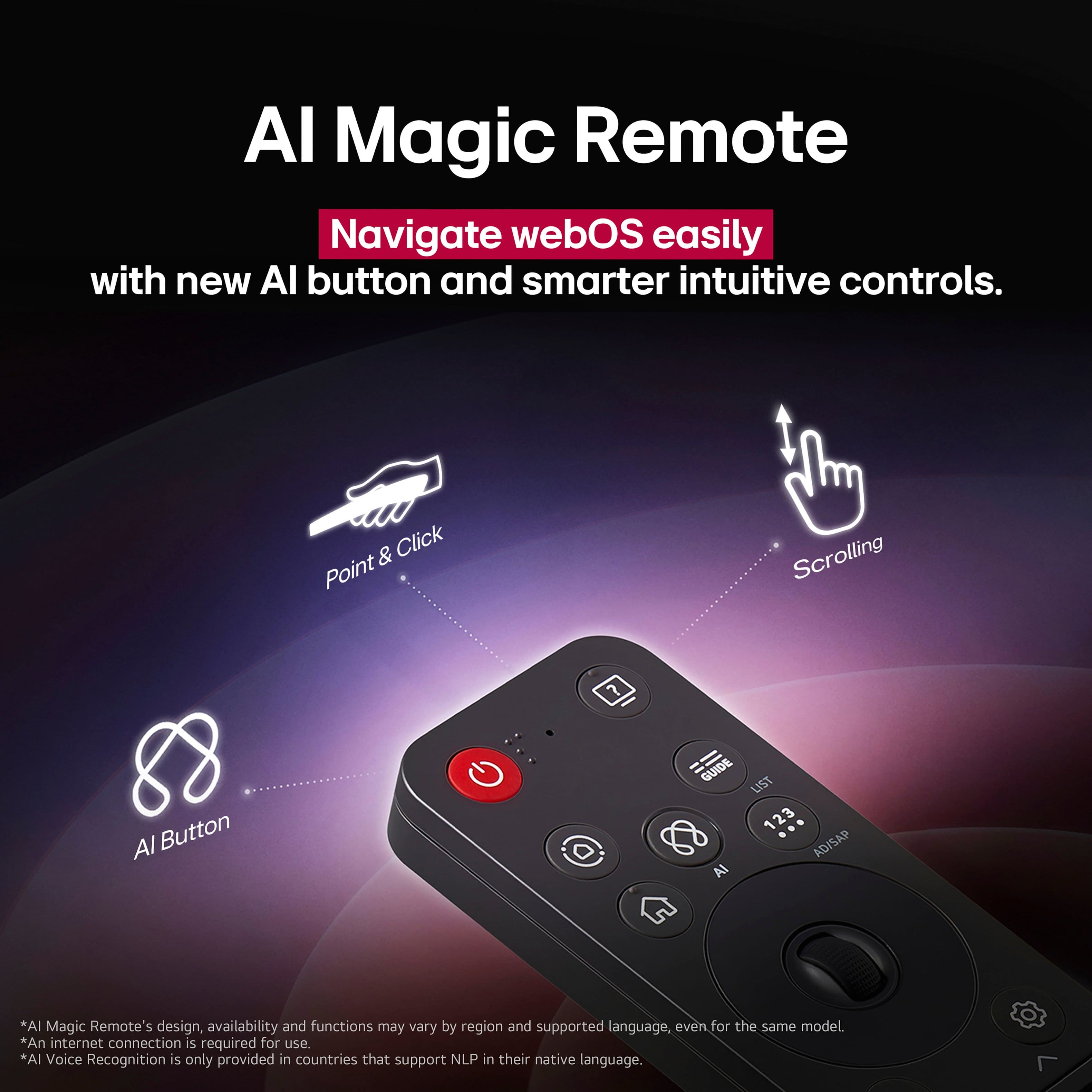
    • Answer The LG Magic Remote, Model # MR25GA, that comes with the LG 48" Class B5 Series OLED AI 4K UHD Smart webOS TV (2025), Model # OLED48B5PUA, is covered under the TV's warranty...^Ivan.

      Answered by LG Digital Customer Care

  • QuestionHow difficult is the smart remote on the LG48 for a couple in their 70's Tom use ?

    Asked by Anonymous.

    • Answer Since I'm a mere few years away from starting my 70s, I believe I can safely say using the remote on my LG OLED TV is easy once you you get acquainted with the controls. This being said, the one feature I personally do not like is the rapid speech from the TV when a selection is made or a description of a show is being read. It's very mono-toned without inflection or, grammatical pause. I typically mute my TV until I finally make my selection and start watching a movie.

      Answered by 4Quarts

  • QuestionCompatible with Apple Airplay 1? or 2?

    Asked by Twirlz.

    • Answer Hi, Twirlz. Thank you for reaching out to us regarding your LG TV (OLED48B5PUA) model. This model is compatible with Apple AirPlay 2, which allows for faster streaming, multi-room audio, and enhanced control via the Apple Home app compared to the original AirPlay 1. If you find that your TV is not appearing in the AirPlay list on your Apple device, please try this step: Verify Network Synchronization: Make sure your LG TV and Apple device are on the same Wi-Fi network (and frequency band, like 5GHz if needed). Refresh the connection by toggling Wi-Fi off and on in the TV's Network Settings menu. For more details about the product, check out https://www.lg.com/us/support/product/lg-OLED48B5PUA. If you have any further questions about integrating your smart home devices with your new TV, please send us an email at lgdigitalcare@lg.sprinklrsupport.com. We're here for you! ^Juvy

      Answered by LG Digital Customer Care

  • Questioncan the size of the Closed Caption words be enlarged if need be if I need them to be larger?

    Asked by John.

    • Answer Hi there, John. Thank you for sharing your experience with us. We understand your inquiry regarding the Closed Captions on your OLED48B5PUA TV. Yes, you can definitely enlarge the size of the Closed Caption words. To do this, simply navigate to the Accessibility menu in your TV's settings, where you can easily customize the caption size to fit your needs. Your feedback is important, and we'd like to assist you further. https://www.bestbuy.com/product/lg-48-class-b5-series-oled-ai-4k-uhd-smart-webos-tv-2025/JJ8VPZTK9F If you have any further questions about its features, please contact us on lgdigitalcare@lg.sprinklrsupport.com, and our team will be more than happy to assist you. —Renzo

      Answered by LG Digital Customer Care

  • QuestionIs the remote easy to use? can i hook up my vizio sound bar? how many HDMI ports are there?

    Asked by Anonymous.

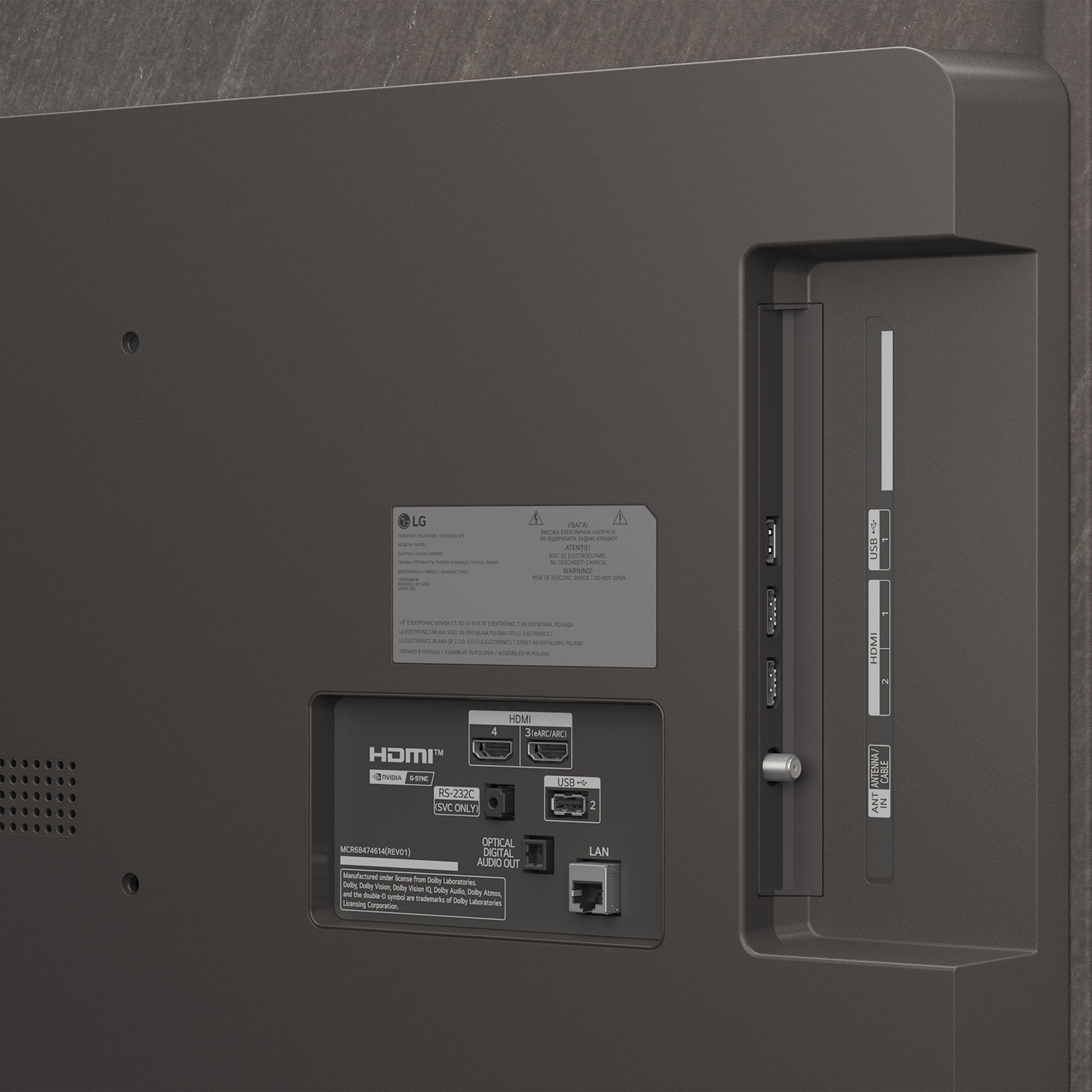
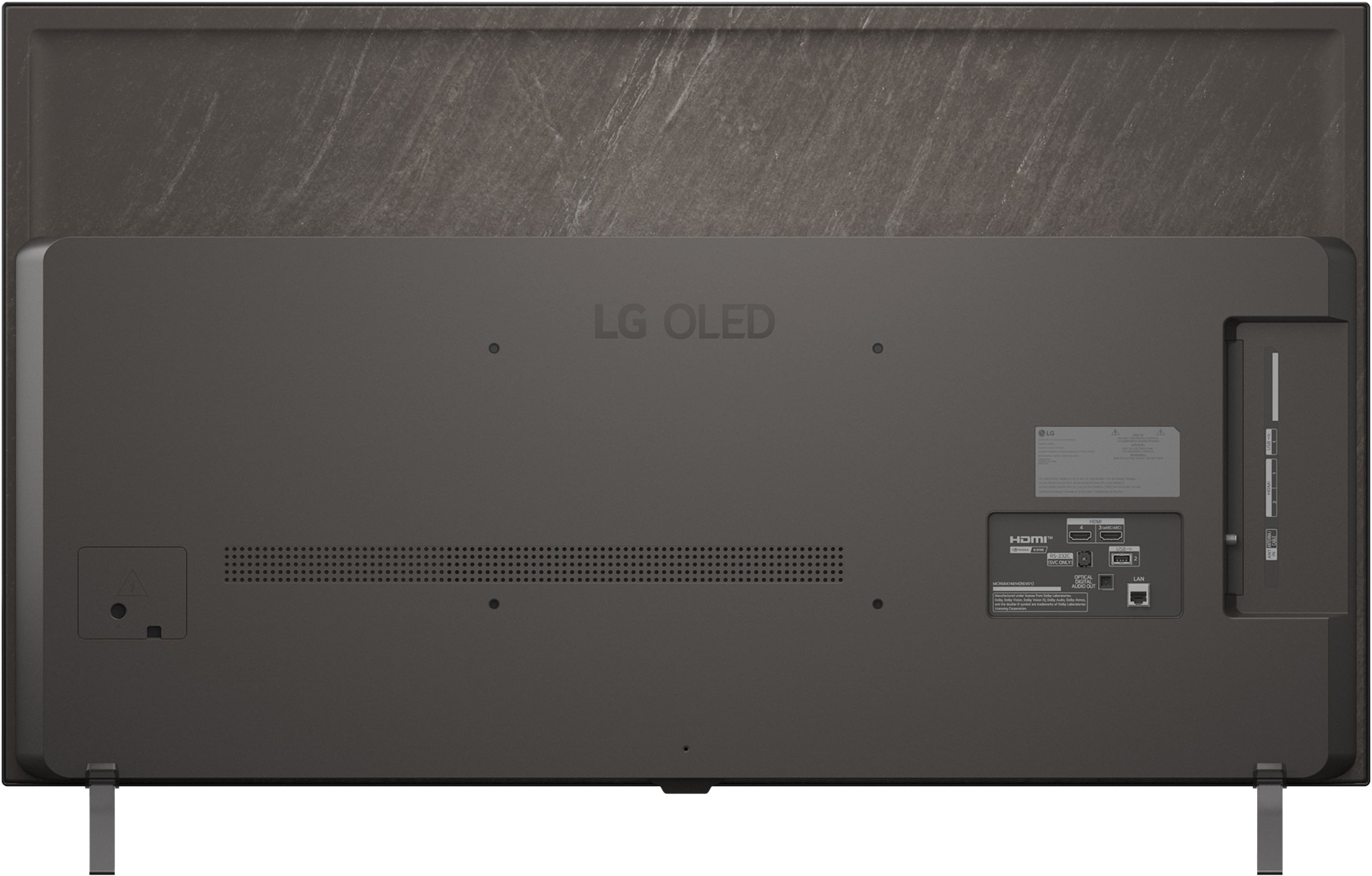
    • Answer It is easy to use once you get used to the remote. You can hook up your soundbar no problem and you have 4 HDMI ports available.

      Answered by Jaxx

  • QuestionDoes this tv work on the google cast system? And does it come with a wall Mount

    Asked by Anonymous.

    • Answer Not sure about google cast but this tv does not come with a wall mount. You have to purchase separate.

      Answered by Jaxx

  • QuestionIs a swivel stand available for the B5 series?

    Asked by Swivel.

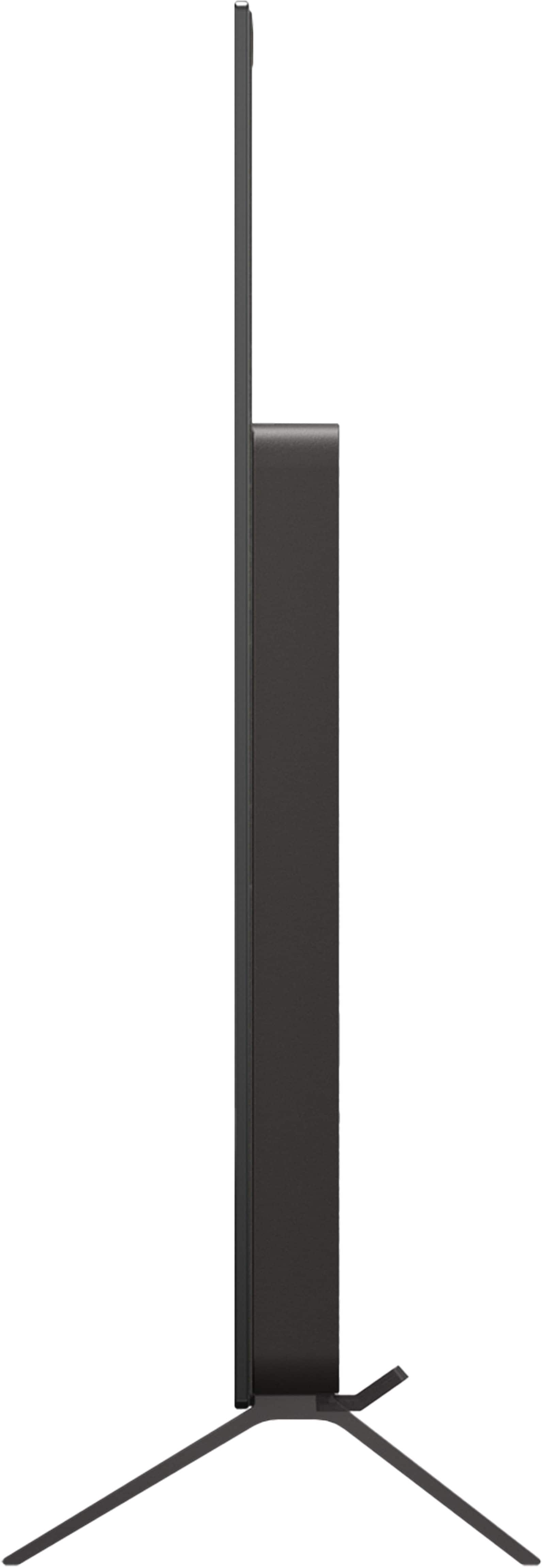
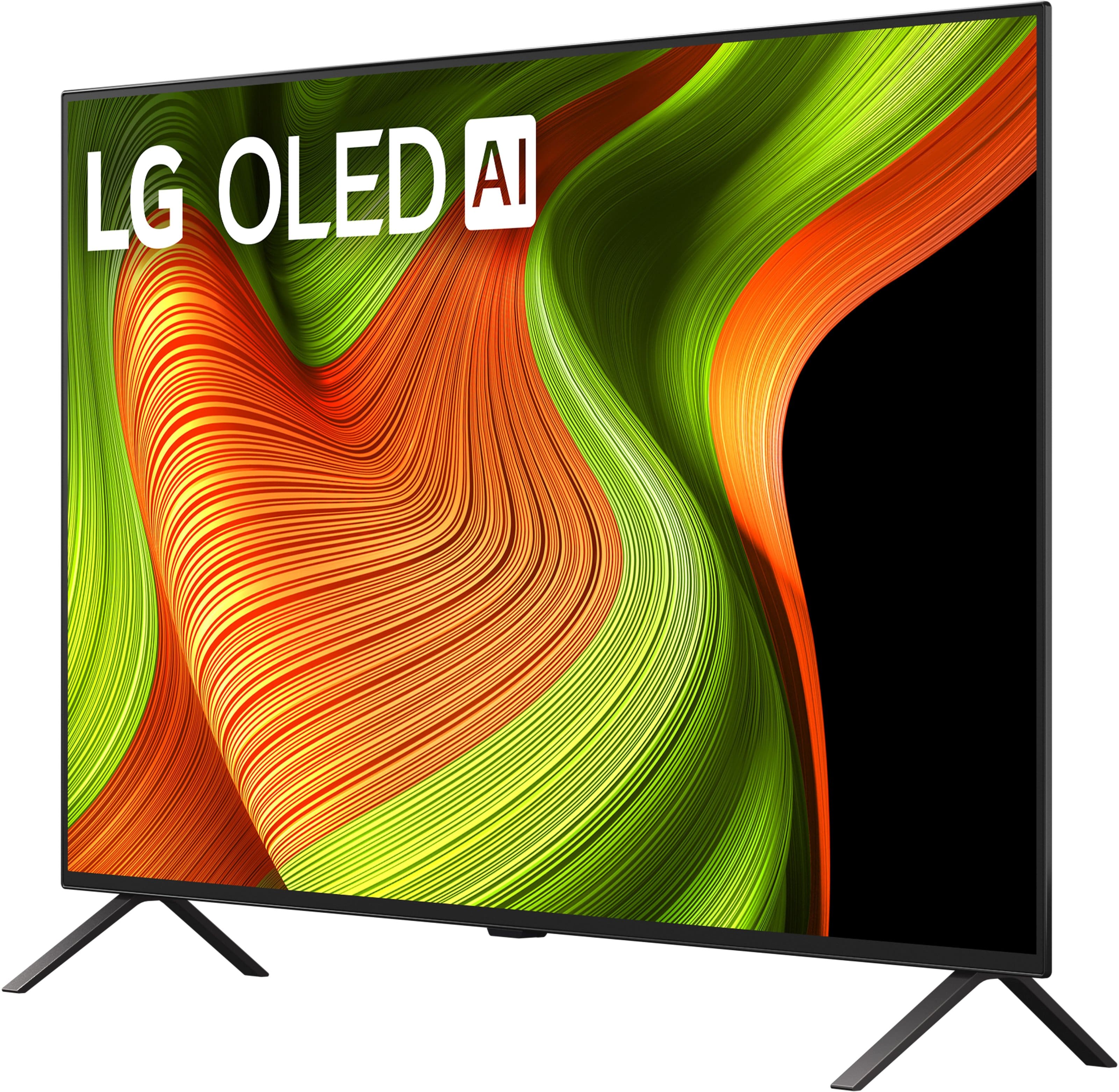
    • Answer Hi there. Thank you for sharing your experience with us. We understand your inquiry regarding the stand options for the LG - 48" Class B5 Series OLED AI 4K UHD Smart webOS TV (2025).The B5 series comes with a standard fixed-position stand consisting of two feet, which does not have a built-in swivel feature. However, this model is compatible with the VESA Mounting interface (300 x 200 mm). This allows you to attach a third-party universal swivel stand or a full-motion wall mount that supports this specific VESA pattern and the TV's weight of approximately 25.4 lbs. We recommend ensuring any third-party accessory you choose is rated for these specifications to provide the most stable and secure setup for your home. https://www.bestbuy.com/product/lg-48-class-b5-series-oled-ai-4k-uhd-smart-webos-tv-2025/JJ8VPZTK9F Your feedback is important, and we'd like to assist you further. For further assistance and any specific concerns you may have, please contact us on lgdigitalcare@lg.sprinklrsupport.com, and our team will be more than happy to assist you. —Renzo

      Answered by LG Digital Customer Care

  • QuestionIs this TV avaliable in Champaign Ill?

    Asked by Anonymous.

    • Answer In the top right corner of Best Buy's product detail page for the LG 48" Class B5 Series OLED AI 4K UHD Smart webOS TV (2025), Model # OLED48B5PUA, next to the shopping cart icon, it will show which Best Buy store your page is currently set for. If it is not set to Champaign, Illinois, you can click the currently showing store, then click Find Another Store. You can then enter your ZIP code in the appropriate field, then click 'Update' to get a listing of Best Buy stores near your location, and click on 'Make This Your Store' for your local Best Buy location, and enter the TV's model number to see if it is available in the store you have selected to make your store...^Ivan.

      Answered by LG Digital Customer Care

  • QuestionDoes the t v support a 120 hertz input. Some will have a 120 Hz screen, but only take a 60 Hz input. At 4k

    Asked by Mike.

    • Answer The tv supports 120hz at 4k… atleast according to my Xbox

      Answered by TDogGamingYT

  • QuestionDoes this LG TV have a sleep timer? If so is it preselected times only or user variable? Can you turn off the screen and listen to audio only?

    Asked by Bjoy.

    • Answer Yes it has sleep mode. No manual set time but has settings from 10 minutes up to 4 hours. Yes the screen can be turned off with audio only. It is under general>energy saving in the settings menu.

      Answered by MikeC819

  • QuestionDoes LG include a warranty?

    Asked by Anonymous.

    • Answer Yes

      Answered by MarkE

  • QuestionHow do I get the spectrum app?

    Asked by Anonymous.

    • Answer The Spectrum TV app is compatible with the webOS 25 TV Platform that this LG 48" Class B5 Series OLED AI 4K UHD Smart webOS TV (2025), Model # OLED48B5PUA, runs on, so you can navigate to the LG Content Store (App Store) tile on the TV's home screen and search for the Spectrum TV app, to download and install it on the TV...^Ivan.

      Answered by LG Digital Customer Care

  • QuestionDFS instructions needed as nothing in the manual?

    Asked by etp7.

    • Answer Please pardon us, but we are unclear about what "DFS instructions" are regarding the LG 48" Class B5 Series OLED AI 4K UHD Smart webOS TV (2025), Model # OLED48B5PUA, and will need some clarification...^Ivan.

      Answered by LG Digital Customer Care

  • QuestionDoes this TV have a web browser

    Asked by Bubba.

    • Answer The LG - 48" Class B5 Series OLED AI 4K UHD Smart webOS TV (2025), Model # OLED48B5PUA, has a full web browser...^Ivan.

      Answered by LG Digital Customer Care

  • QuestionCan I get a center leg stand for this tv? 48" LG OLED B5 TV

    Asked by Nate.

    • Answer No, the on/off button is in the center bottom of the tv. Mounting points are on the sides.

      Answered by user895930

  • QuestionIs this tv is new, refurbished or floor display ?

    Asked by Anonymous.

    • Answer New but last year's model.

      Answered by KathleenV

  • Questioncan spectrum app be loaded on this tv?

    Asked by BigDW.

    • Answer The Spectrum TV app is compatible with the webOS 25 that this LG - 48" Class B5 Series OLED AI 4K UHD Smart webOS TV (2025), Model # OLED48B5PUA runs on, so it can be downloaded and installed on the TV from the LG Content Store (App Store) through the LG Content Store feature on the TV's home screen...^Ivan.

      Answered by LG Digital Customer Care