A:AnswerHello! From the link below, go to Online Manual. After that page has opened, choose your preferred language, then select "Making the Most of Smart TV," and finally "Making the Most of Art Gallery!" https://www.lg.com/us/support/product/lg-OLED55C3PUA.AUS ^Ian
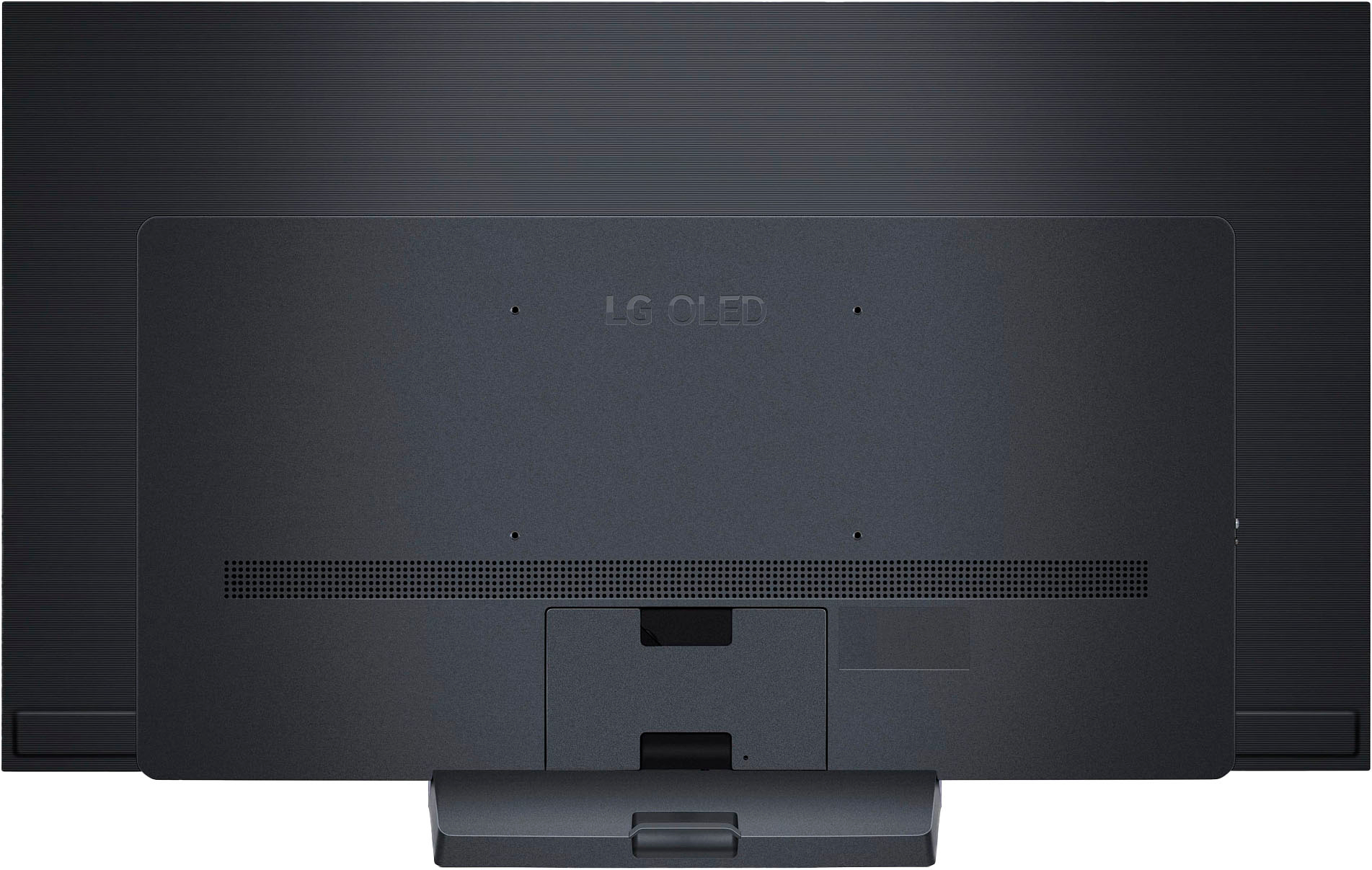
A:AnswerHi there. Thanks for reaching out. For the LG - 55" Class C3 Series OLED 4K UHD Smart webOS TV needs a VESA wall Mount Standard 300mm x 200mm. `Jai.
A:AnswerUnfortunately, we don't have an exact projected date. We suggest that you pre-order so that when this unit becomes available you will be amongst the first to have the LG Experience with it.~ Tanisha
A:AnswerThank you for your interest in the LG OLED TV (OLED55C3PUA) model. The LG OLED55C3PUA TV does have the "Magic Zoom" feature, which allows you to zoom in on a portion of the screen. You can use the Magic Zoom function by pressing the magnifying glass button on the Magic Remote to activate the magnifying glass function. You can download its owner's manual through this link for more information: https://www.lg.com/us/support/product/lg-OLED55C3PUA.AUS. ^Cris
A:AnswerHi. The difference in sound level and quality between the main home screen and apps on a smart TV can be attributed to various factors, including audio settings, content source, etc. Different apps may have varying audio quality, depending on the source of the content. To get the best audio experience, you may consider adjusting the audio settings for both the home screen and the apps. You may also visit the following links for more information and guidance:
• https://www.youtube.com/watch?v=YDNtPKtO55Q
• https://www.youtube.com/watch?v=2aF0XLguYBs `Alice
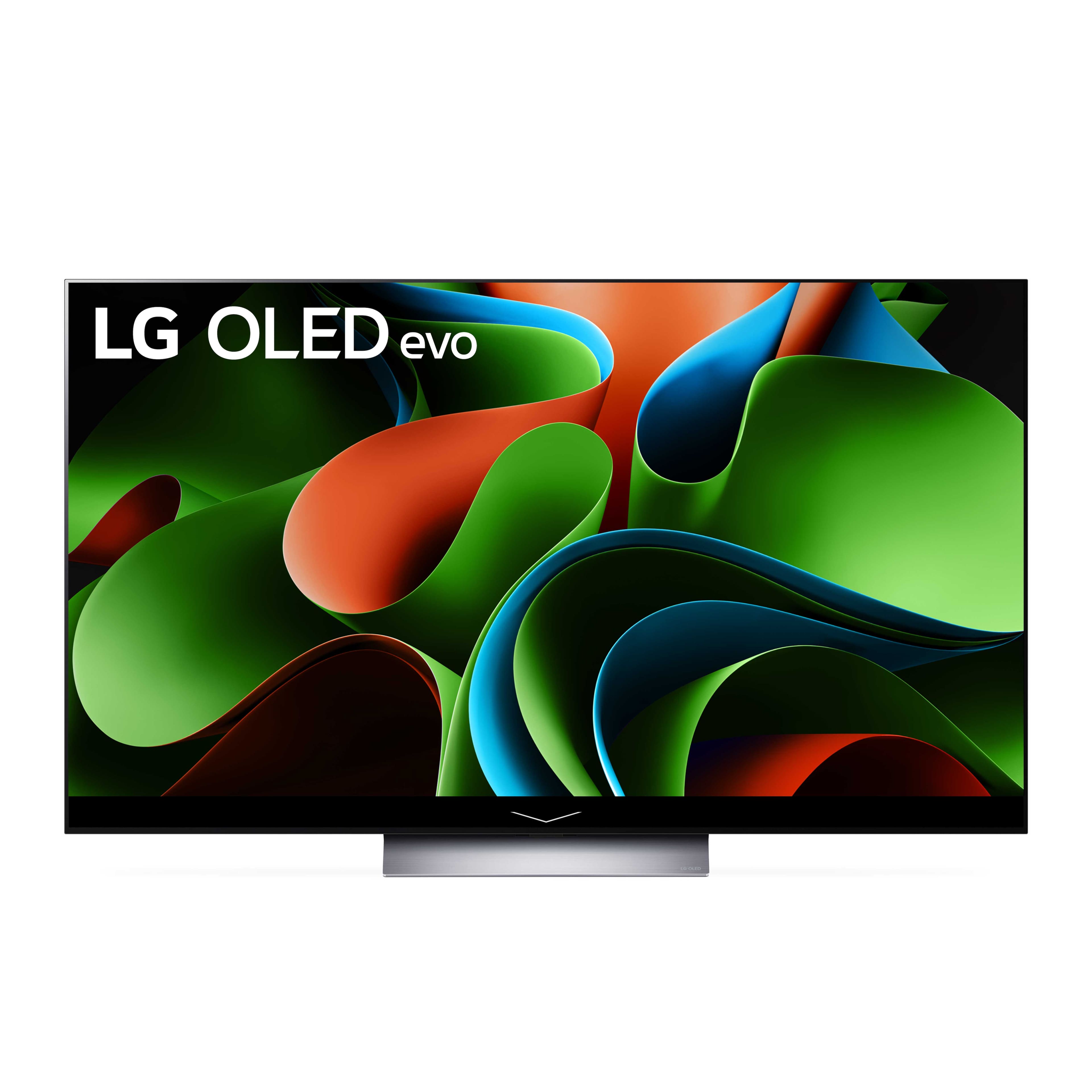
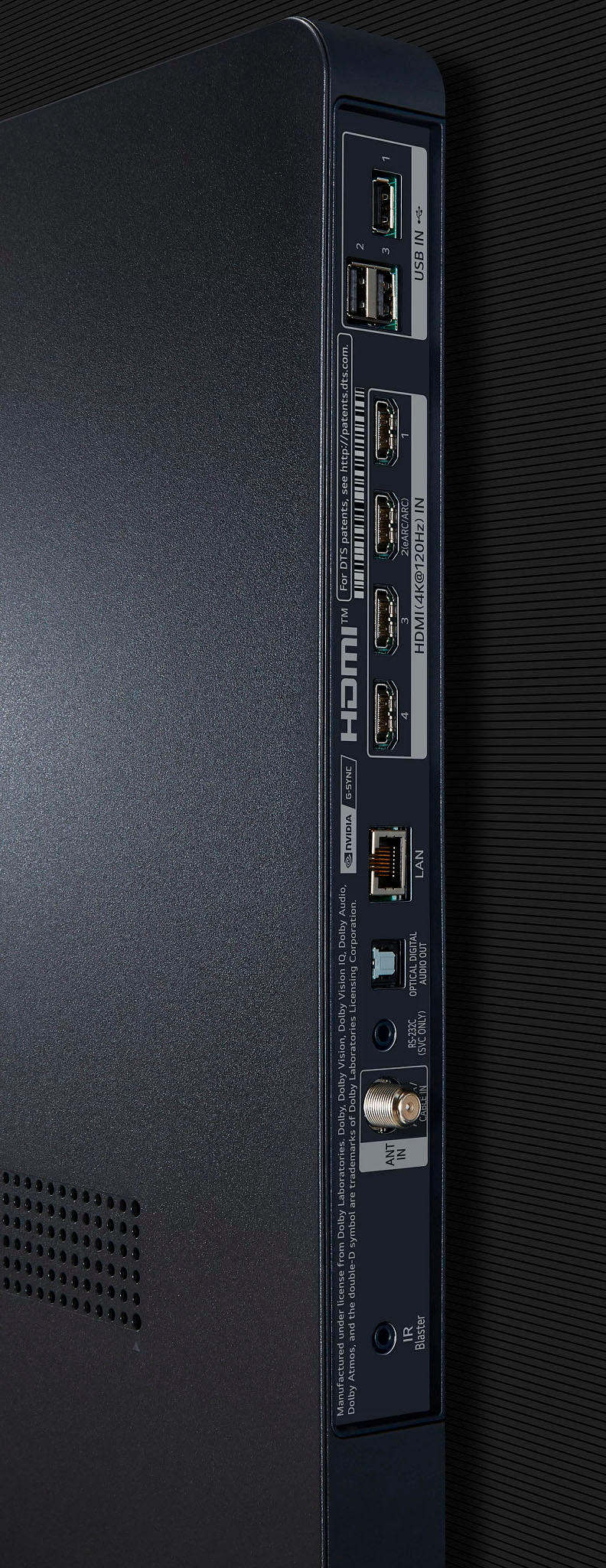
A:AnswerThank you for your interest in the LG Smart webOS TV. The optical audio output on the LG OLED55C3PUA TV may shut off or become unavailable when an external audio device is connected via HDMI with ARC, as ARC becomes the preferred audio output method in this scenario.
The optical audio output shutting off when using ARC appears to be by design, not a software issue or problem with the TV. It is a normal behavior of the LG OLED55C3PUA TV to prioritize the ARC connection over the optical output when an external audio device is connected via HDMI.
You can download its owner's manual through this link for more information: https://www.lg.com/us/support/product/lg-OLED55C3PUA.AUS. ^Cris
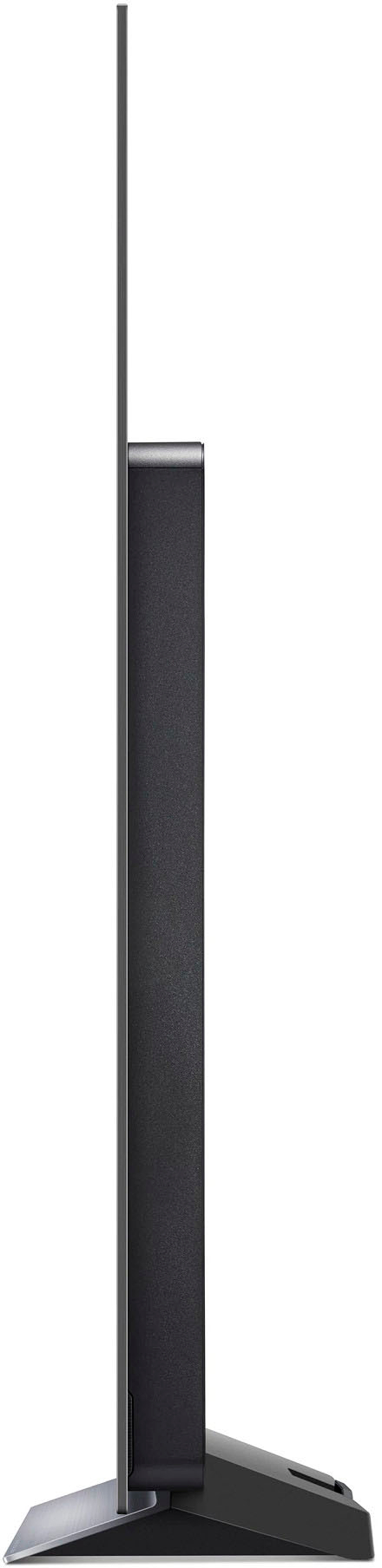
A:AnswerThank you for reaching us regarding LG OLED. The weight of the LG OLED55C3PUA 55-inch TV is 35.2 pounds with the stand attached and 31 pounds without the stand. You can download its owner's manual through this link for more information: https://www.lg.com/us/support/product/lg-OLED55C3PUA.AUS. For additional assistance, please reach out to us on social media @LGUSSupport so we can help you further. ^Cris
A:AnswerThank you for your interest in the LG OLED evo C3 55 inch 4K Smart TV 2023 (OLED55C3PUA) model. Yes, the LG OLED55C3PUA TV allows you to disable the camera and microphone. This can typically be done through the TV's settings menu. Disabling the camera and microphone may limit some of the TV's features, such as voice control. You can download its owner's manual through this link for more information: https://www.lg.com/us/support/product/lg-OLED55C3PUA.AUS. ^Cris
A:AnswerHi Thomas. Power Consumption is always expressed in watts and the LG OLED evo C3 55 inch 4K Smart TV 2023, Model # OLED55C3PUA has an Annual Power Consumption of 176 kWh/year...^Ivan