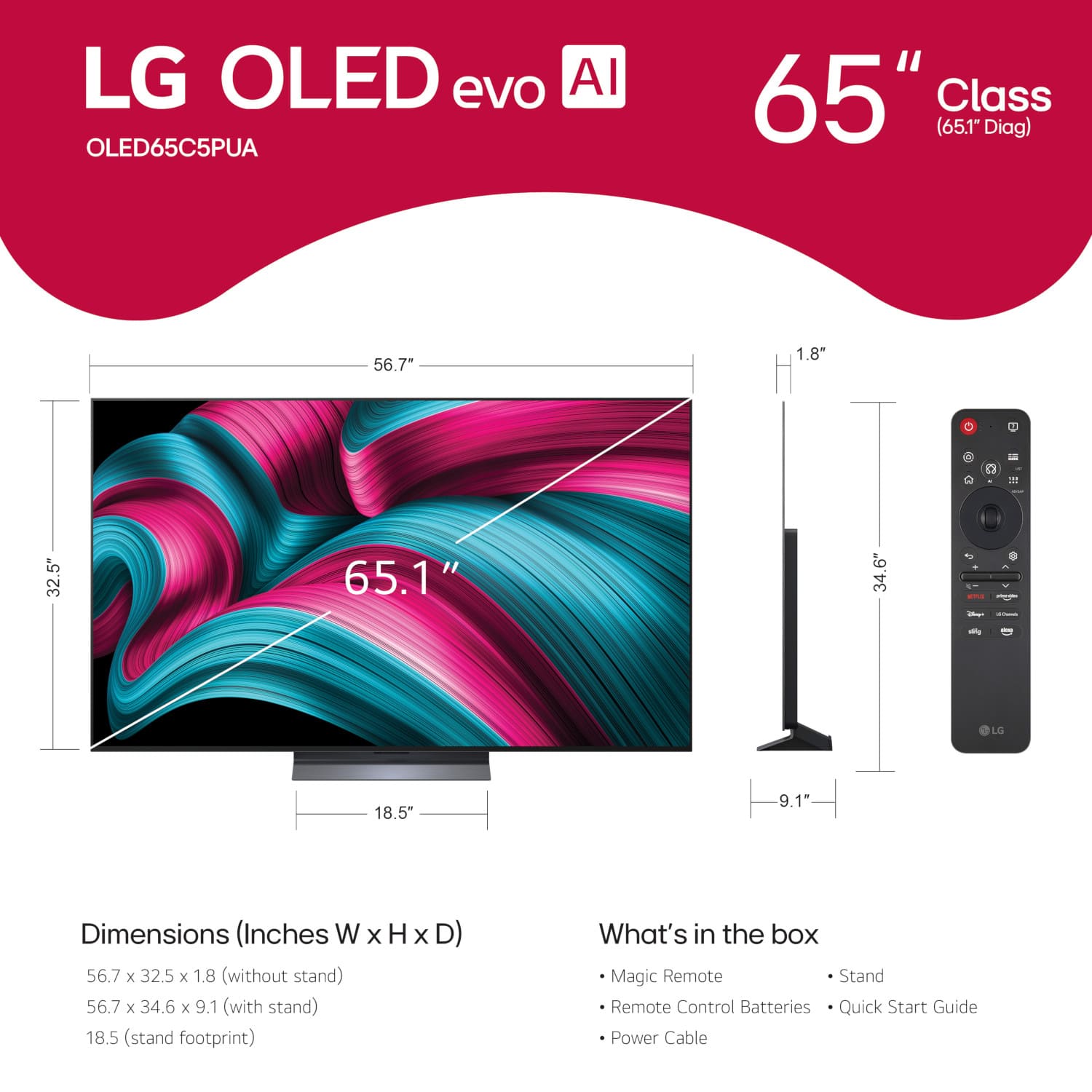
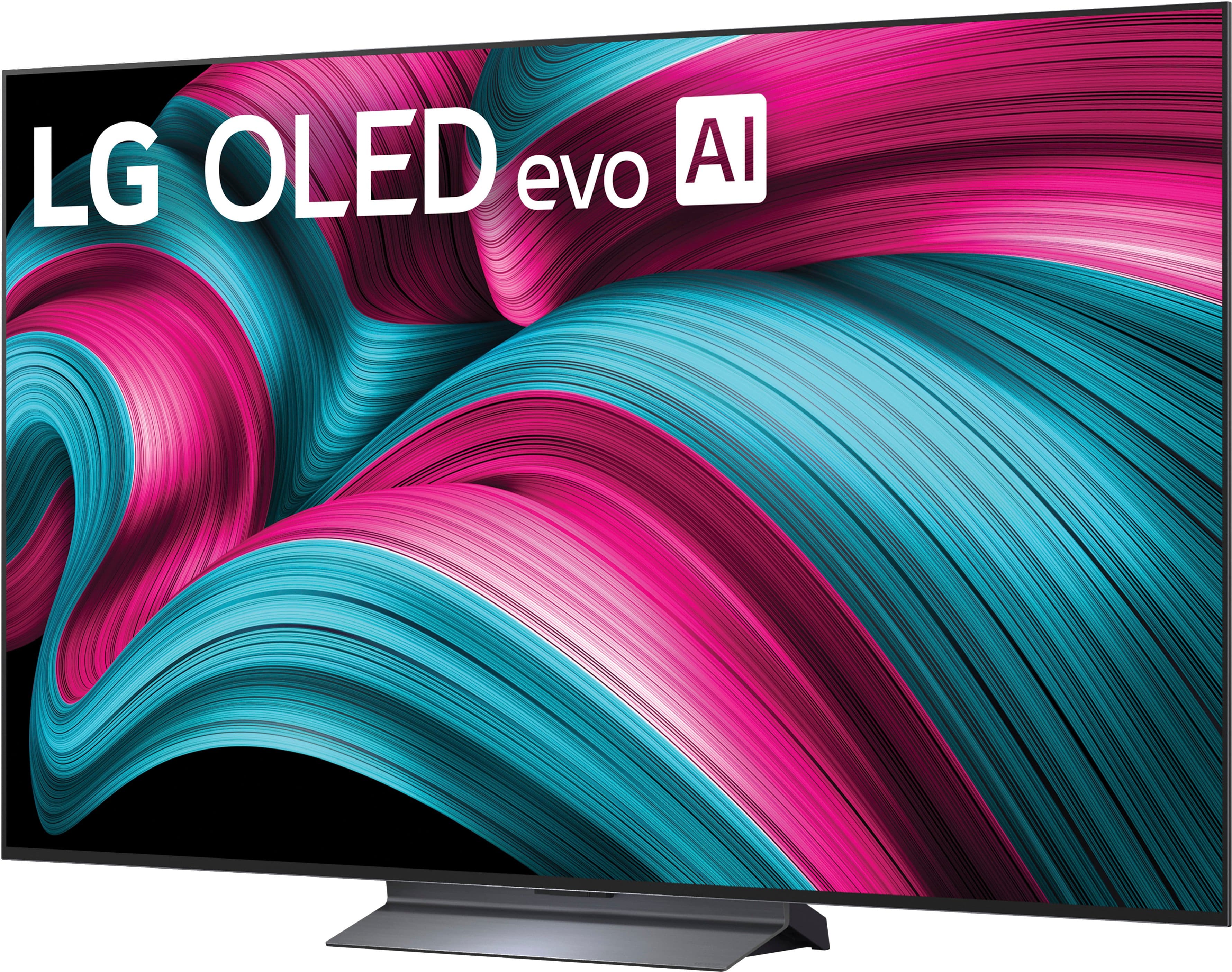
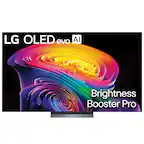
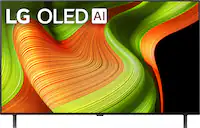
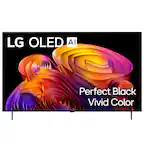
A:AnswerThe LG 65" Class C5 Series OLED evo AI 4K UHD Smart webOS TV (2025), Model # OLED65C5PUA, is not a dual voltage TV. It has an AC power requirement of 120V ~ 50/60Hz...^Ivan.
A:AnswerA corner mount for a TV, (aka Full motion or Articulating Wall Mount), is a specialized wall-mounting bracket designed to securely hold any television in the corner of a room, maximizing space efficiency and optimizing viewing angles. These mounts typically feature articulated, full-motion arms that allow the TV to extend, tilt, and swivel, often offering 180° swivel capabilities.
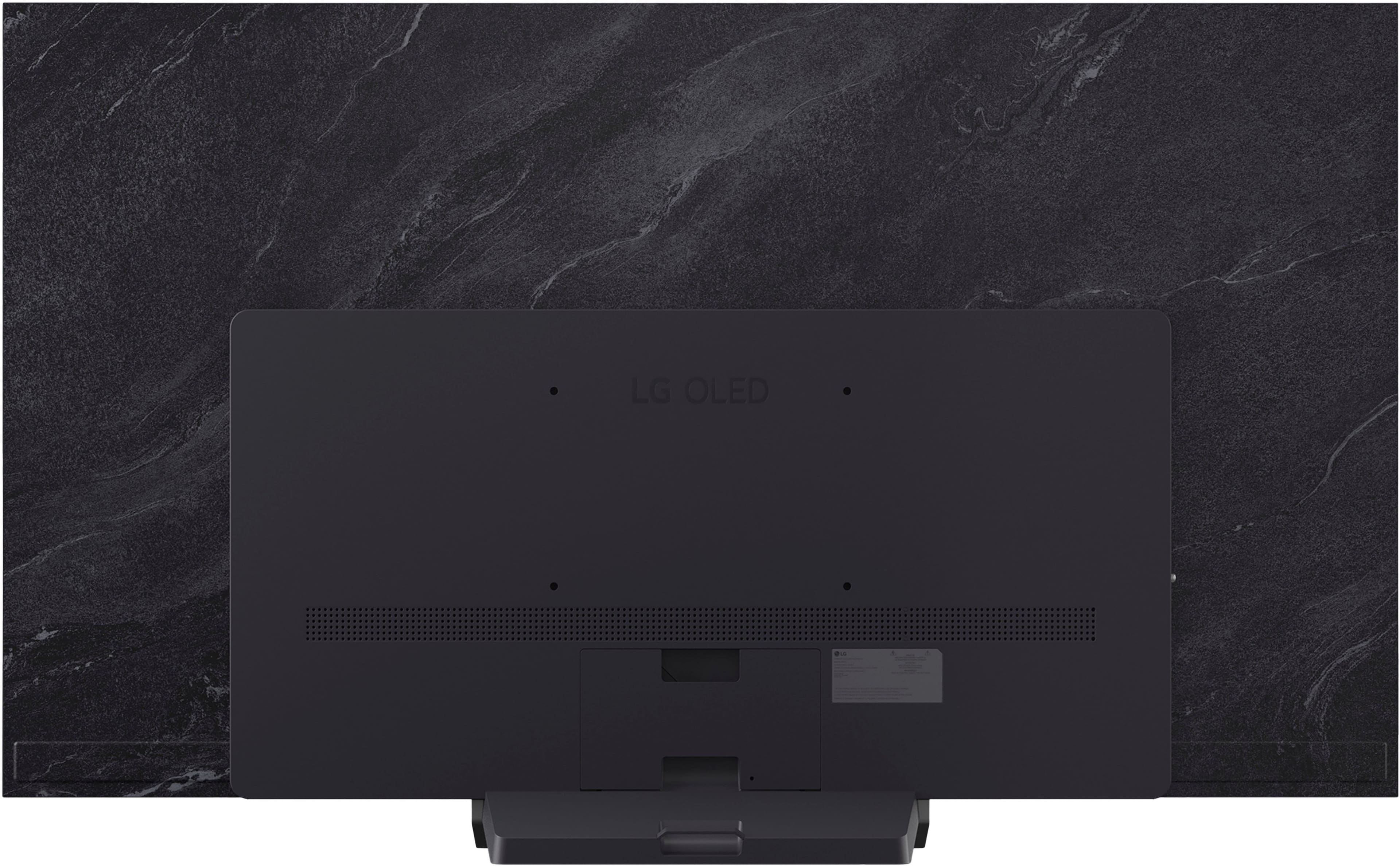
As long as it is a VESA-compliant mount that supports the 300 x 200 mm VESA-Mount Pattern on the LG - 65" Class C5 Series OLED evo AI 4K UHD Smart webOS TV (2025), Model # OLED65C5PUA, and you have enough room for the mount to fit in your corner, it can be used to mount the TV in a corner...^Ivan.
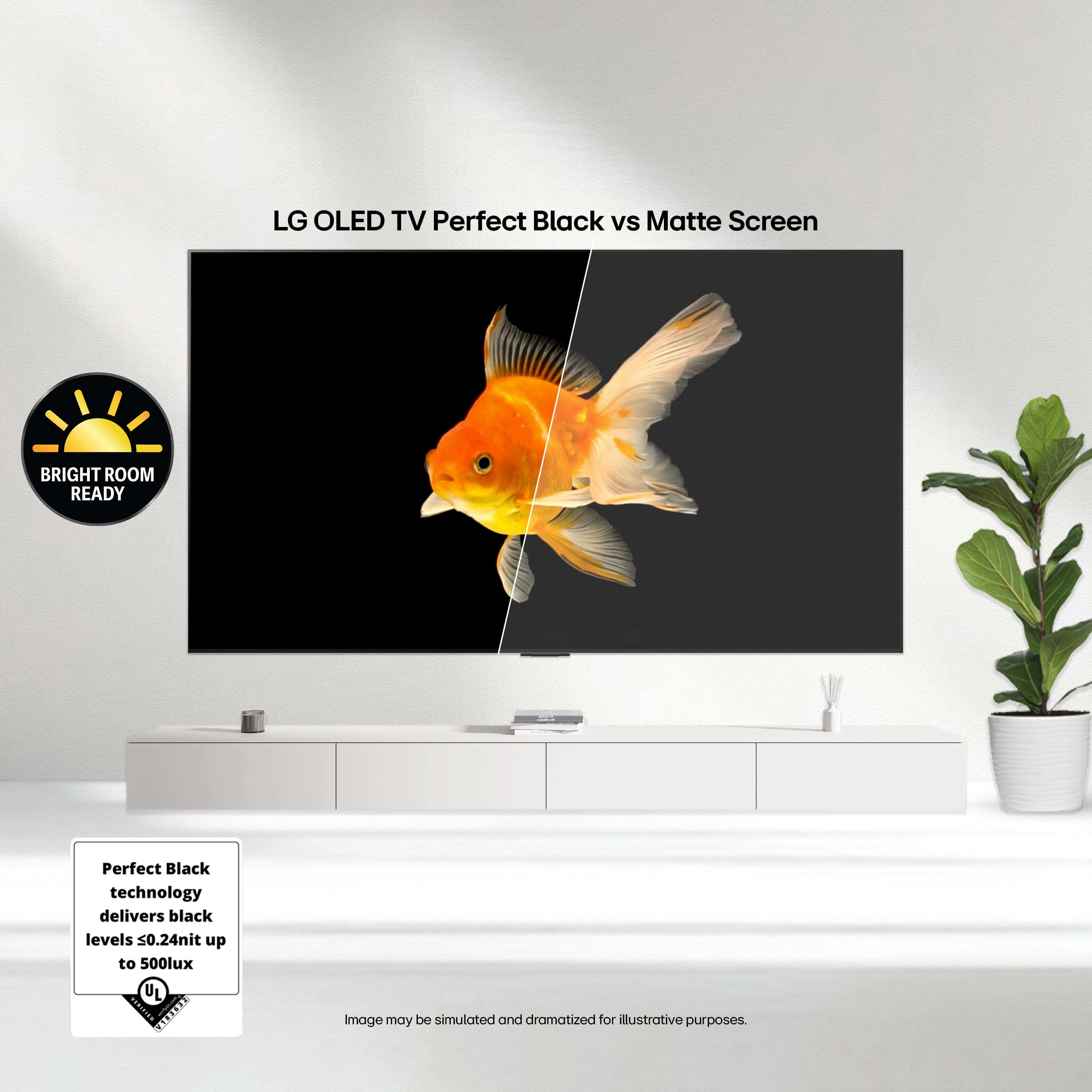
A:AnswerBasically, OLED evo is the evolution of the traditional panel. It includes a more advanced processor and more efficient materials for higher maximum brightness and more accurate colours. While a standard OLED can look somewhat dark in illuminated rooms, the 'evo' panel of the C5 solves much of that problem by better control of heat and light.
A:AnswerDo not worry, it is totally compatible. Any device that uses HDMI output will work smoothly. The rumor may come from old resolution settings or cables; be sure to use an HDMI 2.0 or 2.1 cable to take advantage of the 4K signal from Direct TV Ultra and activate the 'HDMI Deep Color' mode in the TV settings so that it recognizes it perfectly.
A:AnswerTo make the gallery work on Always Ready, make sure the feature is enabled in Settings > General > Always Ready. Once there, you can choose 'Image Gallery'. If it does not load, check that the TV is connected to Wi-Fi, since some images are downloaded from LG servers, or try to reinstall the 'Gallery' app from the LG Content Store
A:AnswerHi there. Thank you for sharing your question with us. We understand your inquiry regarding the electrical requirements for the OLED65C5PUA. To answer your question directly based on the official LG technical specifications, this model is designed to operate on a power supply of AC 120V at 50/60Hz. It is important to ensure that the unit is connected to a properly grounded outlet that matches these specific voltage requirements to maintain optimal performance and safety for your 4K OLED TV.
https://www.bestbuy.com/product/lg-65-class-c5-series-oled-evo-ai-4k-uhd-smart-webos-tv-2025/JJ8VPZTRG6
If you have any further questions about its features, please contact us on lgdigitalcare@lg.sprinklrsupport.com, and our team will be more than happy to assist you. —Renzo
A:AnswerAfter discounts, it was $150 to install both TV and sound bar. Well worth it I believe they did a nice job and consulting me throughout the process as to where I wanted the TV and what they have recommendations were.
A:AnswerHello there, Kelly. Thank you for reaching out to us with your questions about your LG C5 65-inch Class 4K OLED TV, model OLED65C5PUA. We understand your inquiry regarding the connectivity of your Spectrum cable box and how to access the extensive list of free channels available through our webOS platform.
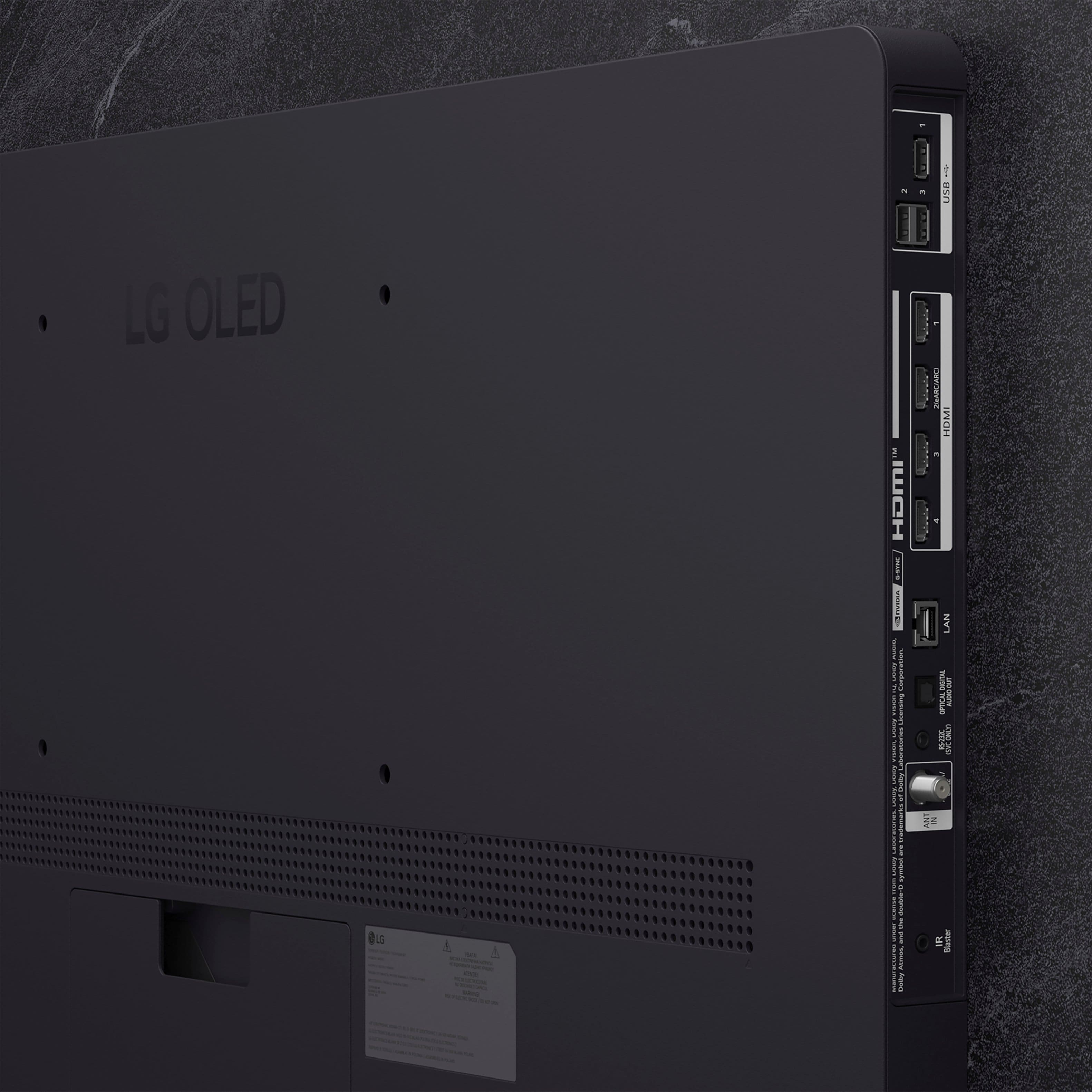
We are happy to confirm that you can certainly connect your Spectrum box to this television. This model is equipped with four HDMI inputs, all of which support high-definition signals, allowing you to easily integrate your cable service and enjoy your favorite programming with the incredible clarity and contrast of our OLED technology. We understand that having all your entertainment sources connected seamlessly is essential for a great home theater experience.
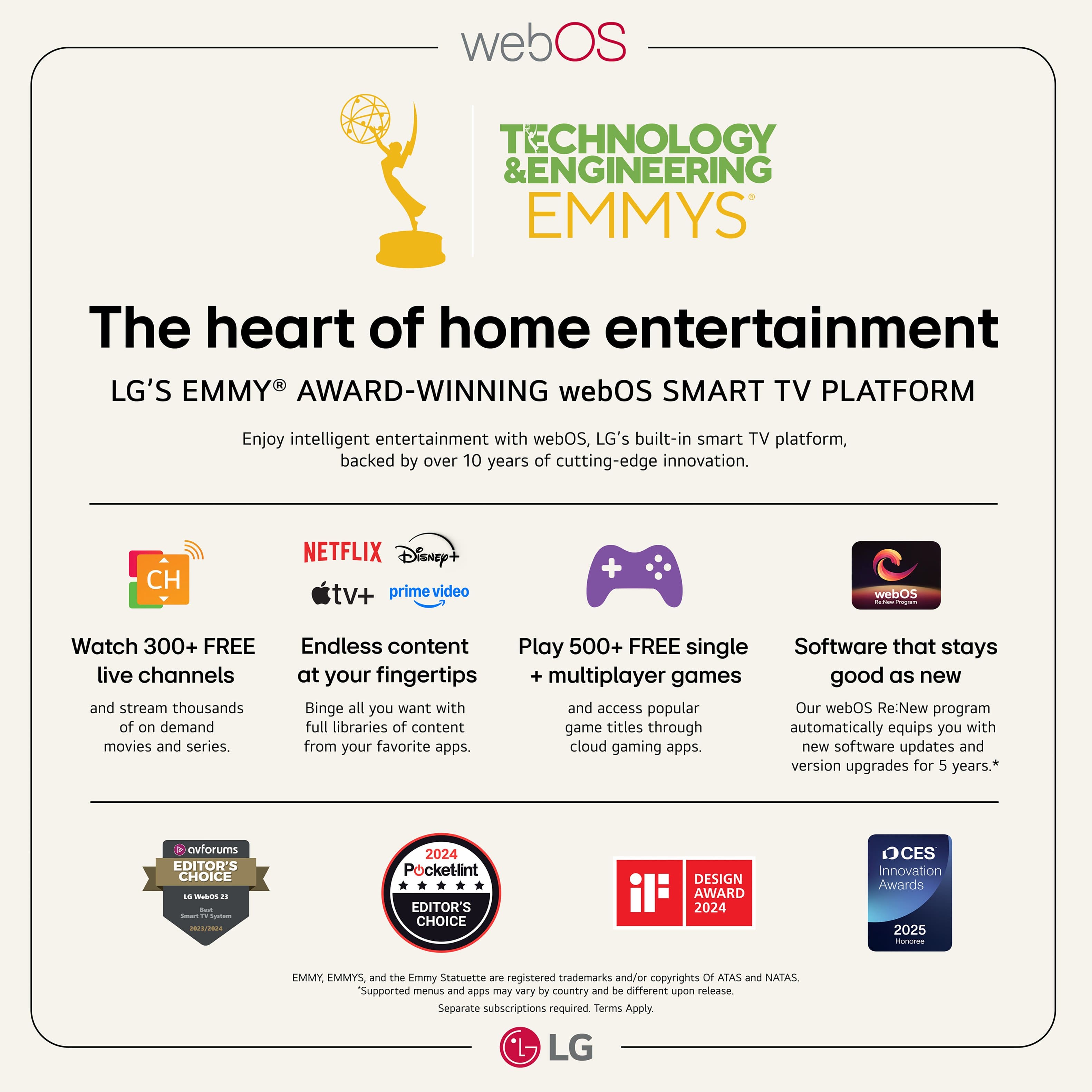
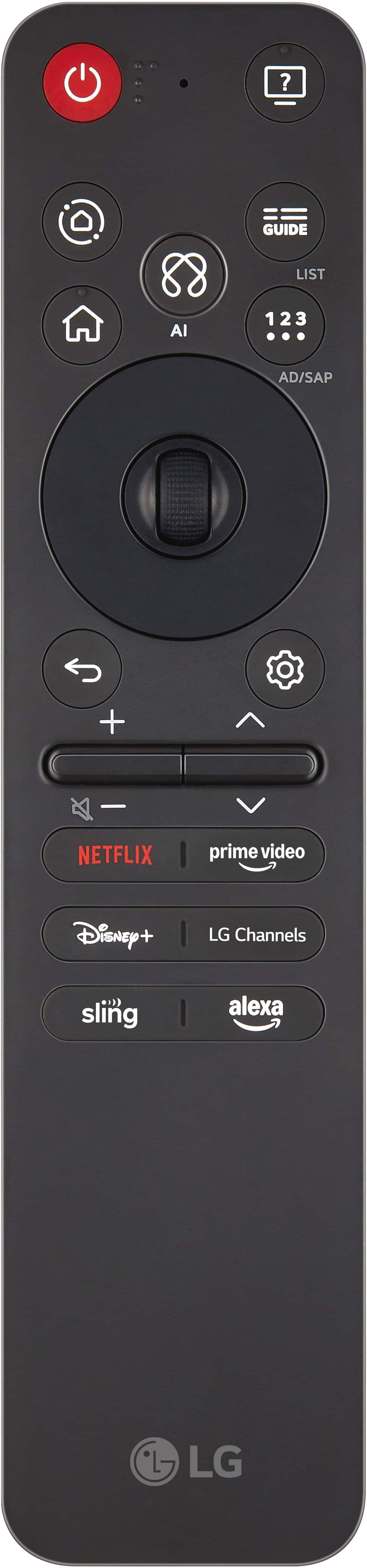
Regarding the free channels, your TV features LG Channels, which provides access to over 350 free streaming channels across various categories such as news, sports, movies, and comedy. To see the full list of these channels, you can simply navigate to the "LG Channels" app found on your webOS home screen or press the "Guide" or "Channel List" button on your Magic Remote while the LG Channels app is active. This will provide you with a comprehensive on-screen guide where you can browse all available content.
https://www.bestbuy.com/product/lg-65-class-c5-series-oled-evo-ai-4k-uhd-smart-webos-tv-2025/JJ8VPZTRG6
If you have any further questions about its features or need assistance setting up your external devices, please contact us on lgdigitalcare@lg.sprinklrsupport.com, and our team will be more than happy to assist you further. —Renzo
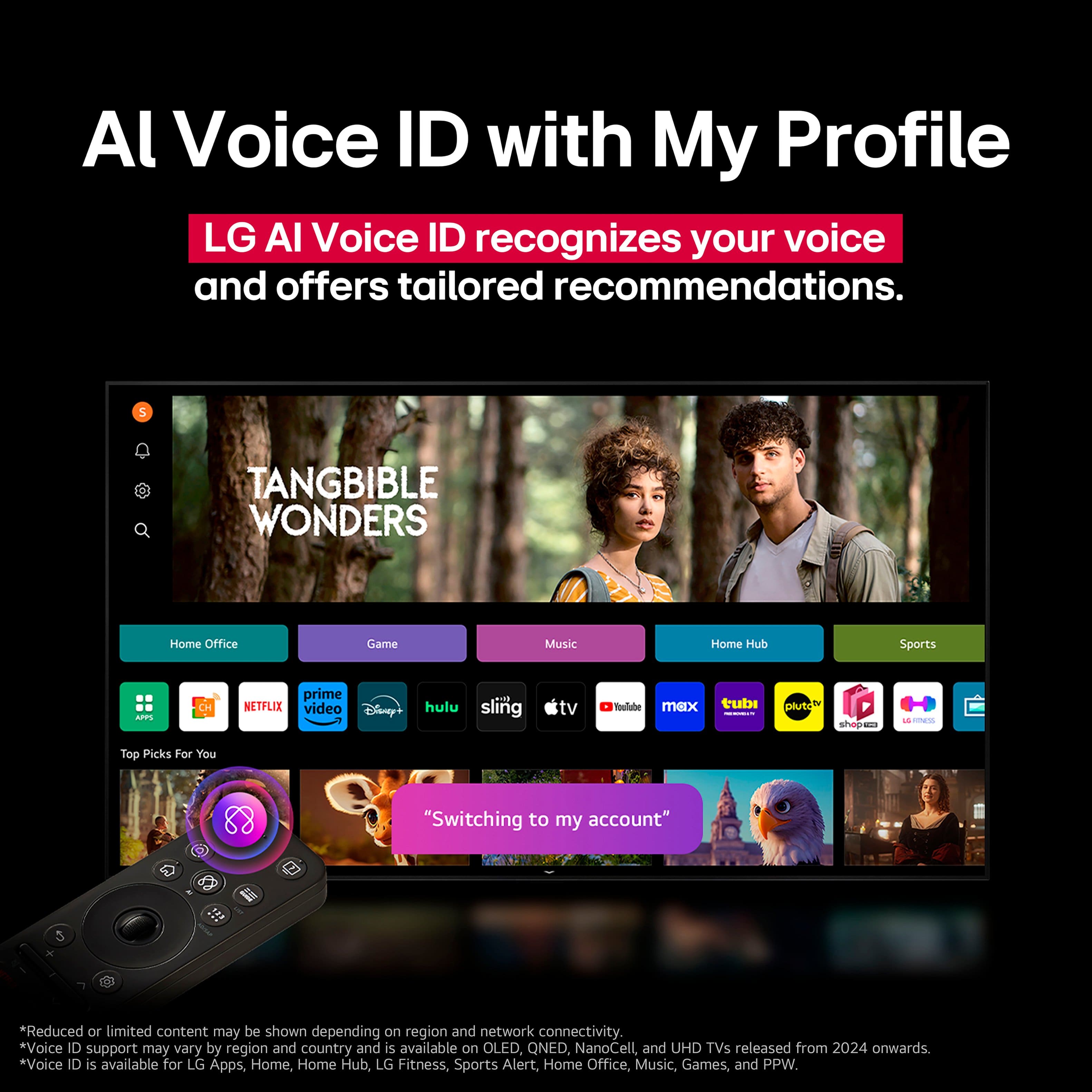
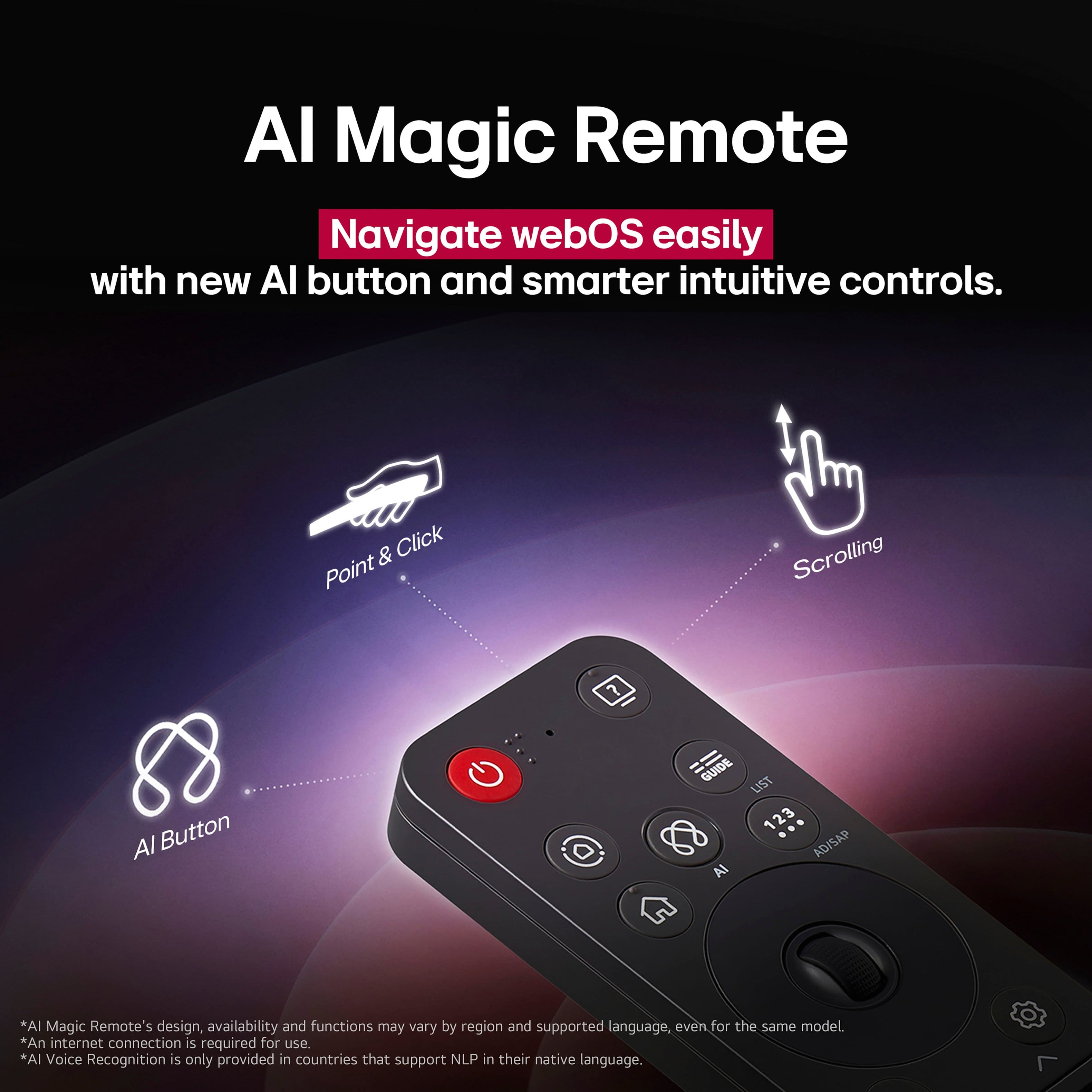
A:AnswerTo issue voice commands on the LG 65" Class C5 Series OLED evo AI 4K UHD Smart webOS TV (2025), Model # OLED65C5PUA, you have to press and hold the AI Voice Recognition (the Microphone function) for voice commands and searches, then issue the voice commands while pressing and holding it...^Ivan.
A:AnswerRegrettably, we cannot share CAD drawings showing the VESA mount holes on the back of the 65" Class C5 Series OLED evo AI 4K UHD Smart webOS TV (2025), Model # OLED65C5PUA, or a way to share them publicly.
If you need the measurements for how far from the sides and the top and bottom of the TV's panels they are, we would be more than happy to provide you those measurements...^Ivan.
A:AnswerLG does not prominently disclose the exact internal memory for the LG 65" Class C5 Series OLED evo AI 4K UHD Smart webOS TV (2025), Model # OLED65C5PUA, nor for other LG TVs in marketing materials, but you can find it directly in the TV settings. Users can view total and available internal memory by navigating to Settings > General > Devices > TV Management > TV Information
..^Ivan.