Appliances Presidents’ Day SaleEnds 2/25. Limited quantities. No rainchecks.Shop now

Main Content

Questions & Answers

Page Showing 81-100 of 134 questions
  • QuestionThe only thing keeping me from oleds are the burn in risks. are they any better now ? is it all just blown way out of proportion ?

    Asked by rgalls.

    • Answer Hi there. Thank you for your interest in the LG OLED65C5PUA. We understand your inquiry regarding the longevity and performance of our OLED screens. Please be assured that our latest OLED models are equipped with advanced technologies, such as Pixel Dimming and screen protection features, designed to preserve image quality and minimize risks when used under standard viewing conditions. https://www.bestbuy.com/product/lg-65-class-c5-series-oled-evo-ai-4k-uhd-smart-webos-tv-2025/JJ8VPZTRG6 If you have any further questions about its features, please send us a private message on Social Media @LGUSSupport, and our team will be more than happy to assist you. —Renzo

      Answered by LG Digital Customer Care

  • QuestionLG - 65" Class C5 Series OLED evo AI 4K UHD Smart webOS TV Model: OLED65C5PUASKU: 6621824 TV after a few minutes, the TV turns off the screen and emits a high-pitched sound. Then the sound goes off the screen comes on and returns to the Home Screen. Why

    Asked by NewTVinNC.

    • Answer If the 65-inch Class LG OLED evo AI C5 4K Smart TV 2025, Model # OLED65C5PUA, is turning off after a few minutes and emitting a high-pitched sound, then turning back on to the Home Screen, it may be due to overheating, power supply issues, or a software glitch. We highly recommend you contact our Customer Support on social media (Twitter, Facebook, YouTube, Instagram etc.,) using our handle, @LGUSSUPPORT. The TV will need to be inspected by a qualified service technician to diagnose the issue, and our Customer Support can help facilitate arranging a service appointment. Before calling for service, you may want to ensure that the TV is not overheating. If it is, turn it off immediately and let it cool down. Inspect the Power Supply and make sure the power cord is securely connected to both the TV and the wall outlet. Avoid using cheap or low-quality extension cords or surge protectors. You can go to Settings > General > Timers and disable the Auto Power Off feature, or try power cycling the TV by unplugging it from the power source, hold the power button for 30 seconds, then plug it back in. If these steps do not resolve the issue, it may be necessary to contact LG support or a professional technician for further assistance...^Ivan.

      Answered by LG Digital Customer Care

  • QuestionCan I connect two wireless headsets at the same time

    Asked by Deb.

    • Answer Hello there, Deb. Thank you for sharing your experience with us. We understand your inquiry regarding the Bluetooth capabilities of the LG OLED65C5PUA. Yes, you can connect two wireless headsets at the same time on this TV model. The LG OLED C5 allows for dual Bluetooth audio connection, which can typically be accessed through the Sound settings menu under the Bluetooth device options. https://www.bestbuy.com/product/lg-65-class-c5-series-oled-evo-ai-4k-uhd-smart-webos-tv-2025/JJ8VPZTRG6 If you have any further questions about its features, please send us a private message on Social Media @LGUSSupport, and our team will be more than happy to assist you. —Renzo

      Answered by LG Digital Customer Care

  • QuestionDoes this TV have an art gallery mode?

    Asked by CWB.

    • Answer Im sure it does just havent had the time to figure out all that it does

      Answered by ThomasD

  • Questioncan i use lg magic remote with this tv

    Asked by sk.

    • Answer Yes,also easy to operate

      Answered by ThomasD

  • QuestionDoes the 120volt power plug have 2 prongs or 3 prongs?

    Asked by Anonymous.

    • Answer 3

      Answered by ThomasD

  • QuestionIs it compatible with a Sonos sound bar

    Asked by Anonymous.

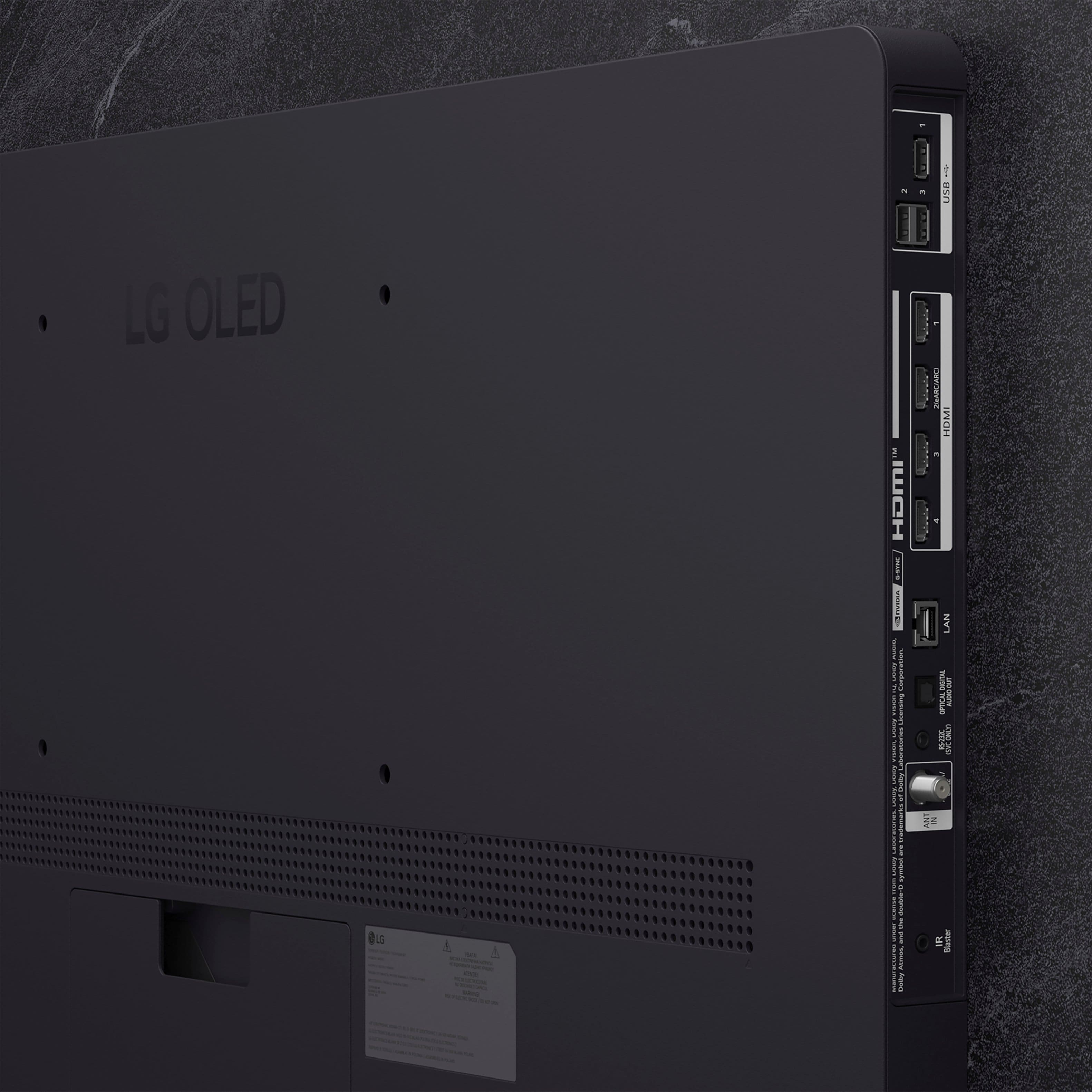
    • Answer What connectivity dos your Sonos Soundbar have? A soundbar can be connected to the LG 65" Class C5 Series OLED evo AI 4K UHD Smart webOS TV (2025), Model # OLED65C5PUA in one of three ways. The TV is a Bluetooth-enabled TV (Bluetooth ver. 5.3) so it can be paired wirelessly via Bluetooth with a Bluetooth-enabled soundbar. It has an HDMI eARC port (HDMI 2) that can be connected to an HDMI ARC/eARC port on a soundbar, and it has an optical digital audio output that can be connected to an optical digital audio input on a soundbar...^Ivan.

      Answered by LG Digital Customer Care

  • QuestionCan I use a Samsung Sound Bar

    Asked by mark.

    • Answer The LG 65" Class C5 Series OLED evo AI 4K UHD Smart webOS TV (2025), Model # OLED65C5PUA, can be connected to a Soundbar, regardless of brand or manufacturer, in one of three ways: It is a Bluetooth-enabled TV (Bluetooth ver. 5.3) so it can be paired wirelessly via Bluetooth with a Soundbar, it can be connected via its HDMI eARC port(HDMI 2) to an HDMI ARC/eARC port on a Soundbar, or you can connect its Optical Digital Audio Output to an Optical Digital Audio Input on a Soundbar...^Ivan.

      Answered by LG Digital Customer Care

  • QuestionPenthouse specific tv have compatibility with Sonos arc sound bar and gen 4 subwoofer as well as two others Sonos speakers? I’m going to buy this specific sound system and I desperately hope it’s compatible with the LG C5, or the LG G5?

    Asked by PauldavidF.

    • Answer What connectivity does this specific sound system have? Sound Systems are designed to connect to TVs in various ways, so it's about connectivity. A Sound System can be connected to the LG 65" Class C5 Series OLED evo AI 4K UHD Smart webOS TV (2025), Model # OLED65C5PUA, in one of three ways. The TV is a Bluetooth-enabled TV (Bluetooth® ver. 5.1), so if your sound system supports Bluetooth®, you can pair it with the TV for a wireless Bluetooth connection. If your sound system has an HDMI ARC or HDMI eARC port, preferrable an HDMI eARC port, you can connect that to the TV's HDMI eARC port (HDMI 2). HDMI eARC supports uncompressed audio formats that HDMI ARC does not. This includes high-quality surround sound technologies such as Dolby Atmos® and DTS:X. These formats allow for a more lifelike and cinematic sound experience, providing a richer and clearer audio output compared to the compressed formats supported by HDMI ARC. While HDMI ARC can handle compressed audio formats like Dolby Digital or DTS, HDMI eARC can support uncompressed formats that maintain the full sound details without compression. This is particularly beneficial for users with advanced audio systems or for those who enjoy watching movies or playing games with immersive sound. If the sound system has an Optical Digital Audio Input, you can connect that to the TV's Optical Digital Audio Out. The Optical Digital Audio port is capable of transmitting surround sound formats like Dolby Digital, which is a popular choice for home theater systems and soundbars. However, it does not support multichannel LPCM, Dolby Digital Plus, Dolby Atmos®, and DTS:X, or high-definition audio such as Dolby TrueHD and DTS-HD Master Audio. Optical connections do not support discrete 7.1 soundtracks, as these are typically found in unsupported higher-resolution audio formats...^Ivan.

      Answered by LG Digital Customer Care

  • QuestionIs this tv glare free?

    Asked by Greg.

    • Answer Mine is near a window and with the old tv you got bad glaring issues late in the afternoon and evening. This LG though no problems.

      Answered by DamGMan

  • Questioncan I connect a Definitive brand soundbar?

    Asked by PatF.

    • Answer Hi there. We understand your inquiry about connecting your Definitive Technology soundbar to your OLED65C5PUA television. We are happy to confirm that your OLED65C5PUA model offers several robust audio connectivity options that are compatible with external sound systems, including those from Definitive Technology. For the best quality connection, we recommend using the HDMI eARC port, which is designated as HDMI 2 on your unit. This will allow you to transmit high-quality audio formats like Dolby Atmos directly from the TV to your soundbar, provided the soundbar also supports eARC. Alternatively, you can use the SPDIF (Optical Digital Audio Out) port. https://www.bestbuy.com/product/lg-65-class-c5-series-oled-evo-ai-4k-uhd-smart-webos-tv-2025/JJ8VPZTRG6 If you have any further questions about setting up the audio output settings on your TV or need specific guidance on pairing the soundbar, please send us a private message on Social Media @LGUSSupport, and our team will be more than happy to assist you further with the details. —Renzo

      Answered by LG Digital Customer Care

  • Questiondoes this tv (oled65c5pua) upgrade 1080p to 4k?

    Asked by j0hn.

    • Answer ALL 4k TVs upscale any image to native resolution of 4k. If they did not then the image would be a tiny one in the middle of the screen.

      Answered by Anonymous

  • Questioncan this tv be supported by 5g wifi?

    Asked by j0hn.

    • Answer The 65-inch Class LG OLED evo AI C5 4K Smart TV 2025, Model # OLED65C5PUA, has a built-in Wi-Fi 6e module. Wi-Fi 6E is the newest Wi-Fi generation that adds the new 6 GHz band. It builds on Wi-Fi 6, also keeping the existing 2.4 GHz and 5 GHz bands...^Ivan.

      Answered by LG Digital Customer Care

  • QuestionWhat headphones would you recommend for this tv? (My Mom is 92 and she will be the only one using this tv)

    Asked by Liz.

    • Answer The LG 65" Class C5 Series OLED evo AI 4K UHD Smart webOS TV (2025), Model # OLED65C5PUA, is a Bluetooth-enabled TV that can be paired with most, if not all Bluetooth Headphones/earbuds. It does not have the Red/White Analog RCA audio barrel ports for connecting wired headphones. If possible, please stop in at your local Best Buy to see their selection of Bluetooth headsets or earbuds that are suitable for your mother that can be paired with the TV...^Ivan.

      Answered by LG Digital Customer Care

  • QuestionDoes this support Wi-Fi 7

    Asked by NicholasL.

    • Answer The supported Wi-Fi Standard on the 65-inch Class LG OLED evo AI C5 4K Smart TV 2025, Model # OLED65C5PUA, is Wi-Fi 6E. The TV was manufactured before the final version of the 802.11be amendment, which defines Wi-Fi 7, that was published later on July 22, 2025...^Ivan.

      Answered by LG Digital Customer Care

  • QuestionWhat color is the stand? Matt or gloss?

    Asked by Patches.

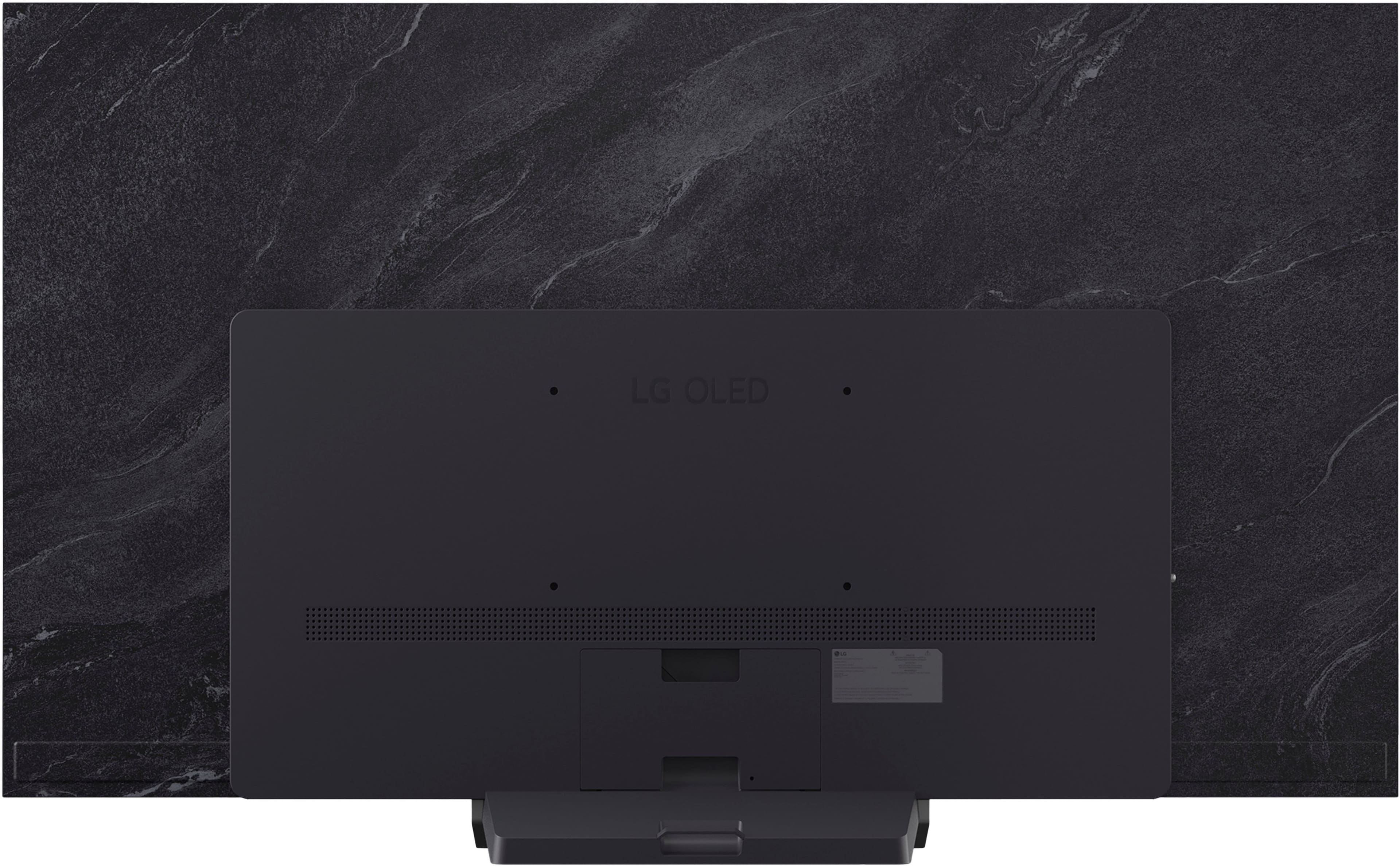
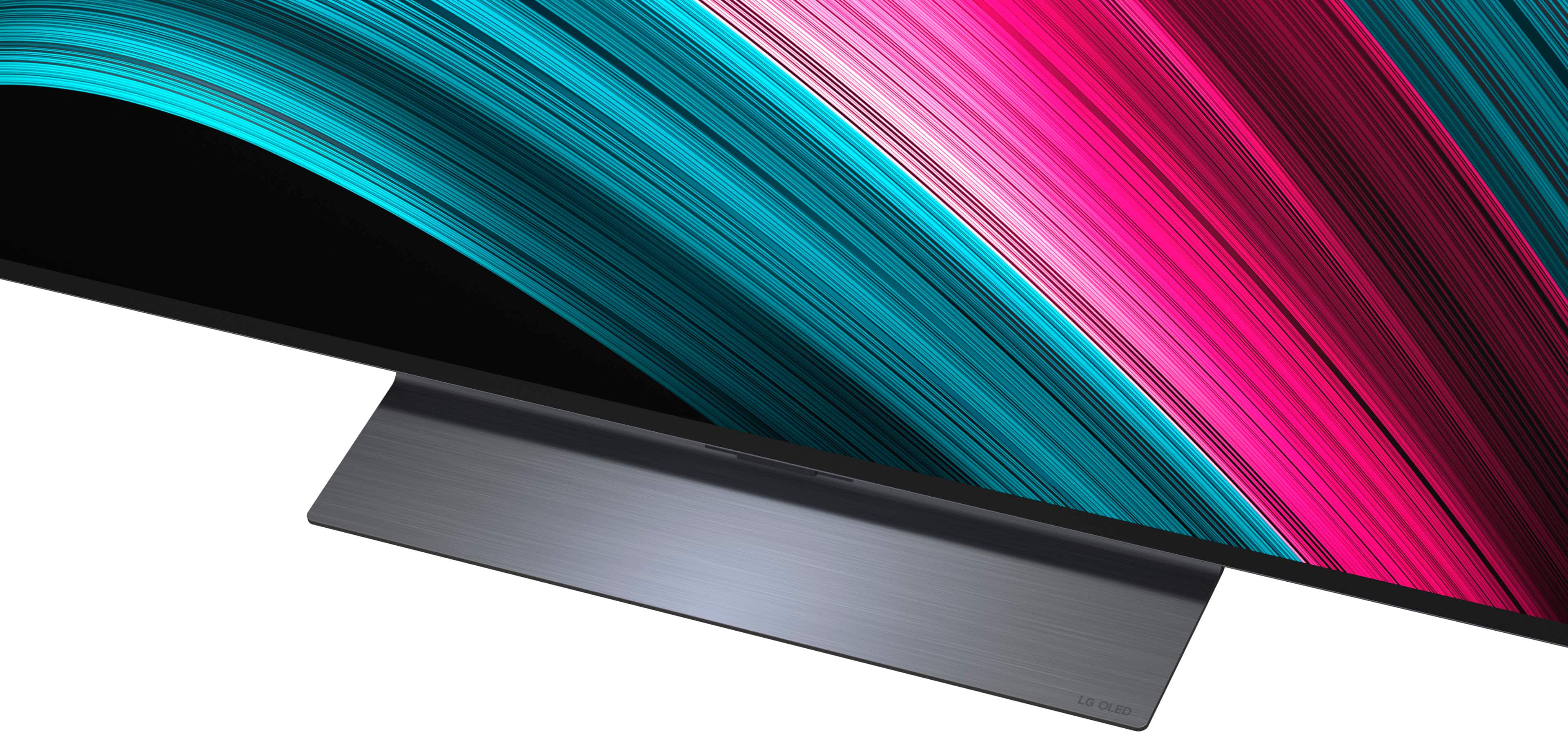
    • Answer The stand is black, bur is rather small and doesn't detract at all from the TV itself. It is gloss!

      Answered by Jimfc

  • QuestionWhat is the warranty on this LG OLED C5 model?

    Asked by Anon.

    • Answer The LG 65" Class C5 Series OLED evo AI 4K UHD Smart webOS TV (2025), Model # OLED65C5PUA, has a Limited Manufacturer's Warranty of One (1) year from the date of original retail purchase for Parts and Labor (internal/functional parts only)...^Ivan.

      Answered by LG Digital Customer Care

  • QuestionIs this LG TV compatible with a VIZIO SOUND BAR

    Asked by Anonymous.

    • Answer Hi there. Thank you for reaching out to us with your inquiry about the OLED65C5PUA model. We understand your inquiry about connecting a VIZIO sound bar to your LG OLED TV. Yes, your LG OLED65C5PUA TV is compatible with a VIZIO sound bar, as we include universal connectivity options that work with most external audio devices. You have three main connection options available on your TV to connect any brand of sound bar: HDMI eARC: The best option for high-quality audio. You can connect your VIZIO sound bar to the TV's HDMI 2 port, which supports eARC (Enhanced Audio Return Channel), using an HDMI cable. This connection allows for the best audio formats and lets you use the TV remote to control the sound bar volume. Optical Digital Audio Out (SPDIF): A very reliable wired connection. You can use an optical cable to connect the sound bar to the TV's SPDIF (Optical Digital Audio Out) port. Bluetooth: For a wireless connection, you can pair the sound bar using the TV's Bluetooth v5.3 capability. https://www.bestbuy.com/product/lg-65-class-c5-series-oled-evo-ai-4k-uhd-smart-webos-tv-2025/JJ8VPZTRG6 For assistance with setting up the connection or for any further questions about its features, please send us a private message on Social Media @LGUSSupport, and our team will be more than happy to assist you. —Renzo

      Answered by LG Digital Customer Care

  • QuestionCan I use my Cox Cable remote with this TV?

    Asked by Neil.

    • Answer I can't speak for the Cox remote, but I am able to use a Spectrum remote to control the TV, so I would venture to say it should work.

      Answered by Jimfc

  • QuestionDoes this TV have DisplayPort inputs? If so, how many? Or does it only have HDMI?

    Asked by Floyd06.

    • Answer Neither the LG - 65" Class C5 Series OLED evo AI 4K UHD Smart webOS TV (2025), Model # OLED65C5PUA, nor any of our TVs have a DisplayPort. Most TVs do not include DisplayPort, as the industry has largely standardized on HDMI for connections. While a few manufacturers have released models with DisplayPort to cater to the gaming market, it remains a rare feature in televisions...^Ivan.

      Answered by LG Digital Customer Care