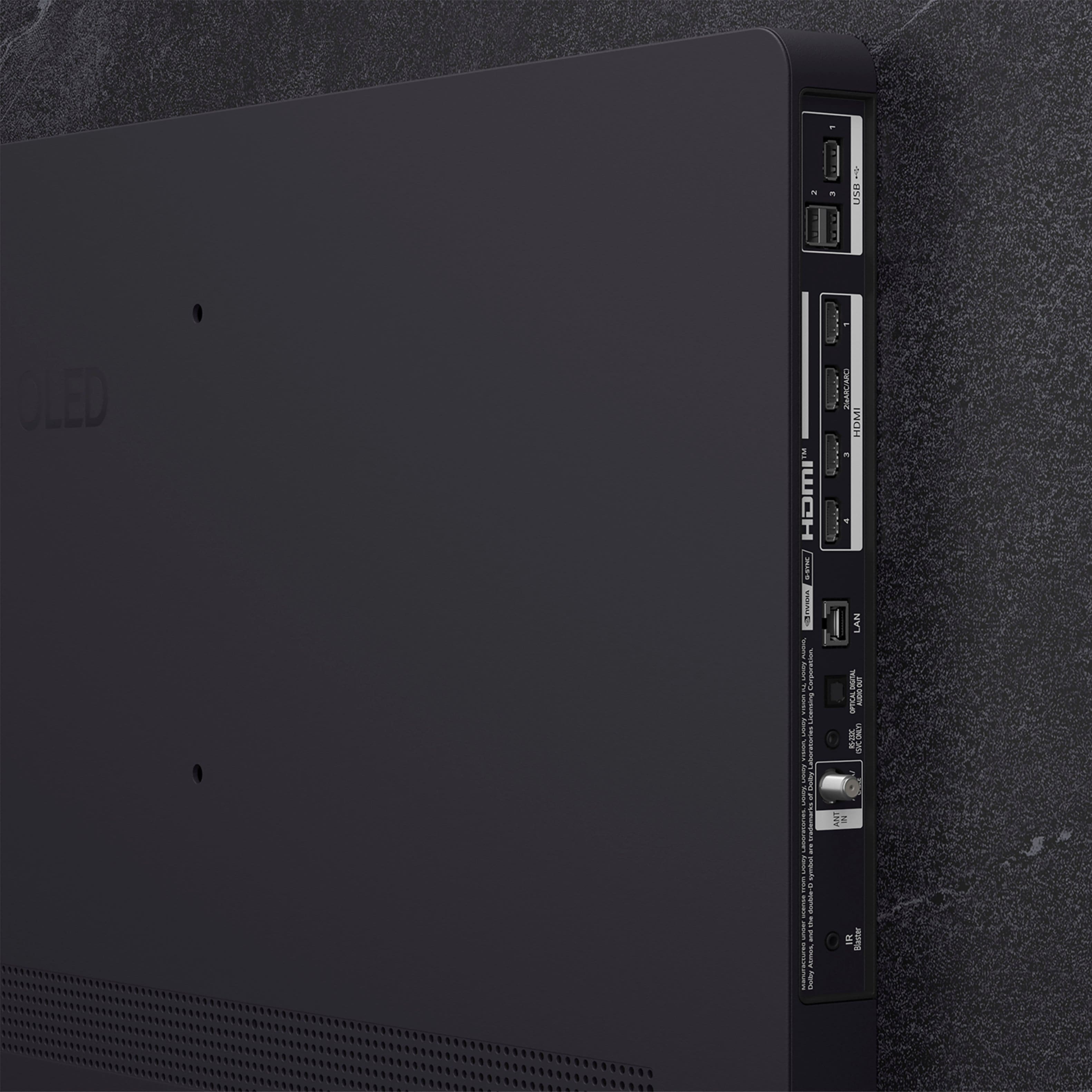
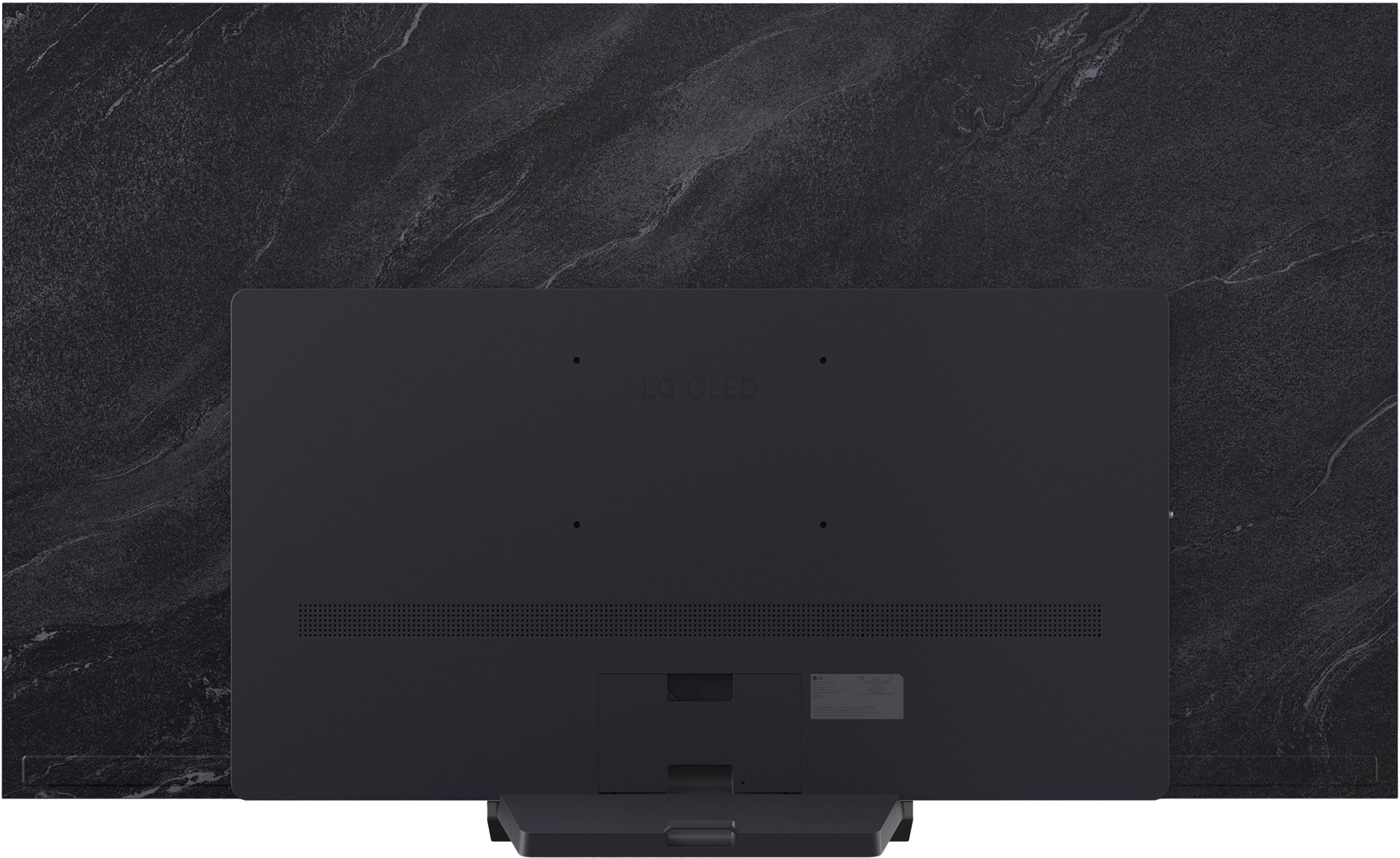
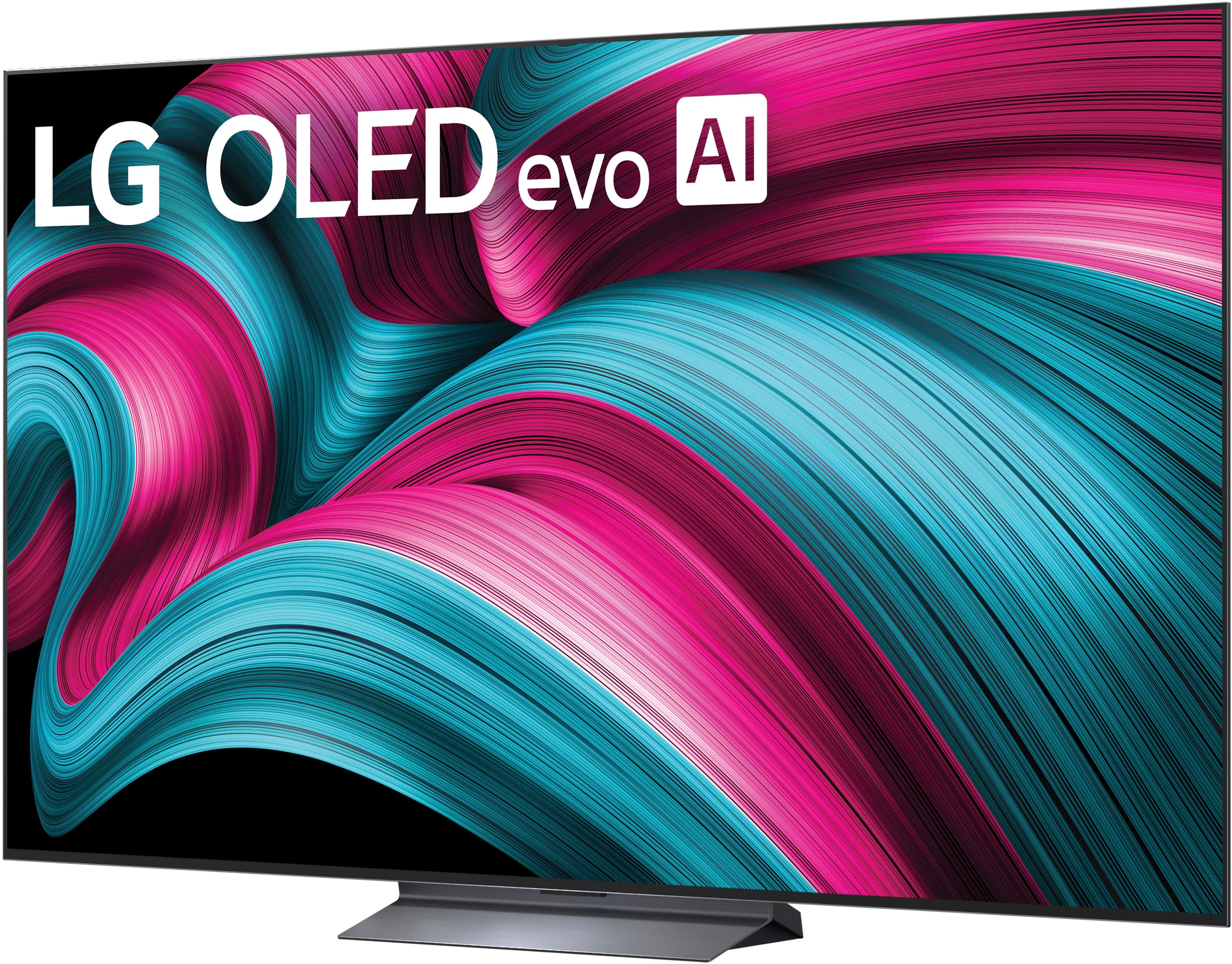
A:Answer Hello there, Oink. We understand your inquiry about enabling closed captions on your OLED77C5PUA while using an external device connected via HDMI.
In this model, the TV is capable of displaying closed captions when a signal containing the caption data is received through a digital broadcast or an external device. However, when the external device connected via HDMI does not transmit closed caption data, the TV itself cannot generate or display the captions on its own, as it is dependent on the source signal for this feature. We understand your inquiry about this specific feature, and your feedback is important, and we'd like to assist you further.
https://www.bestbuy.com/product/lg-77-class-c5-series-oled-evo-ai-4k-uhd-smart-webos-tv-2025/JJ8VPZTRLJ
If you have any further questions about this unit's features, please contact us on lgdigitalcare@lg.sprinklrsupport.com, and our team will be more than happy to assist you.
—Renzo
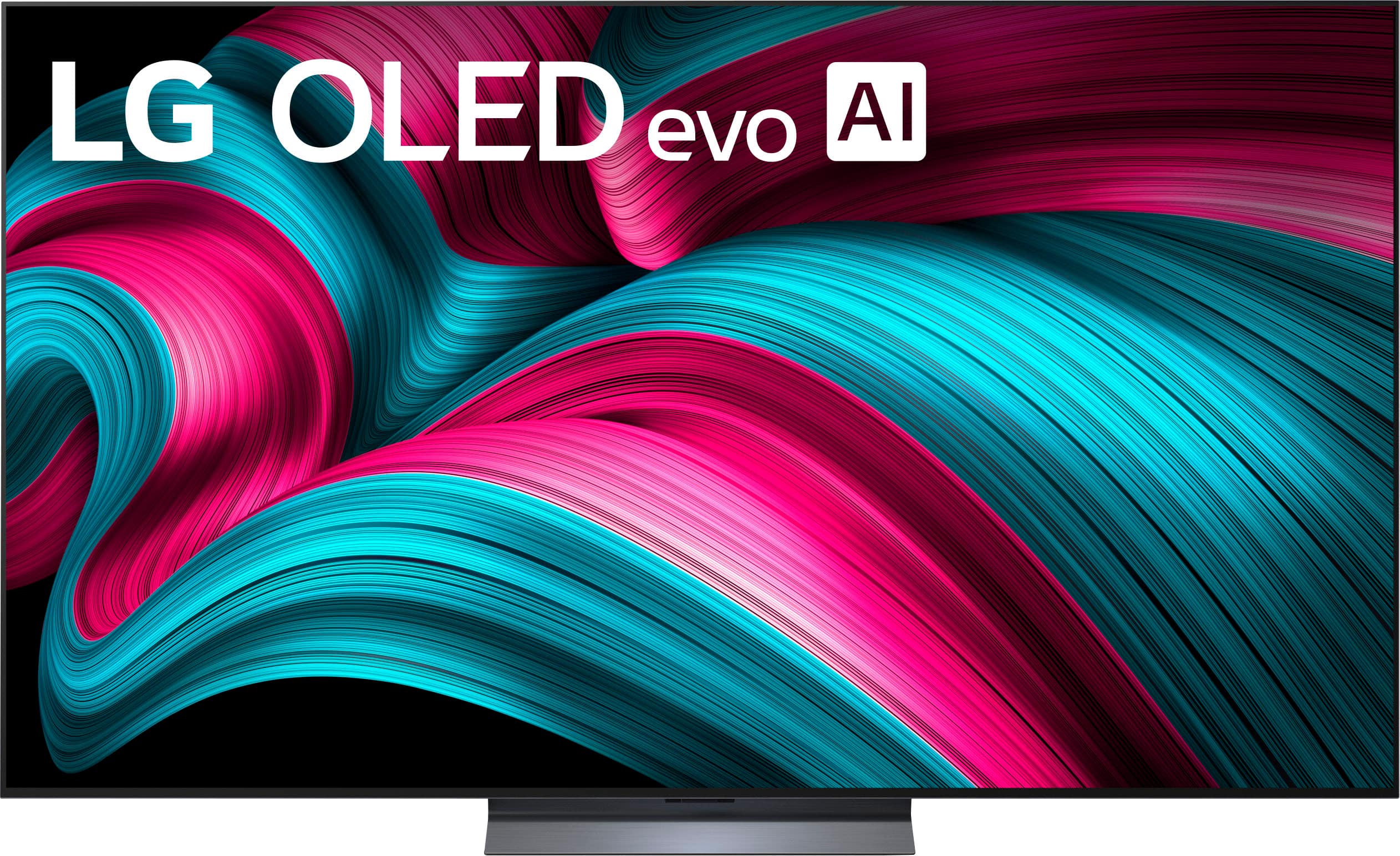
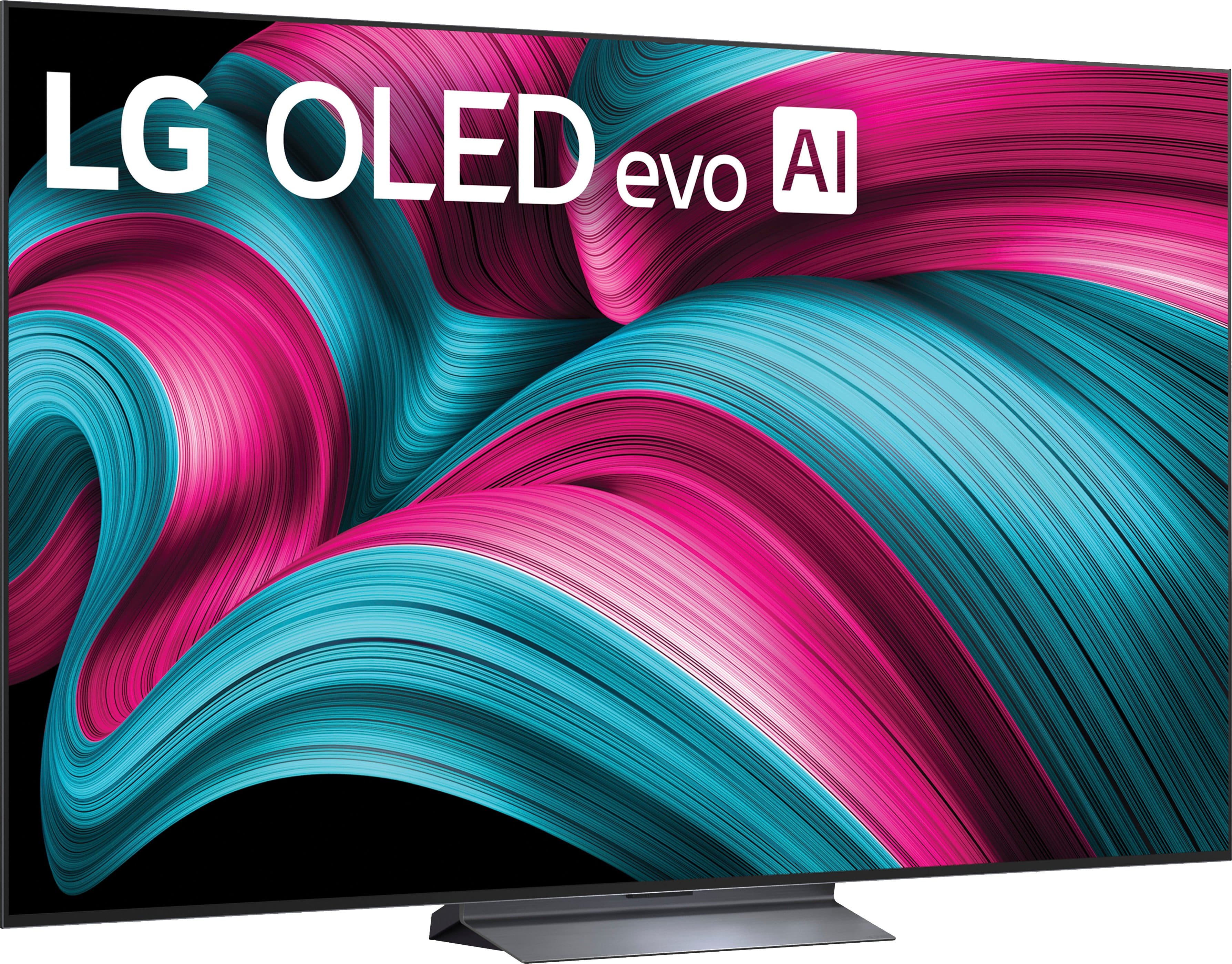
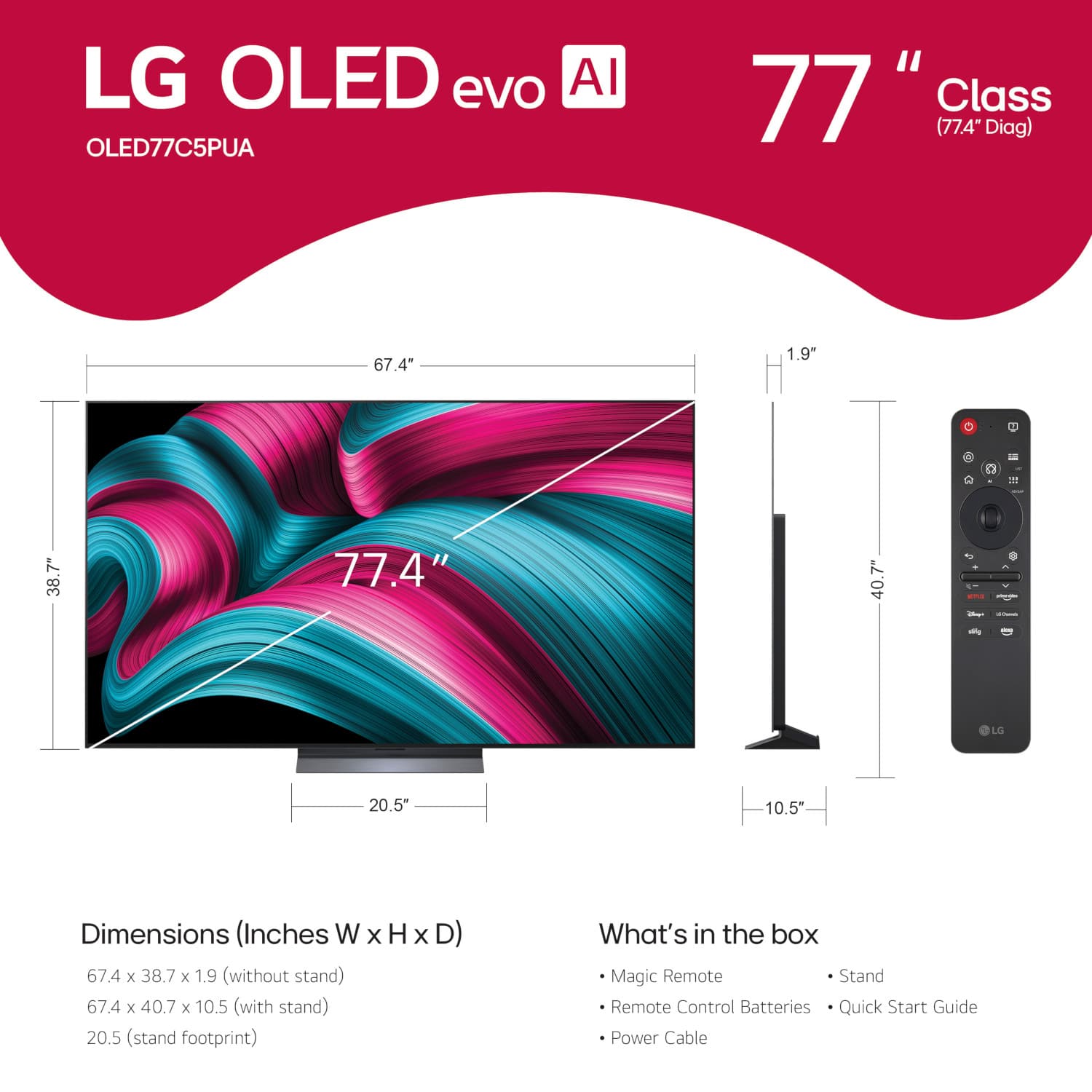
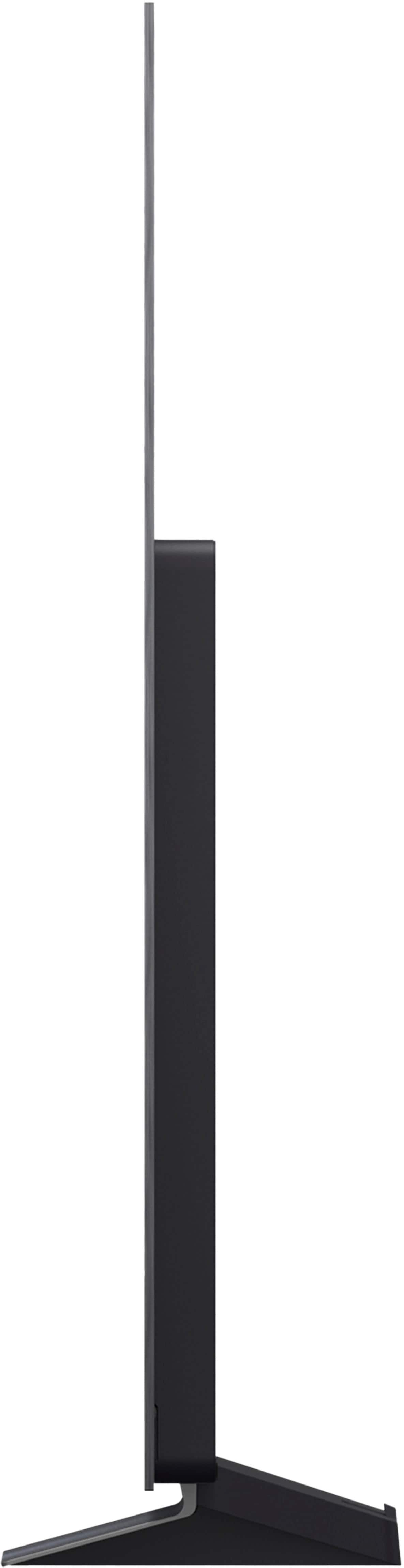




. Independently Tested for Quality and Workmanship CheckPlus: 100 % Color Volume to DCI-P3 oi PSSEANE Intertek [www.IntertekCheck.com](http://www.IntertekCheck.com). 100% Color Fidelity and '100% Color Volume to DCI-P3' applies to 2025 OLED TVs. *LG OLED Display is verified by UL for Perfect Color measured to IDMS 11.5 Ring-light Reflection standards. *100% Color Volume is defined as the performance of display which is equal or greater than the size of DCI-P3 standard color volume as verified independently by Intertek. *The LG OLED Panel is certified by Intertek for 100% Color Fidelity, measured to IDMS 11.5 Ring-light Reflection standards.](https://pisces.bbystatic.com/image2/BestBuy_US/images/products/3661ed5e-8d92-47a9-baef-65aa6eb5dcb9.jpg)