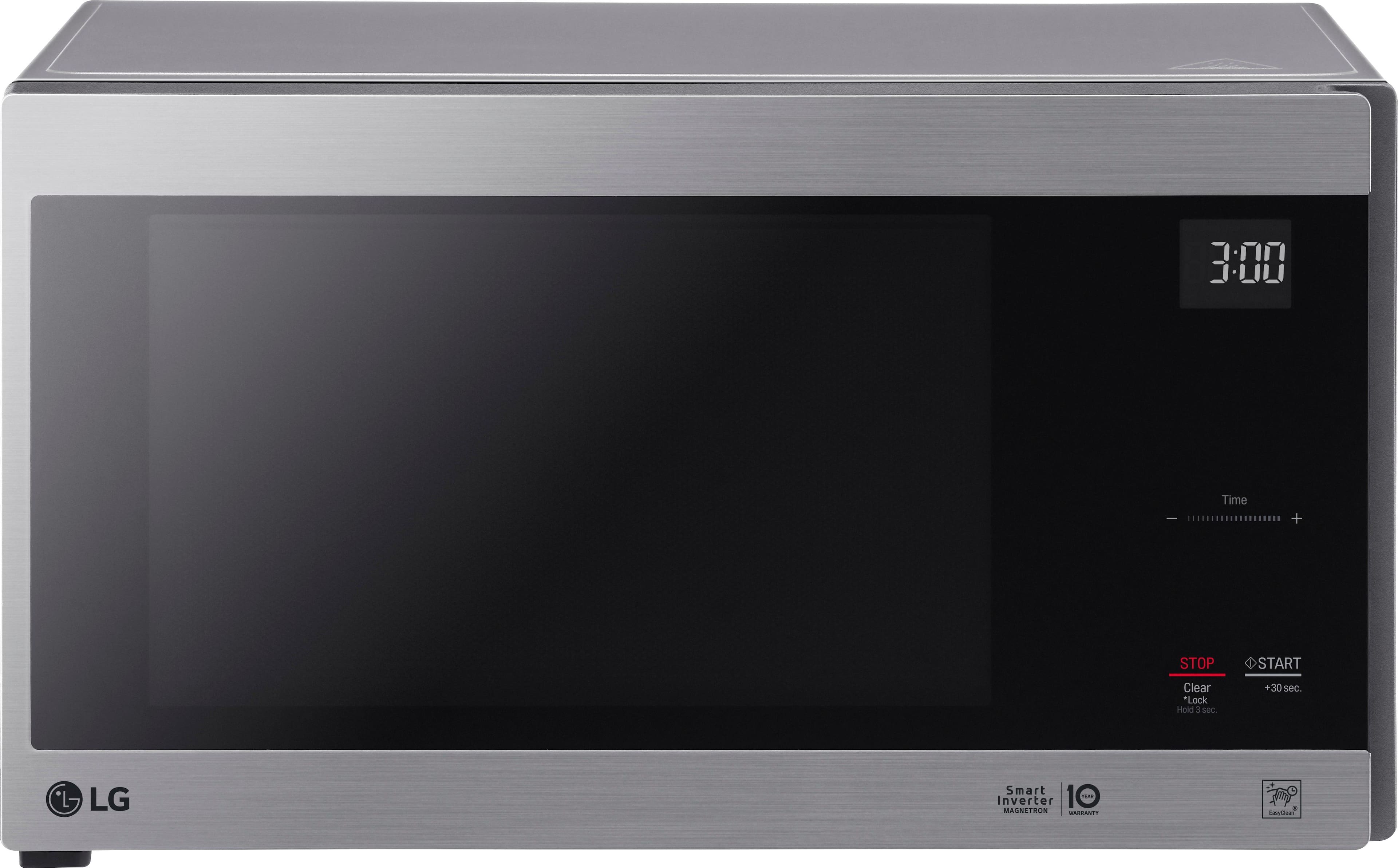
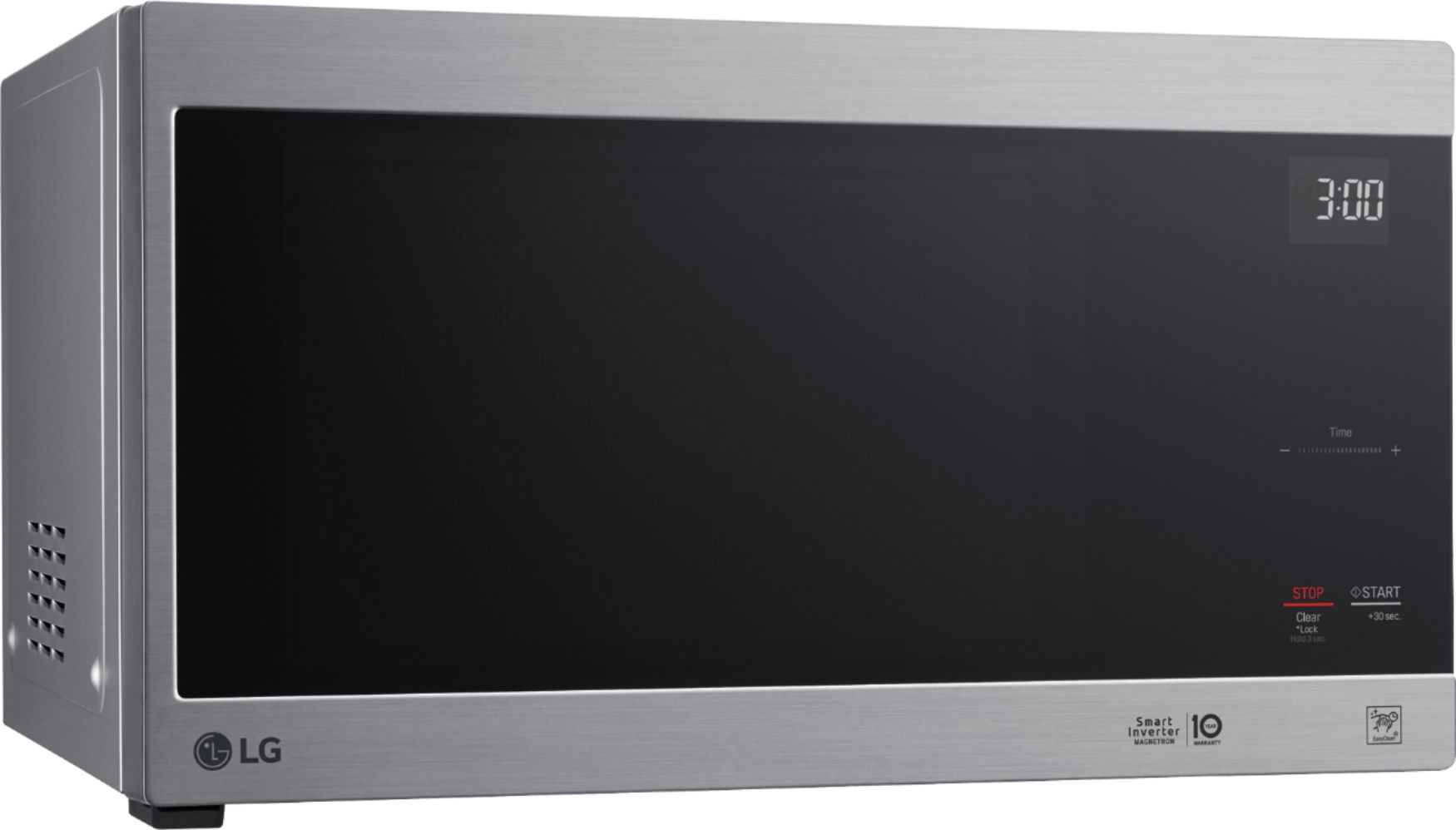
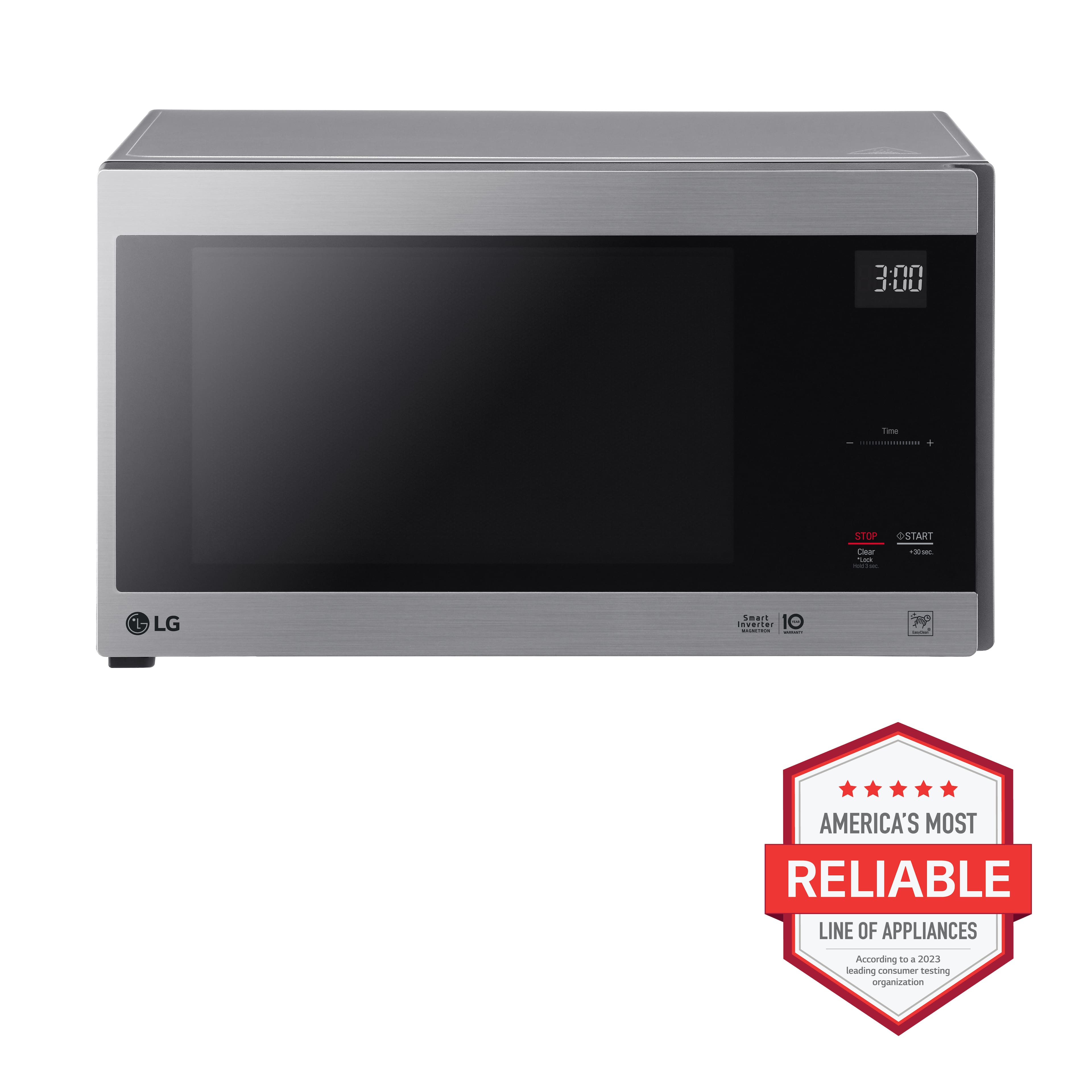
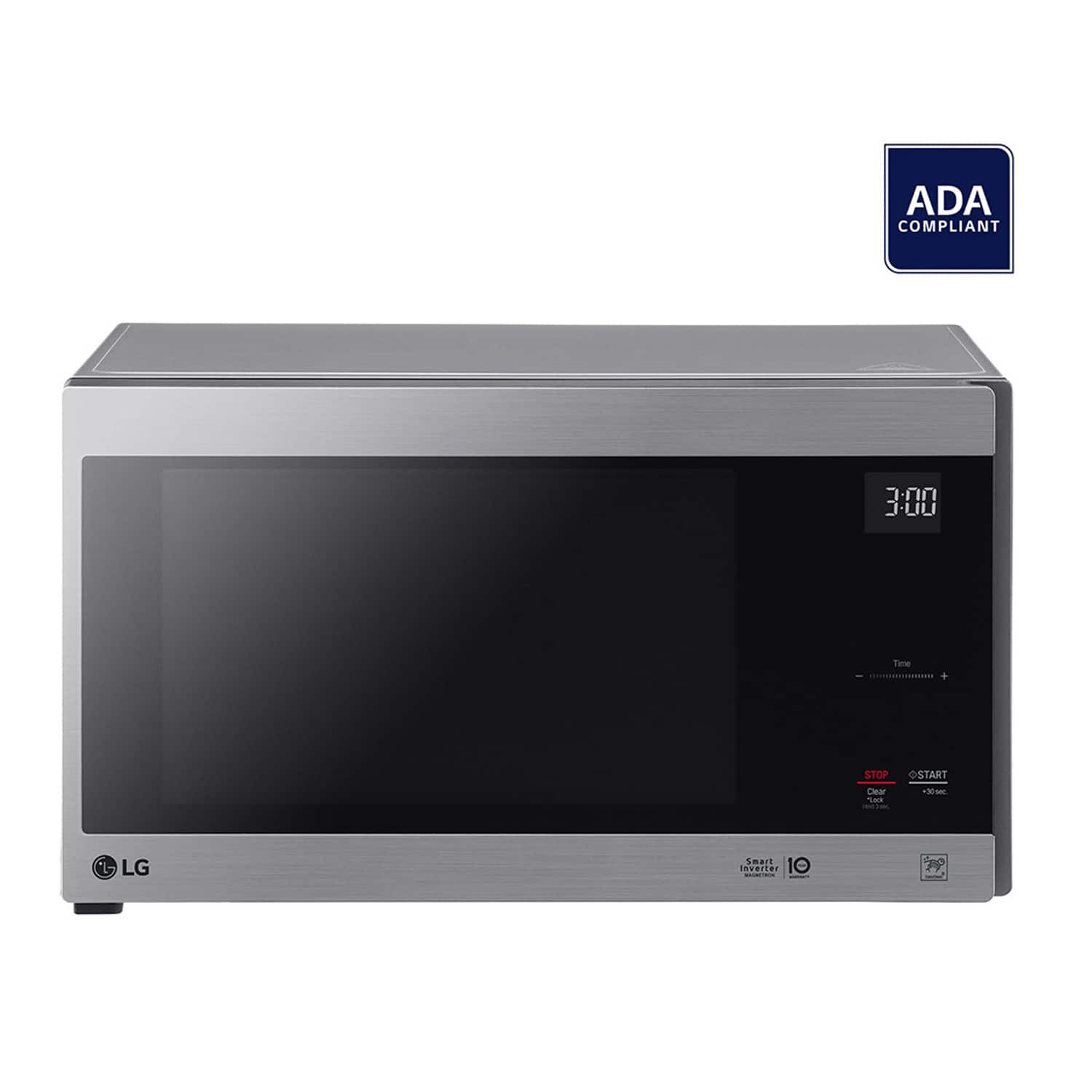
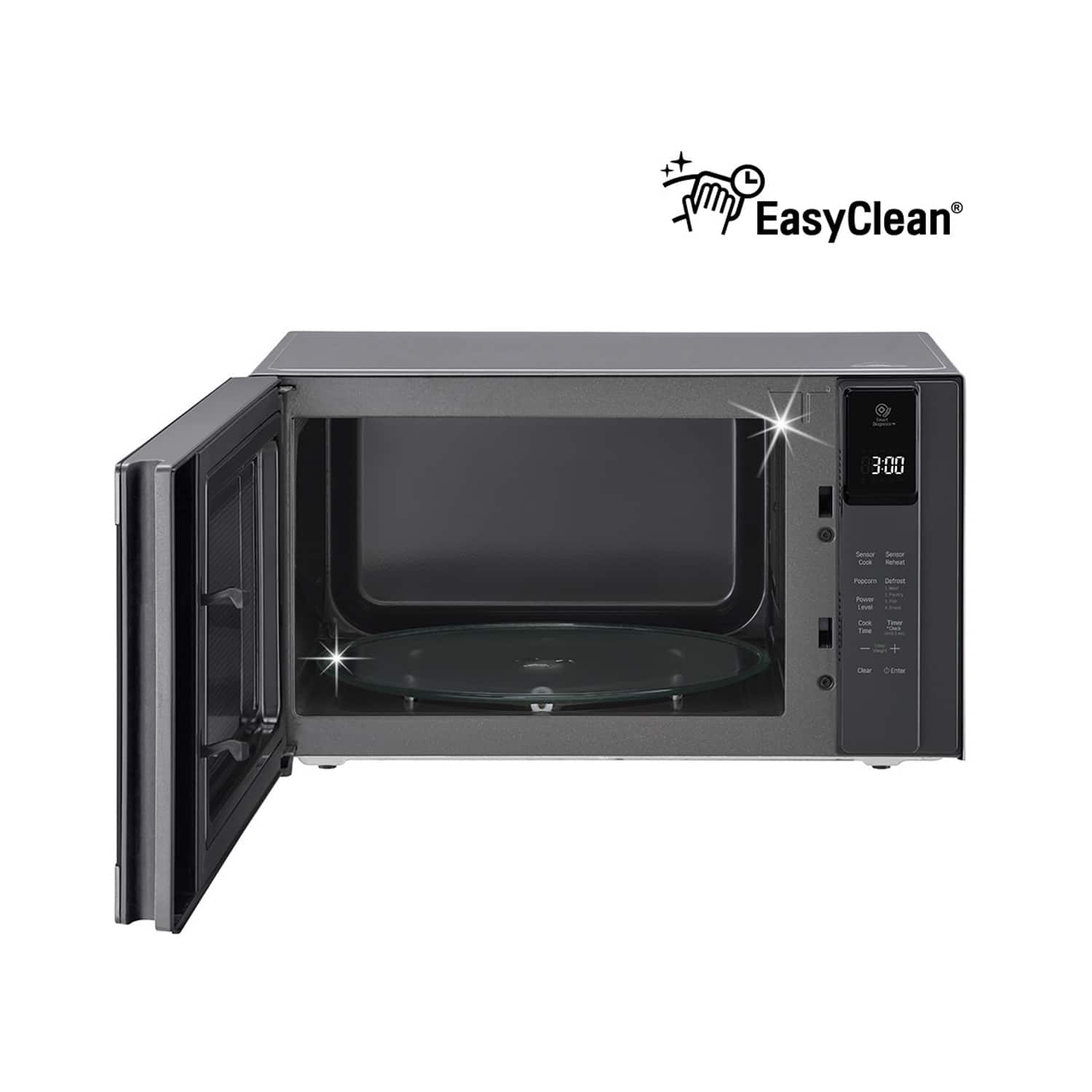
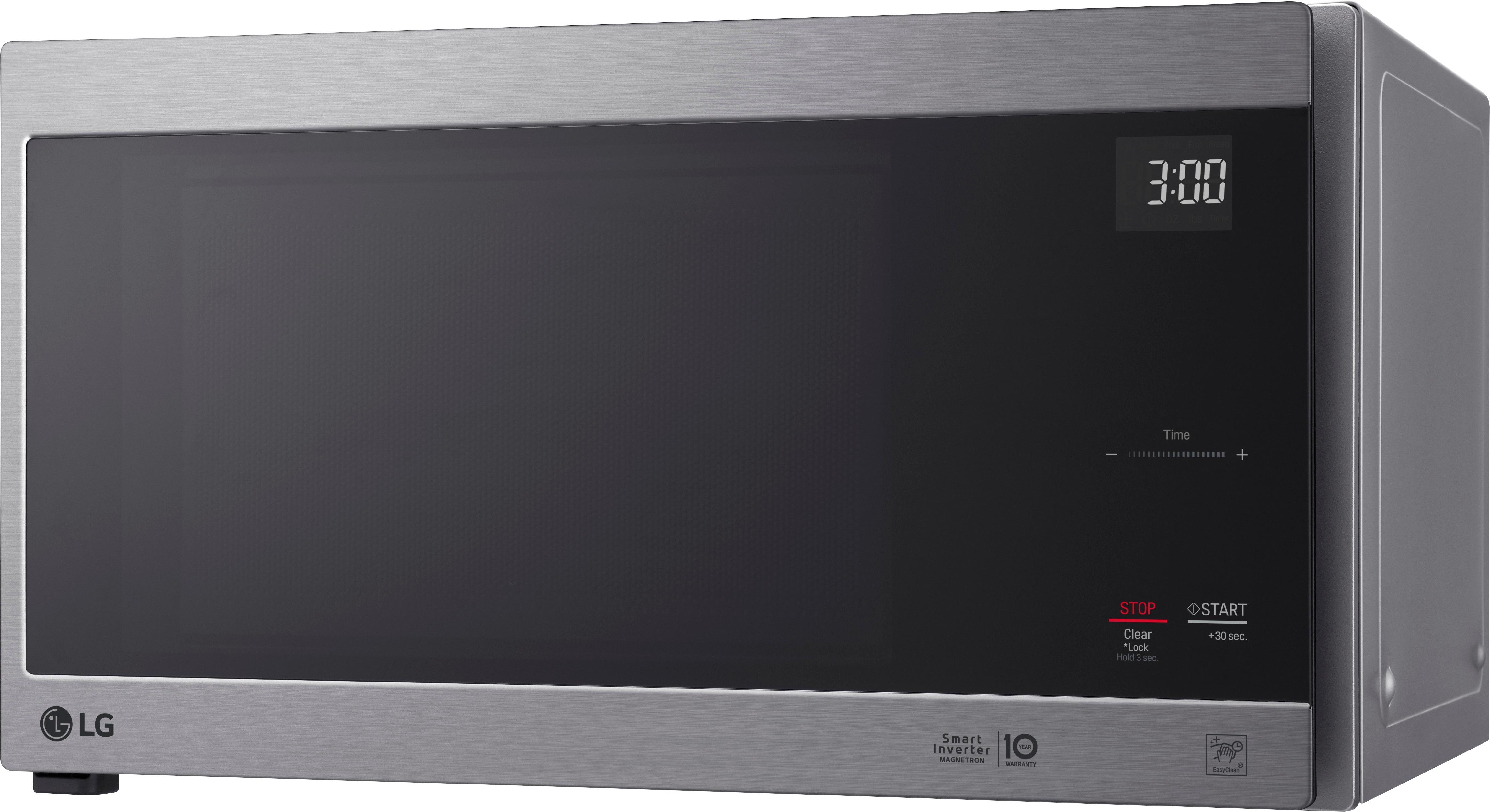
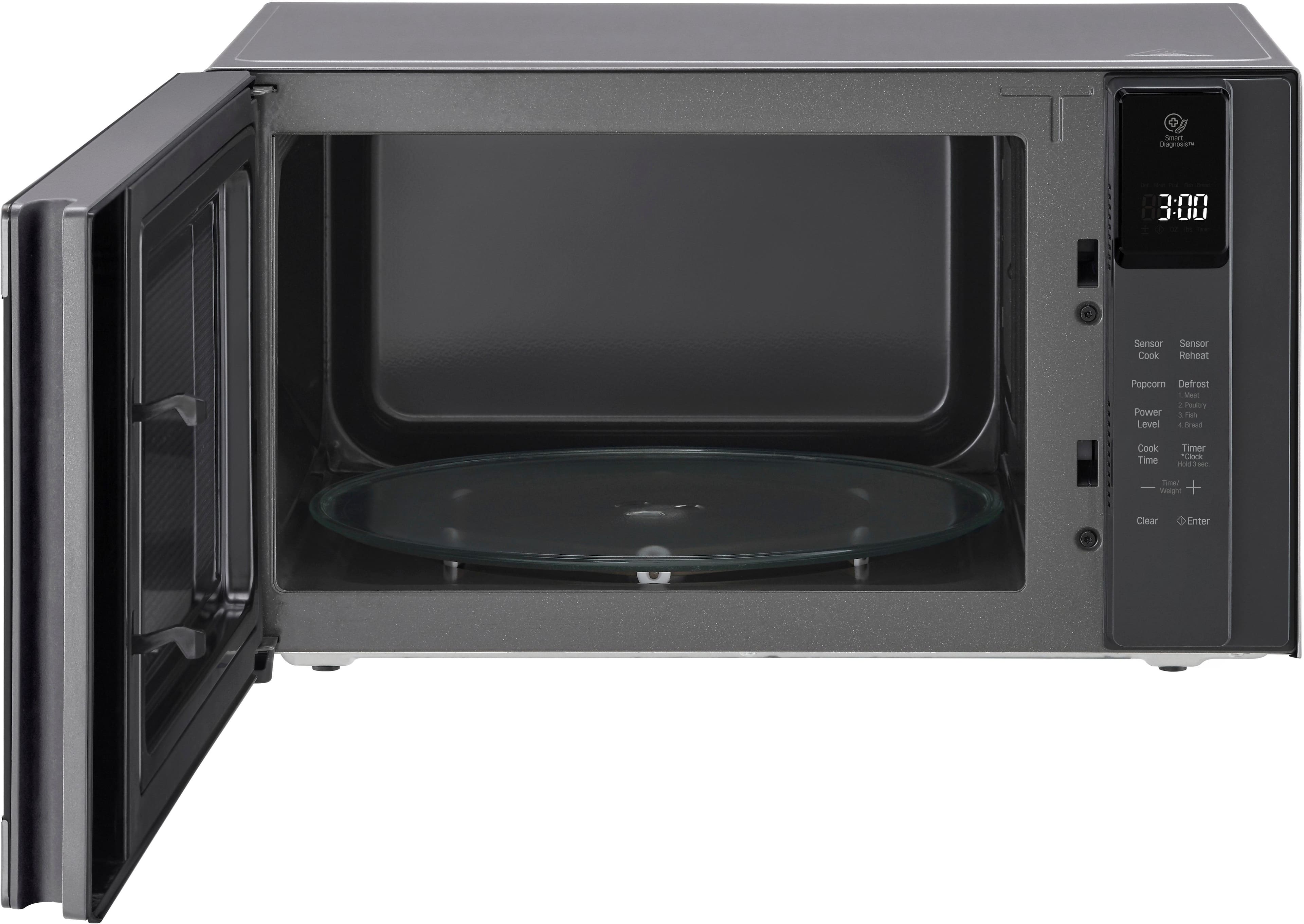
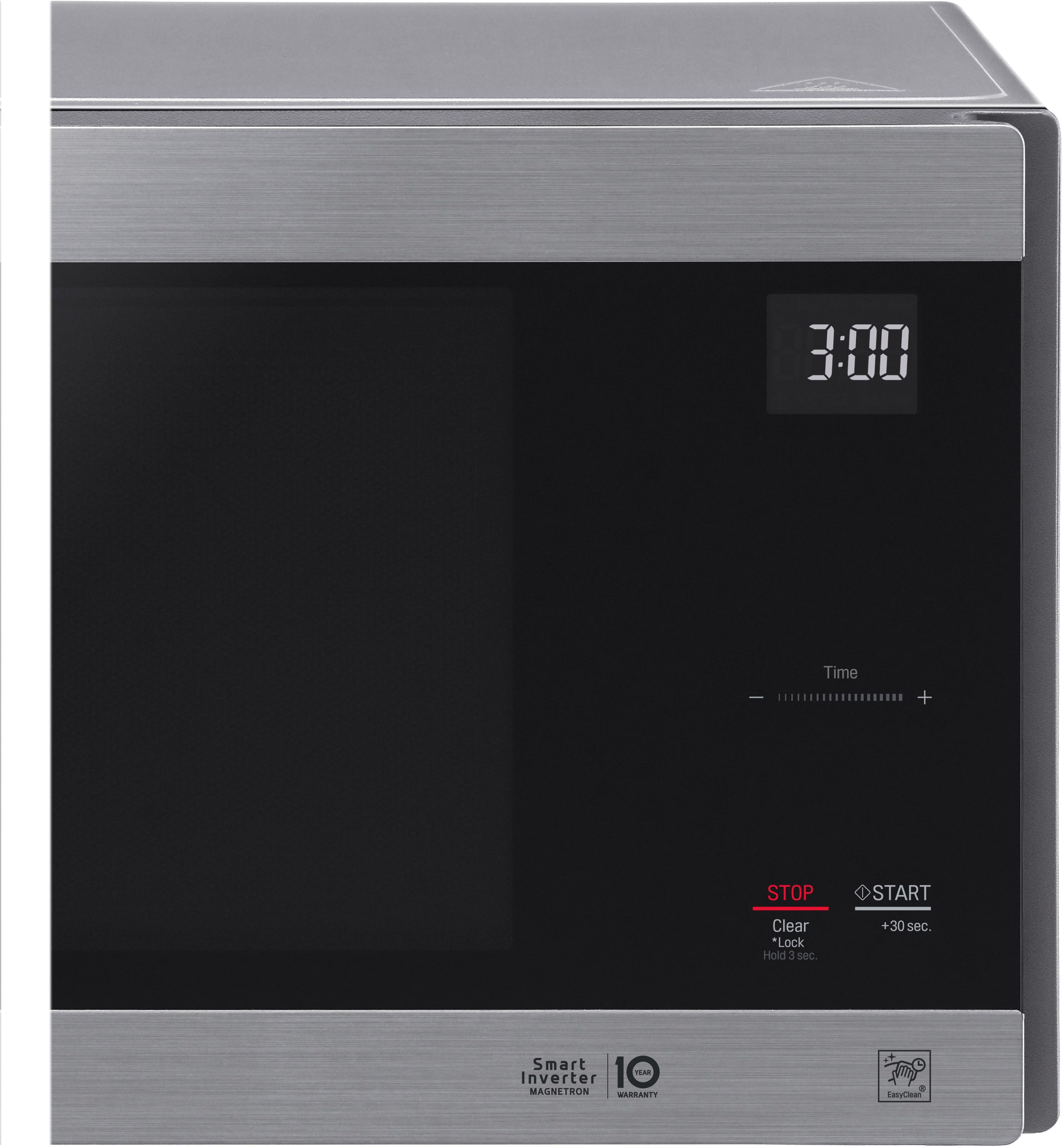
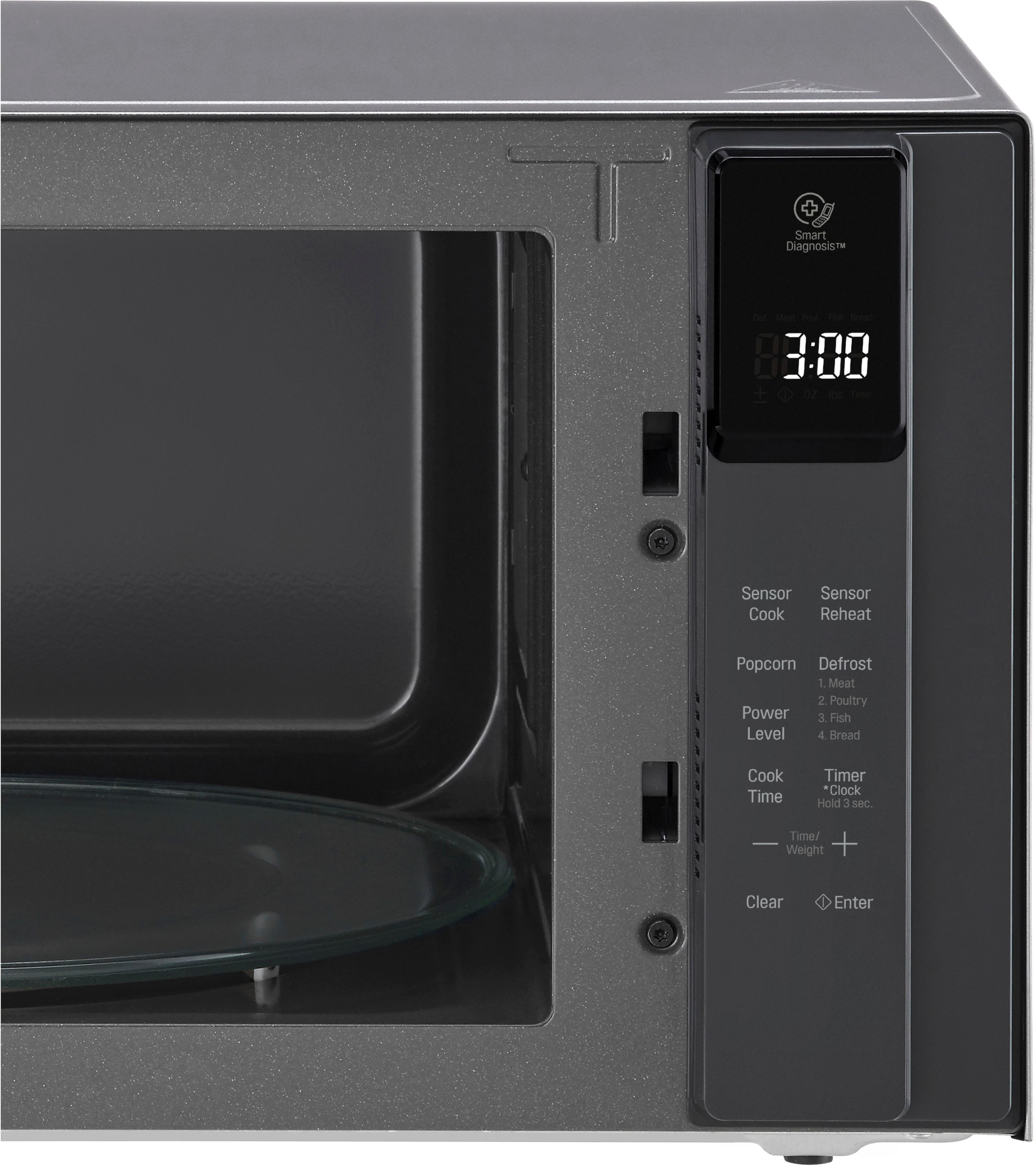
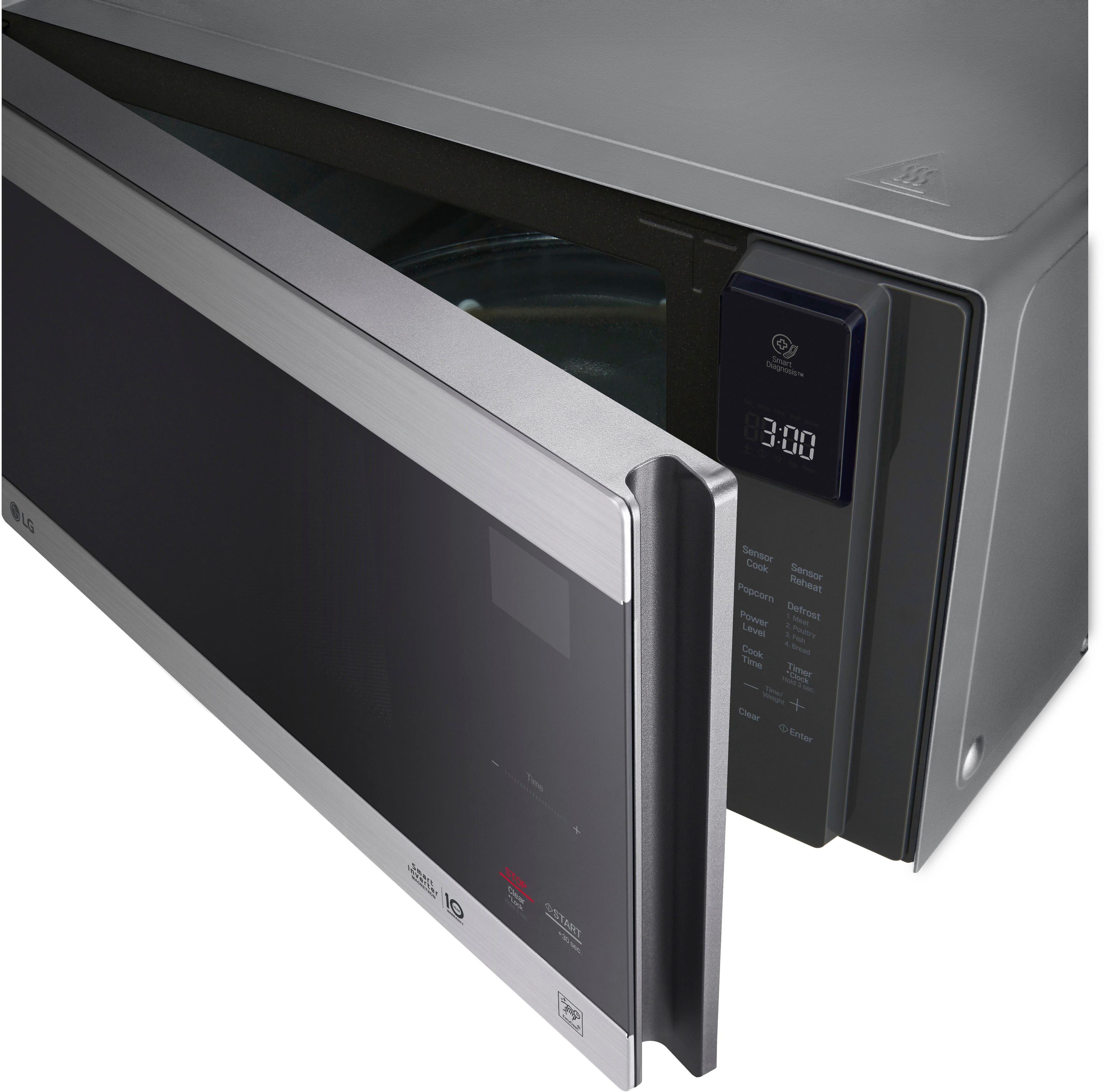
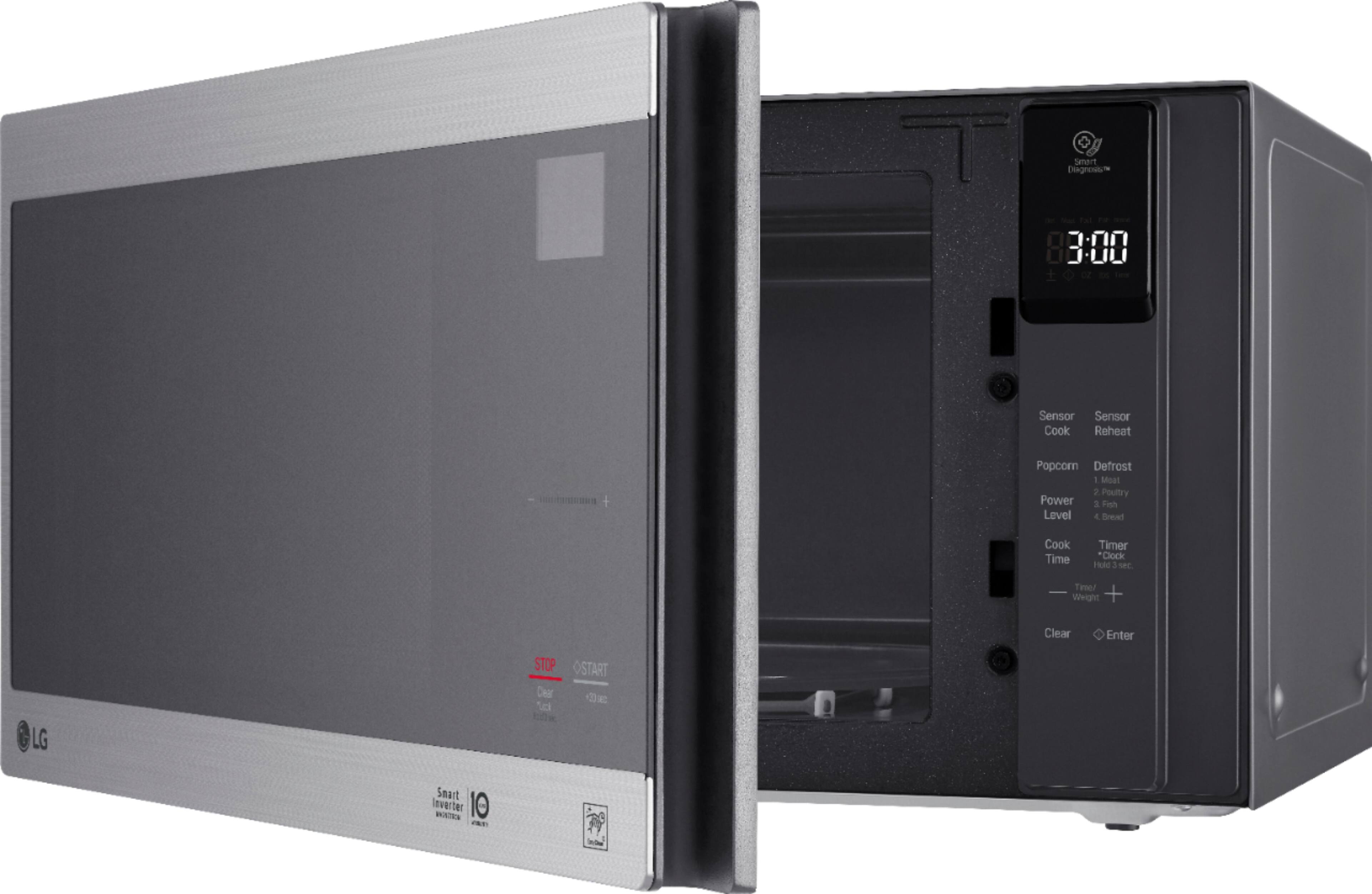
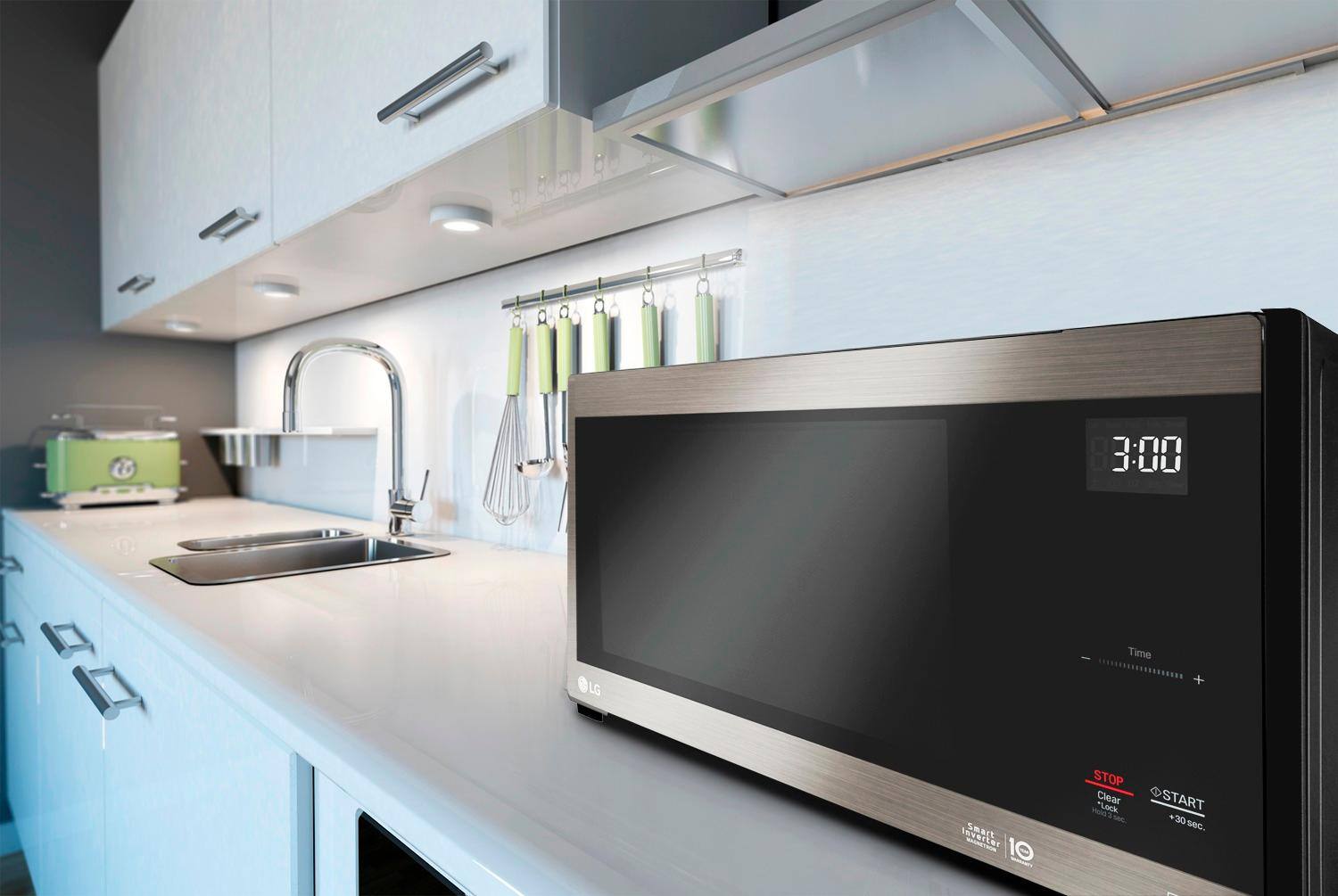
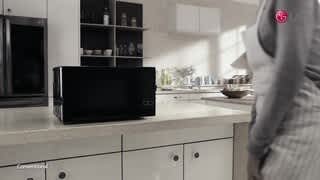
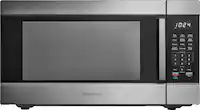
A:Answer I can't say for sure (whoever at LG who designed it could tell you), but I suspect it's because it's a very different, modern take on a microwave. The lack of a keypad, controls inside and outside, side open door, LED lighting, and clean black and stainless look all contribute to a tech vibe. I generally appreciate re-invention to get ourselves out of our old stubborn habits, and have been pleased with this so far.