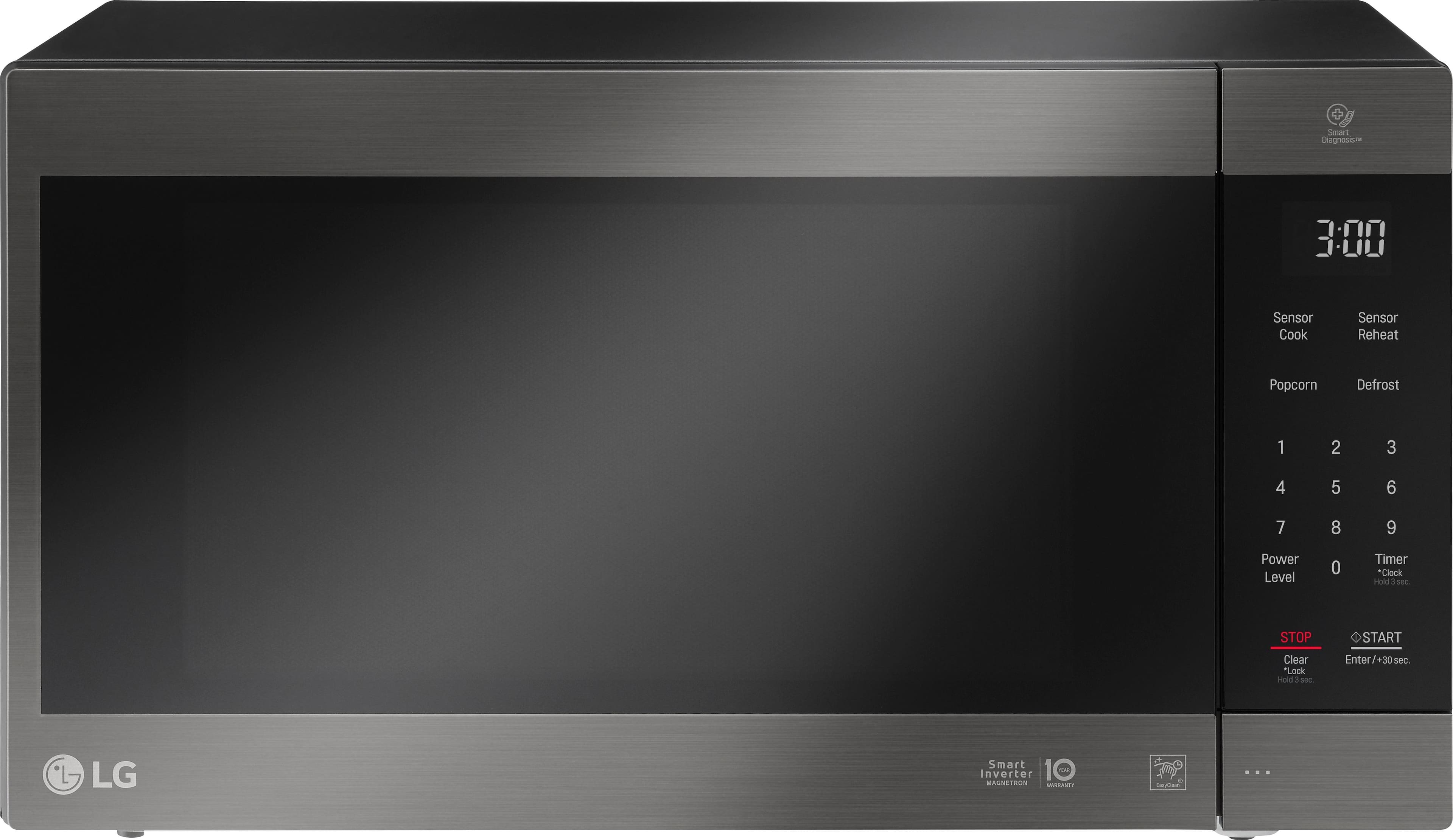
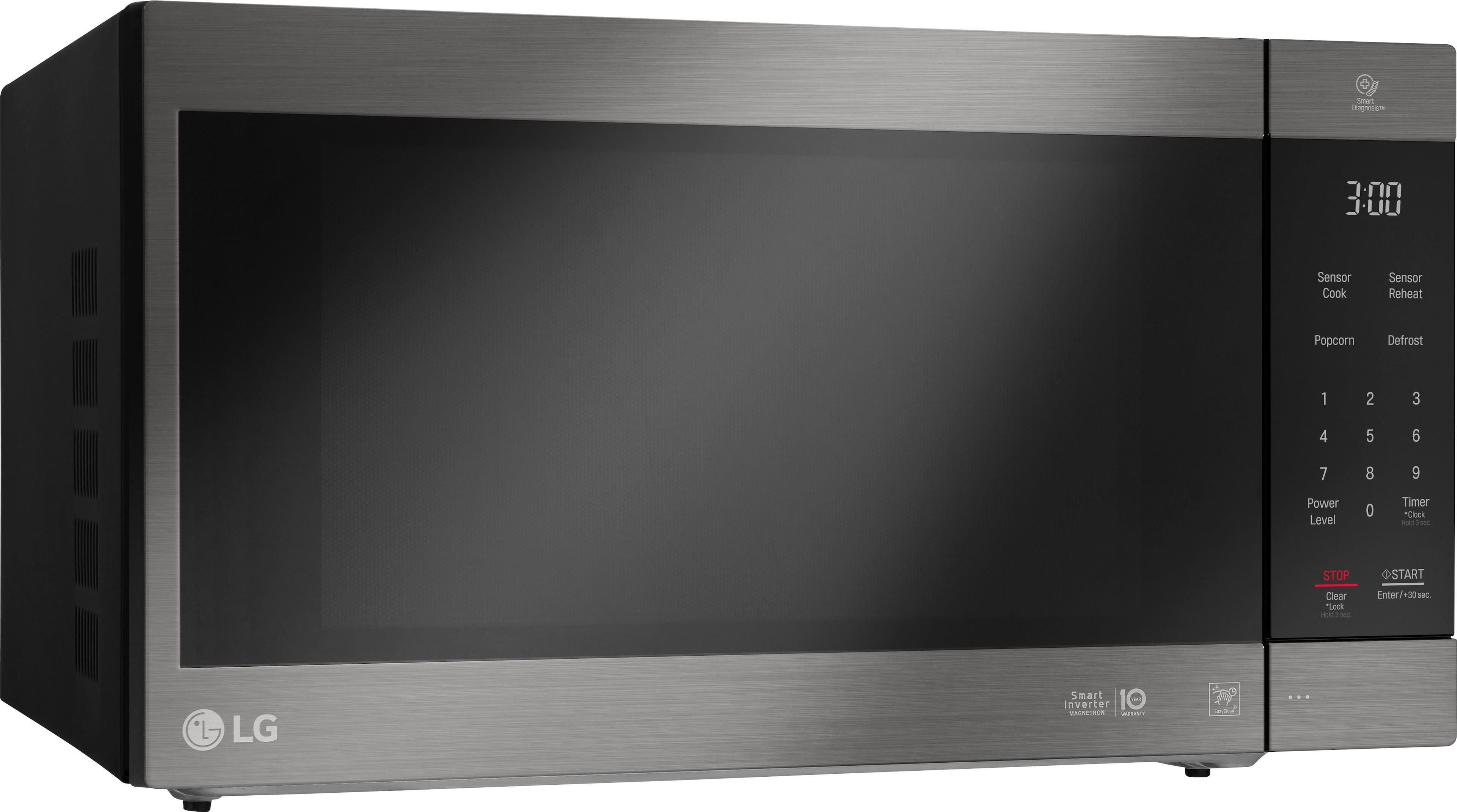
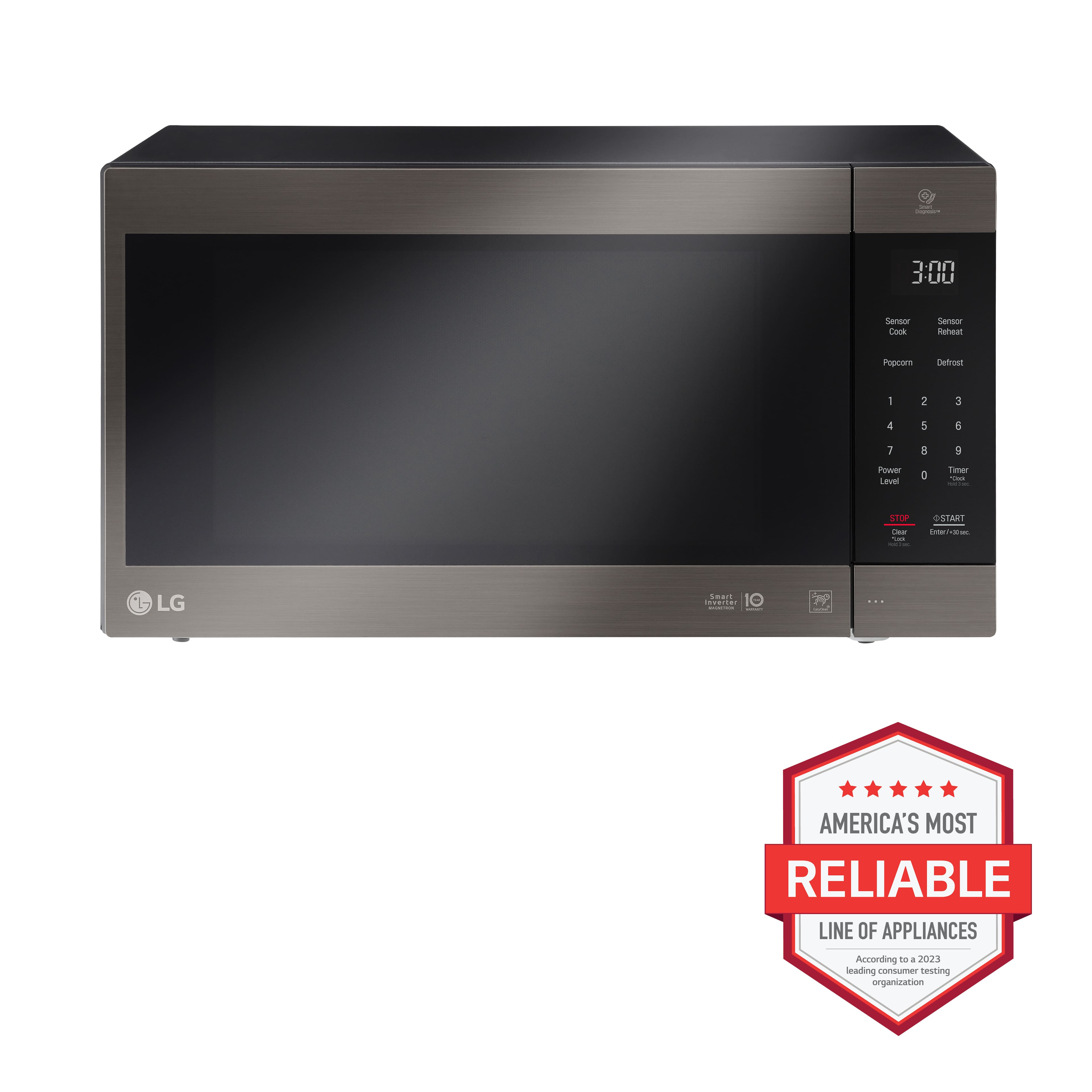
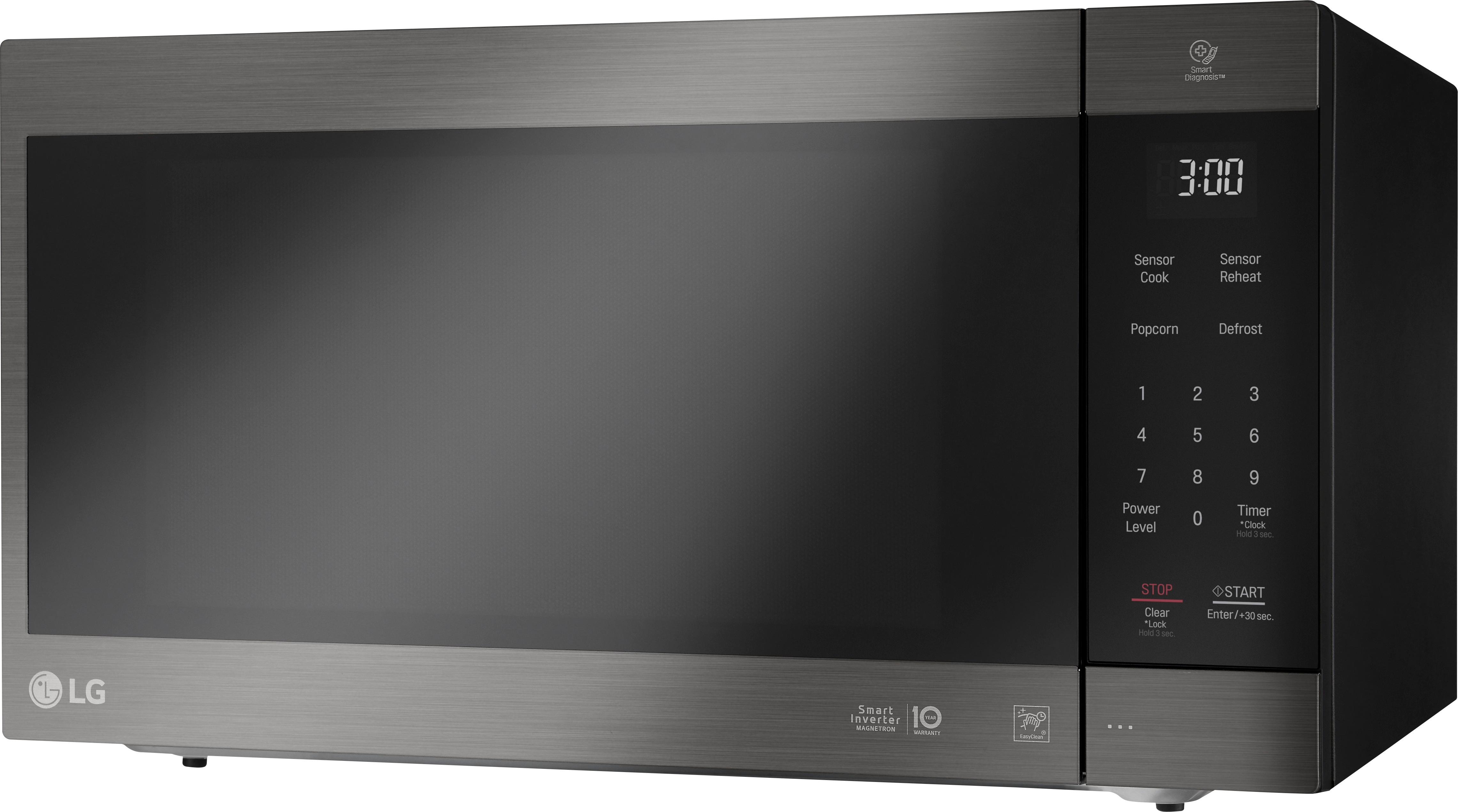
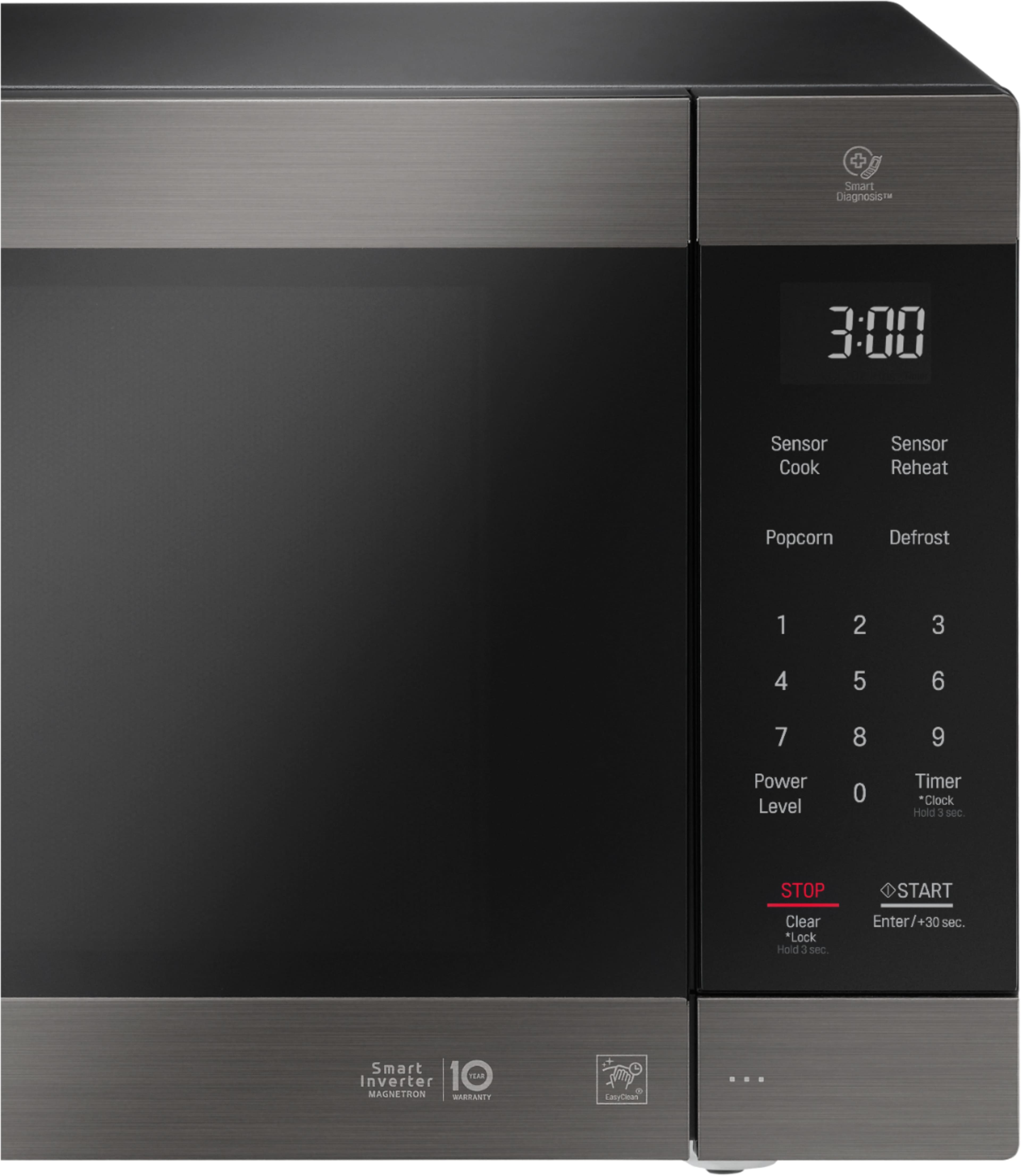
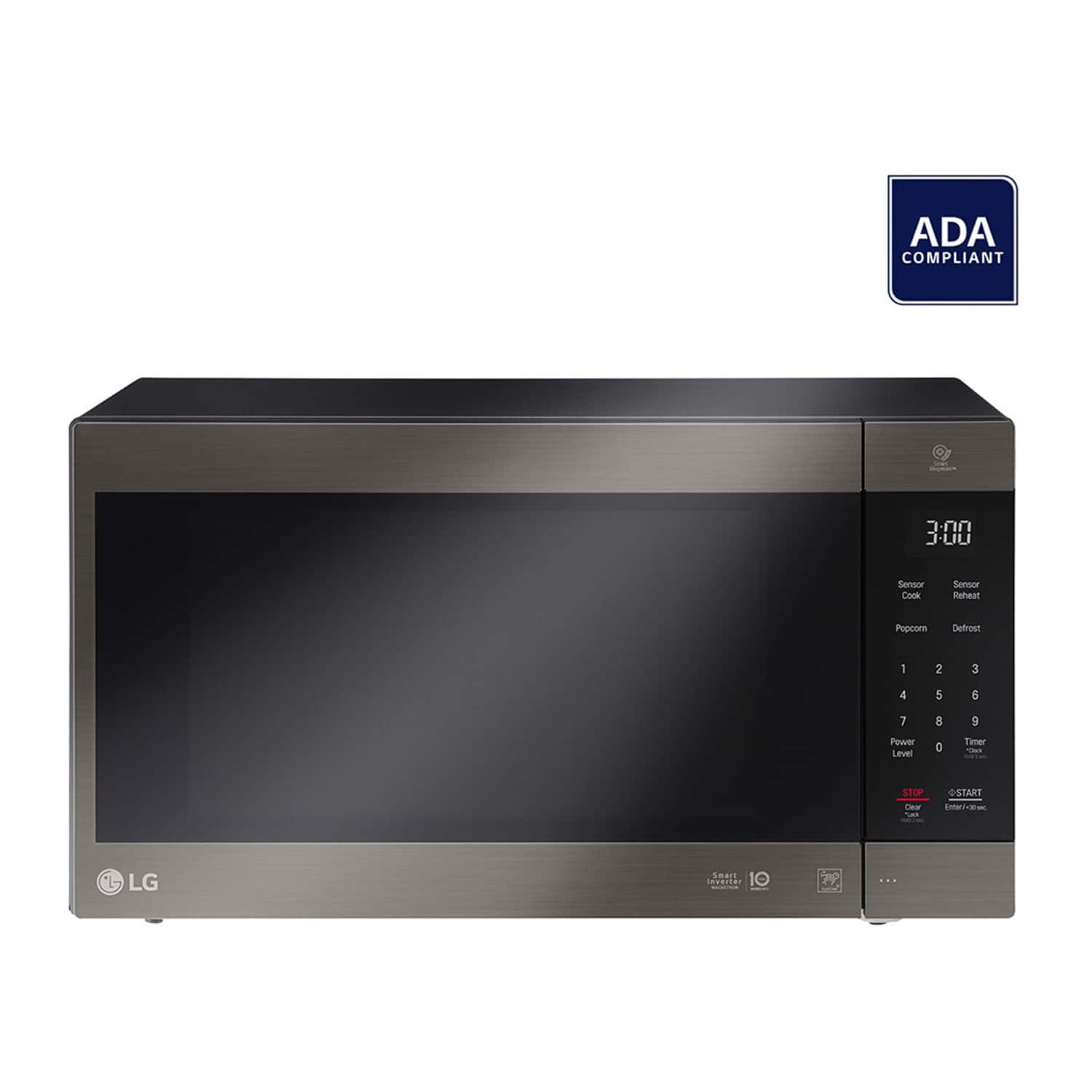
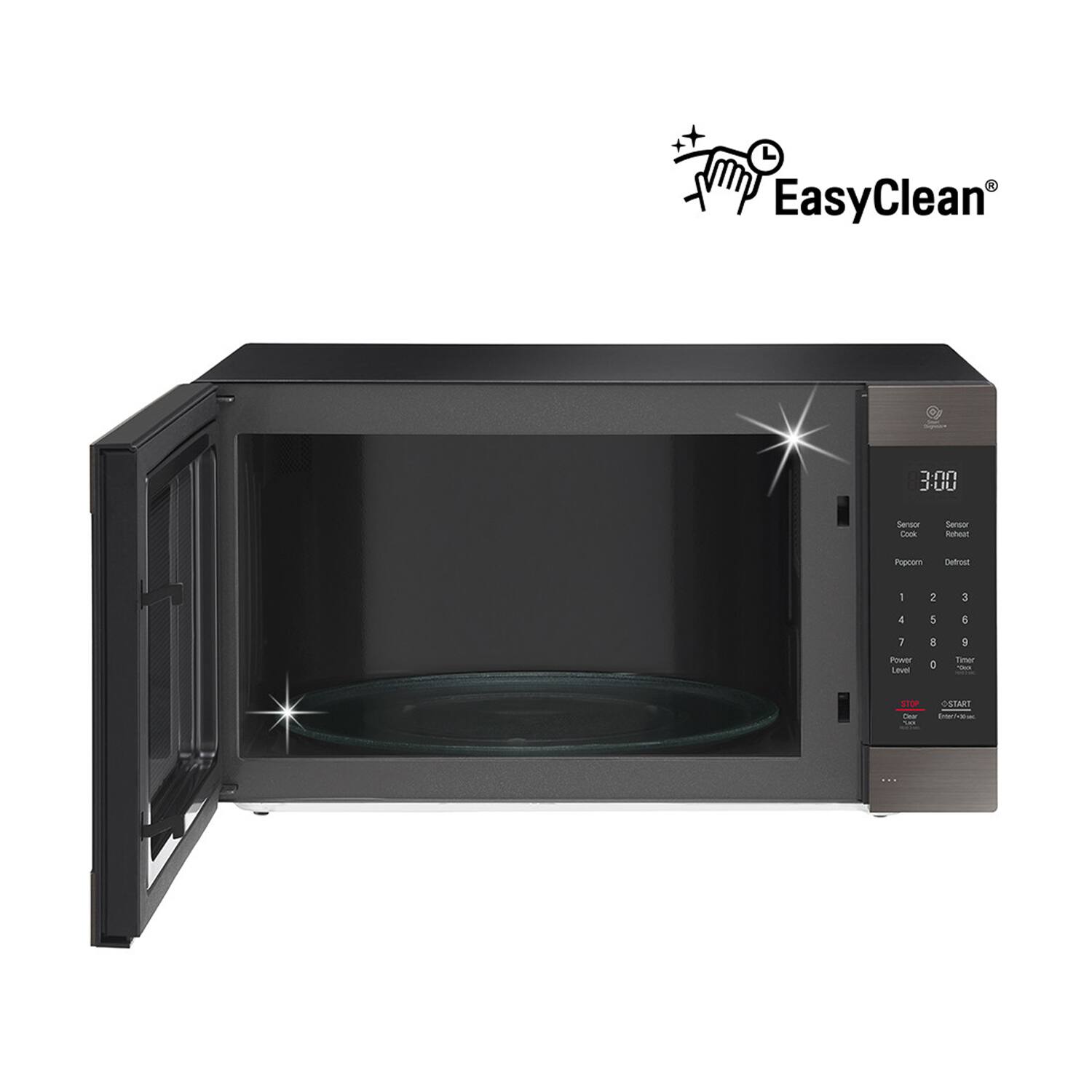
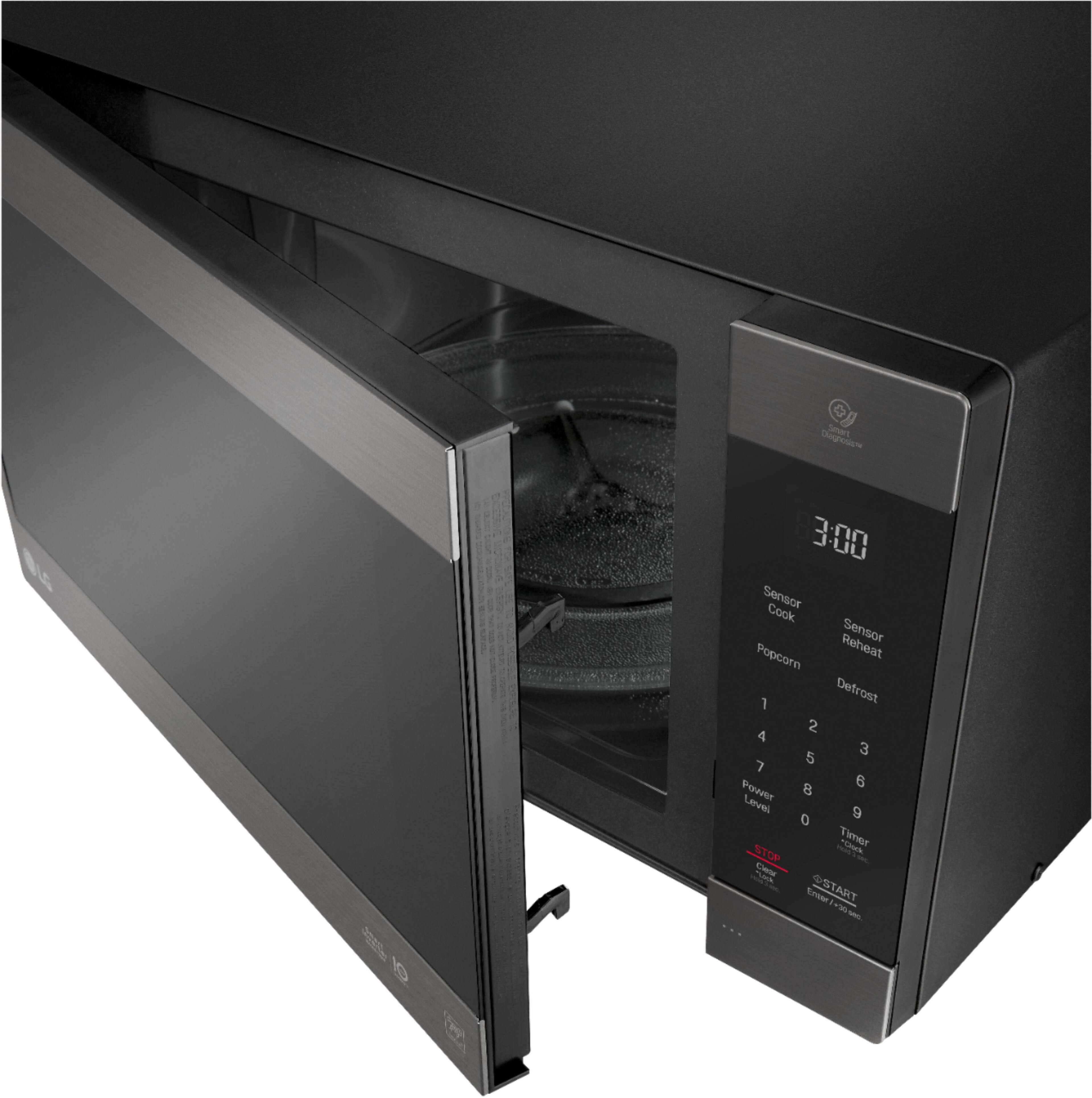
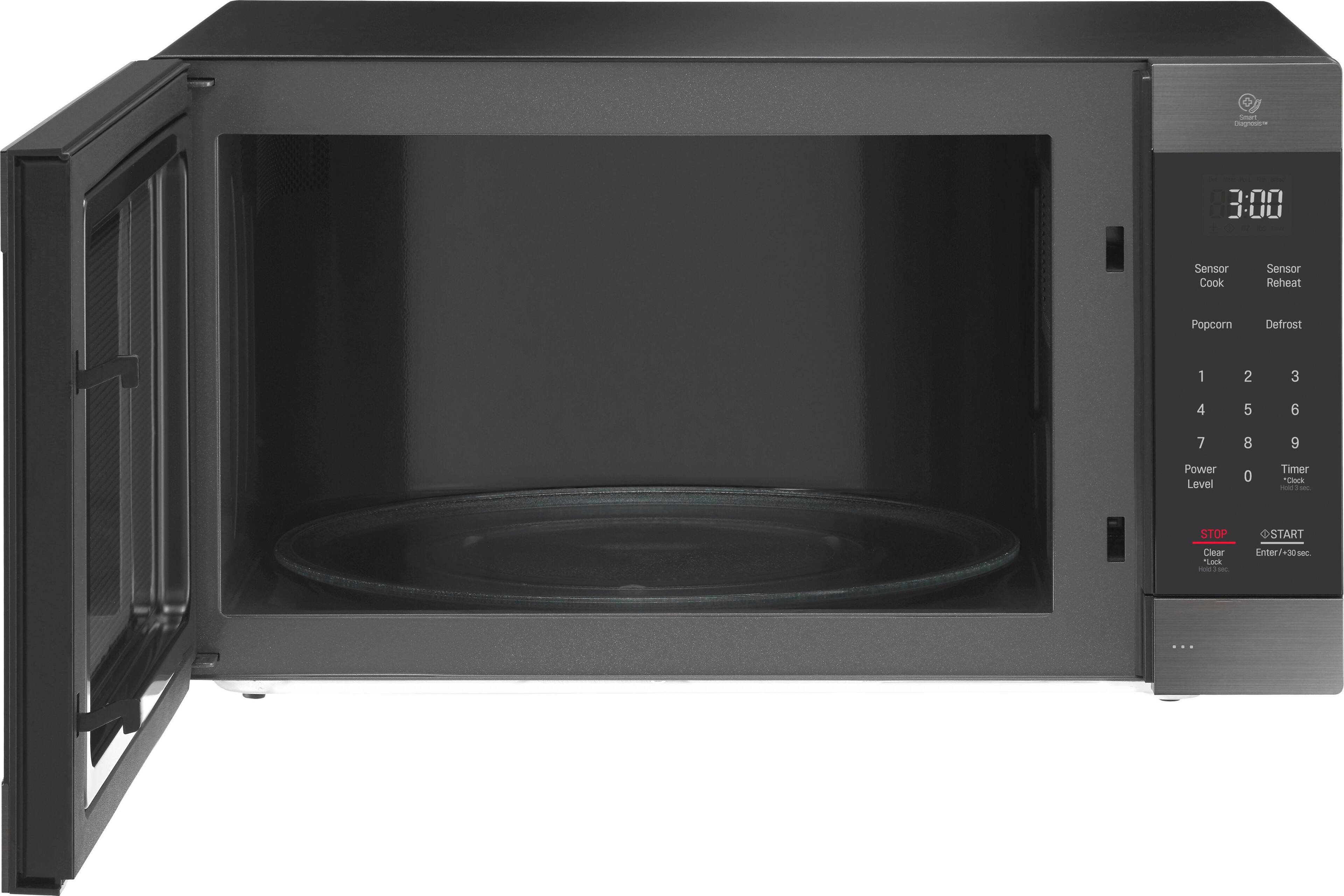
A:Answer Hi there. Thank you for reaching out. We understand that you're experiencing unusual noise with your new LG microwave model LMC2075BD.
It’s not typical for a microwave to sound like a jet engine while cooking. Here are a few troubleshooting steps you can try to address the noise issue:
Check Placement: Ensure that the microwave is placed on a flat, stable surface. If it's wobbling or not level, it can cause increased noise. Adjust the feet if necessary.
Inspect the Turntable: Make sure the turntable is properly seated and not obstructed. An improperly placed turntable can cause noise during operation.
Clean the Microwave: Sometimes, food debris or spills inside the microwave can cause unusual noises. Clean the interior thoroughly to ensure no residue is causing the issue.
Ventilation: Ensure that the microwave has adequate ventilation space around it. Blocked vents can lead to increased noise.
Check the Fan: The microwave has a cooling fan that may be louder when the microwave is working hard. If the noise seems excessively loud or if it's a grinding or rattling sound, it may indicate a problem with the fan or other internal components.
If these steps don’t resolve the issue or if the noise persists, please send us a private message on Social Media @LGUSSupport. Our team will be happy to assist you further and help determine if there’s a need for repair or replacement. We appreciate your patience. —Renzo