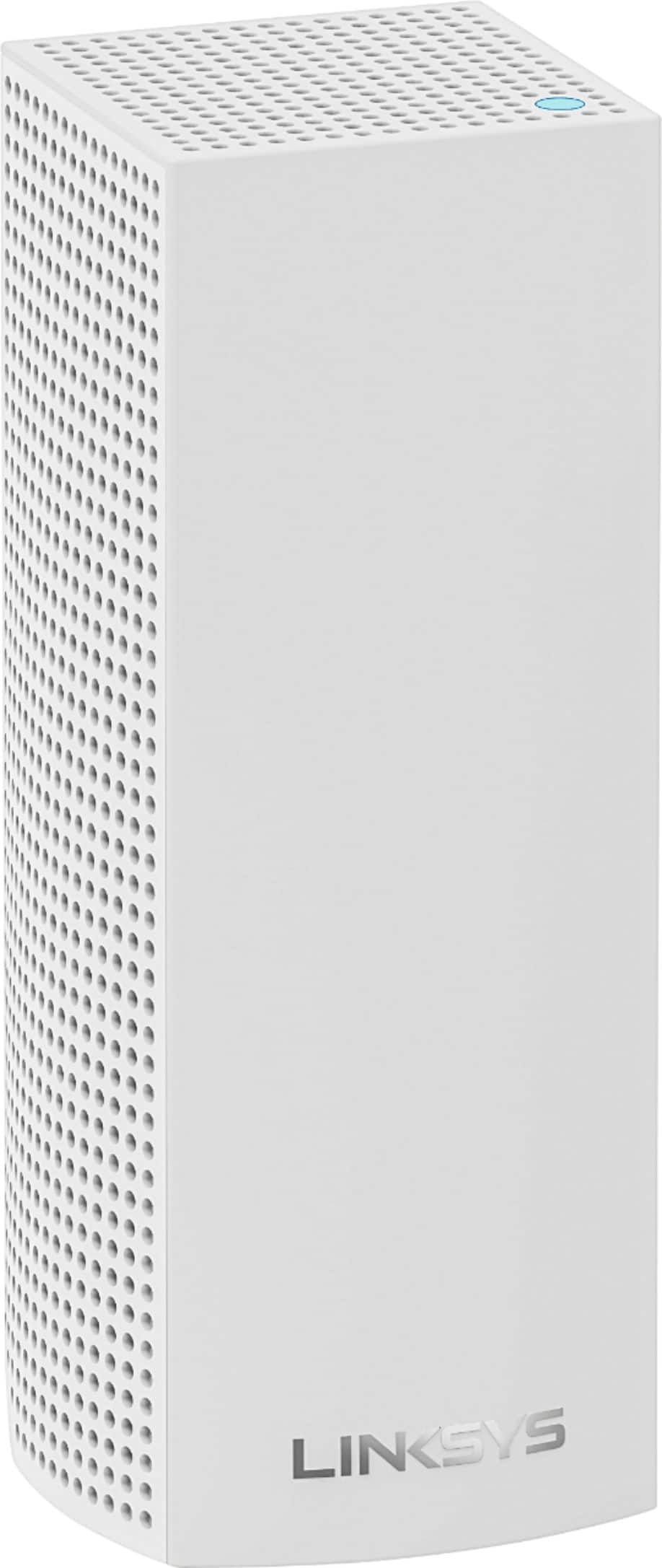
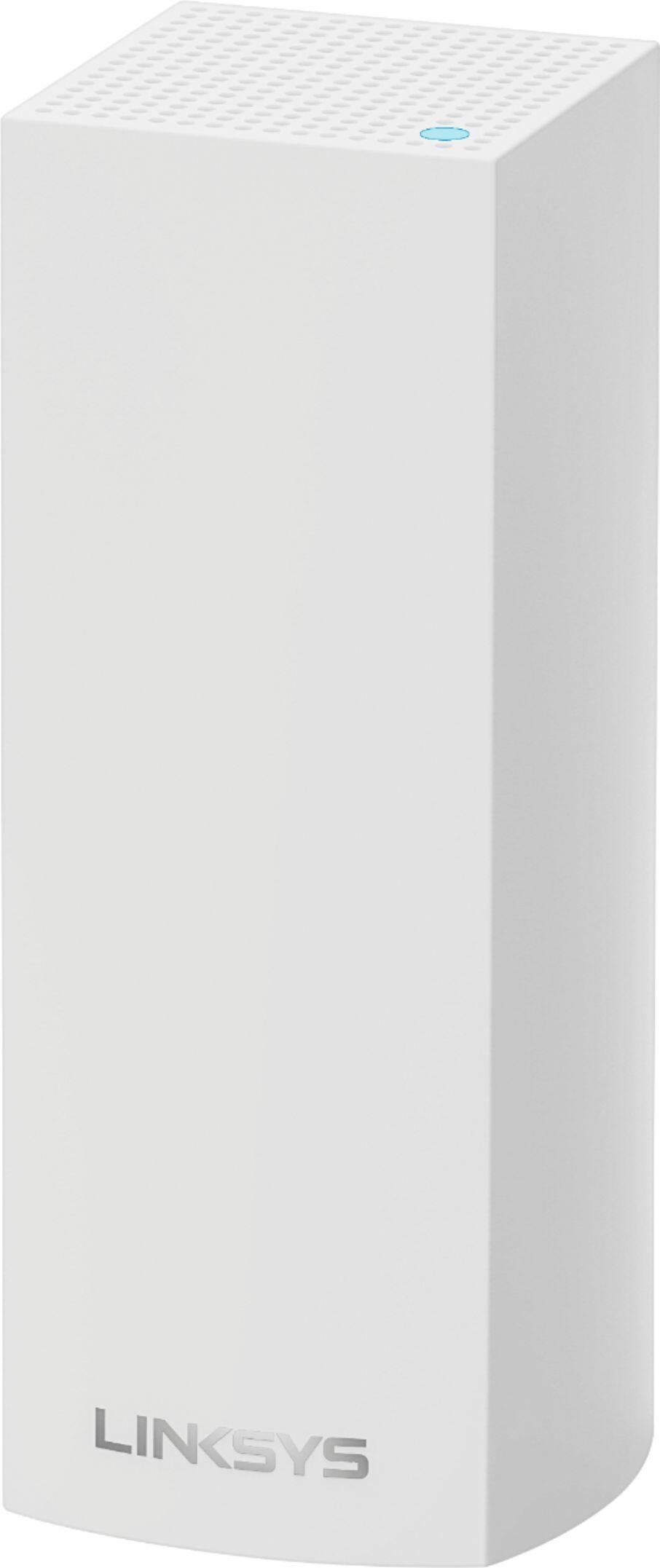
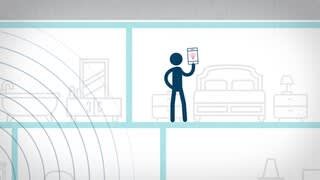
A:AnswerAt least two Velops, but basements can create issues. So if you can afford the 3-pack go with that. If you go with two make sure one Velop is as directly above your basement office, as possible.
A:AnswerHi, DougJ. For us to properly provide the best recommendations, please get in touch with us at LinksysCares@linksys.com with your contact details and the link to this post for reference.
A:AnswerIt depends on the space. We have a room that is approximately 1500 square feet but is completely open. My modem and the first node is at the far western end of this room. The next node is in the family room, which is approximately 75 feet apart. Now the other nodes are in walled rooms and the distance between them is 25 - 30 feet. I initially installed three nodes and most recently added two modes and that was very easy to do.
A:AnswerHi. You can refer to this link on how to check your Wi-Fi password: https://www.linksys.com/us/support-article?articleNum=142491
If you also forgot the admin password of the Velop system, you will need to reset it to factory defaults and configure it again.
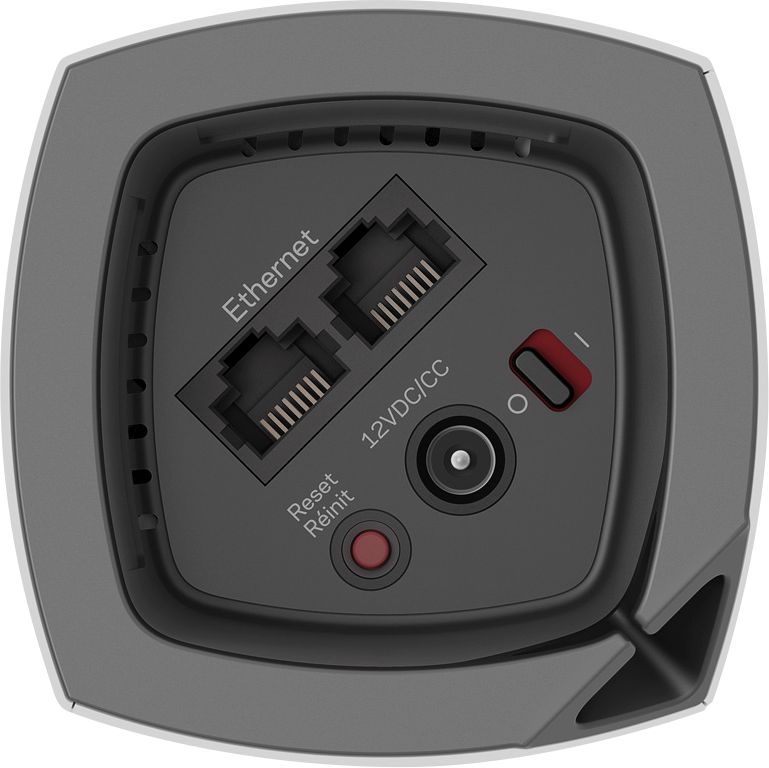
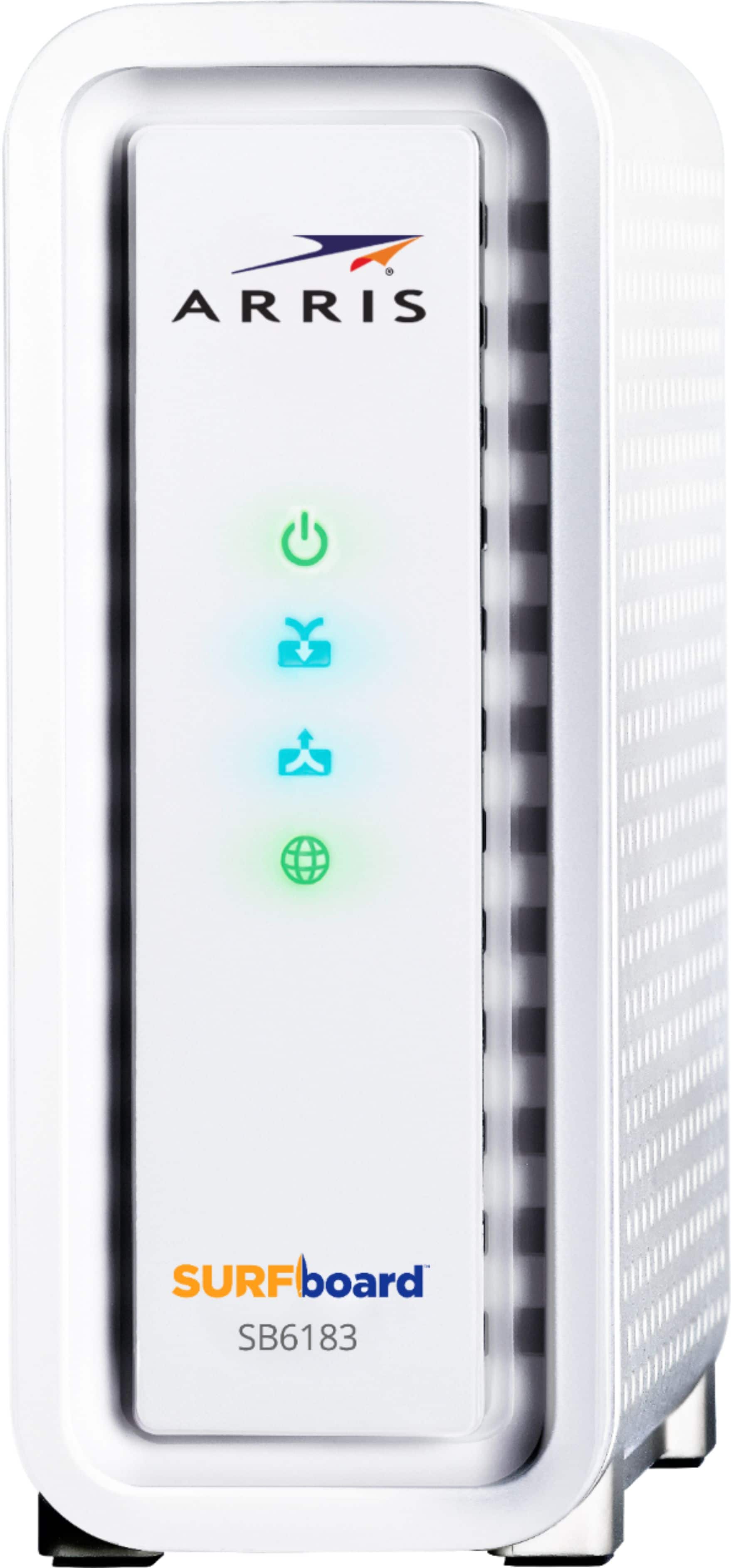
A:AnswerThe Linksys pod system is itself a router to have wifi in your house. You need a modem, that's what brings internet into your house the router or Linksys system sends it to all your devises. You need a cable to connect a pod to your modem. You can connect a cable from your modem to you desktop. Hope this helps.
A:AnswerYes, Mike. It works with our Velop models including the dual band models. However, the tri-band node should be set as the main node and set the others as child nodes.
A:AnswerYes you can, but why would you. Unless you are trying to setup another dedicated WiFi system for something else. I am a sound engineer and have a mixer in my music room. I was thinking the same thing. Having a dedicated WiFi for my sound gear. But then I thought about it and I just added my gear to my home network. Now I can connect to my gear from any device that I connect to my home network. I wouldn’t normally do this if it were in a different location, but it’s my house and I know everything and everyone that connects to my main network. If it weren’t a secure location I may have gone another route. Even when I have friends or family that come over, they would have to have specific software and know exactly how to get into the gear. And, none of them would screw around with the gear maliciously anyways. If so, that would be a whole different issue. Hope this helps.
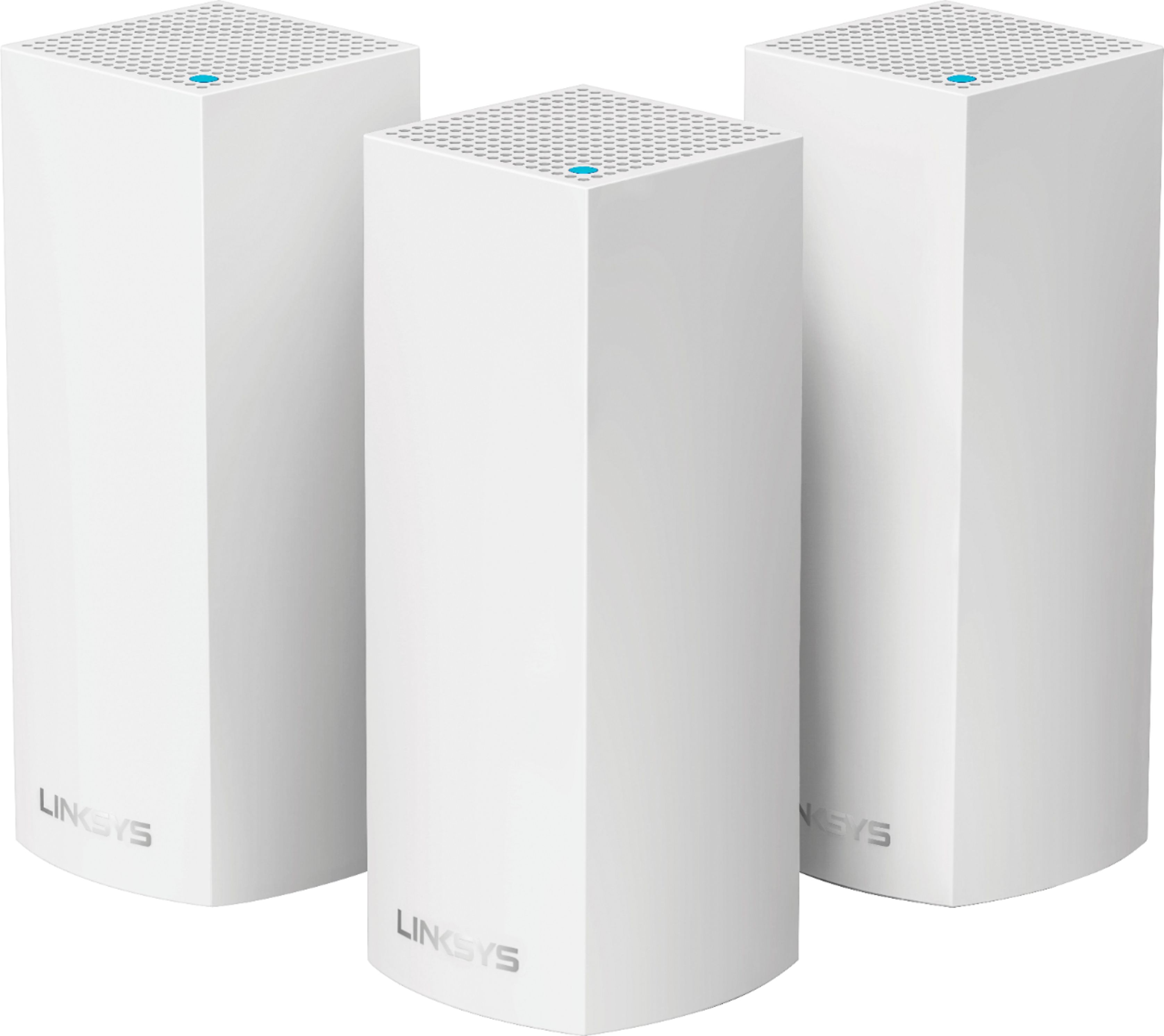
A:AnswerHi there. Our Velop routers will work with most Linksys routers. However, the Velop should be set as the main router and set the existing one as a child node. For more details, please reach out to us at LinksysCares@linksys.com.


A:AnswerI recently added two more to the three I already had. Before I purchased the last two, I read some place there is a limit but recall it's a number well above six. That helped me make the decision to purchase the additional two. Had no trouble adding them.
A:AnswerThey should work with any provider but yes you may have a lock. Call your internet provider and see if they lock your modem from outside routers. They should be able to disable that feature
A:AnswerMany. Linksys now says as many as you want. I’m running 6. keep in mind that each node supports a maximum of 128 clients ( 64 on each freq band). So there is a theoretical limit of ip clients to consider. But nodes can be scaled up and added. There used to be concern beyond 5 nodes. But up to 8 should be no problem. Probably more now ok too but I have not tested. Also it seems each node also gets an IP address. So keep that in mind.