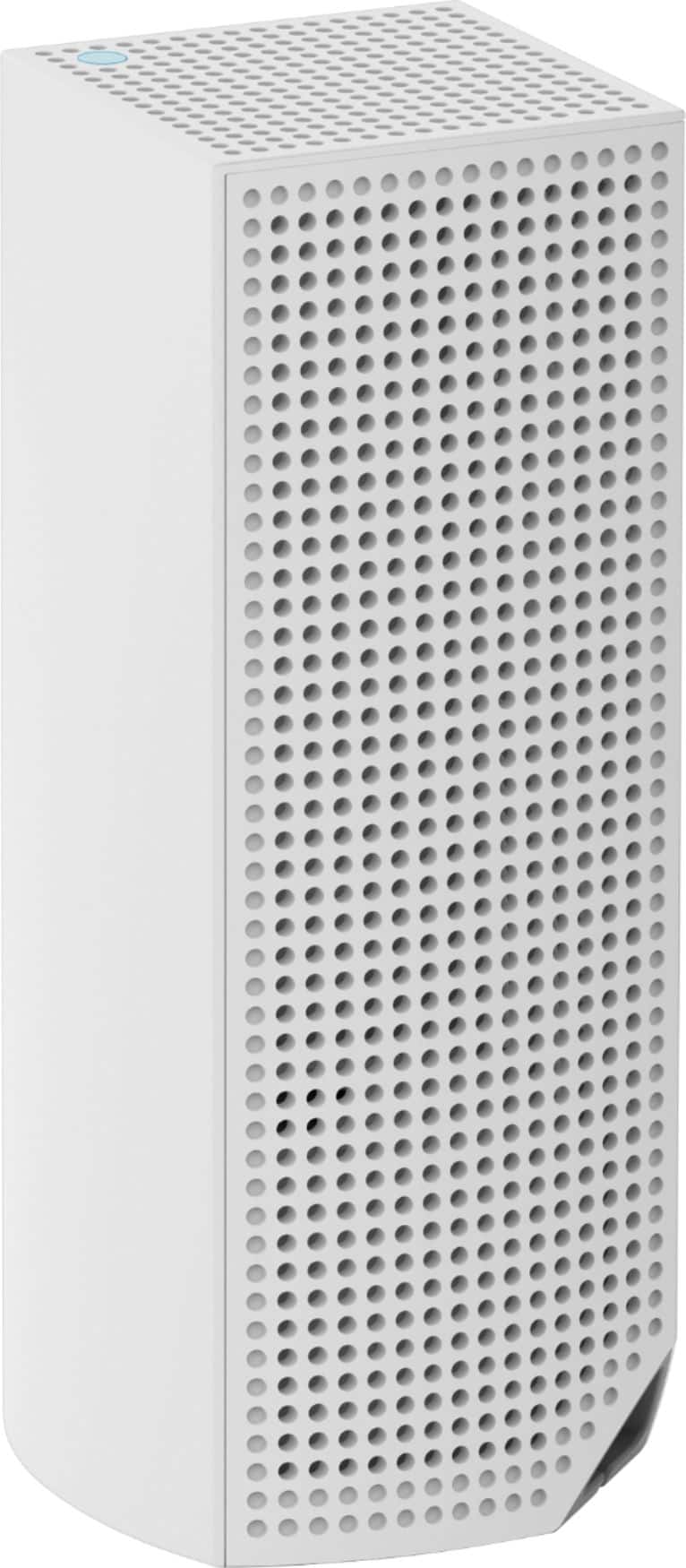
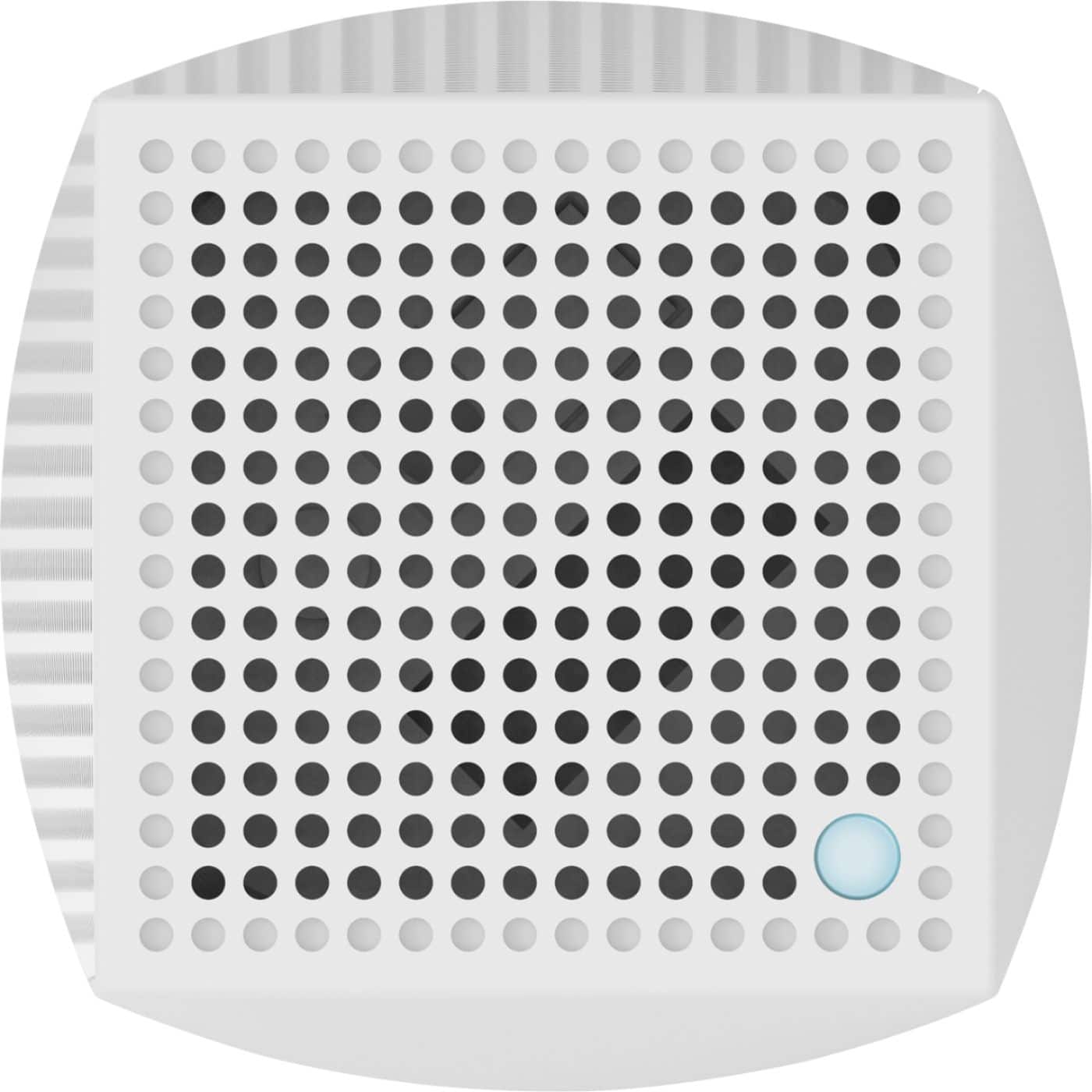
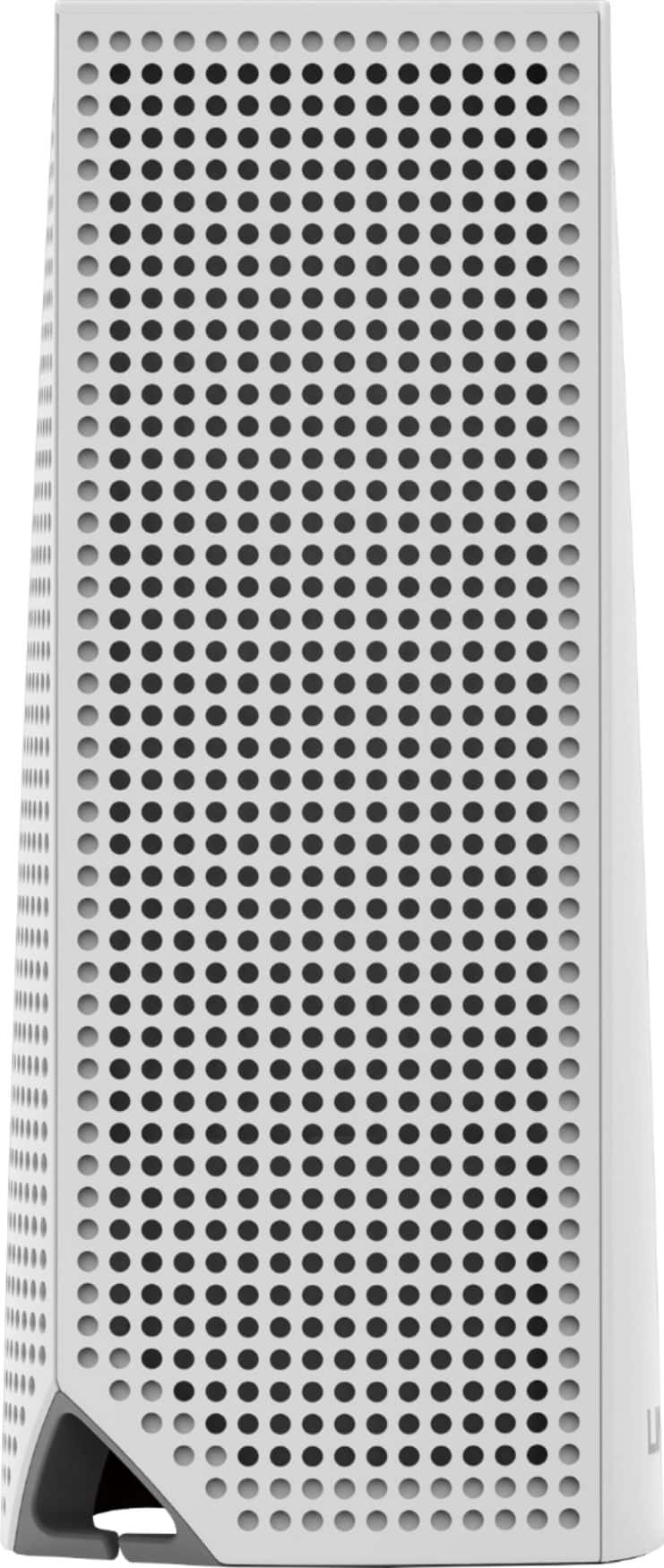
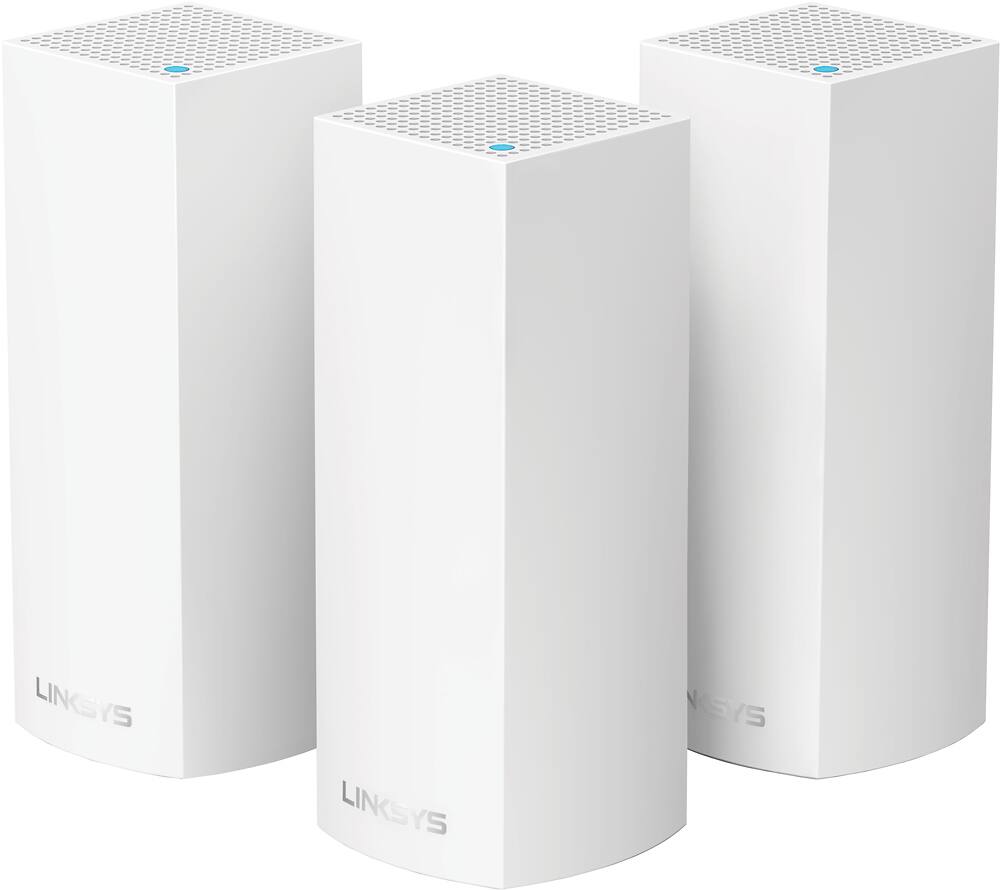
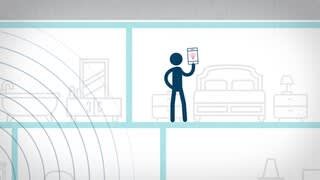
A:AnswerThat's a good setup, michaelc. Ideally, the node connected to your modem is centrally located in your home. It’s okay if that’s not possible in your particular setup, and we also recommend 1 to 2 nodes per floor. You can start from there and test out various ways of placing your nodes. Make sure to maximize the Spot Finder Technology and Channel Finder Feature to achieve most coverage and fastest speeds throughout your area.
For further assistance, email us anytime at LinksysCares@linksys.com.
A:AnswerWorks great. You buy your own modem, and return the Comcast modem that you are probably renting and save the $10 per month. Then connect 1 of your Velop wi-fi to the modem with the enclosed Ethernet wire, and it sets up your wi-fi to as many of your additional Velop nodes as you want. If you are going to buy the 2 pack go ahead and buy the 3 pack. The 3rd node will give you much more area coverage than just 2. I just did this to my Comcast internet and placed 5 Velop nodes ( a 3 pack and a 2 pack ) to cover 6500 sq foot house. Works great
A:AnswerYes, Mark. When in Bridge Mode, your Velop will not have its own separate network. All nodes and client devices connected to your Velop Wi-Fi or to the existing modem-router (gateway) will be on the same network and can communicate with other devices within the network.
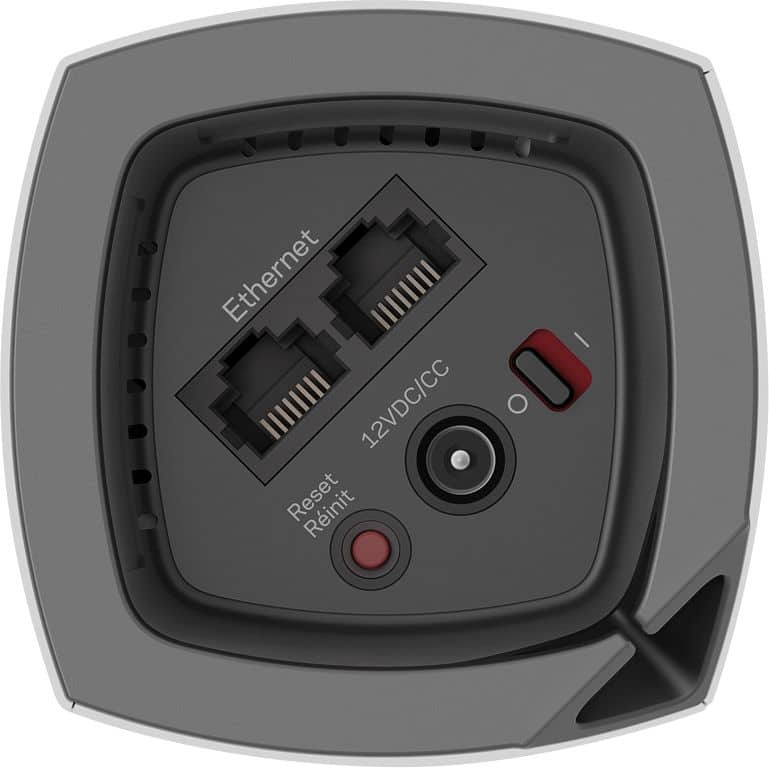
A:AnswerHi, Mark. One Velop node has two Ethernet ports. One port is for the modem (primary node), and you can use the other one to any of your wired devices. You can also connect a switch to any of the ports so you can connect more wired devices in your network.
A:AnswerHi there, pepe88888. The Velop system has a standard North American two-prong plug (100-240V). Make sure you have a power plug converter to work in your region. As long as your provider connects to the Velop via Ethernet, it will work. Moreover, you can add more nodes should you need to.
A:AnswerYeah I think it really depends on how far it is from the node but yeah very possible. Would definitely work if you had Ethernet jack in the garage.
A:AnswerYes you should be able to. You do not even have to purchase a power source as the one coming with the unit in the US is 110/220 volts. You will however have to buy an adapter so the unit can be plugged into the wall power outlet
A:AnswerYou can use both ports on the satellite nodes for wired devices like your Apple Time Capsule. For example, I have my Arlo base plugged into the node on the main floor.