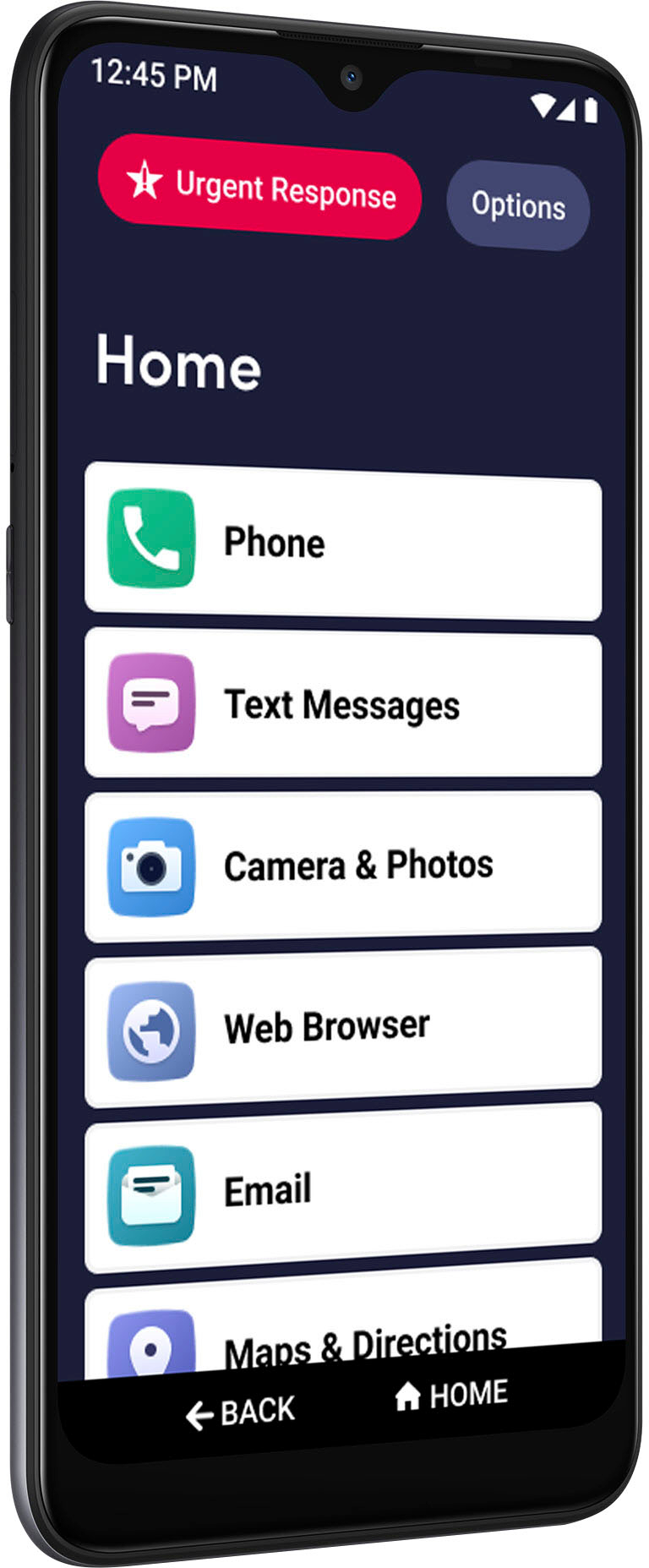
A:AnswerGreat question! Our Jitterbug Smart3 phone has access to the google play store and like other android/smart phones it is able to download 3rd party apps such as WhatsApp. We hope this information was of help.
A:AnswerI dont remember which one we got. I just went on Amazon. I got a colorful casenthat came with 2 screen protectors. There is a good variety of cases for it on Amazon.
A:AnswerIt has the ability to block calls by number or enter them as contacts so they come up as spam. It allows you to add apps through the google play store to do that. No program is fail safe in blocking because they do call forwarding now so scammers look like they are calling from your area when they are calling from somewhere else.
A:AnswerGreat question ! The Jitterbug Smart3 is able to pair in your car . for further assistance please contact our customer service at 1(800)733-6632
A:AnswerI am not an expert in this matter, have found through personal experie ce that updates ate generally useful, although they do sometimess make very obvious changes that may take some getting used to.
A:AnswerGreat question! The Lively Smart phone is unlocked per nationwide standards, but we cannot control which carriers choose to accept or activate our phones. Lively phones were specifically designed to work on the Lively network which is powered by the nation’s largest and most dependable wireless network. Lively's award winning U.S. based support and Urgent Response service is only available on the Lively network.
A:AnswerTheoretically you can transfer a SIM card from another Smart3 but my sister was able to have Lively Customer Support transfer all of her data without opening the new or old Smart3 phones.
A:AnswerHello, great question. The Jitterbug Flip does have a read-out option via the Accessibility tools and voice commands via Alexa when that is enabled. However, if that is not what you are looking for, the Jitterbug Smart4 has a hearing aid compatibility (HAC) rating of M3/T4 and will work with most hearing aids and the Powerful dual speakers make conversations loud and clear. There's also a live call captioning optioning for seeing spoken words as text in real time while on a call. Additionally, the Smart4 is an Android phone that has the Google Assistant and the Accessibility tools.
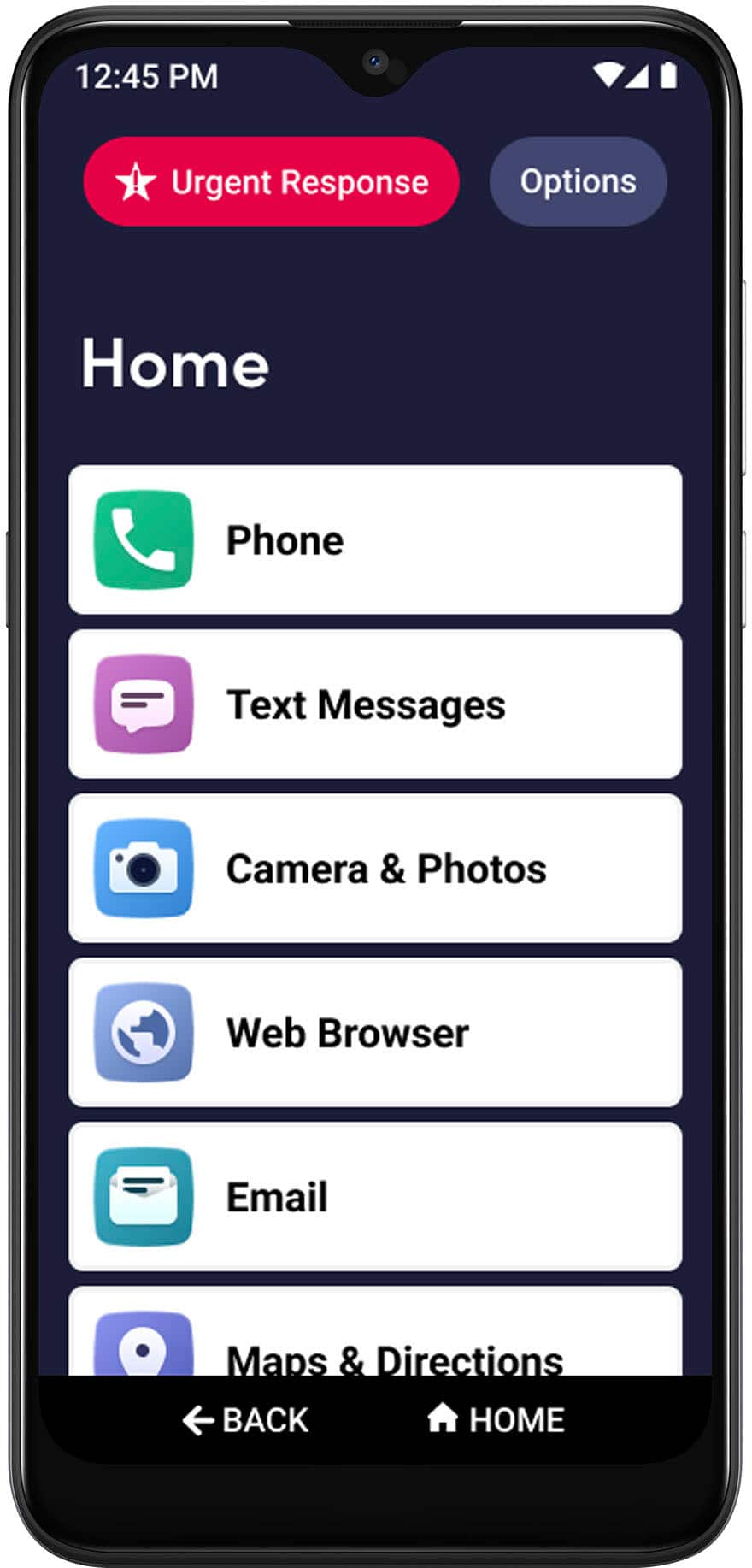
A:AnswerHello, thank you for your question. Because we are not sure what information you wish to delete, we suggest you call our Customer Service between 5am and 6pm, Pacific time, so that we can assist you.
A:AnswerHello, great question. Through the Google Assistant you can use voice commands to make calls. To turn it on, tap the little white stick figure of a man on the bottom right corner of phone screen. Then tap Accessibility > Accessibility Menu and then tap the slider button to on. If you need help, please give our Customer Service call between 5am and 6pm Pacific time.
A:AnswerHi, thank you for your question! Unfortunately, the Jitterbug Smart3 phone does not currently have this ability. We apologize to for the inconvenience and we are documenting your request so that our Product team can have visibility to this desired feature.