A:AnswerNot it's not compatible with the switch, your best option is the arctis steel series 1 which work absolutely perfect for wireless gameplay especially Fortnite.
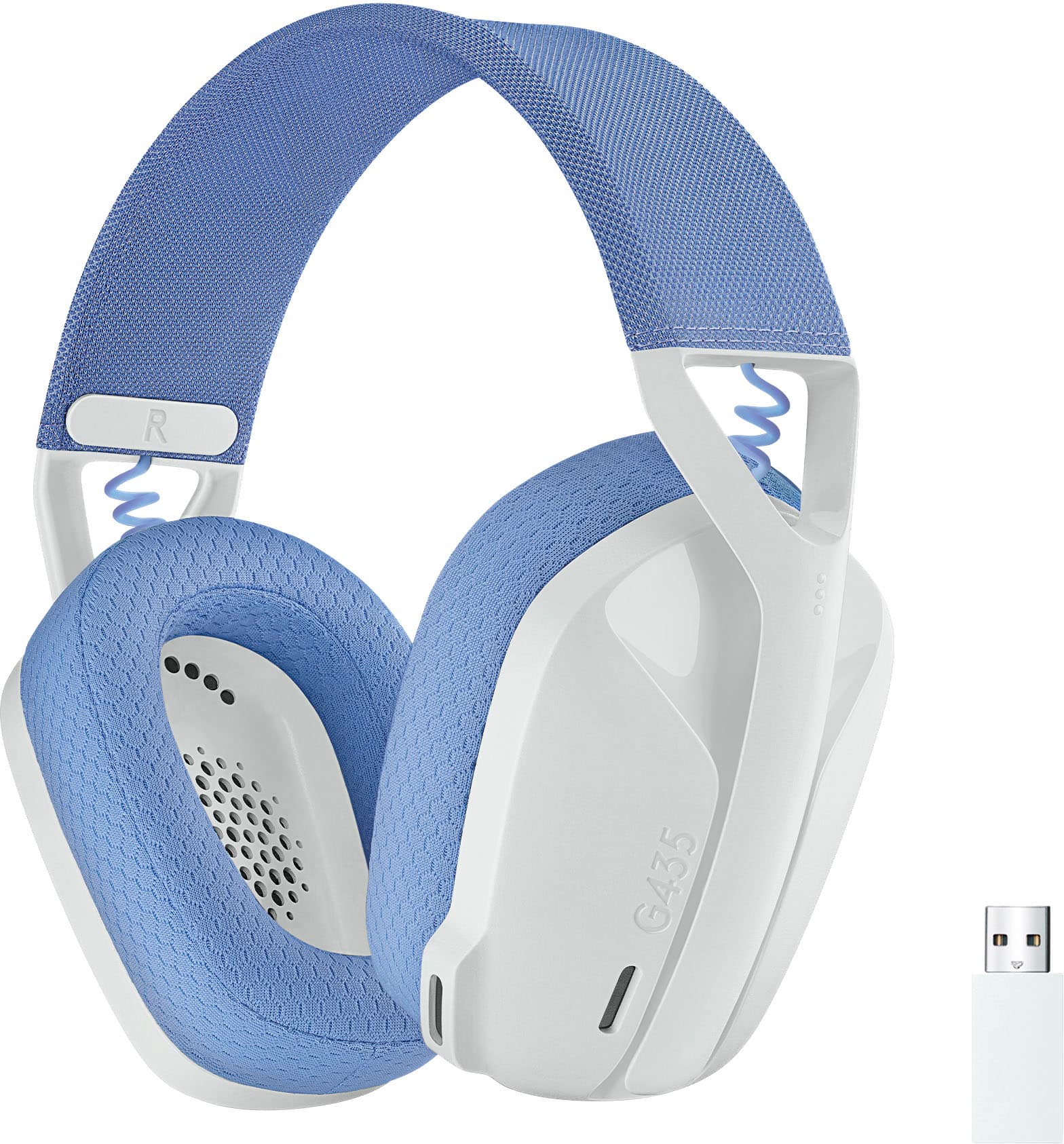
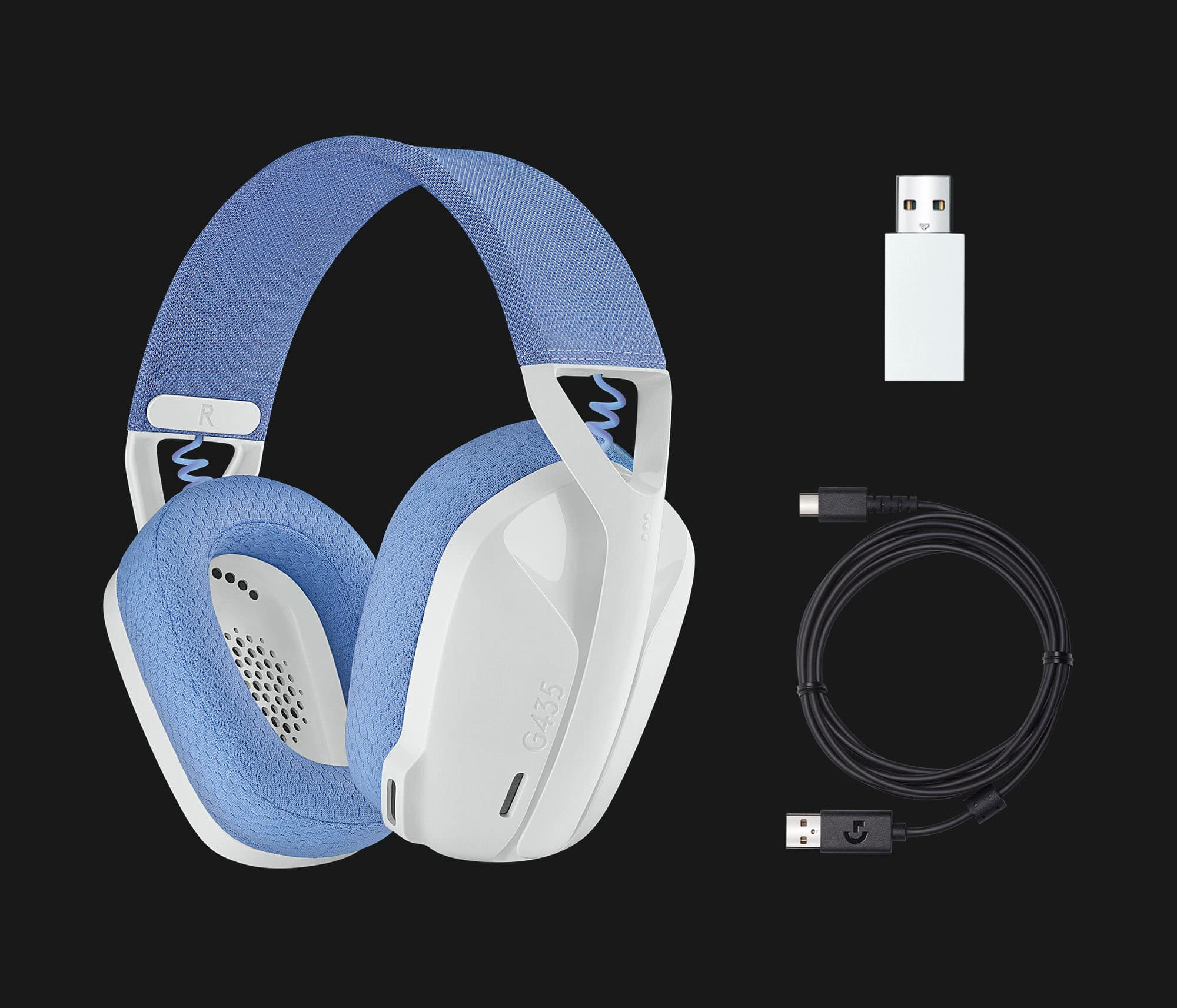
A:AnswerThe dongle and Bluetooth are two separate modes you have to hold down the mute and power button until the light changes color to switch between the two modes.
A:AnswerYes, it will. It can connect via bluetooth- remember, the switch can only hold 2 bluetooth connections at a time. Be sure to delete one to make room. Then try this if it still wont connect:
Connect your dongle to the PC/laptop.
Then connect headset to PC via USB c connector
Then go here and update firmware: https://support.logi.com/hc/en-us/articles/4407898529687-Download-G435-Gaming-Headset
A:AnswerI believe these were falsely advertised as a gaming headset for the switch. Hopefully you have your receipt I would take them back and get the arctis steel series 1. They work beautifully with the switch
A:AnswerWorks great for PS4 and PS5. It can do game and voice chat at the same, yes. Use your audio settings on the PS4 Home Screen to adjust volume between game and voice chat.
A:Answer"Richard from Logitech" is just plain wrong, It states on Logitech's website that this headset is only pairable with the Switch over Bluetooth, and is audio ONLY, no microphone. The USB dongle does not work with the Nintendo Switch.