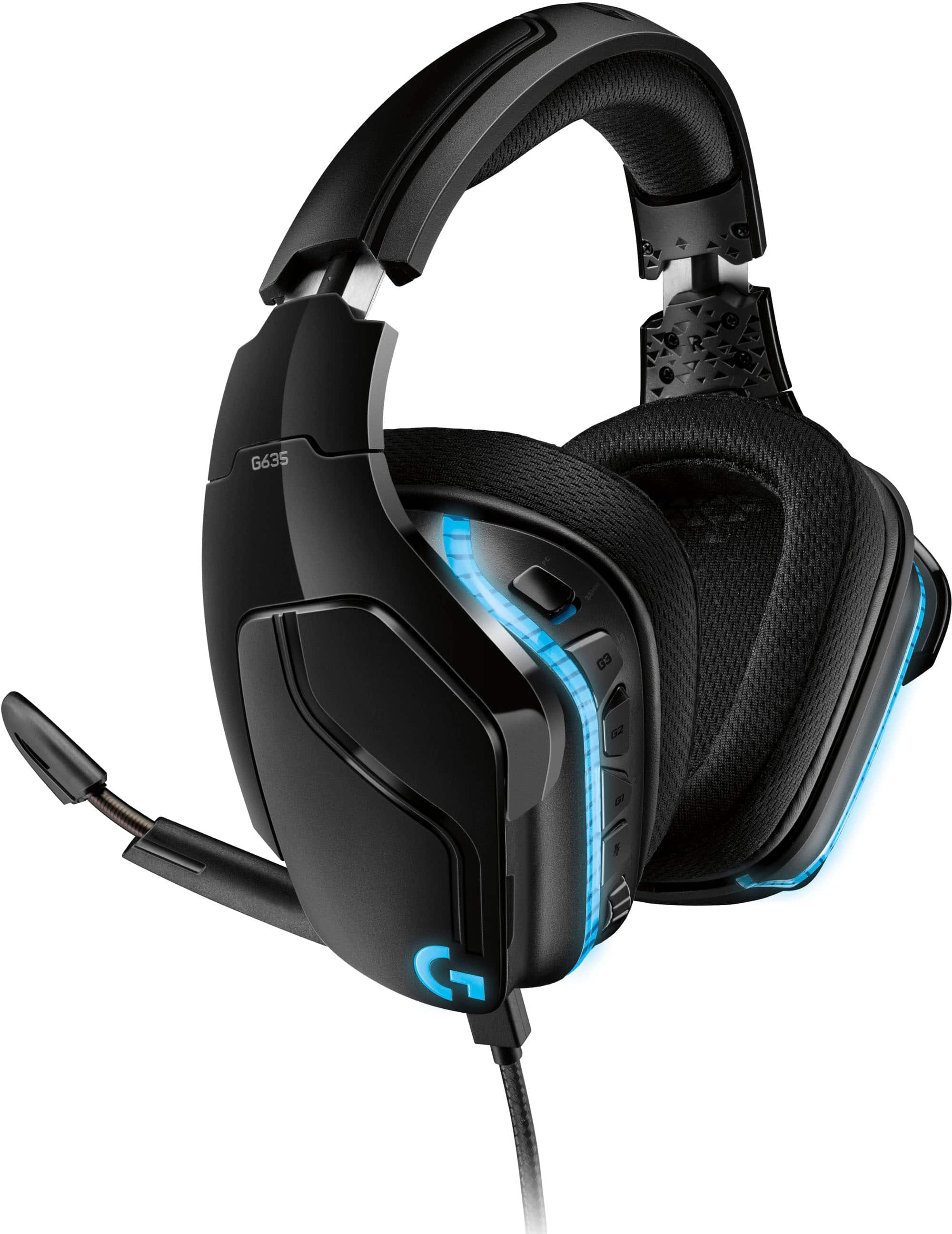
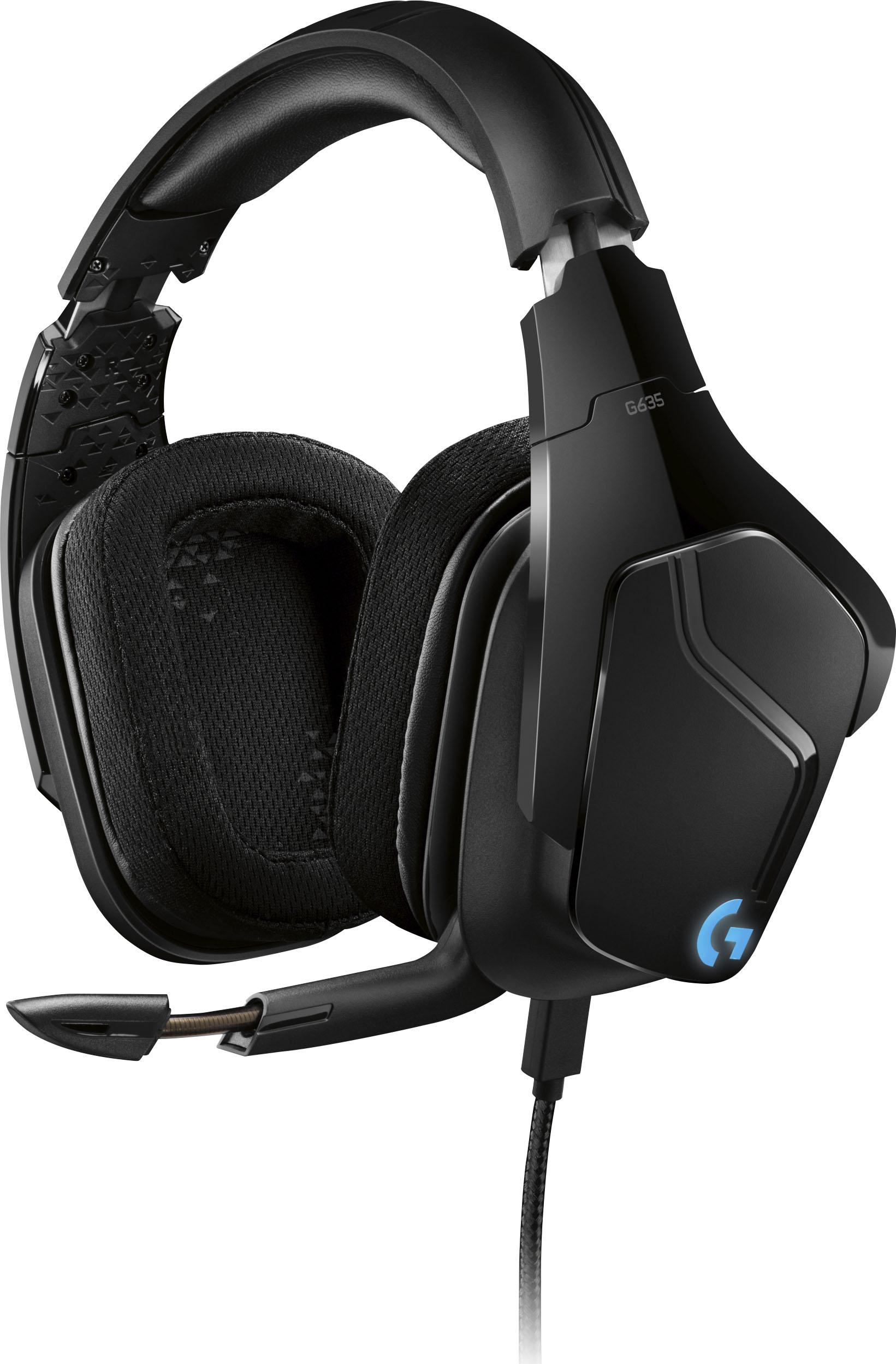
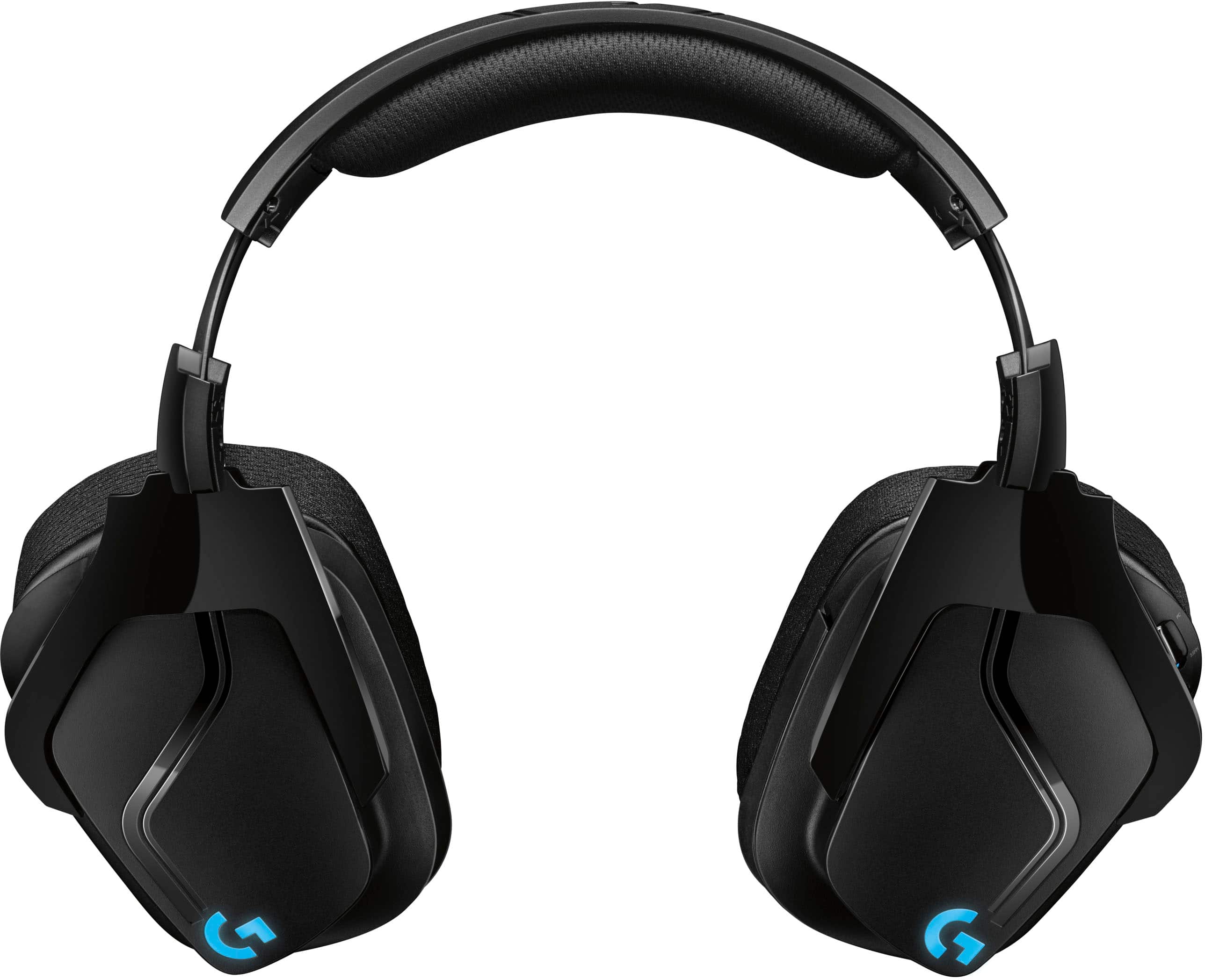
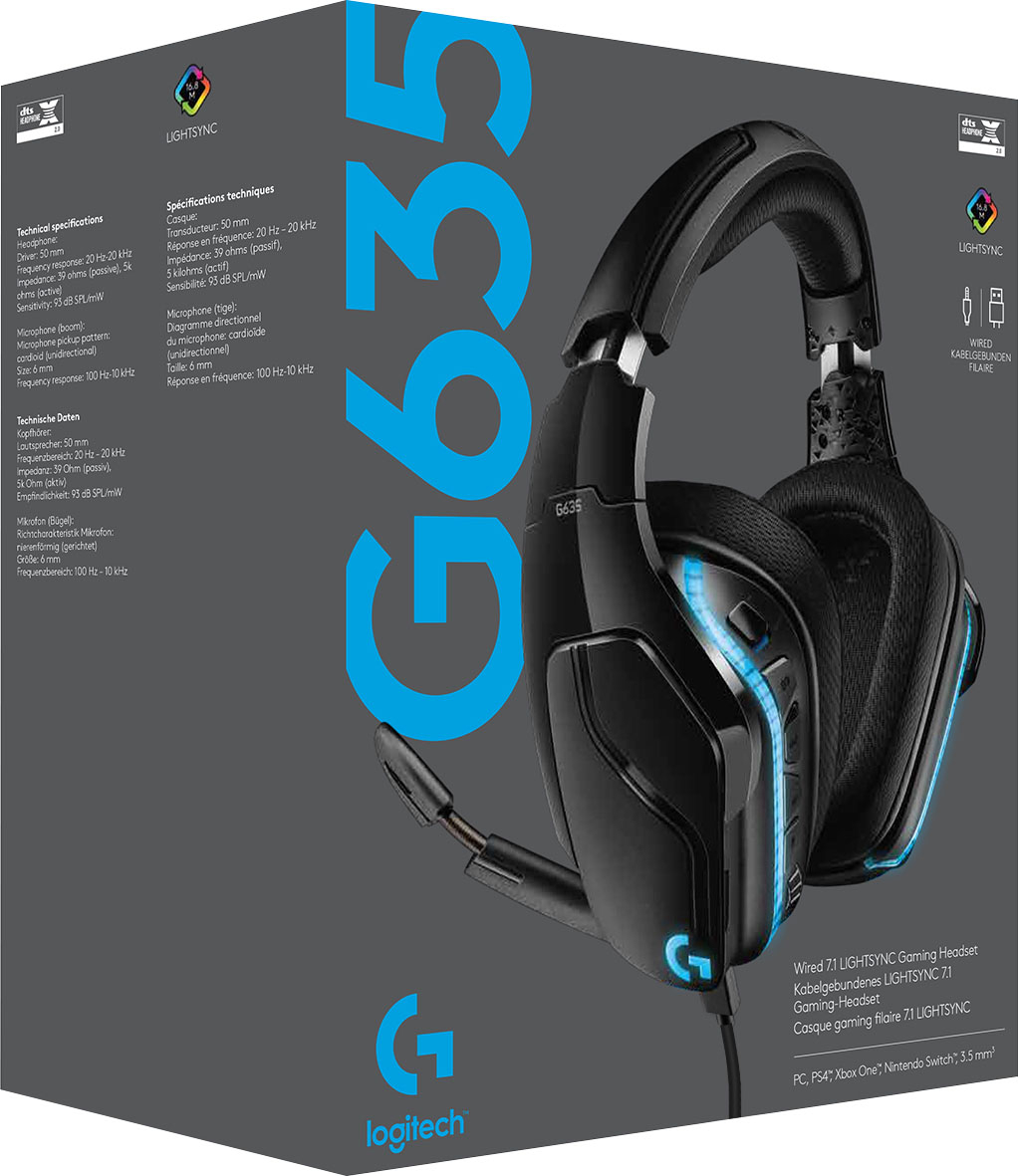
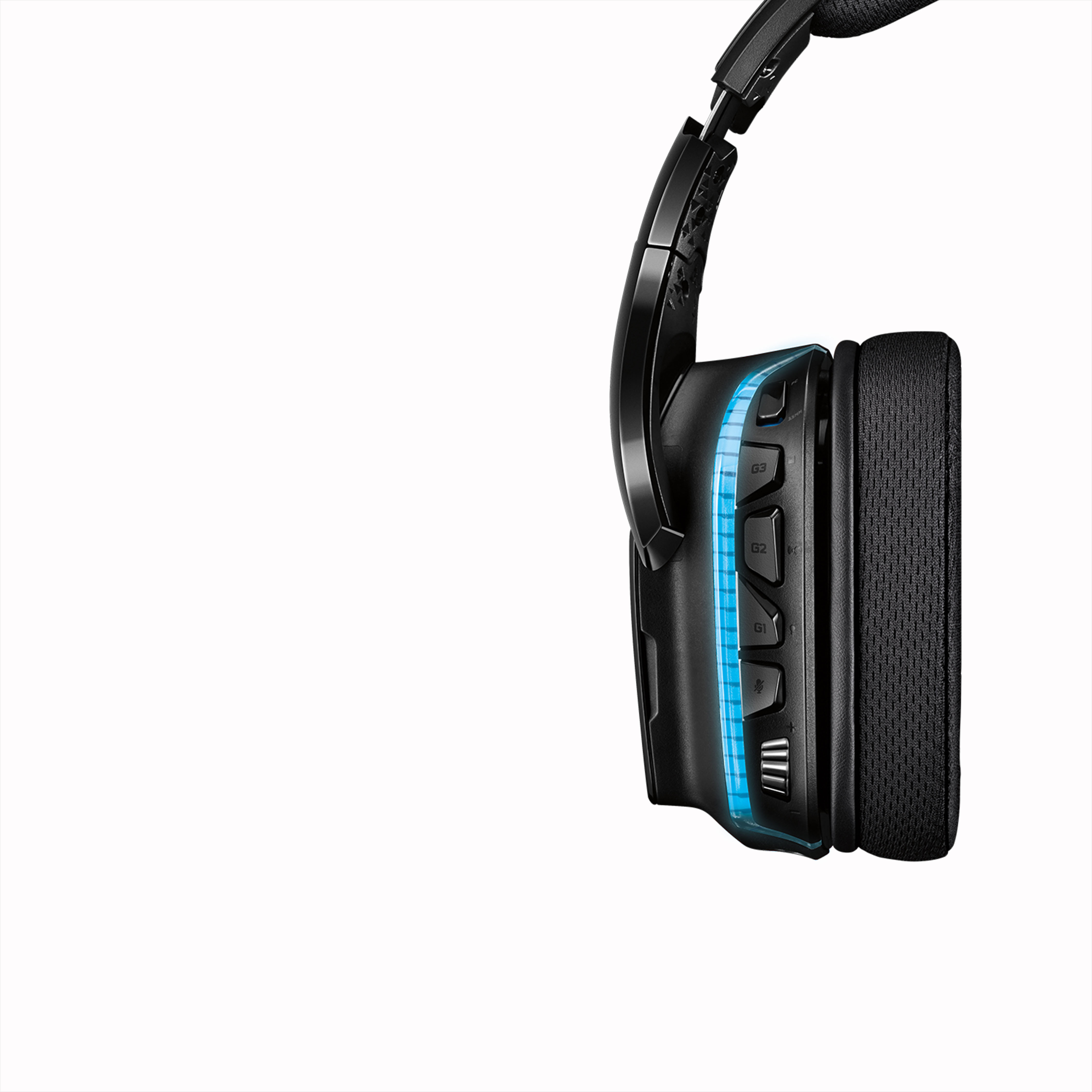
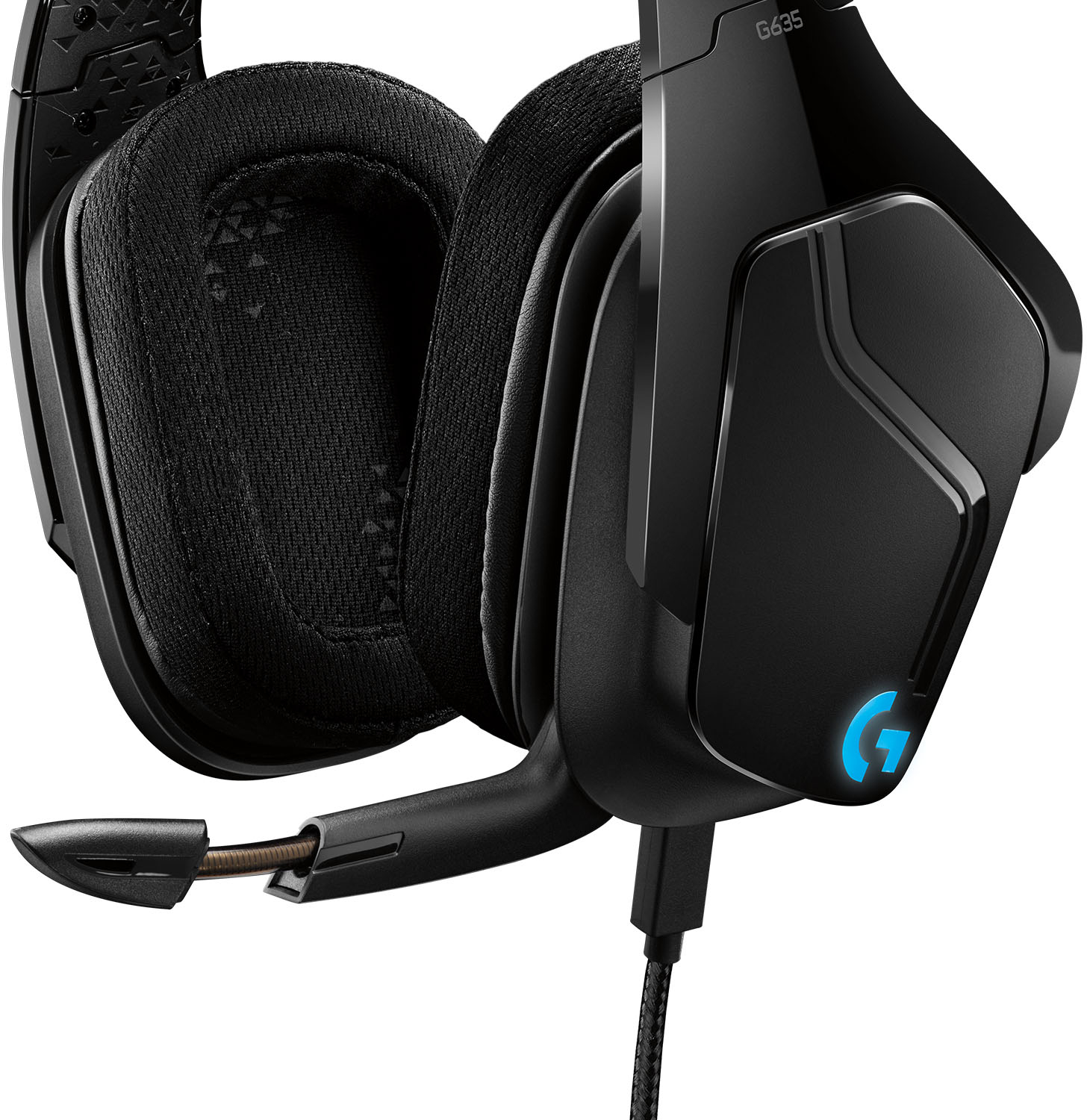
A:AnswerHi Nick, the G635's RGB lights are customized through the G Hub application. So once you set it to the colors that you like, the headset will remember that setting until you change it again. So it shouldn't have any issues with you plugging it into a mixer. Hope that helps! -N from Logitech
A:AnswerNot very well, you need a two into one adapter and even then sometimes it doesn't work. Look for a headphone set that has a single mic/headphone plug. This Logitec headset has a two prong plug and the Lenovo Legion I bought doesn't like it too much.
A:AnswerHi, we're sorry to see you're having some connectivity issues with your G635 Gaming Headset. You do have a 2 year limited warranty that comes with your purchase. Here is the link to start the warranty claim: https://support.logi.com/hc/en-us/articles/360025083213-Warranty-G635. Hope that helps!
A:AnswerThat depends on how rough you going to be with it. It was usually it's going to Chuck it after you're done using it tossing it everywhere then probably not long just like any other headset but if you treat it good it'll be good to you and last a long time
A:AnswerNope depending on where you're plugging and many could be the issue with the other device. I've used it with multiple devices cell phone laptop tablet and have no issues whatsoever maybe it's the port you're plugging it into that has the issue and try cleaning it out
A:AnswerHello, surround sound will able to applicable when using the headset on PC/MAC in combination with our G Hub software. Use on console will only garner Stereo sound.
A:AnswerHigh end phones (such as the Samsung Note 20 Ultra 5G) don't have audio jacks anymore headphones ar connected via the charging port (USB-C) but after buying a similar headset, I learned that the headphones/mic are compatible if used in combination with a USB-C to USB-A adapter (I received one with my Samsung Galaxy S10). For those who use FL Studio mobile I highly recommend the adapter to prevent lag/ latency issues by using Bluetooth connections
A:AnswerHad similar issues, ended up uninstalling and reinstalling the drivers, unplugging everything from tower and plugging back in. worked afterwards
A:AnswerI had the same problem with some but not all PC games. I think the USB adapter is the problem and seriously flawed. If you plug the audio/mic jacks directly into the computer the buzzing should go away. I used an old Altec Lansing audio jack to USB adapter and all of the very loud and persistent buzzing completely disappeared.