A:Answer1. Yes. Have trouble with the Logitech Gaming Software but work with OSX
2. Come with two wires you can use. One is a charging cable that you can use the headphones while charging and the other is an audio jack that does not charge the headset while in use.
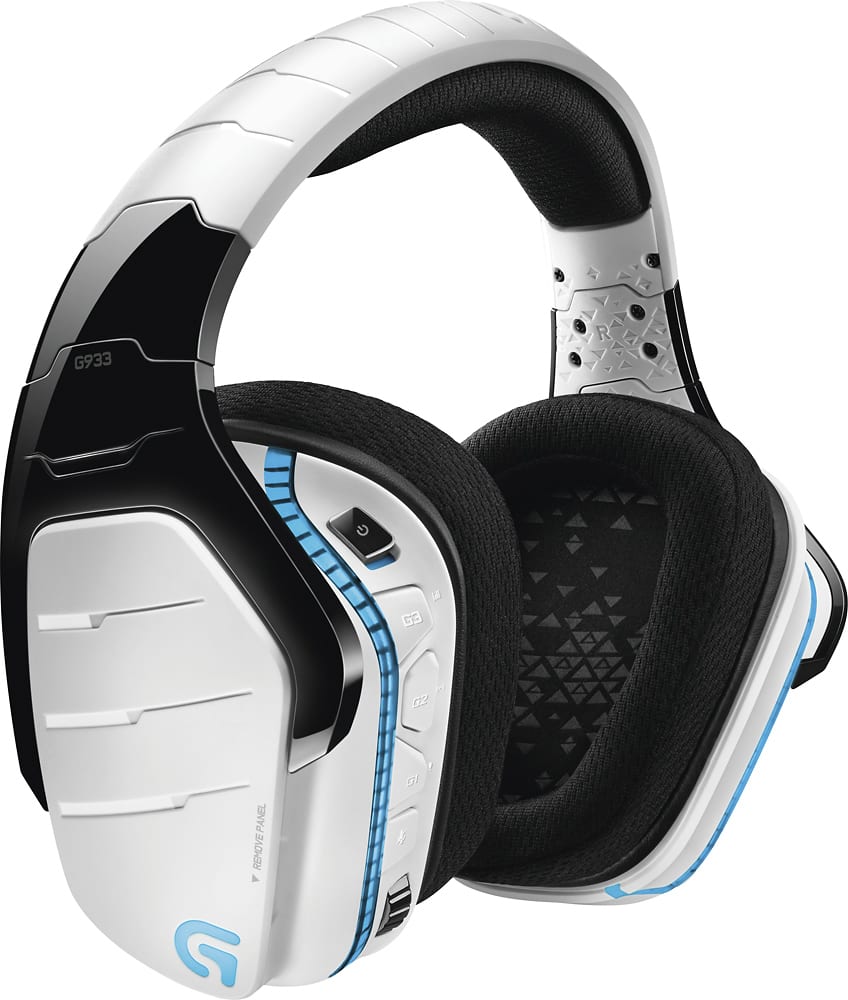
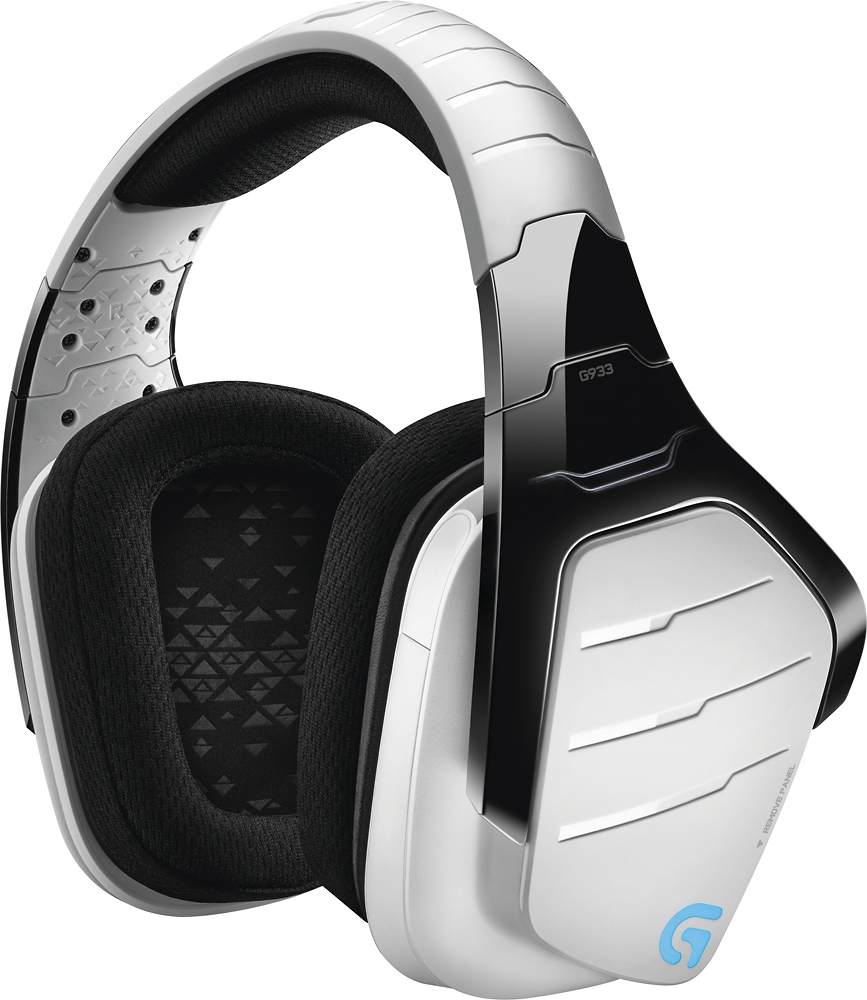
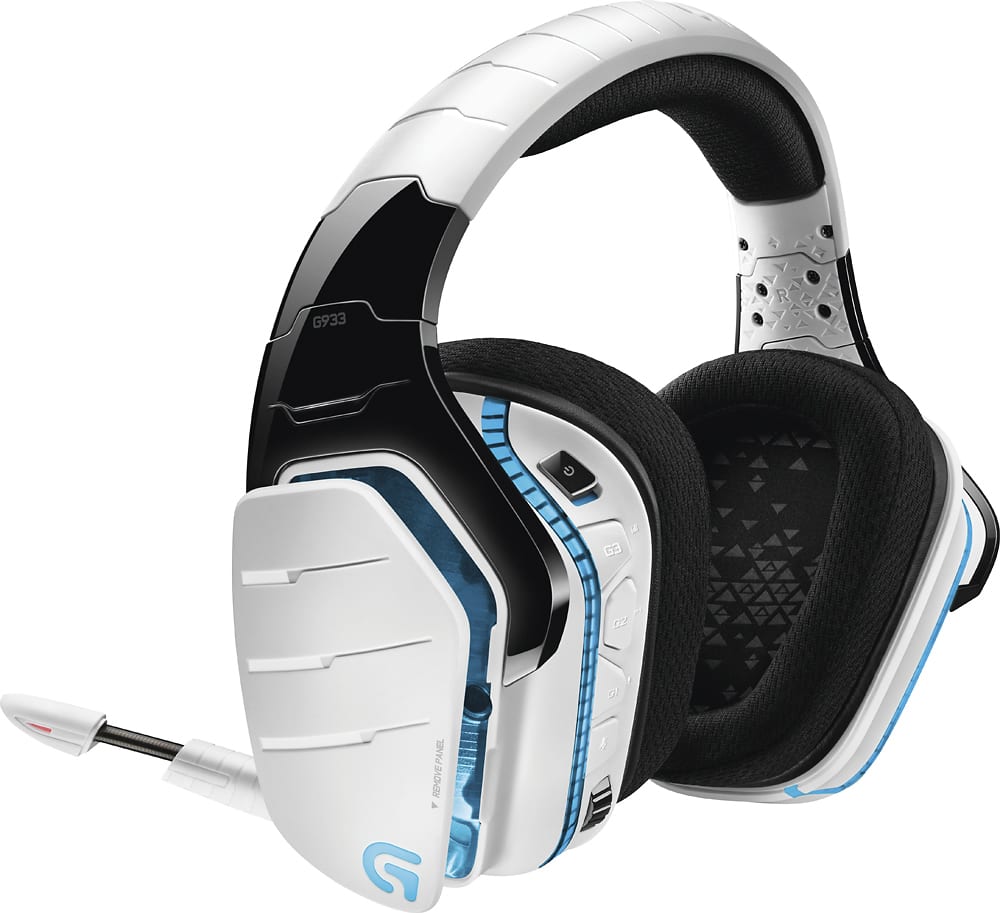
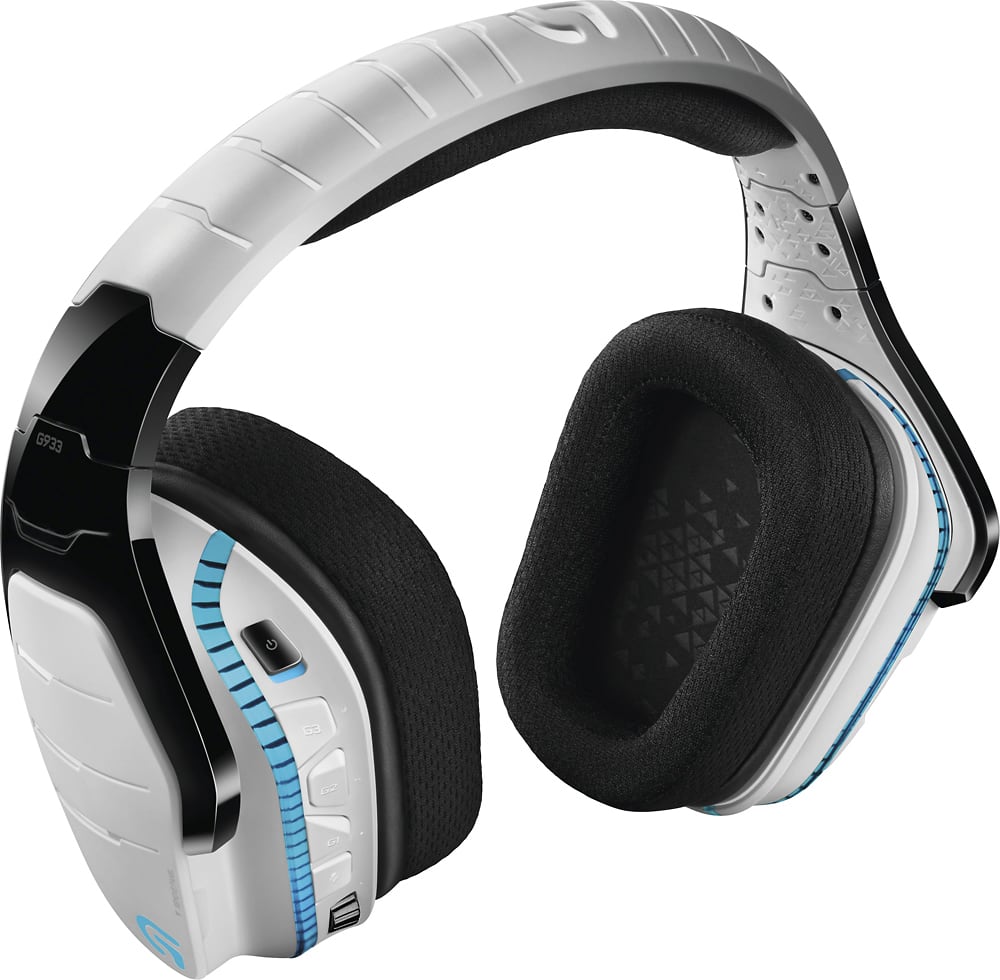
A:AnswerHeadset wieghs 370g. The g933 is built strong. The pad on the top is stitched tight and is firmly attached to the headset. The earphones barely wobble or flail is shaken and only rotate as there is a swivel in the device. Mine has taken a small fall and taken no sort of damage. The only thing to worry about is scratching the paint which is still hard to do.
TL;DR: 370g, built tough.
A:AnswerI don't think that it is specifically made with hearing impeard features but I can tell you that this headset gets plenty loud enough to be uncomfortable for me and although I am not hearing impared I do have poor hearing for my age due to years of loud factory/construction work. Buy them and try them out, bring them back if the won't work for you.
A:AnswerYes and no. It will depend on your TV. I'm under the assumption you want to listen to your TV wirelessly. You will need to be able to plug the USB Transceiver either into the TV or some other device to power wireless transmission. Most importantly your TV will need a headphone jack that you can plug in the cable from the TV to the Transceiver. I've done this all of one time, so your setup may or may not allow this to work. Volume control will still mostly be controlled via your TV remote so if you have your headset turned up, but your TV muted you won't hear anything. If you turn your TV volume up you can reduce the volume on your headset but sound will never be higher than what the TV is set as.
A:AnswerYes on your Android phones.
The G933 gaming headset can be connected to your mobile device using the included 3.5mm audio cable.
Google search" Connect the G933 gaming headset to compatible-devices" go their support page from their click on Mobile devices then it gives an instruction on how to use on your mobile devices.
A:AnswerYes, you can use this to listen to your TV. you plug the 3.5mm audio jack into your TV's audio out. Then connect that cable to the included USB adapter, and plug that into any USB port that has power going to it. If your TV has a USB port that will work just fine, but it it doesn't you can always get a USB wall adapter and plug it in there and right into a wall outlet. As long as the adapter is getting power you can use it as a wireless headset perfectly fine.
A:AnswerYes but not wirelessly and the 7.1 surround sound will not work either. In order to make them work you can connect them directly using the USB chord. The surround sound only works with the donegal, which sony doesn't support it, but man it would be awesome if they did.
A:AnswerBluetooth is not necessary for these headphones to work…… They come with their own receiver dongle that is used to link the head phones to the computer. All you need is an available USB port and you're good to go.
A:AnswerThis "linkmodo" guy obviously doesn't own an Xbox One, in which case, he shouldn't be answering questions about products for it. The real answer is: NO, it is not wireless for the Xbox One, even though it says "for PC, PS4, and Xbox One". You have to get a headset adapter for your controller if you're on Xbox One. Also, you can NOT get true surround sound on ANY console headset, only PC. The advertisement for this product is VERY misleading. The best option ive seen for TRUE 100% wireless is the Turtle Beach 420X+. But again, you wont get real surround sound out of it.