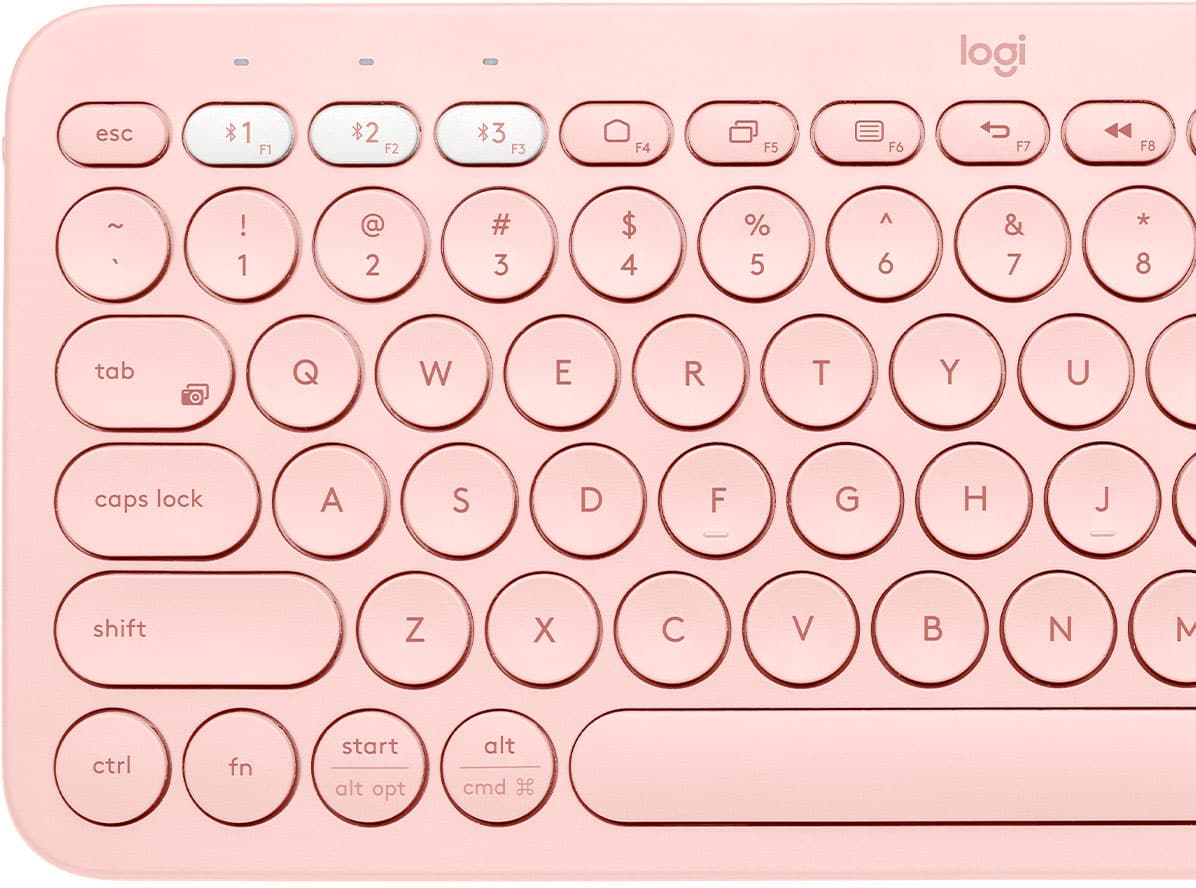
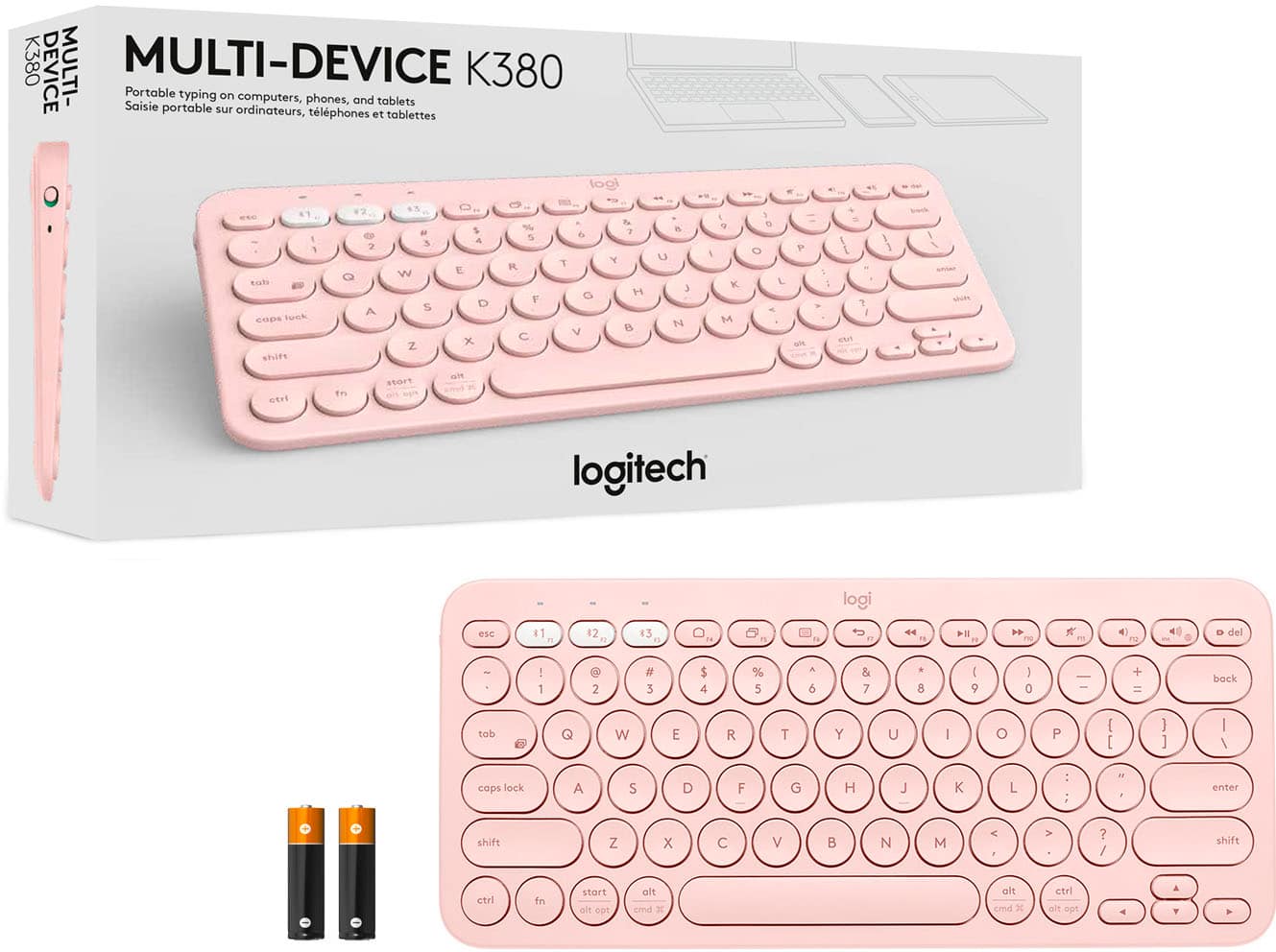
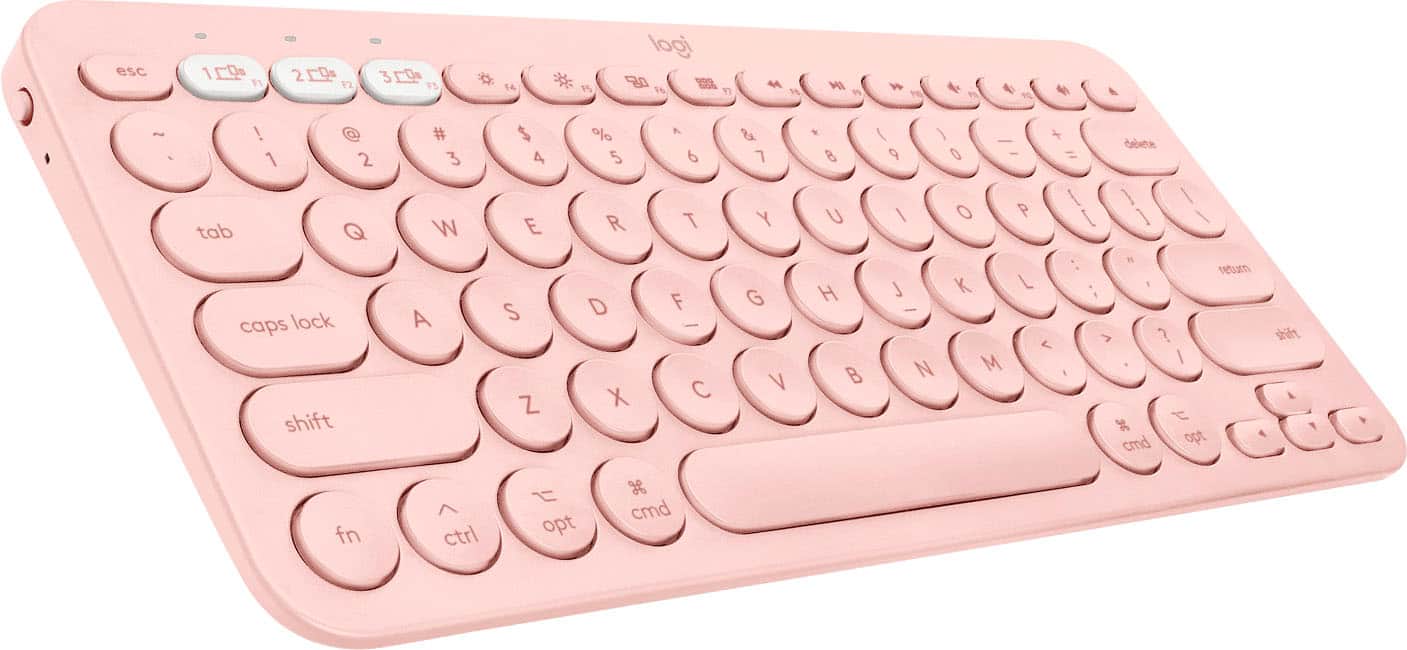
A:AnswerHello Isaac077, the K380 has a standard QWERTY layout. It does not come in different layouts unfortunately, I apologize for the inconvenience. Have a great rest of your day.
A:AnswerThis device uses Bluetooth connection, if your chromebook has Bluetooth available then yes it’s compatible. If there none, then unfortunately no.
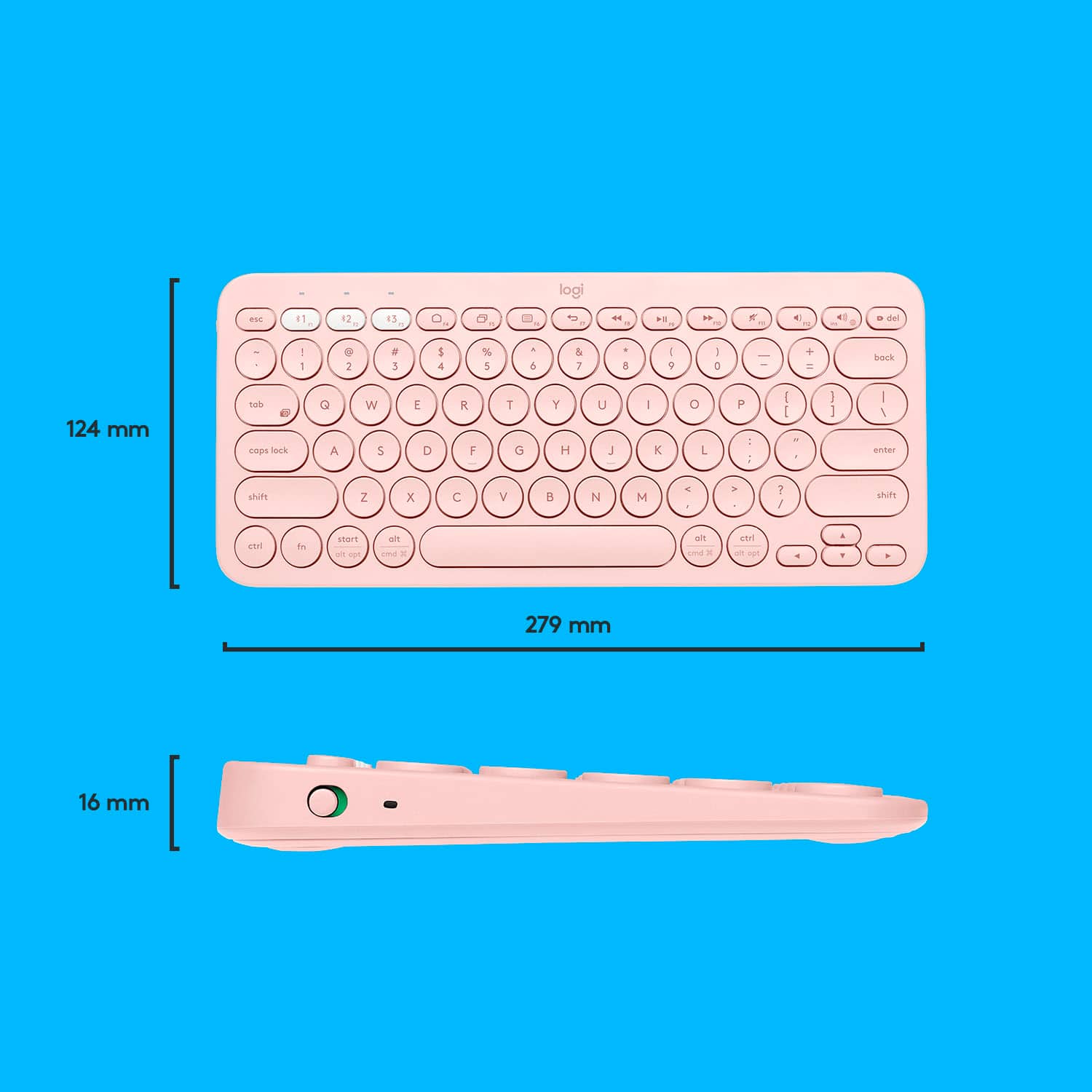
A:AnswerHi Ella, here are the dimentiosn for the K380 keyboard!
Height: 4.88 in (124 mm)
Width: 10.98 in (279 mm)
Depth: 0.63 in (16 mm)
Weight: 14.92 oz (423 g)
A:AnswerHi, I tried to use this for roblox on my ipad and it did not work. For the time being I've only seen it for on apps like GoodNotes 5, google drive, and other apps with typing. But no games unfortunately.
A:AnswerHello,
The Logitech K380 Bluetooth keyboard has an option for 3 Bluetooth connections, and there is a power switch on the left side. Check that the keyboard has power, the power switch is set to the “on” position, and select Bluetooth 1,2, or 3 on the keyboard. 3 different Bluetooth devices can be paired, so make sure that the correct Bluetooth connection is selected, and that Bluetooth is turned on within the Bluetooth device.
If the K380 is being used on a computer, the Logitech Options software will allow for customization. Here is a link to the Logitech support page for the K380 keyboard. Please contact Logitech support if any further assistance is needed.
Thank you, enjoy!
https://www.logitech.com/en-us/manuals/k380-setup-guide
A:AnswerHello SB, yes, this keyboard will work on an iPad Air 2. As long as it meets the requirements. The requirements are: iPad® or iPhone®: iOS® 5 or later.