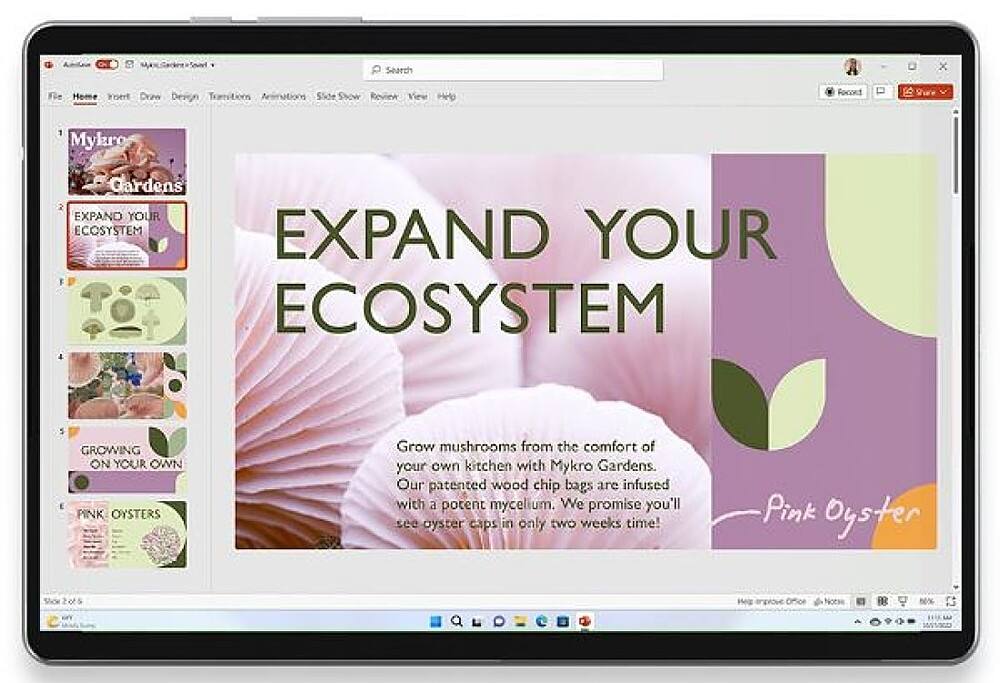
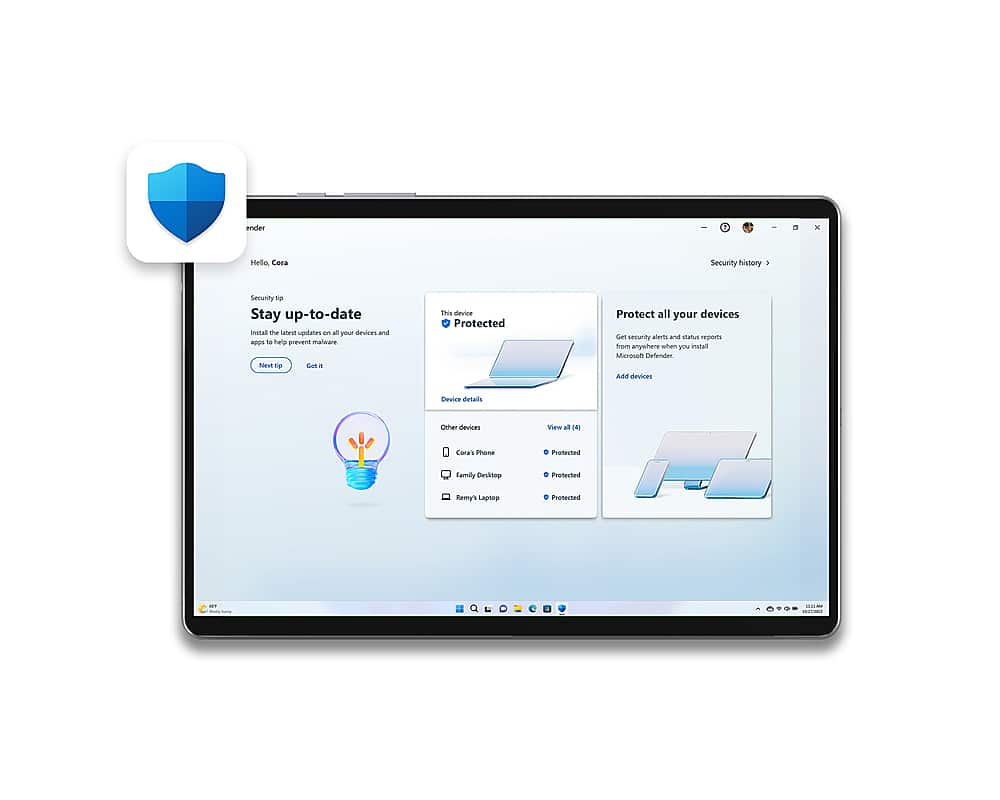
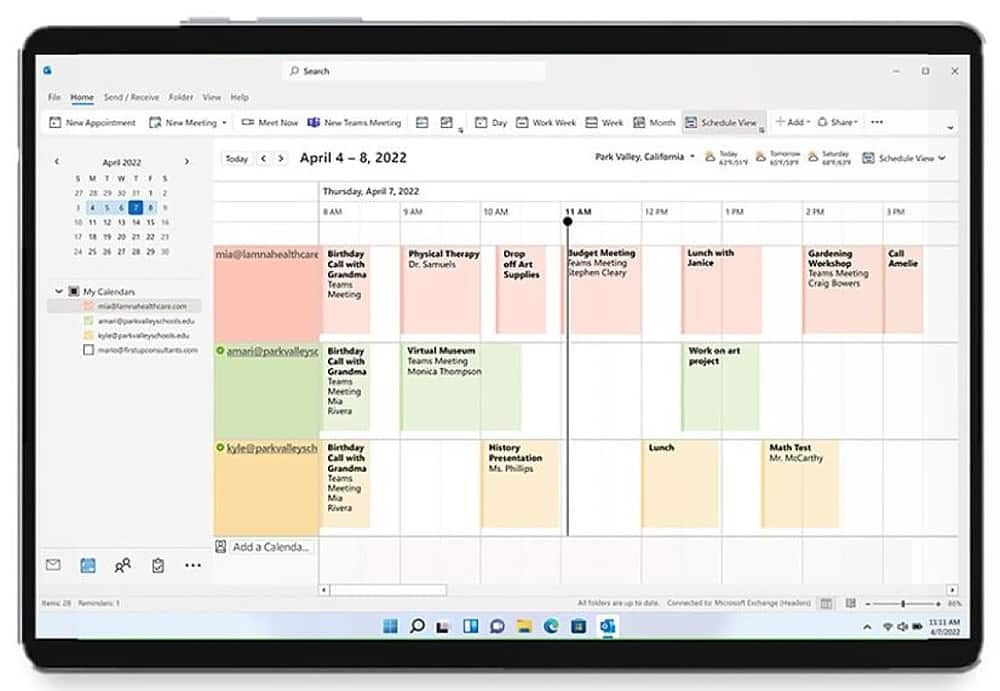
A:AnswerThe subscription should transfer as along as it is still active and have not expired. You may have to contact tech support to help you register the new laptop. Activation codes and serial numbers may be required.
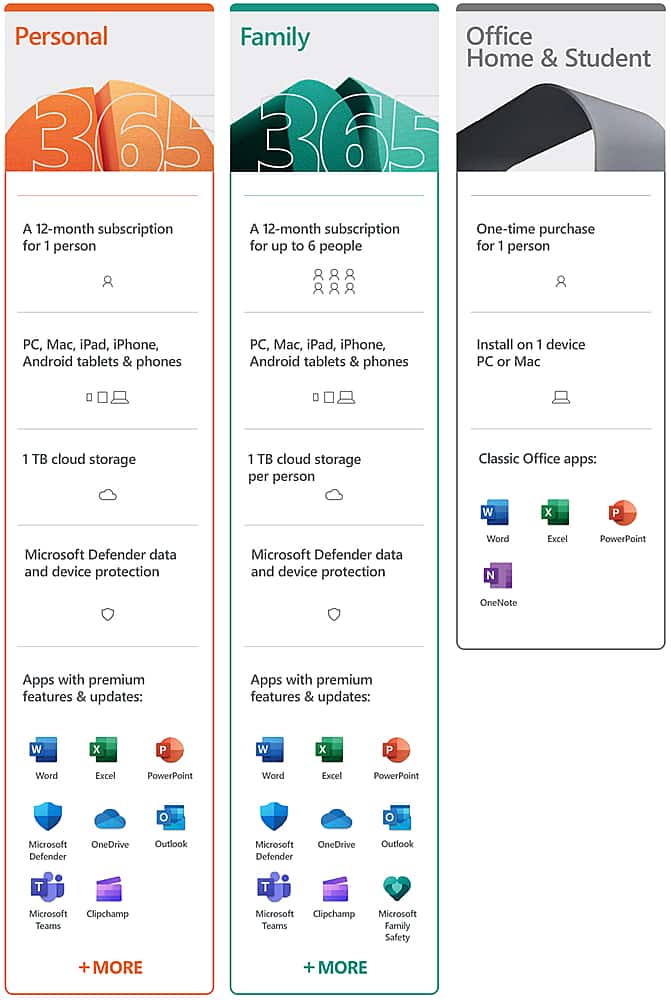
A:AnswerOffice 365 Personal is meant for use by one person on up to five devices. So you can use your subscription on three computers, a tablet, and a phone if you so desire.
A:AnswerI recently purchased an HP laptop and also bought Office 365 which provides you with word, excel, etc. if you buy the Office 365 and have a problem downloading it, DO NOT call the number that comes up on your screen. They tried to scan me!
A:AnswerMake sure you have your correct product. There is a difference between HOME and PERSONAL. If you used Home and changed it into personal you might want to delete the old version first. Also make sure you still provide the correct email address. Any changes will make it hard to install any Microsoft updates or products. Do not call a third party (INDIA) help center, they insist to control your computer and if not agreed on their virus scanner offer, they will put a Trojan virus on your PC.

Email or contact the USA Microsoft departments during the opening times. You can always go to Best Buy and let (for a small fee) the Geek Squad install it for you. Better prevent than cure.
Not knowing any specifics, I am sorry I cant do more than only advice you and direct you into the right direction.
Best Buy Costumer
A:AnswerIt's cheaper to buy their annual at Best Buy then renewing it through Microsoft it saves you about $10-$15 so it's better just to go through Best Buy
A:AnswerThis appears to be a question about Microsoft 365 Personal. If it is, only one user can use it. You need to have Microsoft 365 Family for multiple users. If you do have 365 Family, and it doesn't work, then your best bet is to contact Microsoft support.
A:AnswerIt's always best to go to the manufactures website for questions about their product features. Here you can get great feedback based on experience from actual users, but don't rely on users guessing or saying "it should". I just looked at Microsoft site and found that a maximum of FIVE devices are allowed on the 365 Personal subscription. For details, best to go look for yourself.
A:AnswerIt’s will start on the date which you will do the activation on it, so if you did activate before your due date, the new new due date will be the same date next year
A:AnswerAbsolutely! For a full outline of reinstallation instructions, we recommend visiting the following link: https://support.microsoft.com/en-us/office/download-and-install-or-reinstall-microsoft-365-or-office-2021-on-a-pc-or-mac-4414eaaf-0478-48be-9c42-23adc4716658
A:AnswerYes, your new Microsoft 365 Personal subscription has been designed to work seamlessly with the latest Mac OS. Find all you need to know about the compatibility of your new software suite, here: https://support.microsoft.com/en-us/office/upgrade-macos-to-continue-receiving-microsoft-365-and-office-for-mac-updates-16b8414f-08ec-4b24-8c91-10a918f649f8
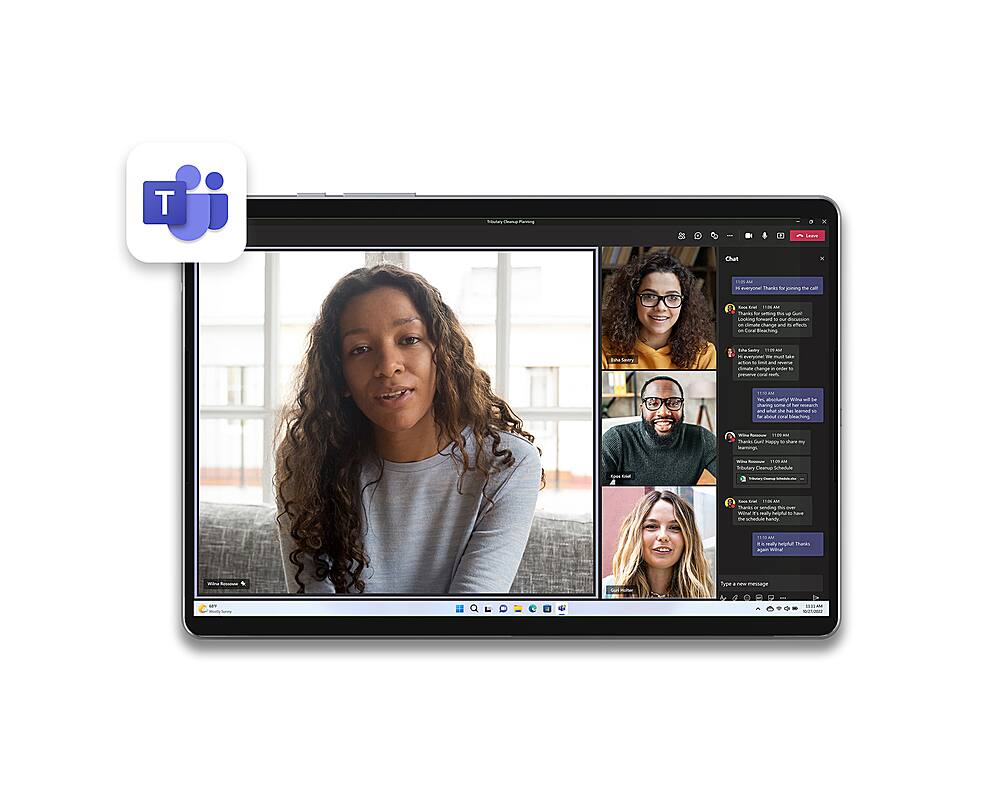
A:AnswerIt is. However, Skype is being sunset for Teams; you will be able to integrate both your work account and personal account into one application with the ability to switch tabs between work and personal at the touch of the mouse. In fact, Teams is built into Windows 11!