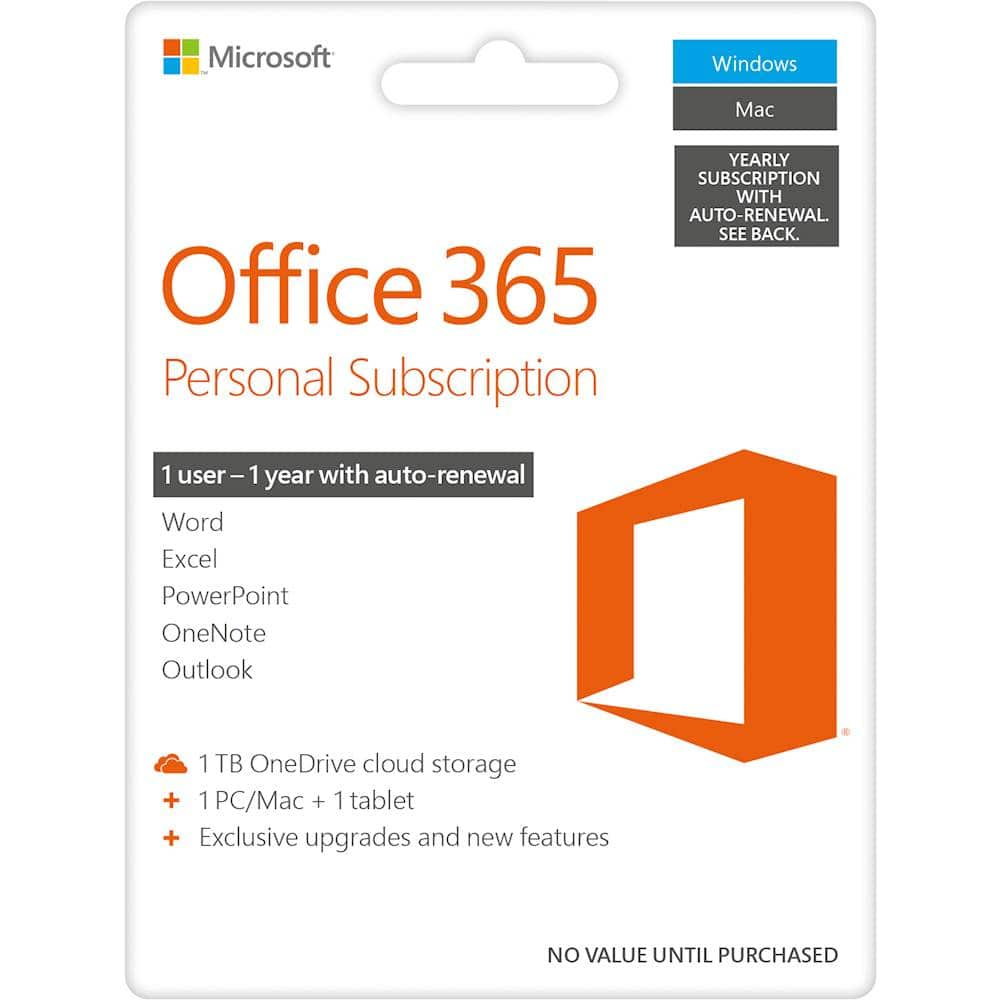
A:AnswerYes, your new Microsoft 365 Personal subscription has been designed to work seamlessly with the latest Mac OS. Find all you need to know about the compatibility of your new software suite, here: https://support.microsoft.com/en-us/office/upgrade-macos-to-continue-receiving-microsoft-365-and-office-for-mac-updates-16b8414f-08ec-4b24-8c91-10a918f649f8
A:AnswerIt is. However, Skype is being sunset for Teams; you will be able to integrate both your work account and personal account into one application with the ability to switch tabs between work and personal at the touch of the mouse. In fact, Teams is built into Windows 11!
A:AnswerI believe you basically own the software for the year. As long as you renew each year you would be entitled to all updates during that year. I would check with Microsoft to be sure.
A:AnswerYou can buy this product and enter the registration code into the locked Microsoft version already pre-installed on your laptop. If this is not already pre-installed you will need public internet to download.
A:AnswerYou can follow the instructions on how to download Office 365 found on our help page here: https://support.office.com/en-us/article/where-to-enter-your-office-product-key-0a82e5ae-739e-4b92-a6f4-2ec780c185db.
A:AnswerI bought mine and had it put on auto renewal. It will be the same cost that I bought it for. Like if the purchase cost was $45 then each year that's what the renewal cost will be.
A:AnswerYou do need to be online to setup and install Office 365 Personal, but after that you can use it offline. If you are editing files that are saved online your changes will be uploaded the next time you get online.