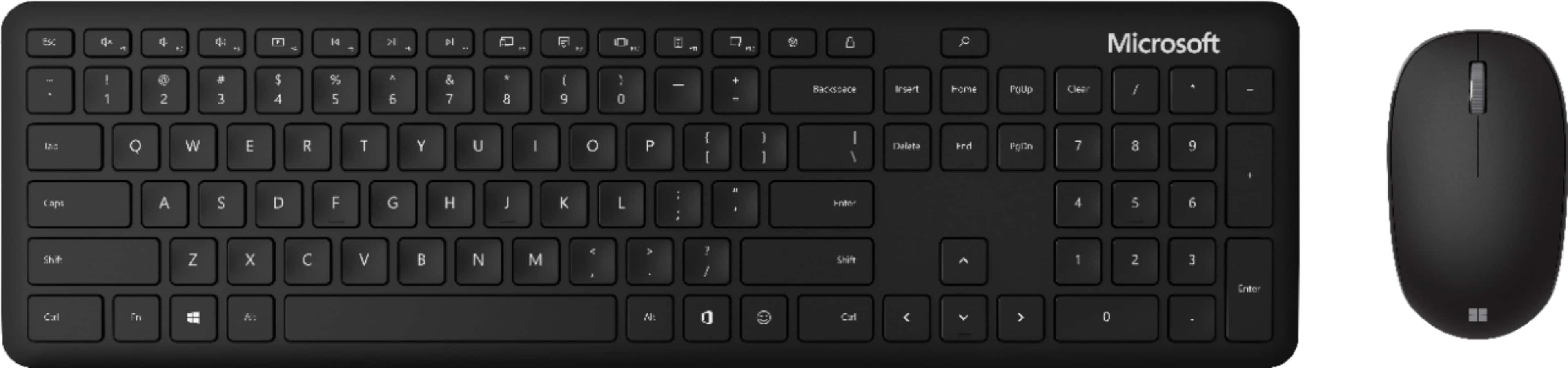
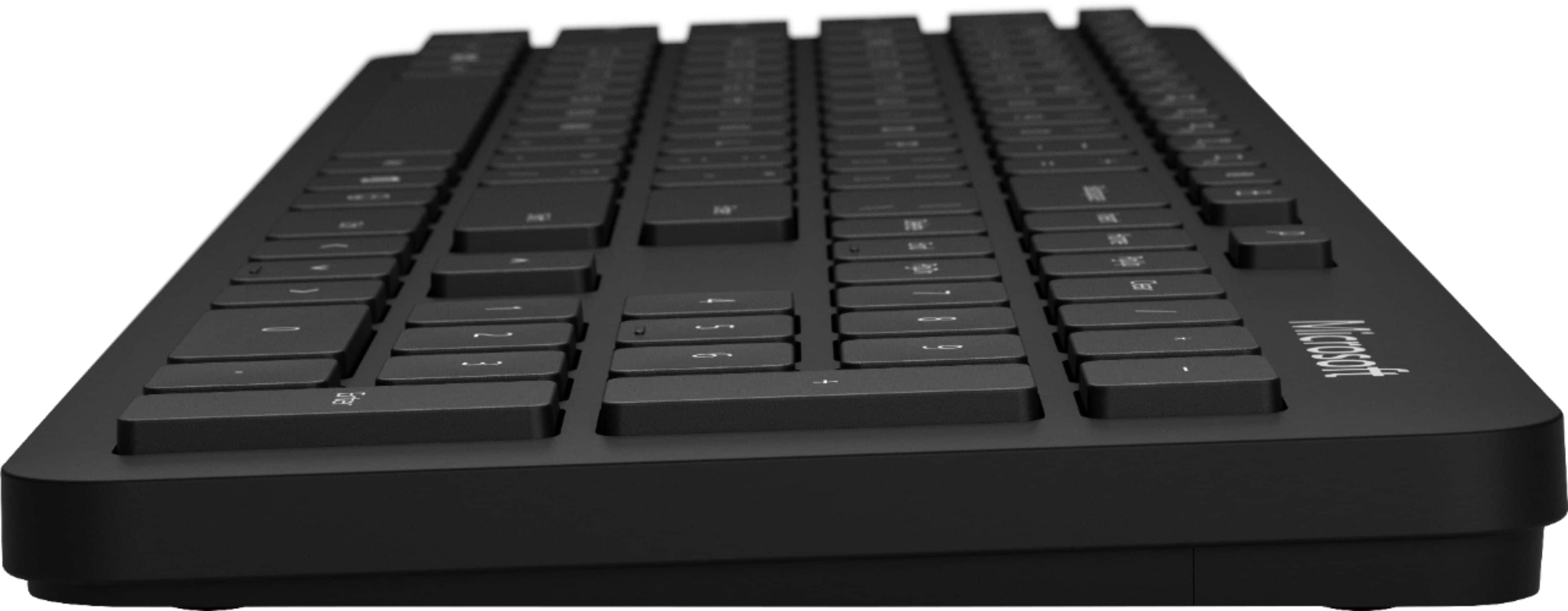
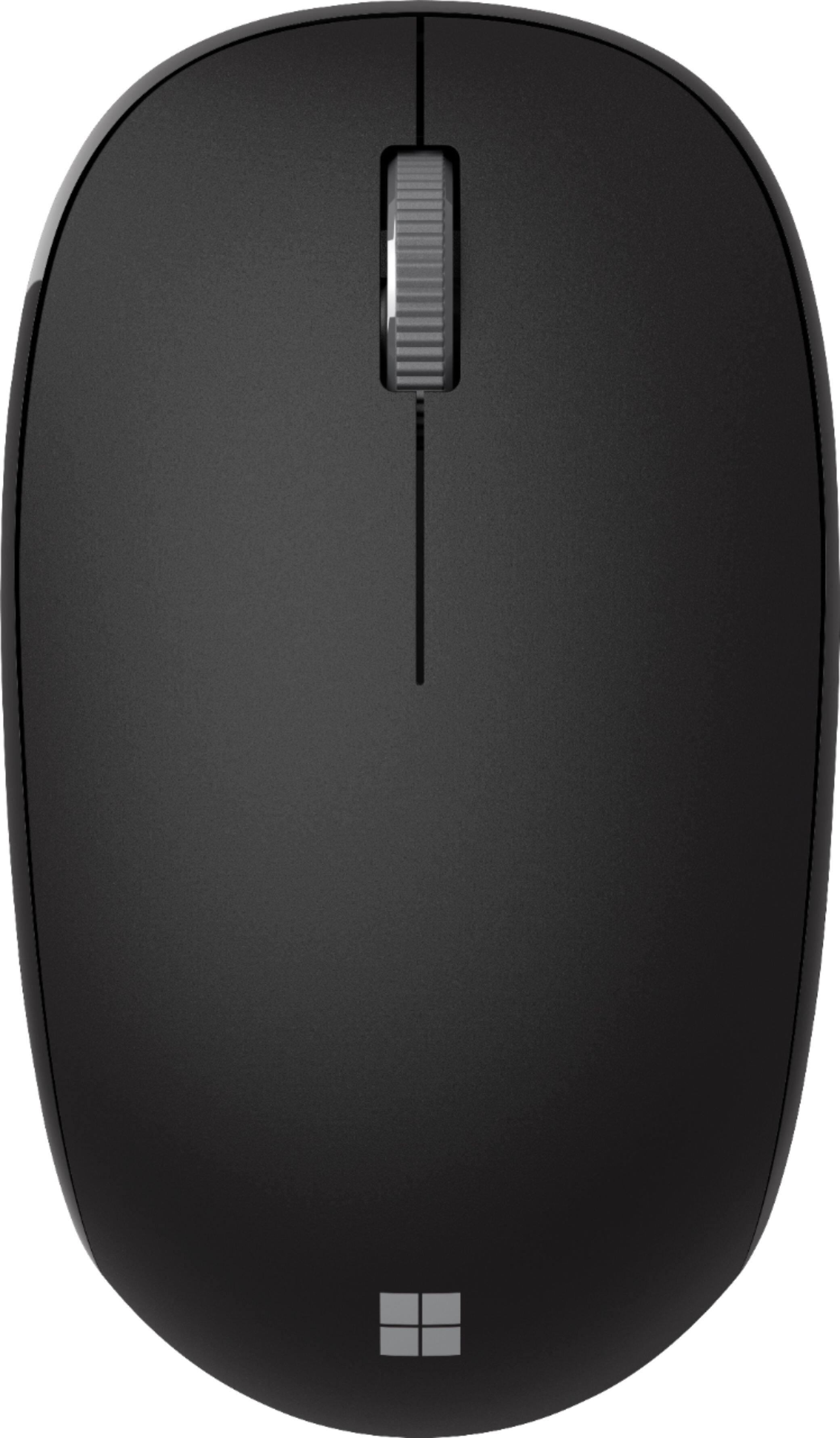
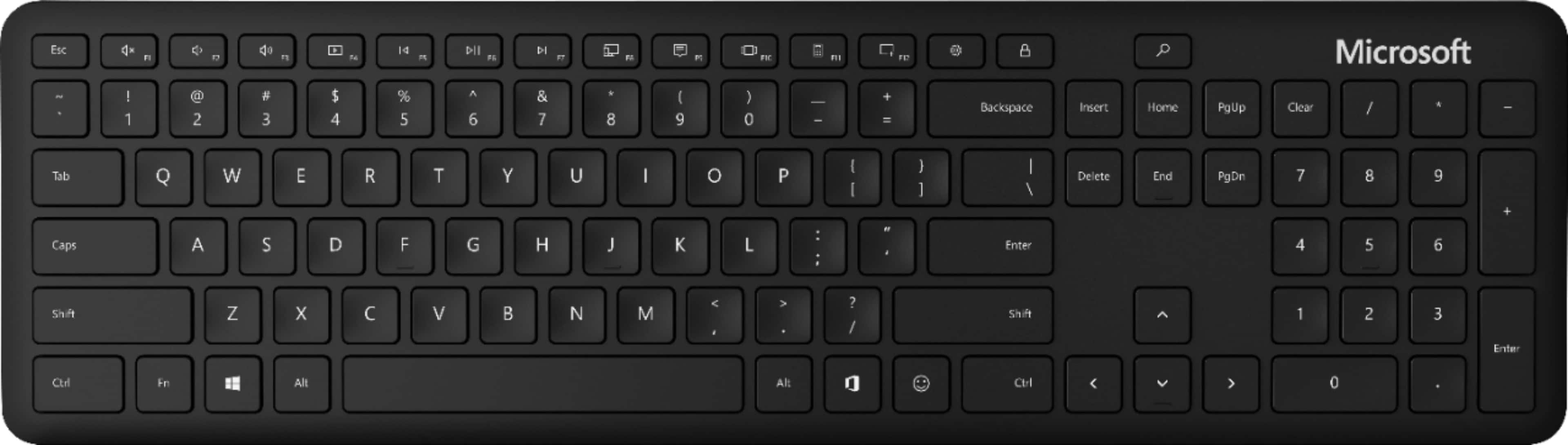
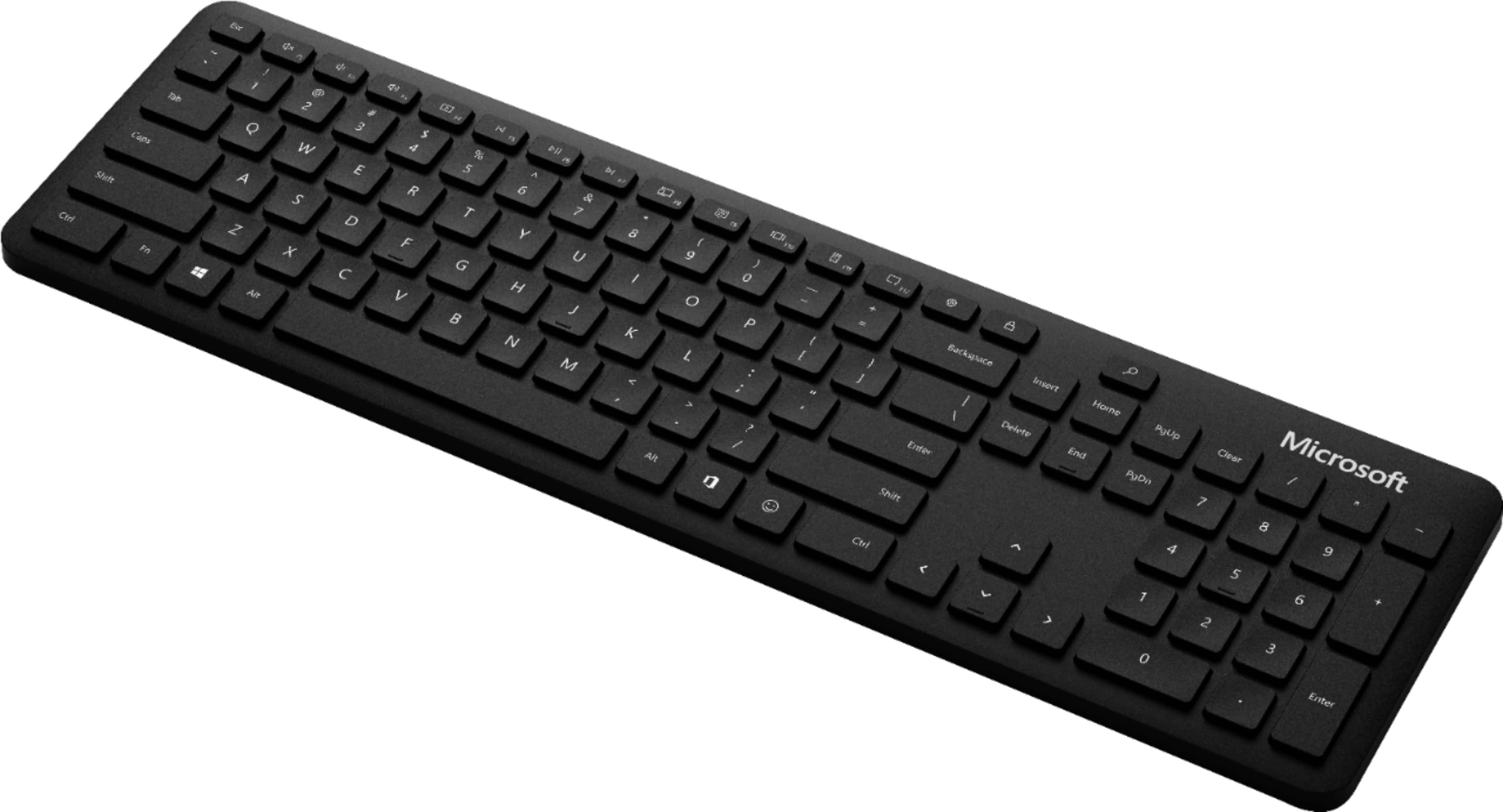
A:AnswerI’m going out on a limb and saying yes since they’re both Microsoft products. I tried an off brand keyboard with my Surface Book 3 and it was glitchy. Sometimes band matching is better since it’s made for it.
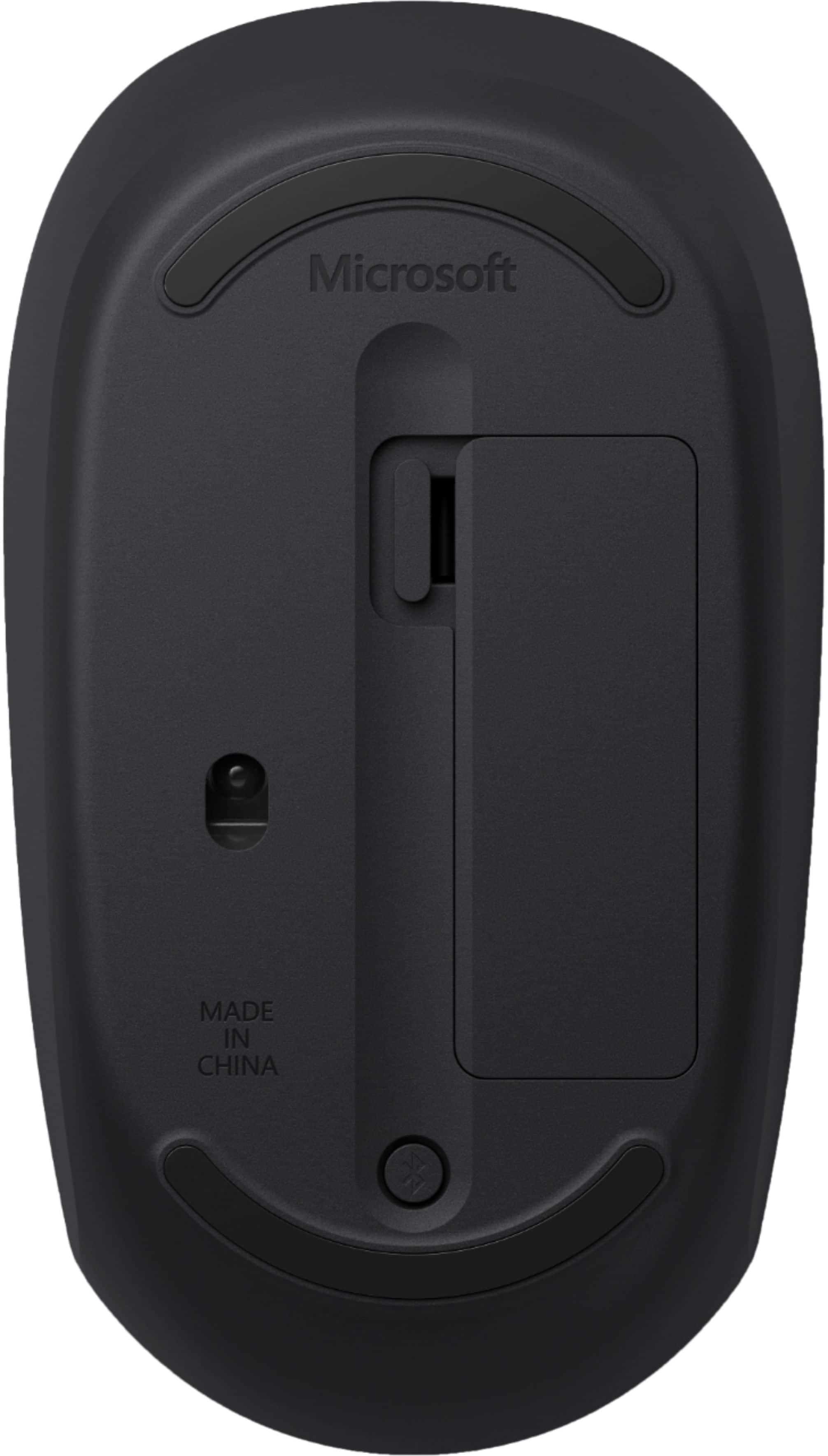
A:Answerunfortuantely there is not- if you install Microsoft's mouse and keyboard software a tiny pop up will appear on screen but there is no physical indication.
A:AnswerI dont think you'll need any dongle - there is bluetooth built in the keyboard - just pair it up with via the Bluetooth within your device and your good to go!
A:AnswerTo use the Snipping Tool when you have a mouse and a keyboard:
Press Windows logo key + Shift + S. The desktop will darken while you select an area for your screenshot.
Rectangular mode is selected by default. ...
The screenshot is automatically copied to your clipboard.