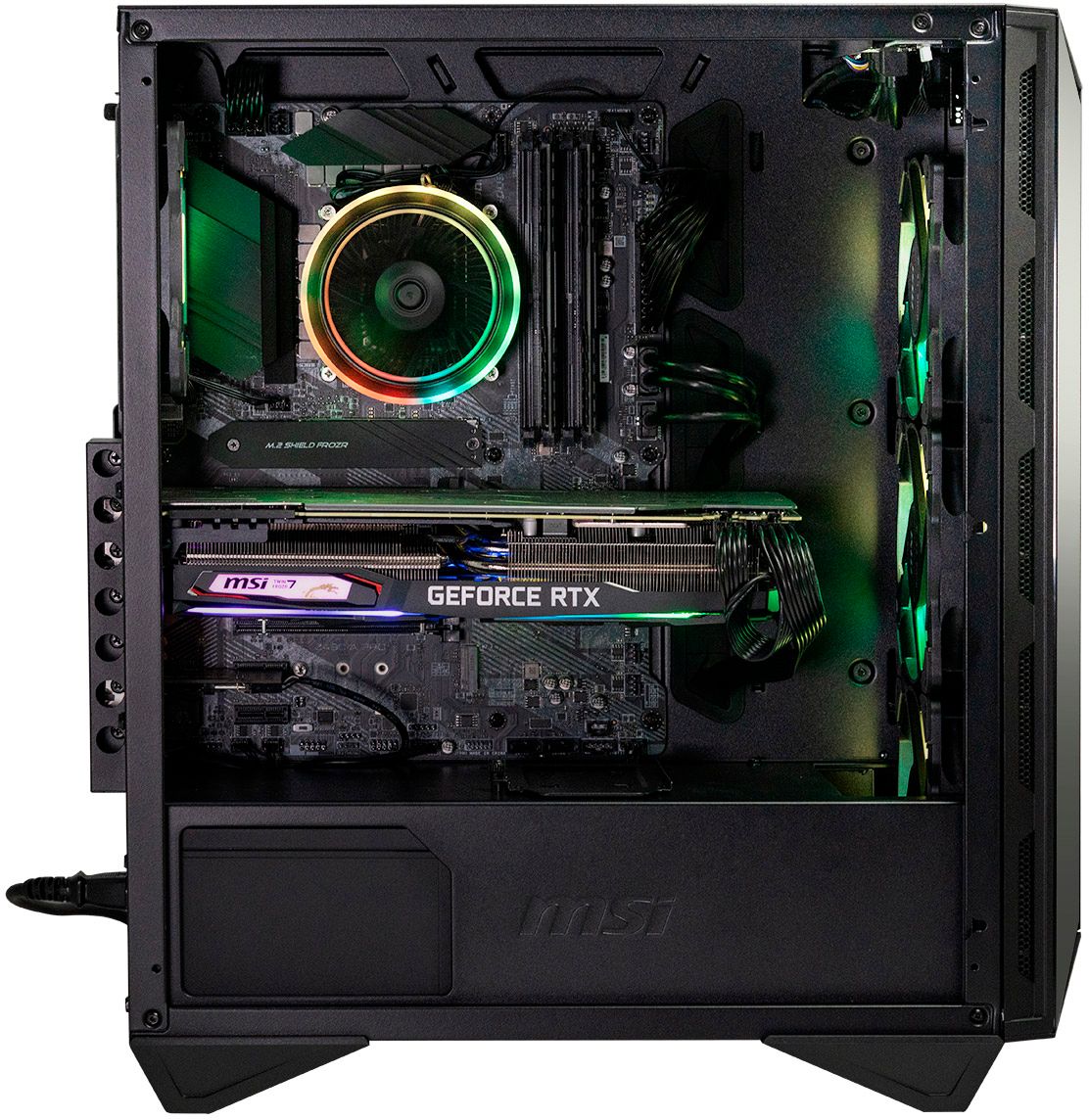
A:Answeryou can add one more NMVE. This MOBO is the z590 pro wifi CEC variant which for some reason has only m.2 slots... You can however add a pcie ssd extension and have another m.2 drive on it... google Sabrent NVMe M.2 SSD to PCIe for an example...
A:Answeridk if its a special promo but if you register the product, they extend warranty to 24months... check my pic.. bought it less than 2 weeks ago...
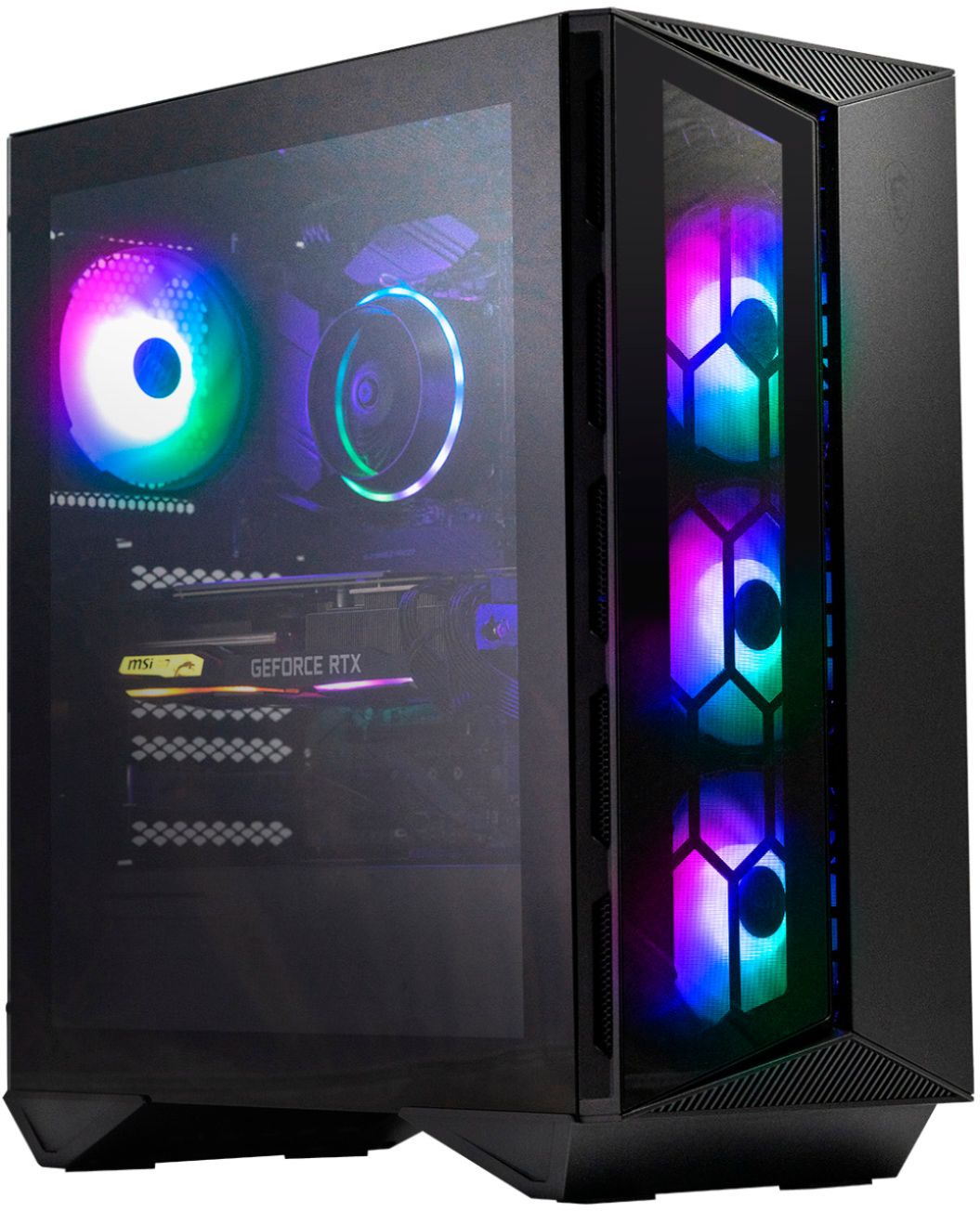
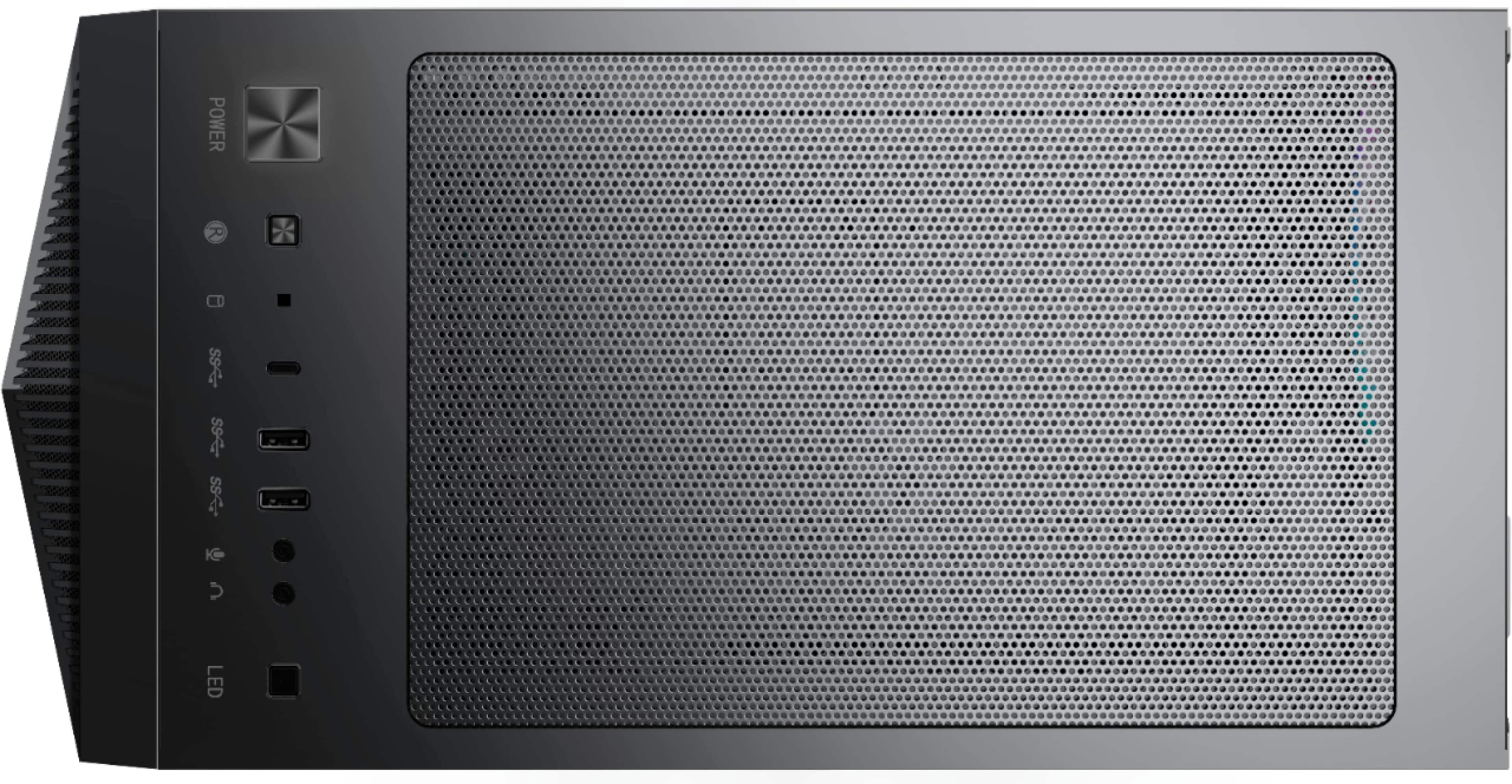
A:AnswerThere is a button on top of the case I pressed which cycled through the colors available. I went with solid red. If you are looking for software to control it, then I have no idea.
A:AnswerThere is a general setup guide that is included in the box. If you are looking specifically for a manual to the hardware installed on the Aegis RS, you will want to contact our technical support department to guide you to the correct manual to each piece of hardware on the desktop.