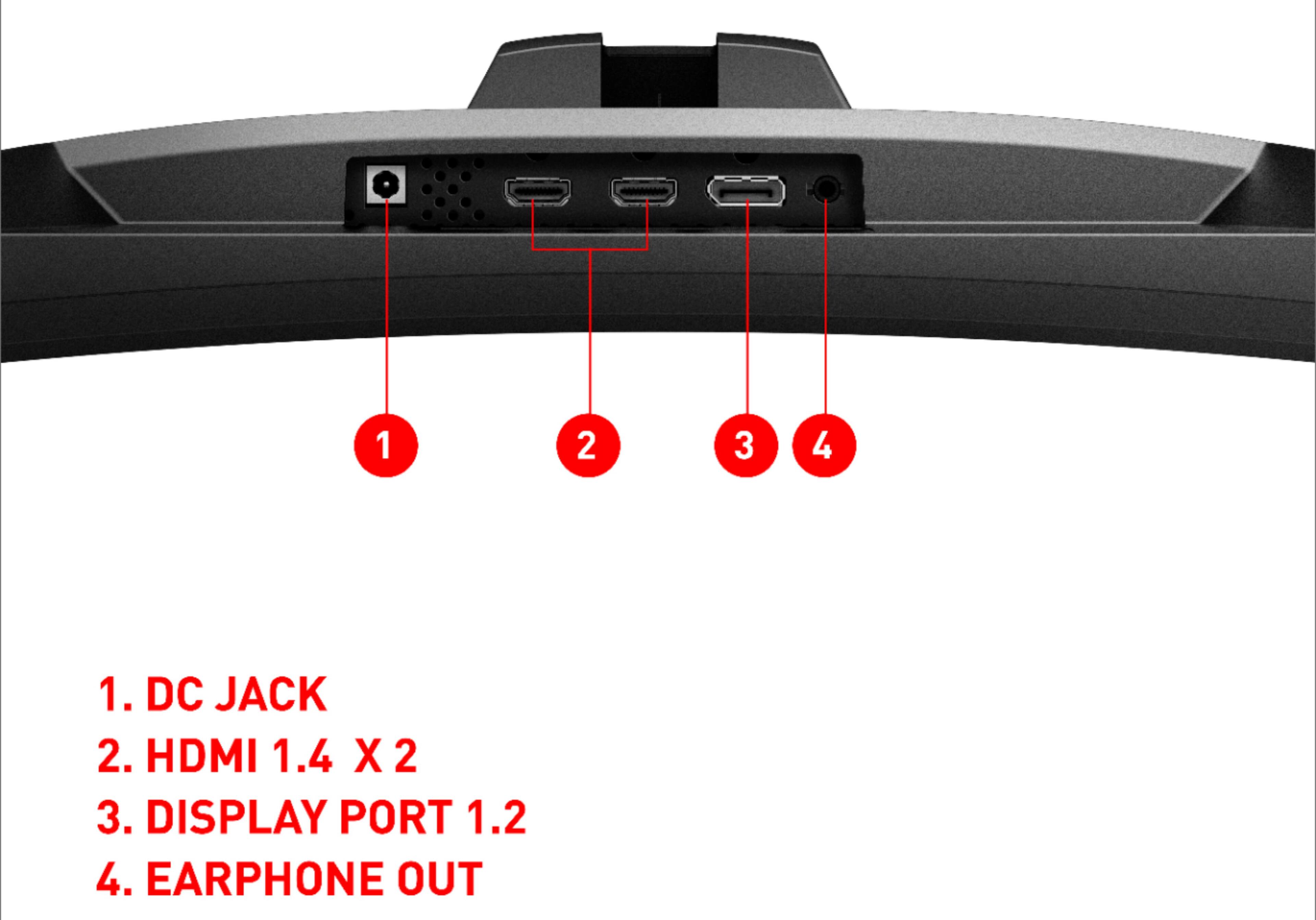
A:AnswerYou can use either one. I can't remember but you may have to select which one is connected within the settings if it is not set to auto detect.
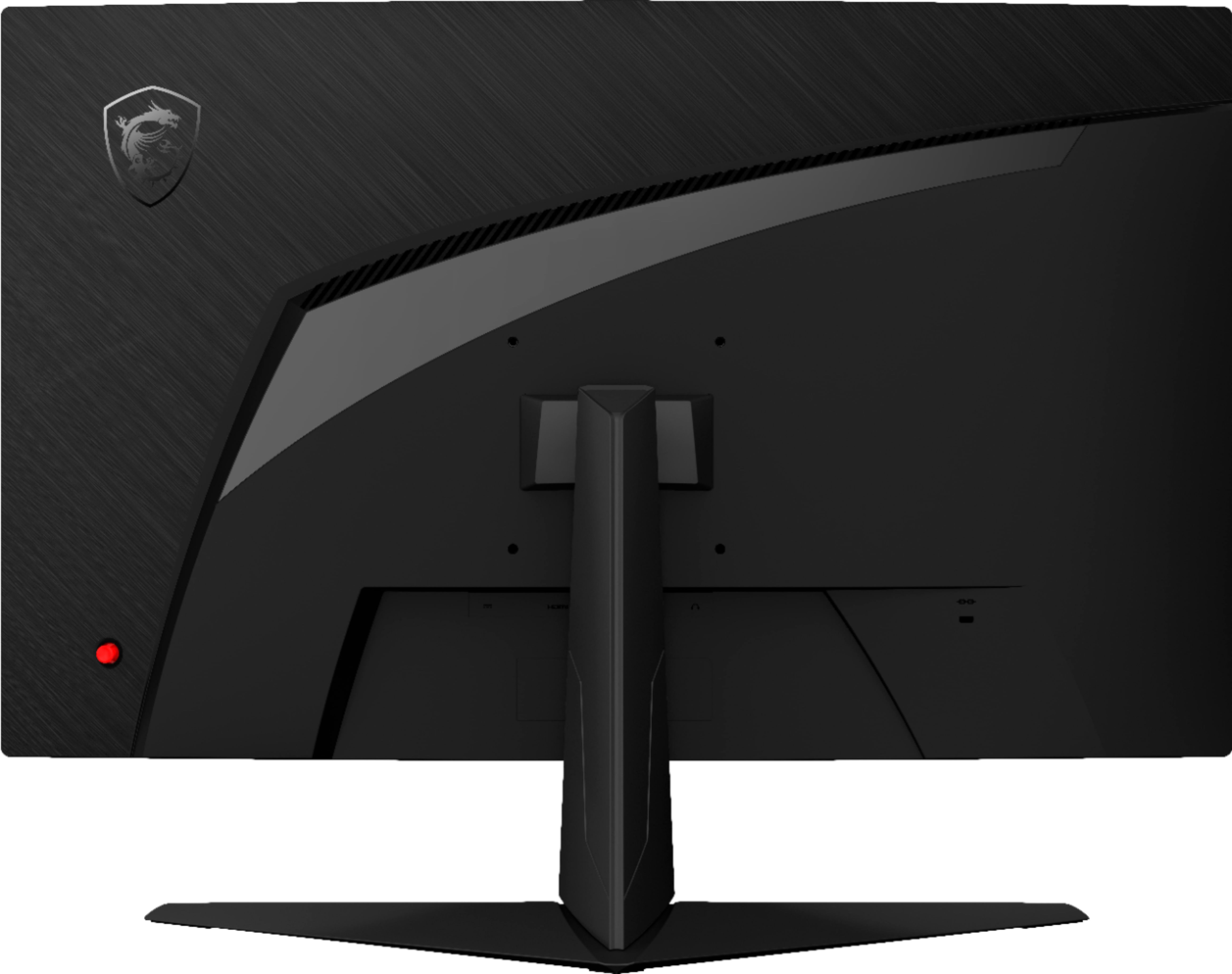
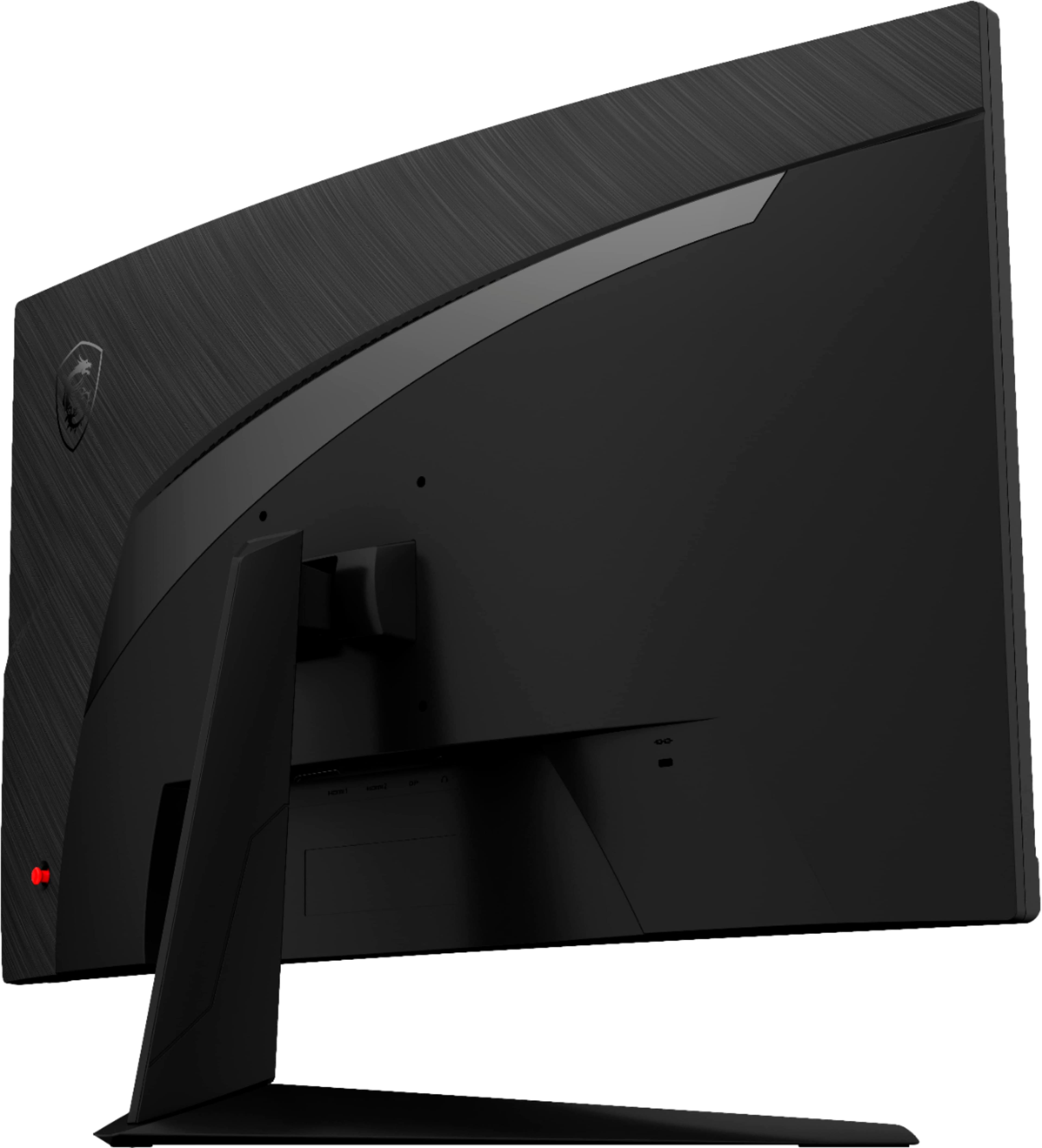
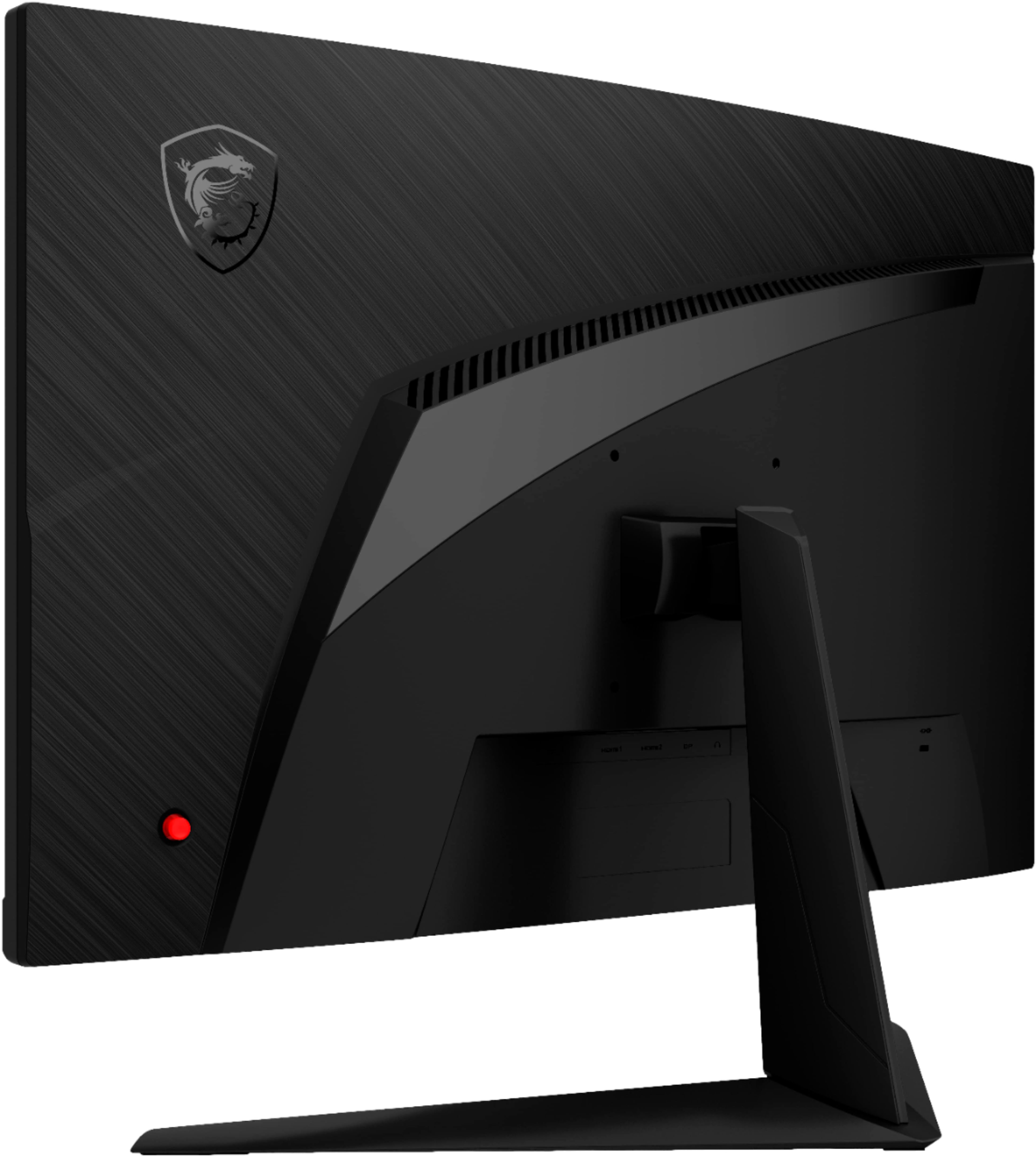
A:AnswerIf you are facing the monitor, you will a light that is orange in color. The on/off switch is right behind that switch or under it. You also have to have signal going to the monitor.
A:AnswerNo. This is simply a gaming monitor, it will need to be connected to a pc! If you need a product like you described, you'll want to search for "all-in-one" pc's.
A:AnswerIf you are having a physical issue with the Optix G27C5, please use the following link to submit a warranty request through our website. service.msicomputer.com/msi_user/support/rma_form.aspx
A:AnswerIf your item is having issues, you will likely need to use the manufactures warranty to request for a repair/ replacement service. https://service.msicomputer.com/msi_user/support/rma_form.aspx