A:AnswerHello Pam! You can easily set up your speaker to work with your Nest Hub by ensuring they are both placed within the same home structure.
For additional guidance, we recommend referring to this helpful article: https://support.google.com/googlenest/answer/7029485
If you require further assistance, please don't hesitate to reach out to us!
A:AnswerIf you use the Google home app you can easily set up and integrate and we use it as a baby monitor for our nest camera in baby’s room. It works great bc it’s larger than a phone but smaller than an iPad screen still
A:AnswerHello there! Thanks for reaching out. On the "Use Quick setting" section on the following article you will find what you are looking for: https://support.google.com/googlenest/answer/9137285?hl=en#zippy=%2Cuse-quick-settings.
A:AnswerFrom what i can see you unfortinutly cant and i dont know why one guy was acting like that you can change to alexa on your phone on android its not a dumb queston
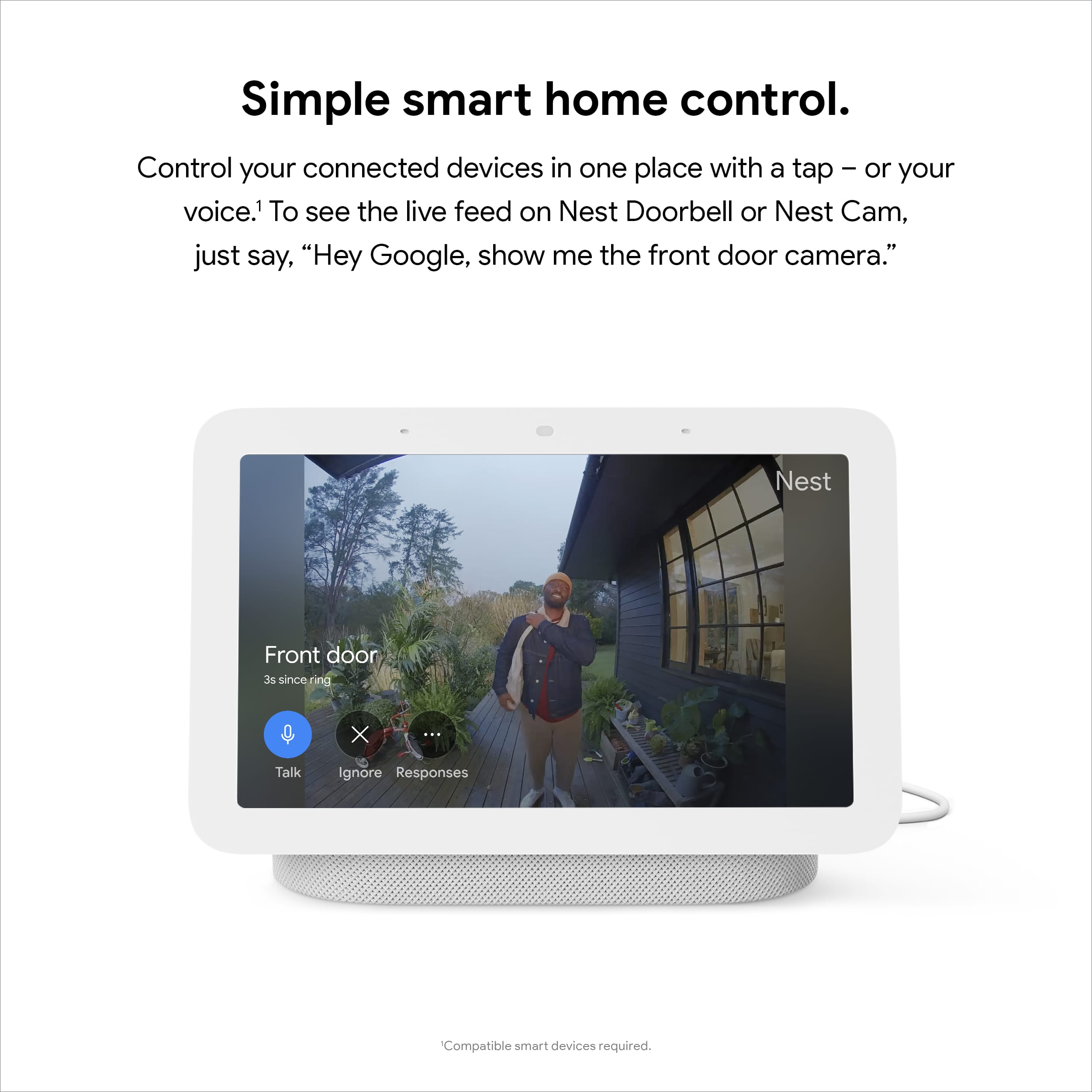
A:AnswerHello there! Thanks for your inquiry! The Nest Doorbell (battery) can run on battery alone. But you can connect a Nest display like the Nest Hub (2nd gen) and set up visitor announcements so you can get notified when someone rings your doorbell when you’re home. You'll only get visitor announcements on your speakers and displays if they are set up in the same home as your doorbell in the Home app. You can also use the display to watch video from your doorbell. This link can help: https://support.google.com/googlenest/answer/7672451
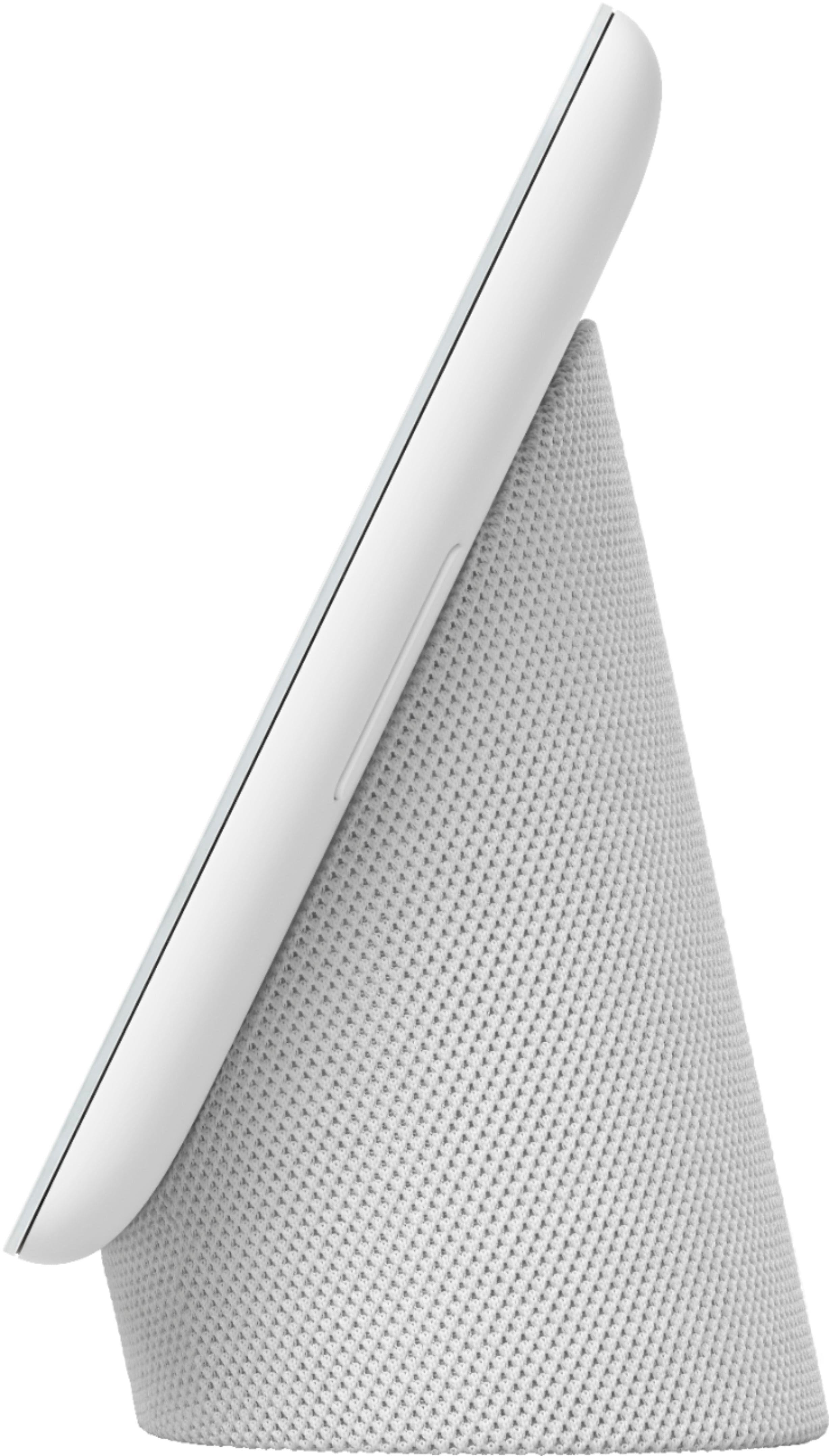
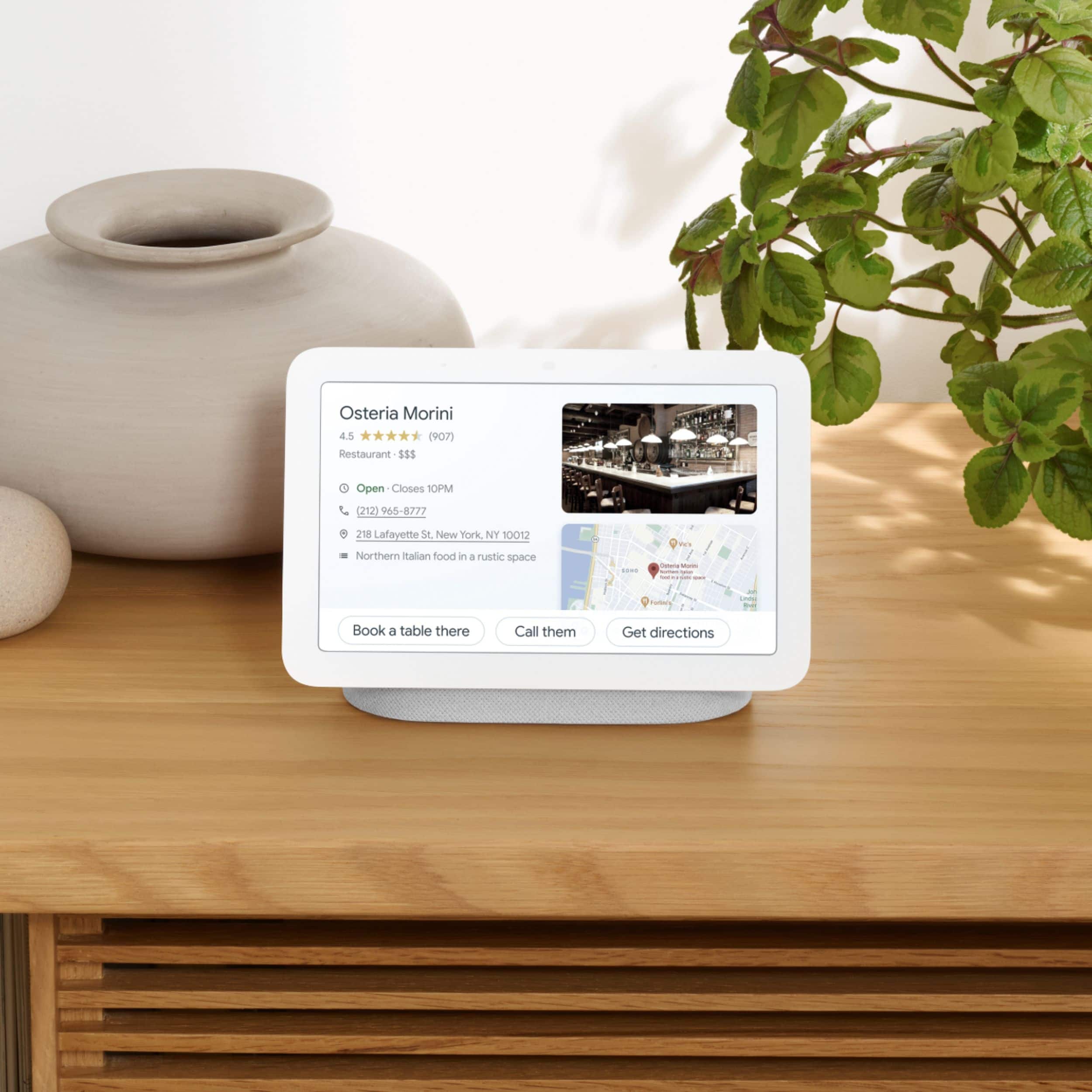
A:AnswerIt's propped up in the speaker stand so it's really easy to use when I am busy typing into my laptop. I love that because it gives me visuals without using my hands some of the time.
A:AnswerHi there, hailey. We appreciate your inquiry about the Google Nest Hub (2nd gen). No, watching the Ring camera in the Google Nest Hub display is currently not supported. What is currently supported is to check device health, start or end recording and turn alerts on or off.
We recommend reaching out to our dedicated team of specialists to know more about this by visiting this link: https://support.google.com/googlenest/gethelp