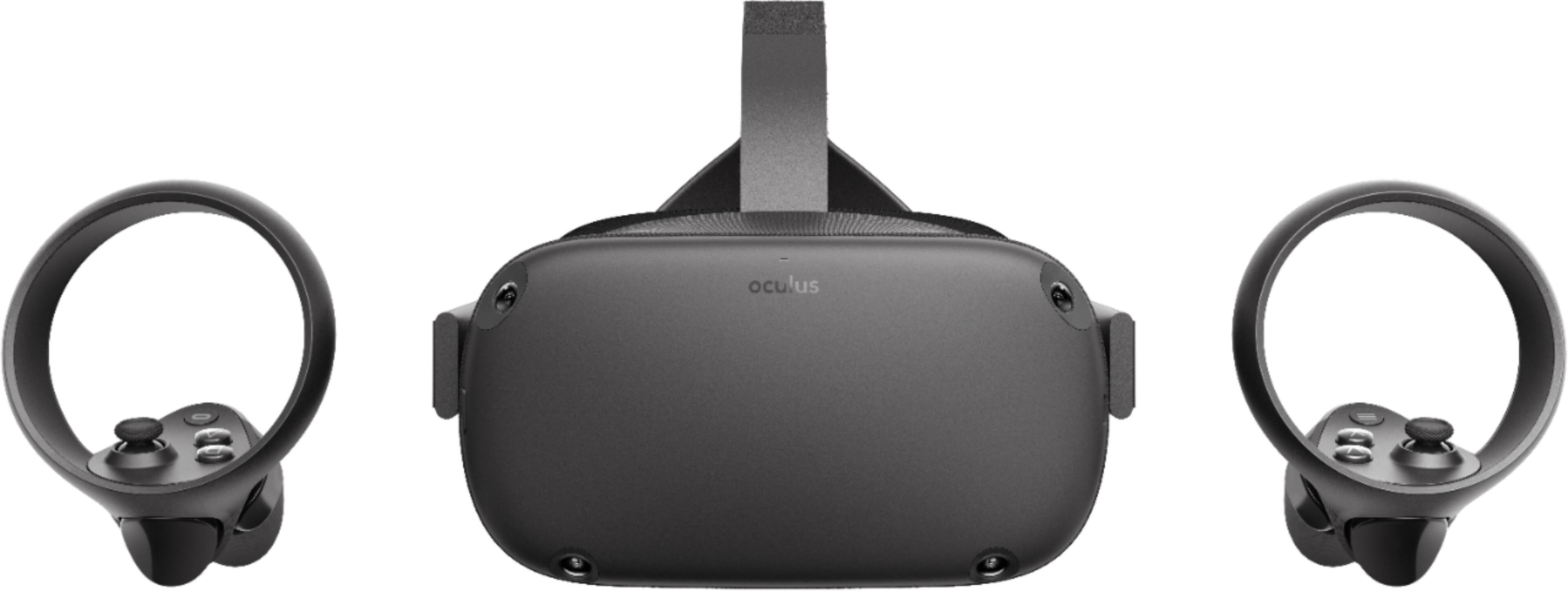
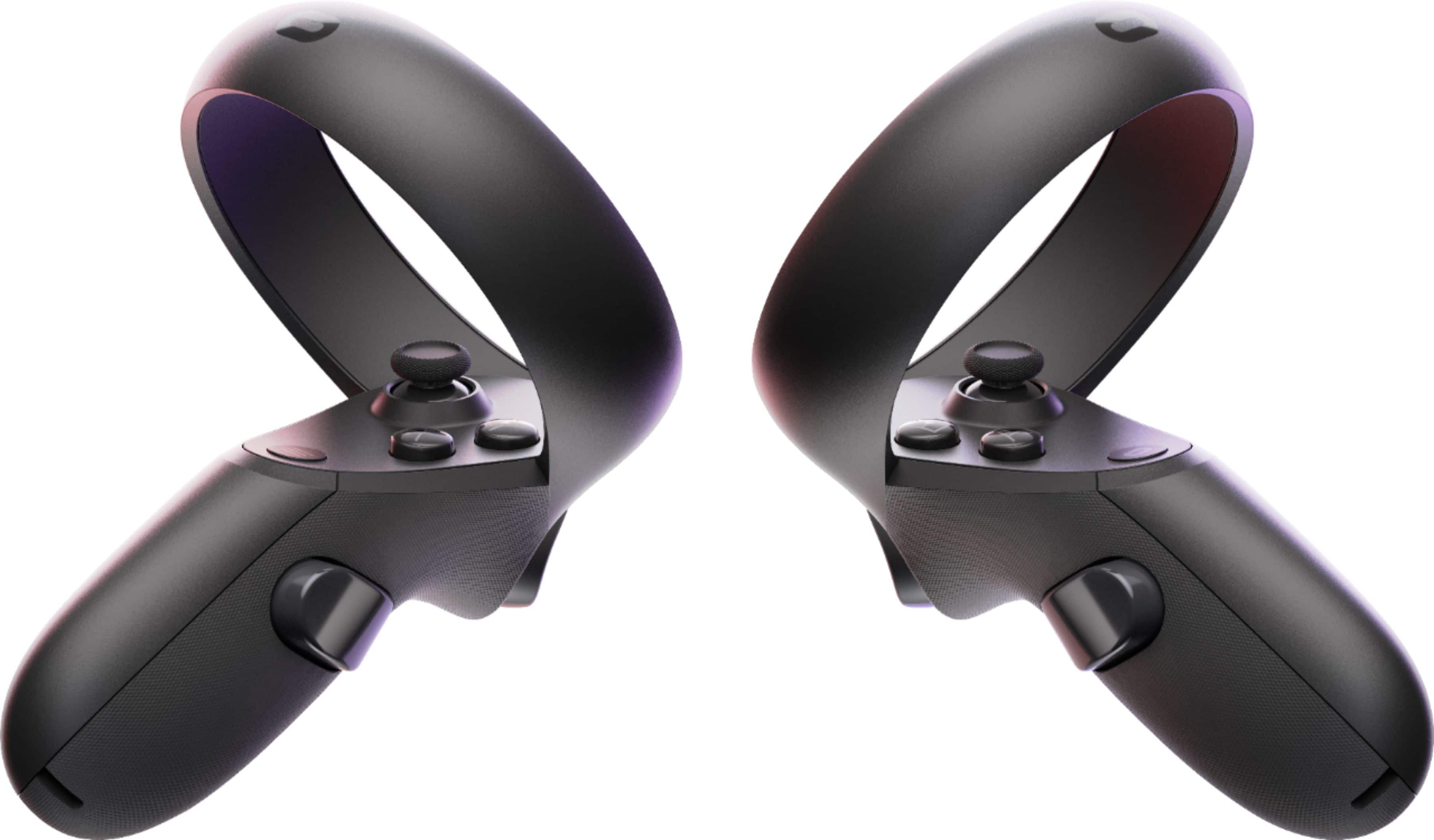
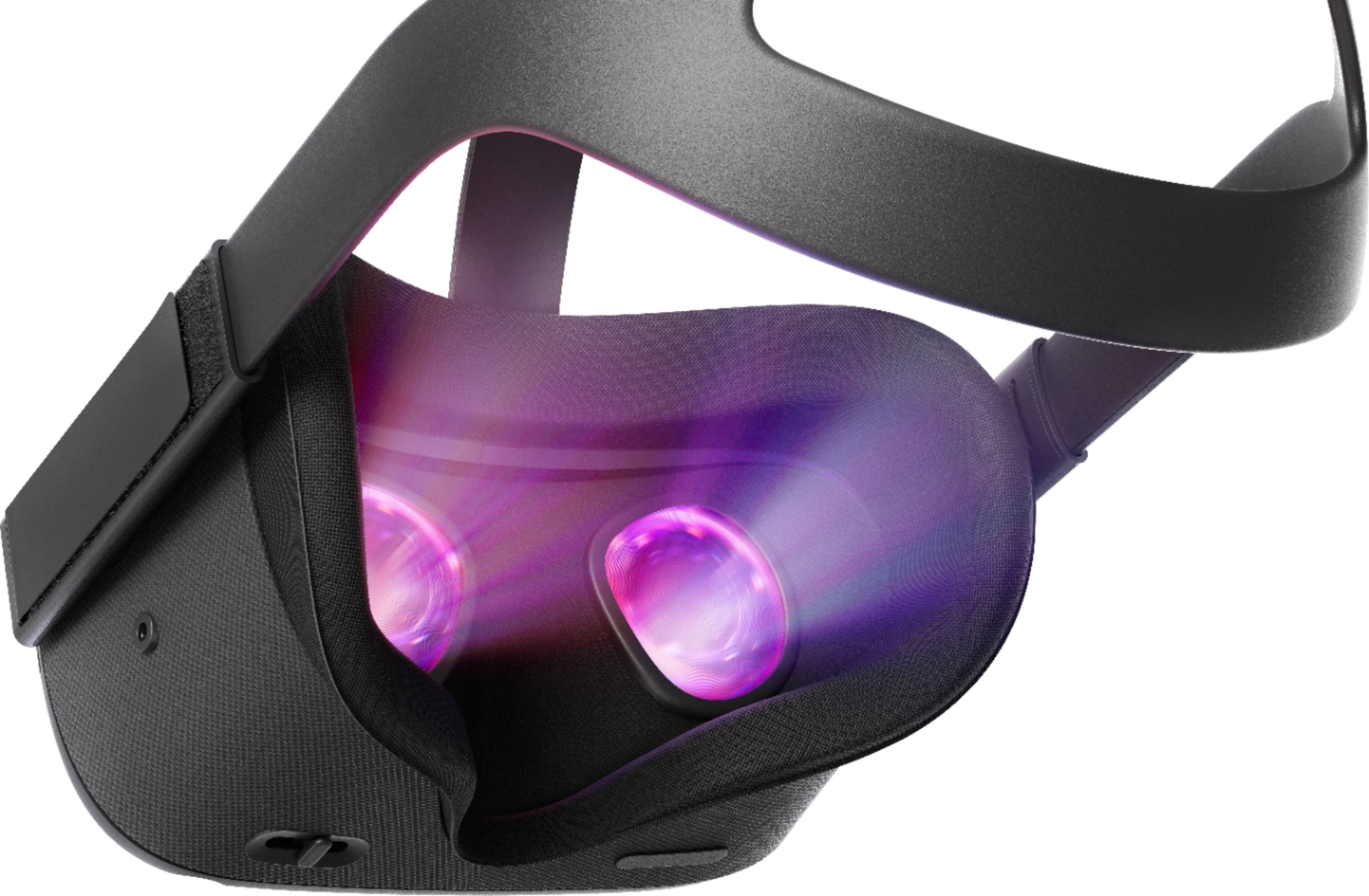
A:AnswerType "Oculus Quest" in the search bar at the top of the BEST BUY home page. Chose the Oculus Quest 64GB or 128GB and click on it. The product page should load up and on the right there should be a gray button that says "sold out" and a blue one that says "notify me". Click on the blue "notify me" button. If you are signed in it will then pop up a screen saying you will be notified when more are in stock. If you are not signed in to your BEST BUY account you will be prompted to do so and then will get the notification screen after you have signed in.
A:AnswerYes, game titles for the Quest are separate purchases, mostly made through a store system similar to Google Play is the iTunes store. They are much less expensive than most other gaming systems, and there are a handful of free titles as well.
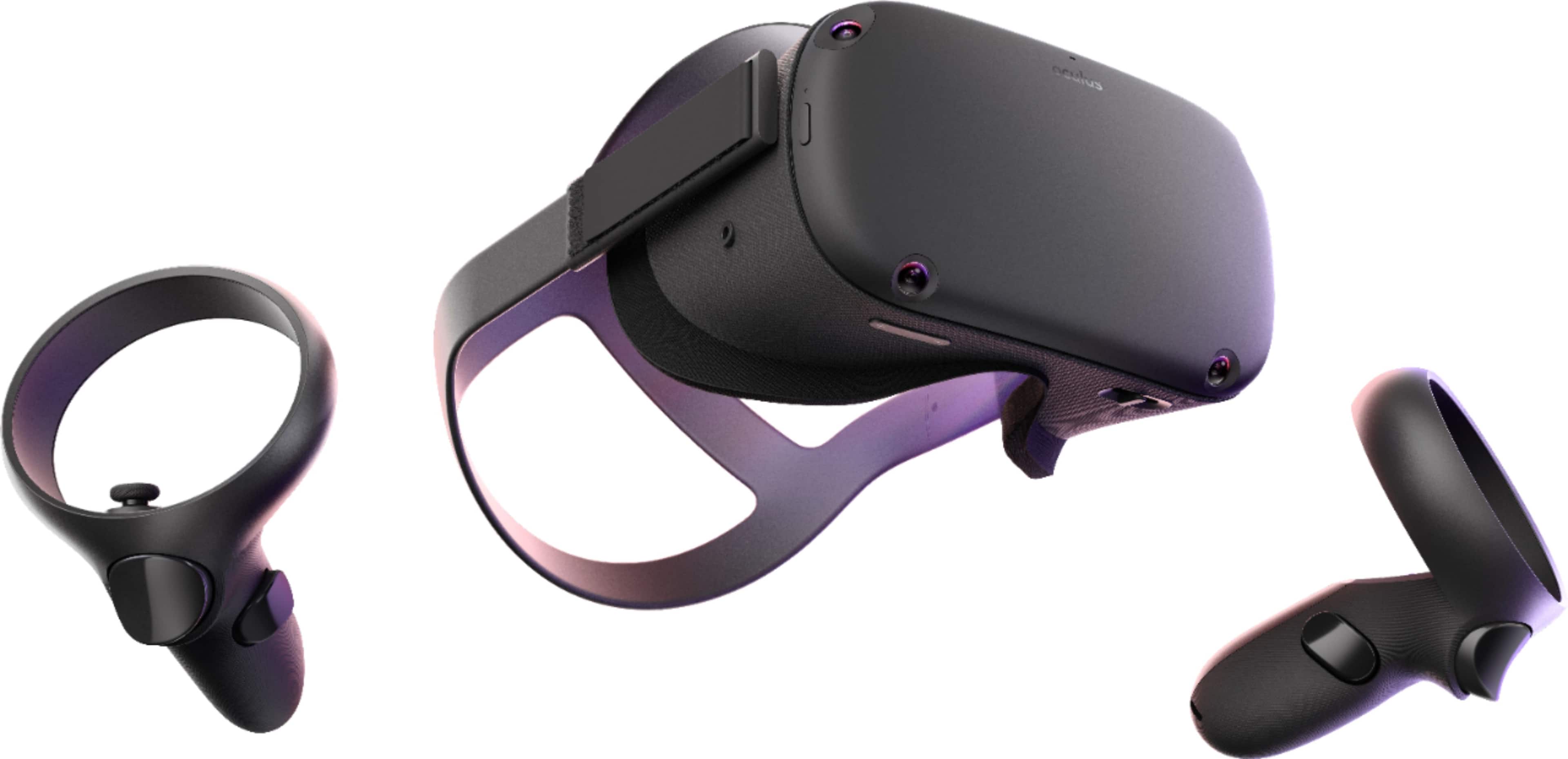
A:AnswerRight now, the Vader Immortal game is being offered with it (check the promotion before you buy). There are several free games on the Oculus Quest store as well. FYI - games are considerably cheaper than video games (9.99 to 29.99).