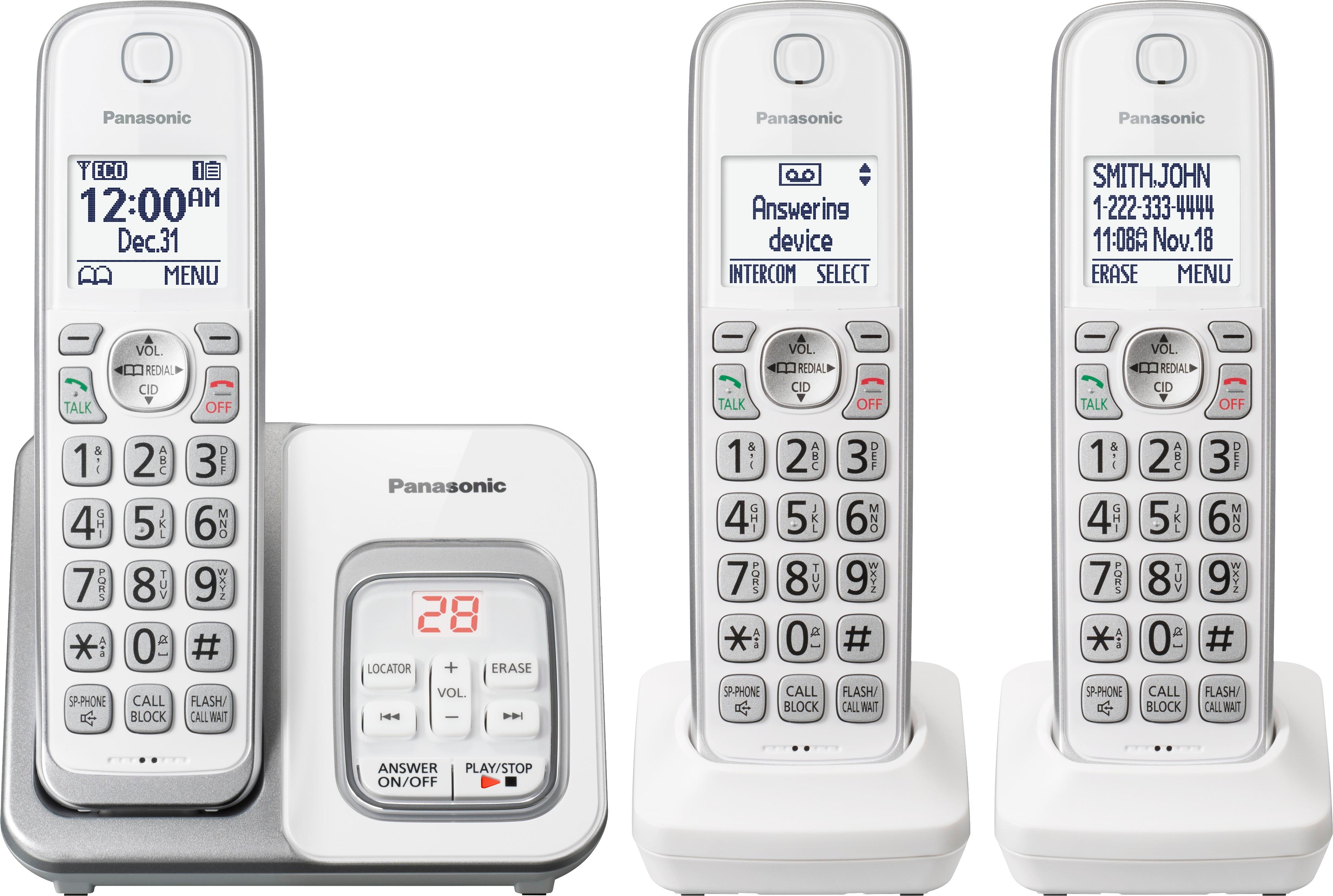
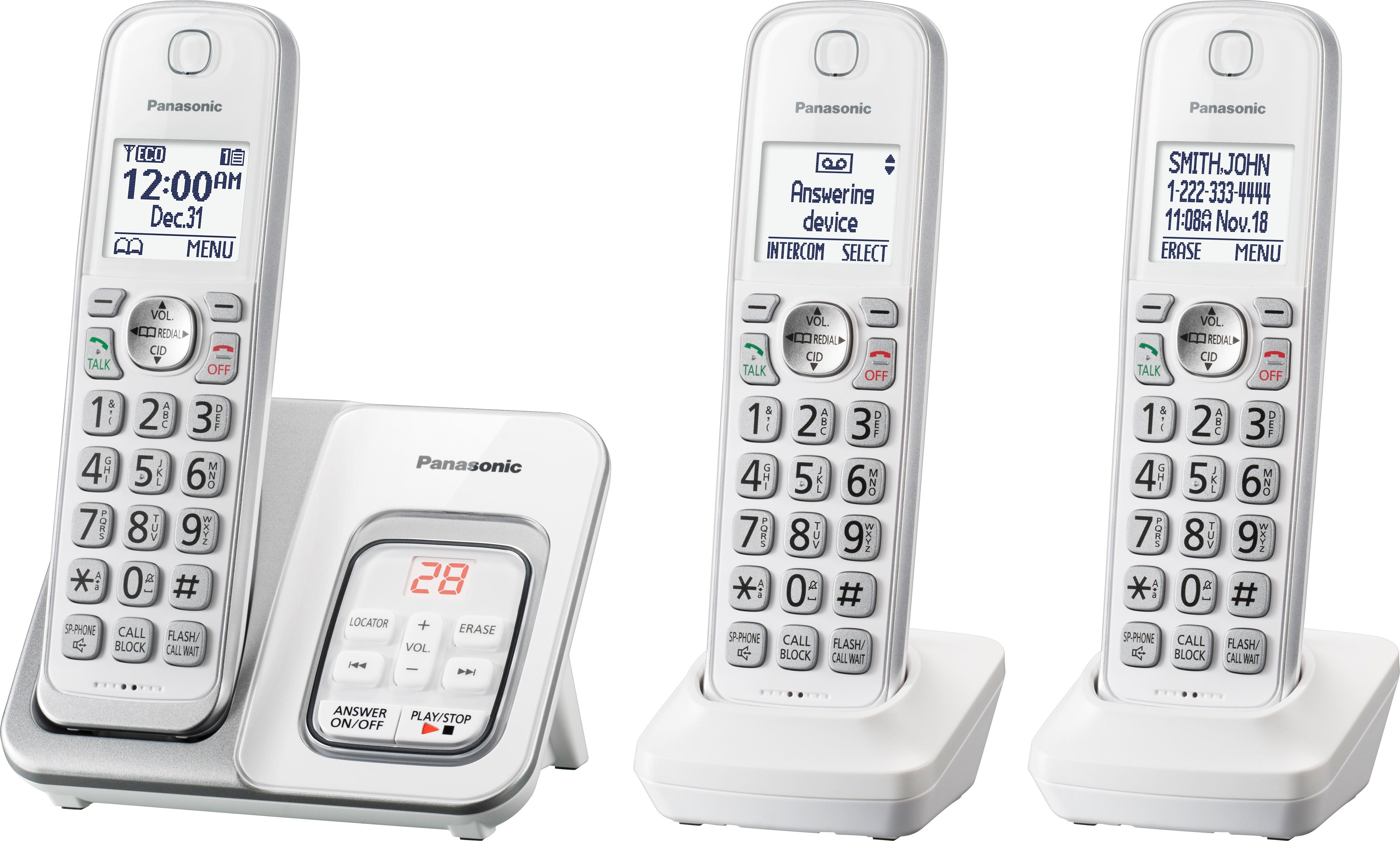
A:AnswerPlease find below the Cordless Additional handset that is compatible with your Phone System.
By clicking on -Find a dealer- you will see all the available options:
https://shop.panasonic.com/cordless-corded-telephones/telephone-handsets/KX-TGDA50W1.html
A:AnswerYou can change the number of times the phone rings “Ring count” before the unit answers calls. You can select 2 to 7 rings, or Toll saver”. The default setting is “4 rings”. “Toll saver”: The unit’s answering system answers at the end of the 2nd ring when new messages have been recorded, or at the end of the 5th ring when there are no new messages. You can adjust this by pressing menu #211.
A:AnswerDear Marian, you can search on BestBuy or our other authorized sellers for the following handset models which are compatible with this unit: (KX-) TGTA61; TGDA50 (Included Handset); TGFA50; TGFA20; TGEA40; TGLA40; TGMA44; TGFA30, TGDA20.
A:AnswerYes. It can sit on the desk or mount on the wall. The wall mount makes it stick out a bit, but it works and matches. The wall mount piece is included with the set.
A:AnswerIt works with a standard caller ID service, so it depends on what information is sent to the handset from your phone company. You can program in a name for common numbers that do not have a caller ID name, such as mobile numbers.