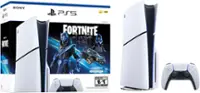
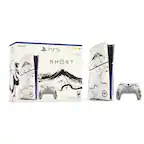
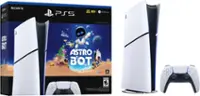
A:AnswerNo, Best Buy can’t add storage directly to your console in-store just by bringing it in. To get more storage, you’ll need to purchase a compatible storage expansion like an external hard drive or internal SSD (depending on your console). You can install it yourself, or in some cases Geek Squad may help with installation, but the storage itself has to be bought separately.
A:AnswerThe original PS5 disc drive is NOT compatible.
Only the official detachable PS5 Slim disc drive works.
It requires an internet activation when first attached also.
A:AnswerHey there. If it has been too long it has been sitting, then a quick blower should clear out the dust and it should be back running.
I reccomend that you take it to best buy and return it, they will give a replacement console.
A:AnswerYes it is!
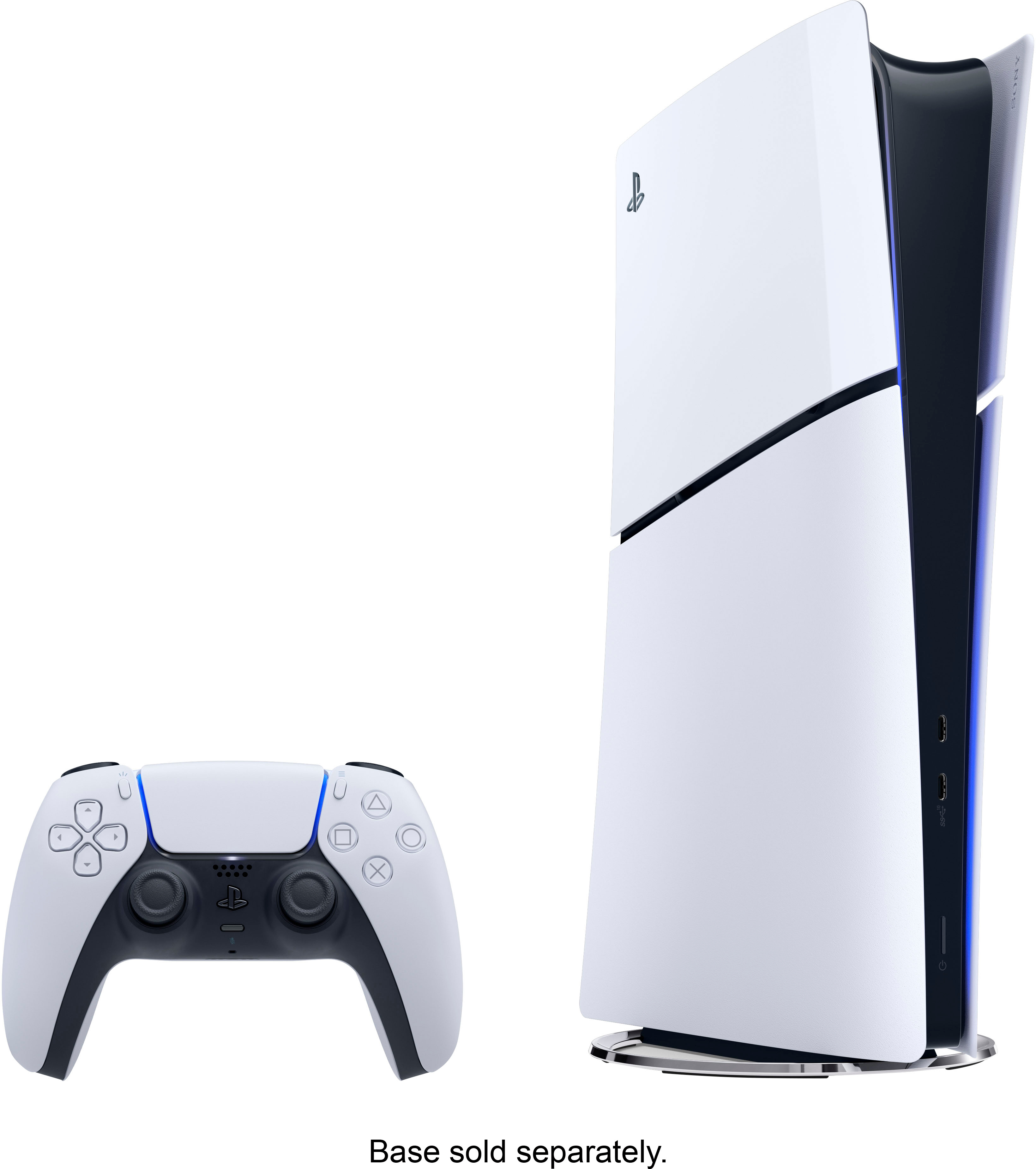
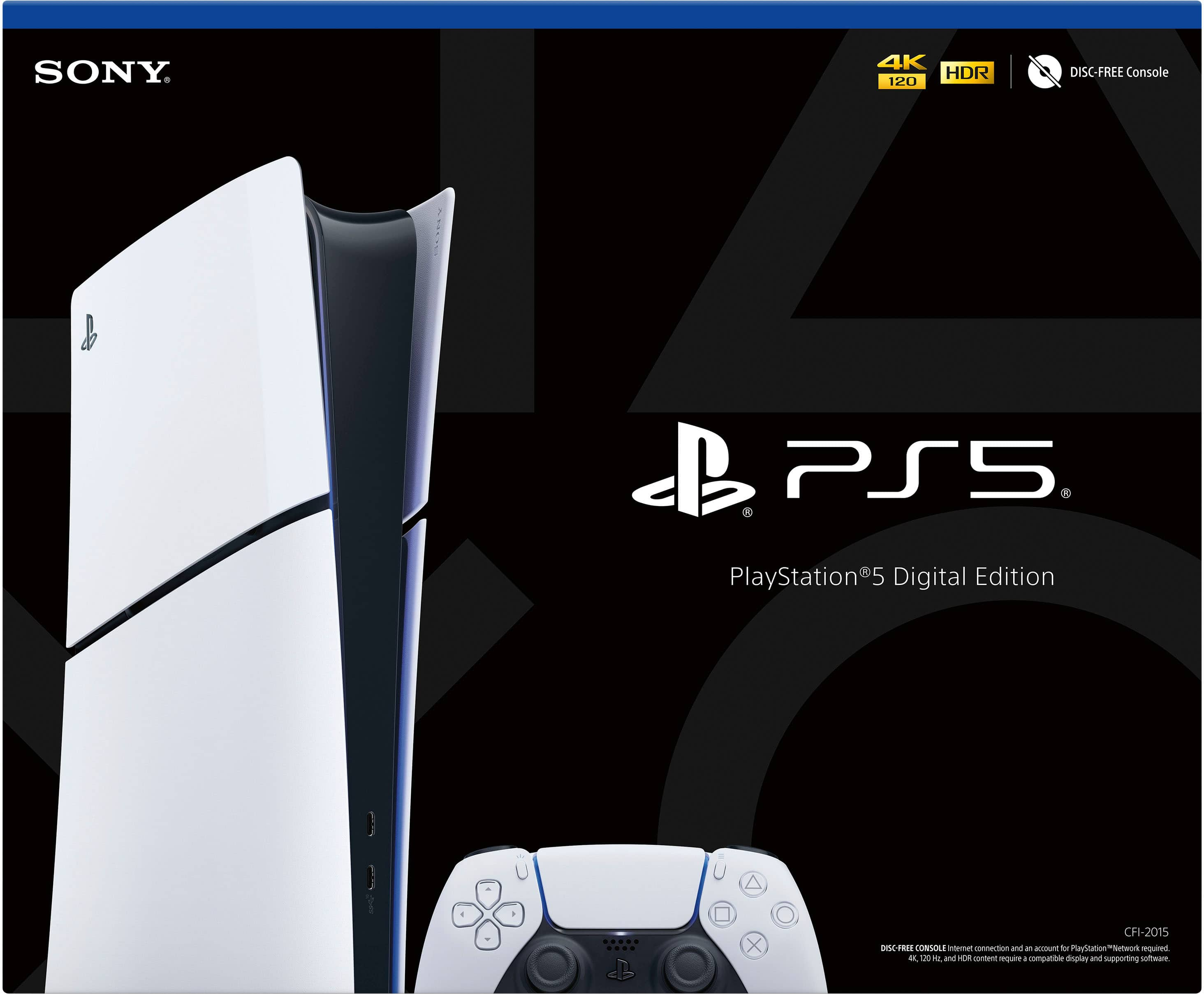
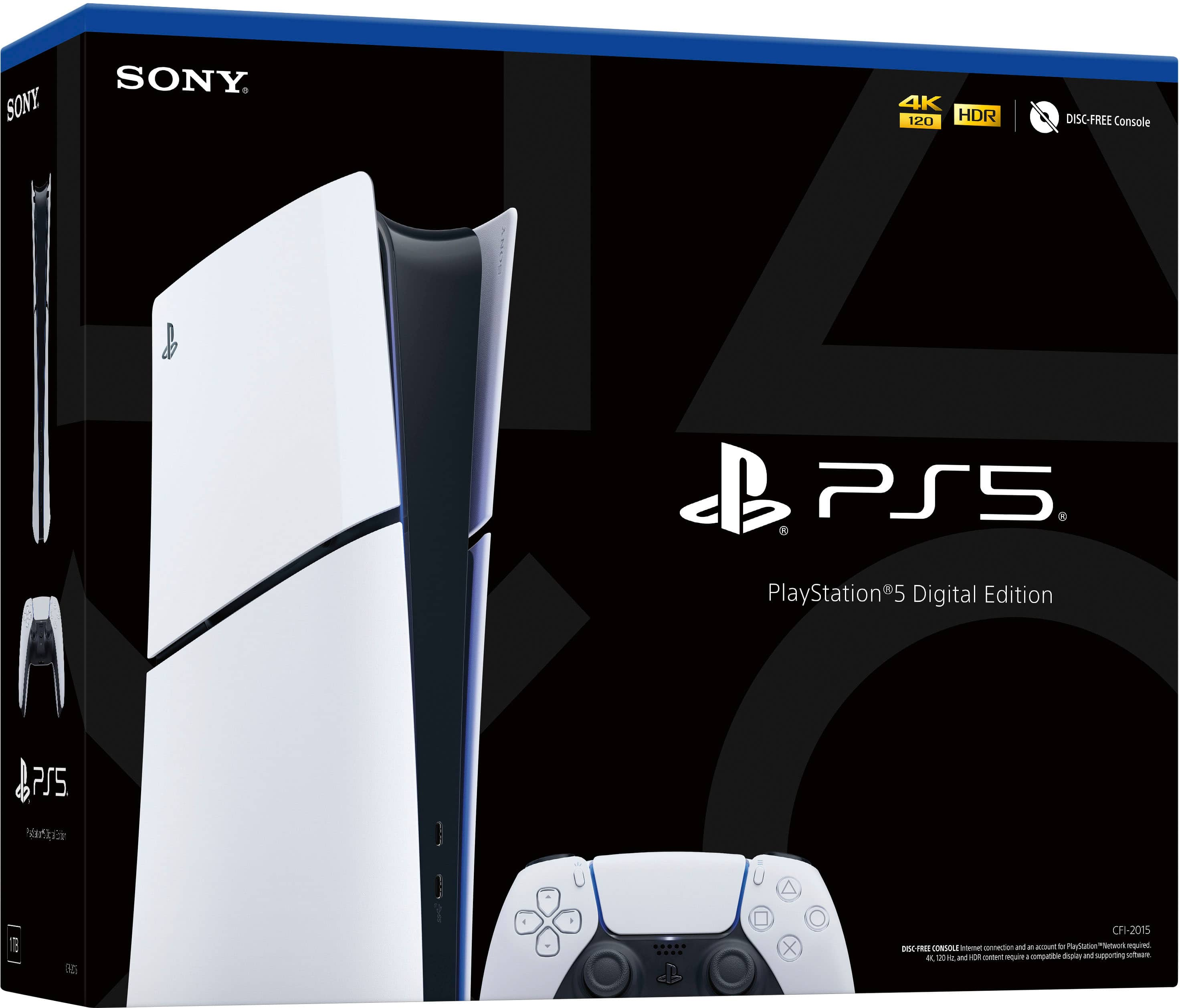
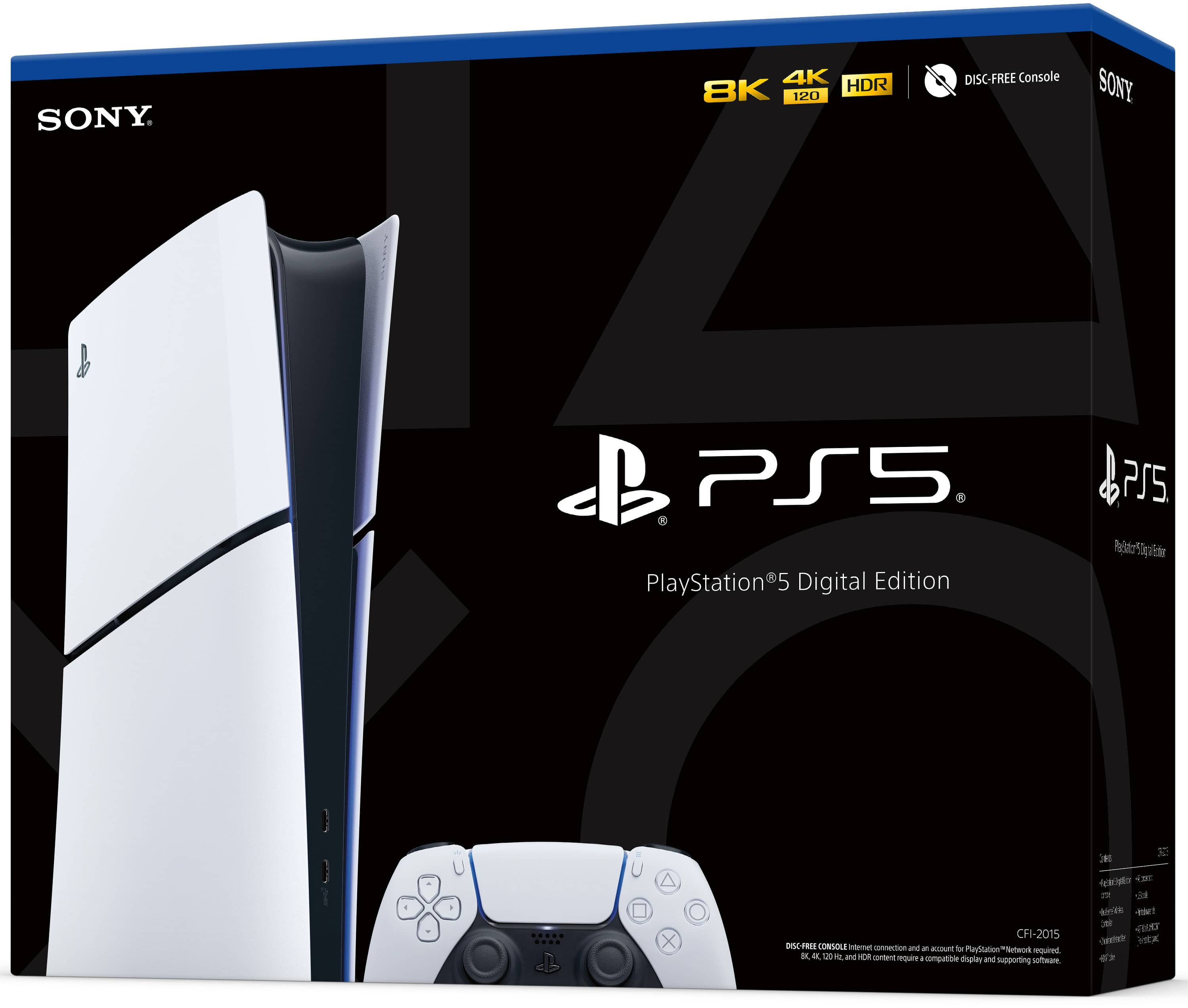
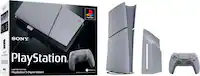
The original digital ps5 did not allow you to add a disc drive in the future, but the PS5 Slim Digital allows you to buy a PS5 disc drive and connect it if you were to decide you wanted to play discs. Additionally, the ps5 slim digital has 2 usb ports in the back of the console(which means the pulse elite headsets or usb oriented headsets might overheat the plug in spot and not work as intented, so i'd recommend wired or non usb wireless headphones for it!
The original had a USB and USB-C in the front of the console as the slim digital has the 2 USB in the back and 2 USB-C in the front
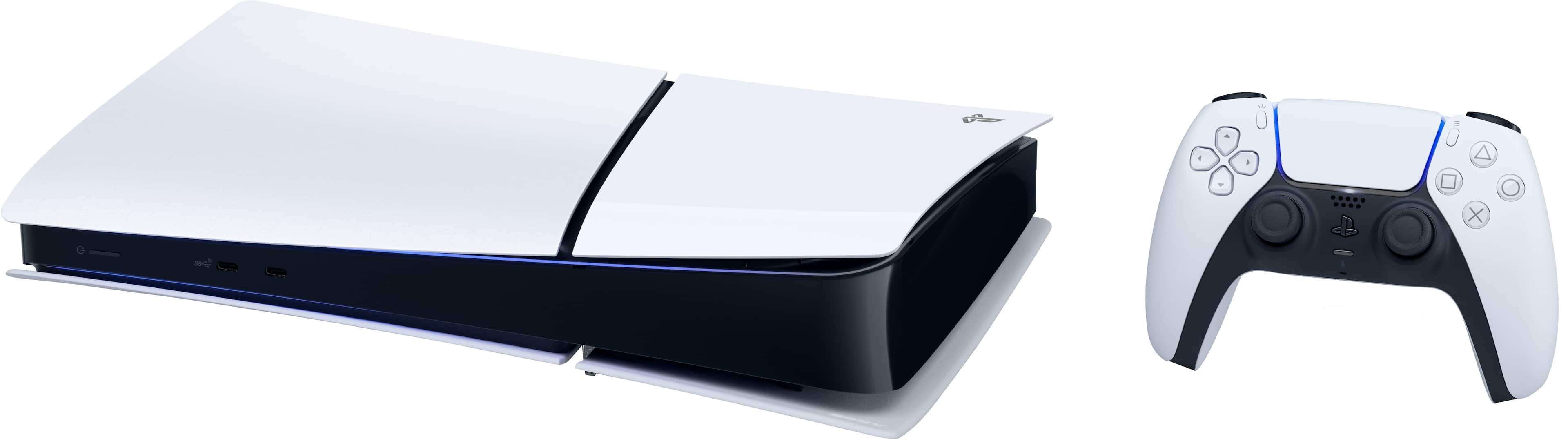
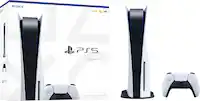
The PS5 Slim Digital is also smaller/skinnier in comparison to the bulkier PS5 digital edition, so it takes up less space but still runs amazingly:)
Hope this helps you!
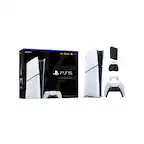
A:AnswerYes! It includes 1 PS5 controller, 1 USB-Ctype charger, 1 Playstation 5 slim digital console, 1 HDMI cord, and 2 little stands for having the PS5 horozontially sitting:)