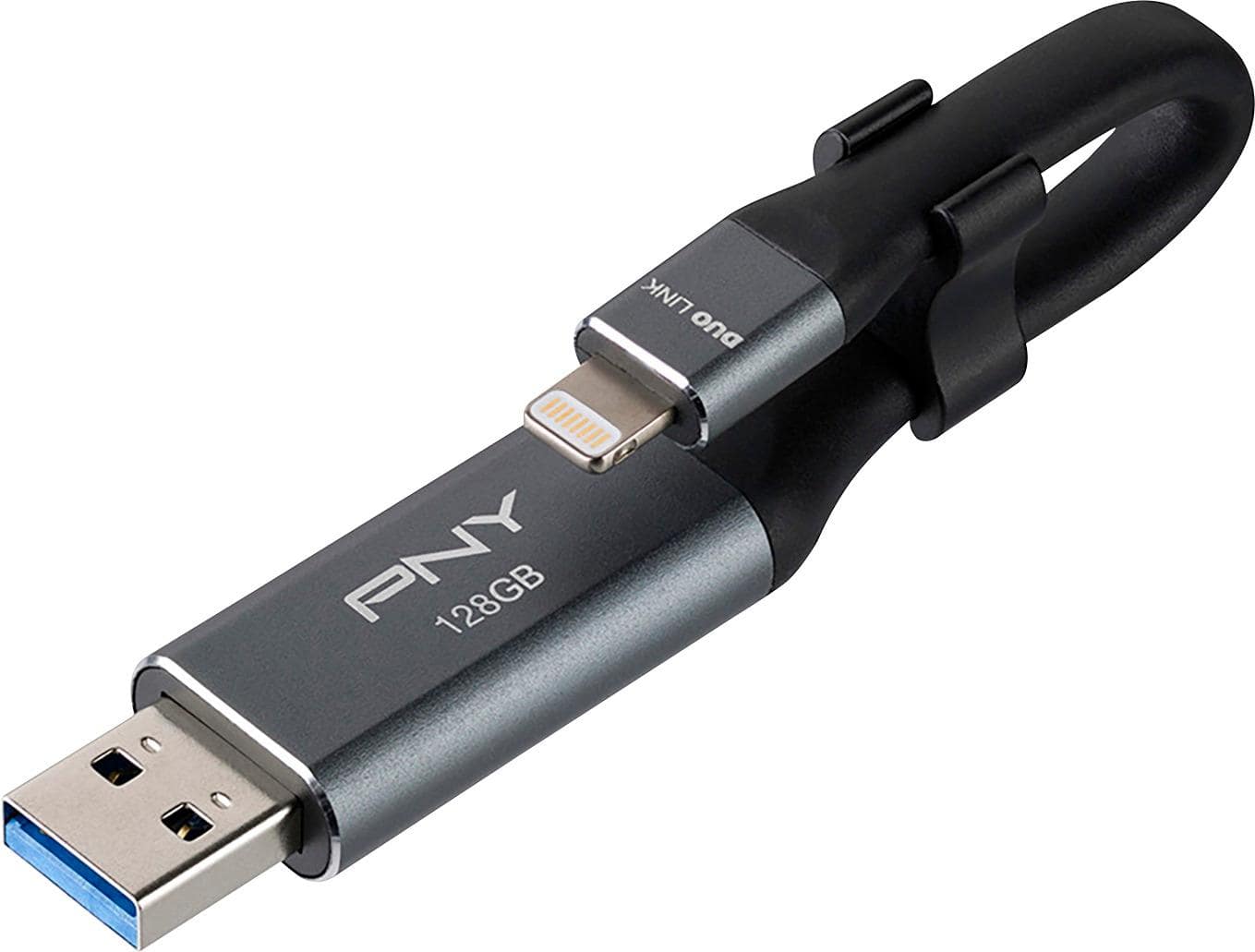
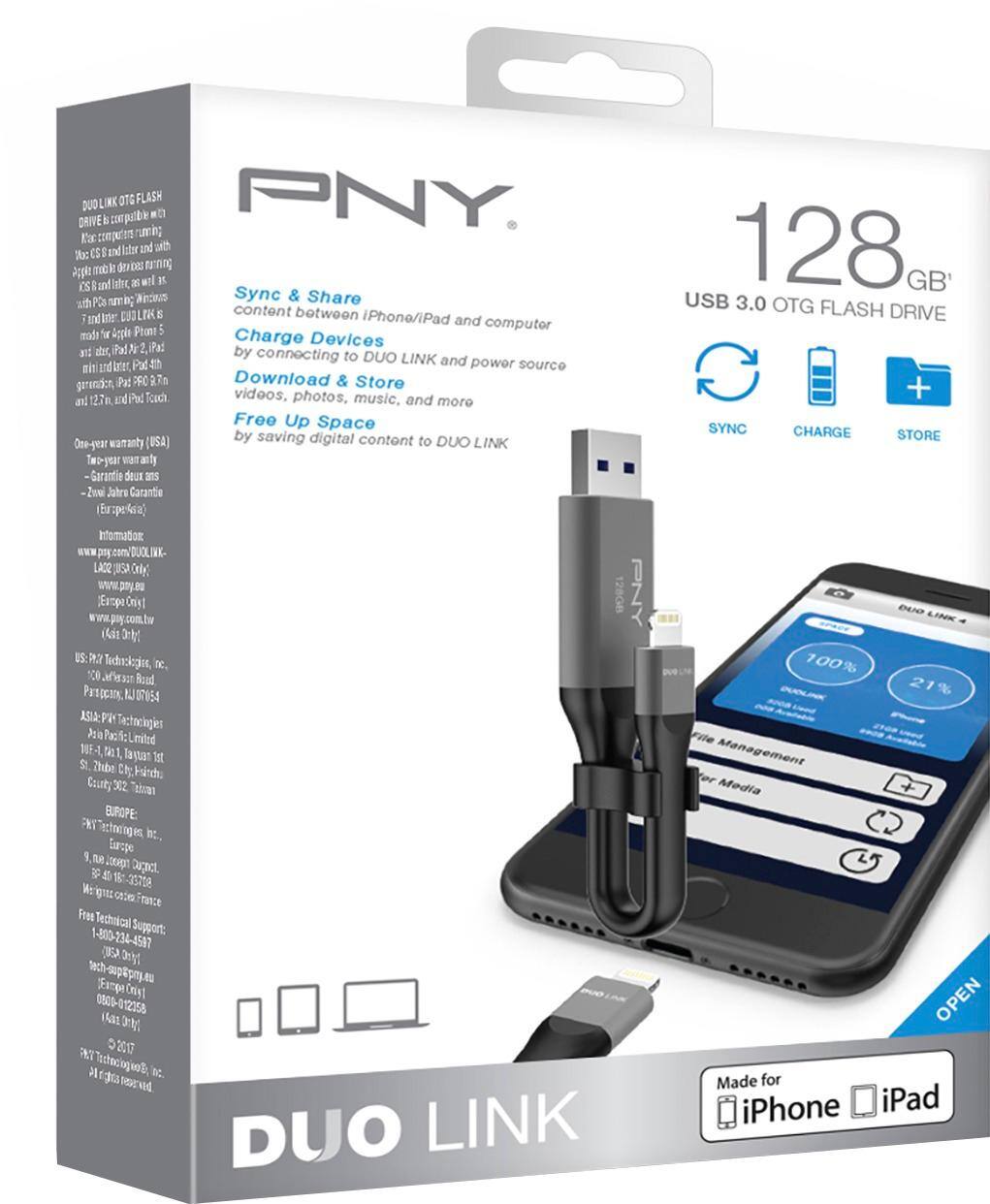
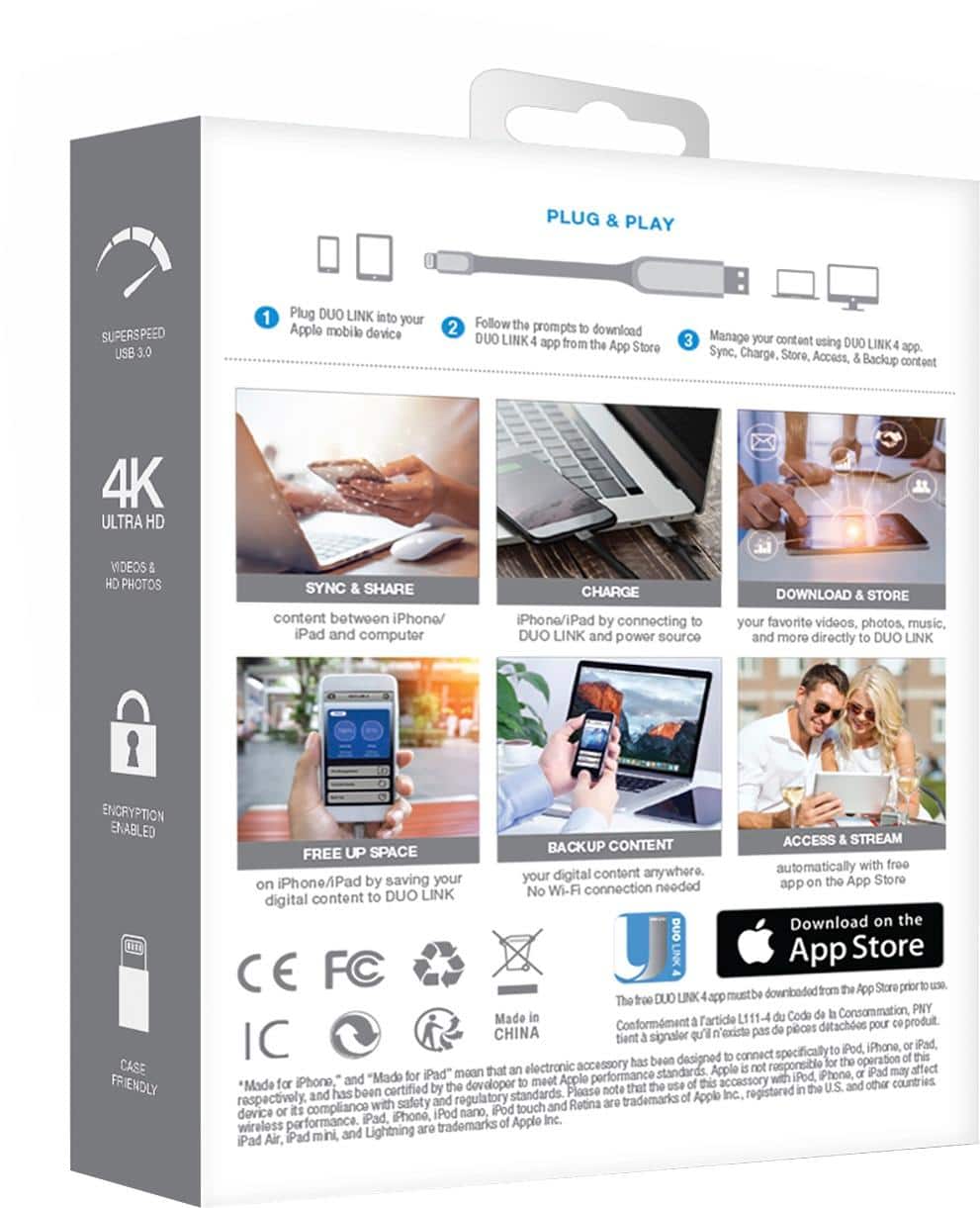
A:AnswerI simply download the video/photo from my computer onto the flash drive and then use the other end and insert it into my iPad and play it. It's very user friendly.
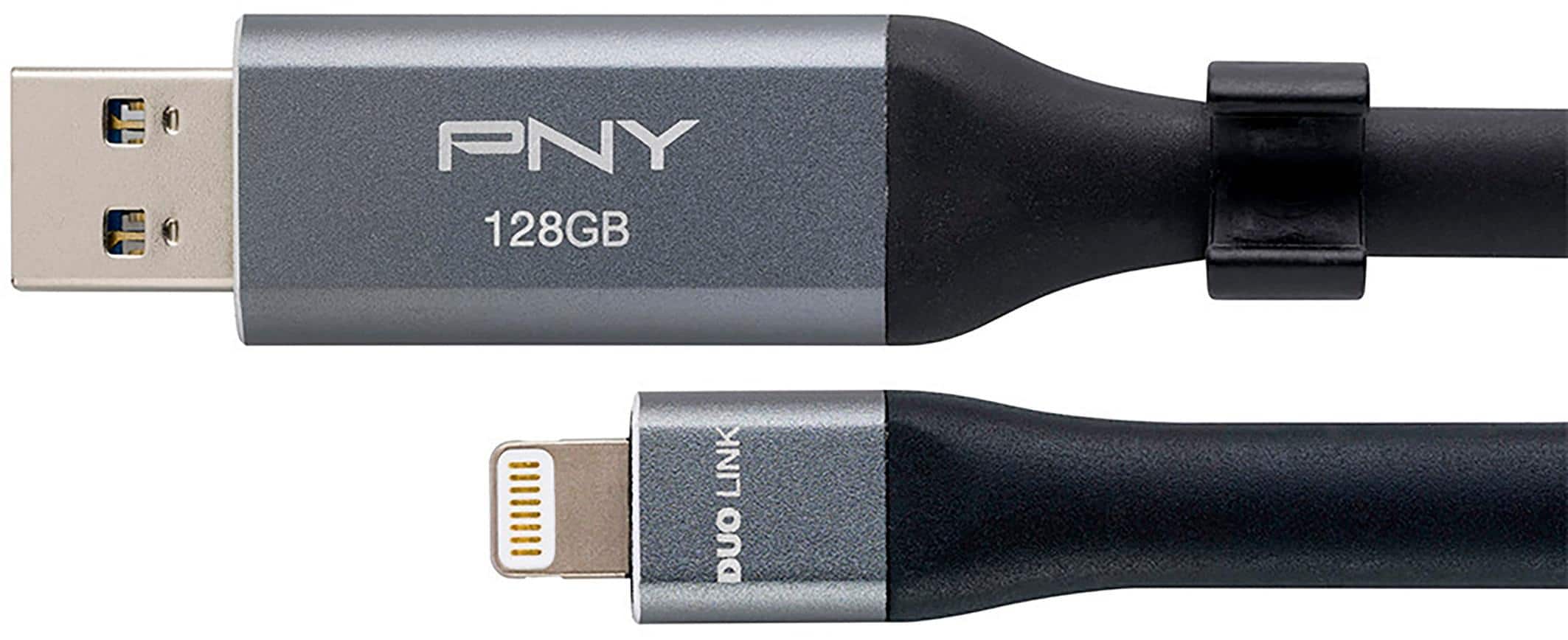
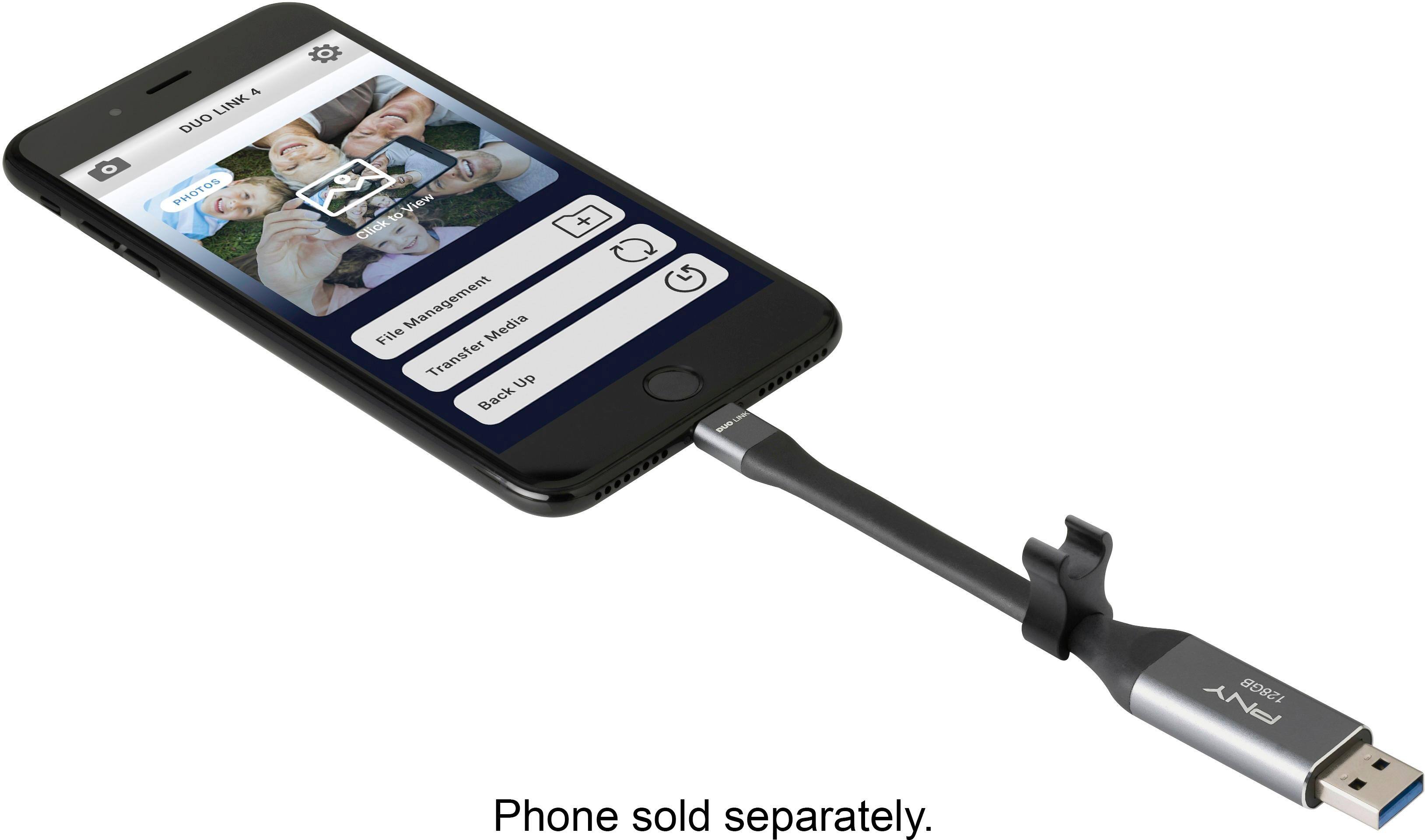
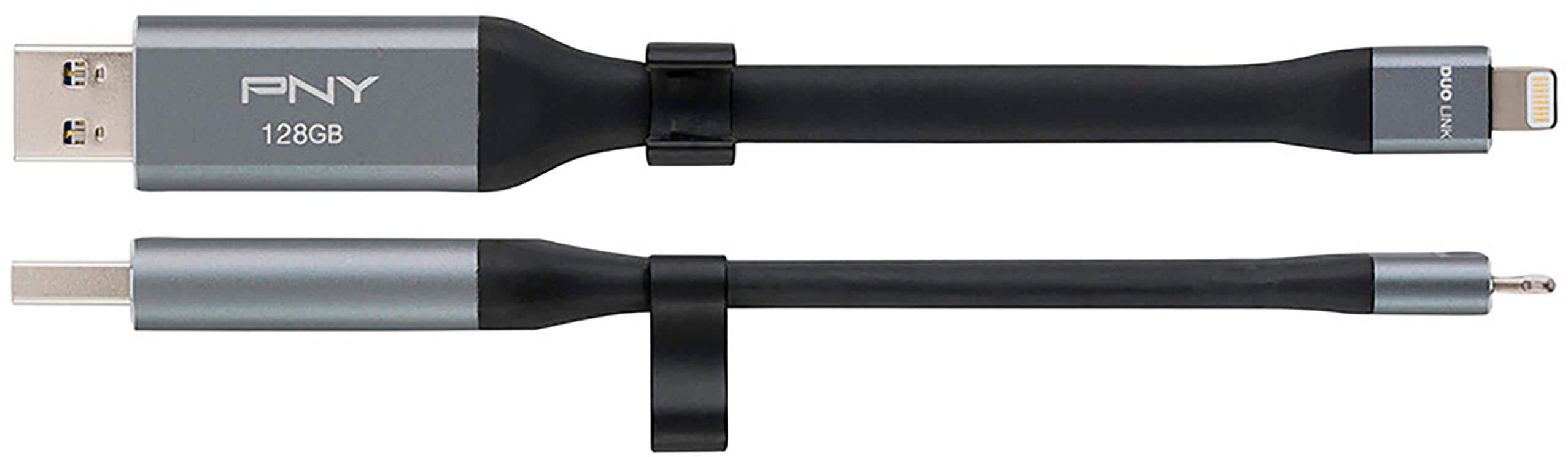
A:AnswerI’ve done this often for local friends and groups. Copy iPhone files, photos, documents, into this flash drive, then connect it to a computer and transfer the files there. You’ll need the drive’s app to connect the lightning to the iPhone. The USB connects like a normal flash drive.
A:AnswerThe software appears to copy files, pictures, video and contacts, last time I used it couple weeks back, but not text messages. iPhones with more than 128GB memory will have to be backed up in multiple sessions, or across multiple sticks.
A:AnswerHello. This is a storage drive only. It certainly can upload your pictures from your computer however it will not organize nor delete duplicates.
A:AnswerI’ve mainly used it for backing up photos and videos from my iPhone, It also has a feature to backup your contacts from your mobile device. Just click on the “BACKUP ICON” below the “Transfer Icon” for more information check out the app- DUO LINK 4 and see if that helps.
A:AnswerAbsolutely !!! I have an iPhone 8+ and run a laptop and also a desktop computer (W10Pro)
and I use it often to do exactly what you are questioning.