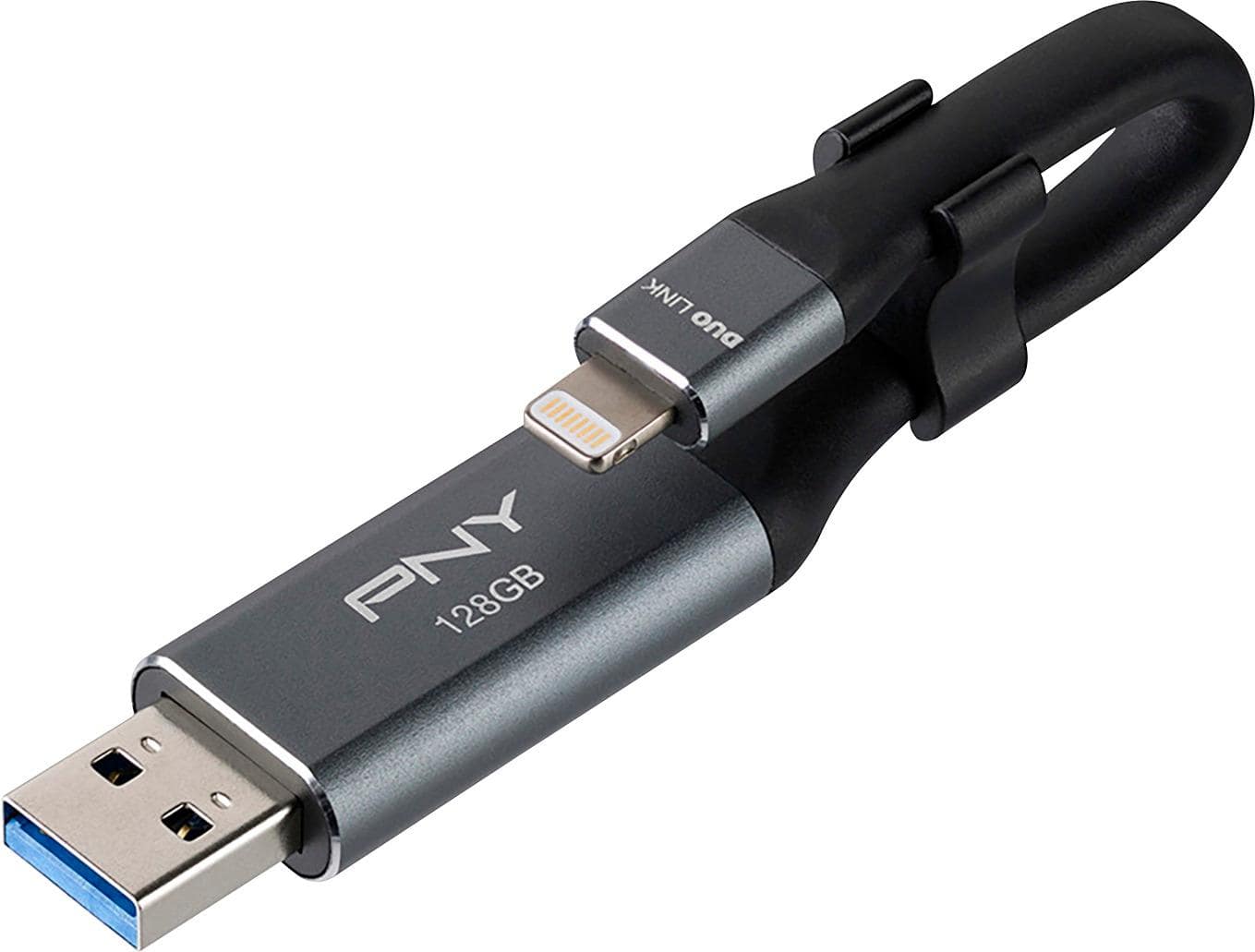
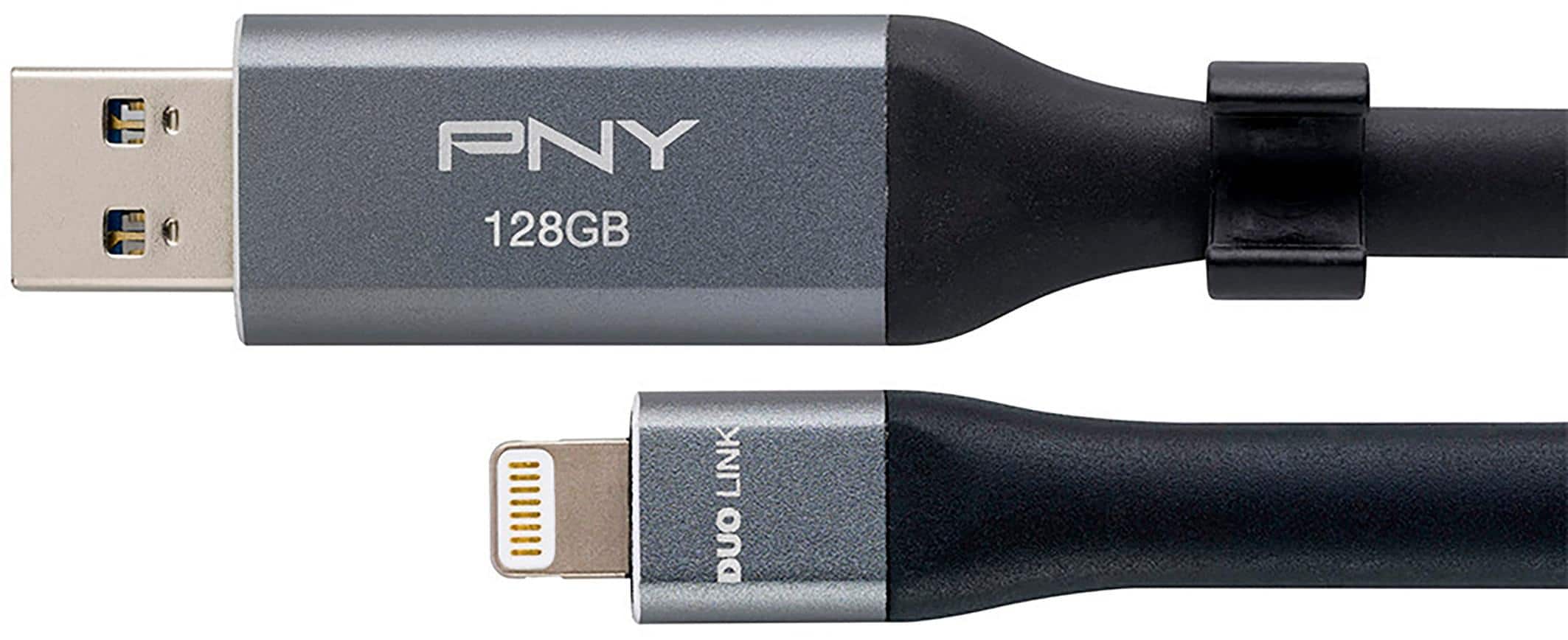
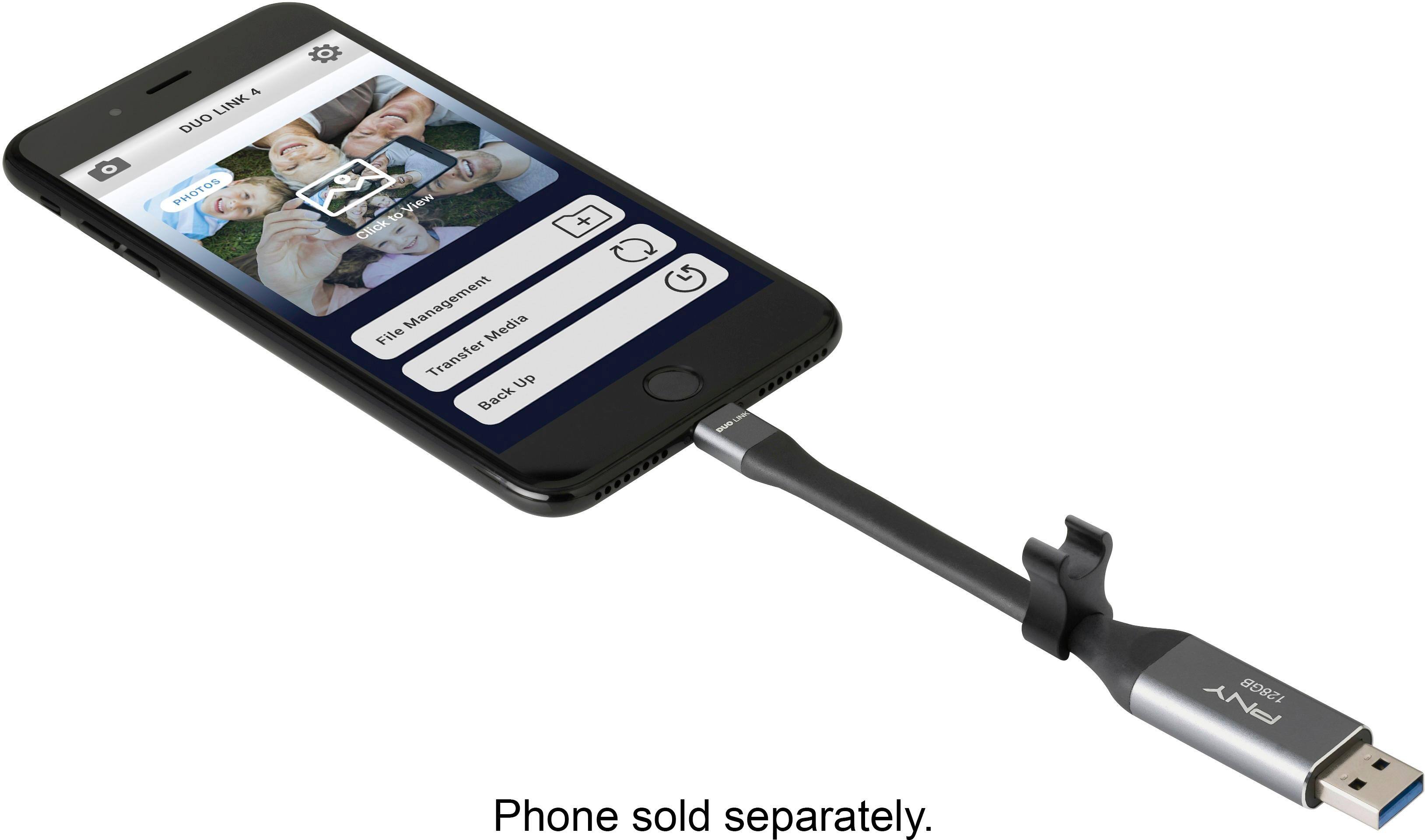
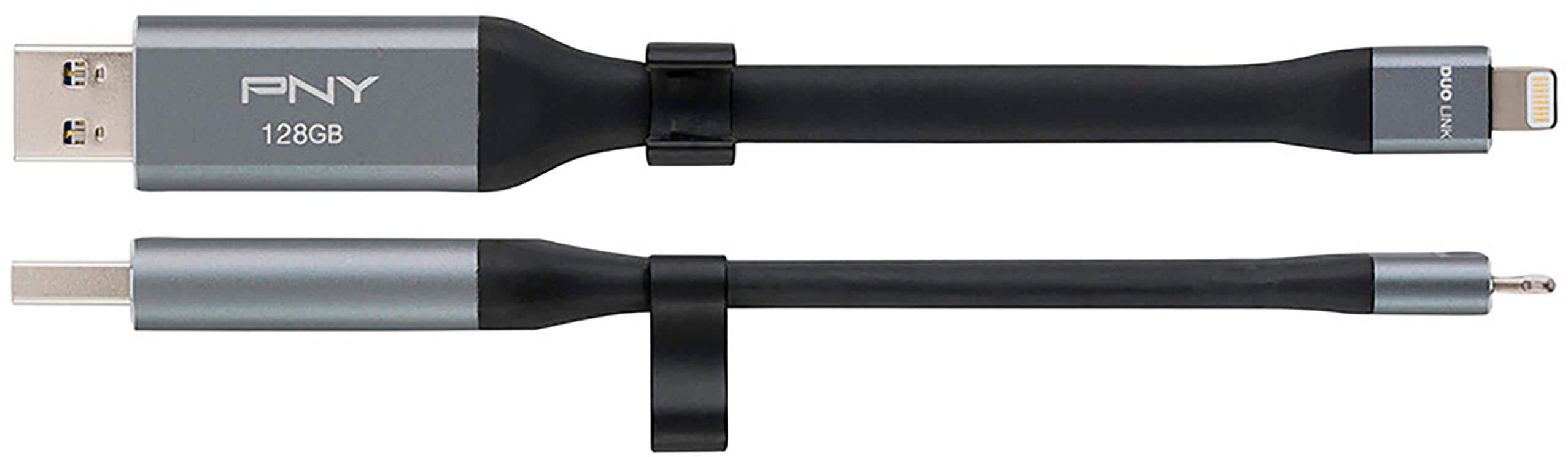
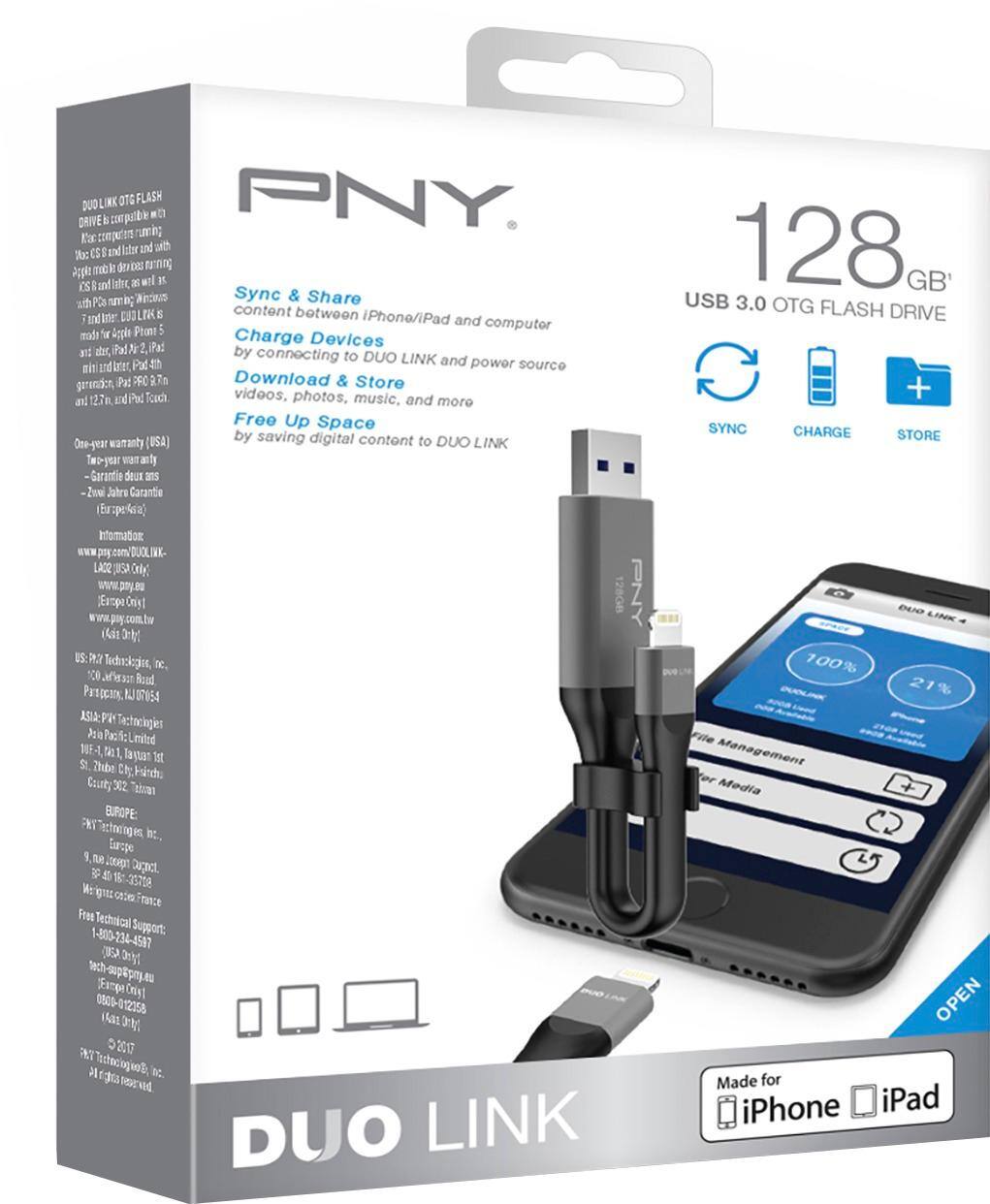
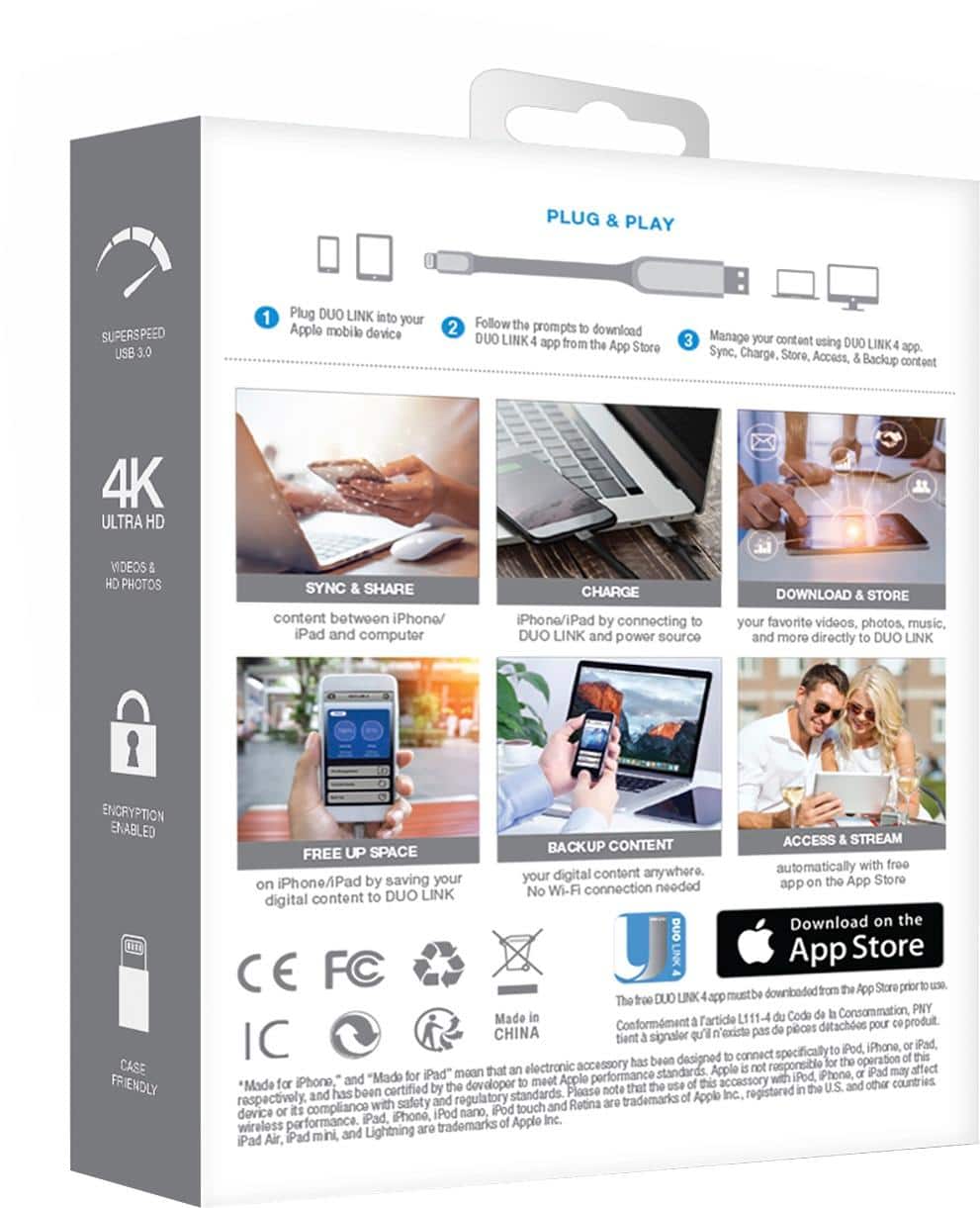
A:AnswerThis device has 1 Lightning connector and 1 USB-A connector for APPLE iPhone and IPad. Android does not use Lightning connector so it will not work.
A:AnswerI think the android port is shaped different than the iPhone port, unless you have a usb port on phone I don’t think it will work. Unless there is a converter for android port to Apple port. I still use my Google photos app, so if you get a converter plug it should work
A:AnswerThe great thing about this product is if it doesn’t work directly to your phone, you can plug phone into your computer and plug usb into another USB port on computer and read or transfer files that way.
A:AnswerJust download their app from the App Store and plug in the device. From there the app enables you to copy files from the iPhone to the drive or from the drive to the iPhone.