A:Answer Hi there,
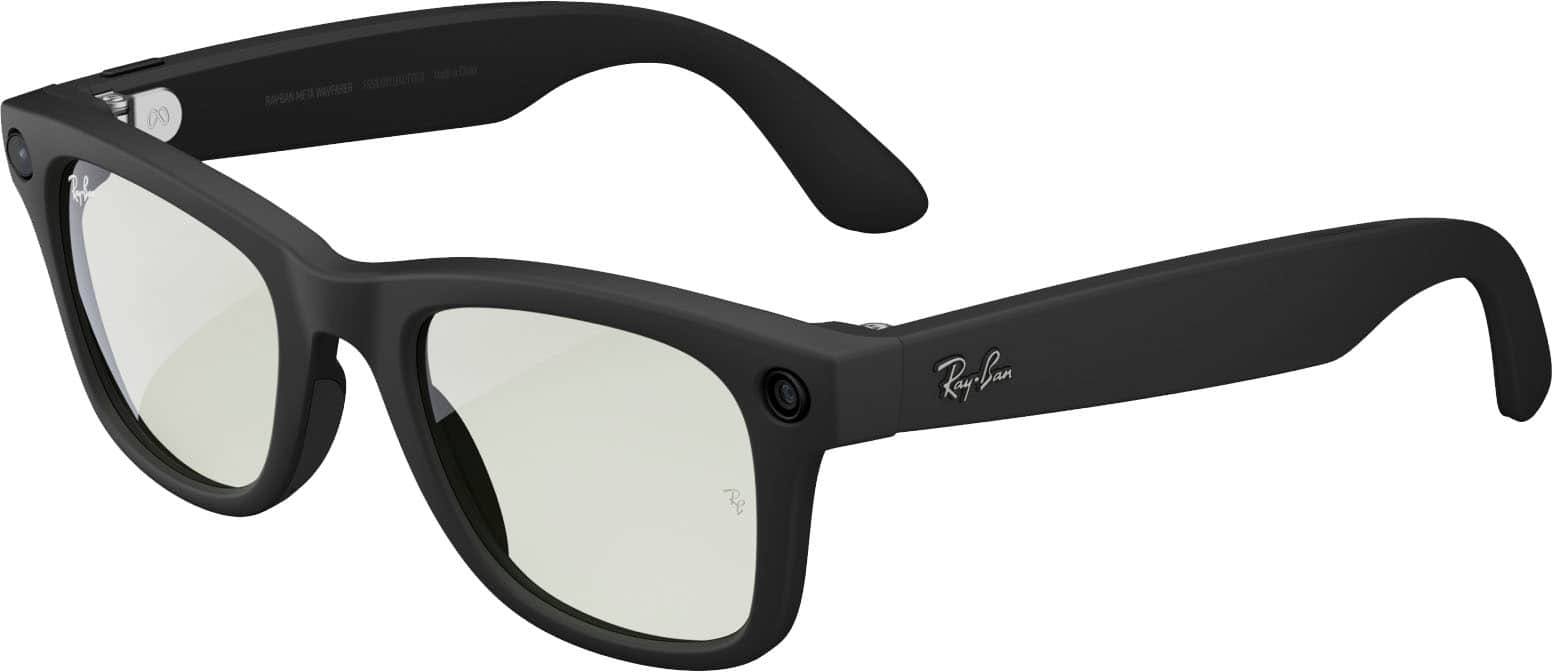
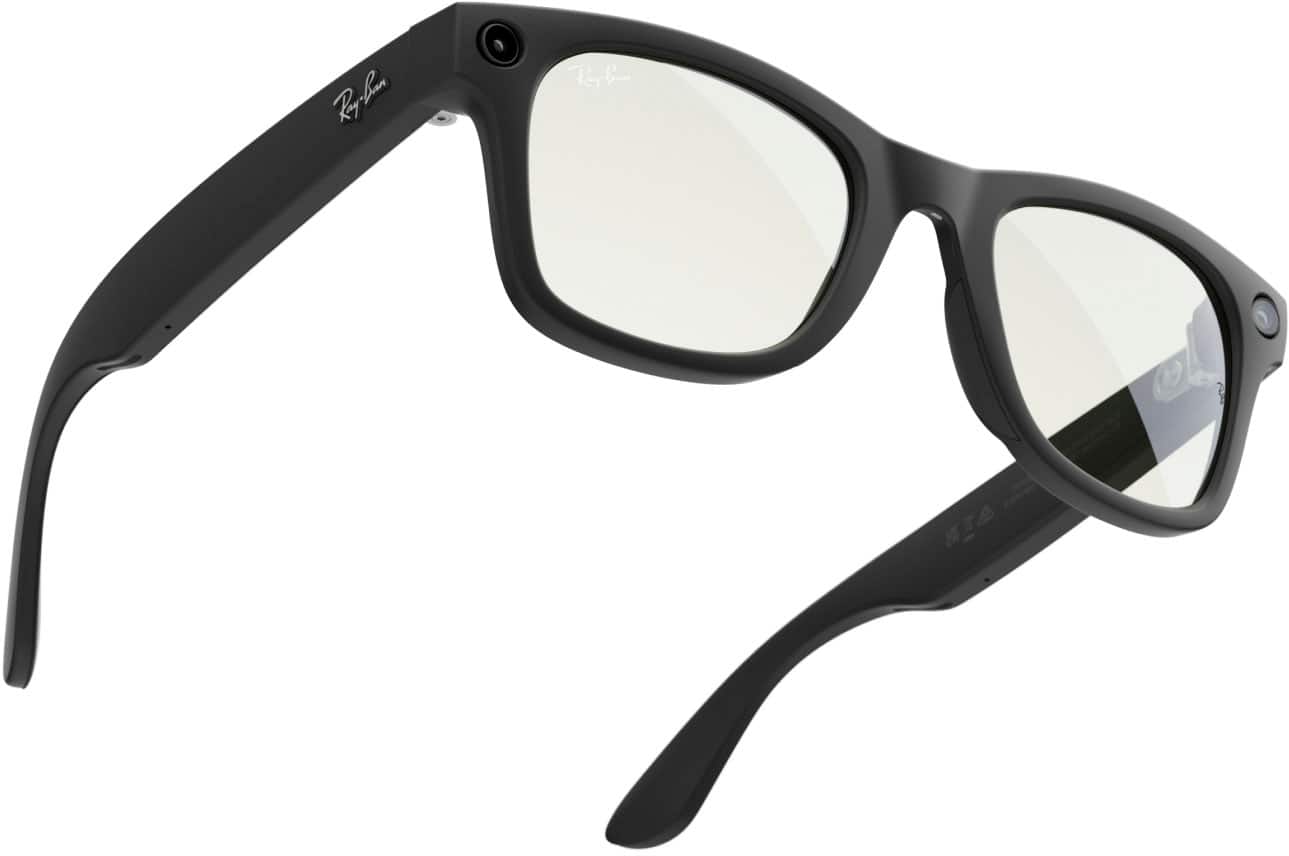
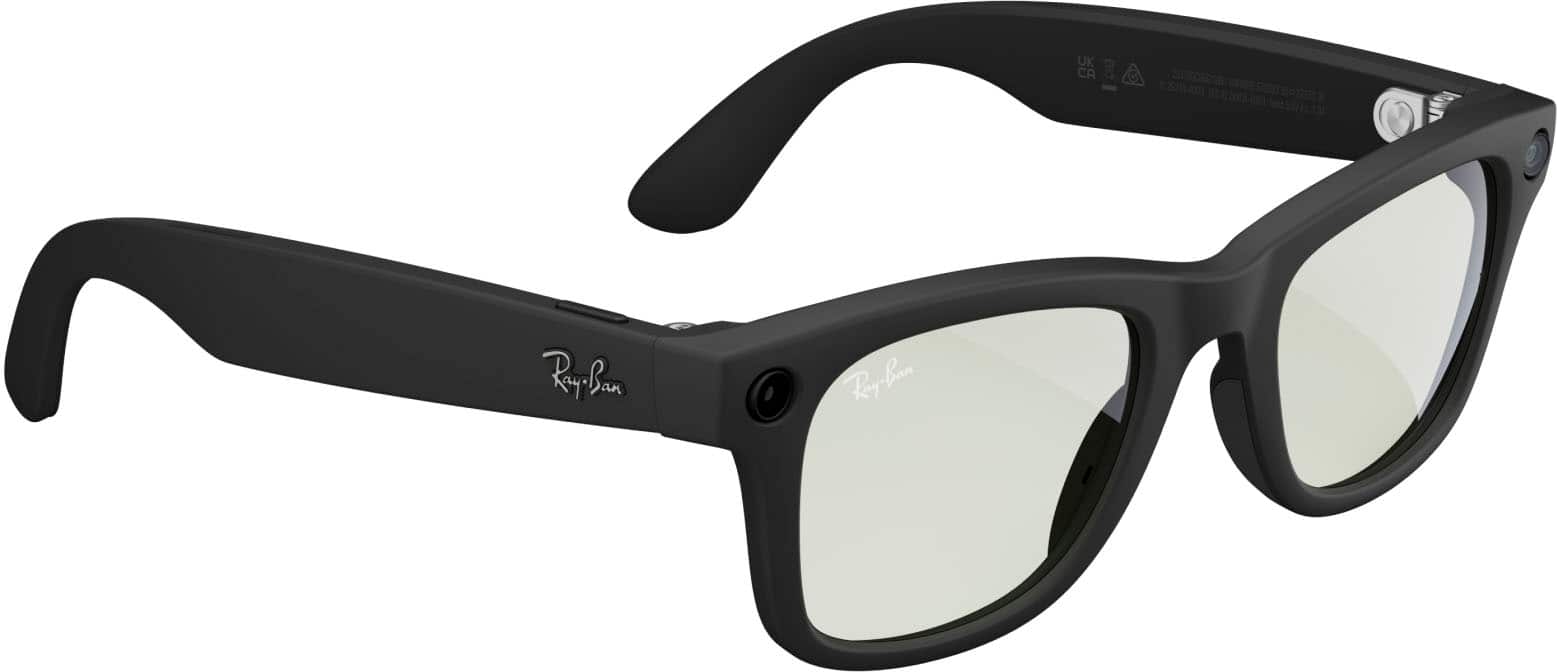
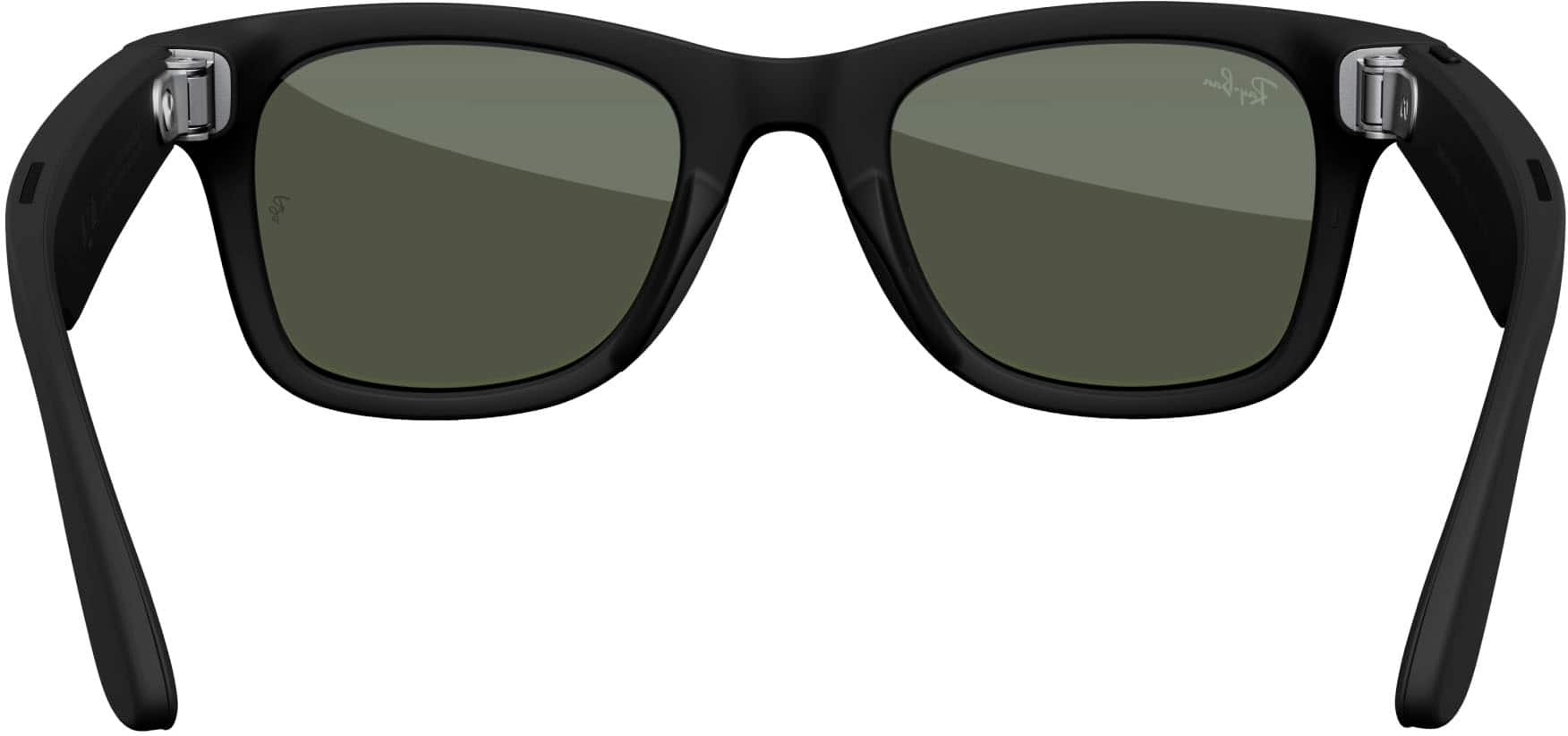
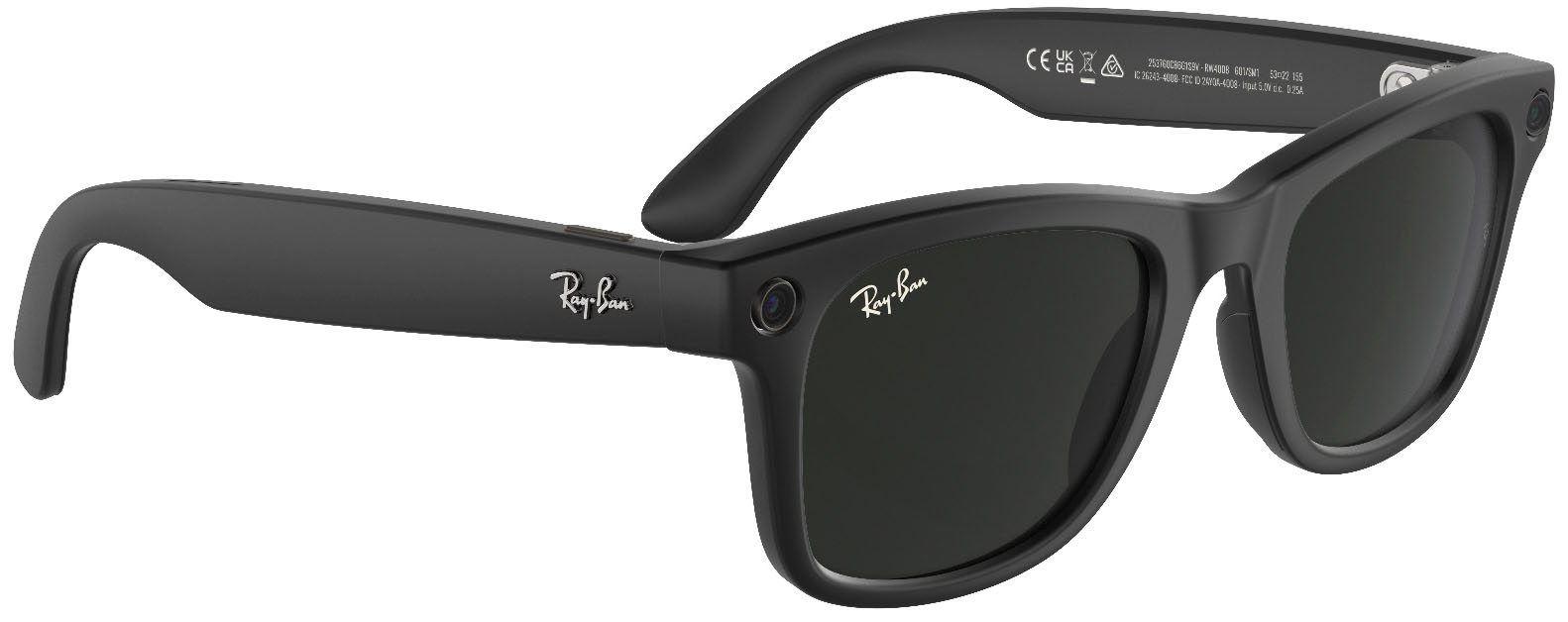
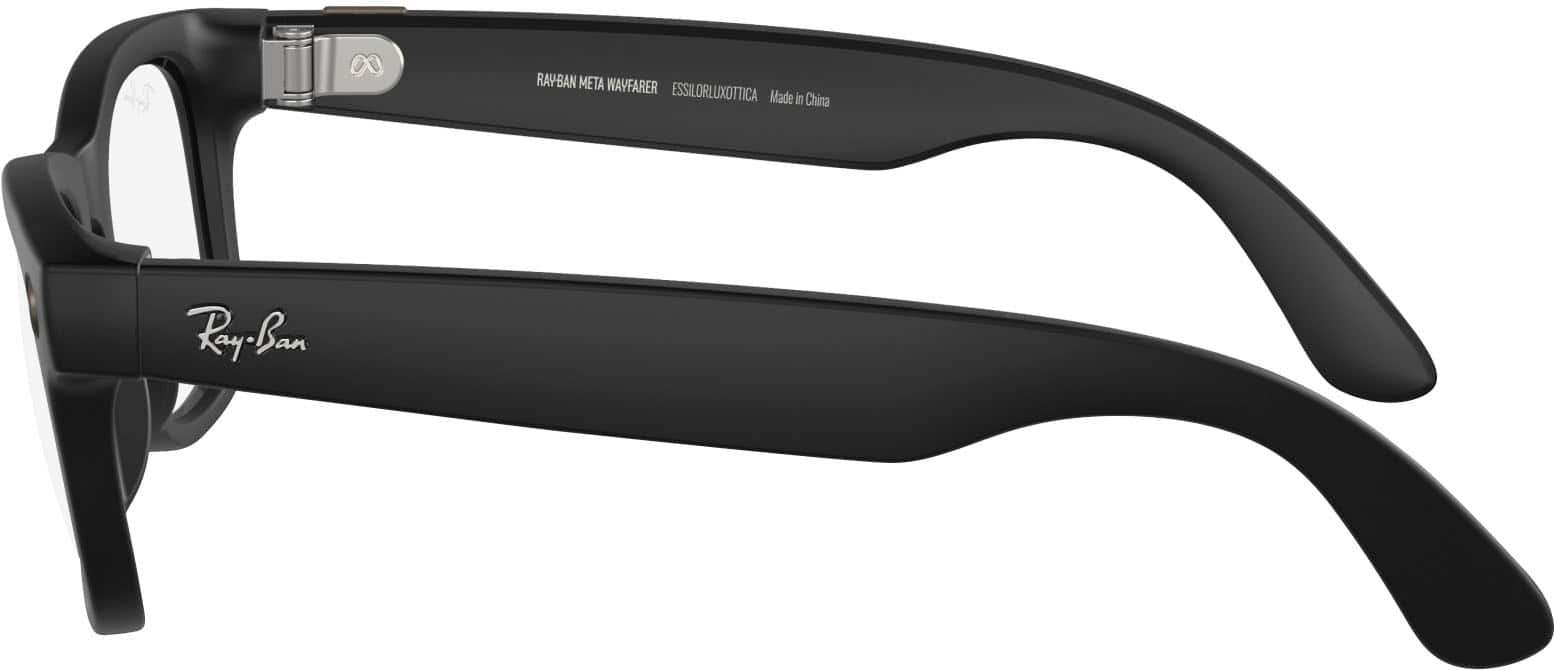
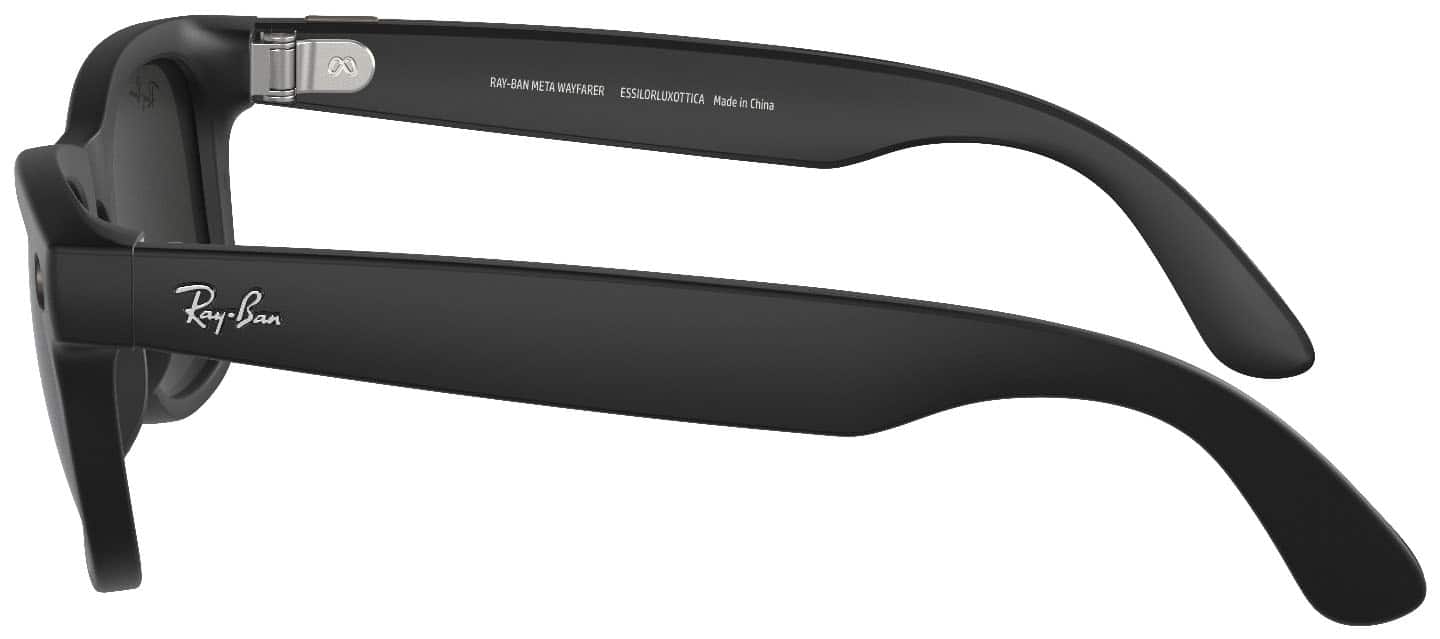
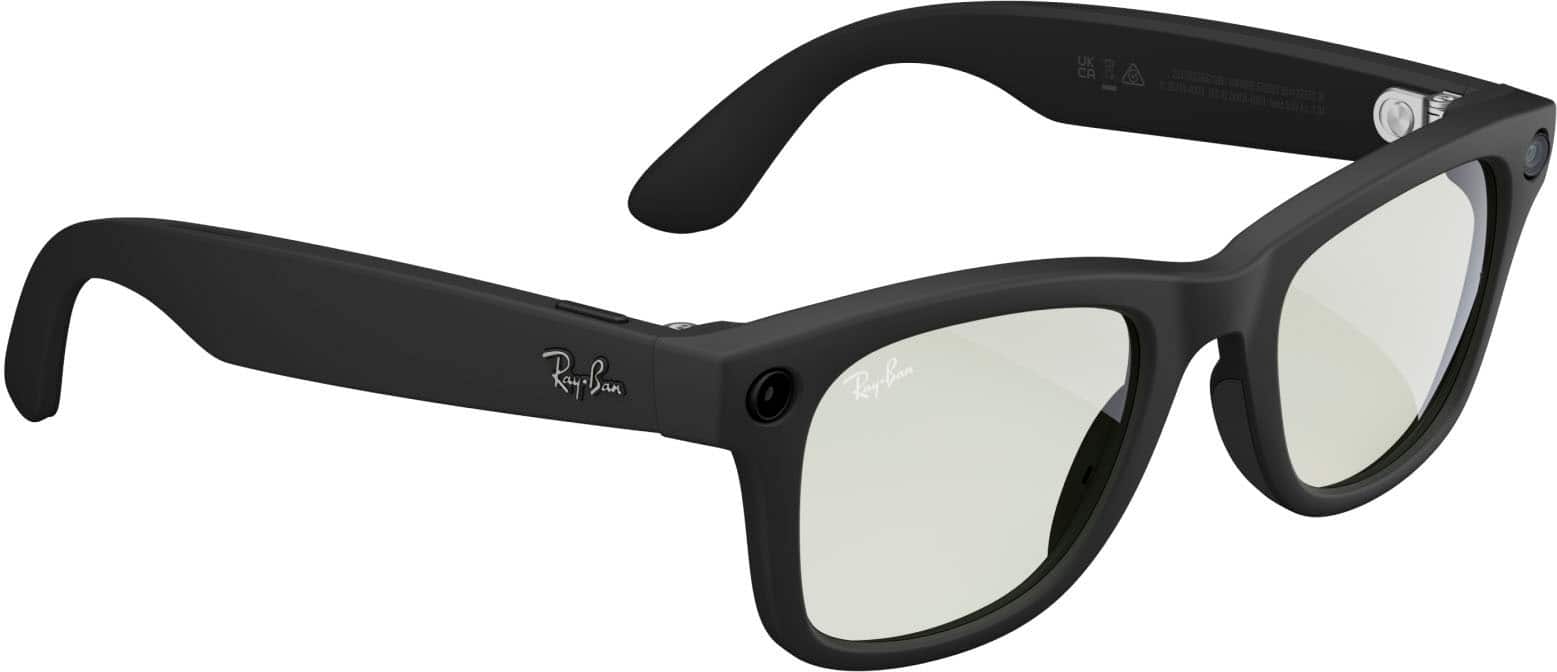
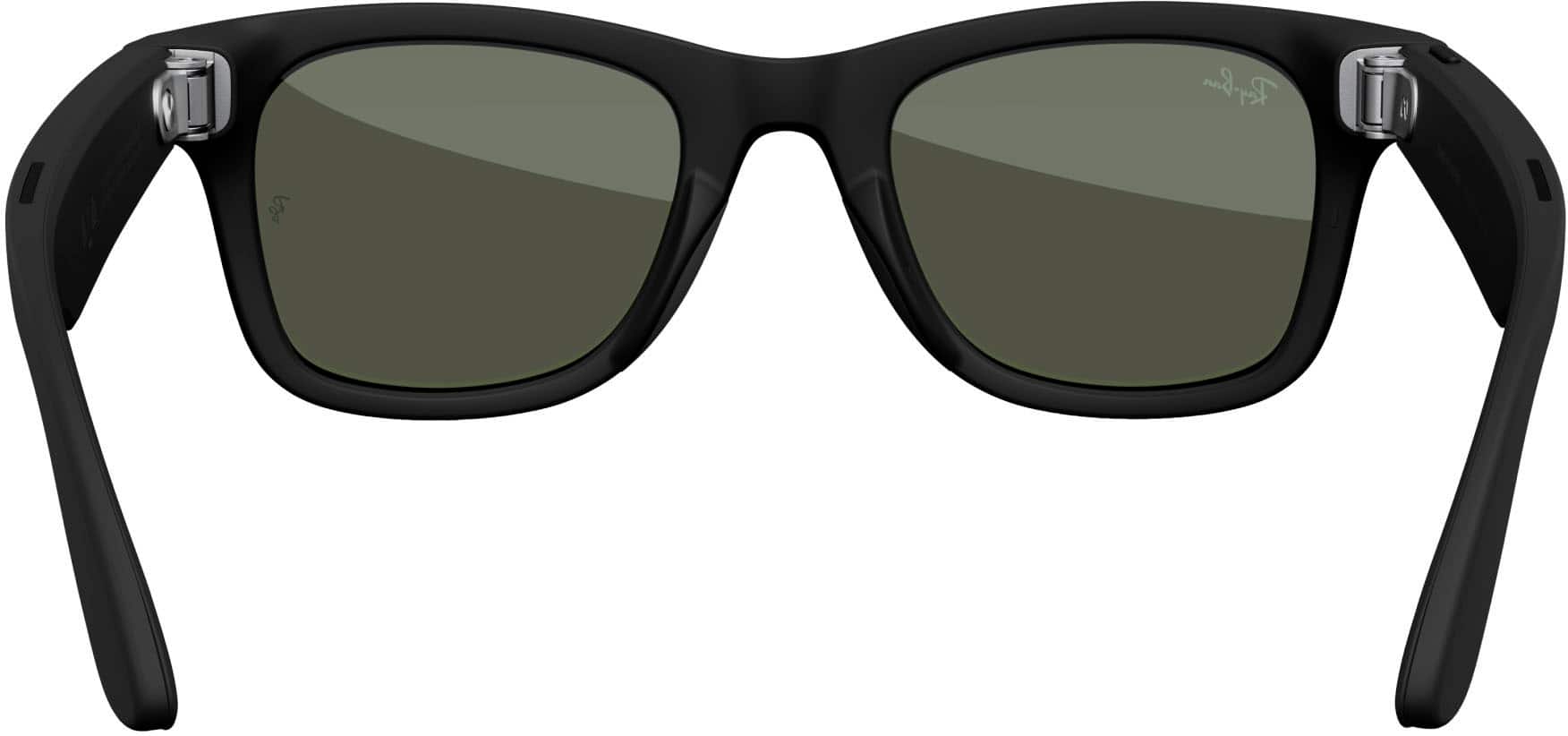
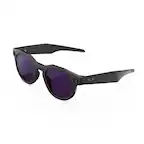
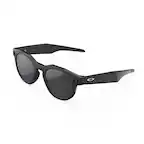
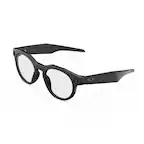
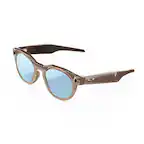
To record a video with your Ray-Ban Meta glasses, you can use either the physical capture button on the right arm of the frame:
- Start Recording: Press and hold the button on the right temple. You will hear a beep and the white LED will light up, indicating you are filming.
- Stop Recording: Tap the button once. Another beep will sound, and the video will be saved to your glasses
Or the hands-free voice commands such as, "Hey Meta, take a video." and, "Hey Meta, stop." once you are done recording.
For any further queries don't hesitate to reach out to us via Meta Support, we'd be happy to help!