A:AnswerHello DaveD,
That’s a really good question.
The Ray-Ban Meta smart glasses are designed to give you freedom when you’re out exploring. You don’t need to carry your phone with you to capture memories, these glasses can take photos and record videos on their own.
How it works
Independent capture: The glasses can snap pictures and record videos without being connected to your phone or the internet.
Built-in storage: Everything you capture is saved directly to the glasses until you’re ready to transfer it. There’s enough space for plenty of photos and several minutes of video.
Simple controls: Just press the capture button on the frame to take a photo or start recording.
Sync later: Once you’re back from your hike and near your phone again, you can connect the glasses to the Meta app. That’s when your photos and videos will move over to your phone’s gallery, ready to view and share.
It means you can leave your phone behind, stay present in the moment, and still capture the beauty around you. Later, when you’re home or back in range, you’ll have all those memories waiting to be synced. Just remember you'll need to sync them later to access the files
So enjoy your hike knowing the glasses have you covered, you’ll come back with both the experience and the photos to remember it by.
A:AnswerHey there,
Ray-Ban Meta glasses are IPX4 water resistant. IPX4 rating means the glasses are safe even if you get caught in light rain while wearing them. Just remove the glasses as soon as you can and wipe them completely dry.
The glasses are not designed to resist submersion or extended exposure to water or other liquids. In case of water exposure, dry the glasses thoroughly and clear the charging areas of residue or other debris.
If you have any further questions or issues, then please don't hesitate to contact us via our official support website, as we are always here to help our community!
A:AnswerHey there, Jetrucker, Yes, the Ray-Ban Meta Wayfarer glasses do have a translation function. The latest update is awesome, as it includes real-time translation capabilities, meaning you can have conversations in different languages with translations delivered straight through the glasses' open-ear speakers. This feature supports English-Spanish, English-French and English-Italian translations, and the great news is that there are plans to expand to more languages in the future! It's a fantastic feature for those who travel or work in multilingual environments, making communication much more seamless and natural. If you have more questions, please don't hesitate to get in touch with us using the Meta Help Centre – we are always happy to help.
A:AnswerHi there Javier!
Thanks for the getting in touch!
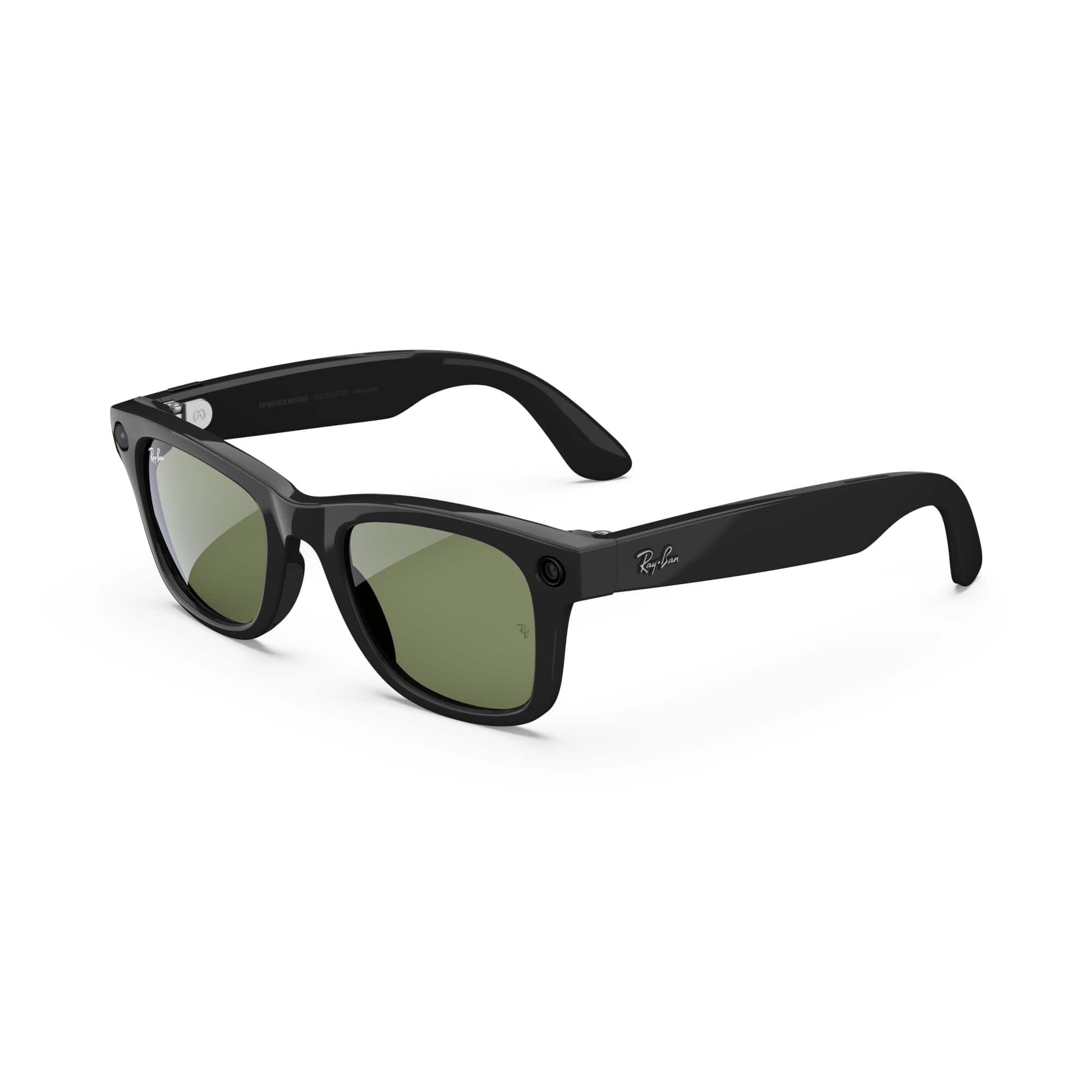
If you can't find the options you are looking for here, head on over to the Meta Store where you can see what is currently available for the Ray-Ban Meta Wayfarer AI glasses!
A:AnswerHi there!
Thank you for reaching out to us with this excellent question on Best Buy. While the Ray-Ban Meta Wayfarer (Gen 1) glasses are a consumer product, this feature is tied to a partner app to help Blind or Low Vision users with basic tasks, such as finding and/or identifying items.
You can easily use Be My Eyes for AI Glasses to assist with daily navigation.
To help a user get this running right away, follow these two setup steps:
1. Click Settings in the Meta AI app, select the device you want to use, and select Be My Eyes from the Accessibility section.
2. Select Connect and follow the onscreen instructions to link the camera feed to a volunteer.
If you need any assistance with frame sizing, audio configurations, or device pairing, please reach out directly to Meta Store Support through the Help Center for further assistance. We are committed to making our technology accessible to everyone!
A:AnswerCould be a software glitch. The only other way to fit it would be to change the location of the app. If not in the app download some type of vpn then uninstall and reinstall the app if that doesn’t work it’s more than likely a software glitch

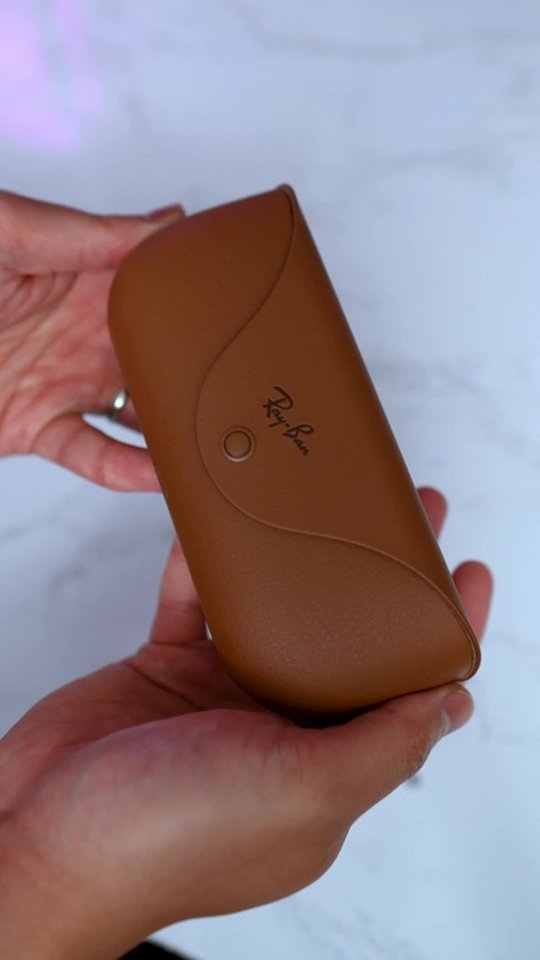
A:AnswerThe glasses automatically charge when putinside of the case. When fully charged the case can easily recharge the glasses another 4 to 5 times. And in less than an hour, you’re ready to use your glasses again after they die.