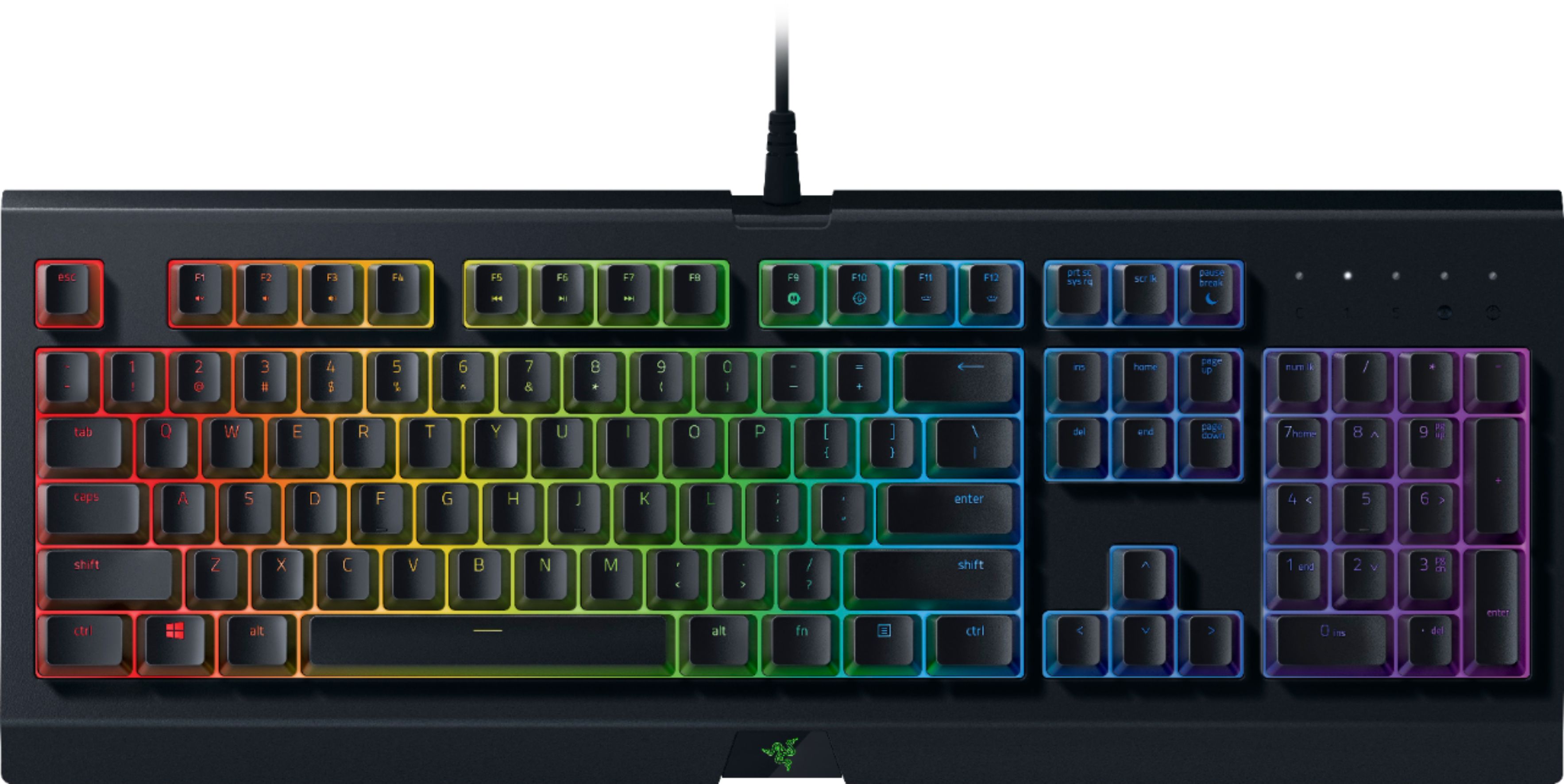
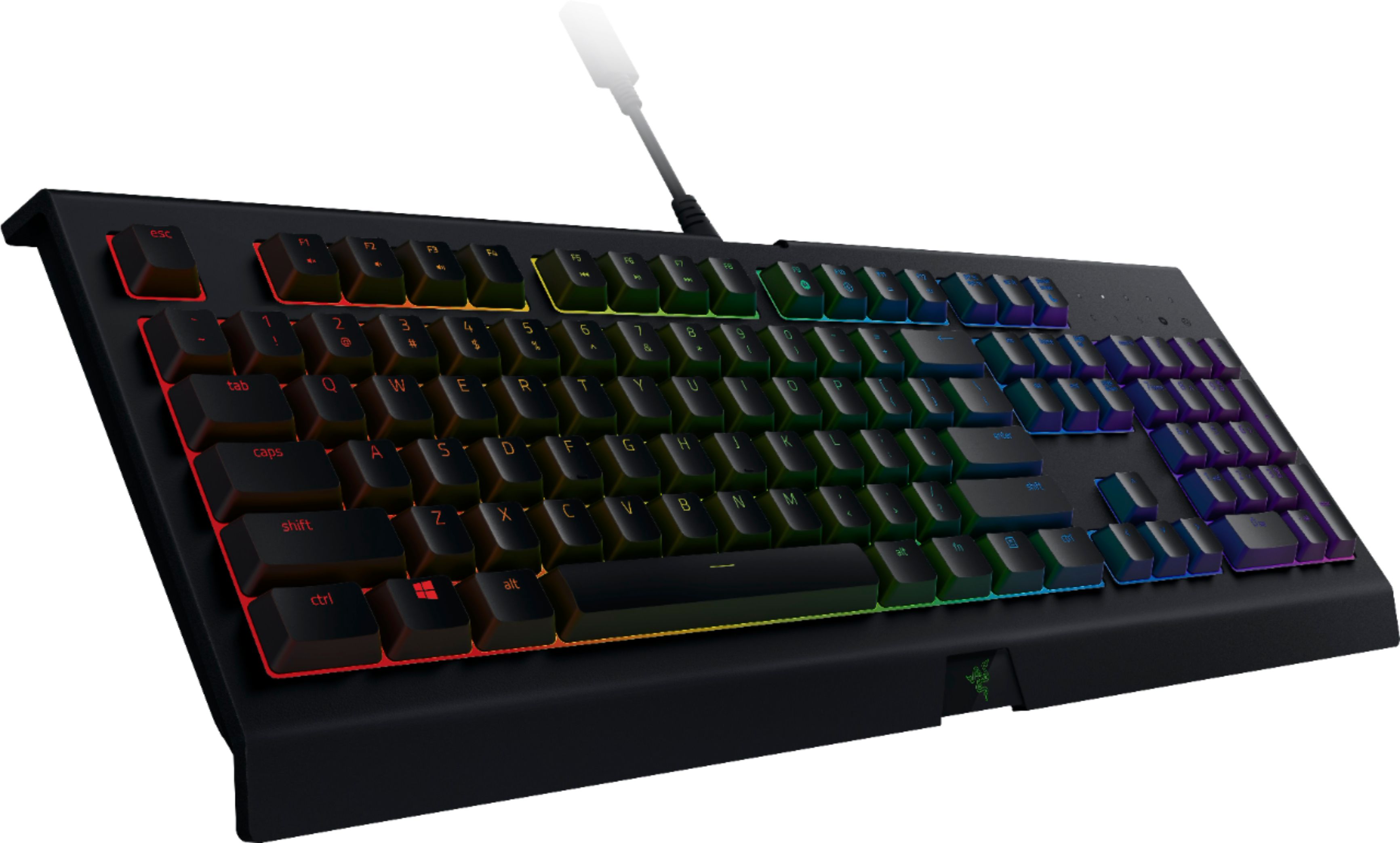
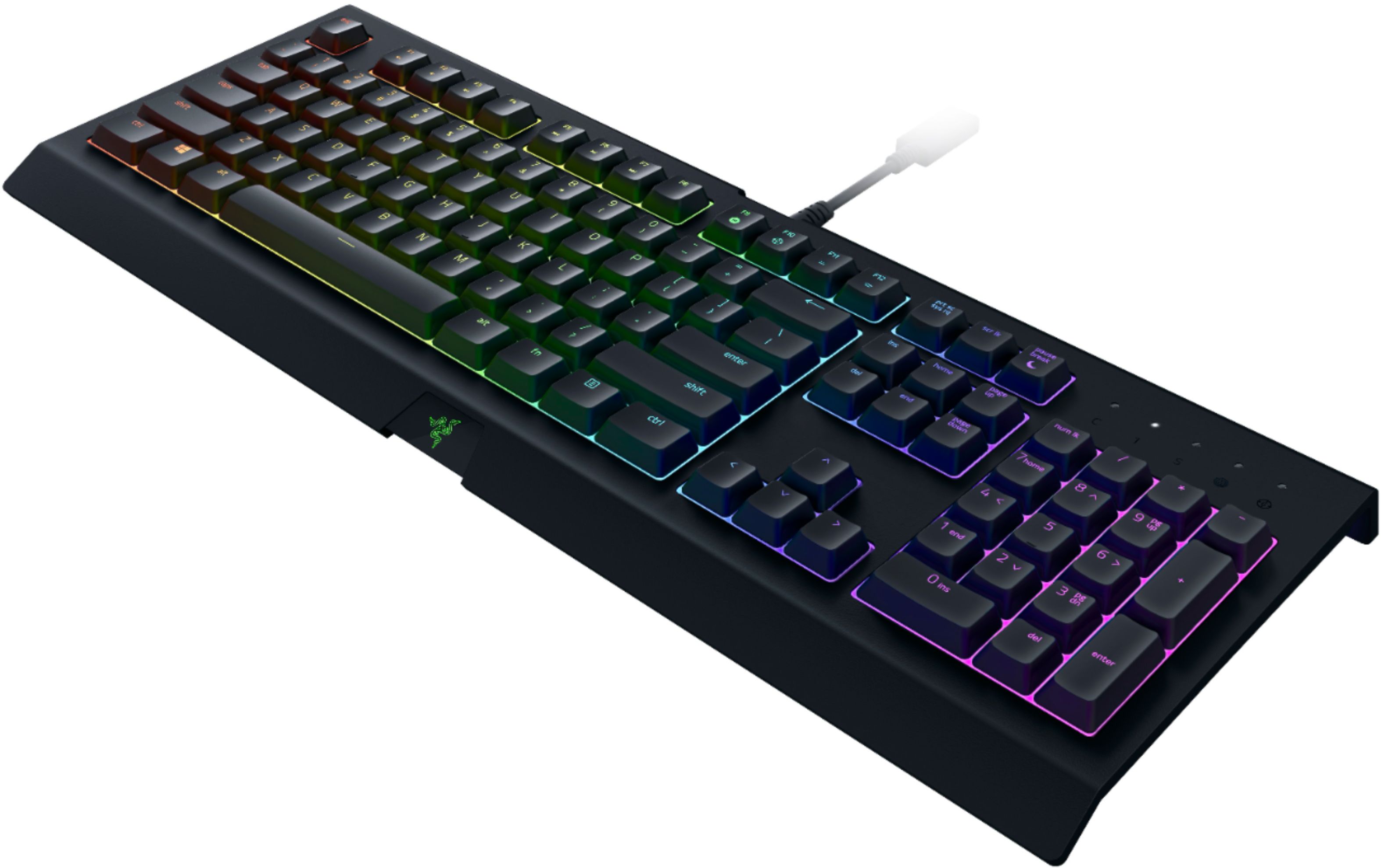
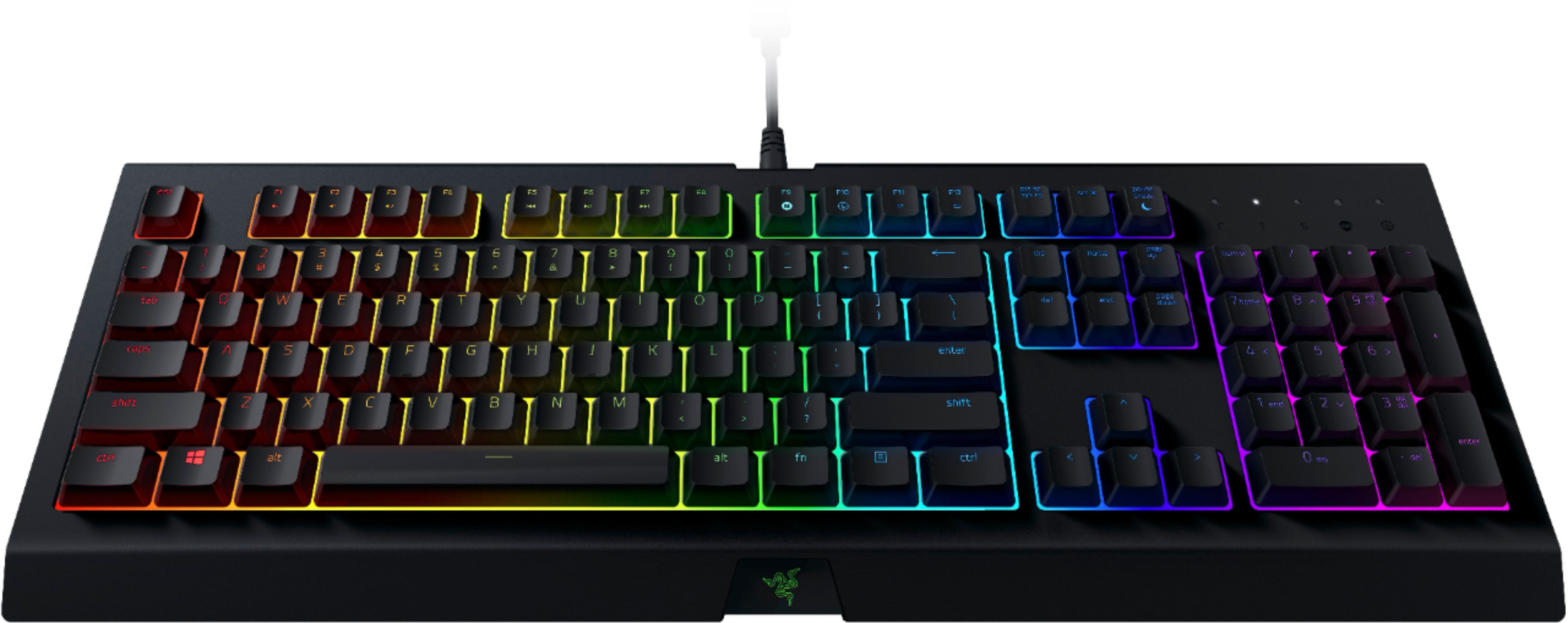
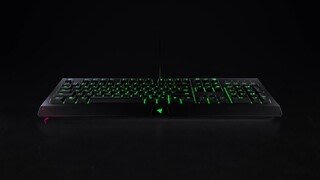
A:AnswerYes, it works on mac but the software synapse 3 only works on windows which is the software to control the keyboard settings and the RGB. But you can use boot camp on you mac and run windows 10 which then you can download the software and control your keyboard.
A:AnswerIn all honesty no. The controls ment to do some things don’t work on PS4. You can type things on the search and stuff and if you have a browser. But I would not recommend it for gaming.
A:AnswerYes you can use this keyboard on your TV, however it depends on your TV not the keyboard. I have a Roku smart TV and tested to make sure. It works fine. Logitech makes a all in one keyboard with a track pad that is like $29 at Best Buy if cost is any issue. I use that as a remote just for the ease of having both on one platform and being Bluetooth.
A:AnswerThis will connect to a tv if it is a smart tv and has the connector for it. Check the manufacturers requirements and it will tell you if it will connect.
A:AnswerSimply by connecting it via USB. Once connected, a new PS4 prompt should appear. Choose the option to connect your Keyboard to your account and you should be set to go