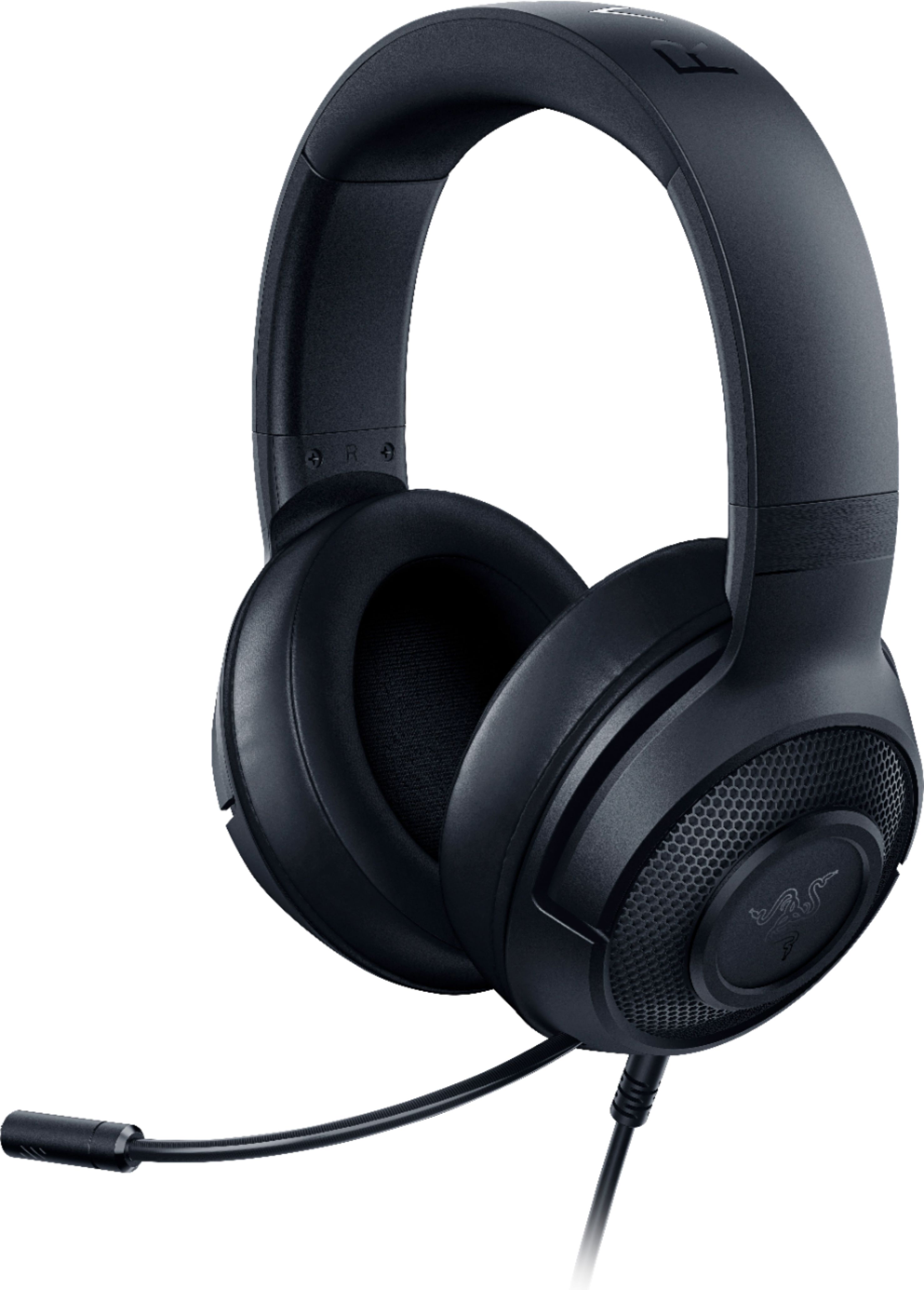
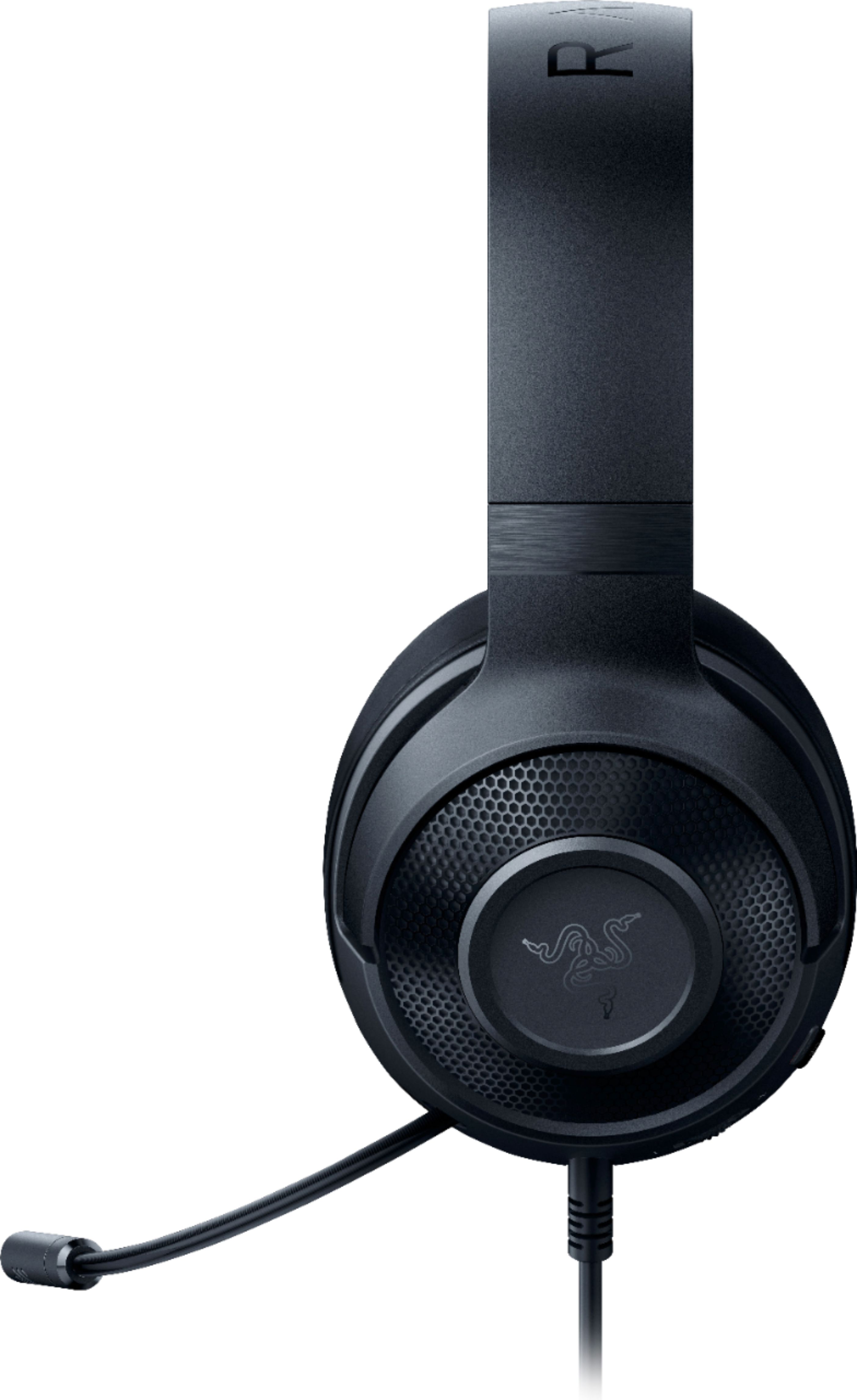
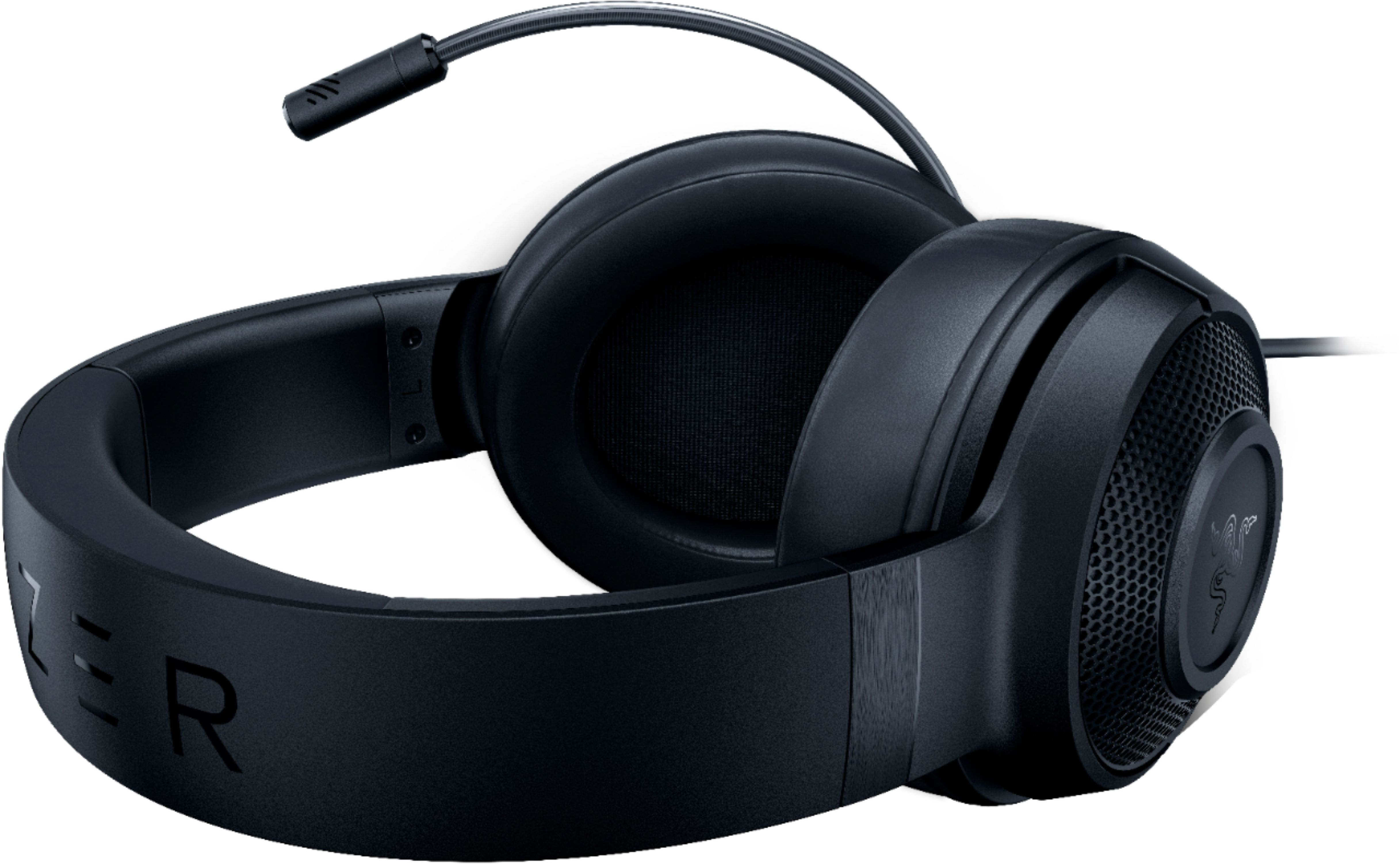
A:AnswerFor desktop or laptop computers with combined audio jacks, you can simply plug in the Razer Kraken X directly. On the other hand, for those devices with separate jacks for audio output and microphone input, the included 3.5mm splitter extension cable can be used.
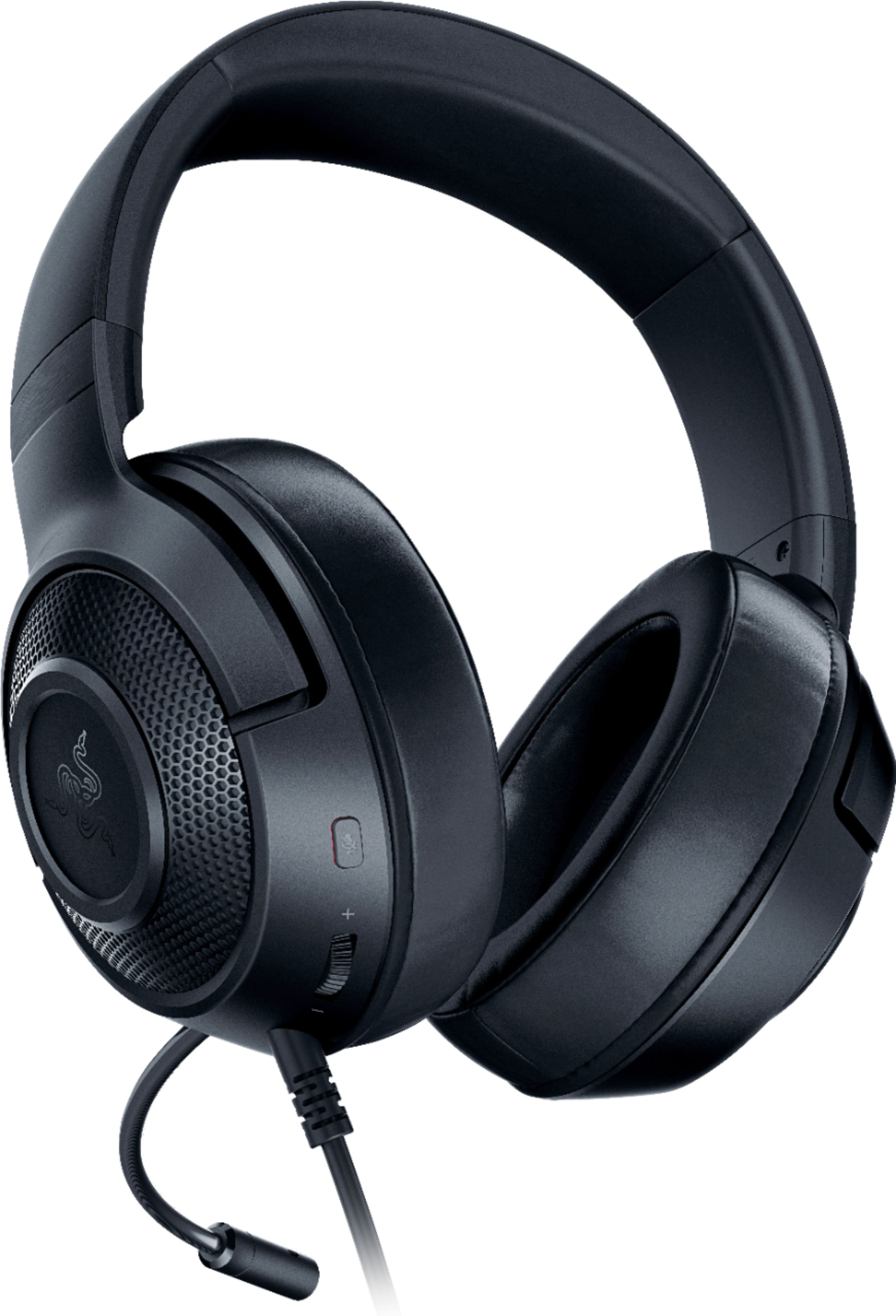
A:AnswerThey work great for Xbox and PC, I first used them for Xbox and they were pretty good but they really outperform with the 7.1 surround sound filter on PC
A:AnswerThis headset has an adapter which splits it in to the separate mic/audio jacks. You can disconnect it mid line for a combo jack that does both on a single plug.
A:AnswerYes very ,the leather actually tends to stay cool depending on the temperature of your room ,and it there is tons of padding on the ear cushion itself
A:AnswerI've used this item a few times since purchase. It does reduce noise pretty well, but I wouldn't say 100% cancellation. I was a little disappointed in the max volume level while gaming.
A:AnswerI purchased these a few months back, and I haven’t heard much feedback through the headphones nor have my friends said they’ve heard any gameplay.