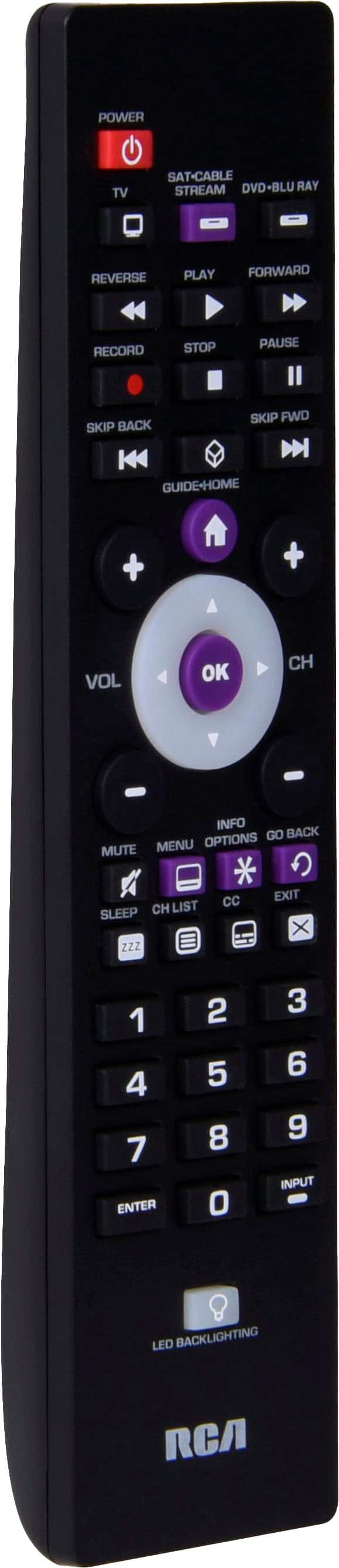
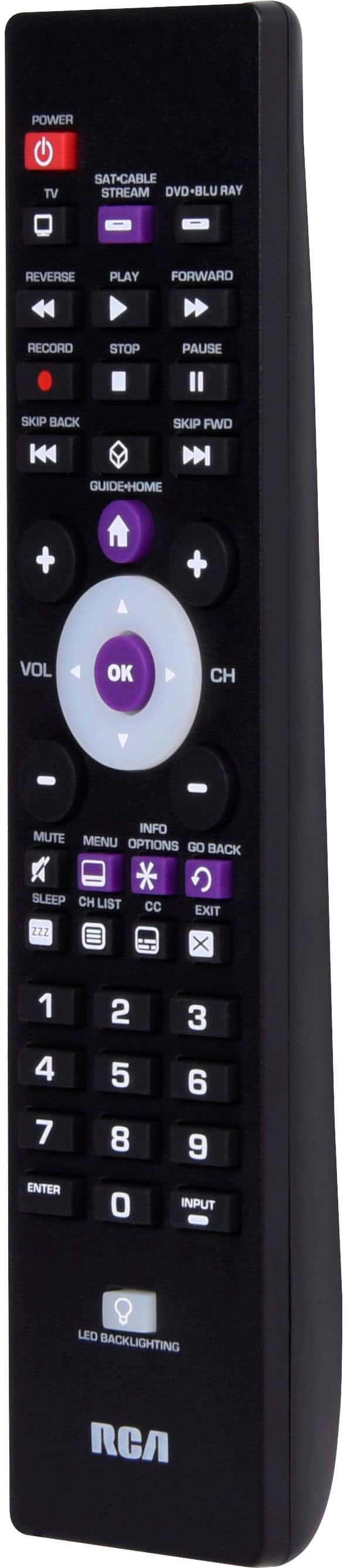
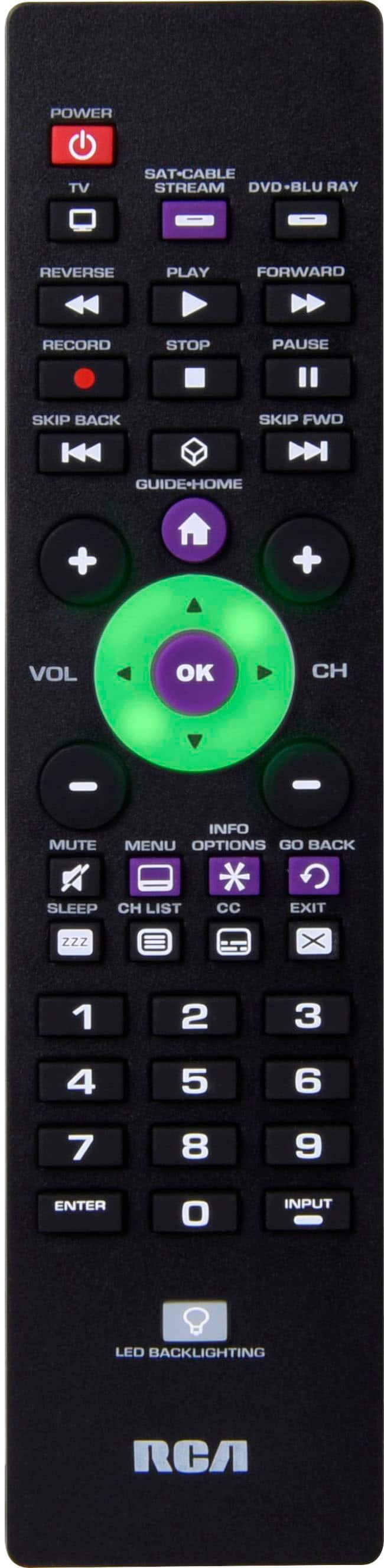
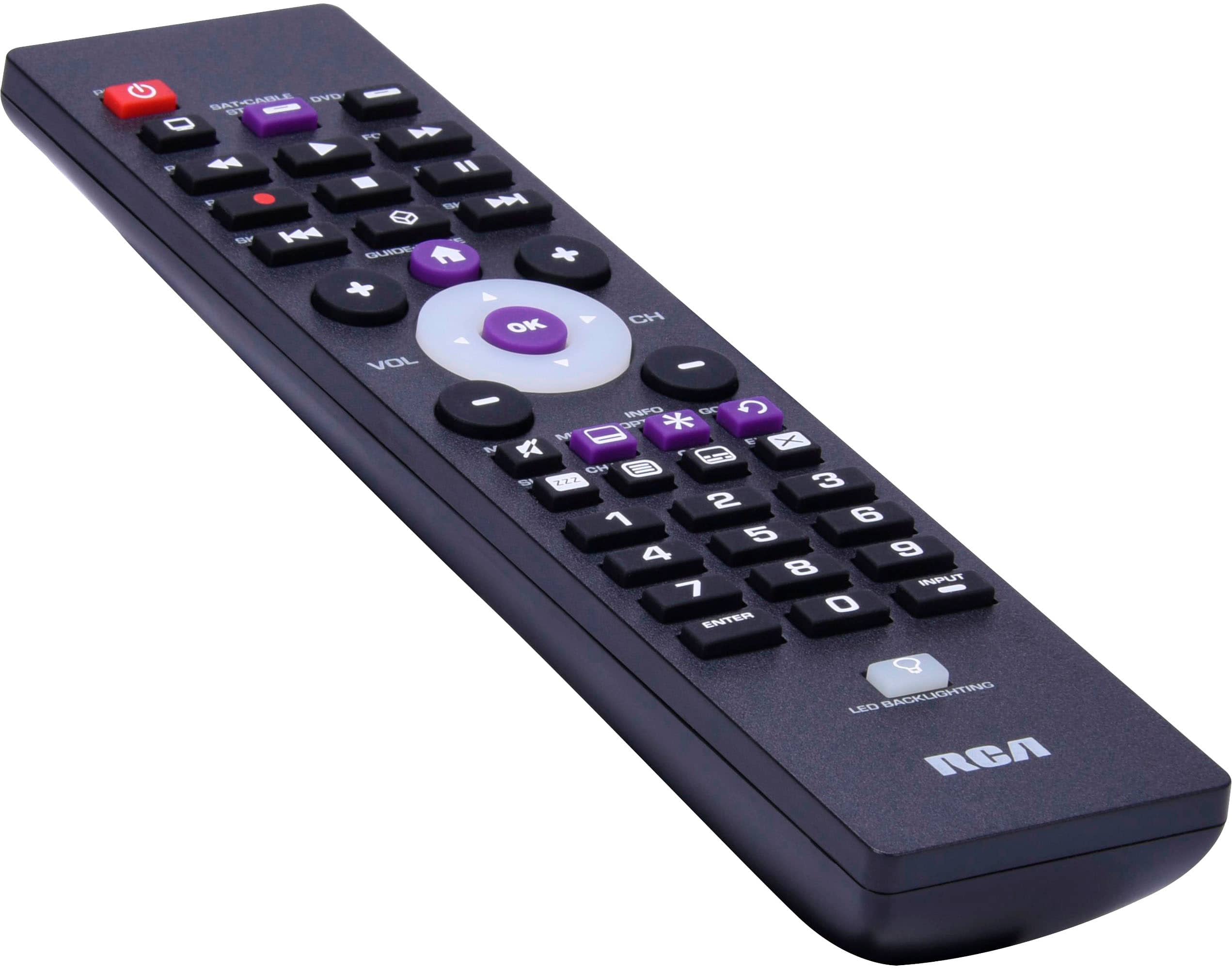
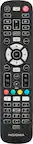
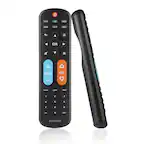
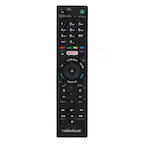
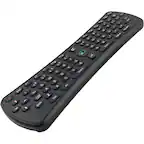
A:AnswerHello Cuh - These remotes are made to work with a wide range of brands and there are indeed codes for LG TV's preprogrammed. If for some reason those specific codes do not work, there is an auto code search feature. The auto code search is a process where you can search through all the codes stored in the remote to the find the code that works for your device.
A:AnswerHello Mnla, yes, this RCA 3-Device Universal Remote is likely compatible with your Magnavox TV. There are multiple programming codes available for Magnavox, and if one code does not work, trying another may provide additional functionality.
You can set up the remote using either manual code entry or the Auto Code Search feature. The included instruction manual outlines these programming methods, or you can find support online at https://www.rcaremotessupport.com.
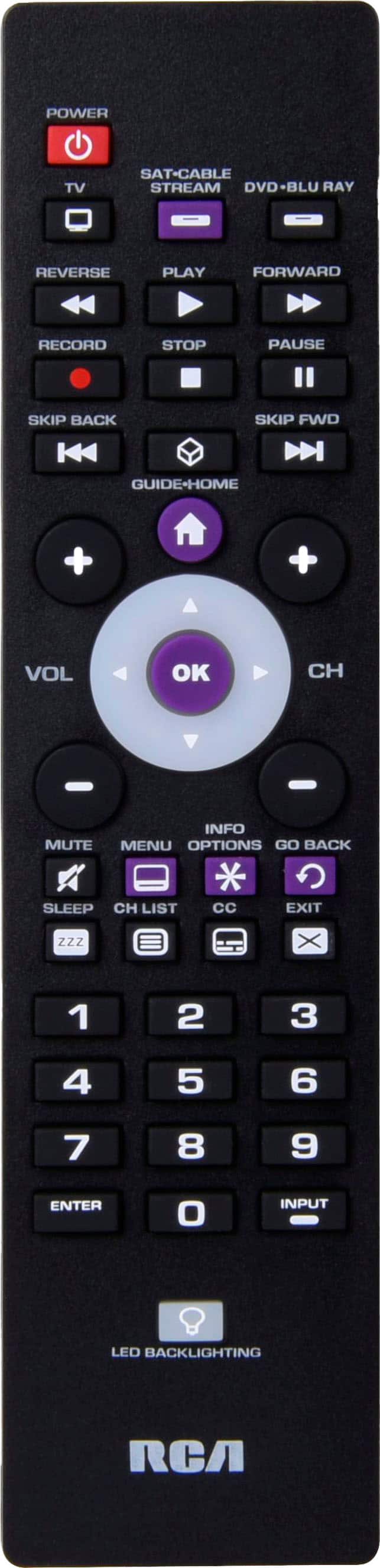
A:AnswerHello, Our remotes are made to work with multiple brands, including LG. Unfortunately we cannot always guarantee a specific LG model. If for some reason one of the LG specific codes do not work, you can search for the correct code by using the Auto Code Search function. Auto Code Search goes automatically through all the codes for the device you’re trying to control.
A:AnswerHello Maris - As with any universal remote control, some features like the sleep timer may not be supported for certain TV brands or models. I would ensure that you check other listed codes for your Phillips TV to see if another code listed may provide that functionality.
A:AnswerHello Tinkerbell - The remote does indeed have codes for many of the FireTV devices. There are also codes listed for DirecTV satellite set top boxes.
A:AnswerHello Sue - These remotes are made to work with multiple brands and there are codes for Sony TV's. If for some reason the direct codes don't work the auto code search is a process where you can search through all the codes stored in the remote to the find the code for your device.
A:AnswerHello Richard - Unfortunately, it is impossible to tell if a universal remote is going to work with a specific make and model of television. Usually, if we have codes listed for your brand of TV, then it will work. We do have codes for Haier, so it is very likely that we would be able to program the remote to your TV.
A:AnswerHello Keisha - Hello, The remote will work with most major brands including Toshiba. If for some reason one of the listed Toshiba codes do not work, we have an Auto Code Search function that searches all the TV codes that are stored on the remote.
A:AnswerHello Aleph - thank you for your question. This is highly likely to work since Sanyo is one of the brands that we have a high success rate with.
A:AnswerIt is not fully functional with Toshiba model #32L310U18. The remote will turn the TV on and off, and with the use of the arrow buttons, select channels and control volume, but does not allow you to use the input button to switch to streaming or DVD.
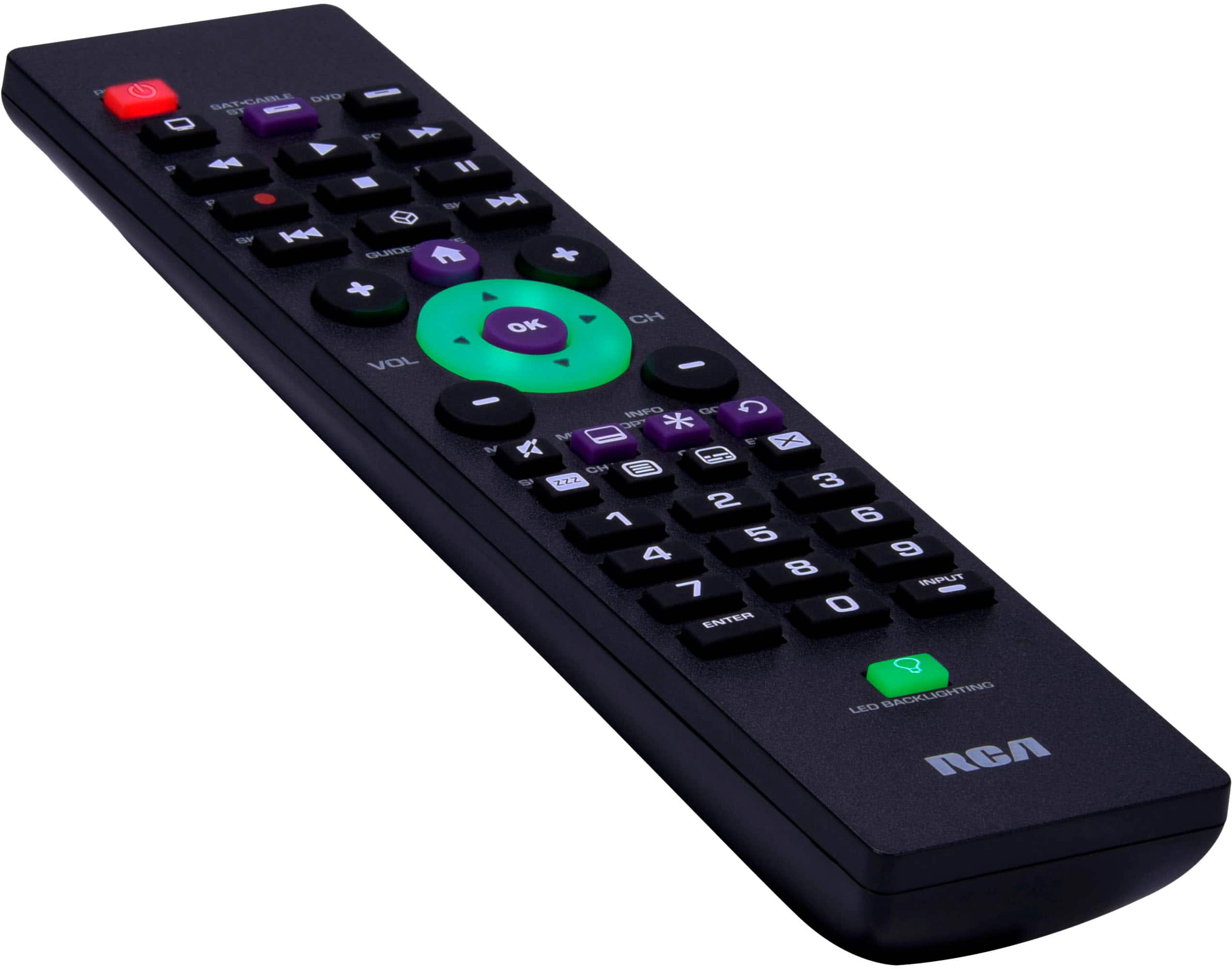
A:AnswerYes, for me this remote works on smart tvs. It does NOT have a netflix button, but the way i do it is this; Press the "home" button wait for it to load. Then i press the "exit" button" which brings up my apps and i just choose from here which one i want. Don't know why the "exit" button brings up the apps, and ONLY when on the "home" screen, no where else.
A:AnswerHello Kalamakuloa - These remotes are made to work with multiple brands of TV's and there are codes programmed for Panasonic TV's. Unfortunately we cannot guarantee a specific model of TV.
A:AnswerIt is not fully functional with Toshiba model #32L310U18. The remote will turn the TV on and off, and with the use of the arrow buttons, select channels and control volume, but does not allow you to use the input button to switch to streaming or DVD.
And contrary to another answer, there is not an auto code search feature.