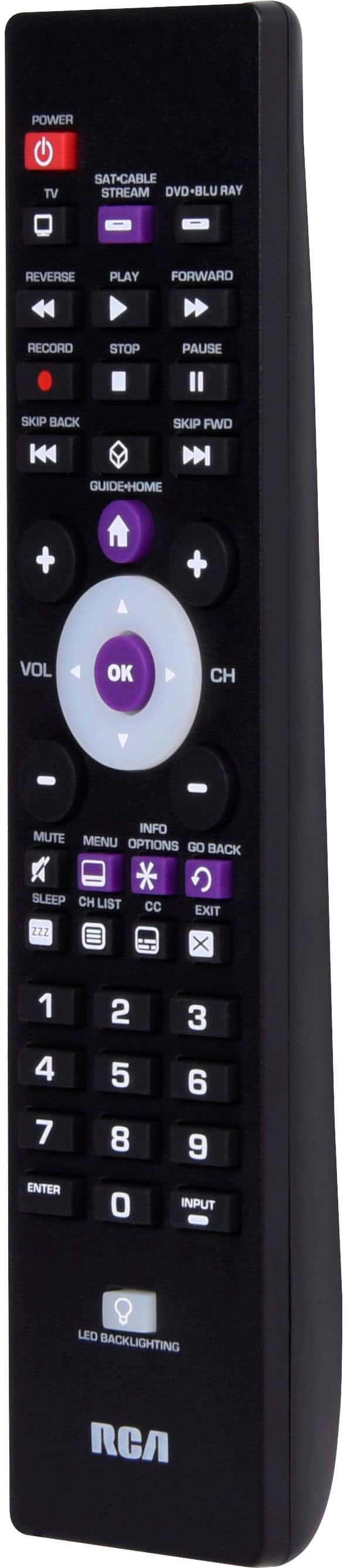
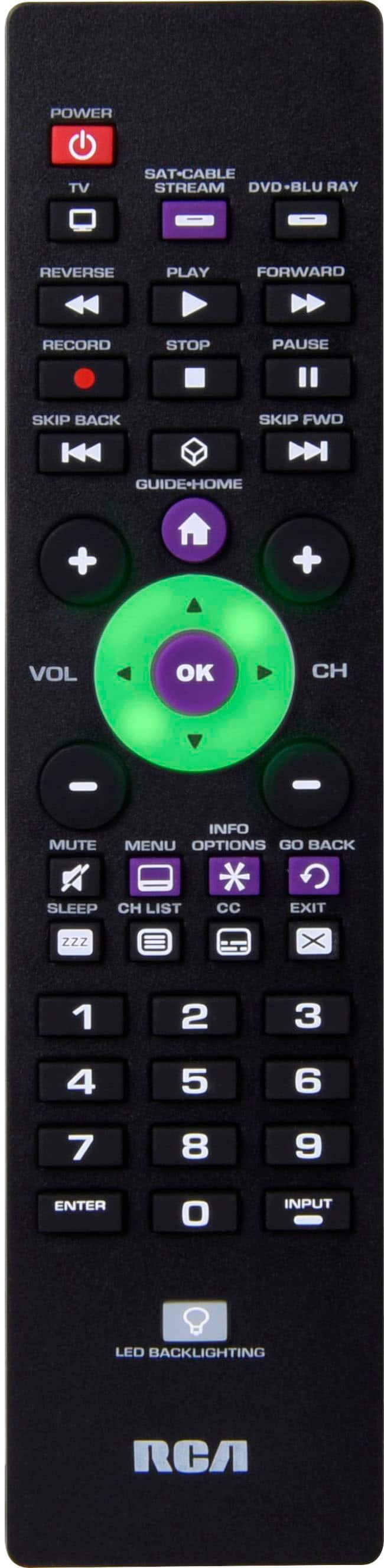
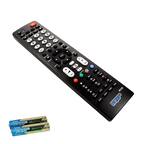
A:AnswerIt is not fully functional with Toshiba model #32L310U18. The remote will turn the TV on and off, and with the use of the arrow buttons, select channels and control volume, but does not allow you to use the input button to switch to streaming or DVD.
A:AnswerAccording to the instructions a Toshiba tv is compatible. The instructions do not get as specific as a model #. This remote worked well with three, older electronics (TV, VCR, DVD player) that I have.
A:AnswerHello, Our remotes are made to work with multiple brands, including TCL. Unfortunately we cannot always guarantee full functionality for a specific model. If for some reason on the TCL specific codes do not work, you can search for the correct code by using the Auto Code Search function. Auto Code Search goes automatically through all the codes for the device you’re trying to control.
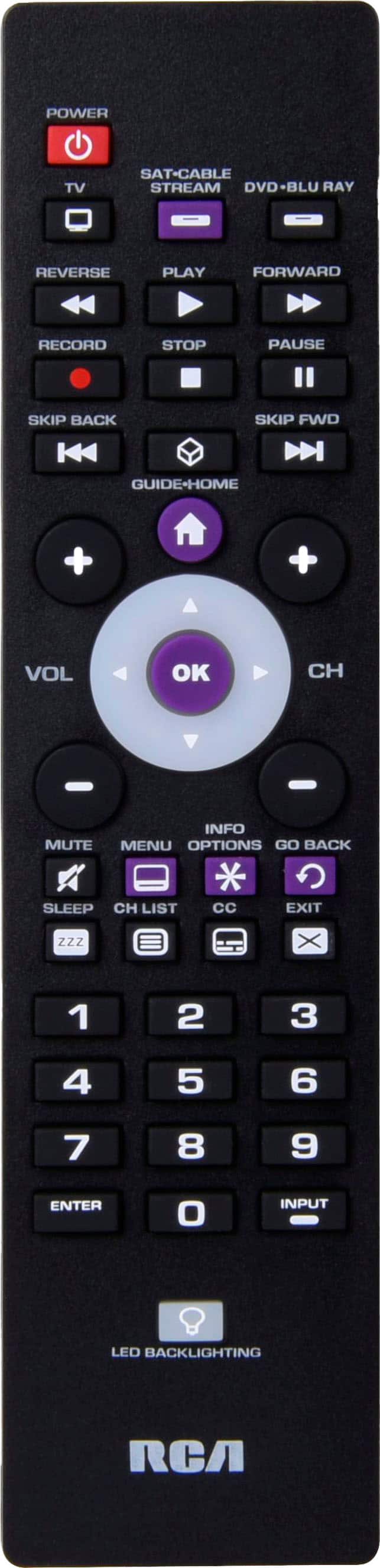
A:AnswerHello Sassy - The remote is made to work with multiple brands including Panasonic TV's. If for some reason the specific Panasonic codes don't work, there is an auto code search process where you can search through all the codes stored in the remote to the find the code that does work for your device.
A:AnswerHello Coop, Our remotes are made to work with multiple brands, including Sony. Unfortunately we cannot always guarantee a specific model. If for some reason one of the Sony specific codes do not work, you can search for the correct code by using the Auto Code Search function. Auto Code Search goes automatically through all the codes for the device you’re trying to control.
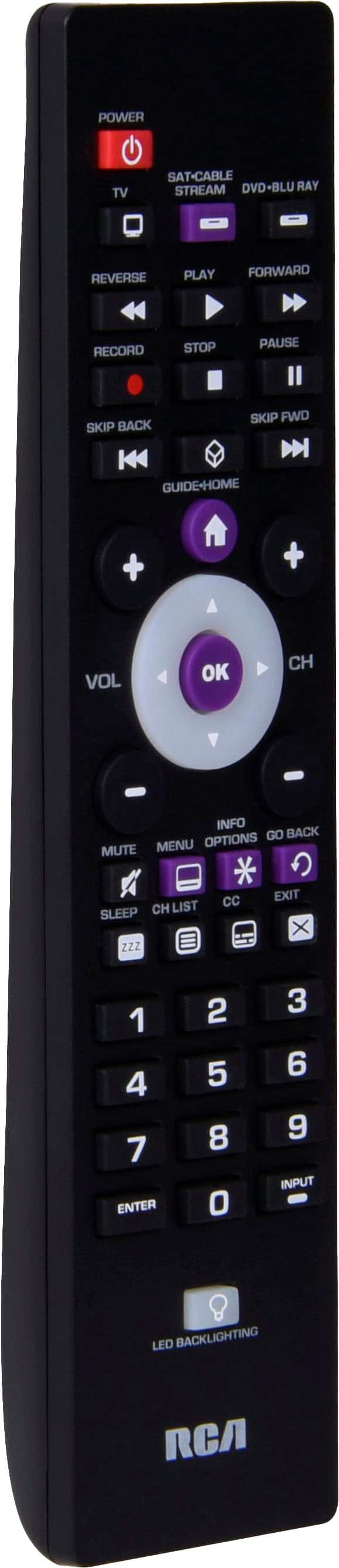
A:AnswerYes we have an older sharp tv, not a smart tv either. You can’t even adjust the volume without a remote. This product actually was very easy to use and saved us a lot of headache.