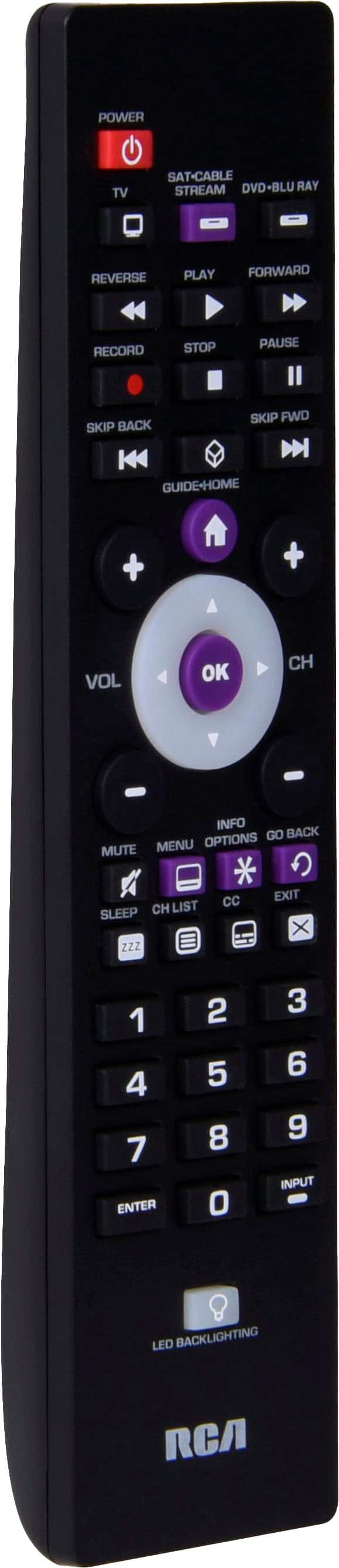
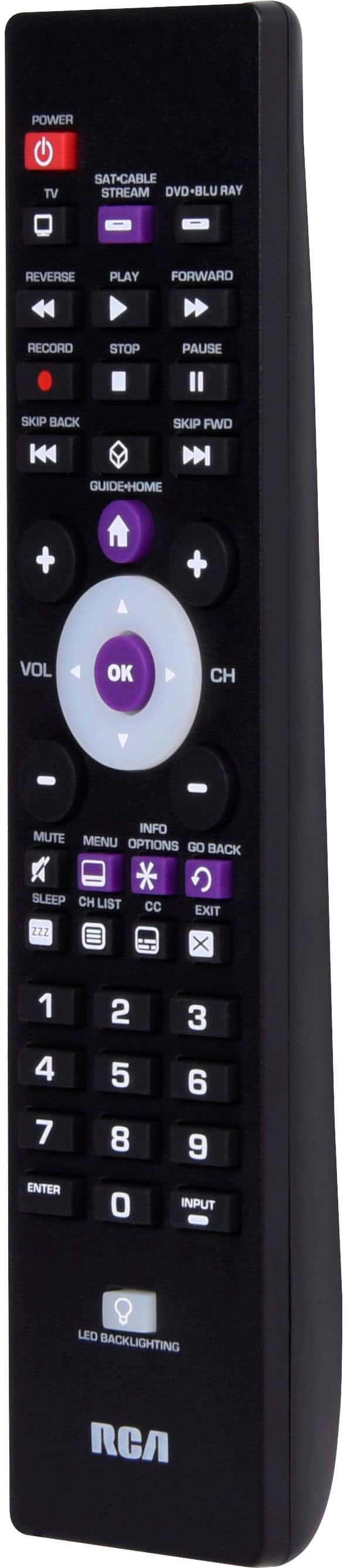
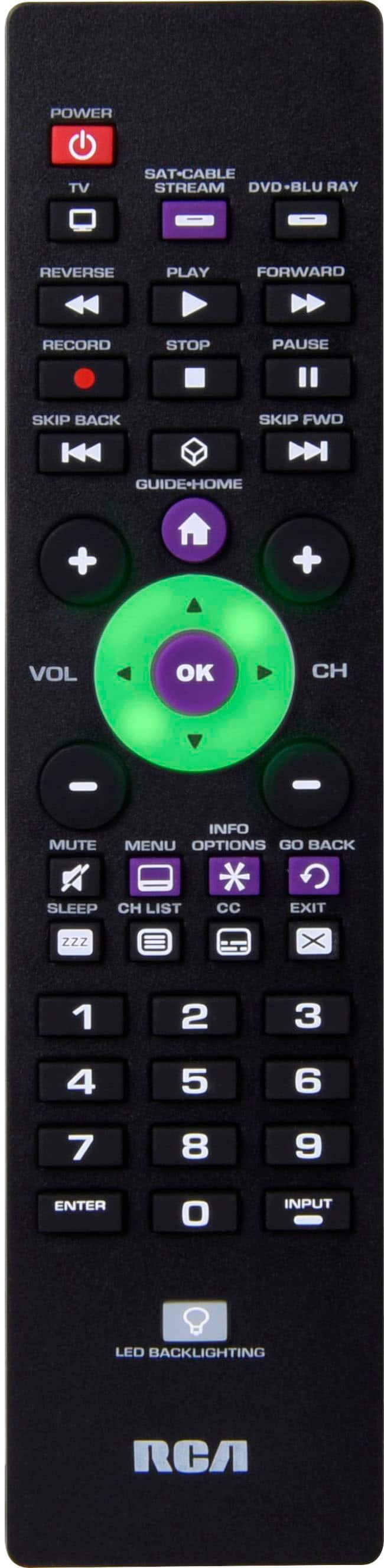
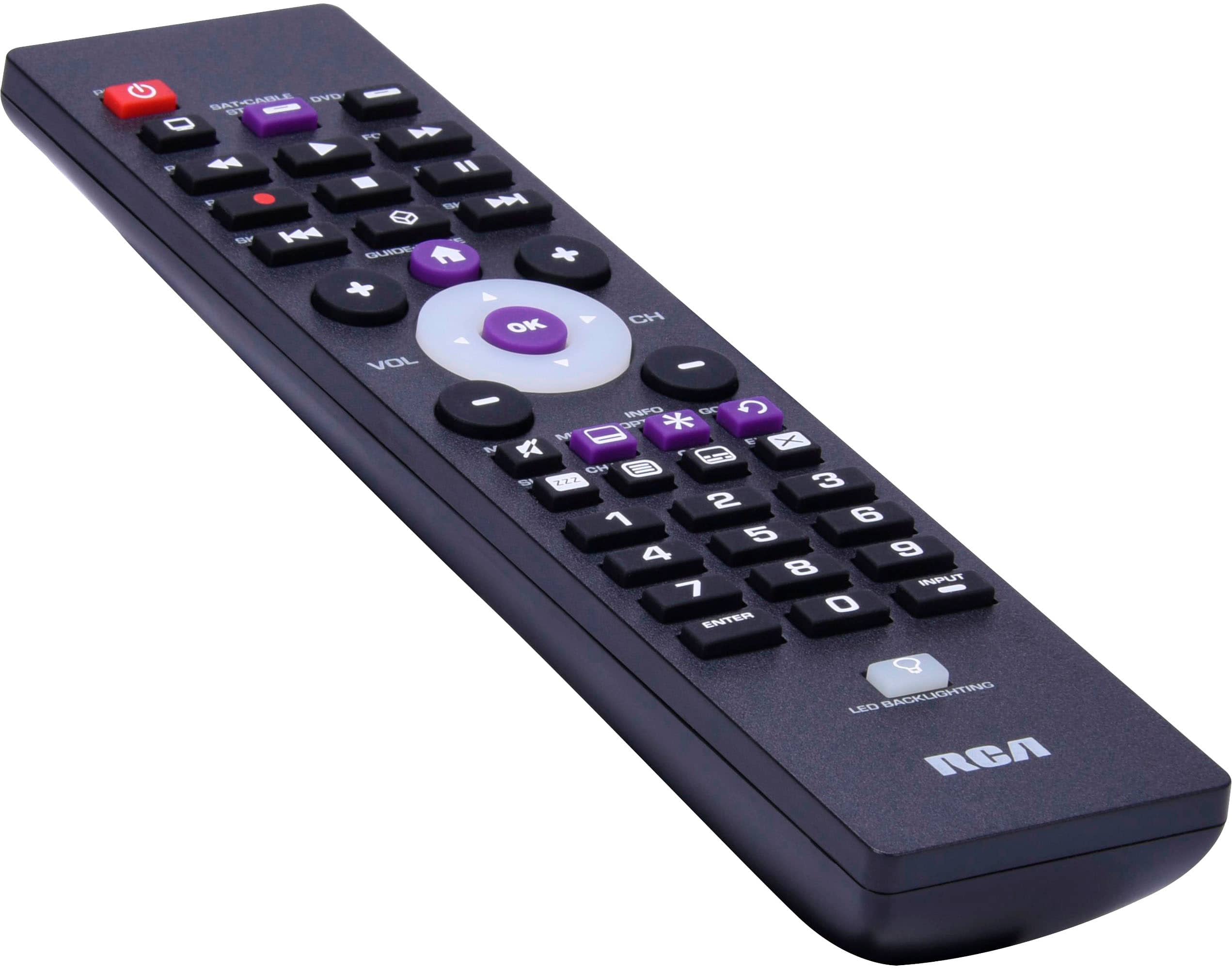
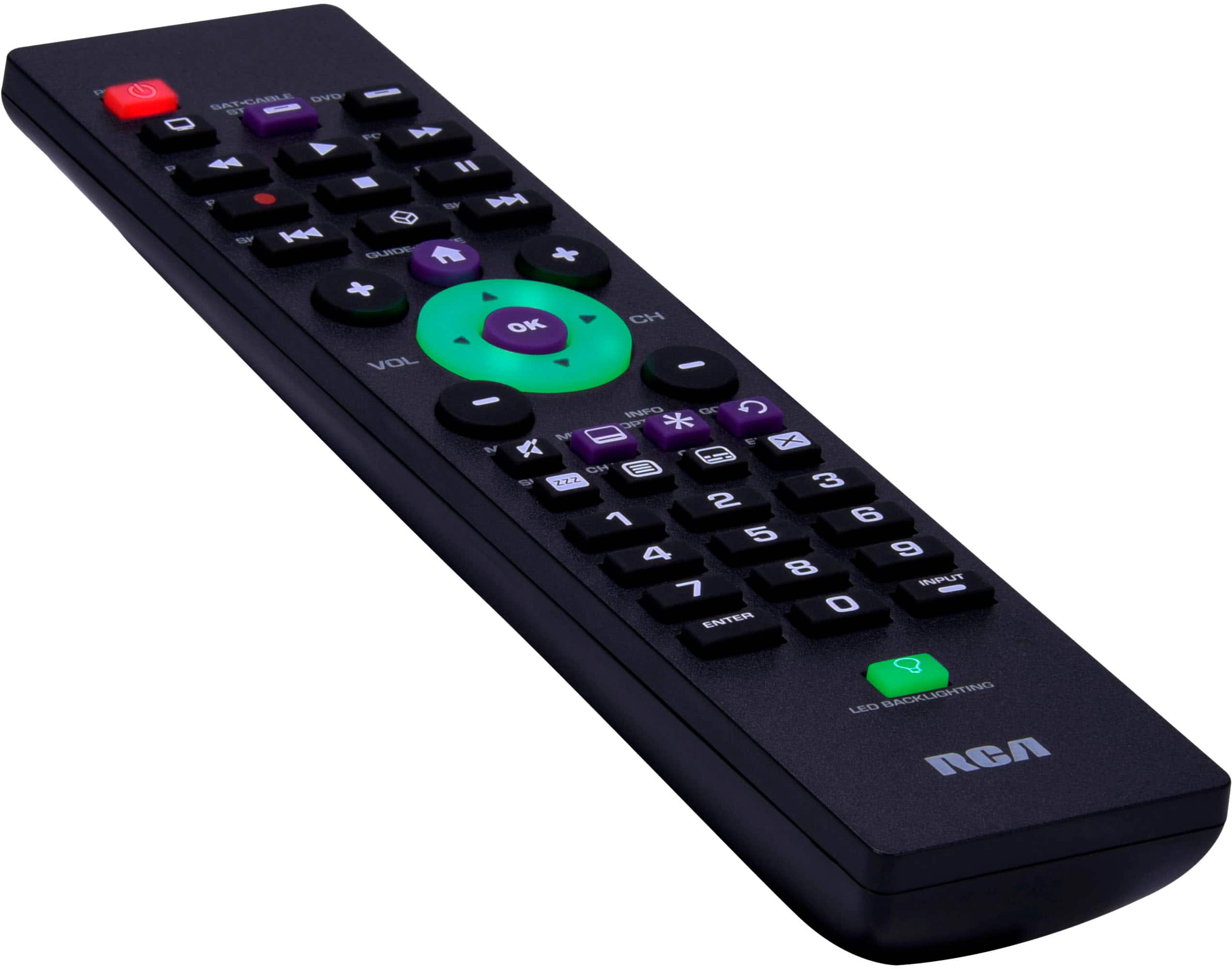
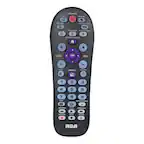
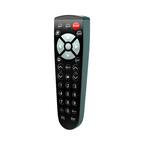
A:AnswerHi Broksonic – Thanks for reaching out. While the RCA 3-Device Backlit Universal Remote does support Broksonic devices, compatibility with combo units like the DRVCR-900 Series A can be hit or miss. Since standard codes aren’t working, we suggest trying the auto code search method, which scans all available codes until it finds one that works. Just follow the instructions in the manual under "auto code search." If that still doesn’t connect, it’s possible the combo unit uses a non-standard code format that isn’t supported.
A:AnswerHi Chdscott1 – Yes, this remote uses infrared (IR) technology, so it does require a direct line of sight to communicate with your devices. It works up to 40 feet away as long as there are no obstructions between the remote and the equipment.
A:AnswerHi mustangmike50 – This RCA 3-Device Universal Remote is designed to support TVs, DVD/Blu-ray players, streaming devices, and satellite boxes. Unfortunately, it does not include codes for standalone audio devices like surround sound systems, even if they’re RCA branded. For audio control, we one of our 8-device remote controls explicitly list audio equipment compatibility.
A:AnswerHello Wandy, Yes, this RCA universal remote includes codes for Vizio TVs. While we cannot guarantee 100% functionality for every model—as with all universal remotes—we’ve had a very high success rate with Vizio televisions. If you encounter limited functionality, we recommend trying alternative codes for Vizio provided in the remote's manual, as some brands have more than one code that can provide more functionality.
A:AnswerHi Buck – This RCA remote is compatible with Roku streaming boxes and sticks that support IR (infrared) signals. However, the Amazon Fire Stick uses Bluetooth, not IR, so this remote will not control it. For Fire Stick compatibility, you’ll need a remote that specifically supports Bluetooth pairing.
A:AnswerHi Deb2010, yes—this remote includes codes for RCA TVs. RCA is one of the best-supported brands for this remote. If the first code doesn’t provide full functionality, we suggest cycling through the other listed RCA codes until you find the one that works best.
A:AnswerThis remote is designed to control TVs, streaming devices like Roku, and Blu-ray/DVD players. However, it does not have codes for standalone audio systems. If your Blu-ray/DVD sound system is an all-in-one unit that can be controlled as a DVD player, it may work, but for dedicated audio systems, it is unlikely. You can check the full code list here: https://www.rcaremotessupport.com/_files/ugd/874fad_578dac46d80d4e4cb0d3f024cef7d893.pdf.
A:AnswerHello, Myra – Yes, this remote is compatible with most Sony TVs. You’ll need to program it using one of the listed Sony codes or by using the auto code search method described in the instructions included with the remote.
A:AnswerHello Angel, thank you for your question! The RCA universal remote includes codes for LG TVs, so it is highly likely to work with your LG TV. However, AT&T U-verse boxes typically use RF (radio frequency) technology, which many universal remotes, including this one, do not support. If your AT&T U-verse box has an IR (infrared) mode, you may be able to program the remote to work with it.
For programming instructions and a full list of supported codes, visit https://www.rcaremotessupport.com. Let us know if you need further assistance!
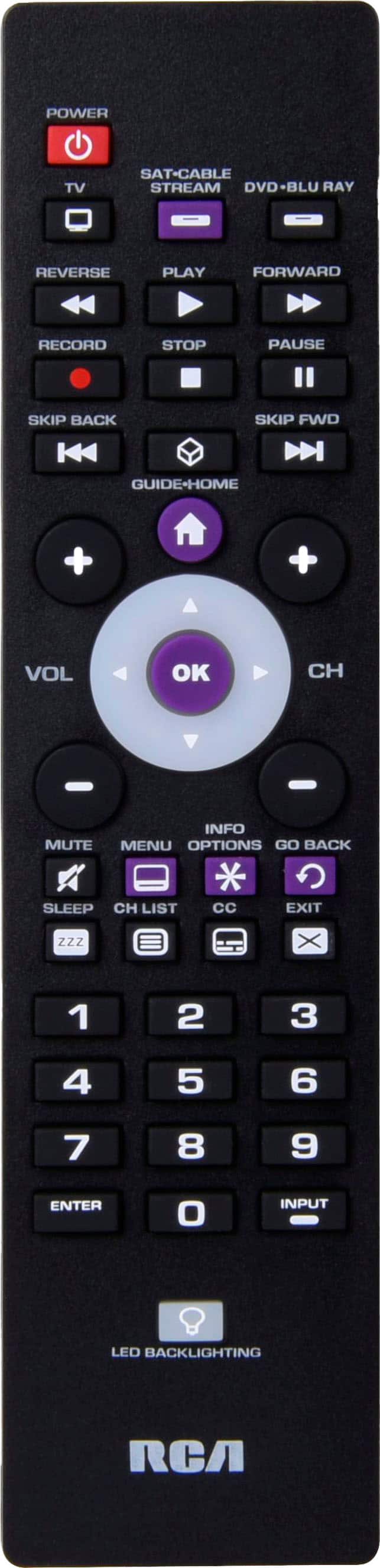
A:AnswerHello Rah, thank you for your question! Yes, the RCA universal remote is compatible with most RCA TVs, including the RCA Ultra HD TV model RTU6549. You can program the remote using the codes listed for RCA in the included instruction manual. If the direct code does not work, you can also use the Auto Code Search feature to find the correct code.
For additional assistance, you can find programming instructions and resources at https://www.rcaremotessupport.com. Let us know if you have further questions!
A:AnswerThank you for your question Sam! Yes, the RCA universal remote includes codes for Hisense TVs, so it is very likely to work with your TV. Simply follow the programming instructions provided in the manual using the codes for Hisense. If the listed codes don’t work, you can use the Auto Code Search feature to scan for the correct one.
For step-by-step instructions and support, visit https://www.rcaremotessupport.com. Let us know if you have any further questions!
A:AnswerHello Moni, Yes, the RCA RCR003RWD universal remote is compatible with DirecTV, as it is listed among the supported brands on the back of the package. You can program it using the codes provided in the manual for DirecTV. If the listed codes don’t work, you can use the Auto Code Search feature to find the correct one.
For programming instructions and support, visit https://www.rcaremotessupport.com. Let us know if you have further questions!
A:AnswerHello, thank you for your question! The RCA 3-Device Backlit Universal Remote does include codes for TCL TVs, so it is highly likely to work with your TCL Smart TV. However, not all functions found on the original remote control can be guaranteed with any universal remote control. If the direct codes do not work, you can try the Auto Code Search function, which will scan through all stored codes to find the best match for your TV.
For setup assistance, detailed instructions are available at https://www.rcaremotessupport.com. Let us know if you need further help!