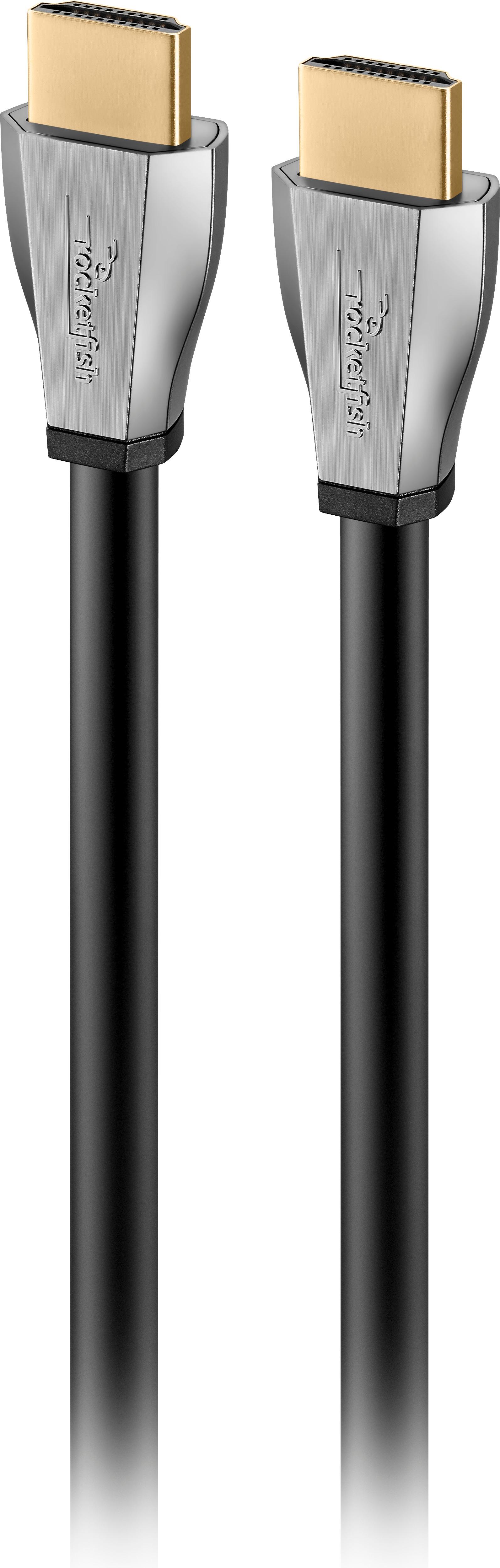
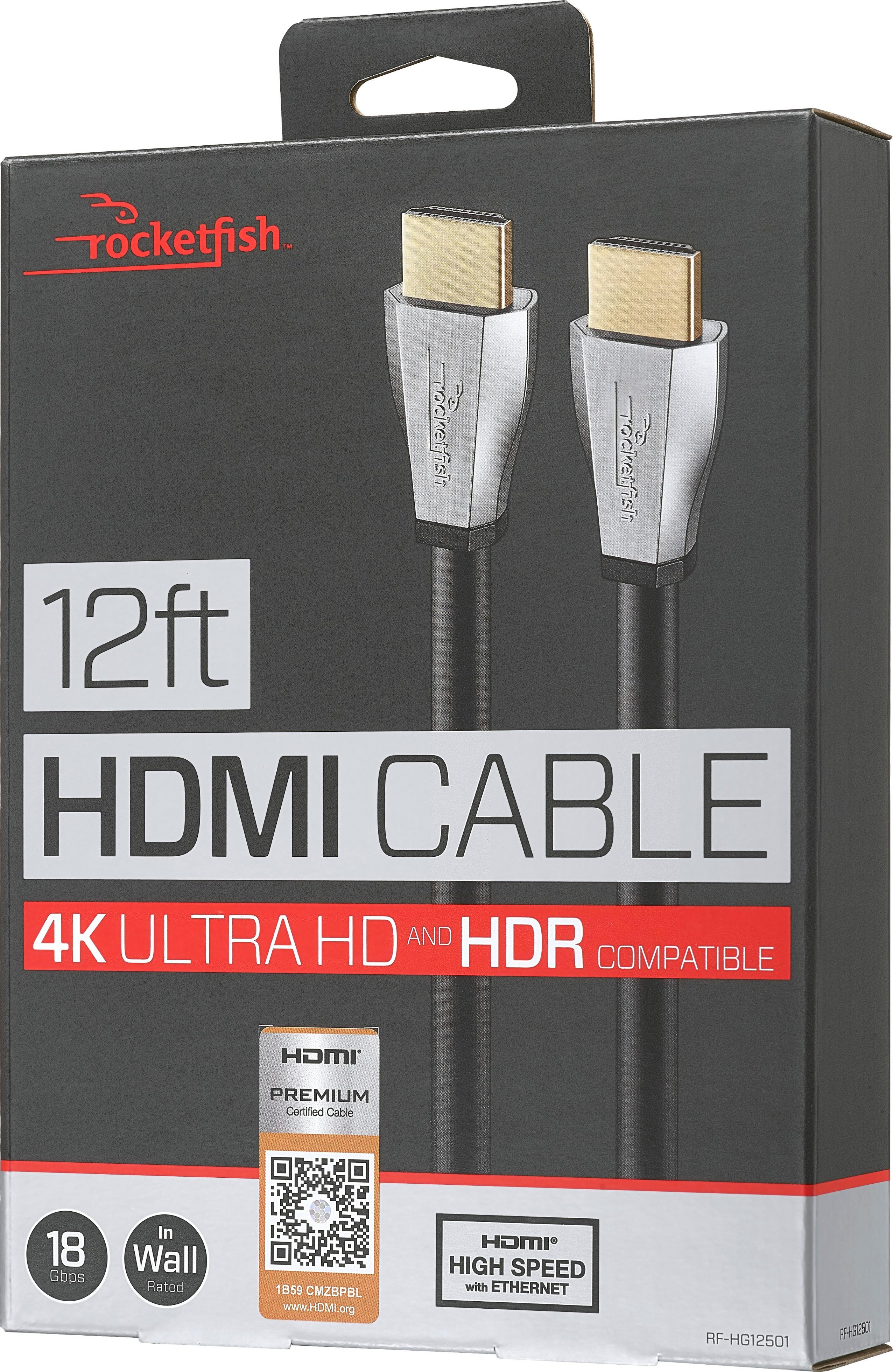
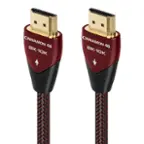
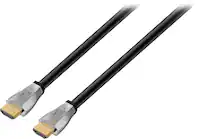
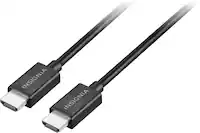
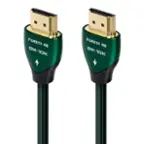
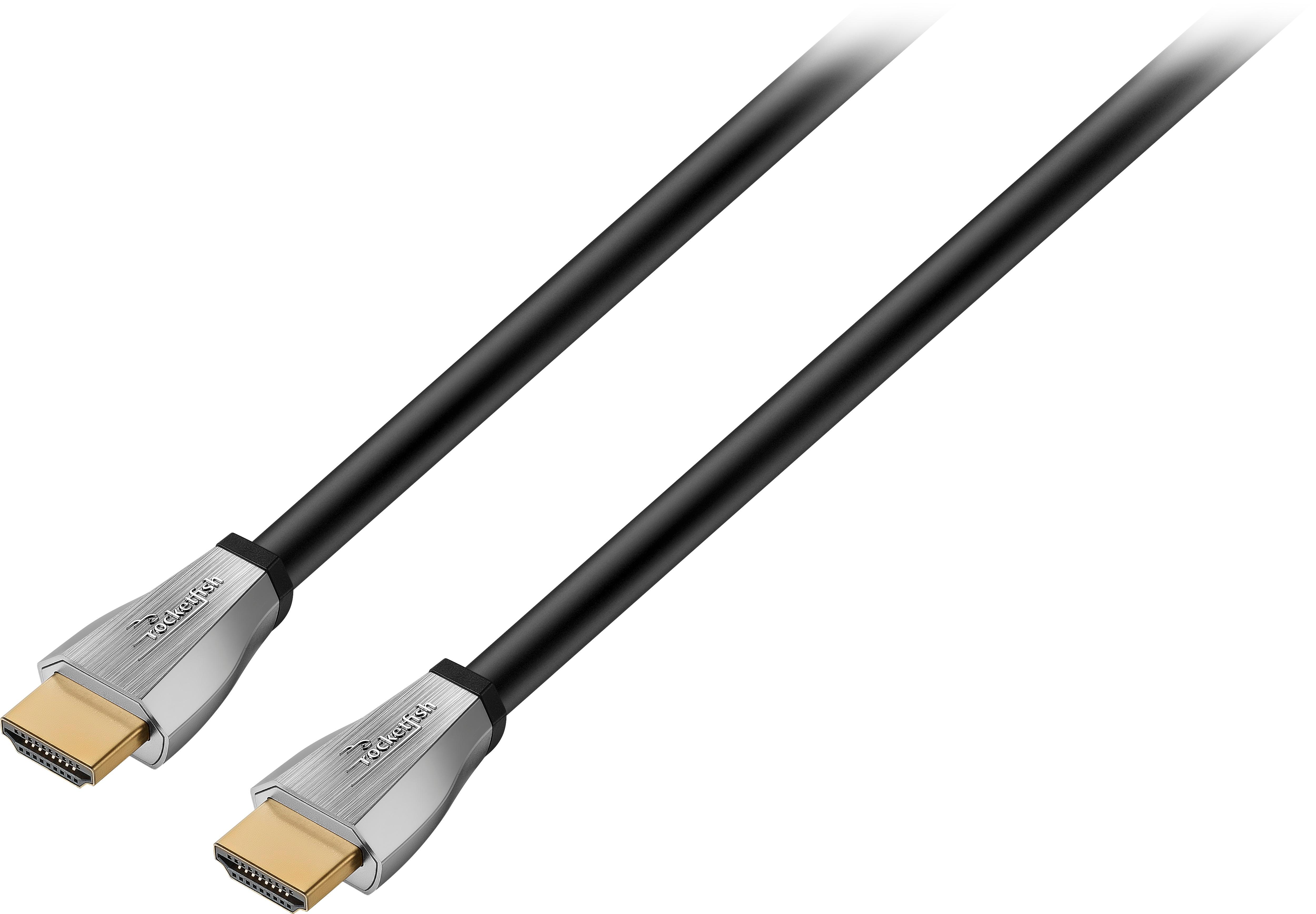
A:AnswerThe Fire Stick has a male HDMI connector, so it is designed to plug directly into an HDMI port on your TV, no cable required. If you want to extend the Fire Stick away from the back of your TV in a more accessible location for some reason, you would need a female-to-female HDMI adapter between the Fire Stick and an HDMI cable such as this Rocketfish cable. (Although this cable would be overkill if you don't need to run the cable inside of a wall--any 4K rated cable would work on any Fire Stick).
A:AnswerIf you’re watching programming through a web streaming service like Hulu, Netflix, or YouTubeTV, then you generally won’t need an HDMI cable. You’ll need to be accessing these streaming services wirelessly through your smart TV, or via a streaming stick like Roku or Amazon Fire Stick. If you’re watching TV through a physical DVR (for example, one from from a cable company like Verizon or Comcast), then you will need a cable to connect the box to the TV. If you have no physical hardware to connect to the TV, you have no need for the cable.
A:AnswerThe shortest run, the better - - - you will get signal and picture quality degradation if the cable is too long - - - - - use a tape measure to figure out what length you need, never guesstimate the length.
A:AnswerSure can. I did some research for you and it states that the original ps4 can pass through HDR. Only the ps4pro can do both HDR and 4k as well. Youll notice the difference when with the HDR cord when you first play a game, it should automatically change over to HDR. Atleast thats what my tv does. Speaking of, make sure your tv is HDR compatible as well.
A:AnswerYour dvd player or cable box should have an HDMI in and HDMI out spot. This is called HDMI passthrough. You will hook your dvd player hdmi into the HDMI in spot on the cable box and then run a HDMI cable from the HDMI out on the cable box to the HDMI port on your tv.
A:AnswerIt means the cable is certified to be installed inside the wall. This will give a cleaner look then having your cables visible behind your TV. There are many alternatives to hide your cables, then to go through all this work.
A:AnswerSomeone else said that was an issue for them. Check the Apple 4K for specs you would need for a cable.
I have several different types at home and I get HDR and Dolby Vision, but I do not have an Apple 4K TV.
A:AnswerNo certified HDMI cable is all you need. everything else is a bunch of hype. Make sure it is the latest HDMI version and shop for the best price.
A:AnswerYou only get 4k picture if you're watching some broadcast or on DVDs in 4k. Some programs are in 4k and some movies on Netflix. Go to netflix and search for 4k.