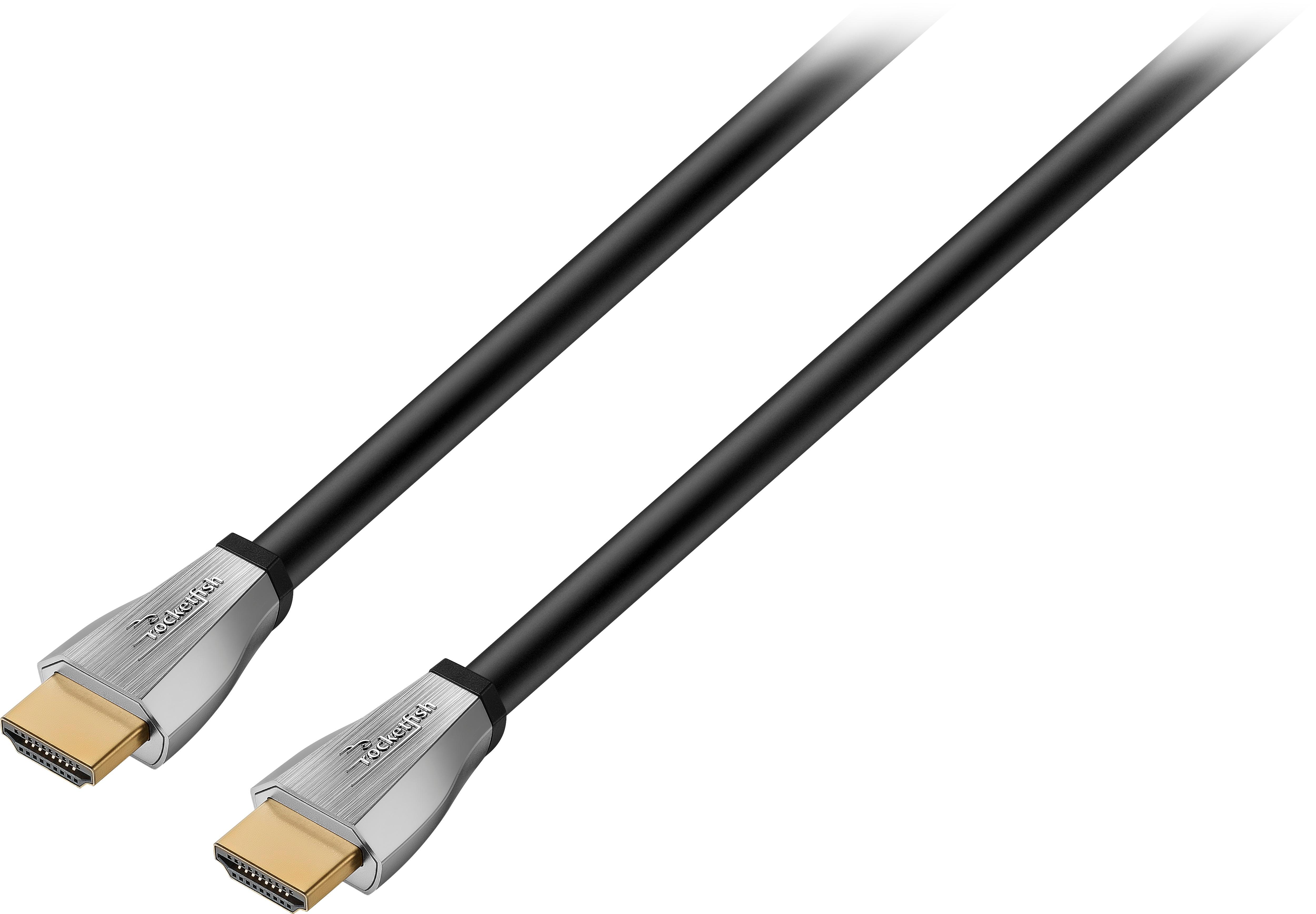
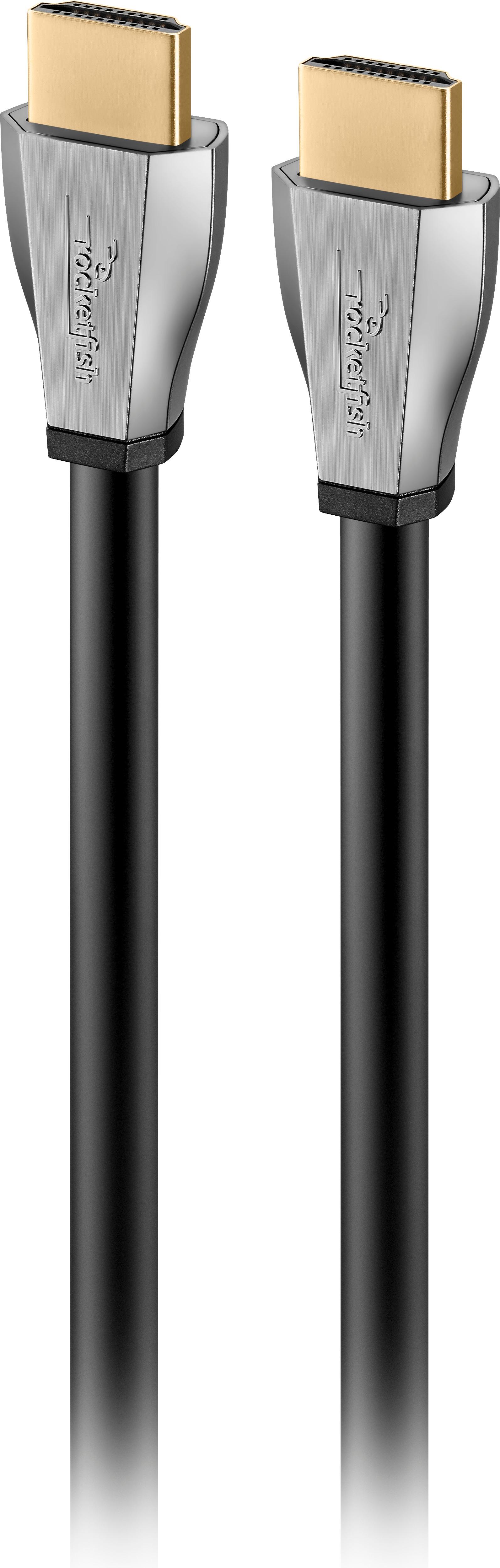
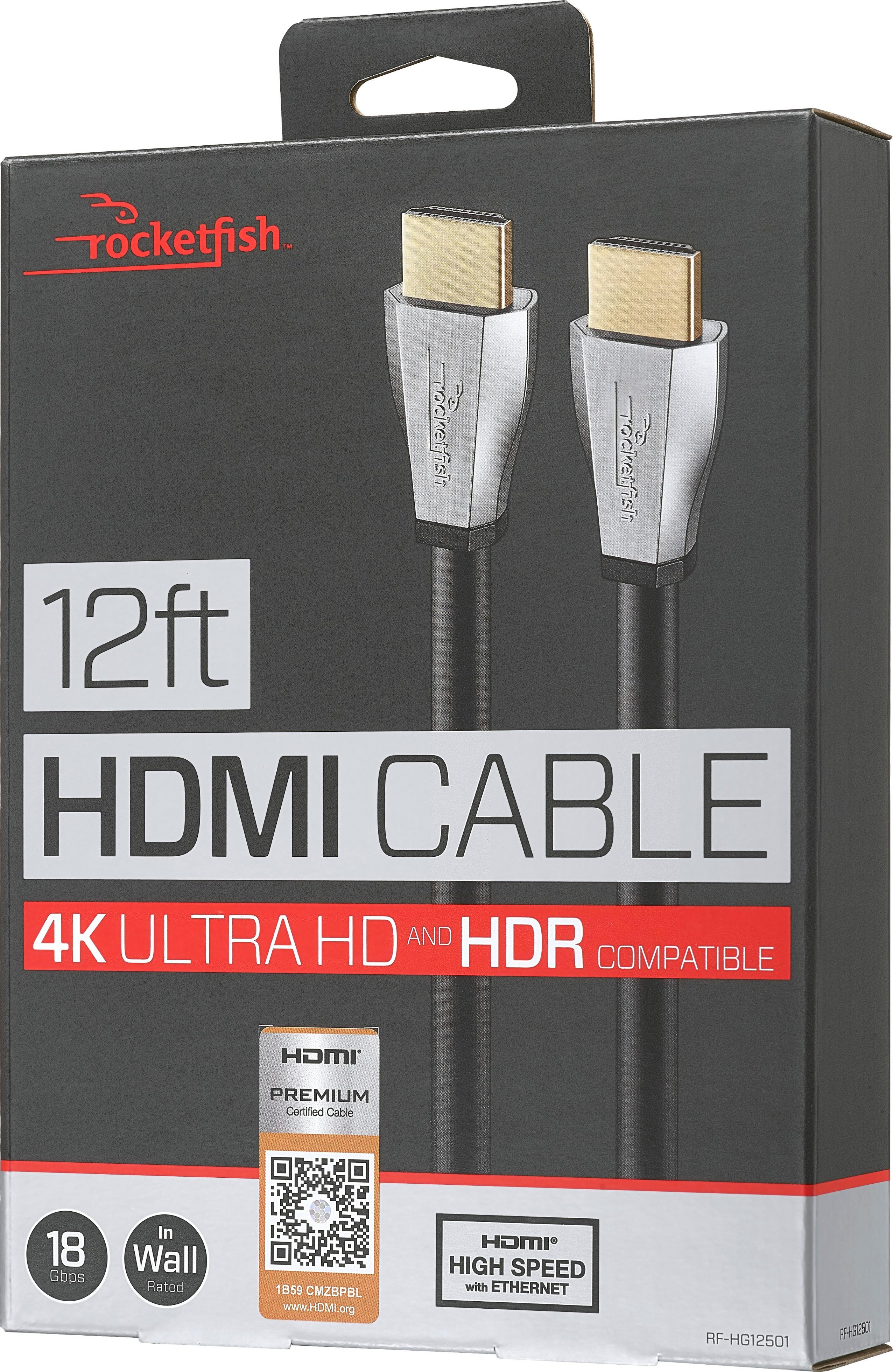
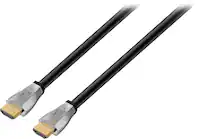
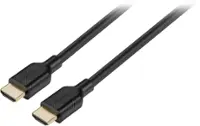
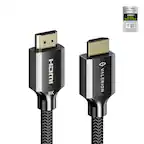
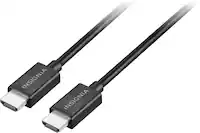
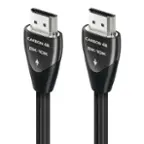
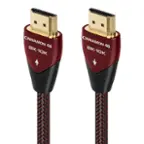
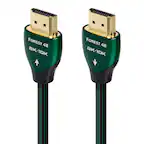
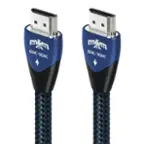
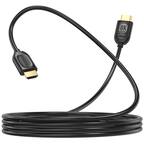
A:AnswerHi Double, You just need an HDMI cable to connect the two devices. You can use the setting on the TV to enable eArc which lets the TV communicate with the sounds bar and you can use the TV remote to turn the volume up and down without using both remotes.
A:AnswerThere are 4 HDMI ports on the 49" Sony Bravia TV and 5 on the 55". Most models of all Smart flat screen TV's have multiple HDMI ports and at least one optical port. The HDMI ports would be used for add ons and an HDMI cable usually is required to be bought separately for each add on. Sony Bravia models all have one HDMI cable included.
A:AnswerCurrently there's not a lot of 4K broadcast. You will find mostly Sports such as the NFL Super Bowl, the Olympics and some streaming services do stream movies in 4k
A:AnswerMain differences between HDMI 2.0 and 2.1: Rated bandwidth capacity for HDMI 2.0 is 18 Gbps, while HDMI 2.1 clocks is 48 Gbps and 2.1 enable dynamic HDR (for faster refresh rates and a much higher bandwidth), can do 8K (if and when you need it) and also features eARC (Audio Return Channel), which allows high-quality, uncompressed audio signals to be transferred via HDMI cable.
More indepth: https://screenrant.com/hdmi-2-1-2-0-differences-comparison/
A:AnswerYes, try new high speed cables.. You will need a ultra high speed hdmi cable with at least 18 Gbps(maximum bandwidth) or greater for your 4k bluray player. If you have an TV with eArc with hdmi 2.1, connection, there now appearing ultra high speed hdmi cables with 48 GBPs for Dolby vision and Dolby Atmos for 8k Tvs. For at least, 4k, try audioQuest- pearl or cinnamon ultra high speed cables.
A:AnswerYes, if the Xbox or ps3 has hdmi out, the cable will work. Make sure the cable is long enough to reach the tv or if you are using a sound bar from where your game console is sitting.
A:AnswerYes, it should, works with any system that has the arc hdmi input. It'll blow your mind and you'll think someone is breaking into your house with the amazing sounds,lol!