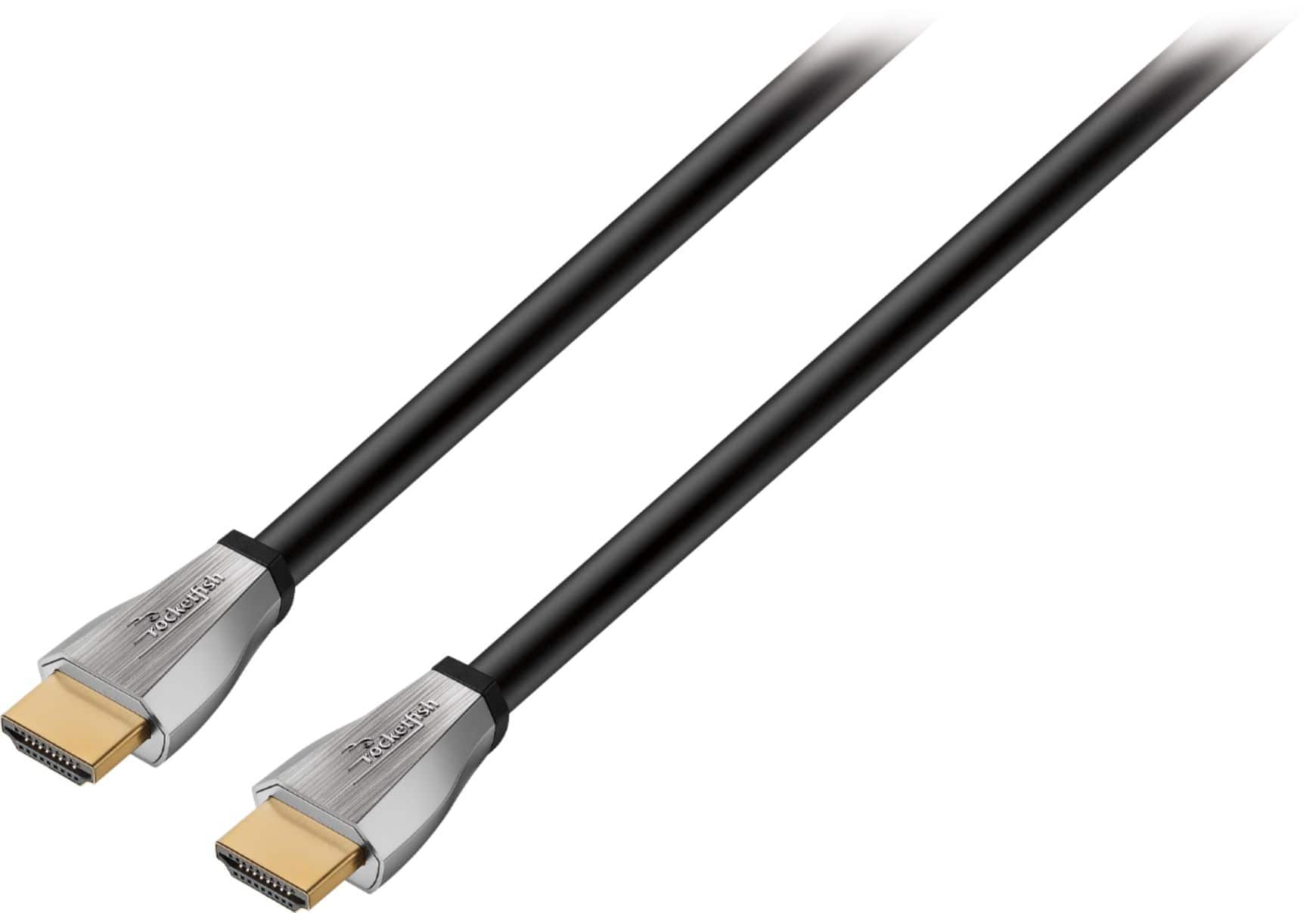
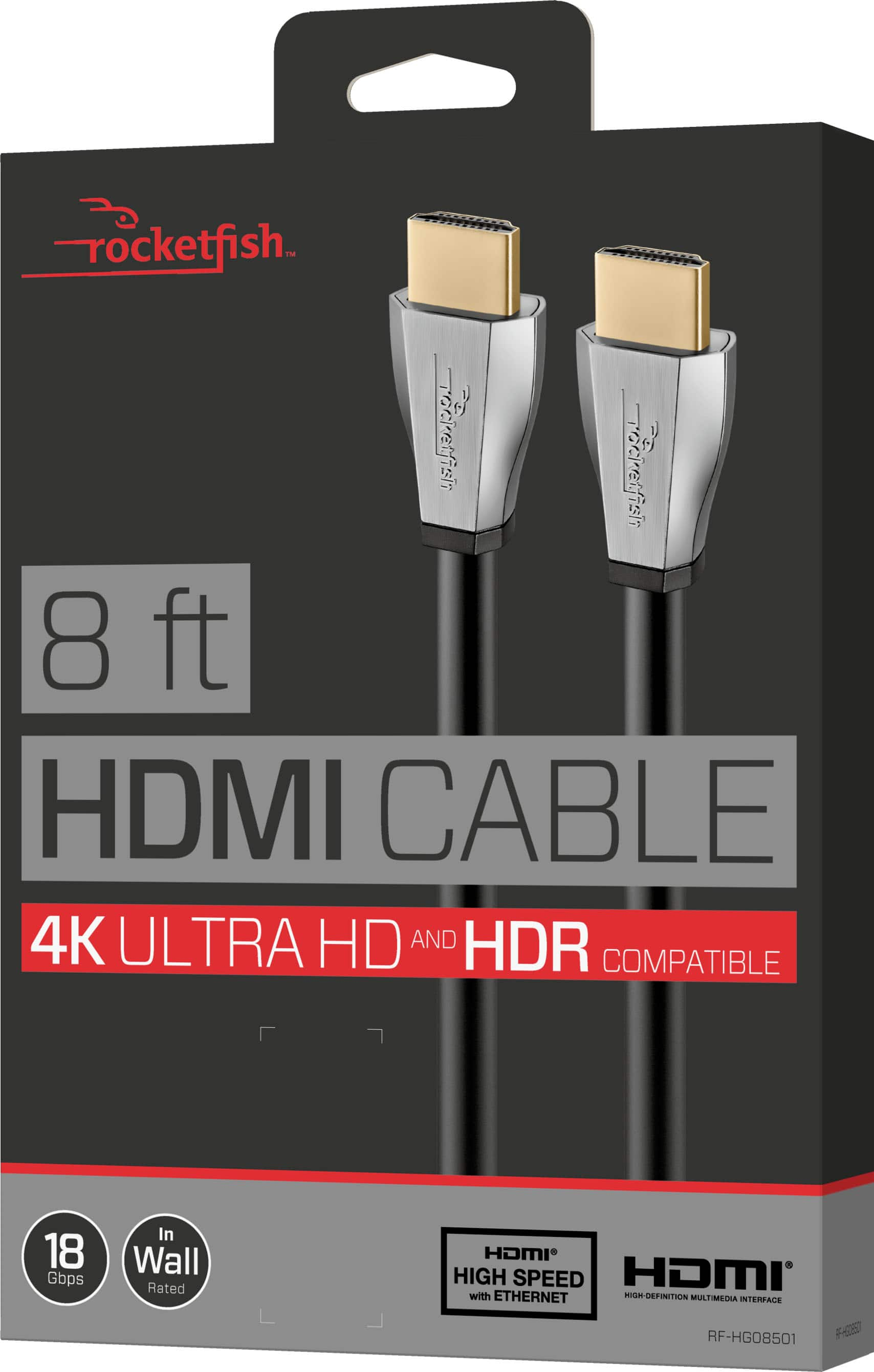
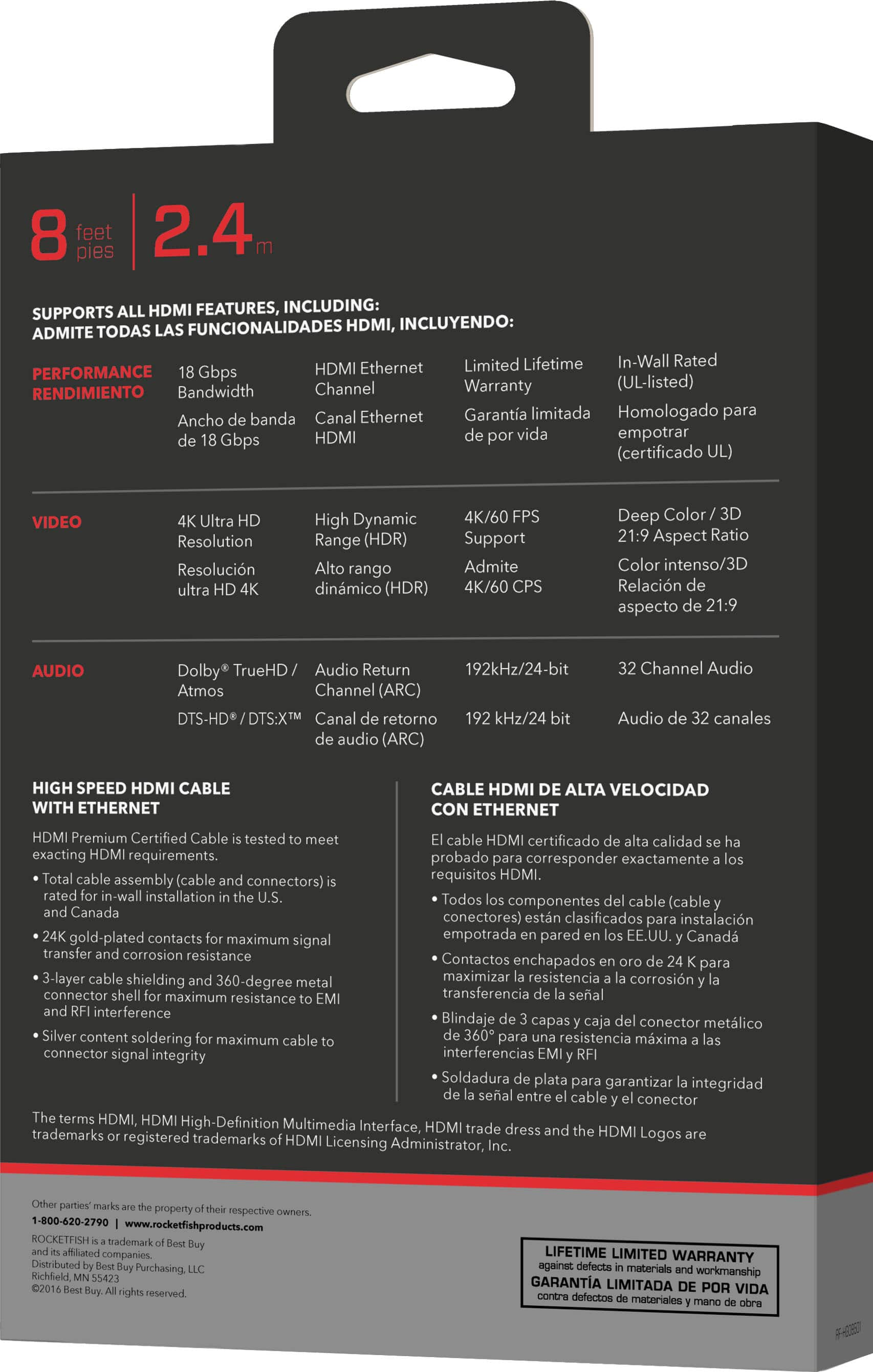
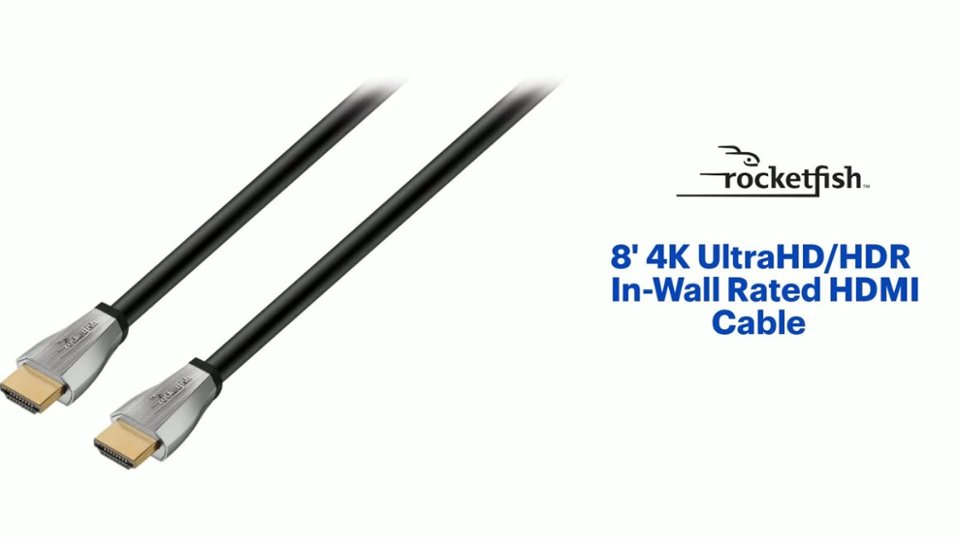
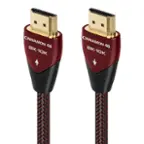
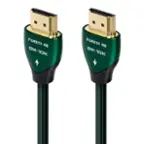
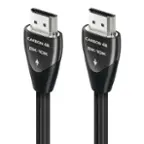
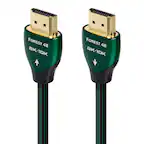
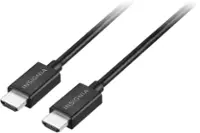
A:Answer You will need one HDMI cable from your Cable box to your TV (assuming TV has HDMI input and is not an old analog-only TV). It does not necessarily need to be this particular HDMI cable though--there are less expensive options that are shorter and/or are not in-wall rated to consider if you don't need these features.
So far as soundbar, there are several options, depending on which soundbar you have. Some have an HDMI input and output, so you then would need two HDMI cables. In this case, the soundbar would be in between the cable box and the TV (cable box HDMI output goes into soundbar HDMI input, soundbar HDMI output goes to TV HDMI input).
Many soundbars let you connect one HDMI cable from the cable box to the TV, then connect a cable from the TV to the soundbar, but there are options here too. The cable from the TV to soundbar could be that second HDMI, or it could be optical (Toslink), or regular analog (RCA or 1/8" stereo plug), depending on the soundbar. It is even sometimes possible to connect the audio directly from a cable box to a soundbar. Yes, I know, too many options!
At this point, you should just take the time to actually read the soundbar manual (if you lost it, google the manufacturer and model, you should be able to find it online). There are usually some nice pictures to illustrate what options are available.