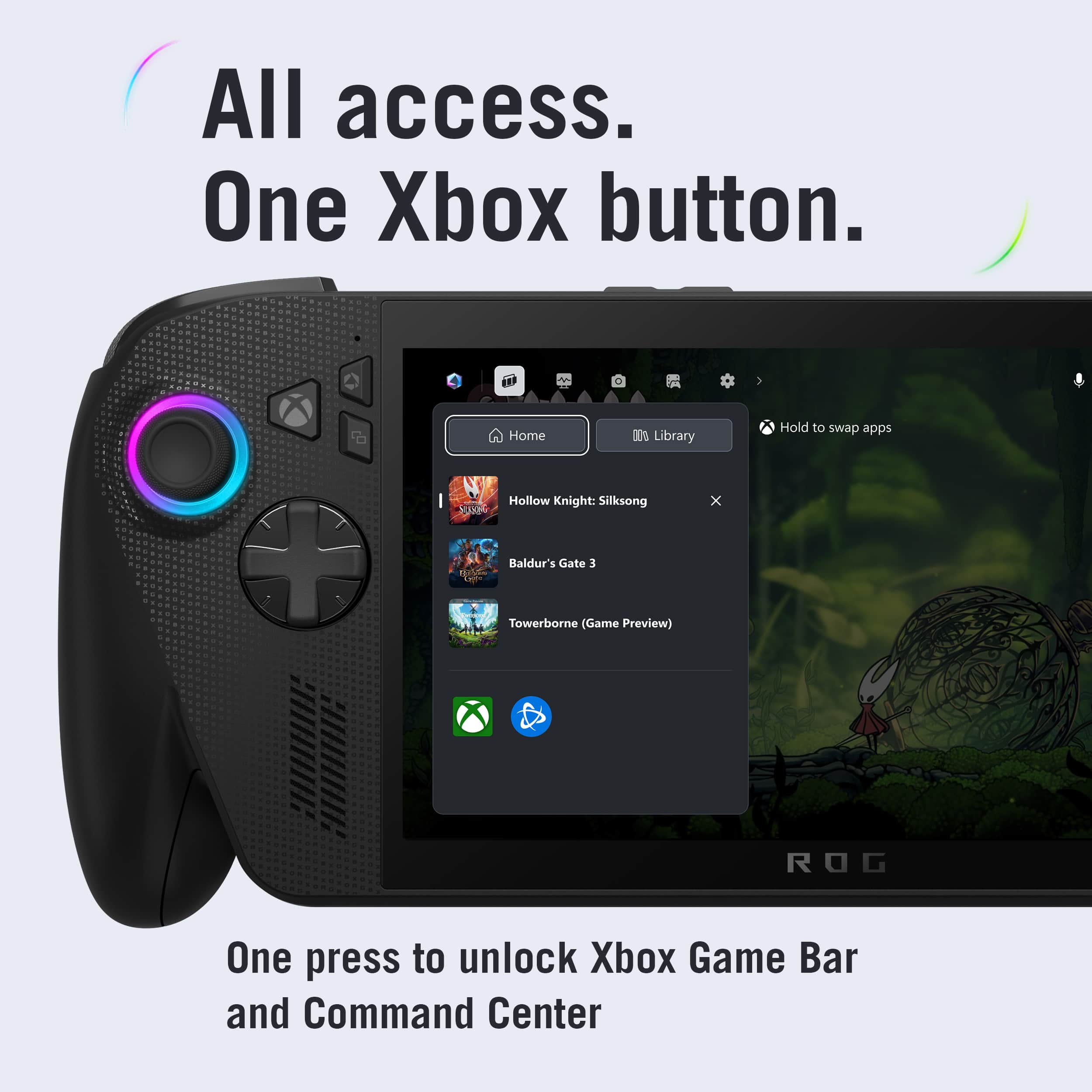
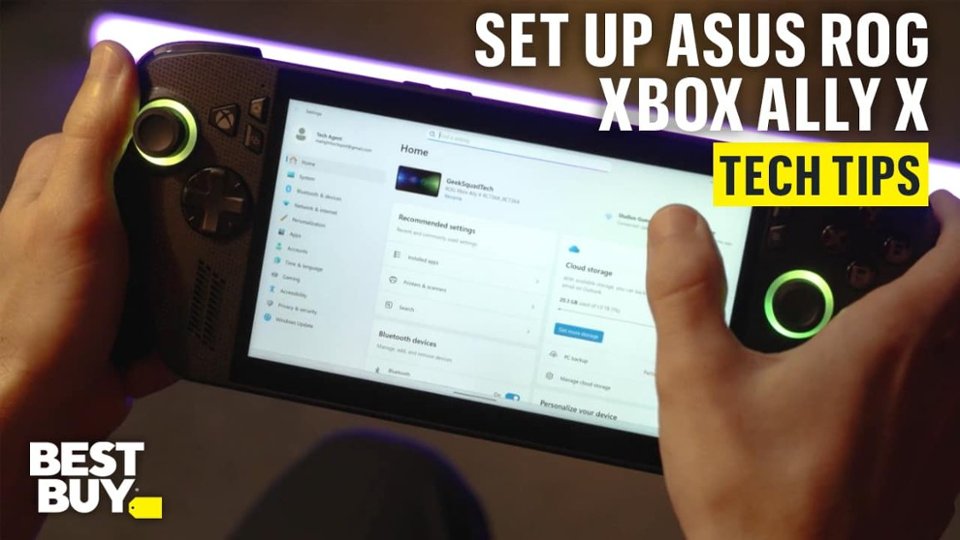
A:AnswerYes, it possible to switch between multiple Xbox users/gamertags but works differently. Since it is Windows-based handheld PC, you can add different user profiles in Windows with different Microsoft account abd Xbox settings. Or use the Xbox application for switching accounts.

A:AnswerYou can claim your 3 months of free Xbox Game Pass directly through the pre-installed Xbox or Microsoft Store application on your ROG Xbox Ally X . You must claim the offer within 30 days of activating your device, and a valid payment method is required.
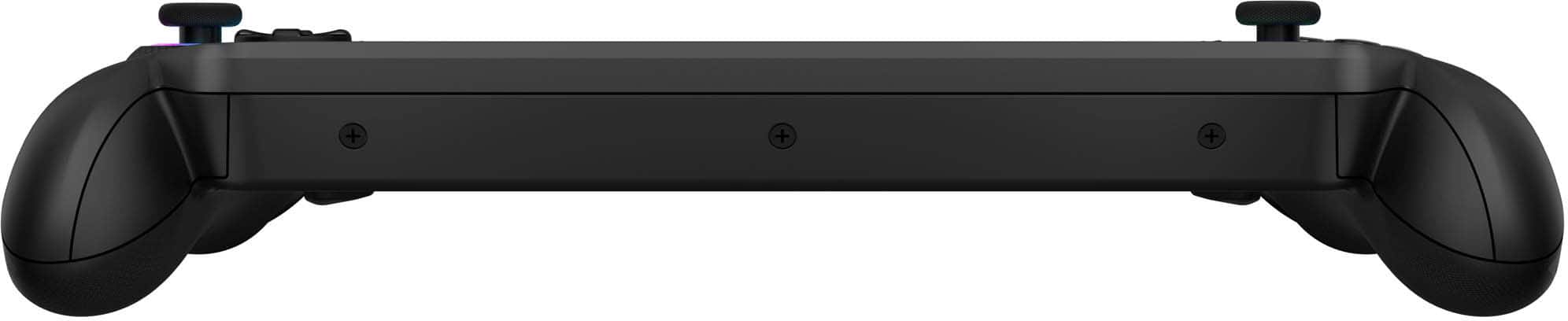
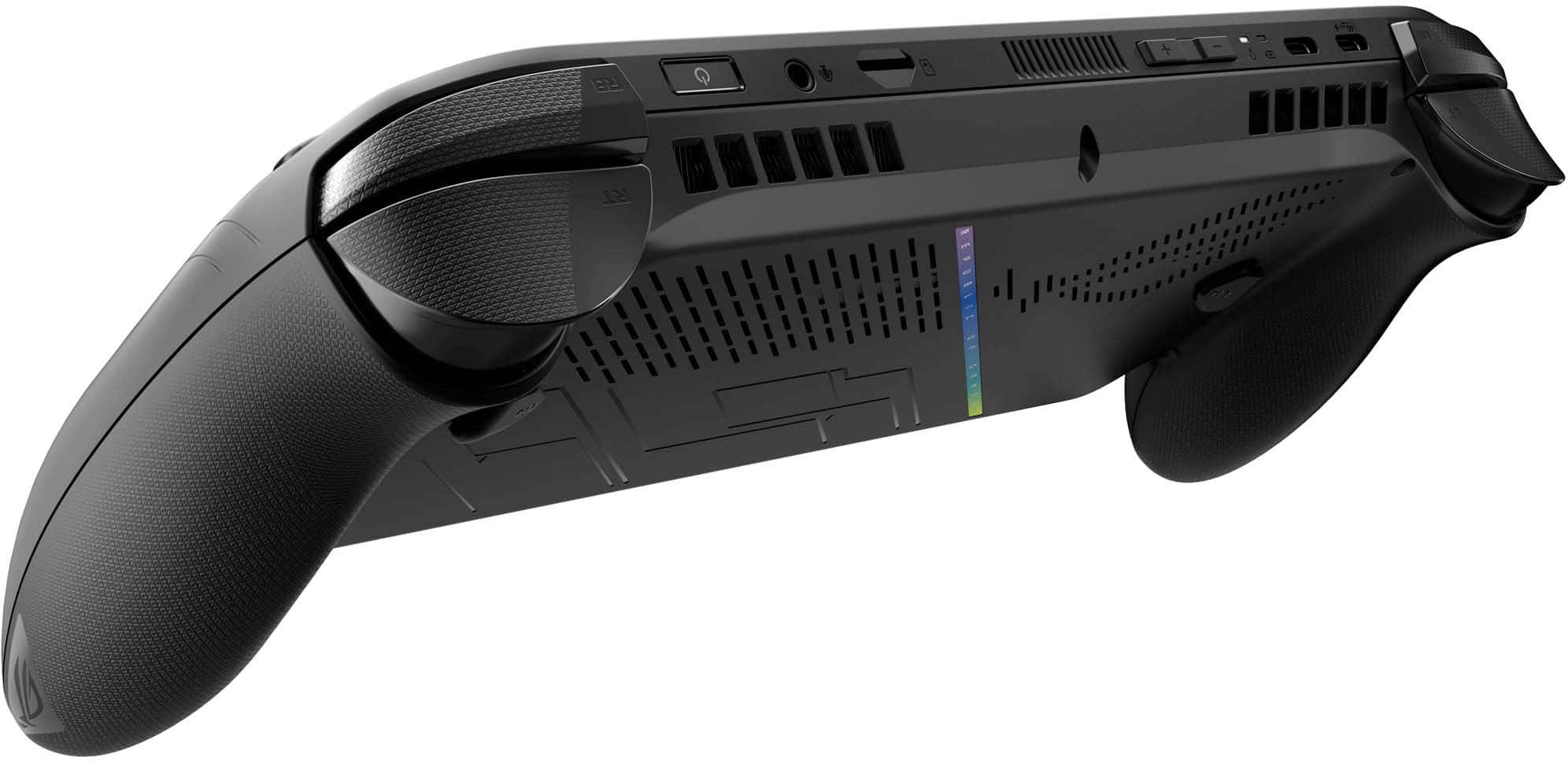
A:AnswerThis is pure USB C, so anything C will work. Since it's a computer, you can just run a C to HDMI or Video cable to any TV or monitor. I personally have used the cable method, as well as used a generic USB C hub, and a MS Surface hub and all worked great.
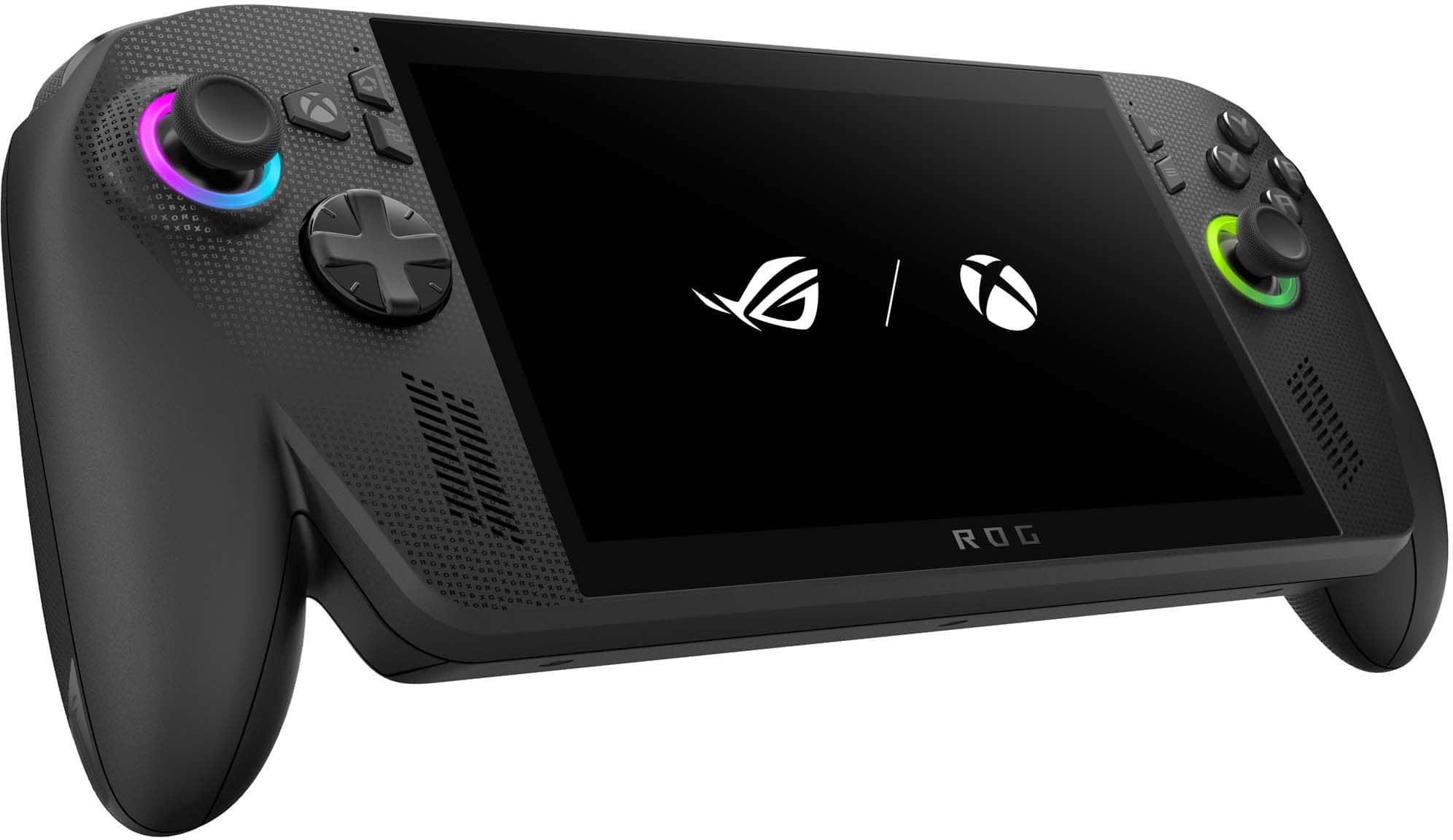
A:AnswerThe ASUS ROG Xbox Ally X is essentially a handheld Windows PC, which means you can install streaming apps like Amazon Prime Video and Netflix, along with any other Windows‑compatible software, just as you would on a laptop or desktop.
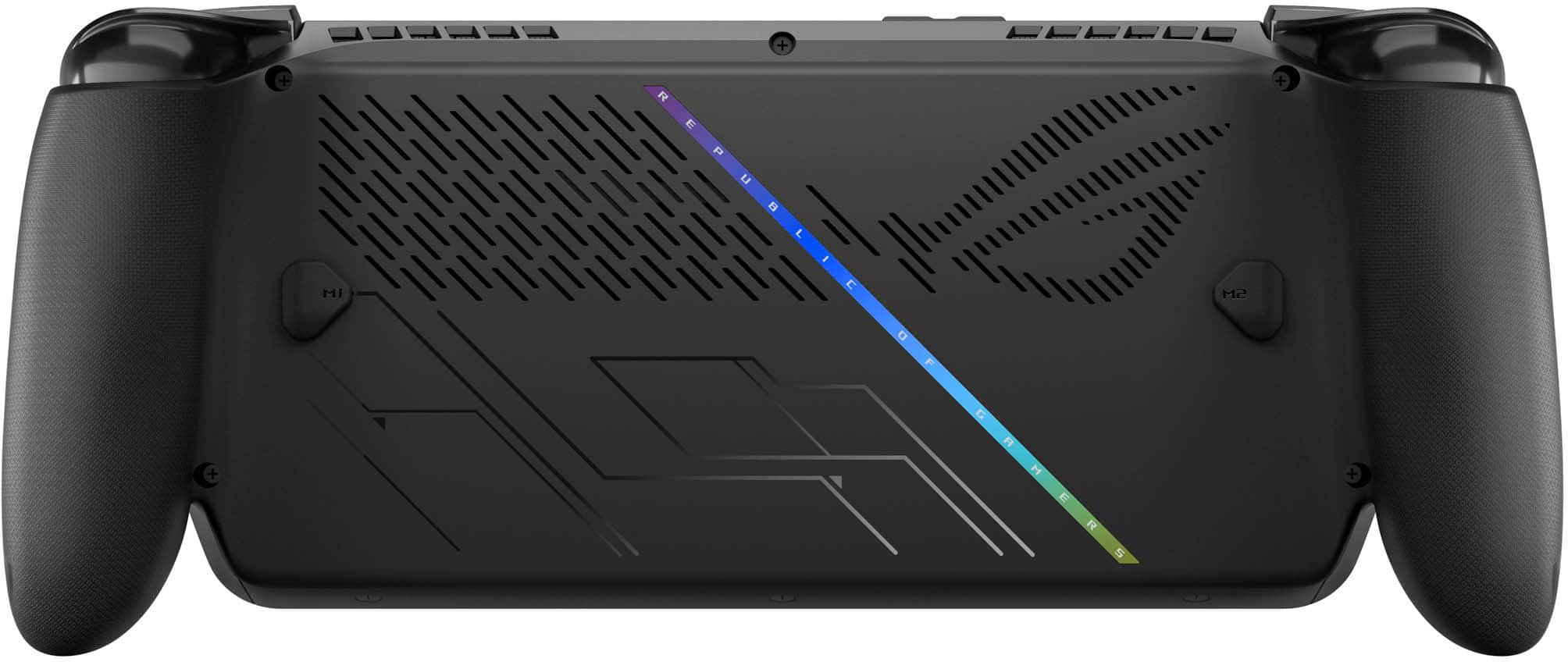
A:AnswerThe ROG Xbox Ally X is equipped with 24GB of LPDDR5X memory that is permanently soldered to the motherboard, making it non‑removable and therefore not user‑upgradable.