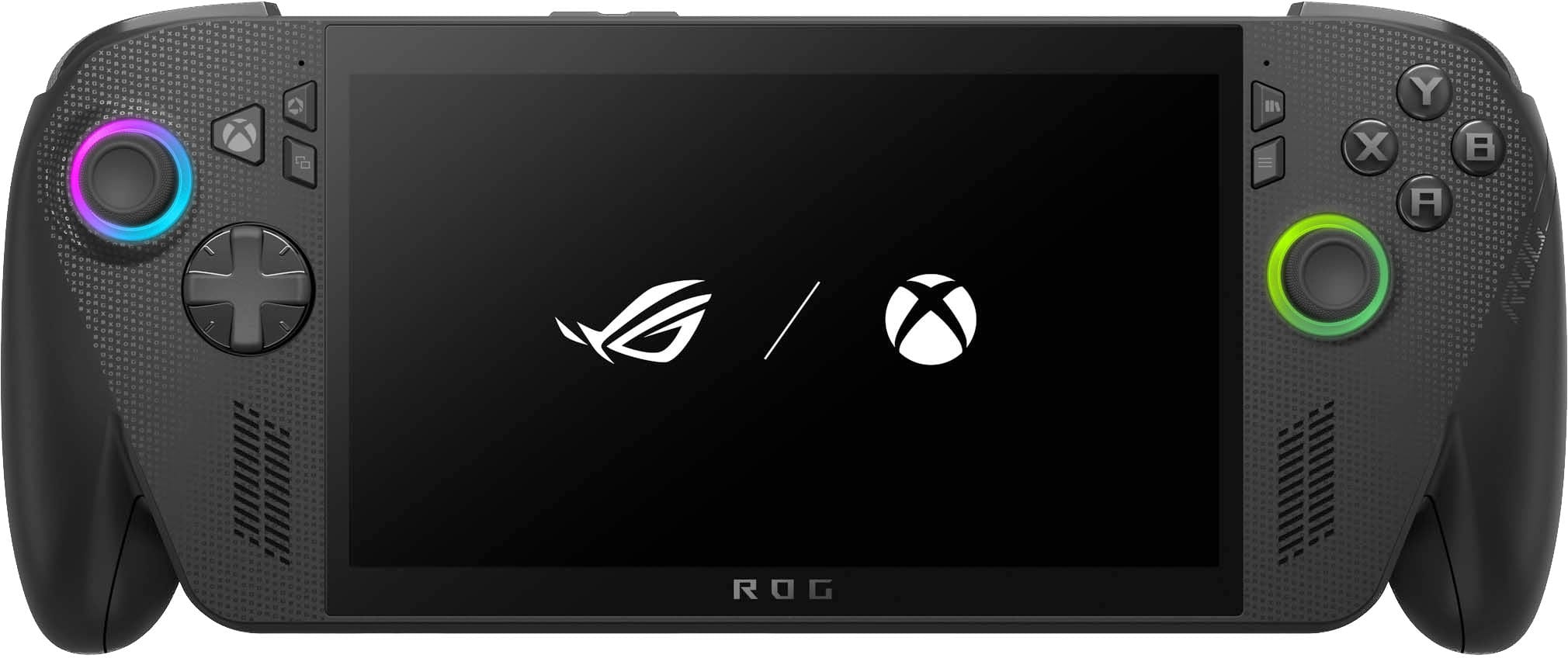
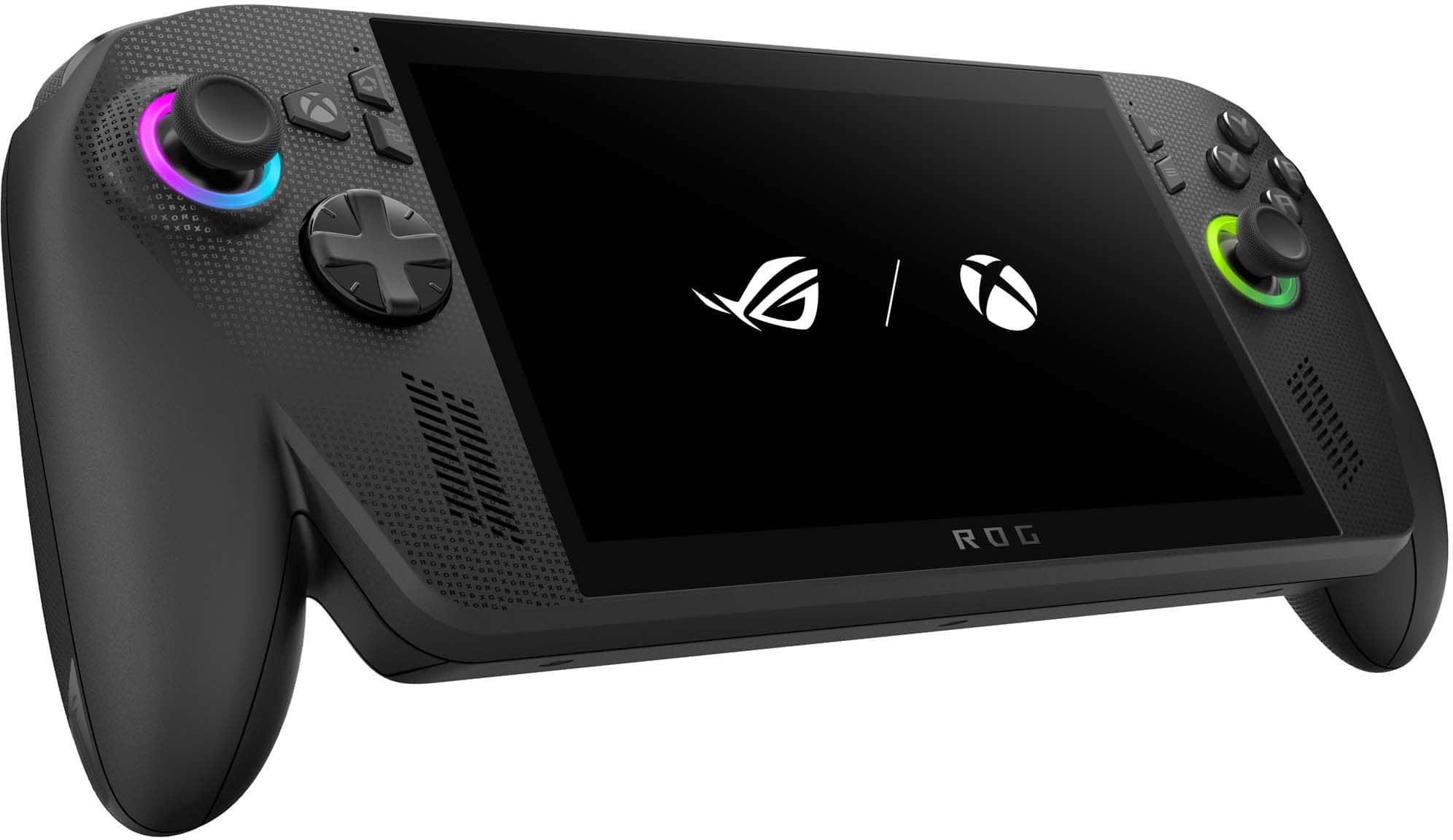
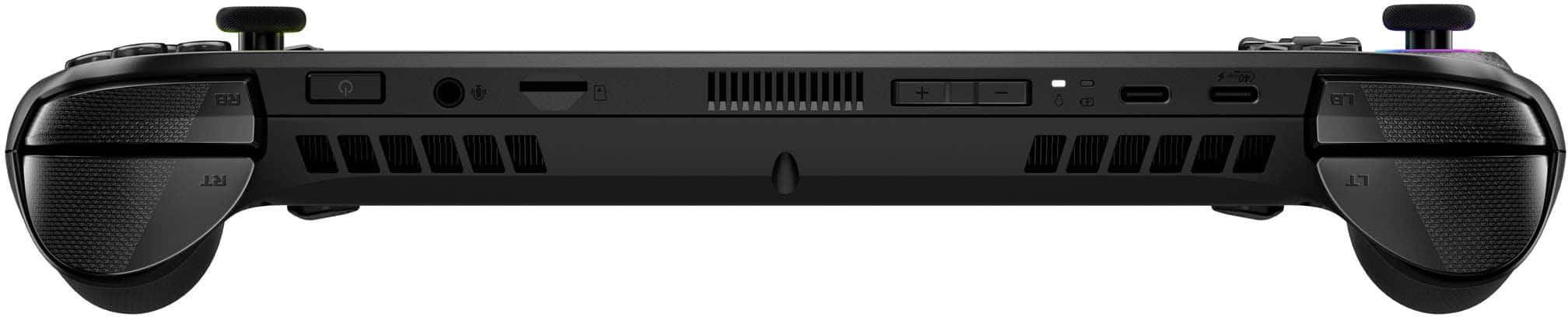
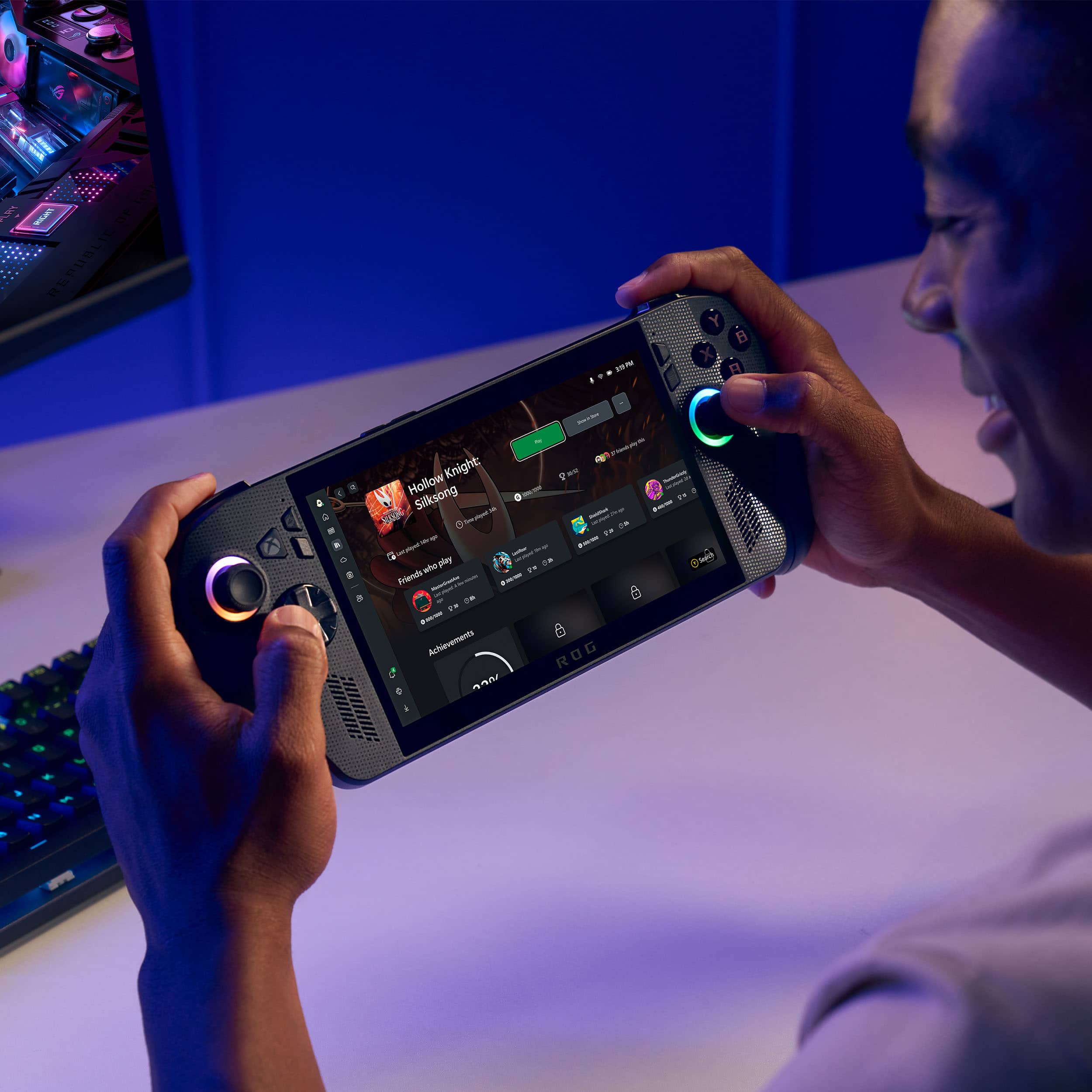
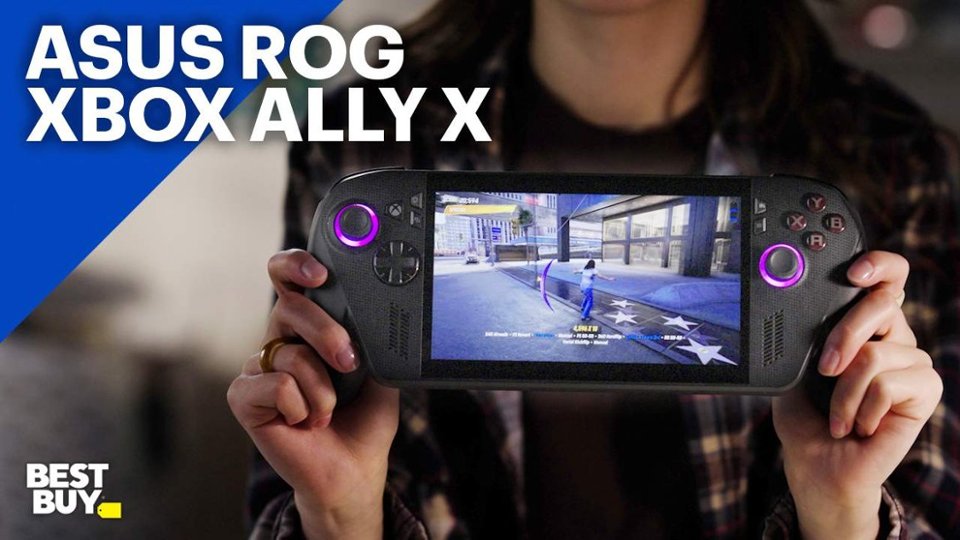
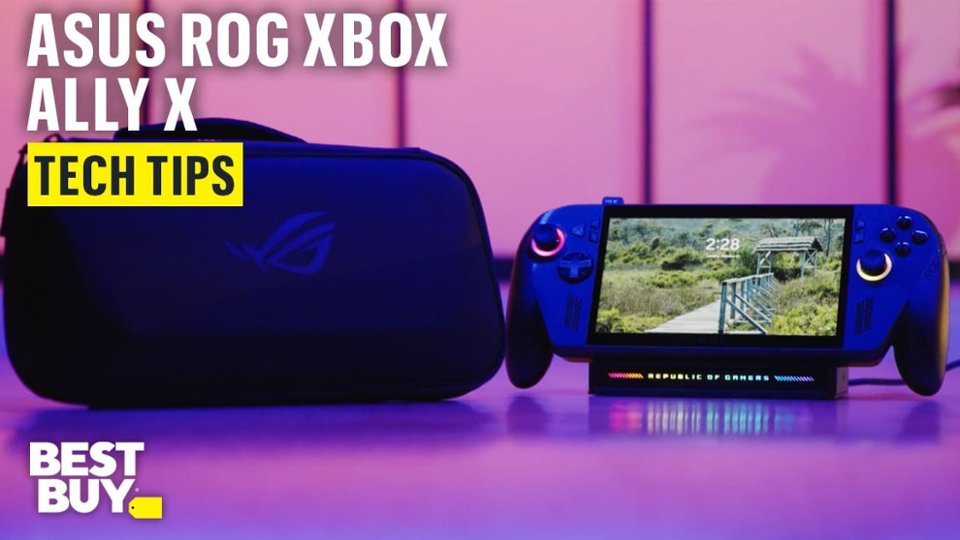
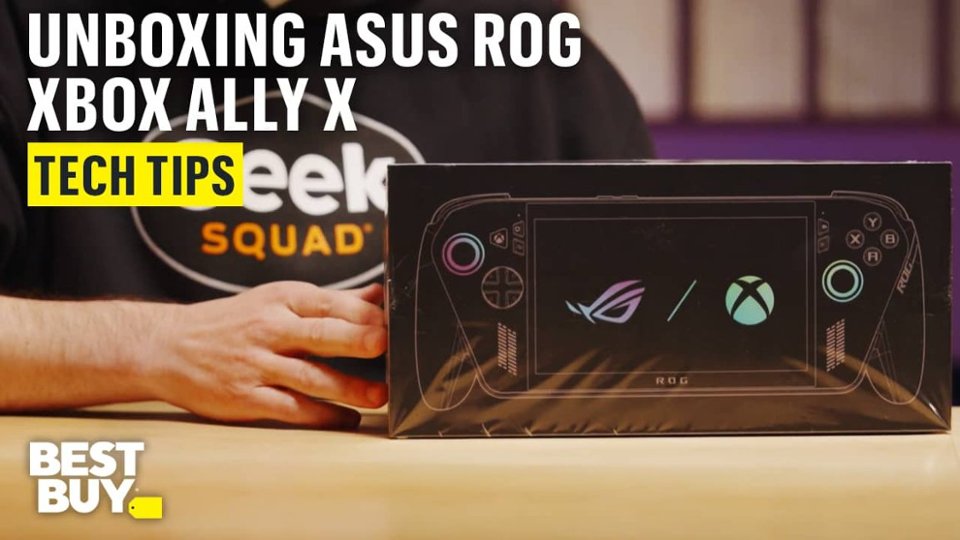
A:AnswerOn the ROG Xbox Ally X, you can save games to an external hard drive, connect it to the device, and play them directly. It’s fully supported because the Ally X is essentially a Windows PC in handheld form.
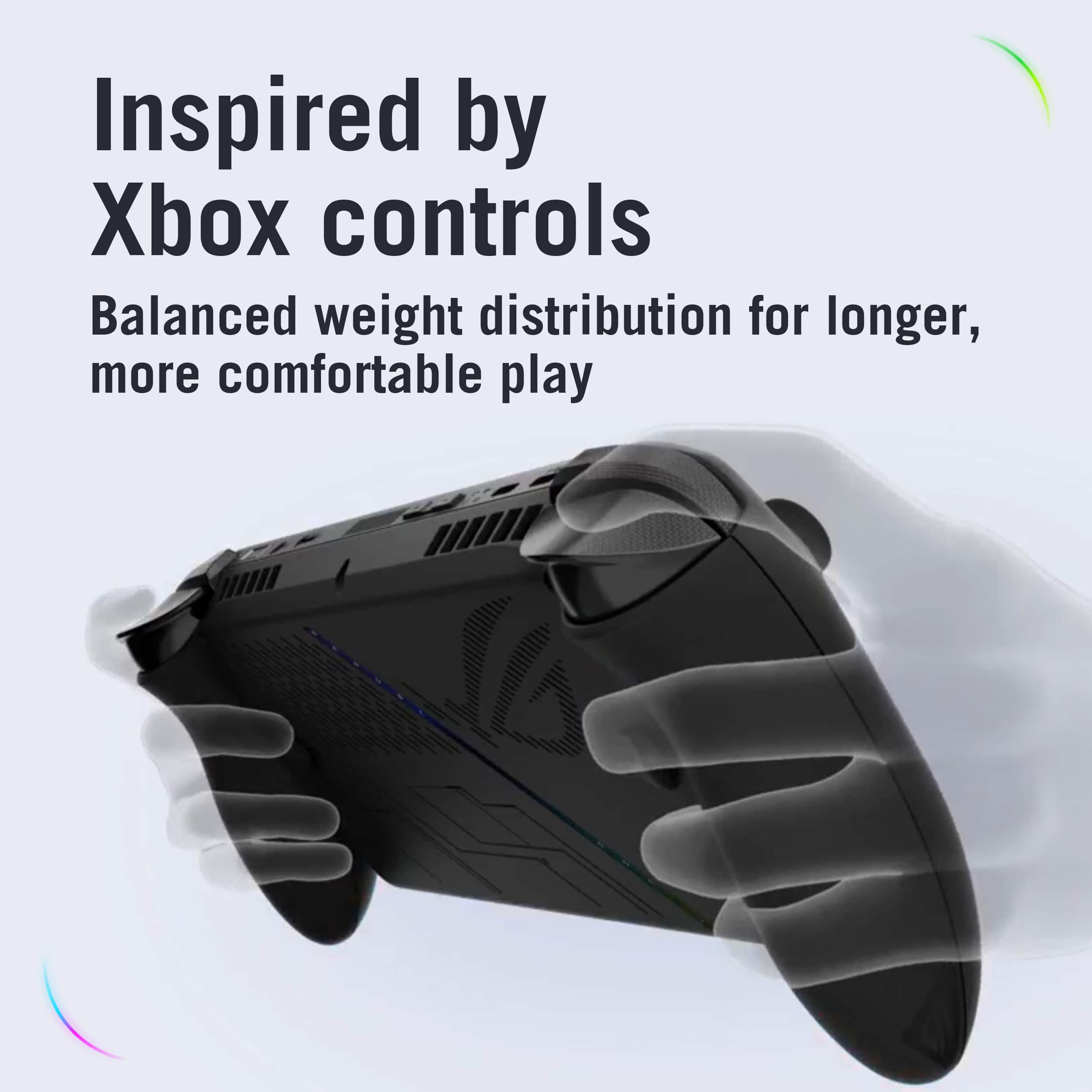
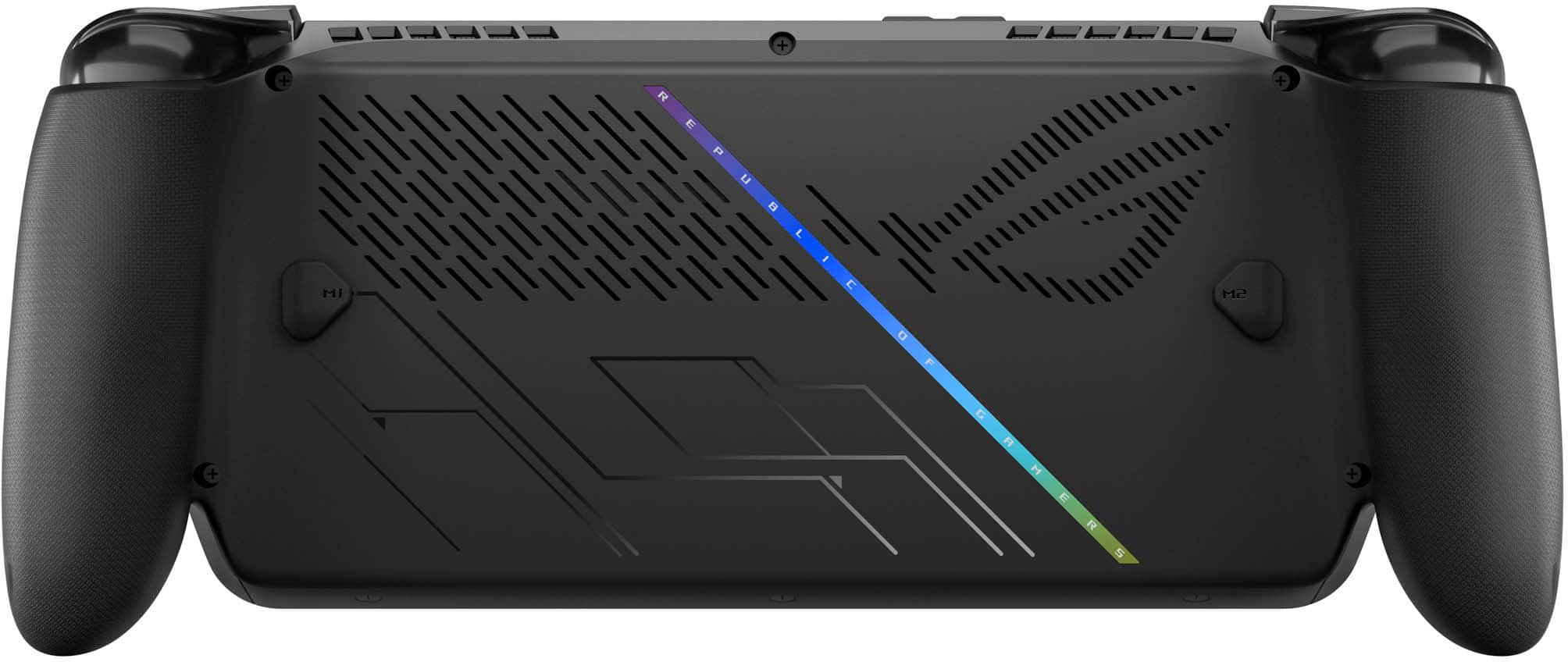
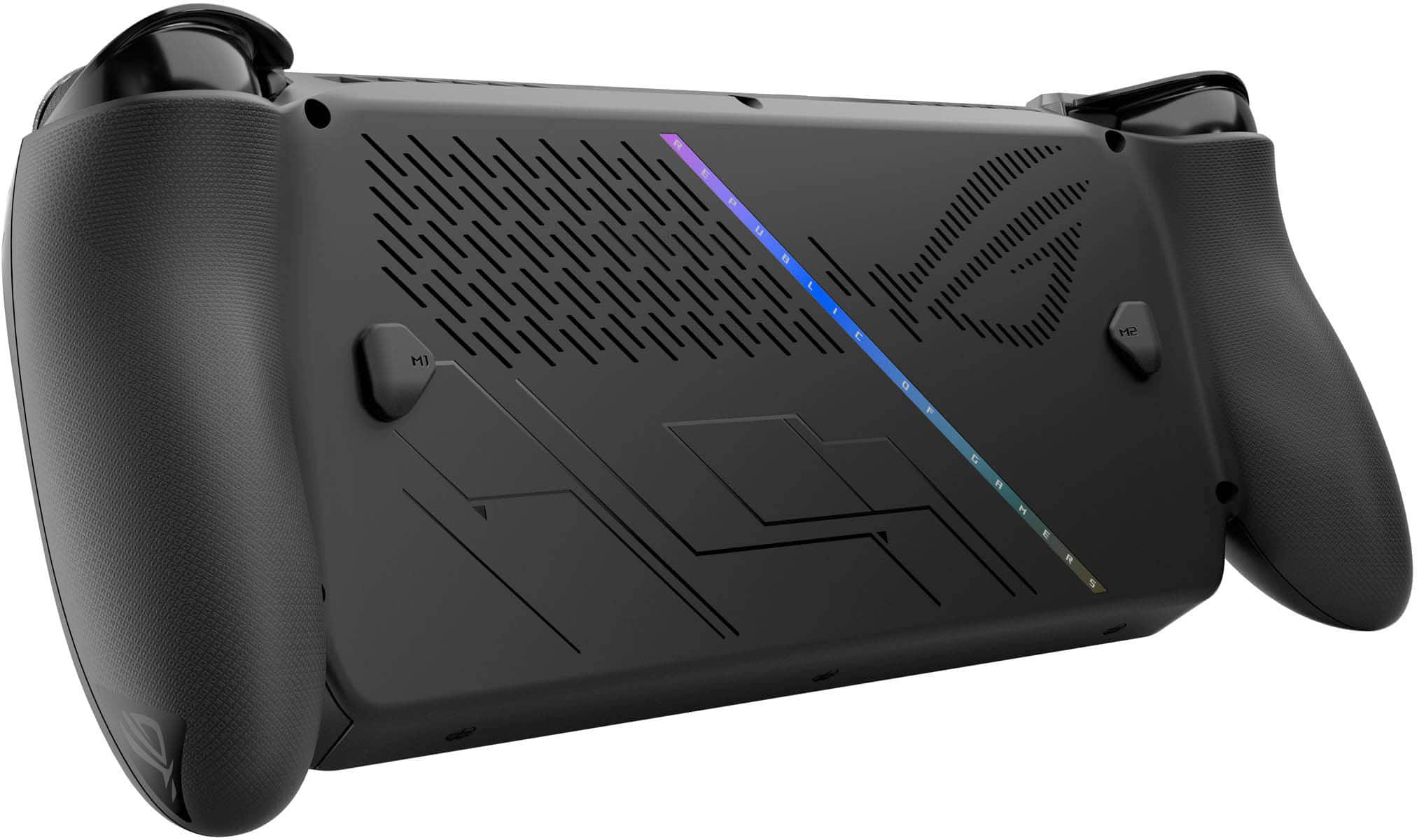
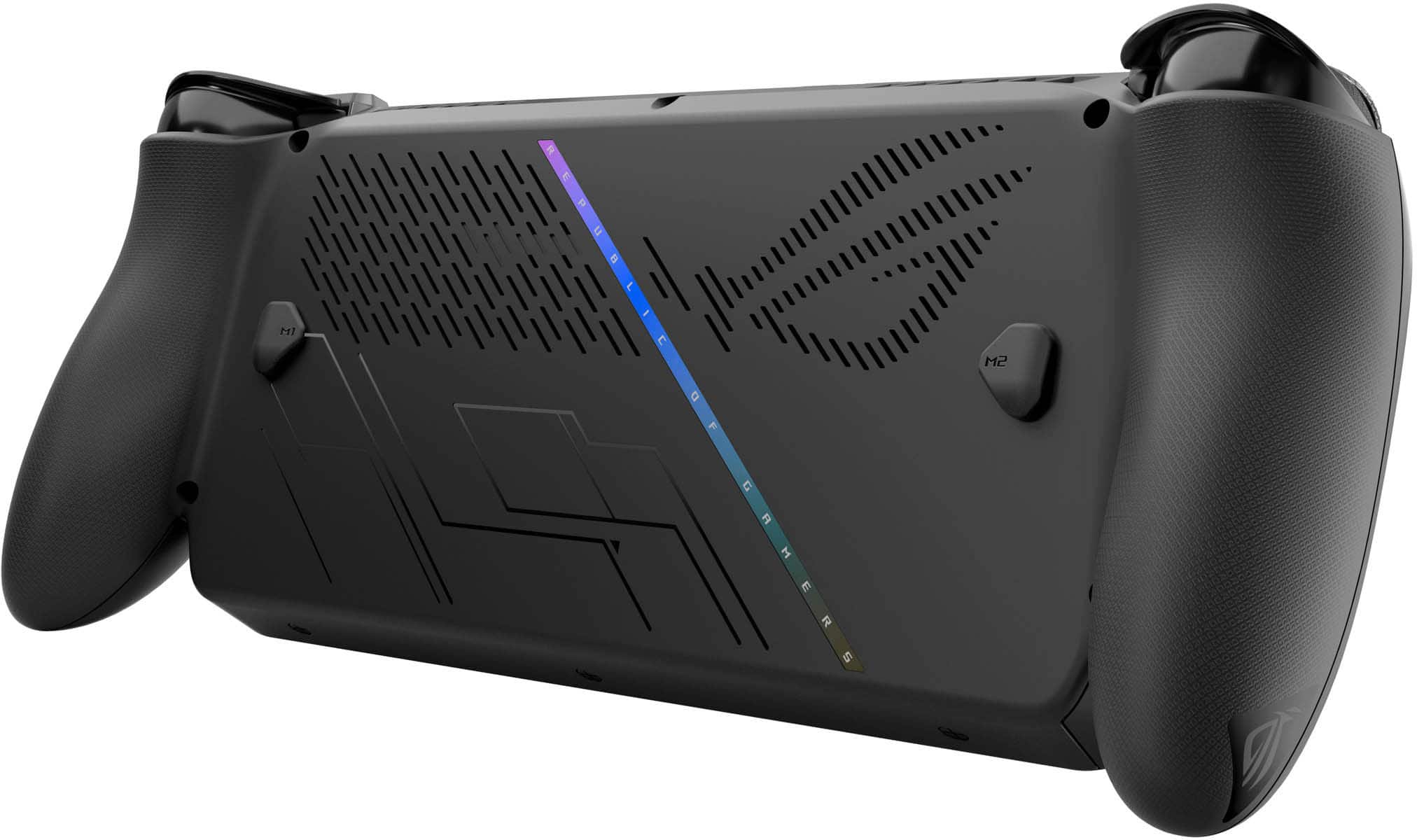
A:AnswerThere is 2 buttons in the back, they are programmable to Any of the xbox buttons or can be used as macros or shortcuts, you can make them do basically anything
A:AnswerIt all comes down to whether or not the person that purchased and returned it already redeemed it. If they did, it's gone, if they didn't it's still there.
It's tied to the system. Most likely the serial number.
You redeem it during set up.
When I first got mine, I swapped out the SSD for a 2 TB before ever setting it up. I then did the install of the operating system with the restore from Asus. During setup, it offered the three month premium game pass, and I took it.
I ended up deciding to switch to a 4 TB the next day and went through the steps of swapping out the drive and once again installing the operating system. This time it did not offer the three month premium game pass because I had already redeemed it. Which means it knew that this ROG Xbox Ally had already gotten it.
No way to guarantee one way or another.
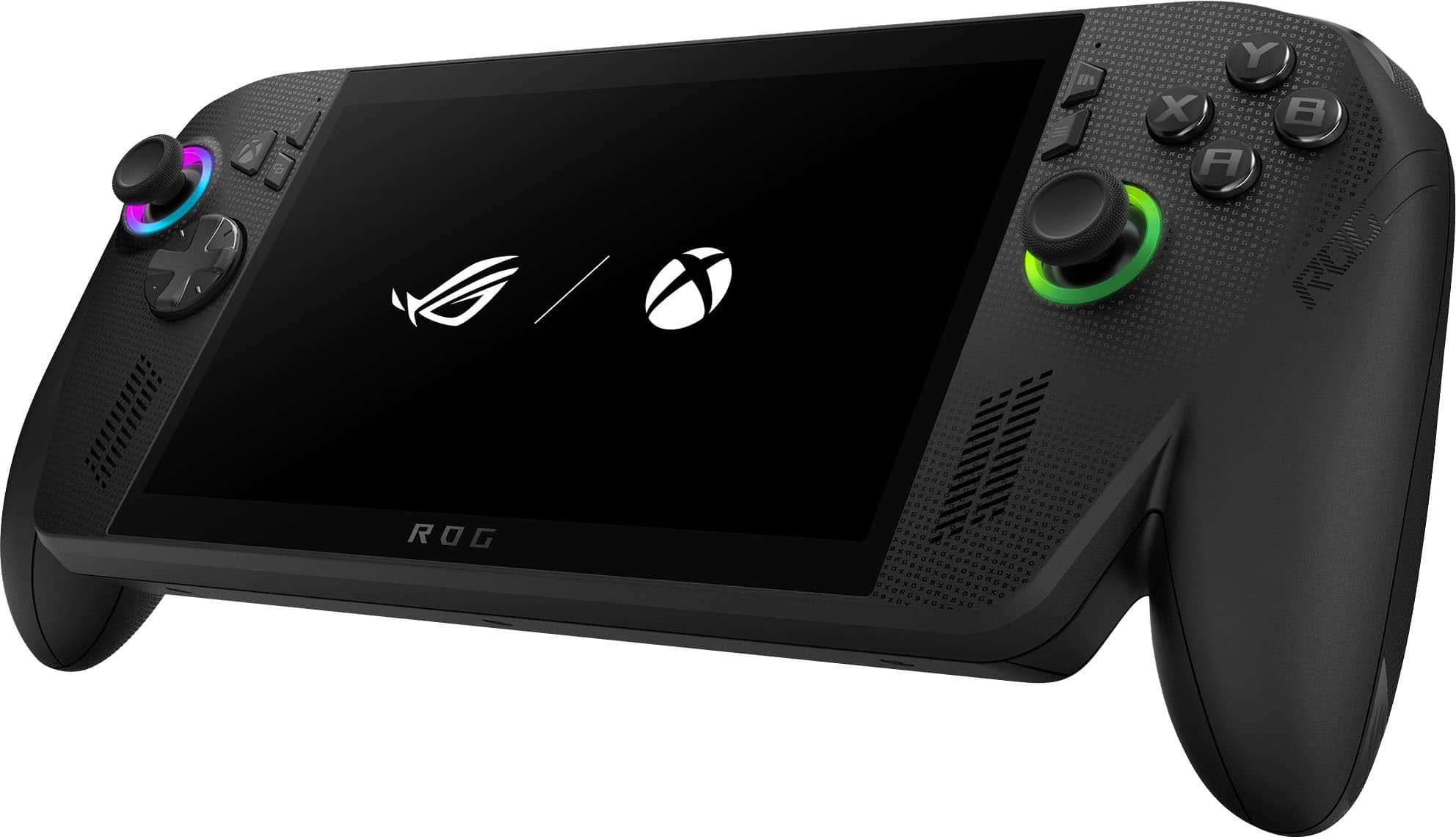
A:Answeryes not every steam game is setup for it to be played on the handheld however you can play them and i have not had a bad experience yet may take some tweaking in the settings to run at desired frames.
A:AnswerMany reviewers of this device have owned for close to a year and say that the joysticks have held up well after being used daily. Drift can happen to any joystick, however this one seems to be of great quality. Obviously this also depends on how hard you are with your joysticks as they aren't indestructible lol
A:Answerthere is lso a performance differene btween the white and black besides the storage spae which u can have changed at anytime or even add an SD card to expand your storage space
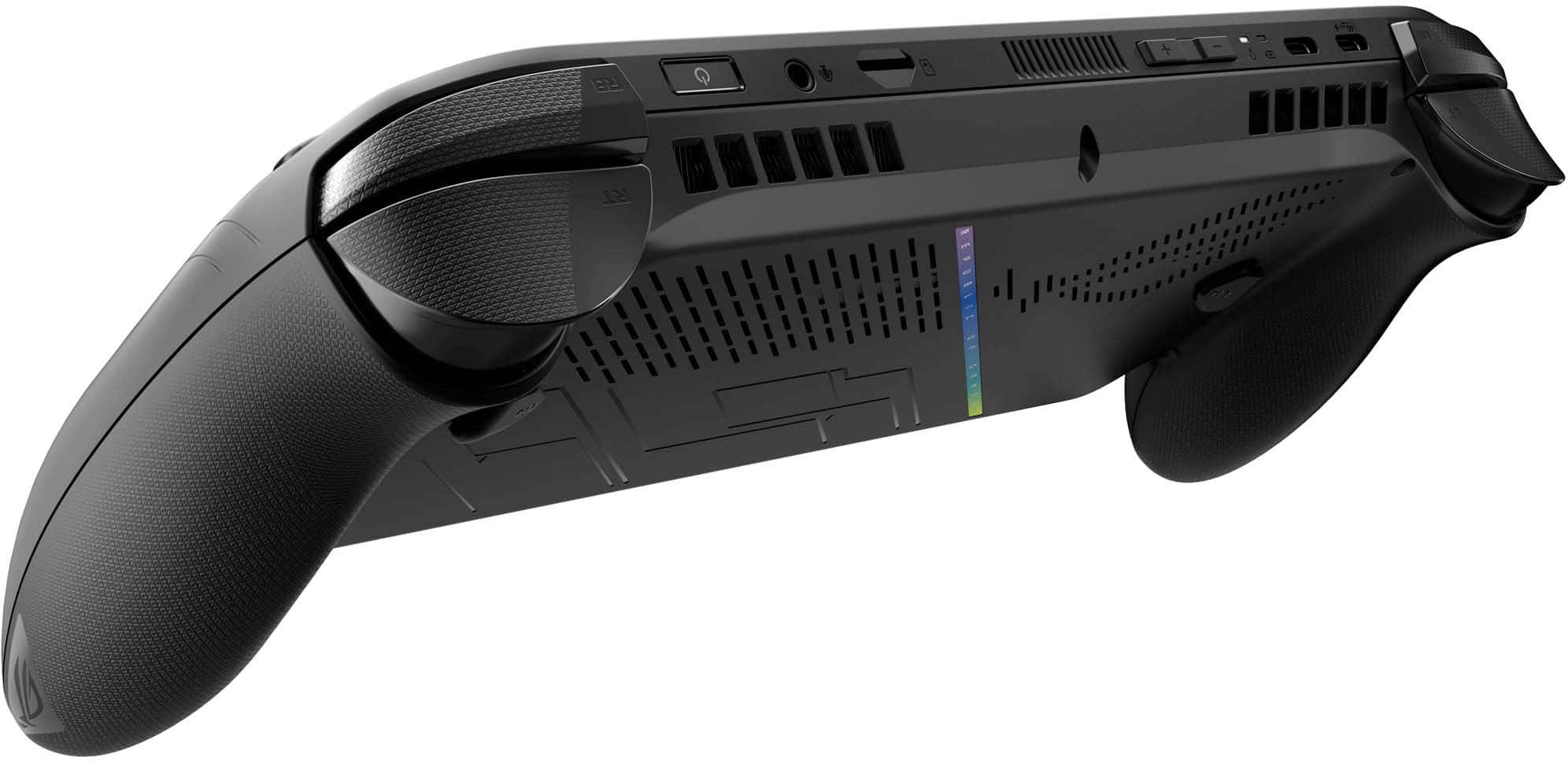
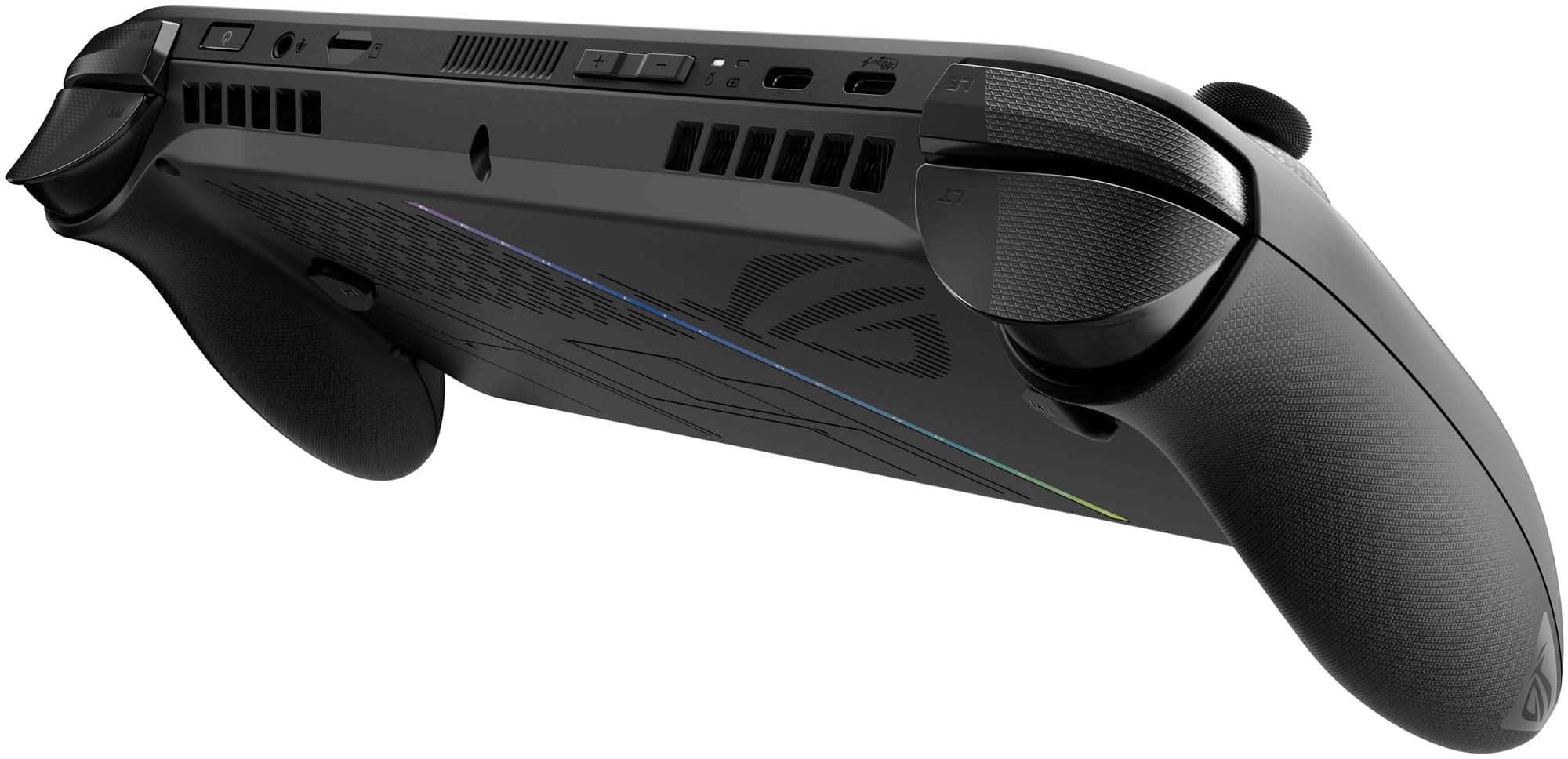
A:AnswerThe best wireless headphones for the ROG Xbox Ally X are those with low‑latency Bluetooth support, ensuring smooth audio sync for gaming. The device also supports USB headsets through its USB‑C port, giving you the option to use wired or dongle‑based USB audio as well.