A:AnswerHi! kjones, Roku® streaming players and Roku TV™ are designed to ensure they are always running the latest version of software. Your Roku device will check to see whether new software is available for download during initial setup and whenever the Roku device is powered on, and then randomly every 24-36 hours. The download and installation are done automatically without ever interrupting your use of the Roku device.
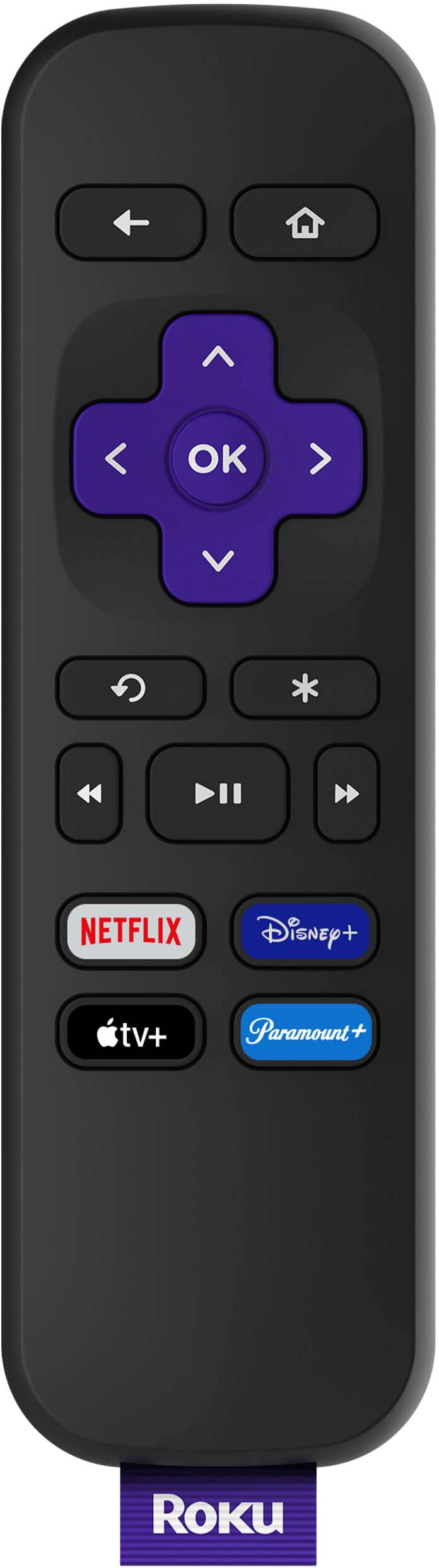
A:AnswerHi! Eddie , The PBS channel is available through the Roku Channel Store and will allow you to access your PBS Passport subscription on your Roku Express HD. Roku® streaming players can be connected to any TV with an HDMI® connection.To add a channel to your Roku Express HD start by pressing the Home button on your Roku remote.Scroll up or down and select Streaming Channels to open the Channel Store.Then you can select Add Channel to install the channel on your Roku device.
A:AnswerHi! The Roku Express uses 802.11bgn single-band wireless. If you do not see your network name, your Roku device may be too far from the router. At any time, you can check the quality of this connection from the Settings menu on your Roku device.To find the strength of the wireless signal make sure your Roku device is connected to the network.Press the Home button home button on your Roku remote.Select Settings, then Network, and finally About.The wireless signal strength will be reported as Poor, Fair, Good, or Excellent.
A:AnswerHi Cher! You need to link a payment method to your Roku account to set up Roku Pay. Roku Pay allows you to purchase subscriptions for channels and services available through the Channel Store, add Premium Subscriptions on The Roku Channel, rent or buy movies and TV shows, and purchase Roku device upgrades, offers, and accessories. Please note, adding or changing your payment method will not result in charges to your account unless you have taken additional steps such as signing up for a subscription. You can create a PIN to prevent unauthorized users in your home from making purchases with Roku Pay.
A:AnswerHi! We're sorry you are having this issue with your Roku Player and would like to know more to better assist you with troubleshooting the issue. For more help, go to https://support.roku.com/ and please note that Roku does not charge a monthly service subscription or monthly equipment rental fees for owning a Roku® streaming player or Roku TV™; nor does Roku charge for creating a Roku account and there is never a charge for support assistance.
A:Answer1. Press the Home button on the Roku remote.
2. Navigate to and select "Settings" in the sidebar on the left.
3. Select "Accessibility."
4. Select "Audio Guide."
5. Select "Off."
Hope this helps.
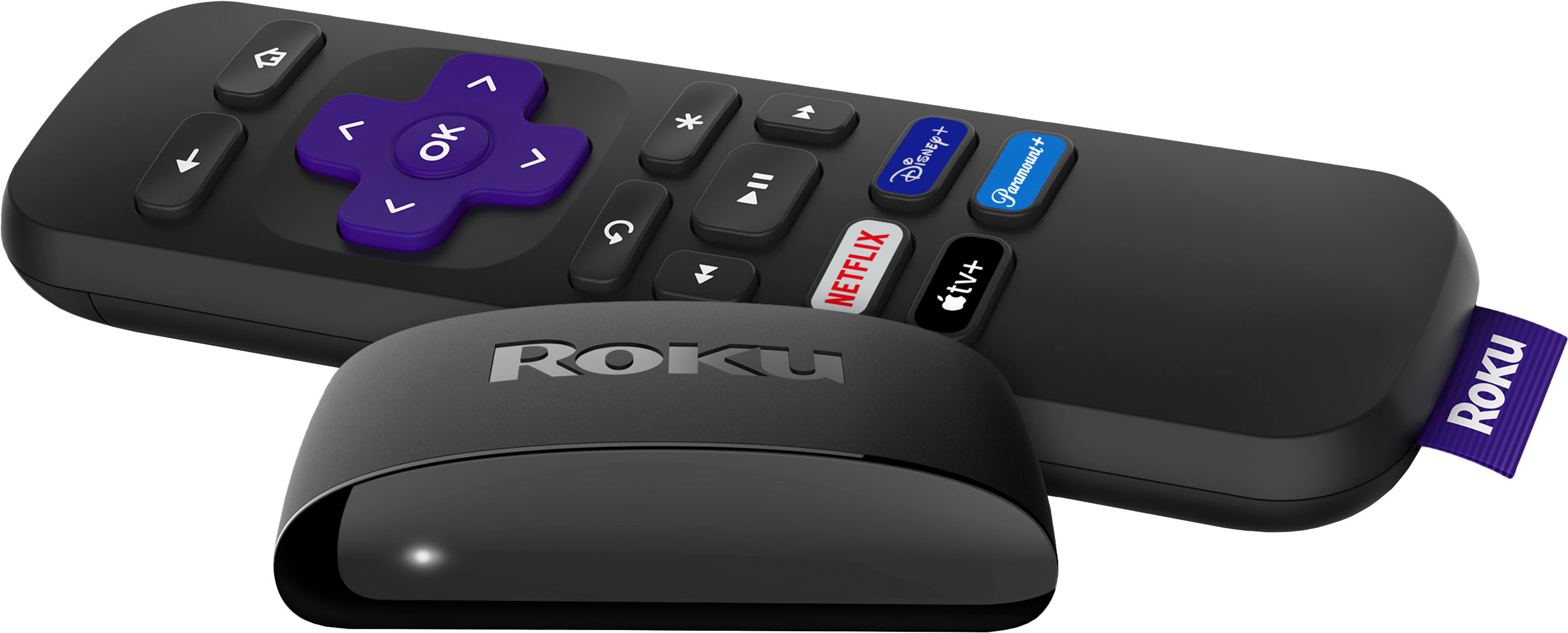
A:AnswerYes, the MLB app below allows you to sign into your MLB TV account and access all the games. The only thing I would note is that it is much easier to navigate with the Roku remote than if you use a universal remote. The "asterisk" button on the remote comes in handy with MLB TV to bring up all the live games that are available.
https://channelstore.roku.com/details/d281bf597911a8730e5d0d8aecdf670b/mlb
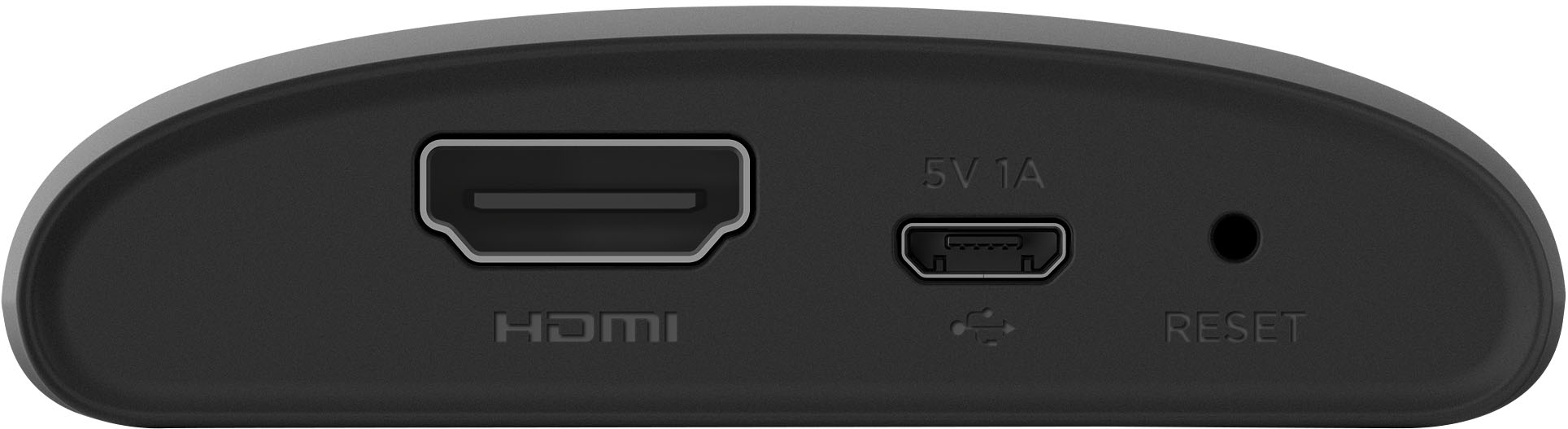
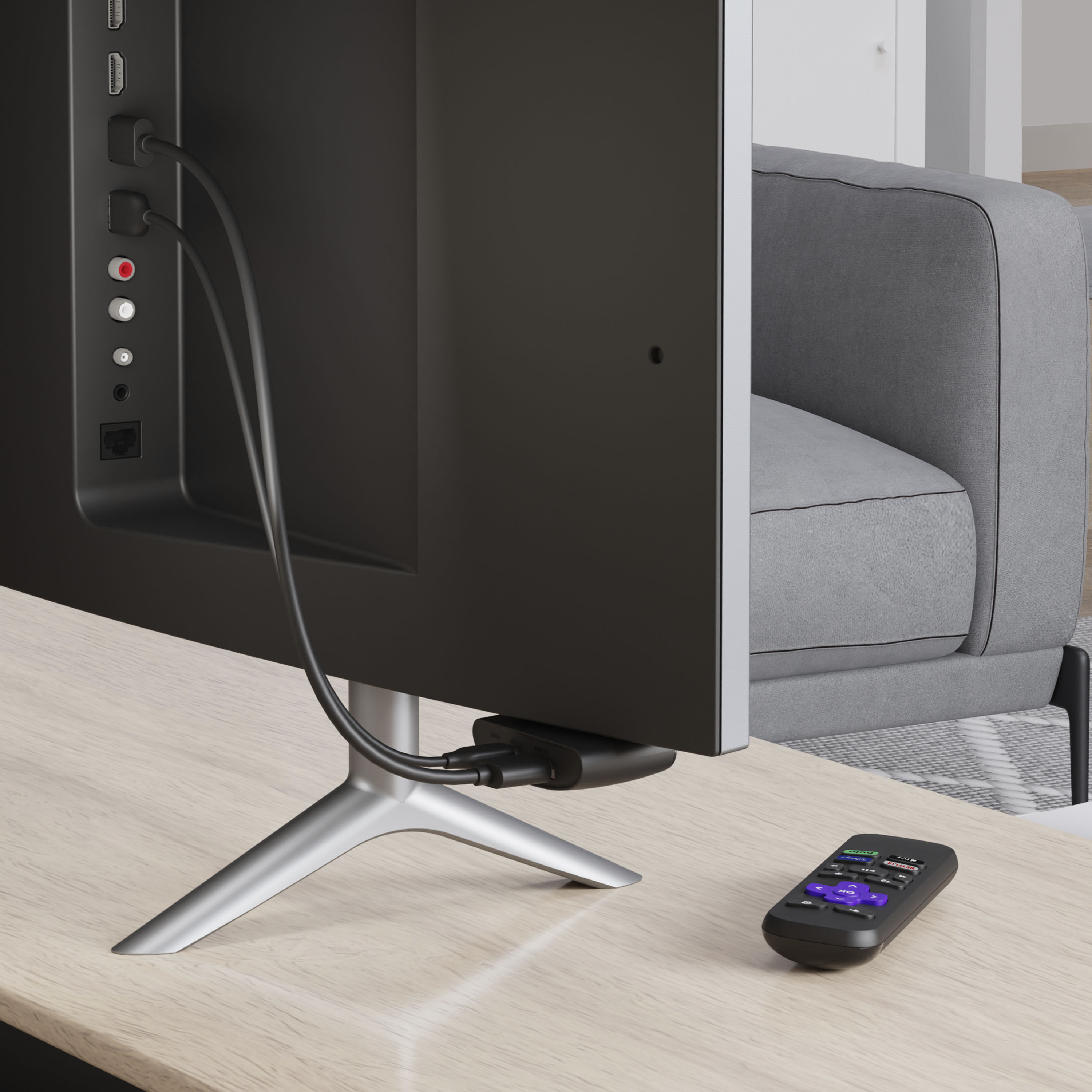
A:AnswerAs long as you connect the USB directly into your TV there should be no problem. They all come with the wall plug, but I found plugging directly into the USB port of your TV much easier
A:AnswerBasically for closed captioning you can go into settings to change to any language as long as it is available for thd program you are watching. Same goes for audio. If the program you are watching is offered in Russian you can change the settings in the audio section of your ROKU
A:AnswerThis is not hard to setup and it works great! I use the xfinity app which works great. There are also other services from different streaming suppliers. So good luck.
A:AnswerYes, Best Buy sells a replacement remote that will work with both your TV and Roku Express. There are also replacement options available through Roku https://www.roku.com/products/accessories/player#Remotes