A:AnswerYes. I got rid of my cable boxes except for the one I use to record shows, and use Roku sticks and use the Spectrum app to watch the shows I watched on my cable box.
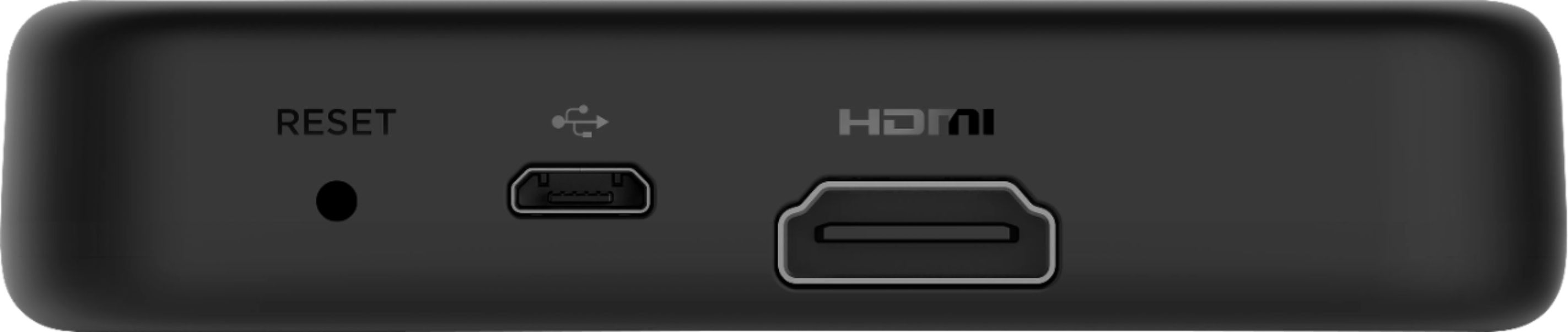
A:AnswerHi! The Roku Premiere 4K does not include a usb port on the device to connect an external Hard Drive. There are some Roku streaming devices that include a USB port to which you can connect an external USB drive for playing locally stored photo, audio, and video files. The current Roku devices which include a USB port are ;Roku Ultra 4800R, Roku® Streambar™ 9201R and Roku® Streambar™ Pro 9101R2.
A:AnswerWhen I hit pause while watching live tv it asks me if I would like to setup live tv pause. I haven’t actually tried to setup this program so I don’t know how well it works.
A:AnswerThat does not sound normal to me. The ROKU Express that we just replaced lasted at least four years, and the first one we bought (though seldom used) still works, and I believe that one is maybe 8 years old...
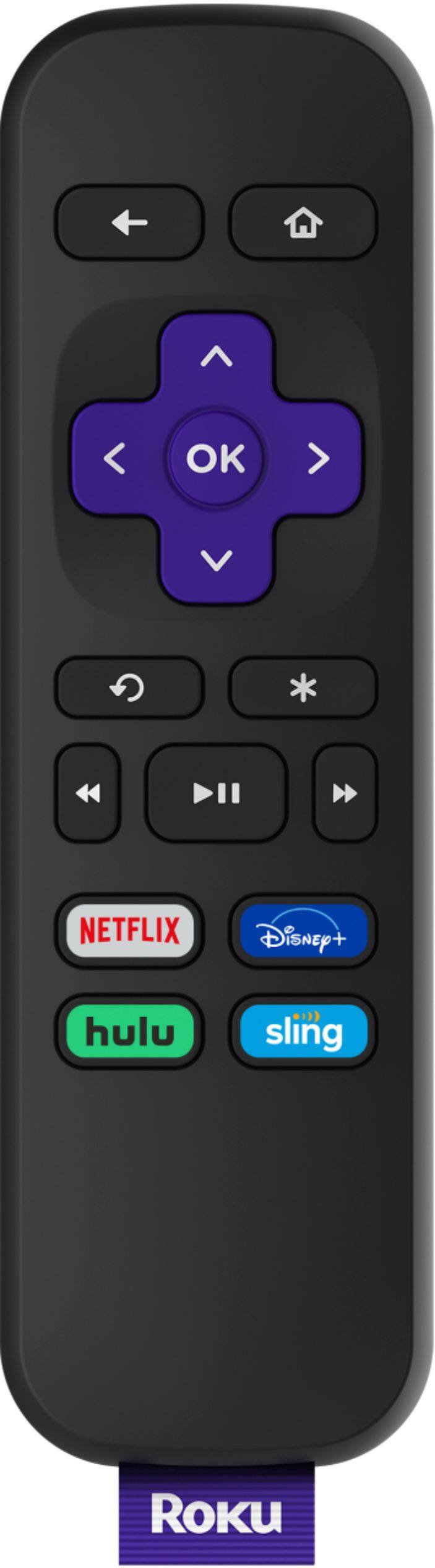
The remote connection does seem to decay on the older ones, however, but if you install the ROKU app on your phone or tablet, that seems to connect well even when the dedicated remote is sluggish. Always store the remote face down, because it seems that when it rocks on the round bottom, the battery fails faster.
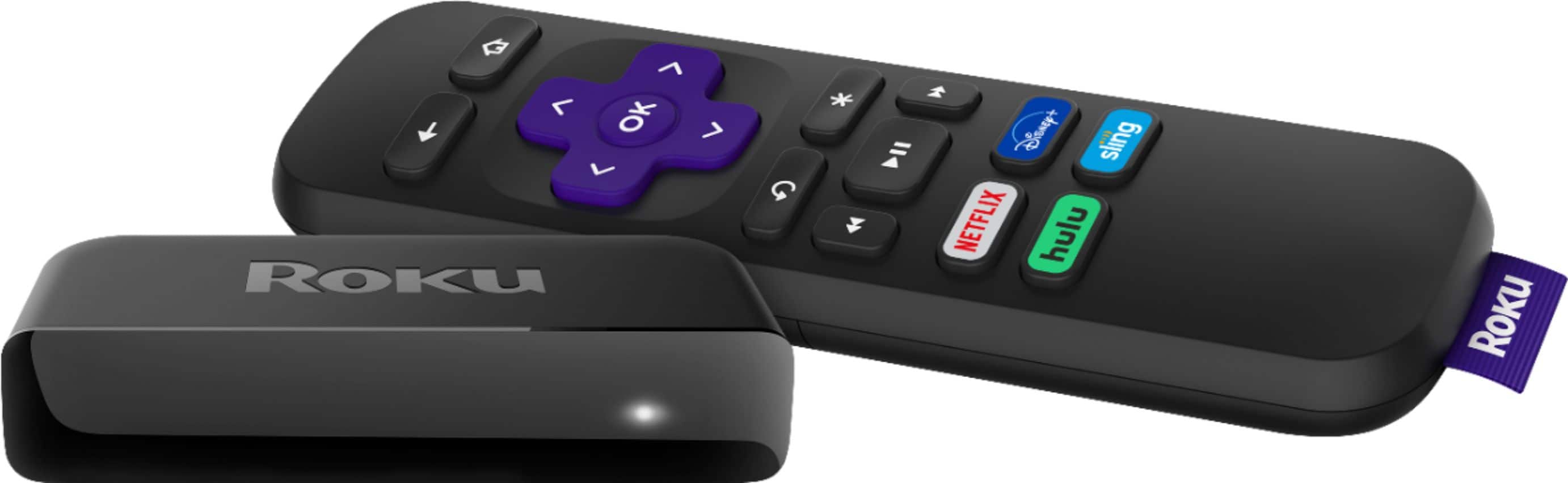
A:AnswerHi Bryan! The Fios TV channel is not currently available on Roku. However, all Roku devices will work with most internet service providers, including Fios Internet. To ensure your Roku device has a adequate internet connection you can perform a "connection check". To check your internet connection start by pressing the Home button on your Roku remote.Then scroll and select settings, select network and finally select "check connection". You will then see the results from the "check connection" test showing internet speed and signal strength. For additional information on checking the connection to your home network and the internet, take a look at the support article here: https://support.roku.com/article/115015678567