A:AnswerConnected on mine, but still wonder long about the “surround sound” aspect. I’ve turned the volume up on the rear speakers, but still can’t seem to really hear enough sound unless I get right up to the speaker.
A:AnswerYes. The speakers aren't very loud on 30. You really got to crank it up for the rear speakers to come alive. Also there's two sound options in the menu for the rear speakers, the first one turns them on/off, the second allows some tweaks from -6 to +6 in volume.
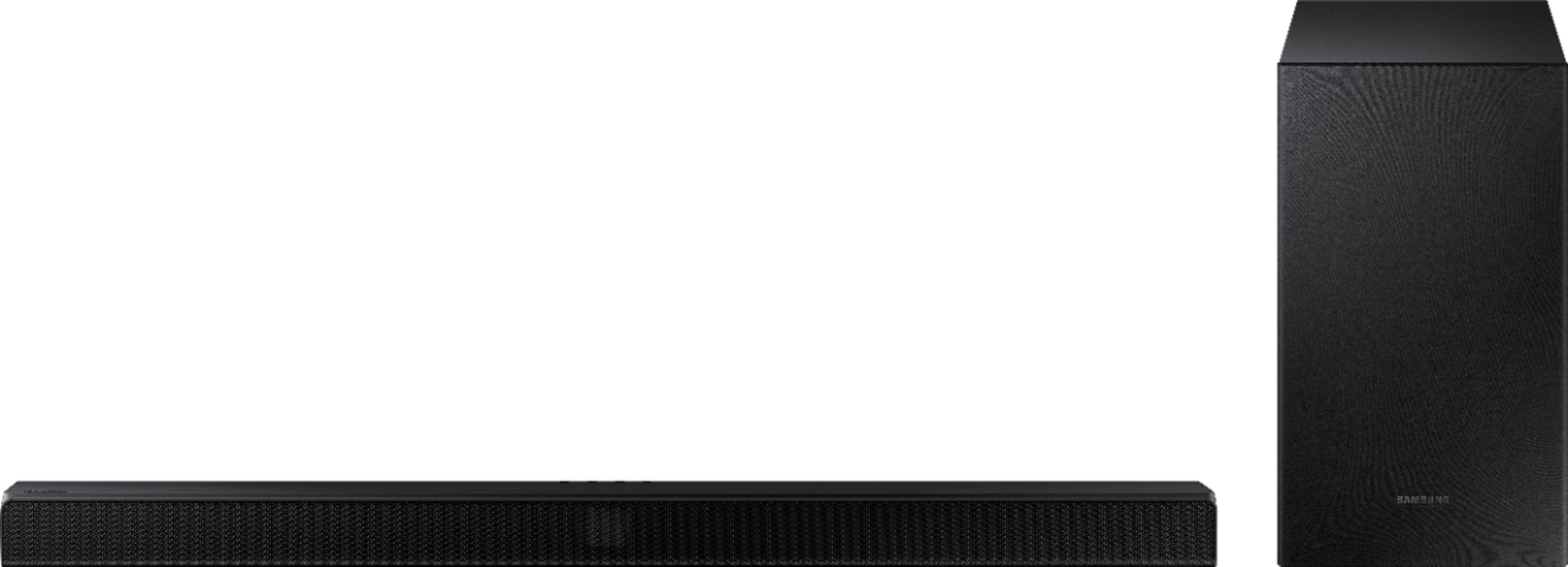
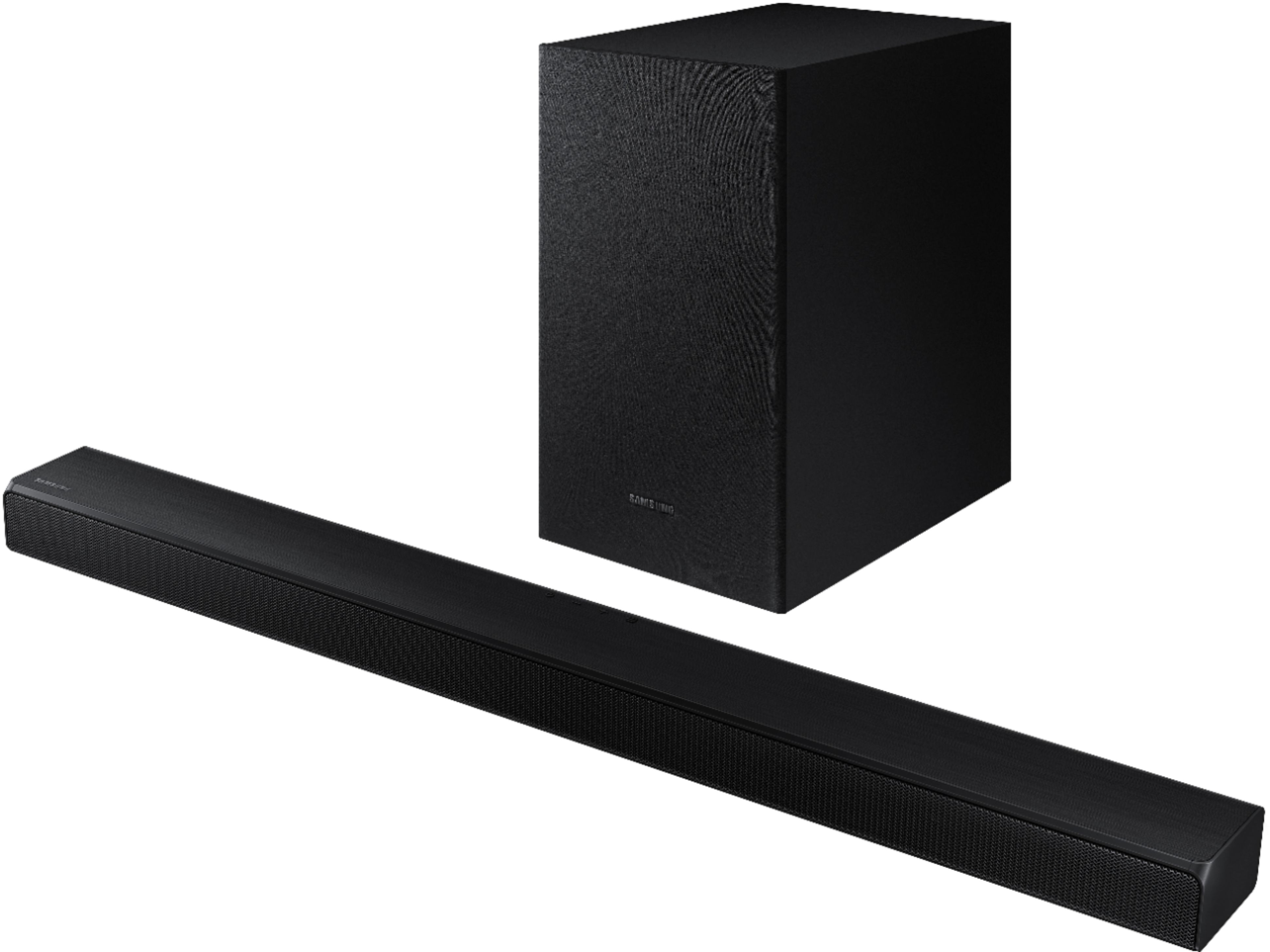
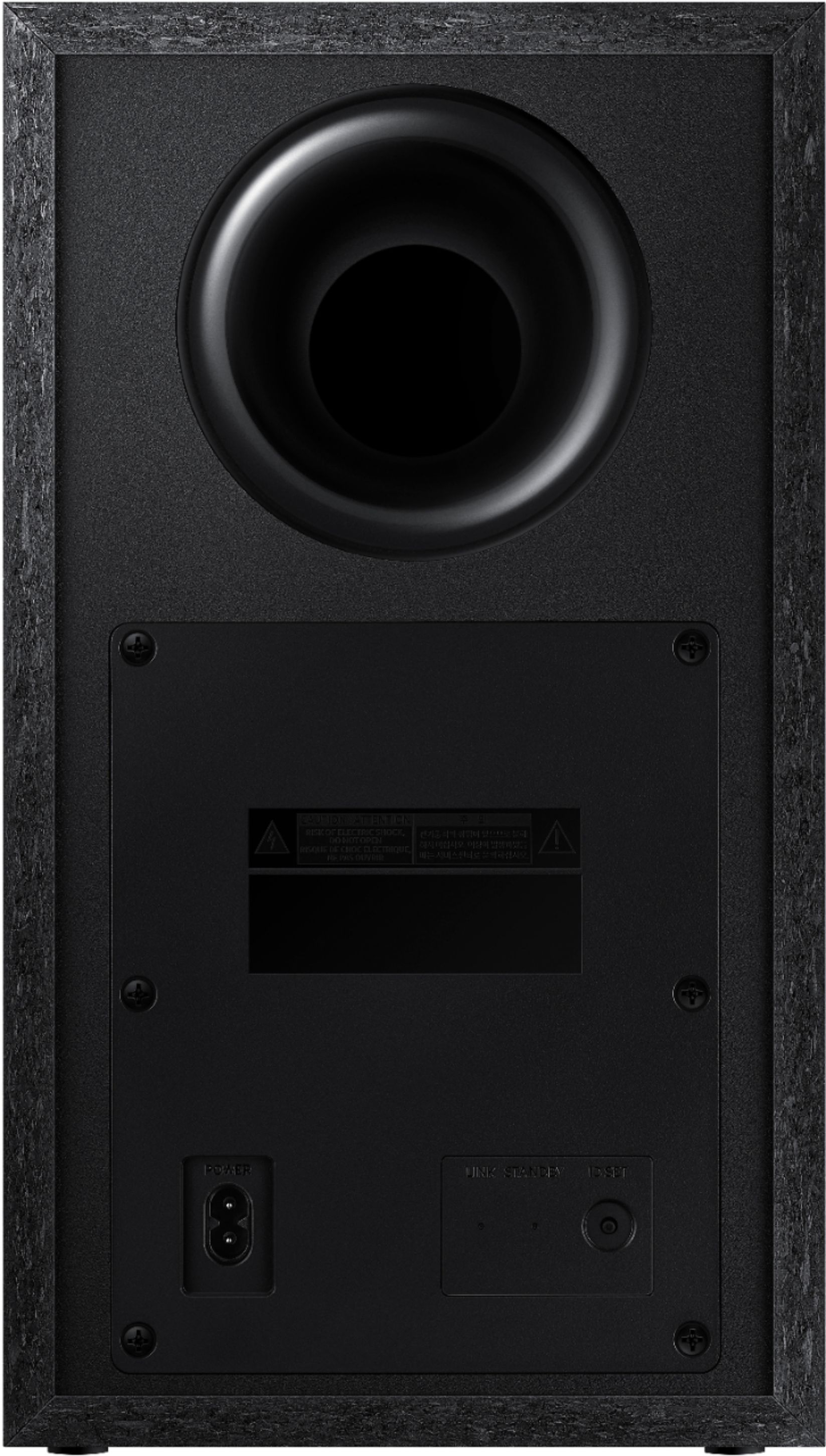
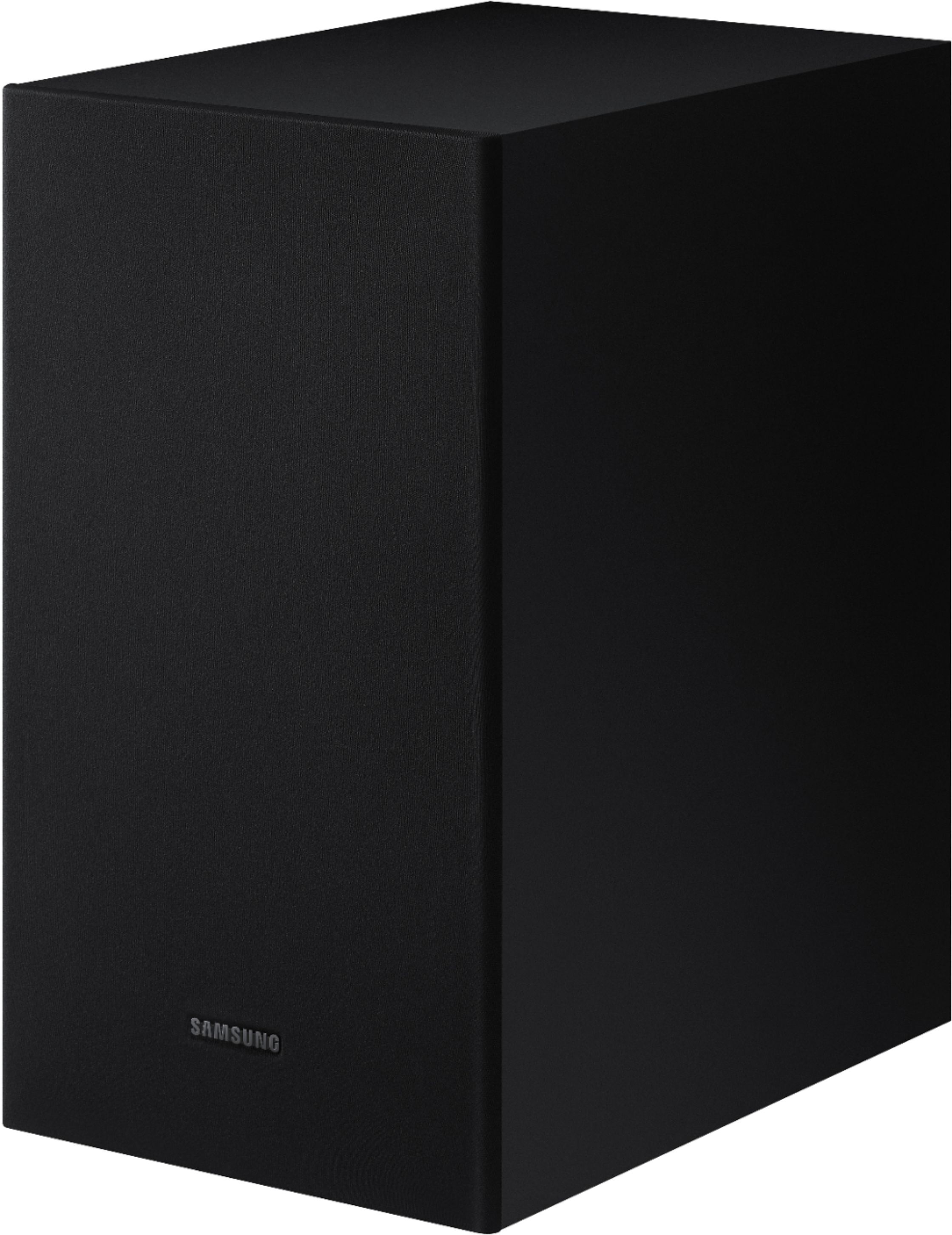
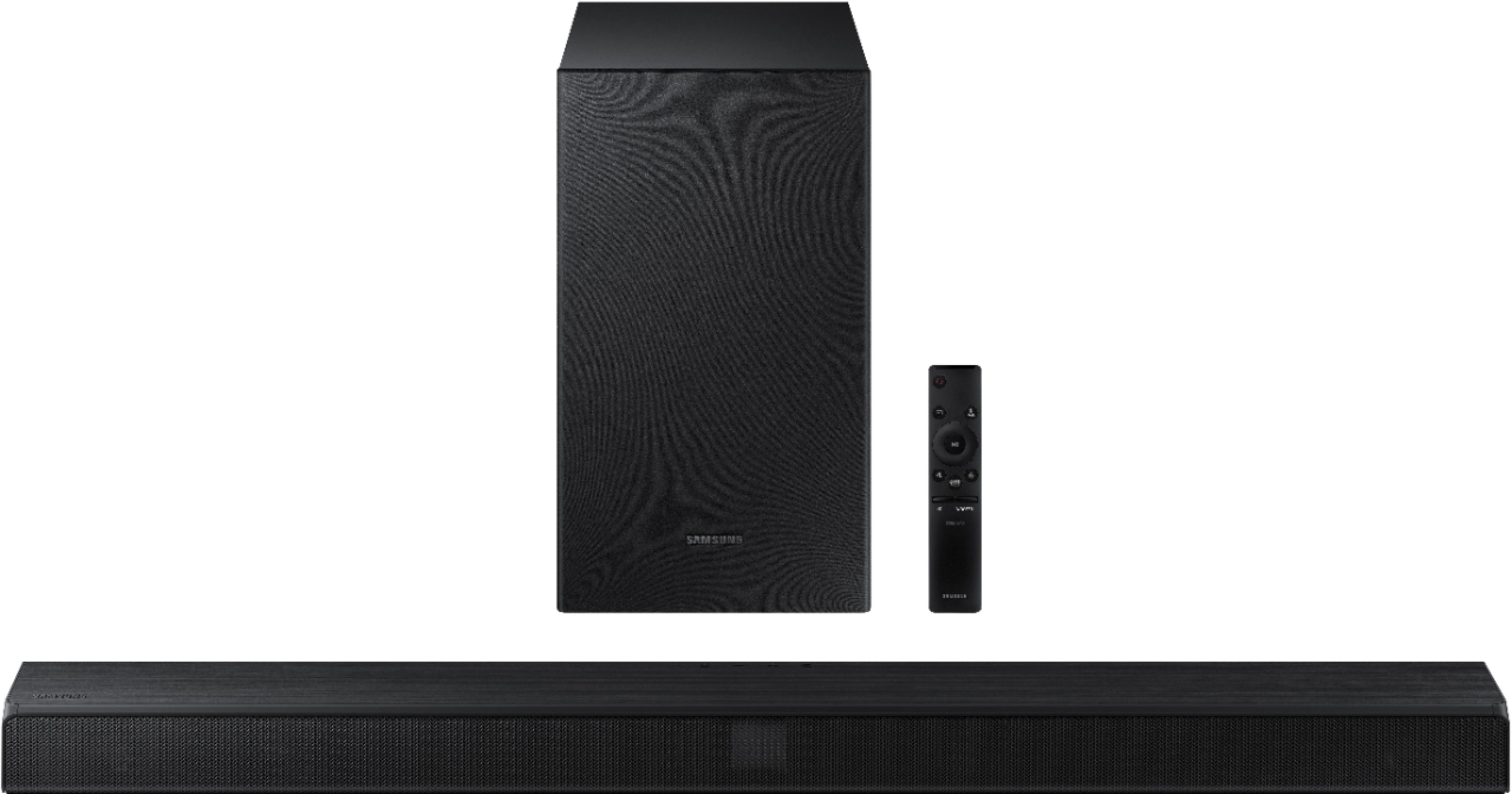
A:AnswerThe outputs for the satellite speakers are from the subwoofer. The unit comes with a set of satellite speakers with their cords and plugs, which plug into the subwoofer. This is how you get the 5.1 channels: the sound bar has the fronts and center and the subwoofer powers the two satellites.
I have existing satellite speakers deployed in my ceiling. The wire from those devices had bare wire connectors that I just did a simple MacGyver rewiring so that I could plug my ceiling speakers into the subwoofer. Took like 15 minutes. But you could just as easily stick the included satellites wherever you wanted, as long as they were somewhat close to the subwoofer.
For the money, this was a very good purchase.
A:AnswerHi Wilbert! To successfully connect your HW-T510 subwoofer, we recommend trying to manually re-pair the sub to the soundbar with the following steps:
1. Press and hold ID SET on the rear of the subwoofer for at least 5 seconds.
• The red indicator on the rear of the subwoofer turns off and the blue indicator blinks.
2. Press and hold the Up button on the remote control for at least 5 seconds.
• The ID SET message appears on the display of the Soundbar for a moment, and then it disappears.
• The Soundbar will automatically power on when ID SET is complete.
3. Check if the LINK LED is solid blue (connection complete). The LINK LED indicator stops blinking and glows a solid blue when a connection is established between the Soundbar and the Wireless Subwoofer.
For more help, please contact Samsung TV Support at 1-800-SAMSUNG, available 8AM - 12AM EST, 7 days a week. ^Gina