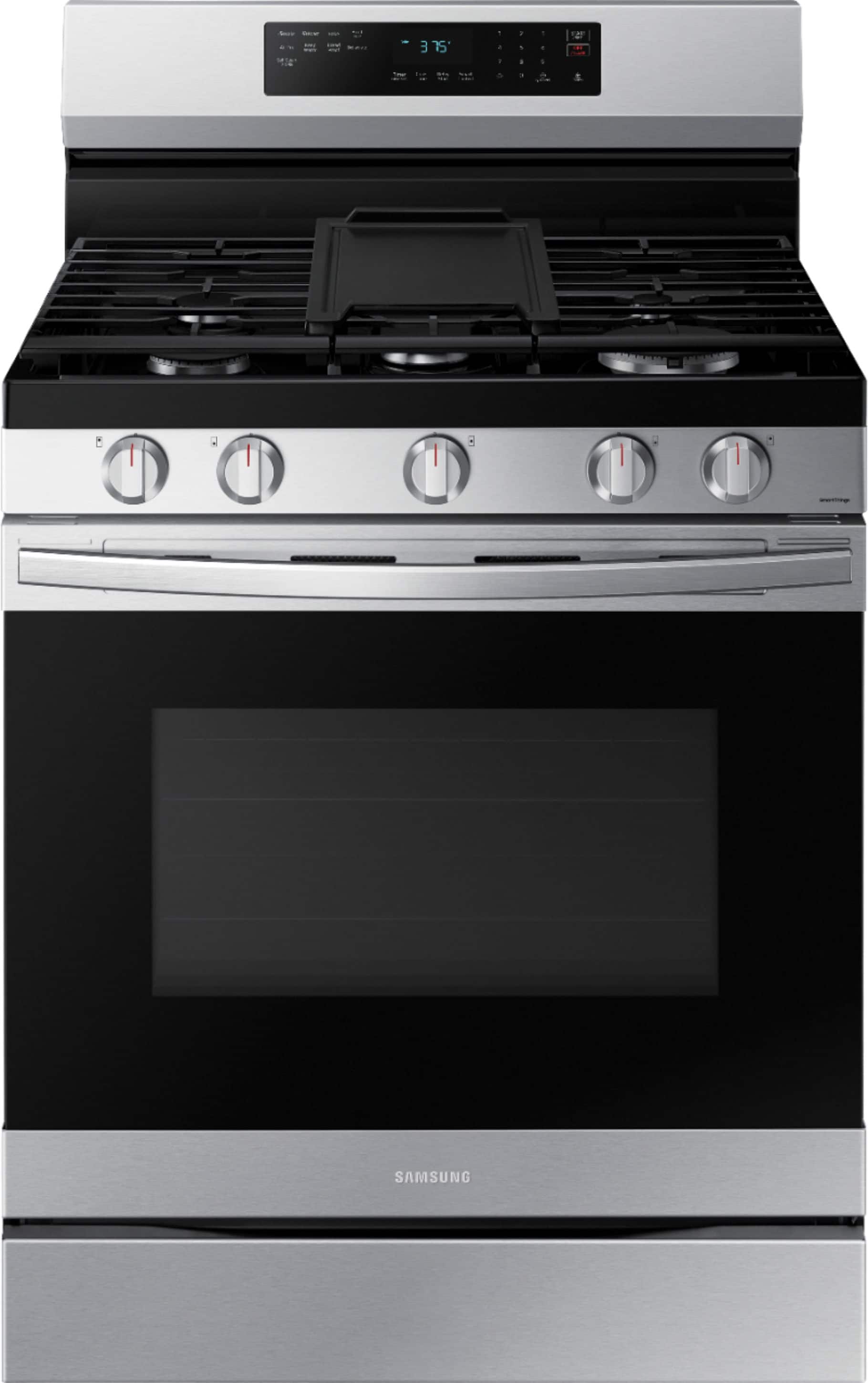
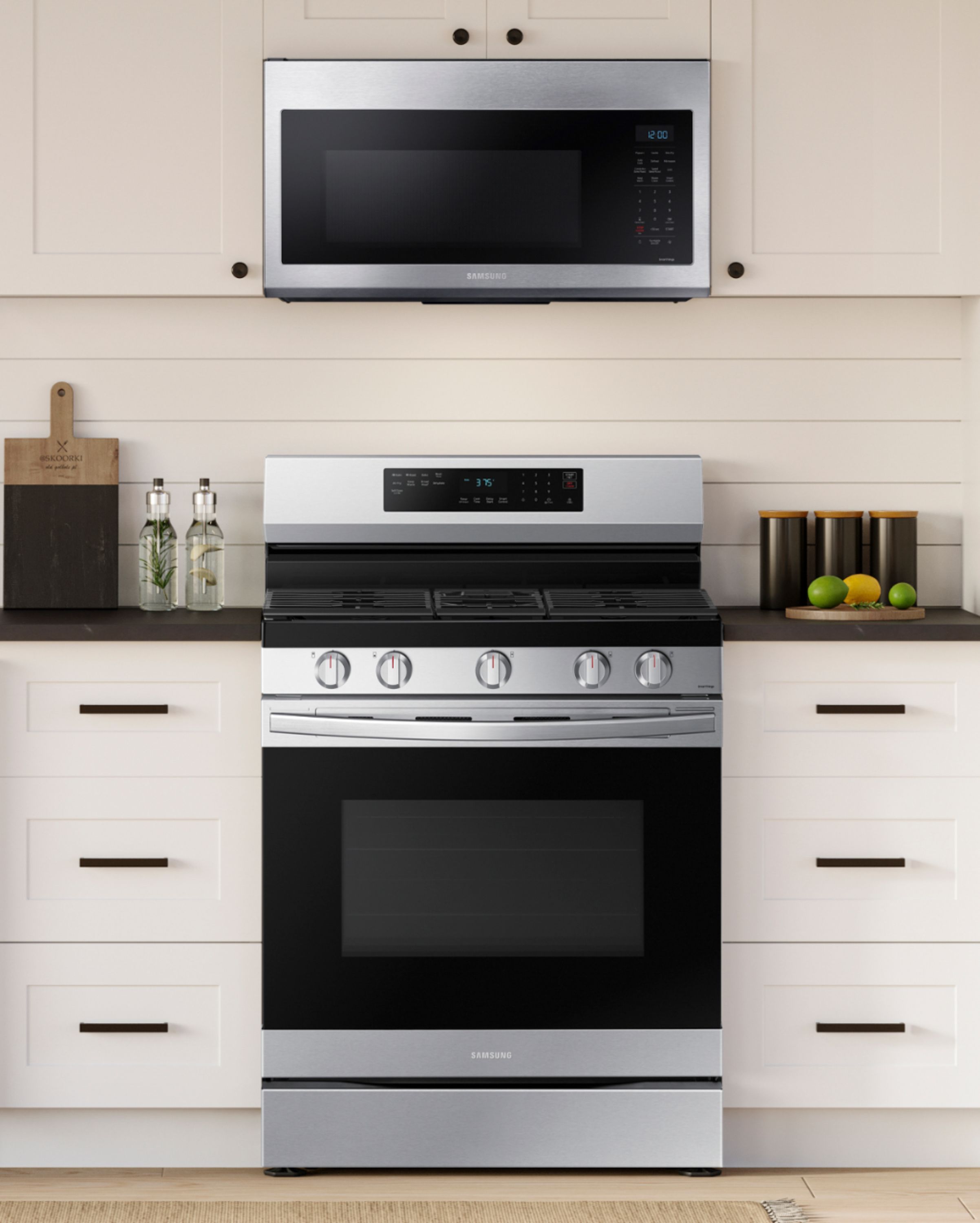
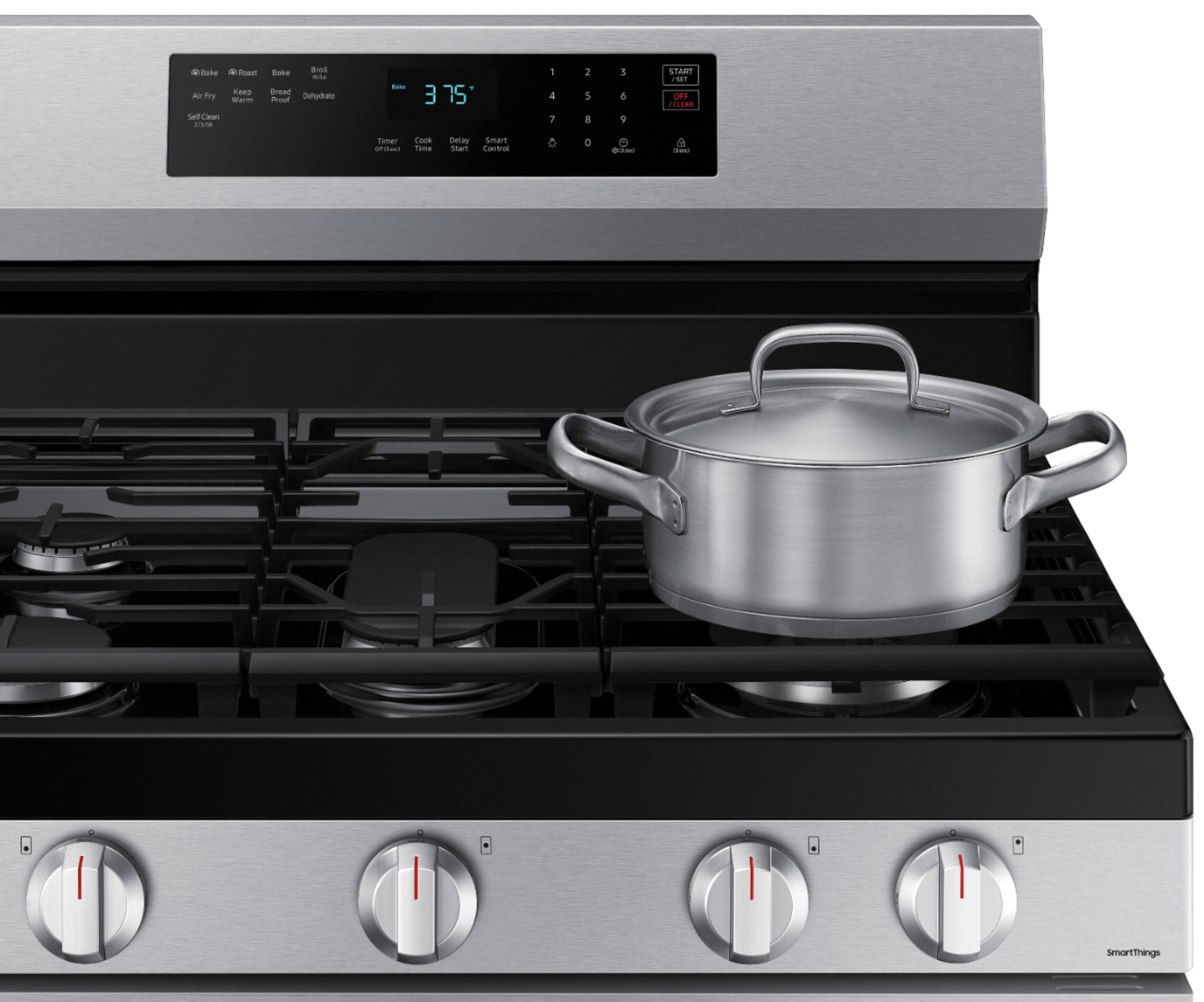
A:AnswerNo, Jen, we currently do not offer silicone mats for the gas cooktop. You may purchase cooktop covers or locks, including child-proof and pet-proof options, that protect your cooktop from various websites offering those products.
Have a great day,
-Ernest-
A:AnswerHi Sandy,
Congratulations on your new Samsung range model. It's not uncommon for the area around the oven vent to feel very hot when the oven is set to a high temperature like 400°F. Here are a few reasons why this happens:
1. Heat Ventilation: Ovens are designed to vent hot air to prevent overheating inside the oven and to maintain a safe operating temperature. The vent releases this hot air, which can make the surrounding area feel very warm.
2. Kitchen Environment: If your kitchen is not well-ventilated or if there's poor air circulation, the heat from the oven vent can linger and make the kitchen feel uncomfortably warm.
If the heat feels dangerously hot or if it's making your kitchen uncomfortably warm, here are a few things you can consider:
1. Use Ventilation: Ensure your kitchen exhaust fan is running while the oven is on. This can help remove excess heat and improve air circulation.
2. Distance from Oven: Try to minimize the time you spend directly in front of the oven vent while it's releasing hot air. If possible, avoid standing too close to it.
In summary, while it's normal for the oven vent to release heat, the intensity can vary depending on the temperature settings. If you're concerned about the heat level or if it's affecting your comfort, employing good ventilation practices and managing the kitchen environment can help mitigate the issue.
Should you need more assistance, please feel free to get back to us via the following options:
1. Facebook Messenger: http://m.me/samsungsupport
2. Twitter: https://twitter.com/messages/compose?recipient_id=18768513
3. Samsung Community: https://us.community.samsung.com/t5/Samsung-Community/ct-p/us
When you message us, please provide us with this reference number 1147320965 to help our team pull up your information.
Leo
A:AnswerGreetings!
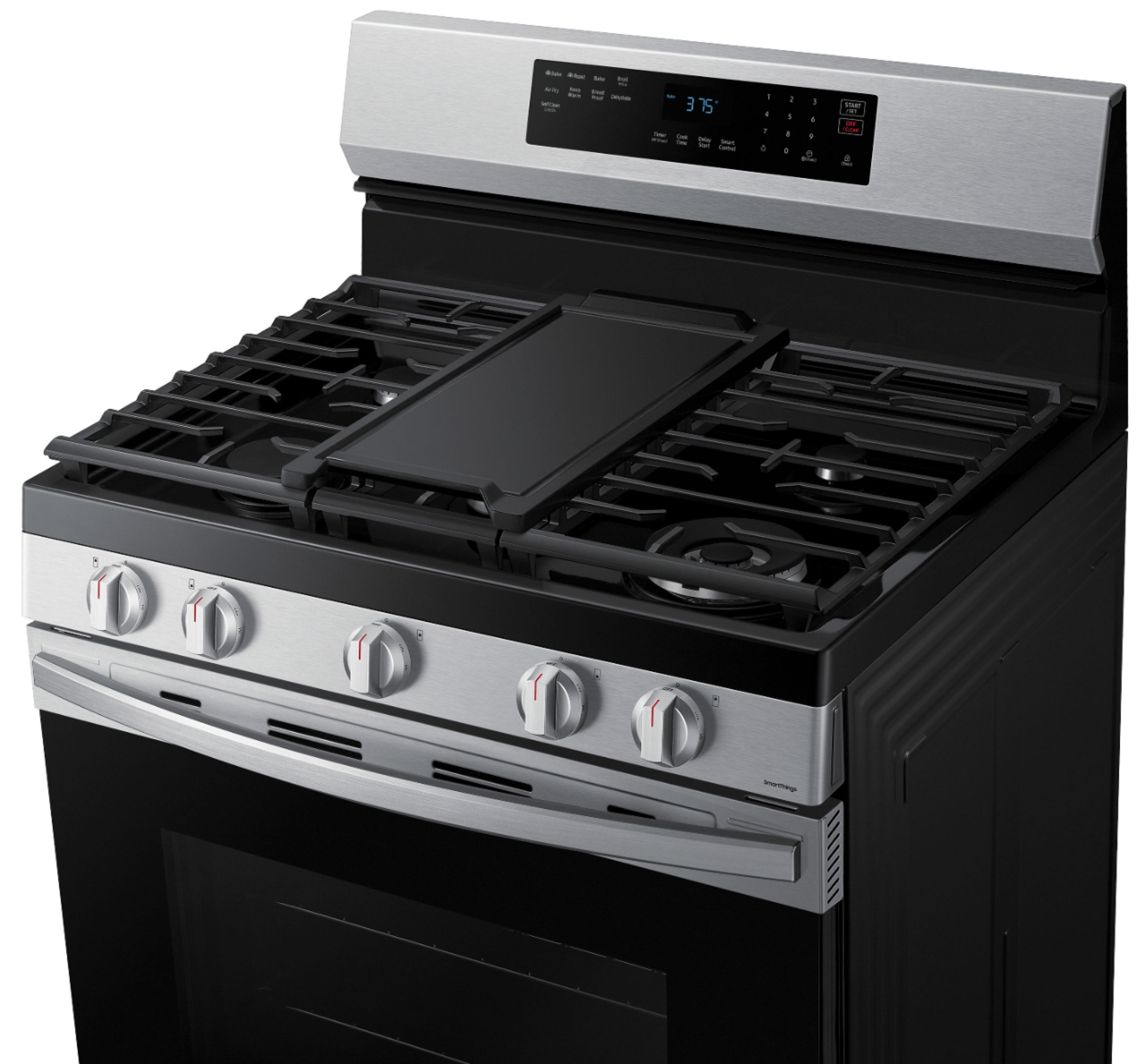
No. Using metal utensils is not recommended for the removable non-stick griddle included with this Samsung range model. The surface of the griddle can be scratched or damaged by metal utensils.
It's better to use utensils made of wood, plastic, silicone, or nylon to avoid damaging the coating and prolong the life of your griddle.
Leo
A:AnswerHello Al,
Yes, this is available in white.
Please contact the Best Buy Customer Service department at (888) 237-8289. They are available 24 hours a day and can answer your question or transfer you to your local store to inquire about its availability.
Have a great day.
-John
A:AnswerGreetings!
No, the vent of this Samsung range model does not have a cover that opens and closes manually or automatically. The vent, which is an adiabatic vent, is designed to allow for pressure equalization while minimizing heat loss, regardless of whether the oven is in use or not. This means that the vent remains open at all times, providing a pathway for excess pressure to escape and helping to maintain a controlled cooking environment inside the oven.
Leo
A:AnswerHi there,
To check the availability and compatibility of your range's burner plate, you can contact Samsung's official parts distributor for customers purchasing Samsung parts or accessories.
Orders can be placed online at www.samsungparts.com or by phone at 800-627-4368; hours of operation are 9:00 am – 6:30 pm EST, Monday – Friday.
Have a great day.
^Aloe
A:AnswerPJ, the warranty of the range is the following:
One (1) Year Parts and Labor
Please check this link for more details of the warranty.
Range Warranty
https://www.samsung.com/us/support/service/warranty/NX60A6511SG/AA/
Have a great day.
^Camille
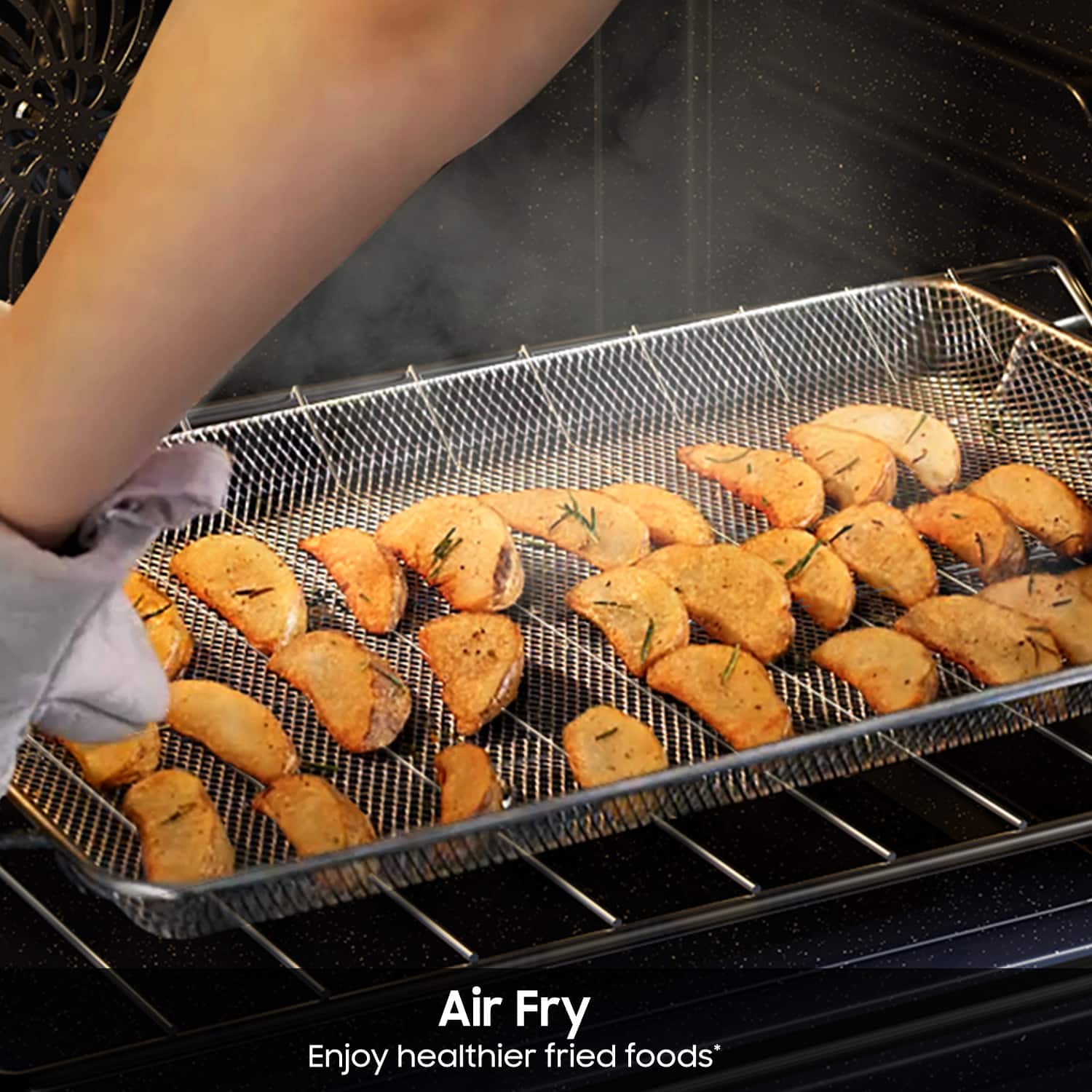
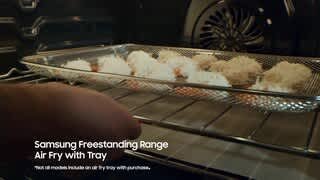
A:AnswerYes and most air fryer baskets come with a fitted pan. Look online and you can find reasonably priced stainless steel ones, 25.00 + or- but some are willing to sell you one for much much more but I won’t mention Samsung‘s name- you know the ones who should have provided one with the stove.