A:AnswerTry 720p or 1080i setting if using a antenna. If cable/satellite box go into setting or the cable/satellite box. Or reboot those boxes. Also match TV to those settings. And if have 1080p 60z option on cable/satellite change it to that. It's what mine is on. If antenna might need a better one or signal booster. More lines going through a split less quality. Hope this helps
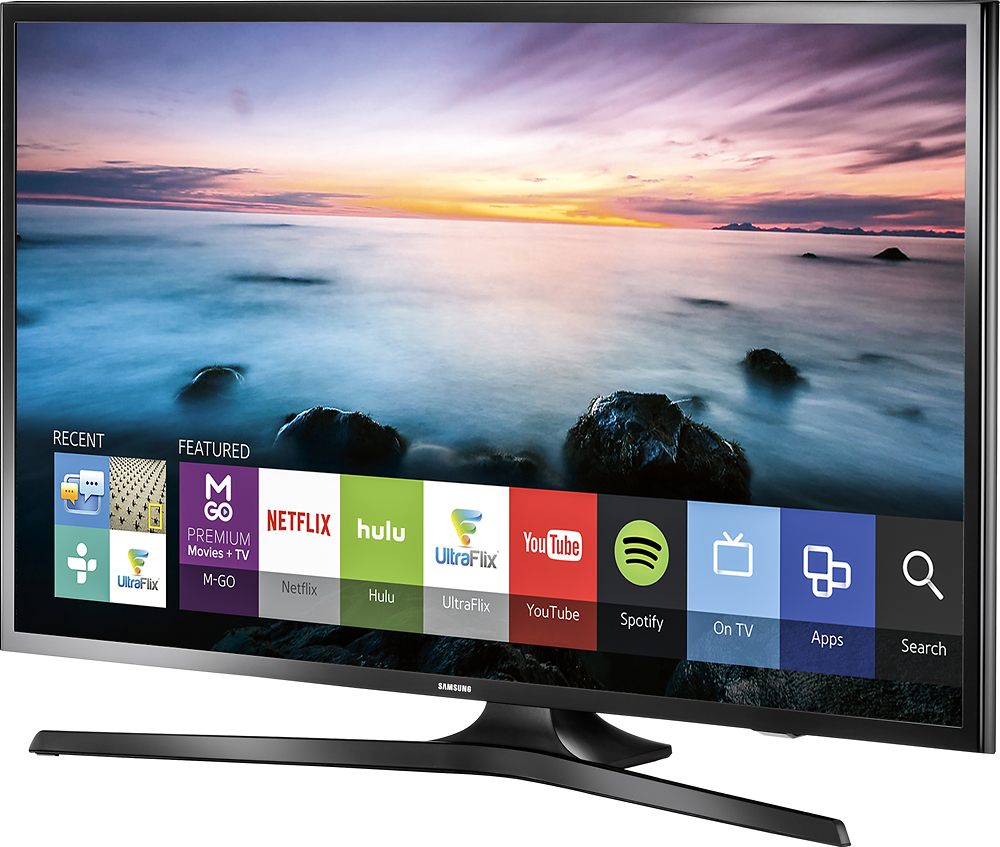
A:AnswerI also have Plex and you have to search for it and then when you are on your computer it will give you a code to enter on the TV and the Plex app will show up. It will work fine after that.
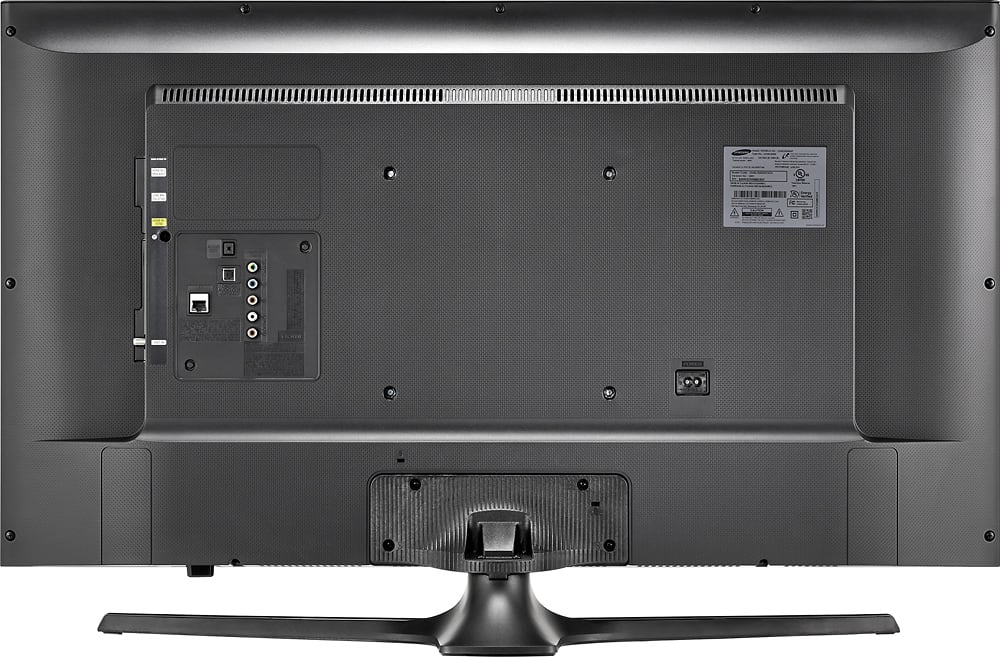
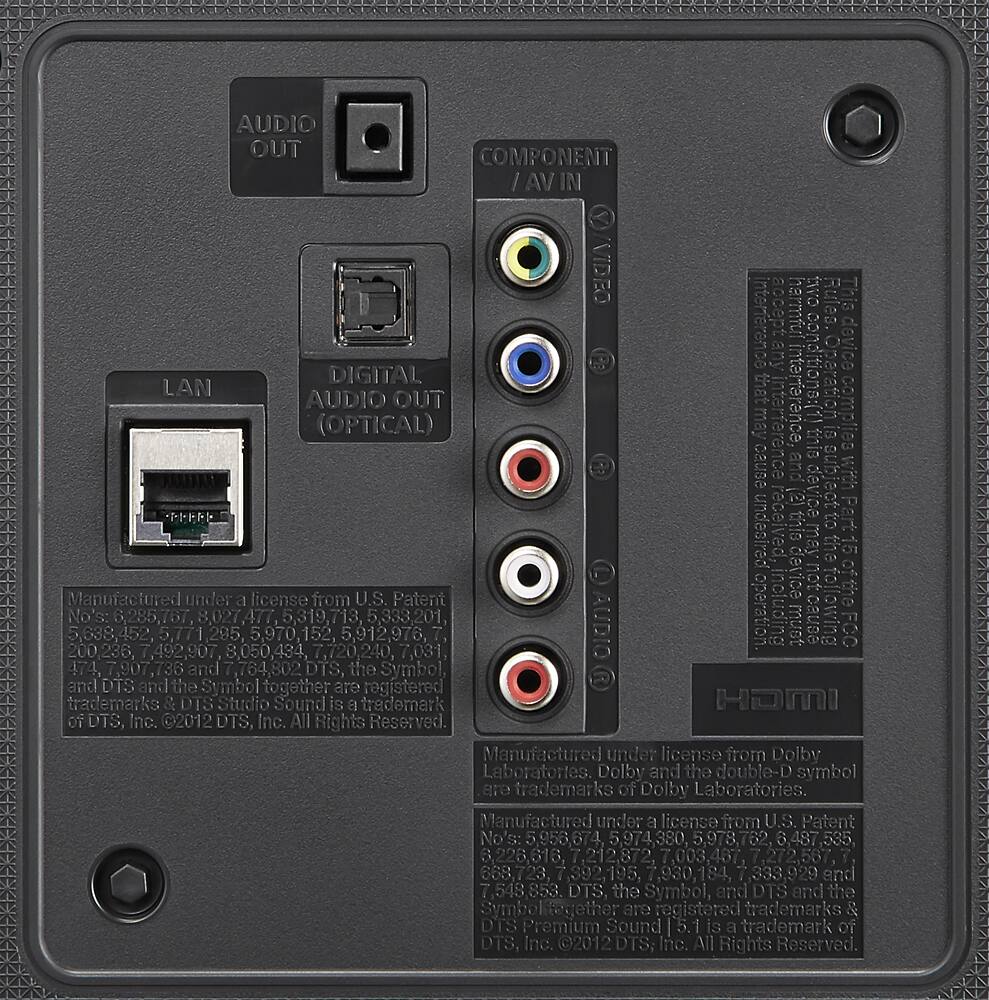
A:AnswerThe t.v can be connected directly to the internet using a cat-5 cable. The connection is in the back of the t.v. and just plug the other end to a router. I like this method more because it's more reliable .
A:AnswerThat it was returned. I bought my tv open box but it was geek squad certified, meaning they checked it to make sure everything was perfect on it before I bought it. It looked brand new when it arrived with only the box looking like it had been open previously.
I think in some cases it could also mean the box was opened for another reason, not necessarily that it was a returned item.