A:AnswerIf you don’t want to be bothered with a cord and you already have Bluetooth headphones, you may want to get a Bluetooth audio transmission device. I had the same problem with an older receiver which had the old eighth inch plug and I had Bluetooth headphones I wanted to use with it. I bought an Bluetooth Audio transmission device and it did the trick. Make sure you get one that has both a transmitter and receiver. Hope this helps.
A:AnswerI just installed and was having that trouble....you have to use the single digit code, (I think it was 1) not the triple digit choices, and you have to hold down tv and A buttons on the remote first until tv button lights, enter that single digit code, the tv will turn off, press the tv button again it will flicker three times, then use your remote to turn on the tv.
A:AnswerI also have my TV in my bedroom, when first set it up, the picture was very dark when the lights were off but, I went to settings and in picture mode changed my setting from standard to dynamic, its very bright now.
A:AnswerWe have the UN40N5200AFXZA 40" Samsung TV and there is NO Hulu available that we can find. We have done a search. We have updated to the latest firmware. It is nowhere to be found. Everyone saying Hulu is available apparently hasn't tried it on this TV.
A:AnswerThe VCRs and old DVD players use an RCA cable (which has red and white plugs for audio and a yellow one for video linked together on a single cable) and this TV has one of those in the back. I played a VHS tape and it works. It even improves the quality! The remote is reasonable. The print is large on most of the buttons, especially the VOL and CH rocker switches. There's a big red on/ off button on the upper left . I think mom will be fine.
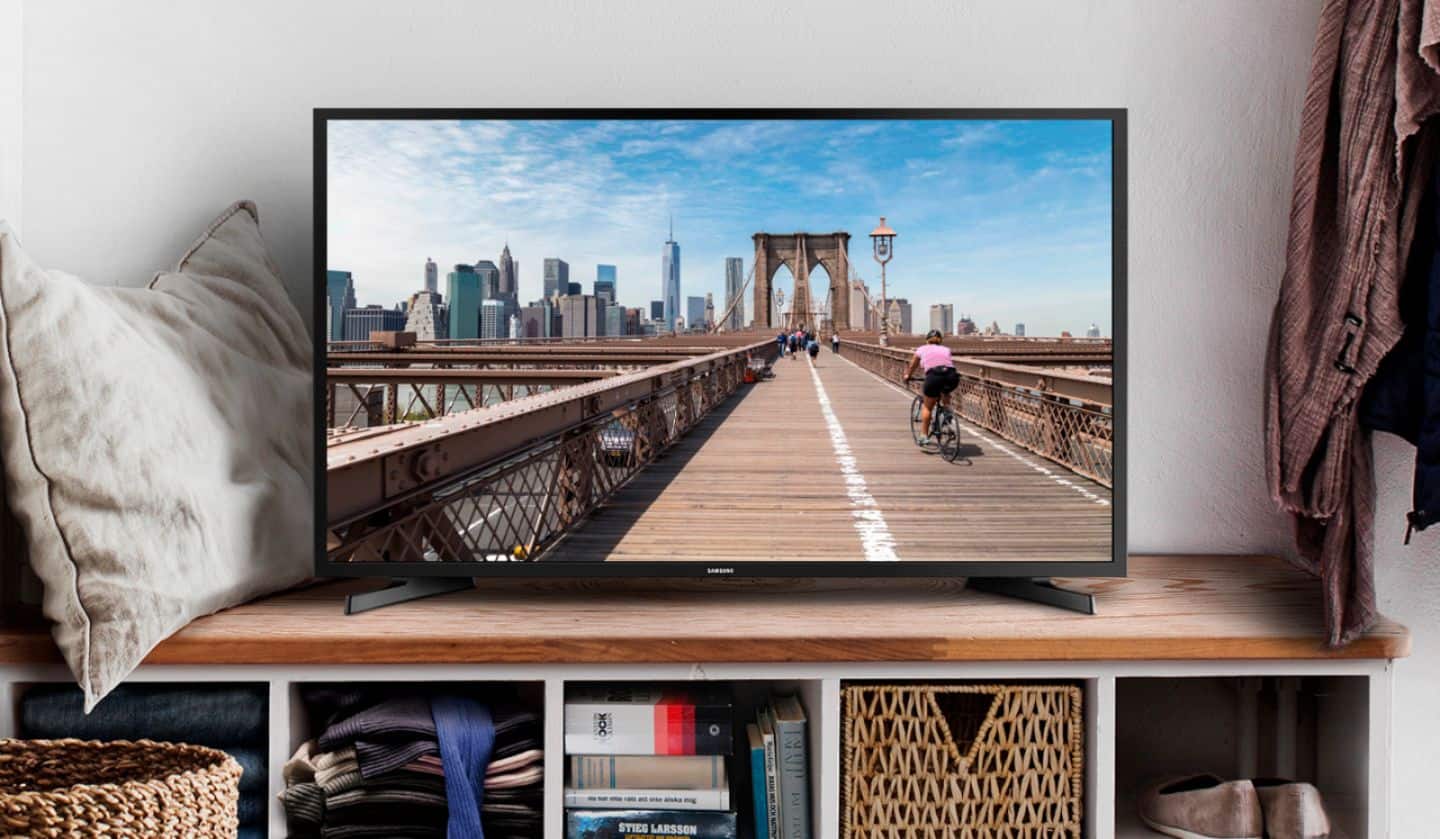
A:AnswerThe Samsung 40" N5200 does not have headphone jack and does not have built-in Bluetooth for wireless, BUT ADAPTERS can be purchased which can be plugged into one of the existing TV connections to be able to use either wired or wireless headphones with this TV, depending on your preference. FOR WIRELESS headphones, you can buy a Bluetooth wireless adapter. (Best Buy sells some.) FOR WIRED headphones there are adapters that plug into some of the types of outputs this TV has-- for example, some adapters USB, others use digital audio out/optical connection. I googled something like "Adapters to use wired headphones with a tv that has no headphone jack" and I found multiple You Tube videos on the topic and products designed for that purpose. (I don't think the composite inputs work for headphones though cuz those might be only for input, rather than output, but I'm not sure.)