A:AnswerHi Kell,
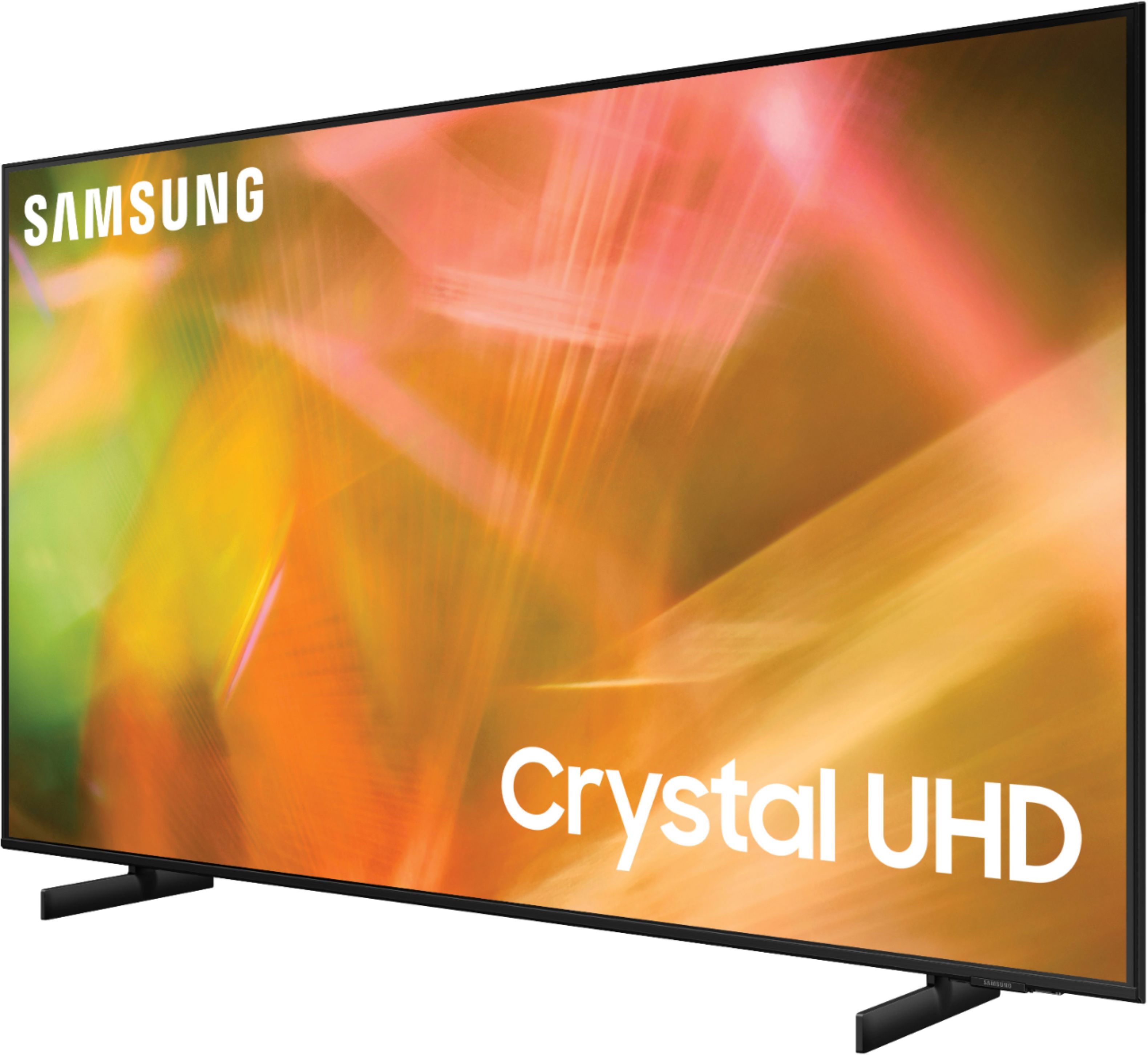
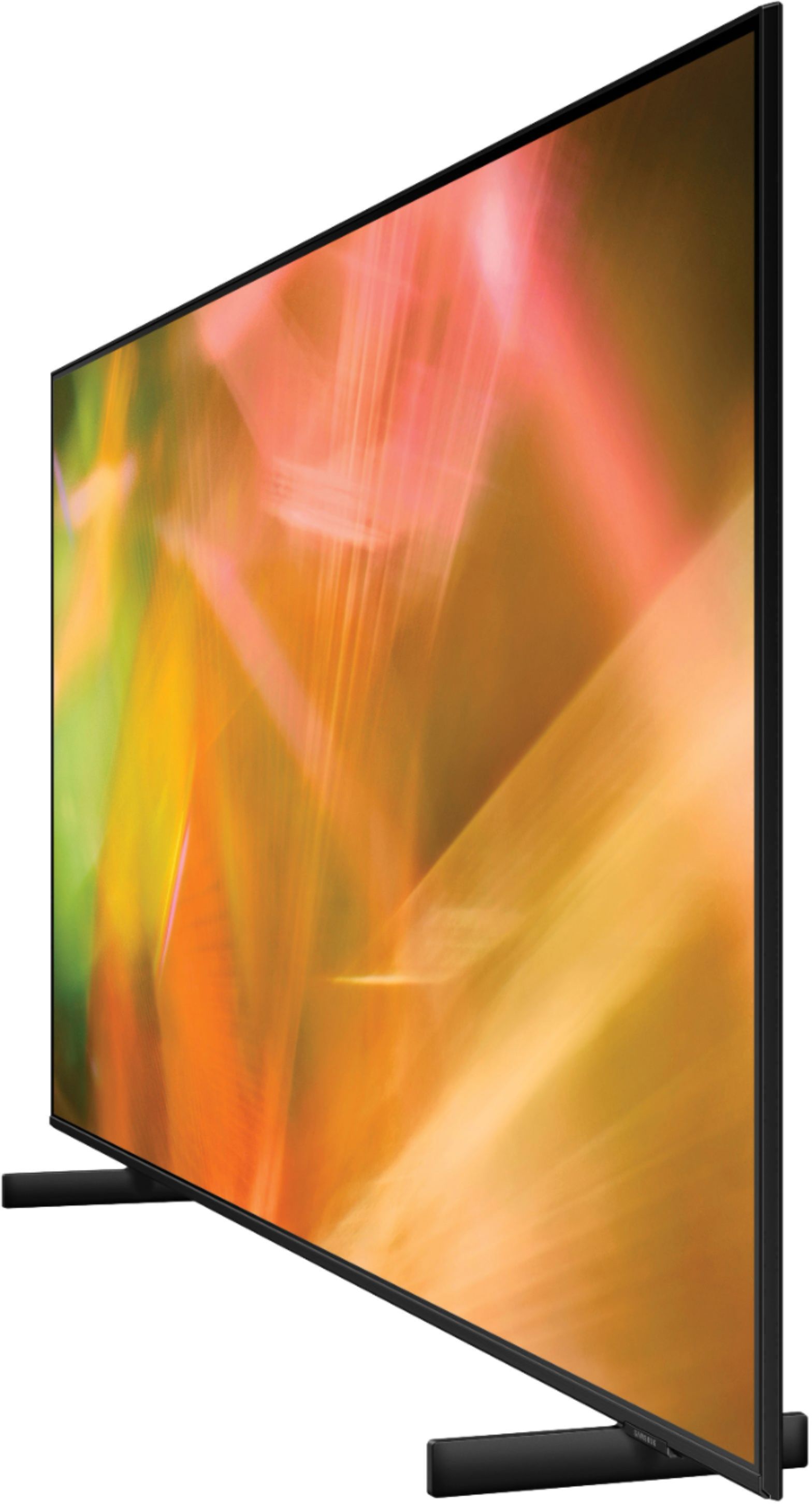
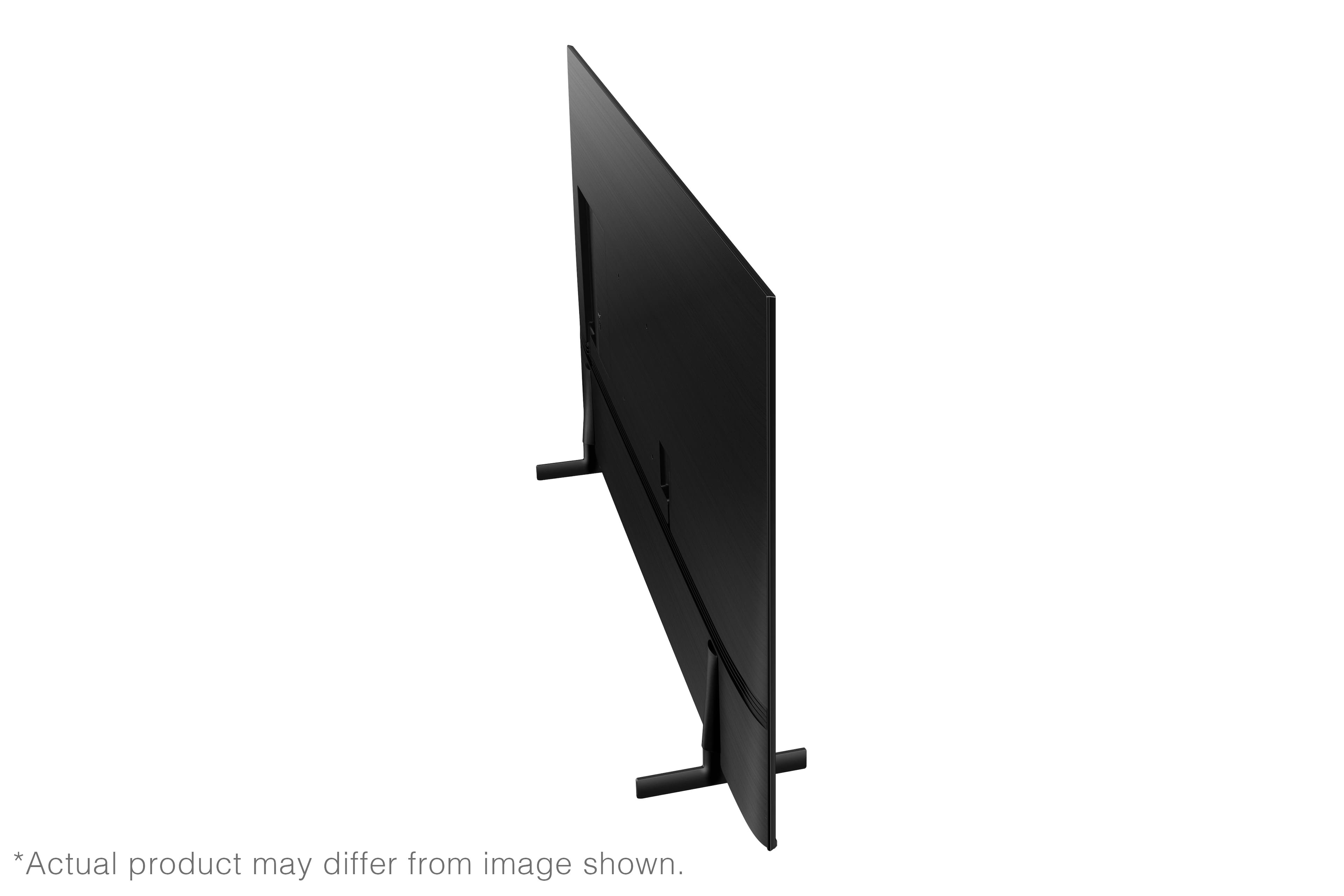
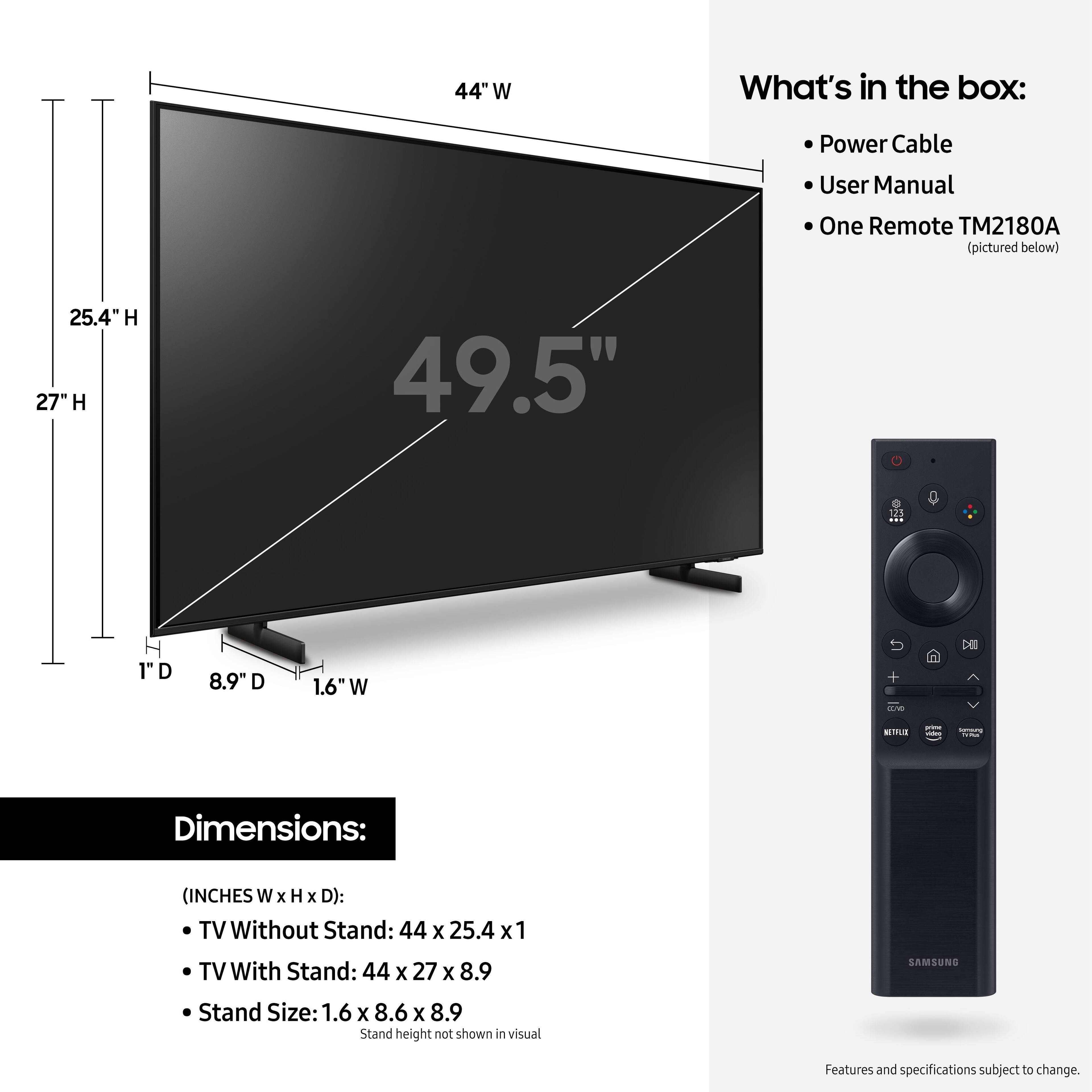
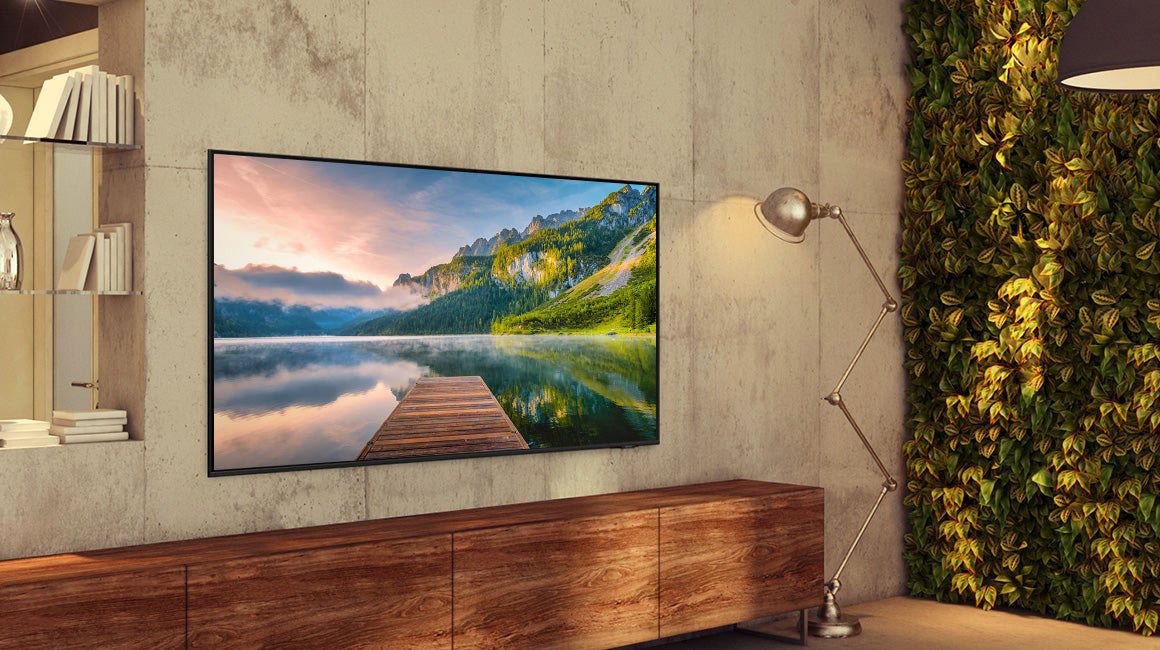
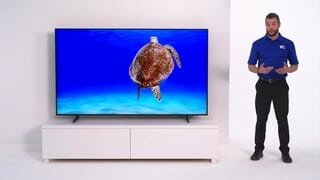
No, the wall mount is not included with the Samsung AU8000 TV. You will need to purchase a wall mount compatible with a 200x200mm VESA Map.
~Samsung Advisor
A:AnswerYou can download any app you want but some you do have to pay a subscription. This TV comes with over 200 channels built-in. I am currently using it with a local channel TV antenna and an Amazon HD Firestick. I can't have any more channels than I do!
A:AnswerHi Lucky,
The Samsung AU8000 does not come set up. We have a quick setup guide which should help. You can download the User Manual, Remote Guide, and the Quick Start Guide directly from Samsung’s website under ‘Support’ (top right corner) > Manuals & Software > TVs & Home Theater. From there, you can select the AU8000 under Crystal UHD TVs > A Model Lineup.
Best Buy also offers setup & installation services:
https://www.bestbuy.com/site/tv-home-theater-services/tv-connect-setup/pcmcat1547141555465.c?id=pcmcat1547141555465
^Brie
A:AnswerSteveO - To assist you in choosing Bluetooth headphones that best suit your preferences, we recommend directly contacting or visiting your local Best Buy store. ^Gina
A:AnswerEliz - For more information on haul away services, please contact your local Best Buy or visit https://www.bestbuy.com/site/recycling/tv-appliances-haul-away/pcmcat174900050009.c?id=pcmcat174900050009. ^Gina
A:AnswerBarbara - If you plan on connecting any external devices such as a soundbar or cable box, you may need to purchase cables. To set up the TV without any connected devices, you will not need any additional cables. ^Gina