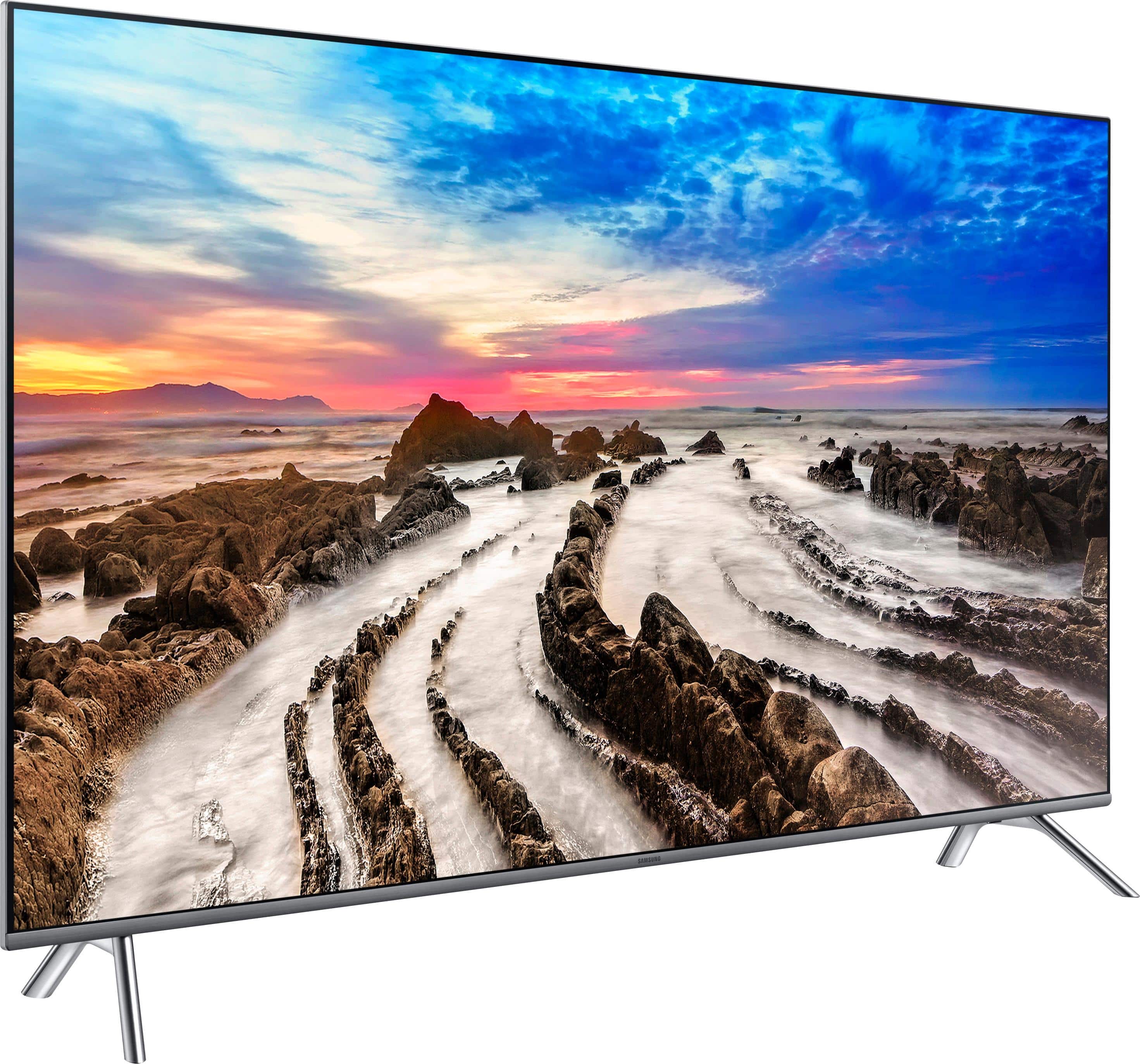
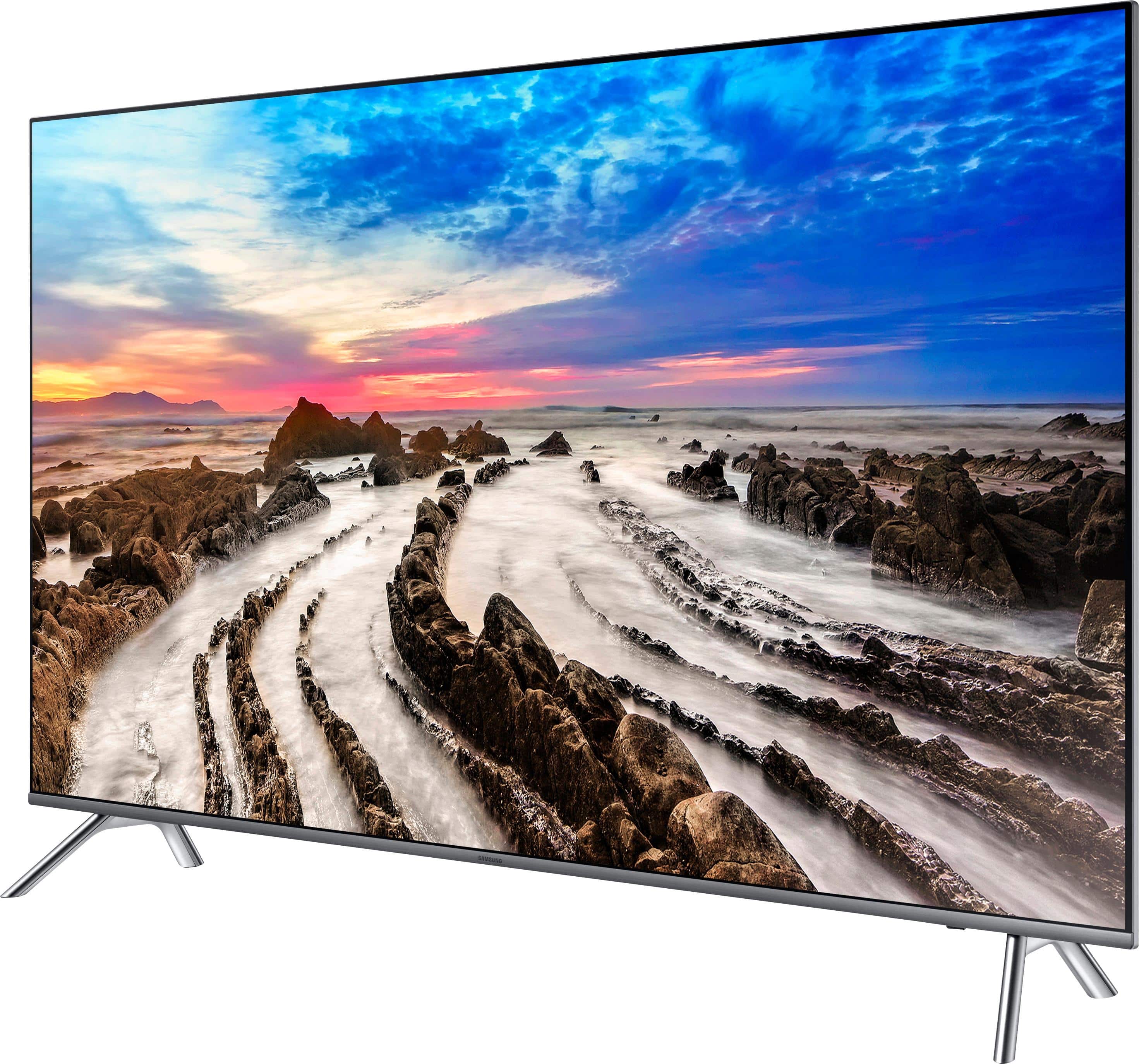
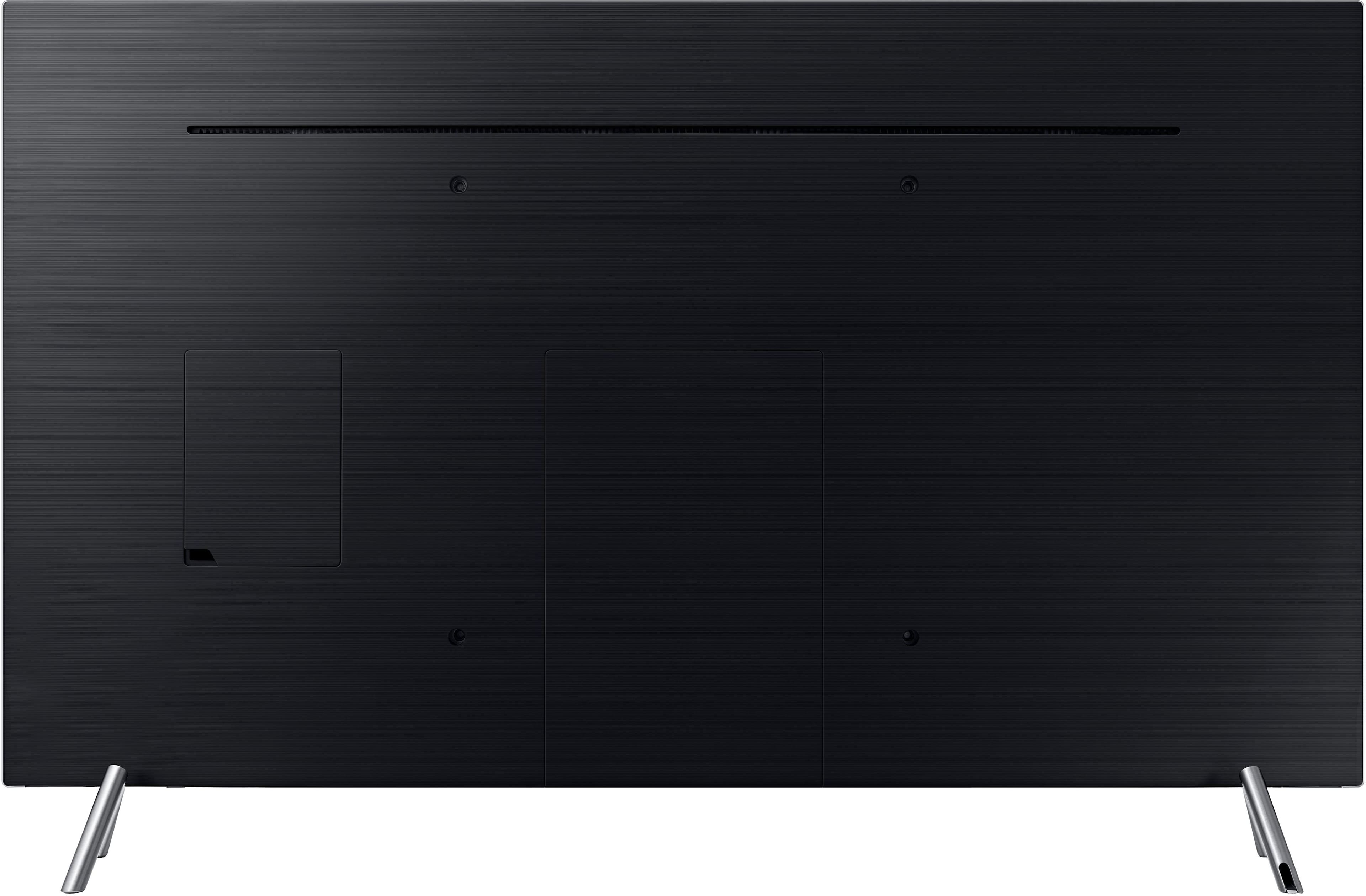
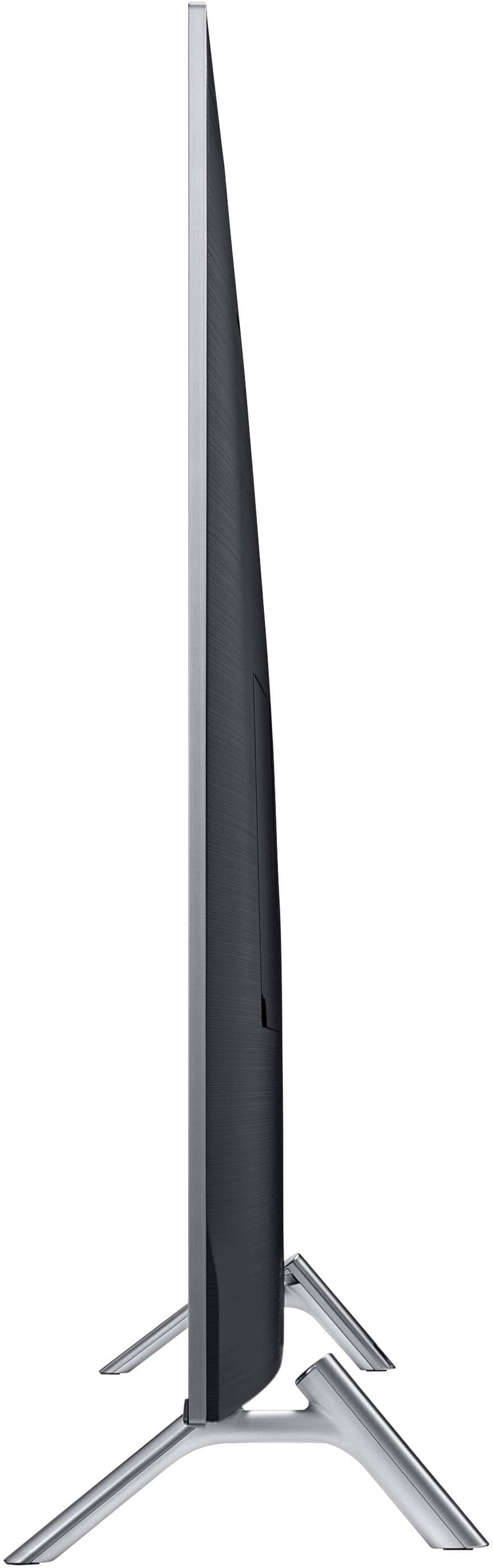
A:AnswerThere are two settings for stands. If you use the narrowest one then ideally you need minimum 38.5 inches. And at this point, you will not have even a half inch extra space.
A:AnswerYes sure not only that it detects it when you first set it up. I would try to get a Apple TV 4K if you can at some point to take advantage of the screen.
A:AnswerFrom my understanding from talking to the Best Buy guys at my store, you need a 4K receiver to get the quality the 4K TV produces. If you don't have the 4K receiver, the sound will revert down to what ever the receiver is capable of. They also mentioned the picture quality would not be as good (don't know what picture has to do with sound, but that is what they said).
A:AnswerDoes OK in my area, and has a signal strength meter. Picture is as good as the broadcast. Keep in mind that you may not be able to get all the stations just because they're not strong enough in your zone.
A:AnswerHi, I have the Nighthawk 8000 from netgear and 100MB from AT&T; no issues even when streaming 4K in 2 Tv's simultaneously. I cannot suggest anything less at this point.
A:AnswerHello, sorry about that I am sending the link again. Please fill out the form below and one of our social media specialists would be happy to assist you. http://smsn.us/SamsungSupportUSA and we will respond accordingly. ^Britt
A:AnswerMost likely not without an add on device. Most boxes (Cable and satellite providers) have an IR sensor in the front panel that has to be able to "see" the remote control in order to work. Check the back of the box for an IR port. If it has one, you should be able to pick up an IR External Receiver Cable for under $20 that will allow you to place a remote IR receiver on the mantel or on the side or underneath the TV. These are relatively small and usually will blend in. If your box does not have an IR port, the next option is an IR blaster which adds an IR transmitter that you adhere to the front of the box over the built in IR receiver. These require power, typically from a USB port or USB power cube. Word of caution, pay attention to the amount of heat from your fireplace, both on the mantel and in the open area behind the TV. Excessive heat will affect the longevity and performance of your TV and the boxes from your service provider.
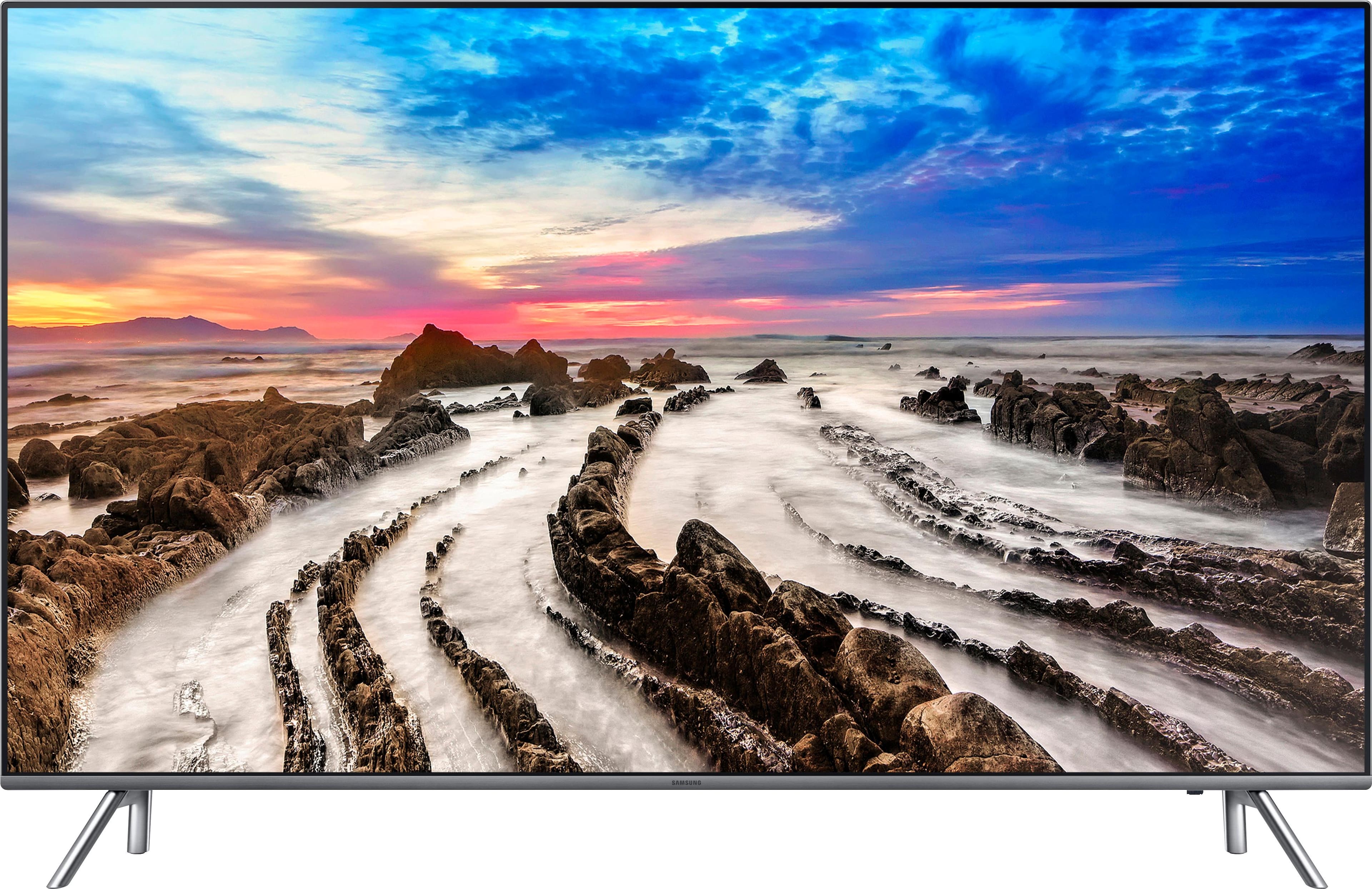
A:AnswerIt removes the limitations presented by older video signals and provides information about brightness and color across a much wider range. HDR-capable displays can read that information and show an image built from a wider gamut of color and brightness. Besides the wider range, HDR video simply contains more data to describe more steps in between the extremes. This means that very bright objects and very dark objects on the same screen can be shown very bright and very dark if the display supports it, with all of the necessary steps in between described in the signal and not synthesized by the image processor.
A:AnswerNo it does not . But you can buy a separate converter to convert old rca input to HDMI plug. With some converting I can play my 1977 original pong videogame on new tv