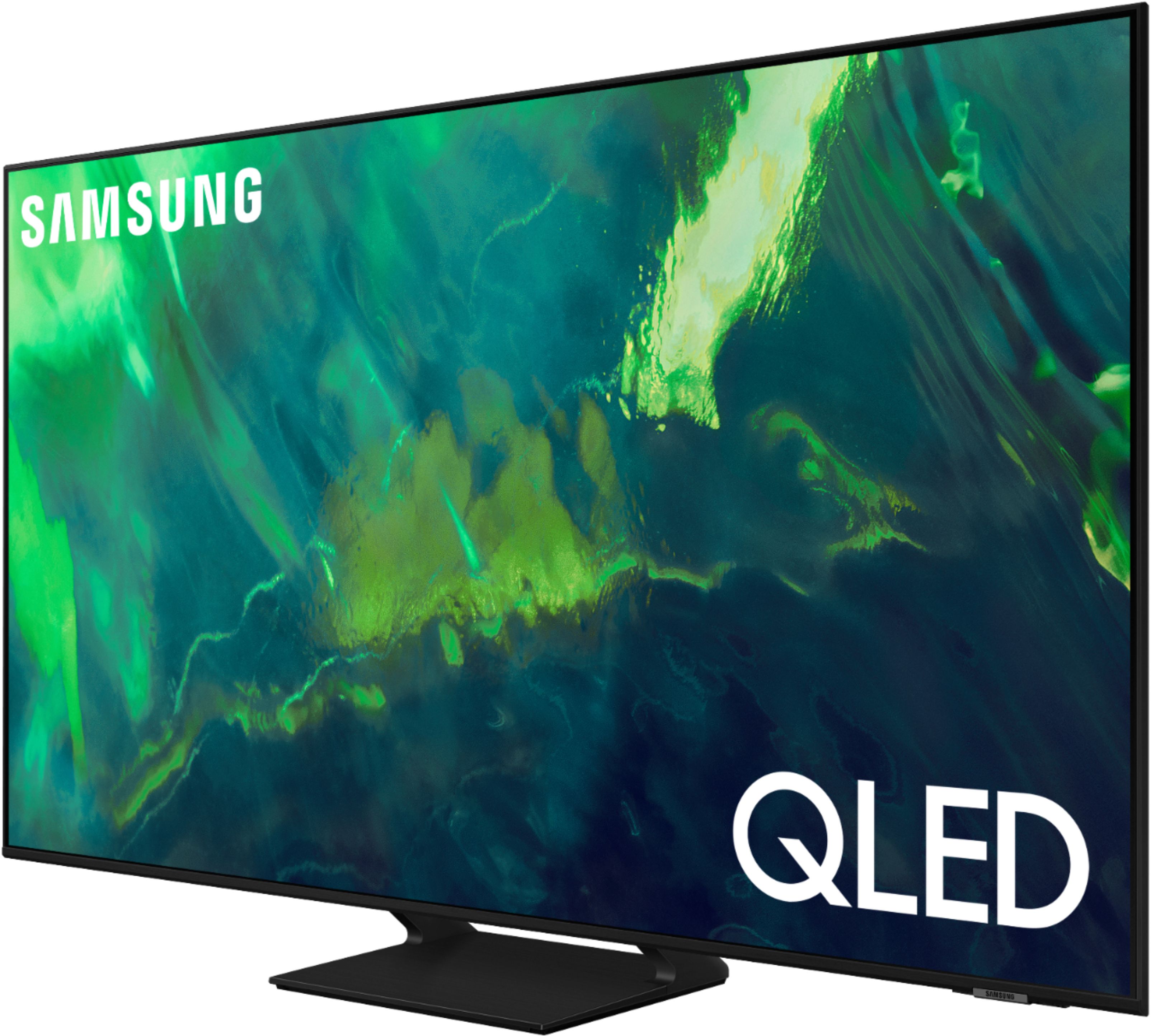
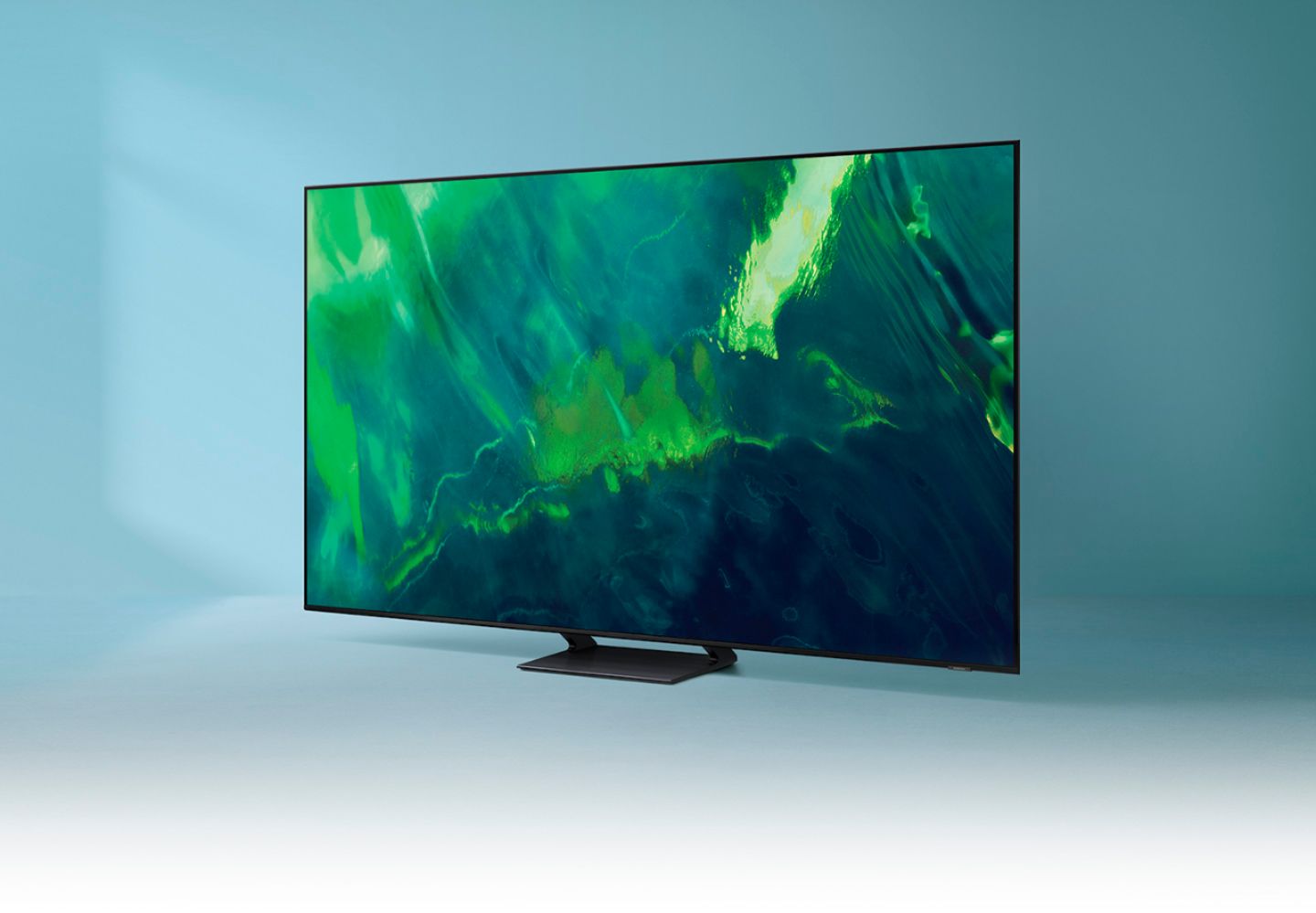
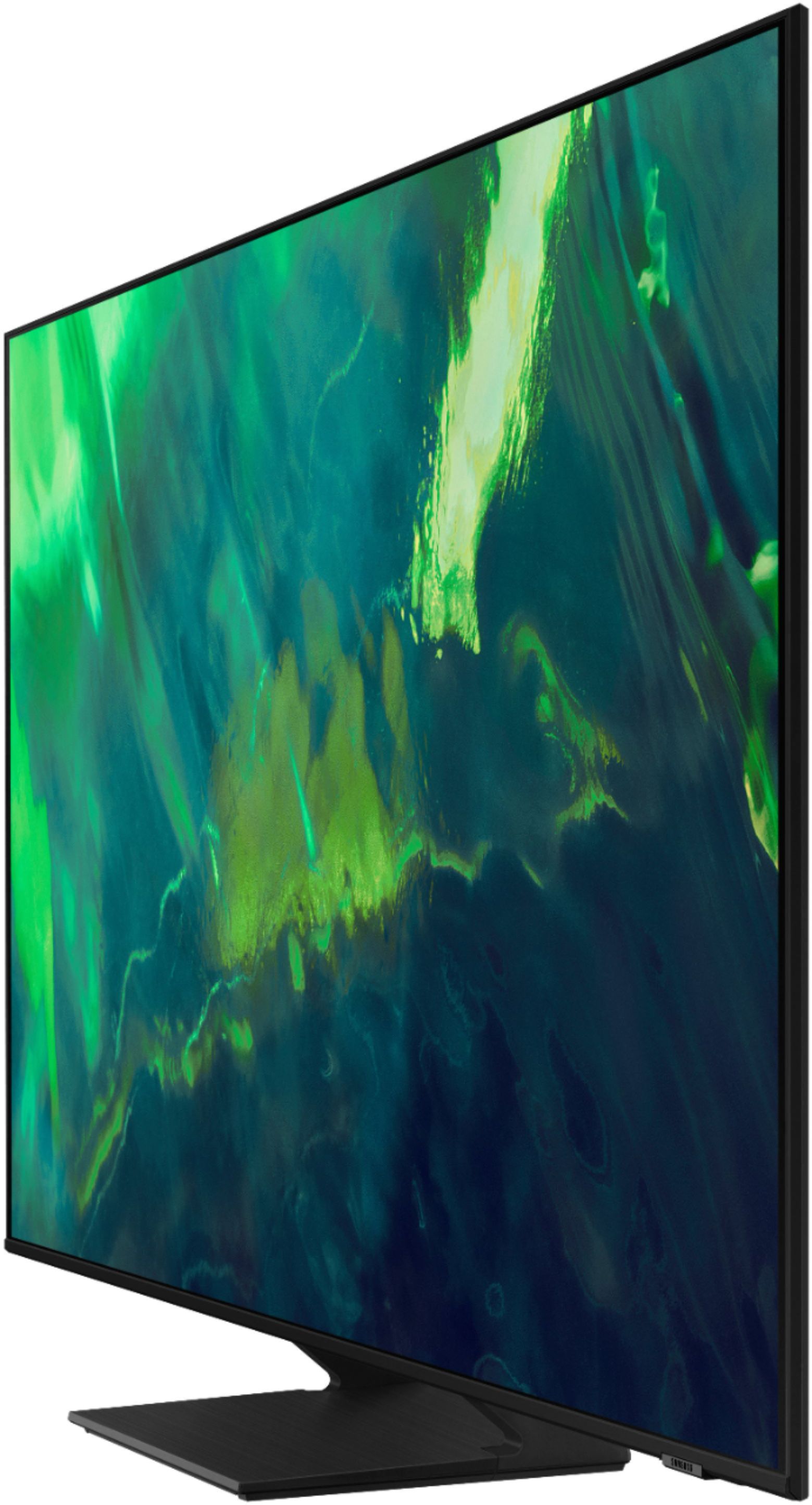
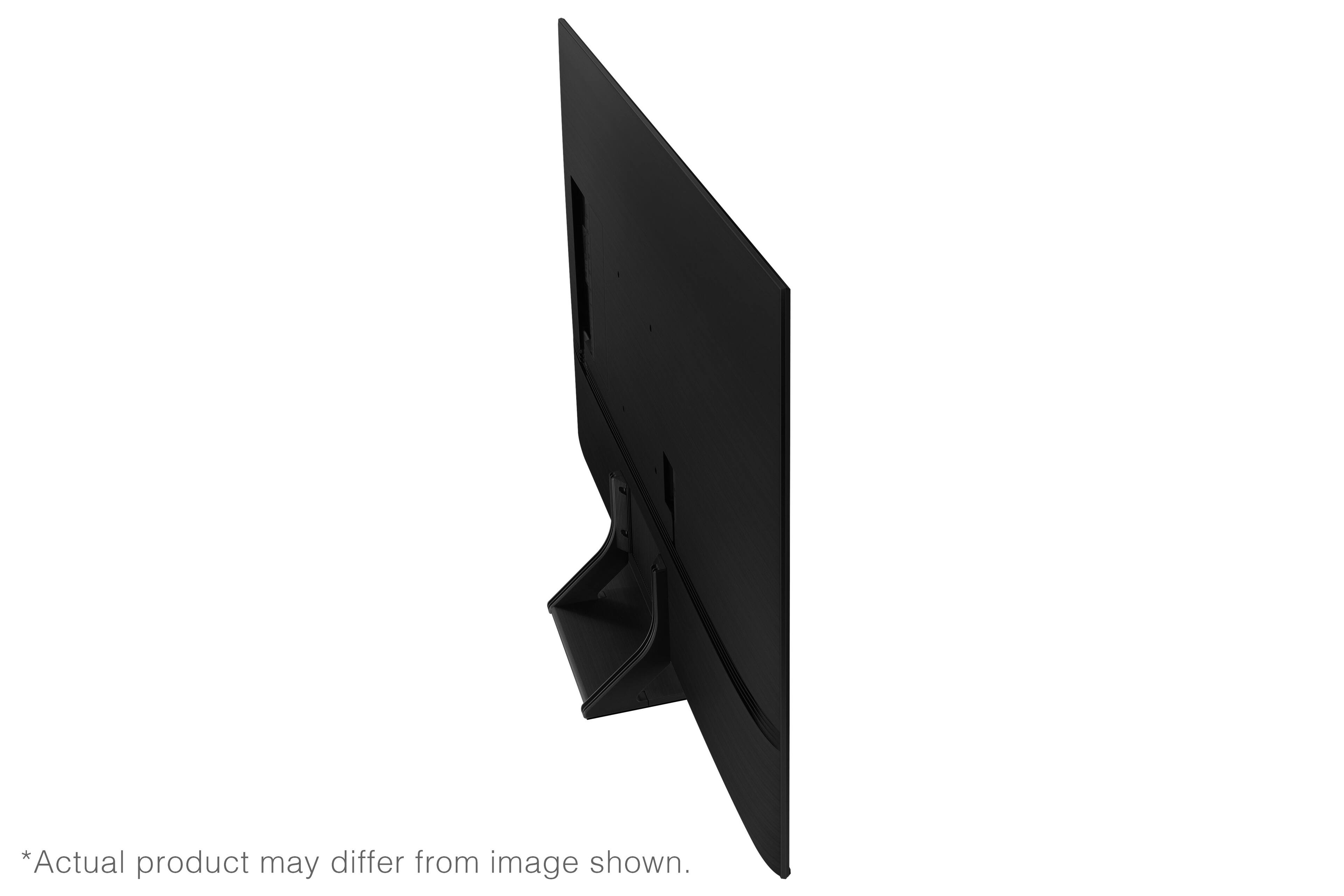
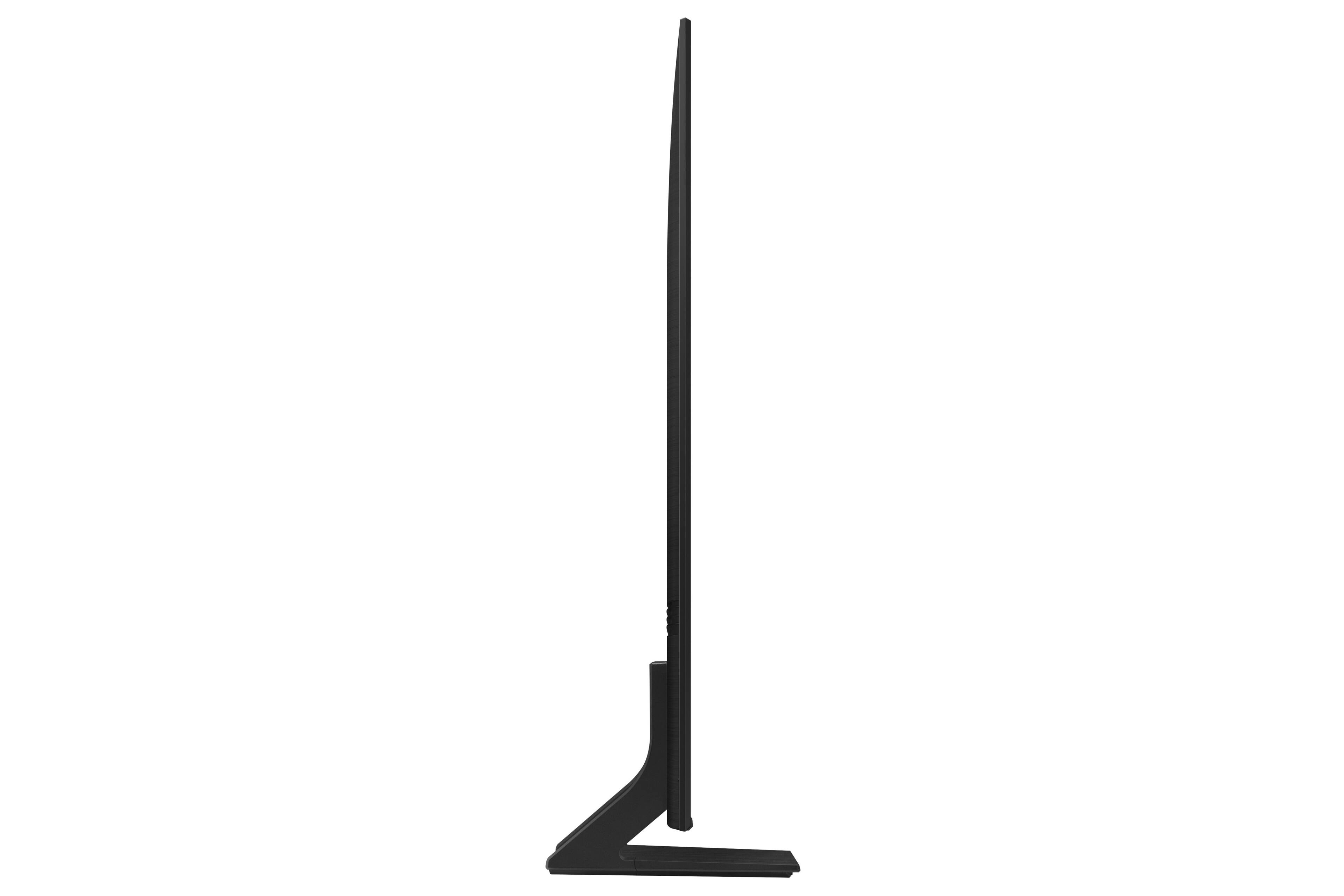
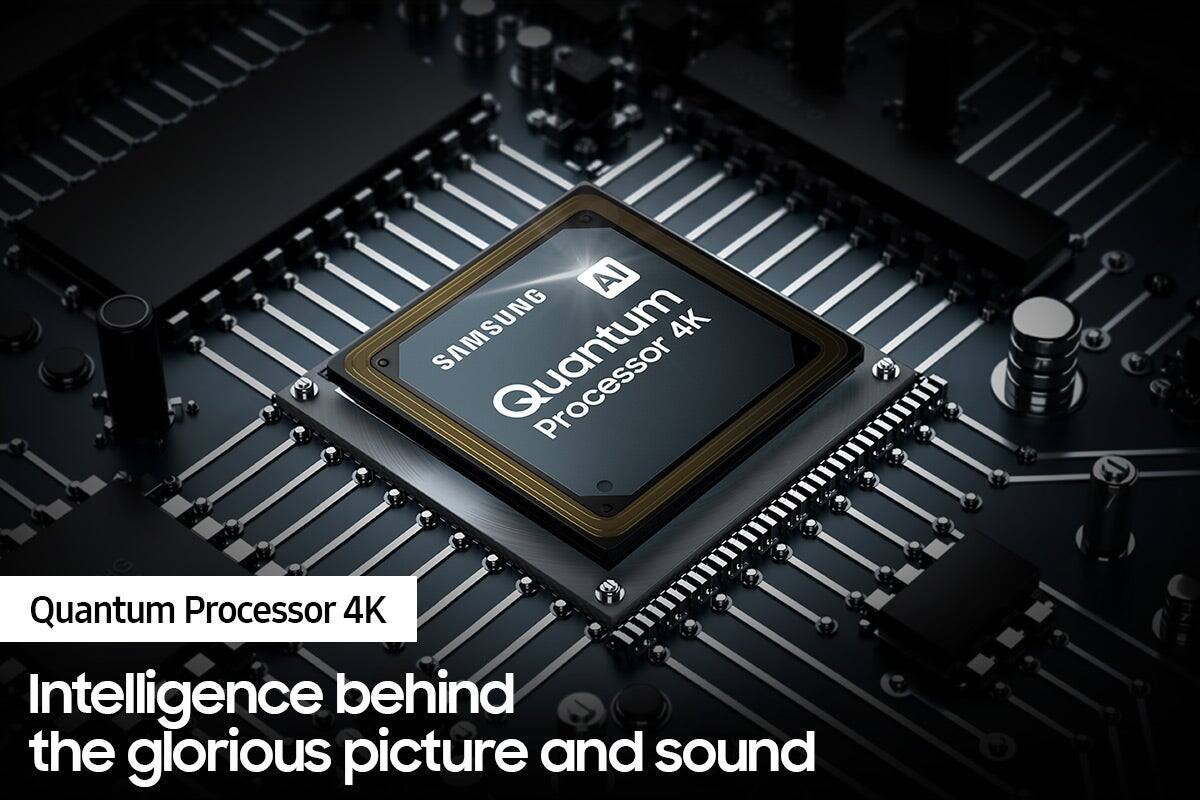
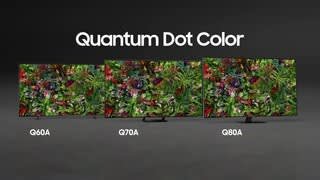
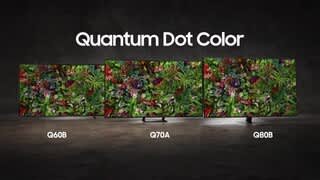
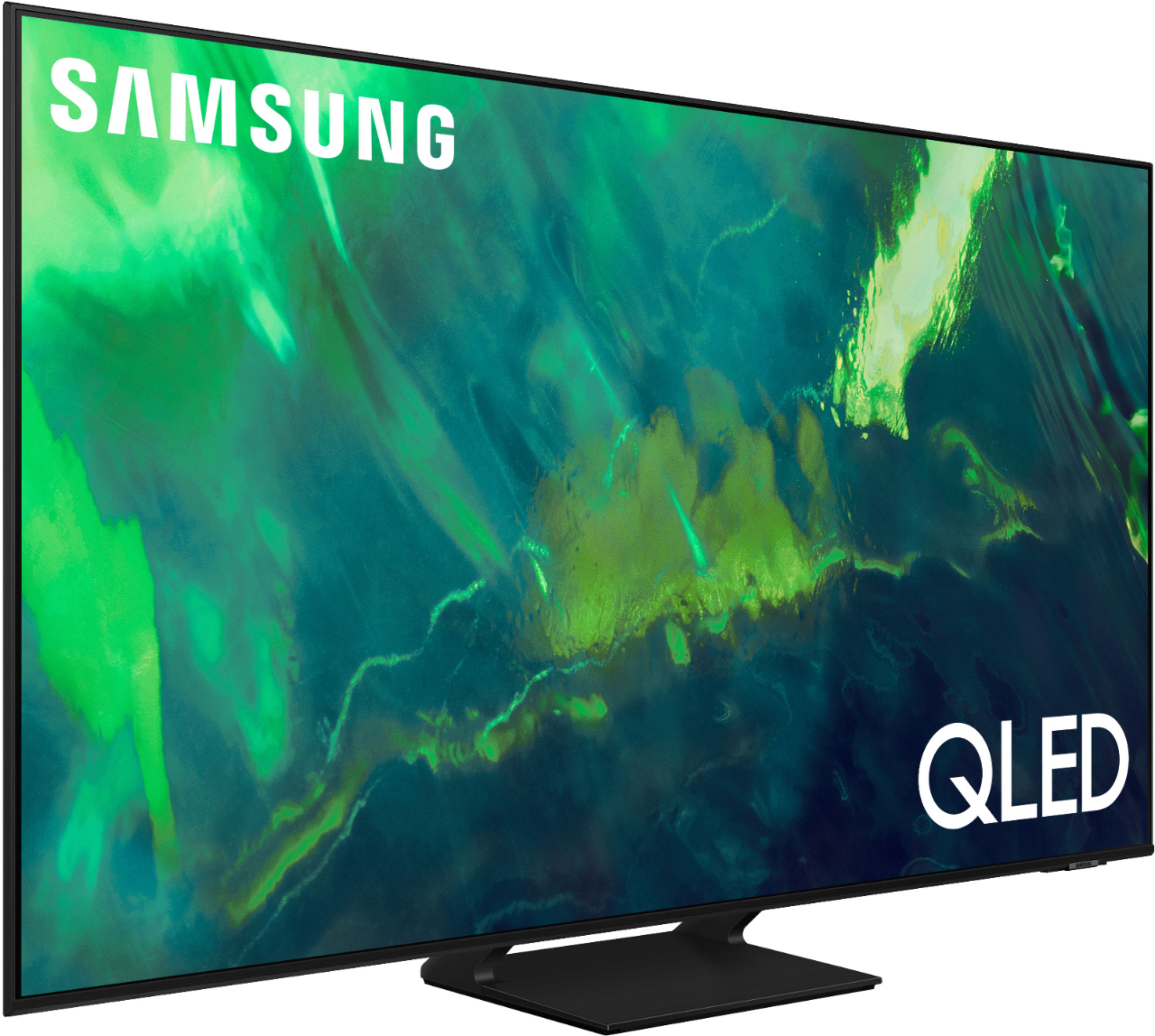
A:AnswerThe Q60B is the first model in our 4K QLED lineup and comes in the widest variety of sizes. When stepping up to the Q70A, you gain the advantage of our Quantum Processor 4K with Machine Learning AI. You step up the clarity and smoothness of your 4K picture with an ultra-fast processor that adapts to each and every scene, no matter what the source. You also gain the advantage of Motion Xcelerator Turbo+ which allows you to see action scenes, sports, and gaming with minimized motion blur. Motion Xcelerator Turbo+ supports advanced features like FreeSync Premium Pro for best game play available.
~ Samsung Specialist
A:AnswerOn most Samsung TVs, the remote control sensor is located on the lower right hand side of the TV. If not, it is directly in the bottom center. Next, press and hold the Return and Play/Pause buttons simultaneously for at least 3 seconds. Your TV will begin syncing with the Smart Remote.
A:AnswerKris - You can connect a streaming device via HDMI; please do keep in mind the Q70A features a built-in App Store that allows you to choose and download from hundreds of available apps - all without an external streaming device necessary.
~ Samsung Specialist
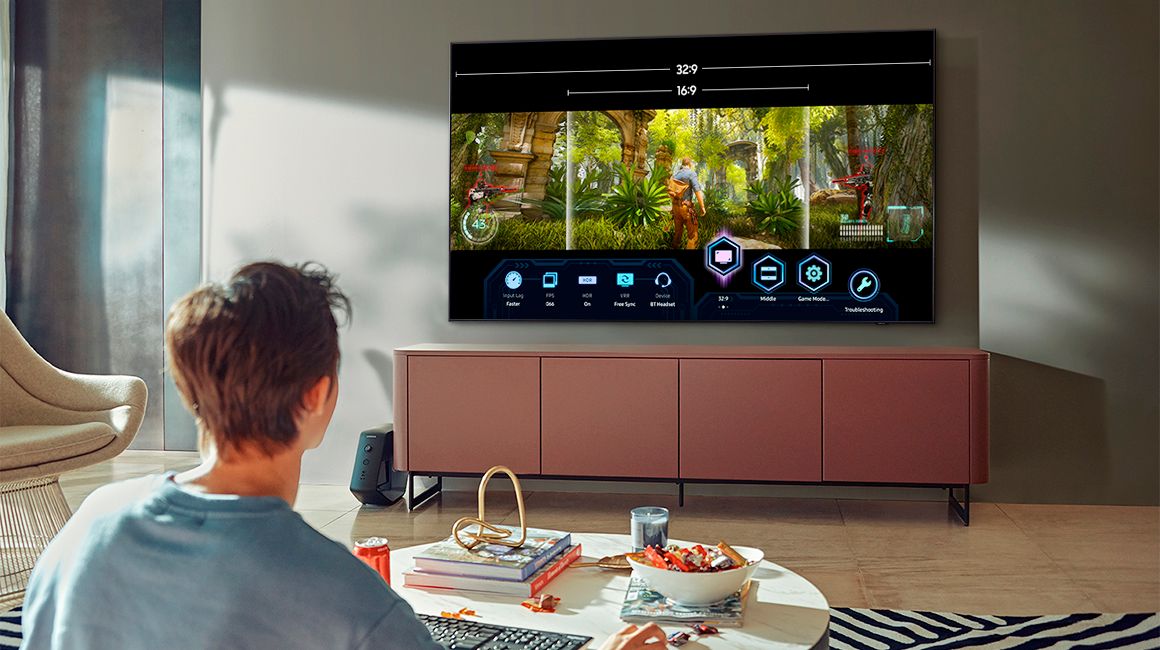
A:AnswerSteig - PiP (Picture in Picture) capability is available by using our Multi View feature. With Multi View, you can view media from different sources, such as an app, Blu-ray player, or game console, on the main screen while also mirroring your phone to the smaller screen. When using PiP, you can select the position of the smaller screen when it’s displayed on the main screen. You can also choose the top left and top right corners or the bottom left and bottom right corners for the smaller screen. If you don’t like where you placed the smaller screen, you can always change it later. Hope this helps!
~ Samsung Specialist
A:AnswerManU - You can connect an external streaming device via HDMI. Keep in mind the Q70A is a Smart TV that features a built-in App Store, allowing you to choose and download from hundreds of available apps - no external streaming device needed.
~ Samsung Specialist
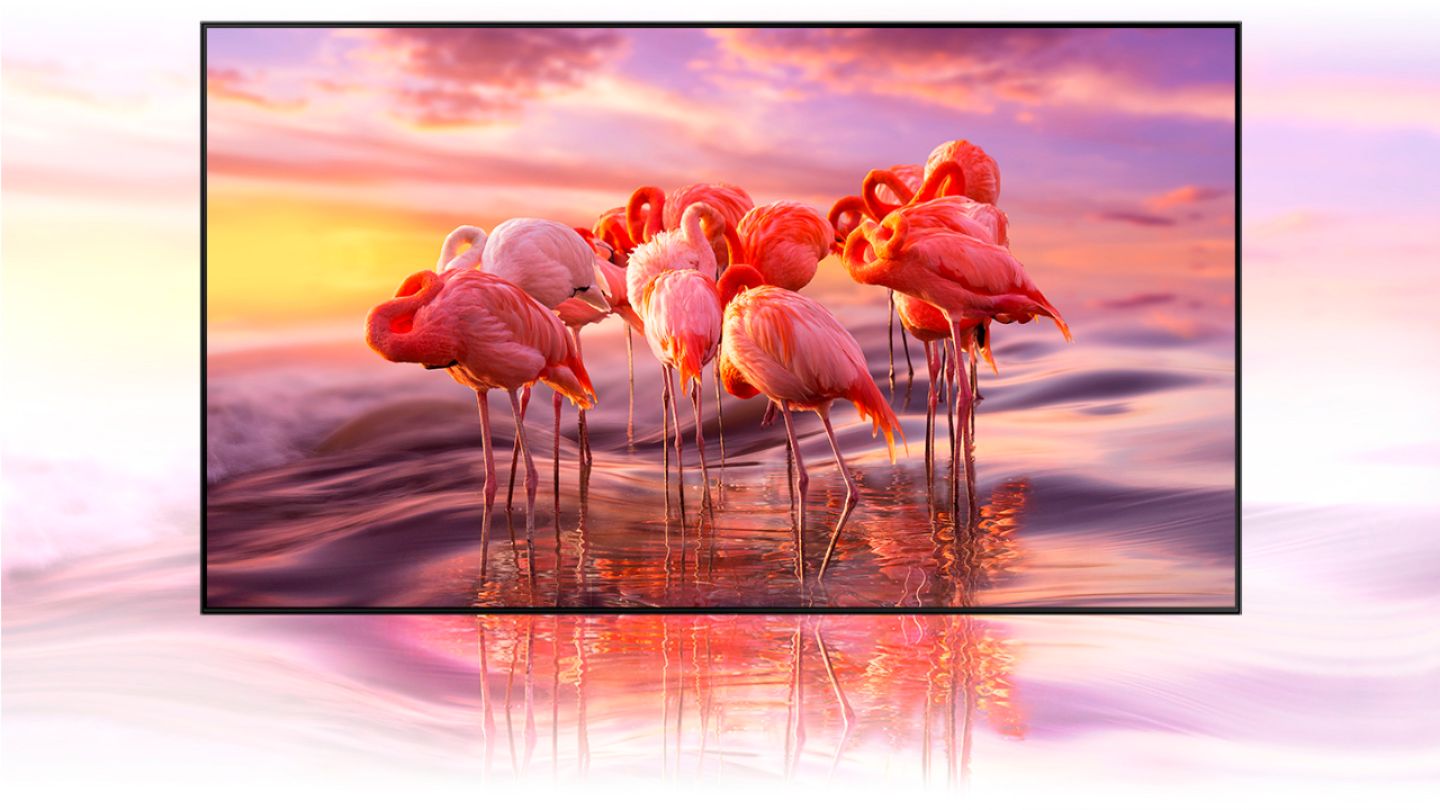
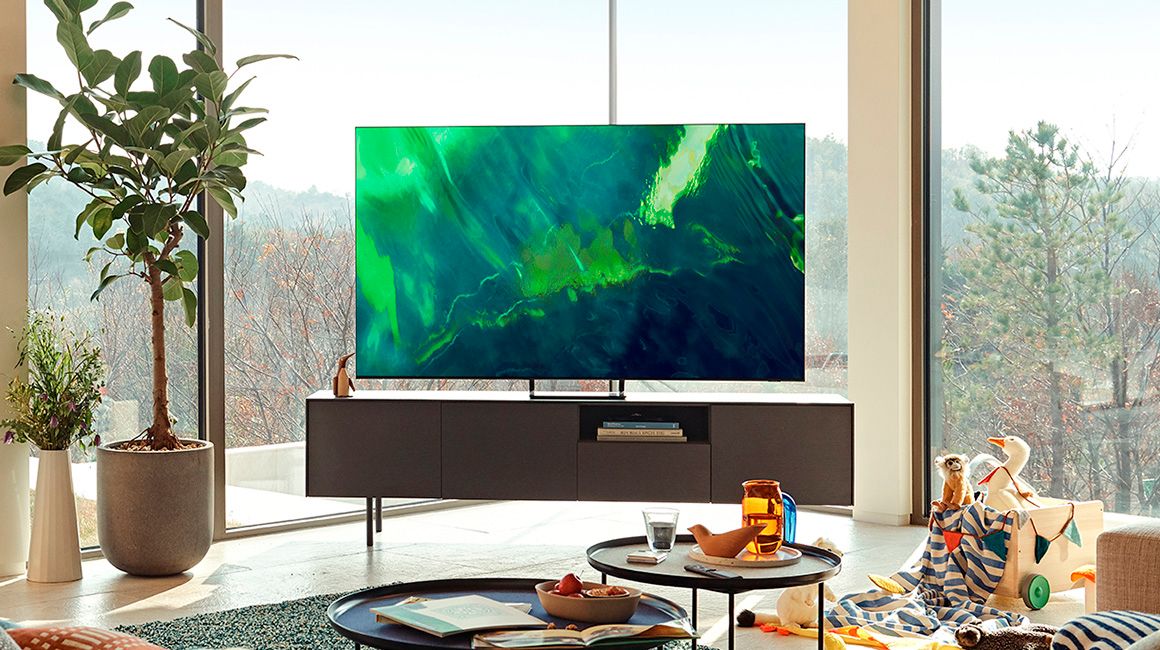
A:AnswerDan - QLED TVs are powered by Quantum Dot technology and provide you with over a billion brilliant shades of vivid and lifelike colors that stay true without fading, regardless of the scene's brightness. Neo QLED TVs use Mini LED backlighting for hyper-focused brightness and dimming in all the right areas and display an even wider range of brightness, color, and contrast.
~ Samsung Specialist
A:AnswerWink - The Multi-output Audio function is primarily used for someone who needs to use Bluetooth headphones at a higher volume from the TV speakers. It is not recommended to use Multi-output Audio with external audio devices. If you’re using a Bluetooth device for this function, please turn off any other external device connected, as this may create an unwanted echo. ~ Samsung Specialist