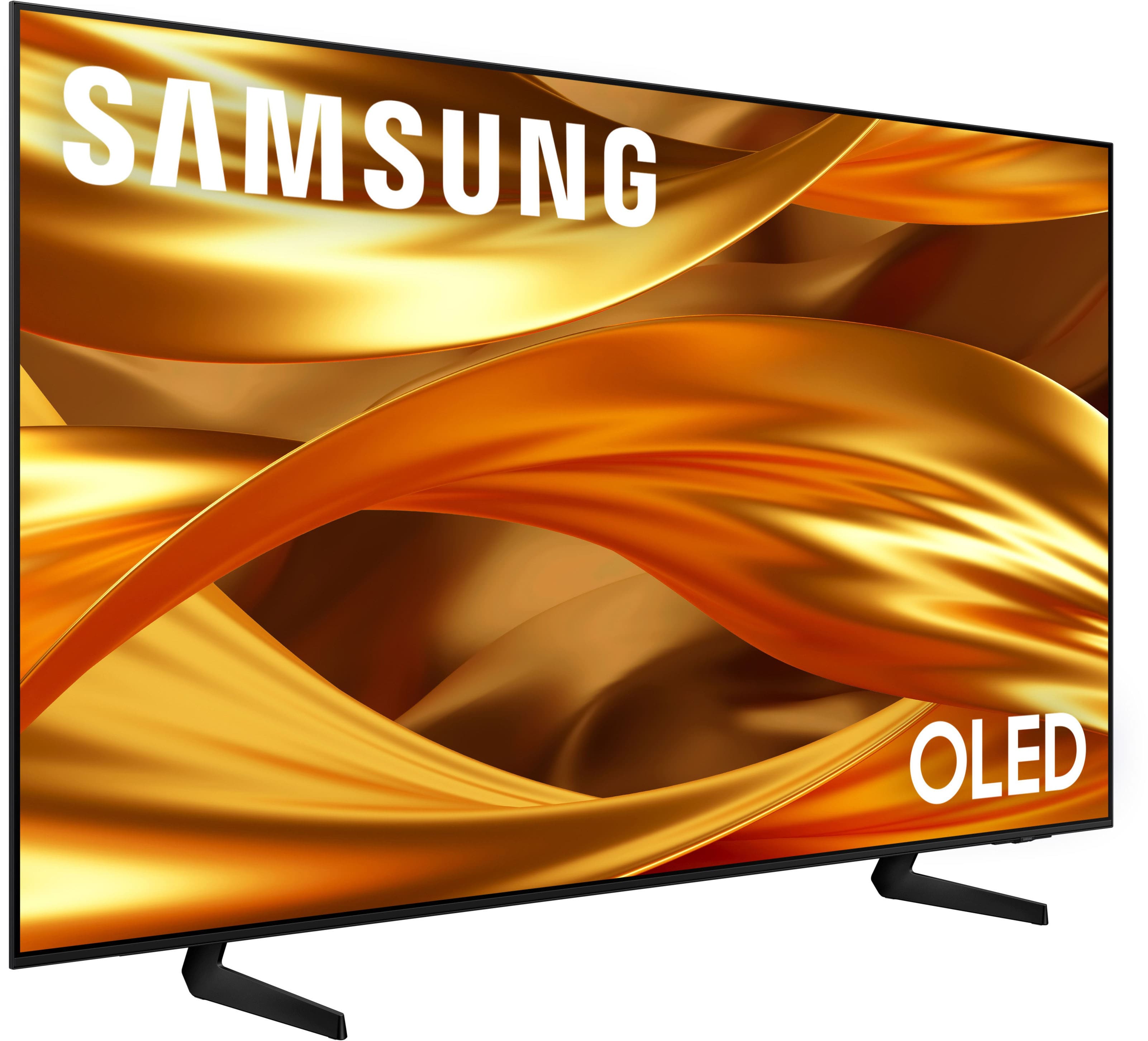
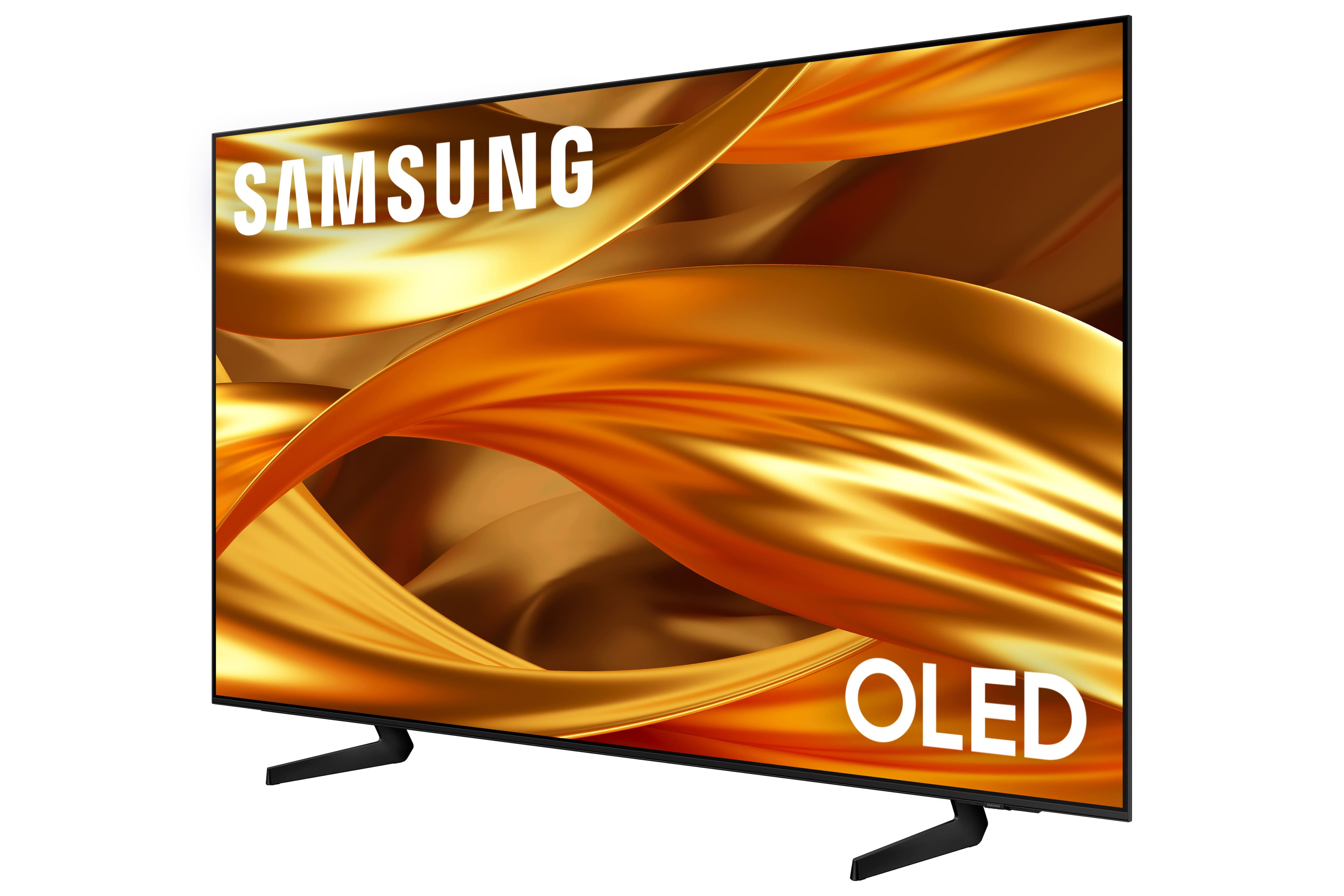
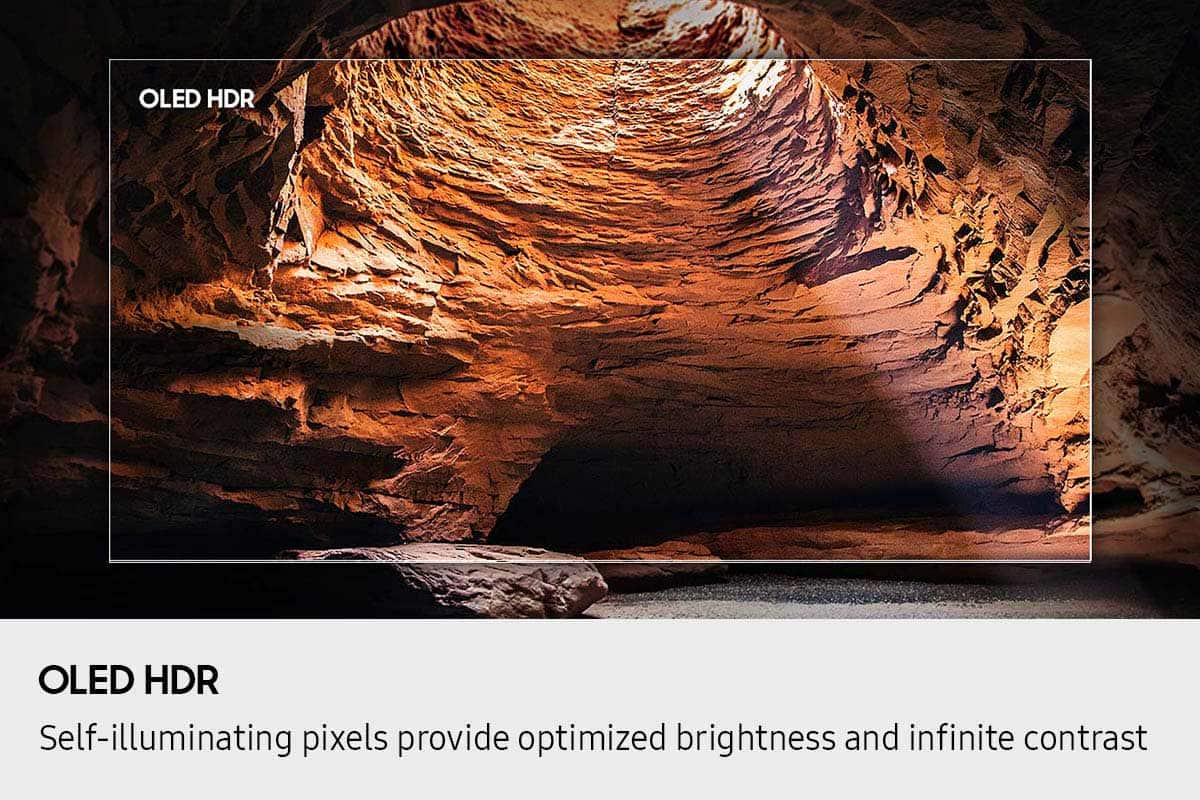
A:AnswerPlease keep in mind that if your OLED TV displays a still image or receives no input for 2 minutes, the Screen Saver will activate automatically. This feature is built in and cannot be disabled, as it plays a key role in protecting your screen from long-term image retention or burn-in.
~ Samsung Specialist
A:AnswerRSK - Please give us the opportunity to better assist with this by reaching Samsung Support at: 1-800-SAMSUNG (8AM – 9PM EST Mon – Fri, 8AM – 6PM Sat – Sun) or Chat with us on Samsung.com: https://www.samsung.com/us/support/contact/
~ Samsung Specialist
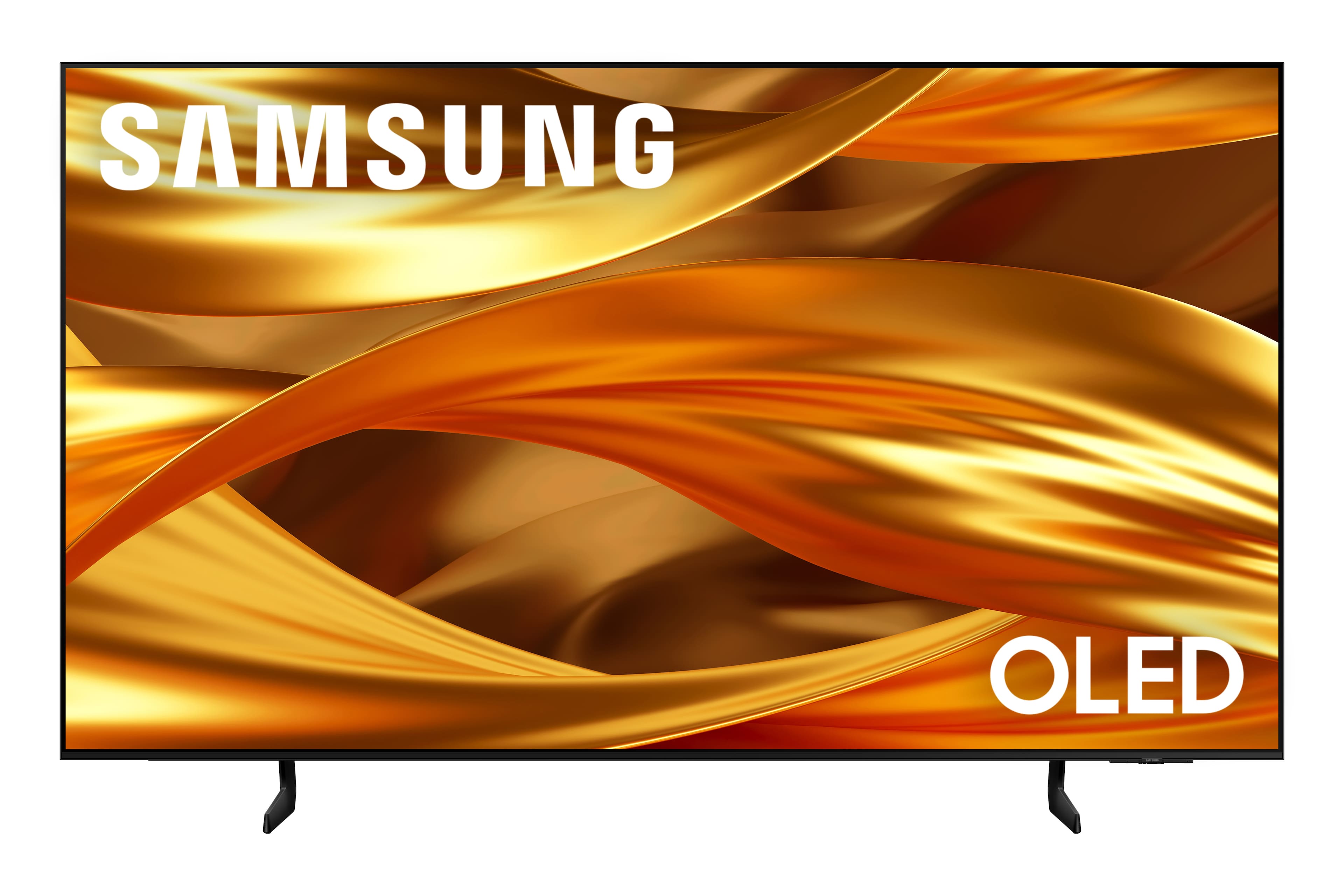
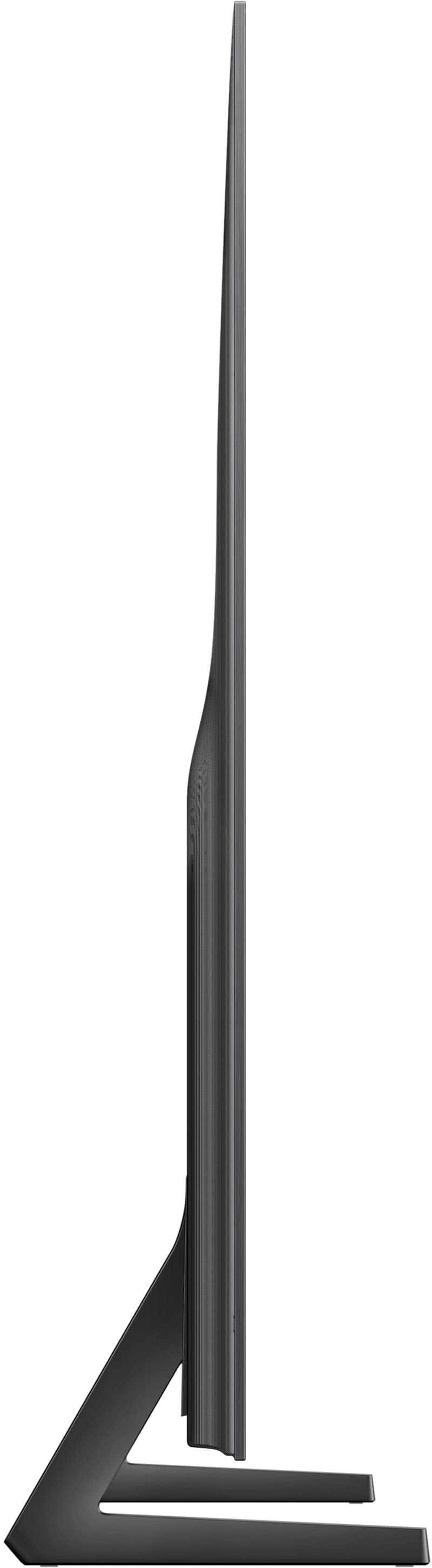
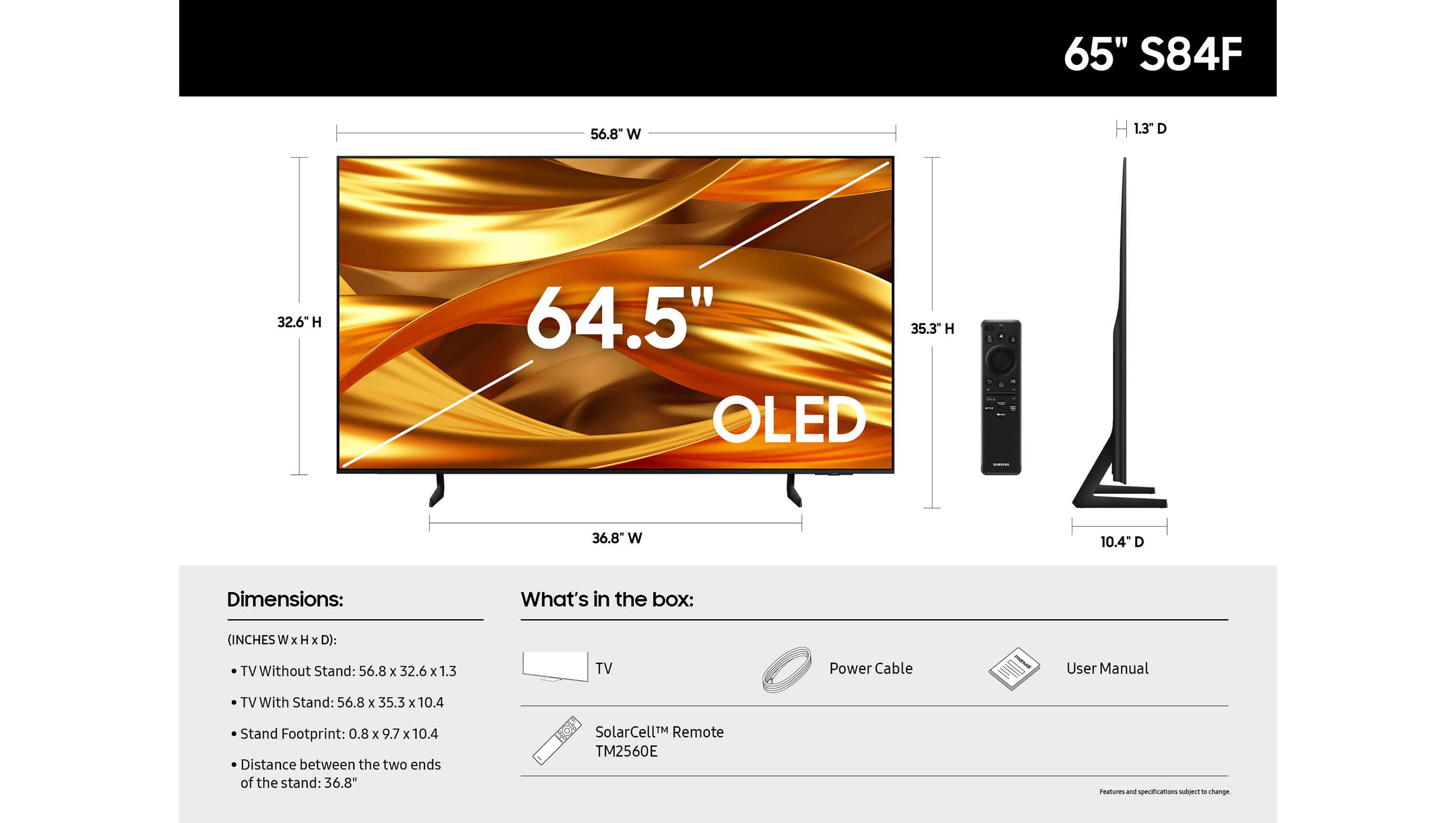
A:AnswerYou can find these measurements on this model’s product page – just click Specifications and scroll down to Dimensions: https://www.bestbuy.com/product/samsung-65-class-s84f-oled-4k-uhd-vision-ai-smart-tizen-tv-2025/6643538 ~ Samsung Specialist