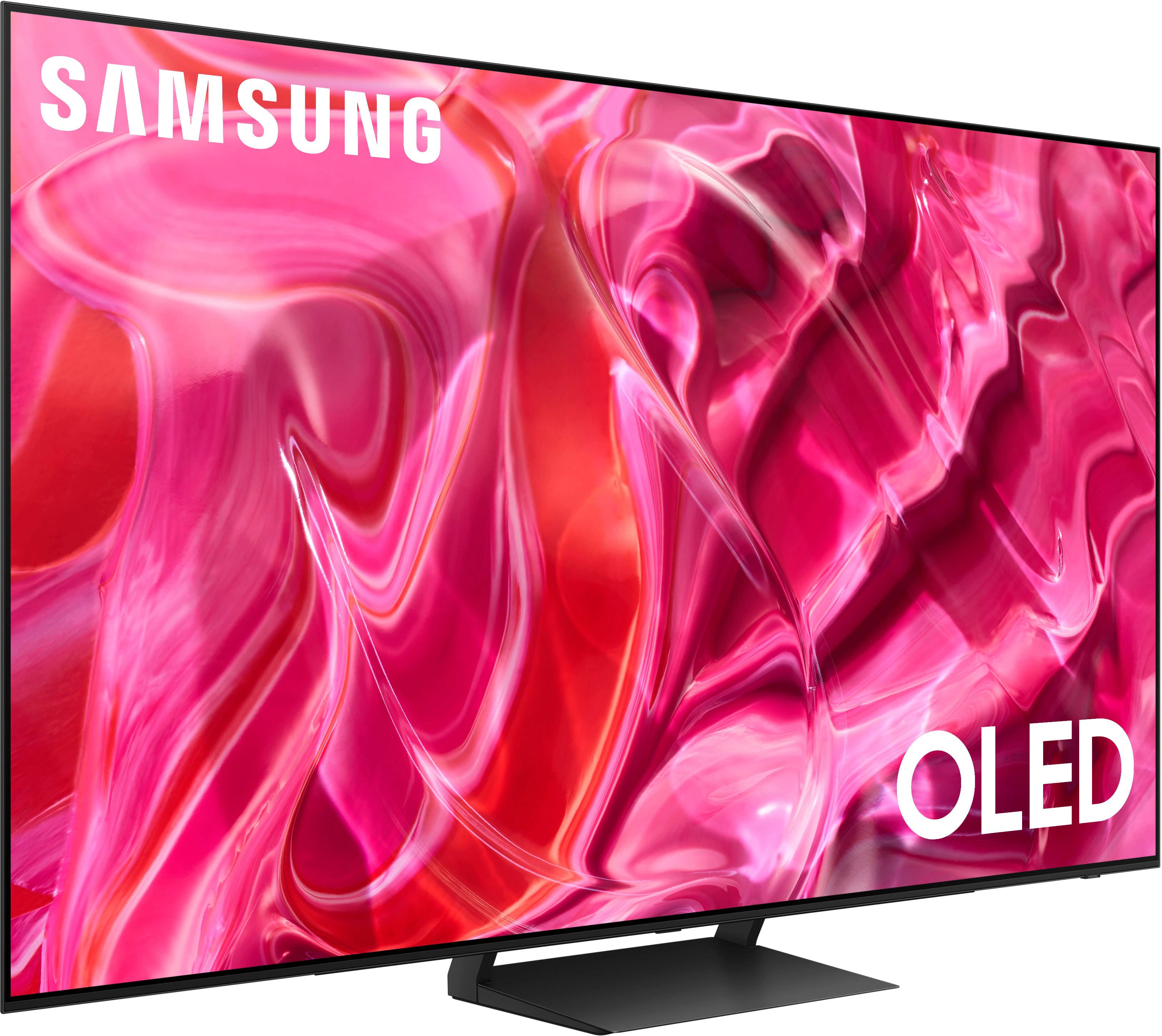
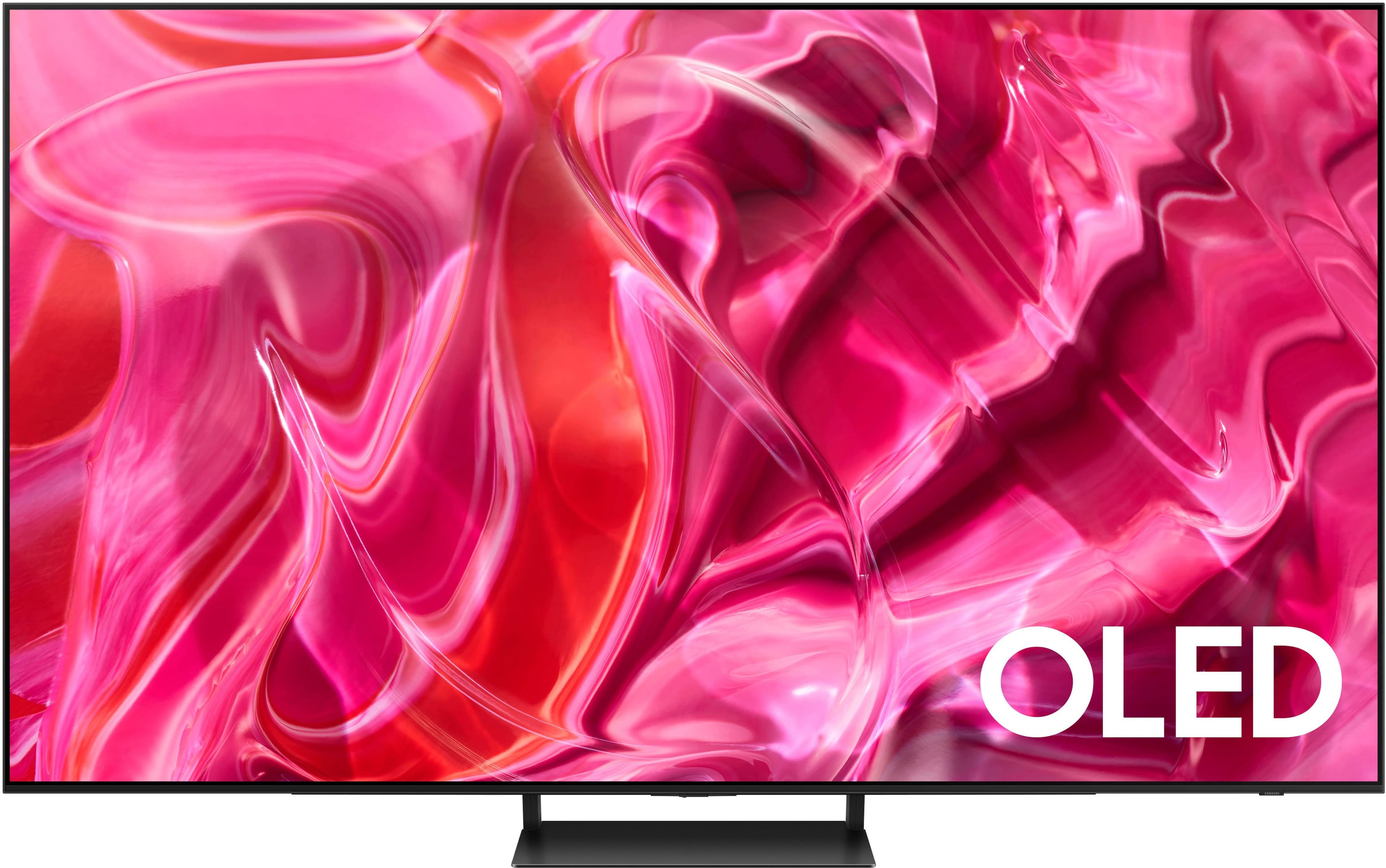
A:AnswerThe Samsung S90C (2023) and S90D (2024) OLED TVs share many features but differ in several key areas:
Picture Quality:
• Brightness: The S90D is approximately 20% brighter than the S90C, enhancing HDR content and overall viewing in well-lit environments. 
• Processor: The S90D features the NQ4 AI Gen2 Processor with 20 AI neural networks, offering advanced image processing and upscaling, while the S90C uses the Neural Quantum Processor. 
Panel Types and Sizes:
• Panel Types: The S90D offers both QD-OLED panels (55”, 65”, 77”) and W-OLED panels (42”, 48”, 83”), whereas the S90C uses QD-OLED panels for the smaller sizes and W-OLED for the 83” model. 
Design and Features:
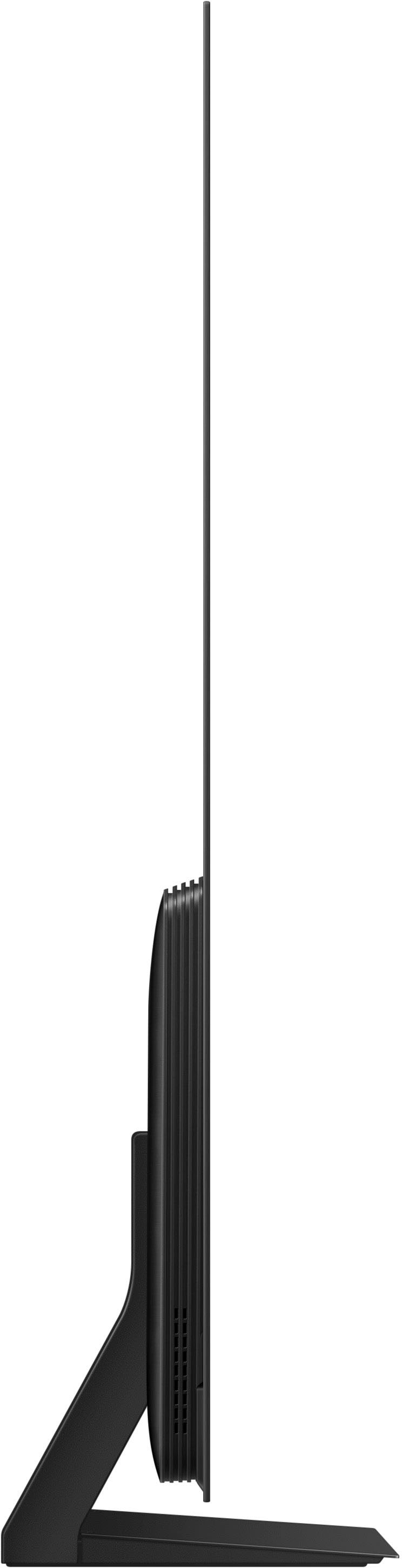
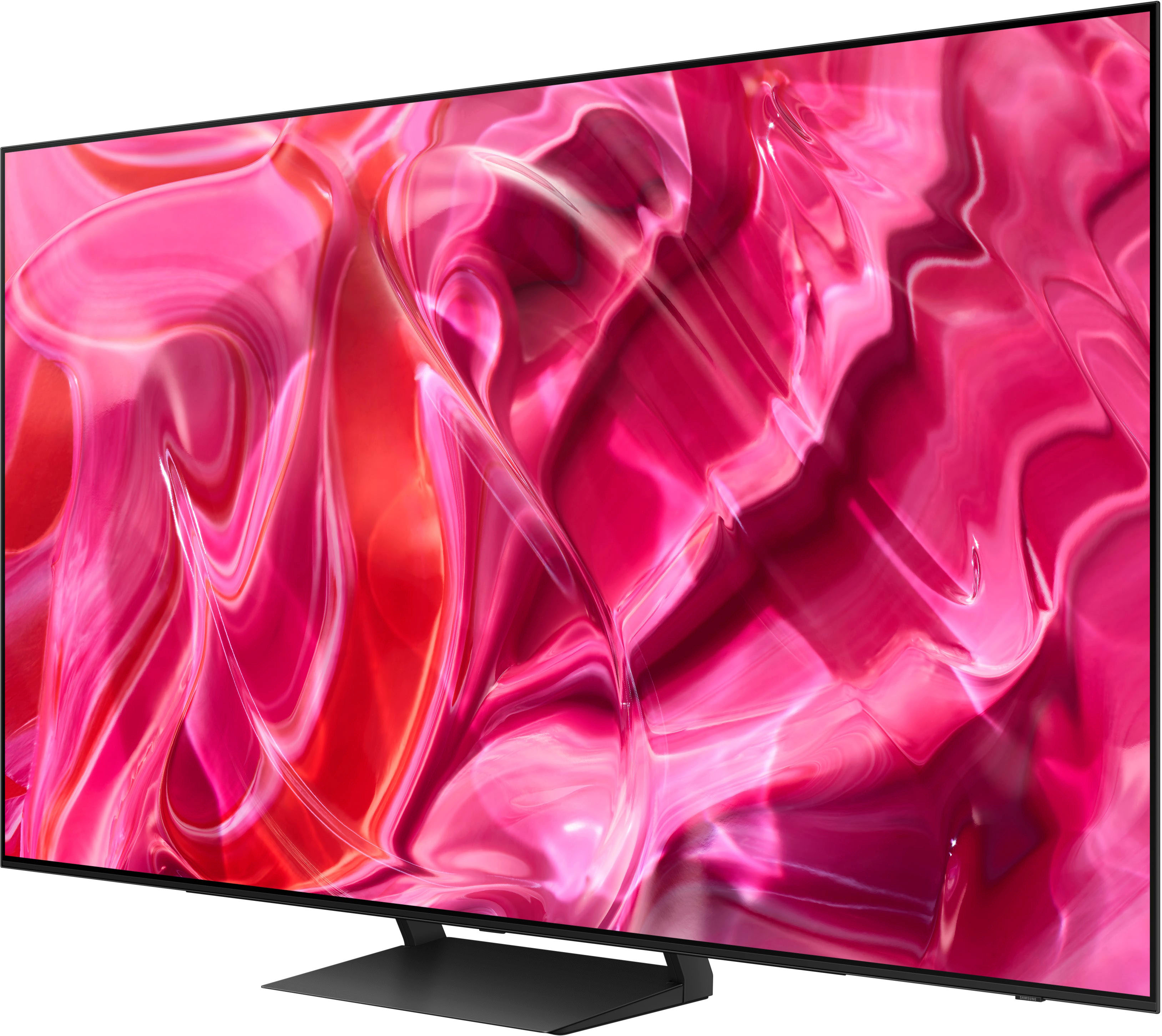
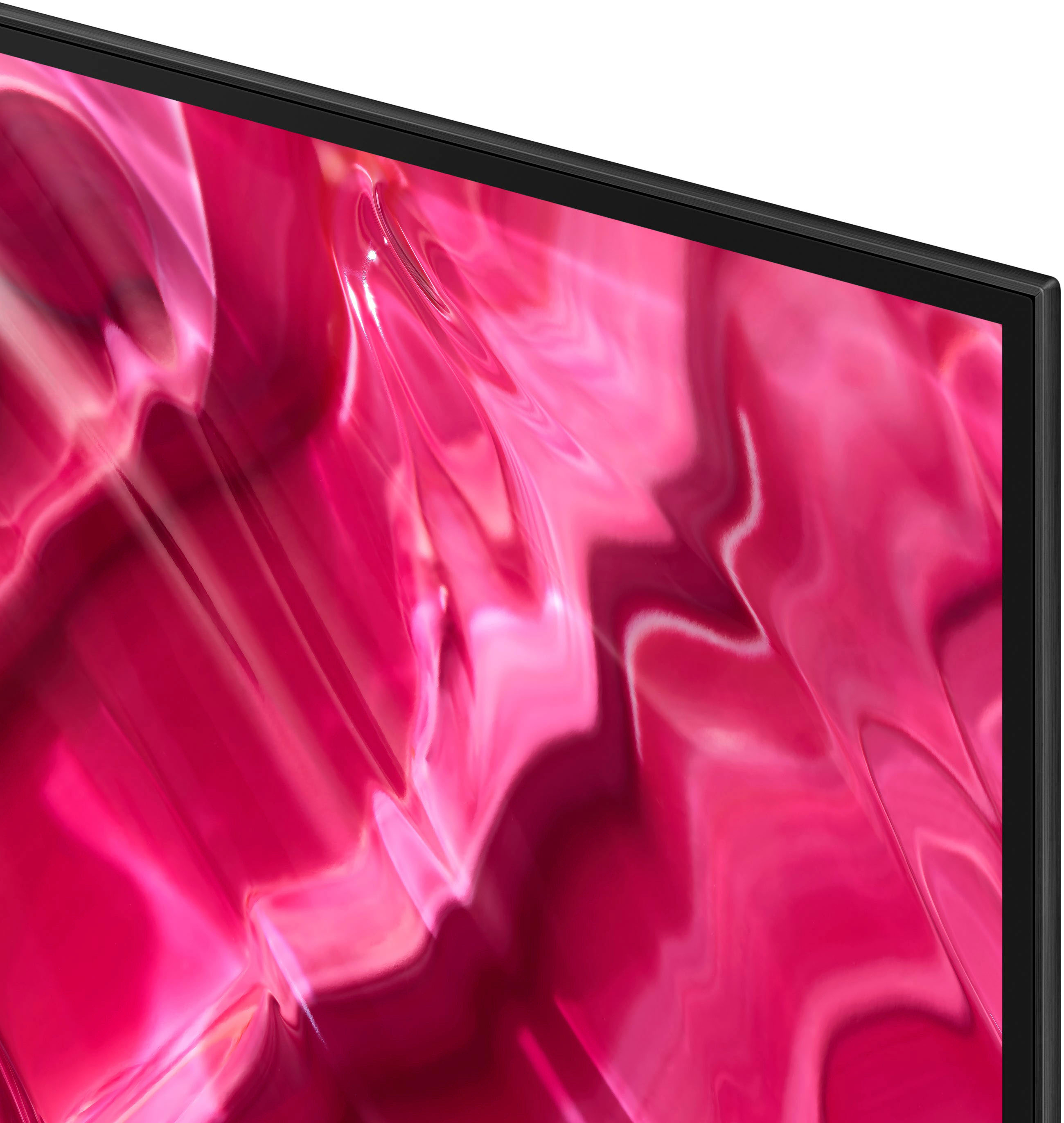
• Design: Both models feature a bezel-less design with ultra-thin profiles, making them visually similar. 
• Smart Features: Both TVs run on Tizen OS, supporting built-in Alexa and Bixby, and offer access to various streaming apps. The S90D includes FreeSync Premium Pro, enhancing HDR gaming experiences. 
Audio:
• Sound Quality: Both models offer 2.1 Channel sound with Dolby Atmos and Object Tracking Sound Lite. The S90D introduces Active Voice Amplifier Pro for improved dialogue clarity. 
Pricing:
• Cost: The S90D is priced higher than the S90C, with the 65” model of the S90C around $1,575 and the S90D at $2,700. 
In summary, the S90D offers enhanced brightness, advanced processing, and additional size options, making it a compelling choice for those seeking superior performance and features.
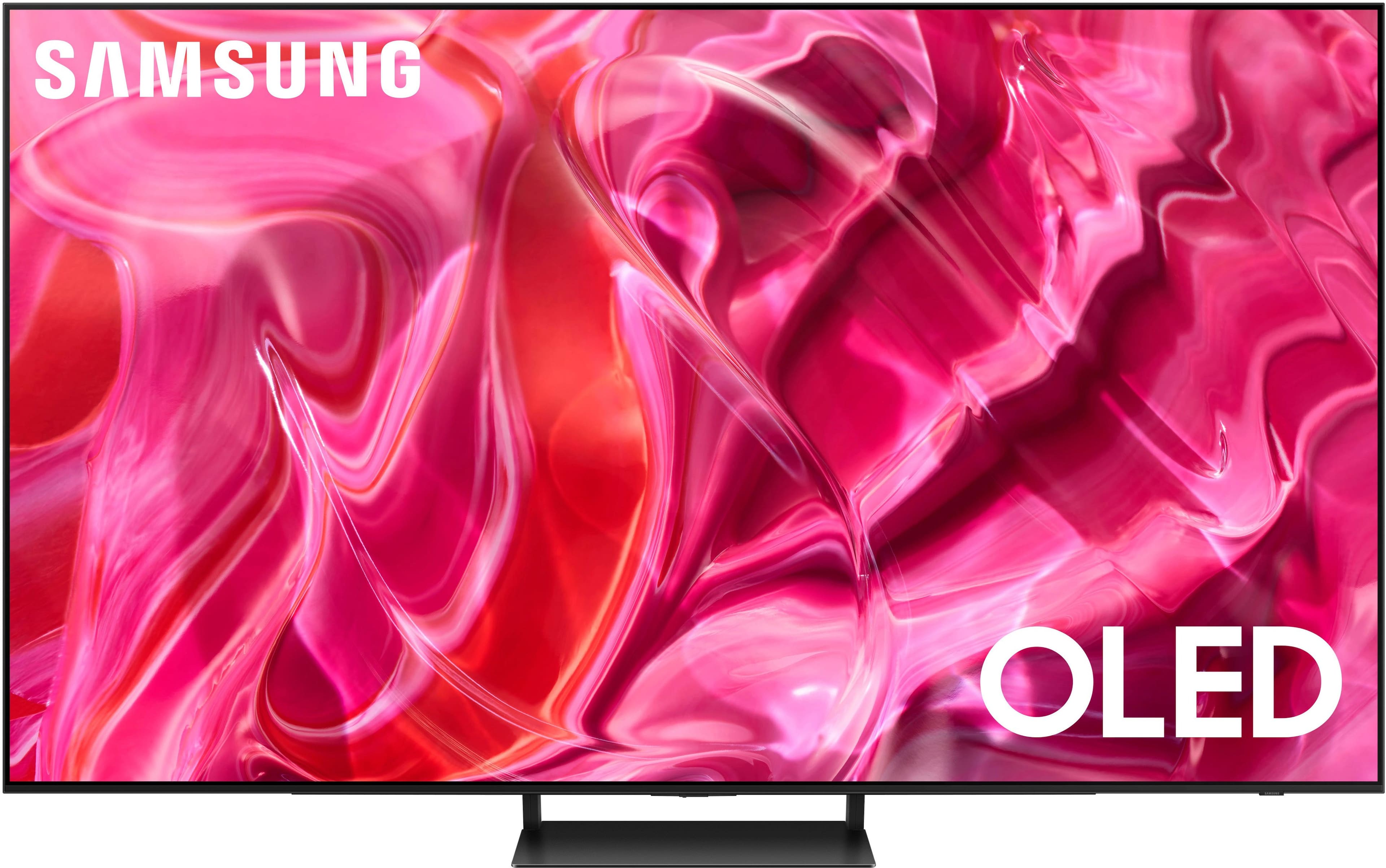
A:AnswerDebi - You can find these measurements on this model’s product page – just click Show Full Specs and scroll down to Dimensions: https://www.bestbuy.com/site/samsung-65-class-s90c-oled-4k-uhd-smart-tizen-tv-2023/6536964.p?skuId=6536964
~ Samsung Specialist
A:AnswerHi zach - Please give us the opportunity to better assist with this by reaching Samsung Support at: 1-800-SAMSUNG, 8AM - 12AM EST, 7 days a week, or Chat with us on Samsung.com: https://www.samsung.com/us/support/contact/
~ Samsung Specialist
A:AnswerHi joe - You can achieve this by disabling the Internet connection. While an Internet connection isn't necessary to simply use the TV, it is required when using the Smart Hub (Apps, Gaming/Media Home Screens) as well as additional Smart features such as Smart Calibration.
~ Samsung Specialist
A:AnswerHi Working - You can find these measurements on this model’s product page – just click Show Full Specs and scroll down to Dimensions: https://www.bestbuy.com/site/samsung-65-class-s90c-oled-4k-uhd-smart-tizen-tv-2023/6536964.p?skuId=6536964
~ Samsung Specialist
A:AnswerOnkyofan - Both Dolby Vision and HDR10+ are an enhancement of HDR; both formats still have HDR embedded into the content and will display content on the S90C TV.
~ Samsung Specialist
A:AnswerHi ELPIE - Please give us the opportunity to better assist with this by reaching Samsung Support at: 1-800-SAMSUNG, 8AM - 12AM EST, 7 days a week, or Chat with us on Samsung.com: https://www.samsung.com/us/support/contact/
~ Samsung Specialist
A:AnswerReneeD - So that we can better troubleshoot towards a solution, please reach out to Samsung Support at: 1-800-SAMSUNG, 8AM - 12AM EST, 7 days a week, or Chat with us on Samsung.com: https://www.samsung.com/us/support/contact/
~ Samsung Specialist