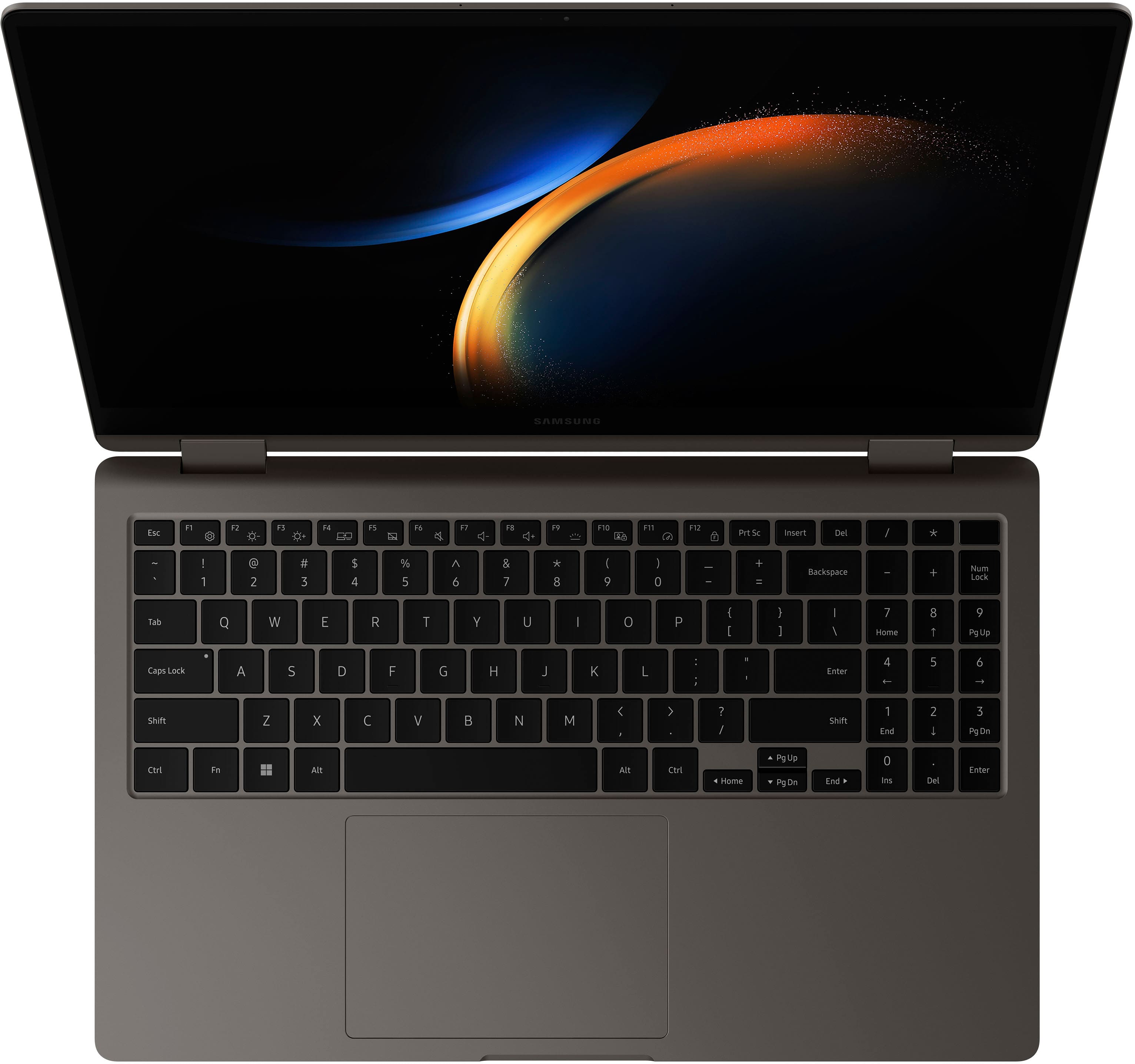
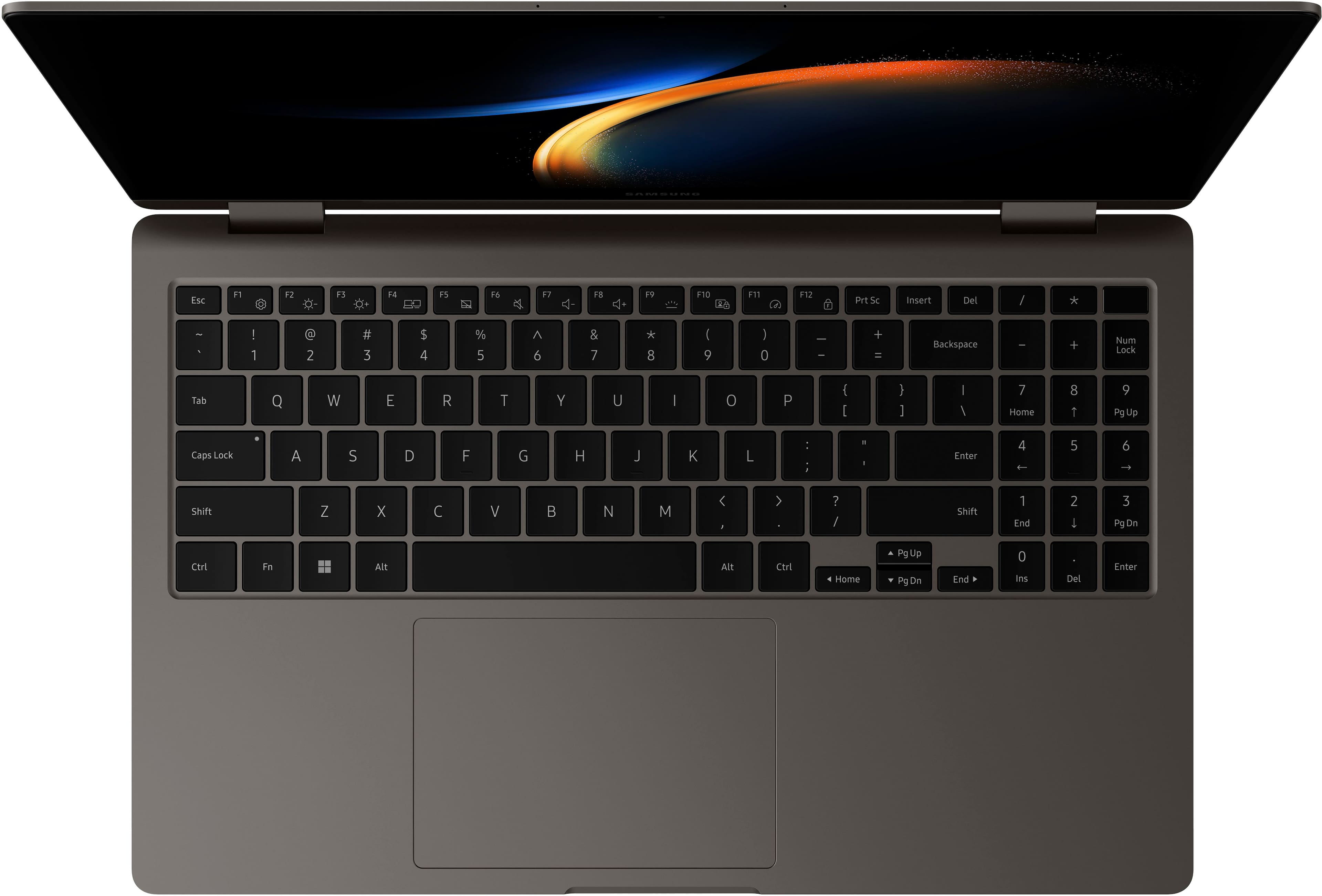
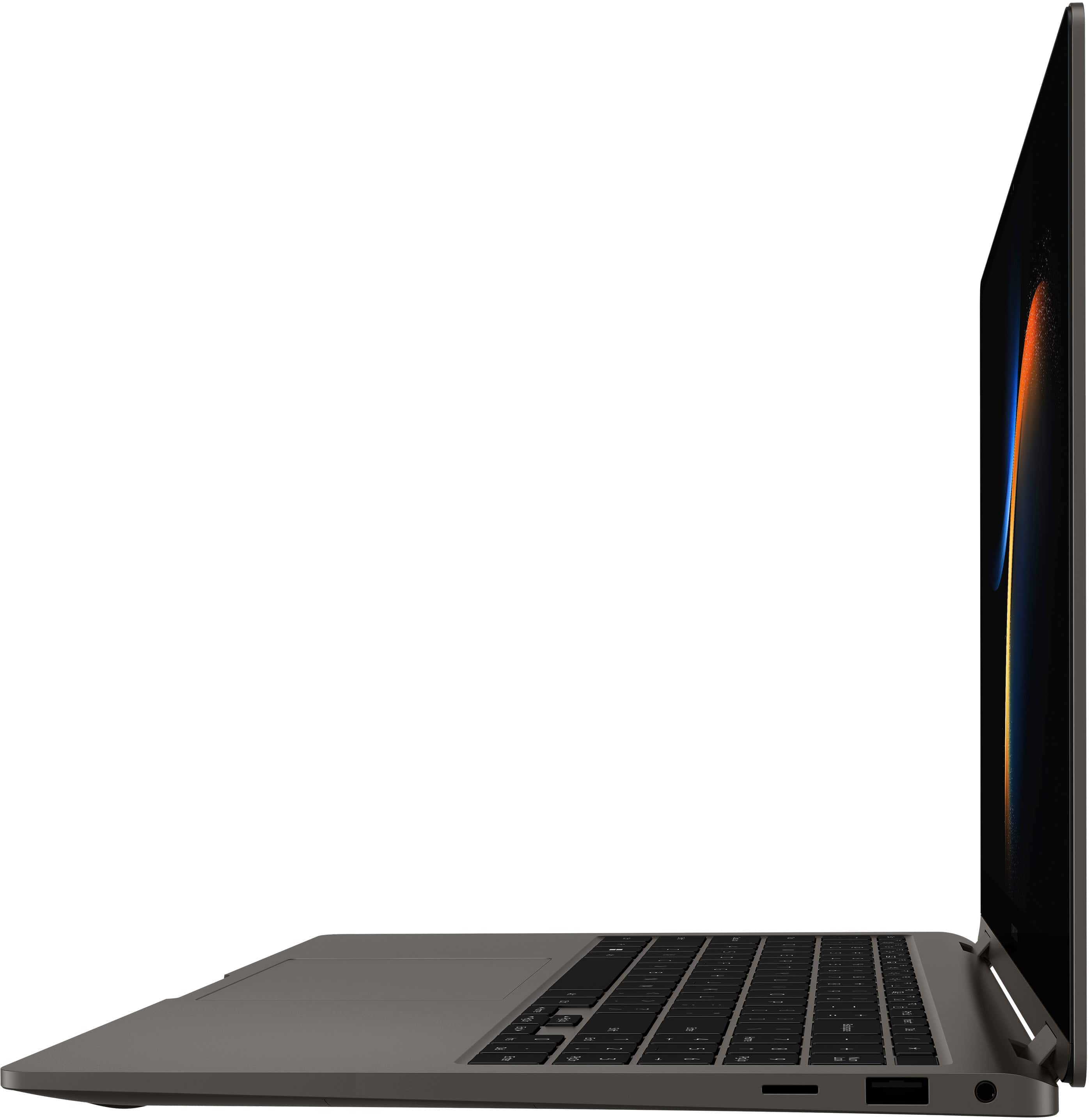
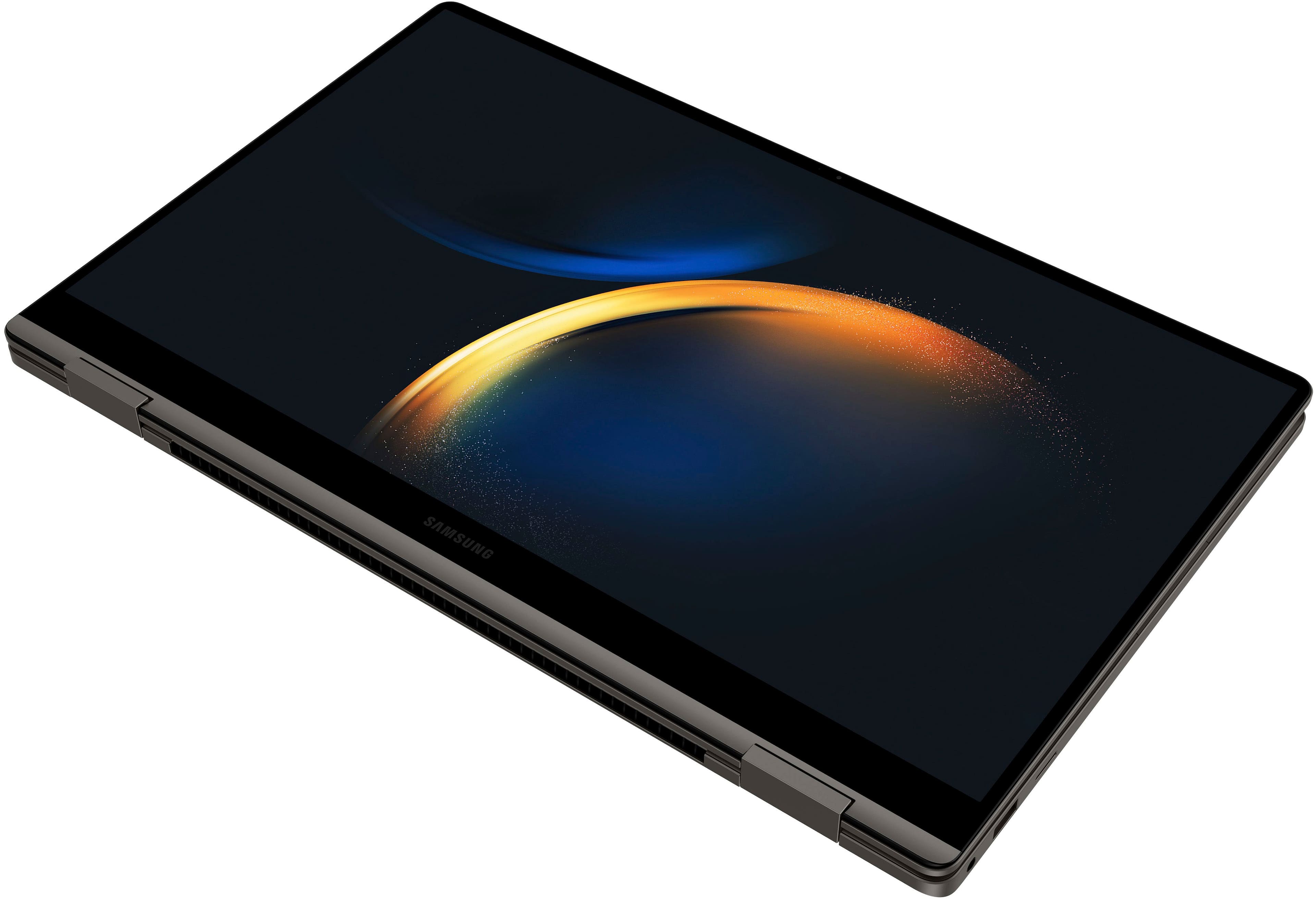
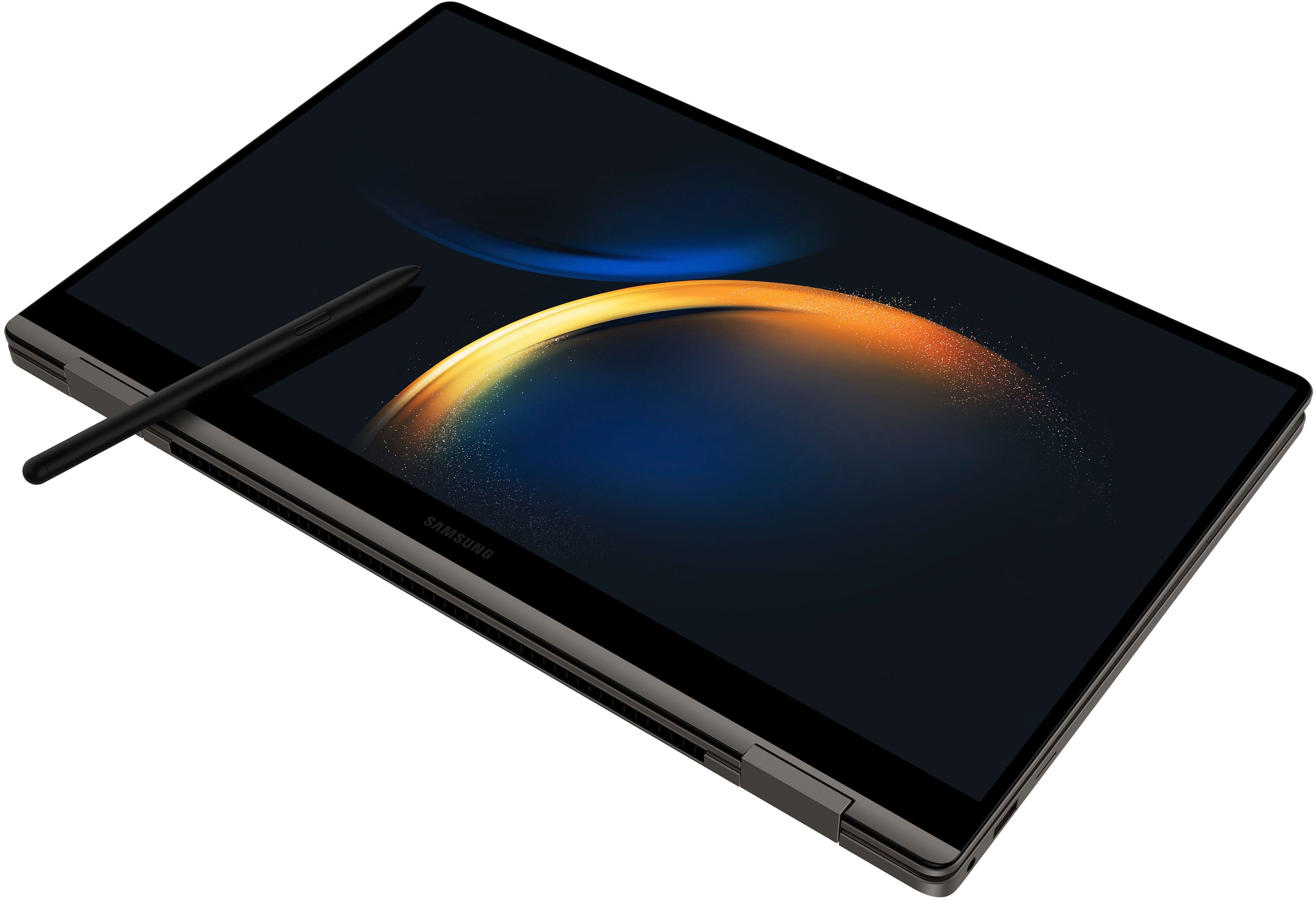
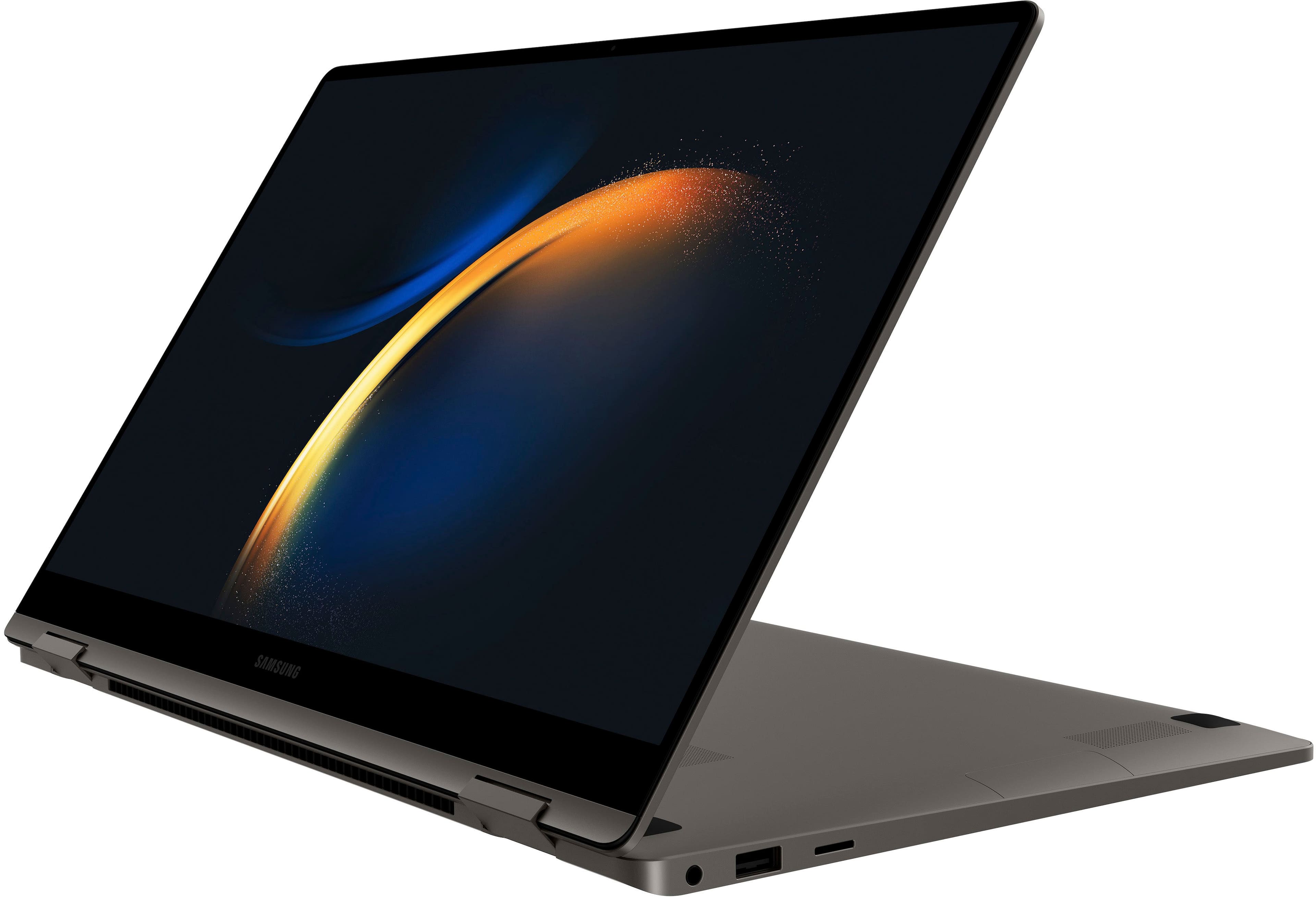
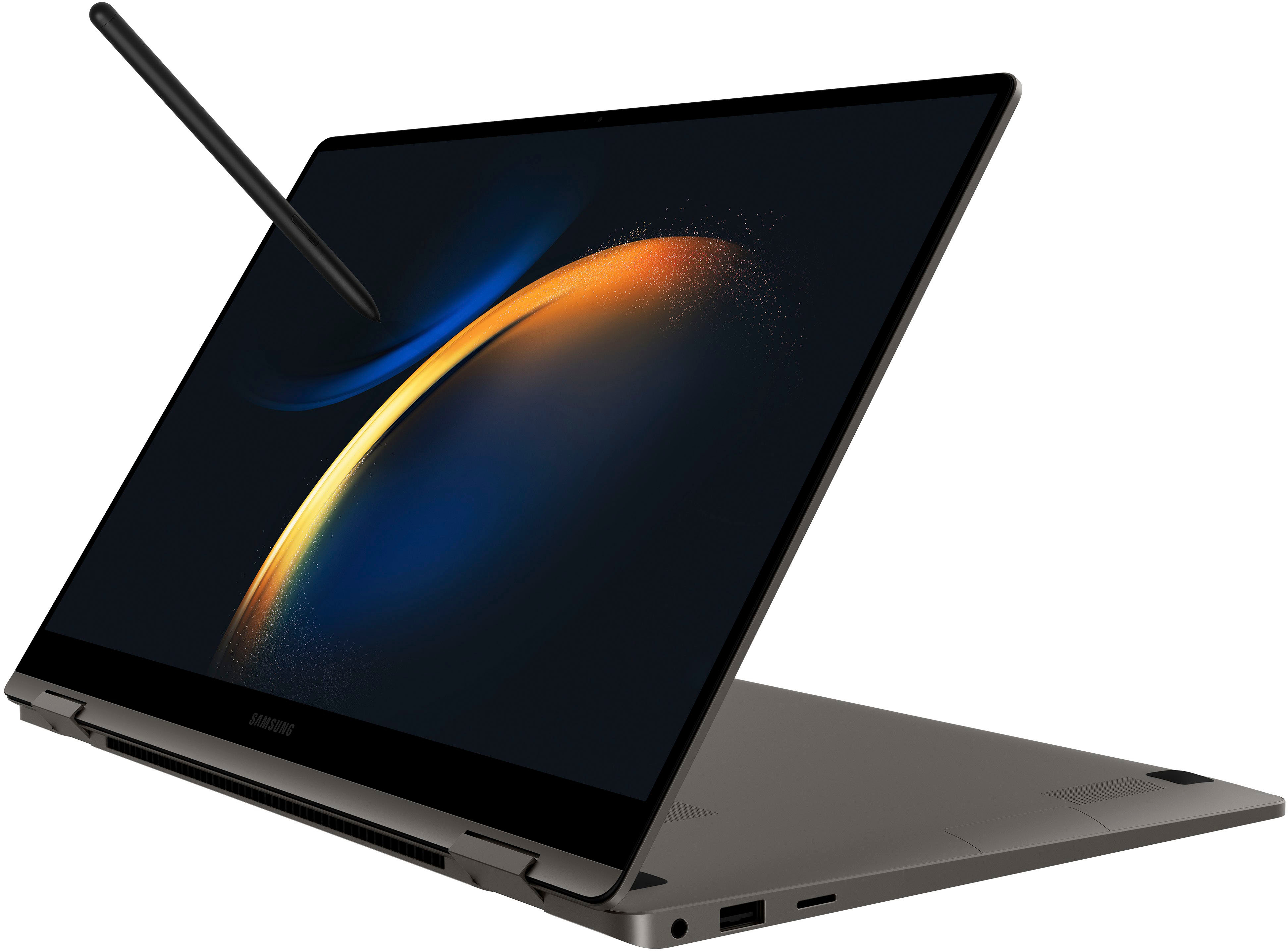
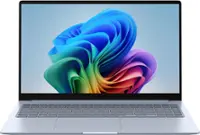
A:AnswerHello Nickname, we appreciate your question about the samsung Galaxy Book3 360. We would be more than happy to help answer questions and help you choose the best device to suit your needs and wants. The keyboard of this device does light up but only with the one color that is not adjustable. Please, reach out to us again if you have any additional questions about any of your Samsung products. Thank you for being a Samsung customer. -Elizabeth
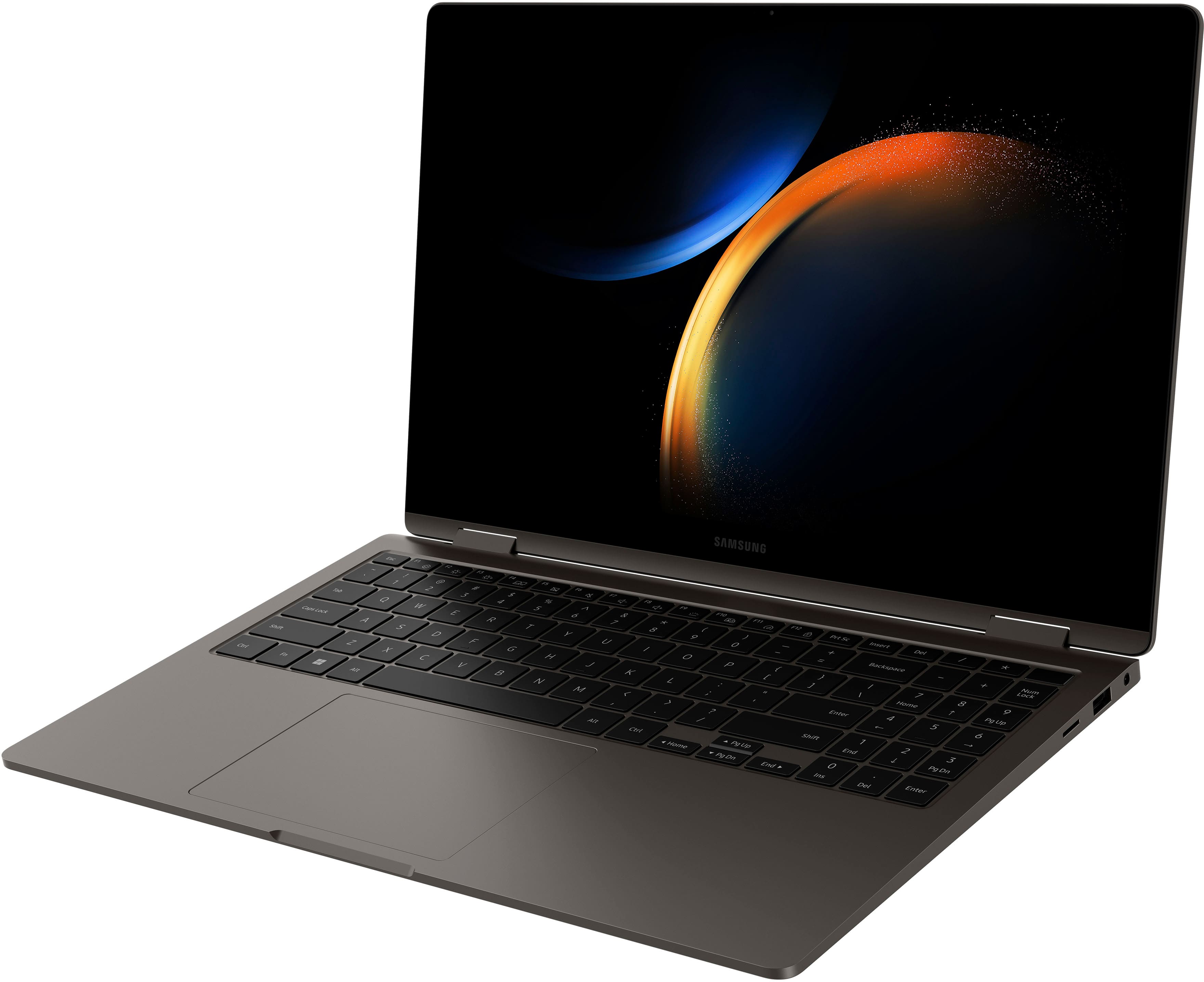
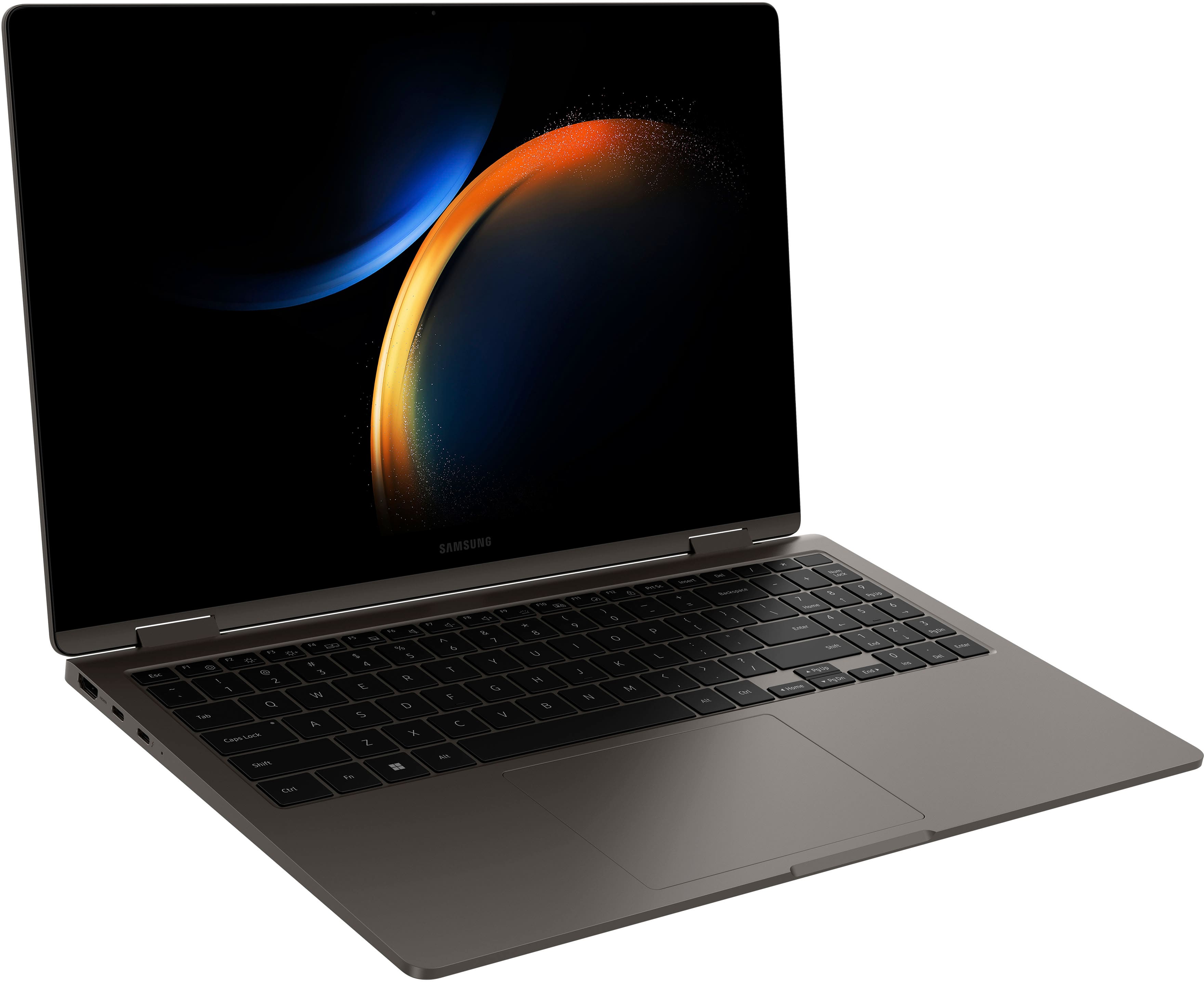
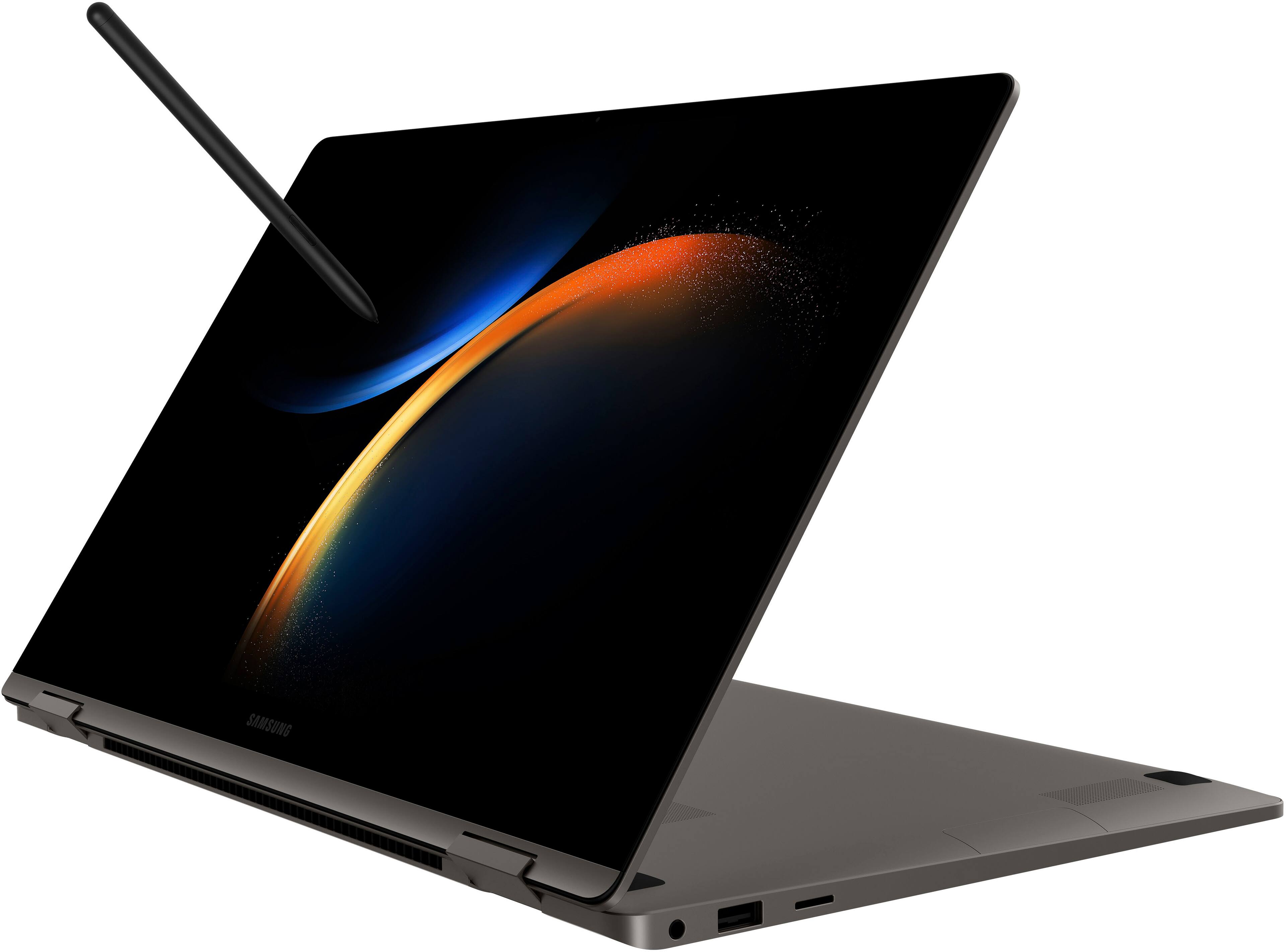
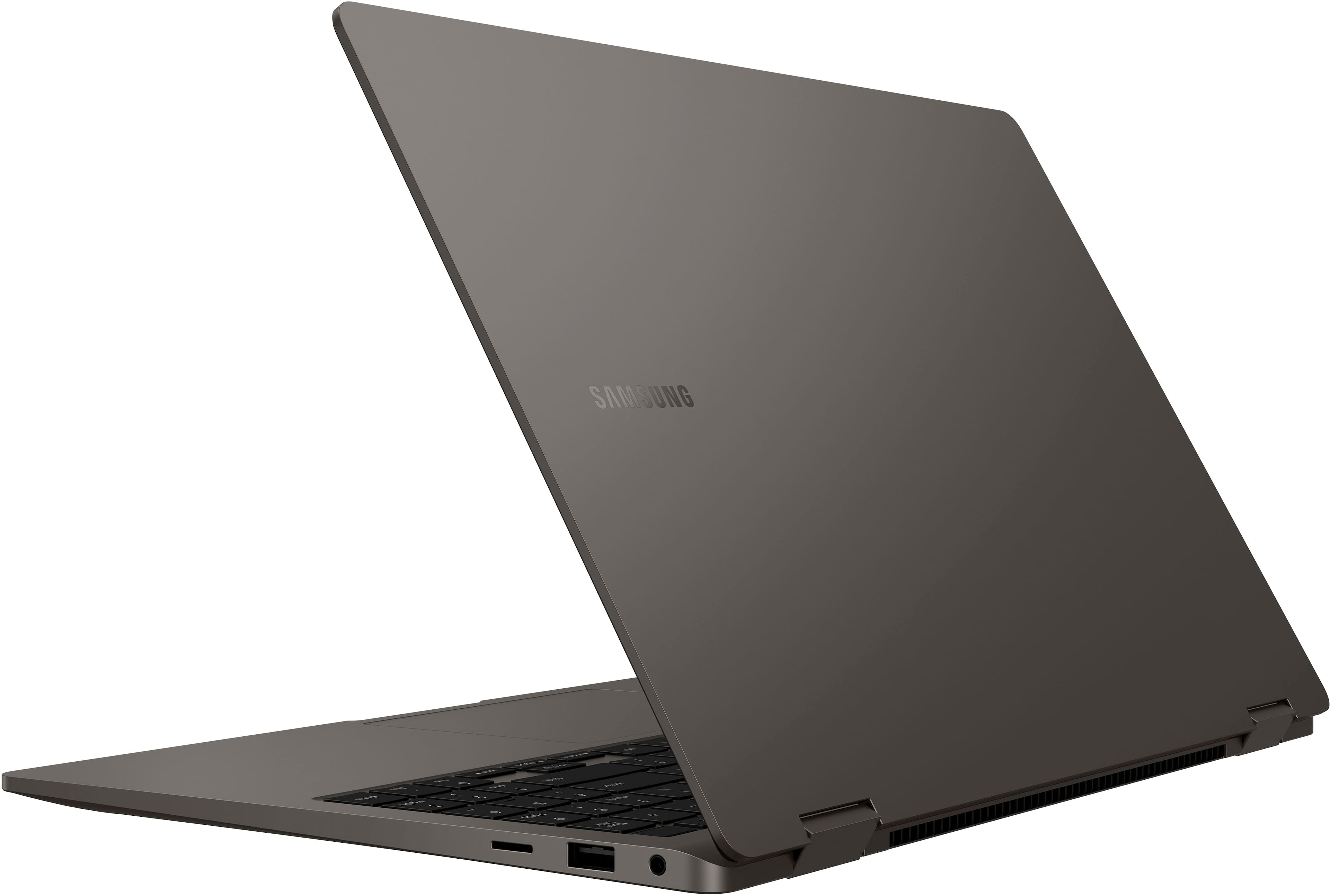
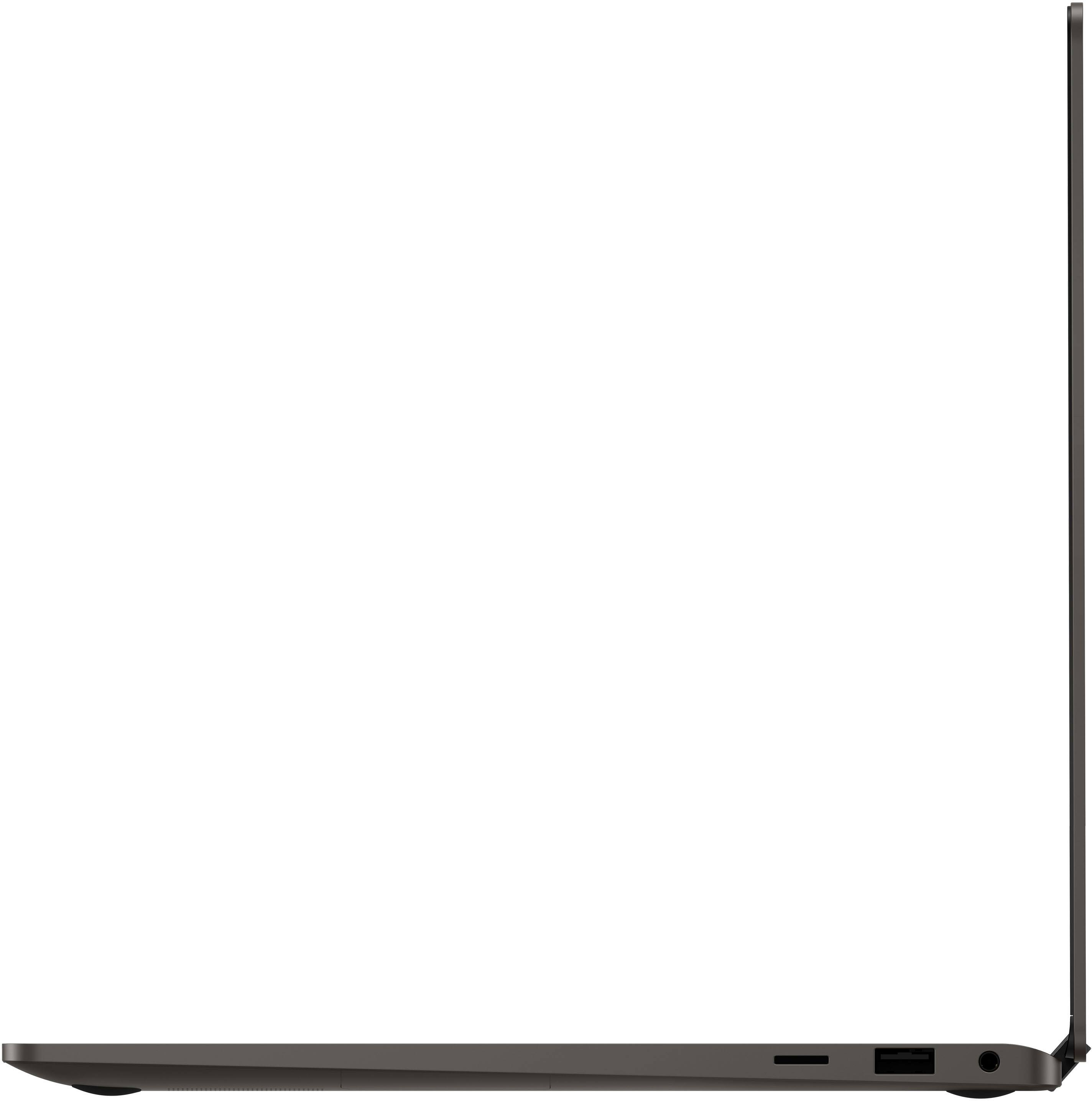
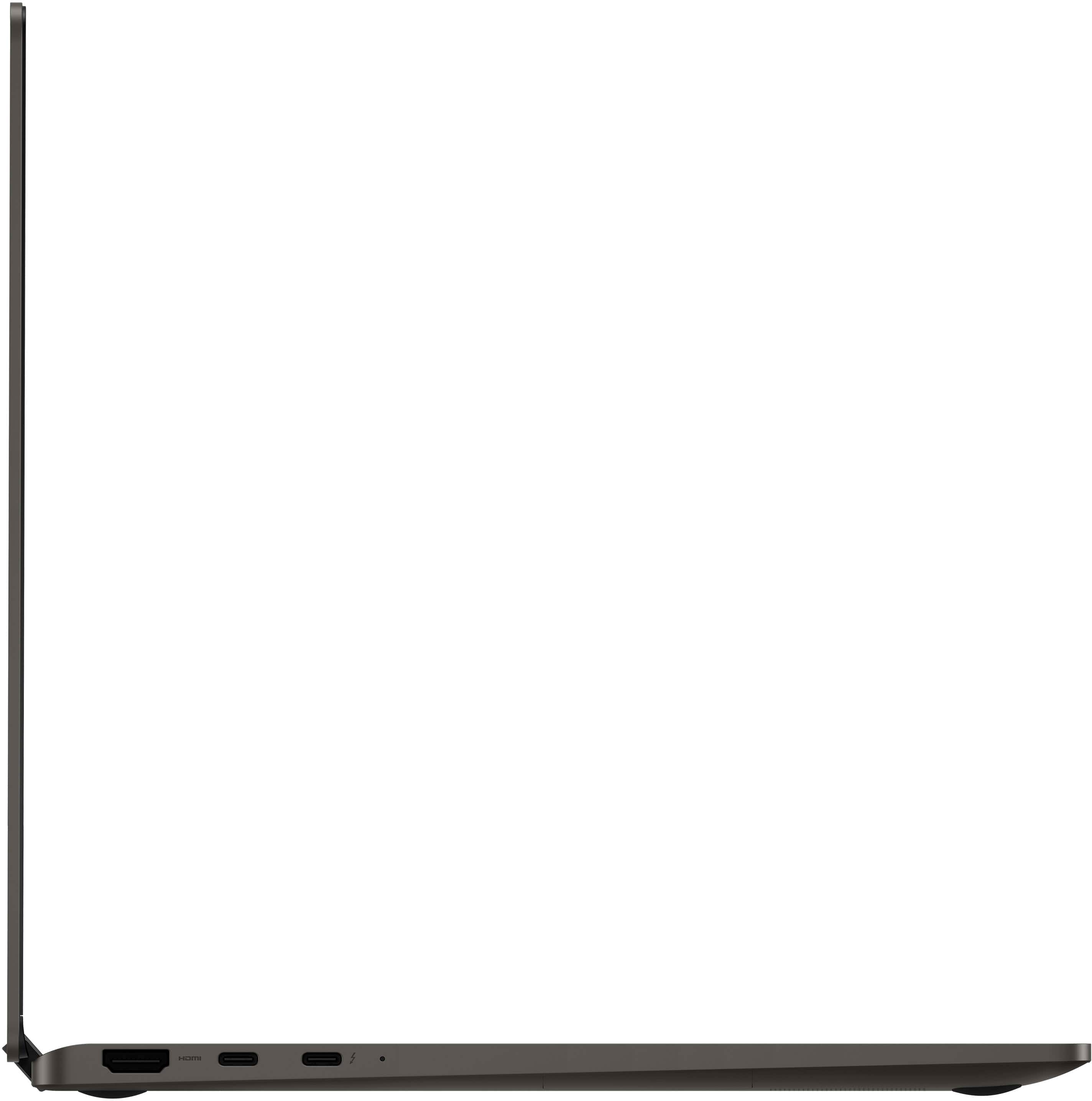
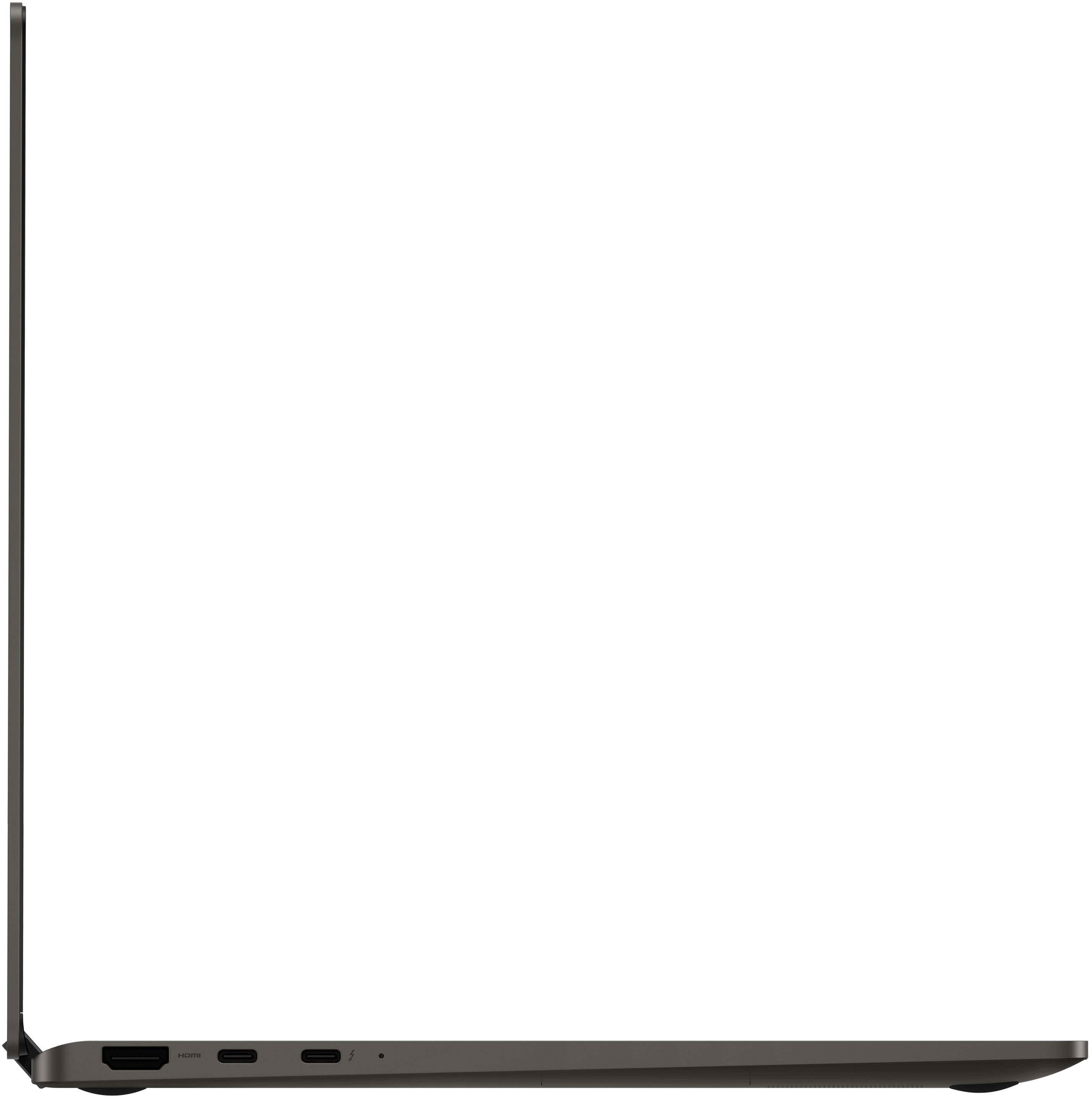
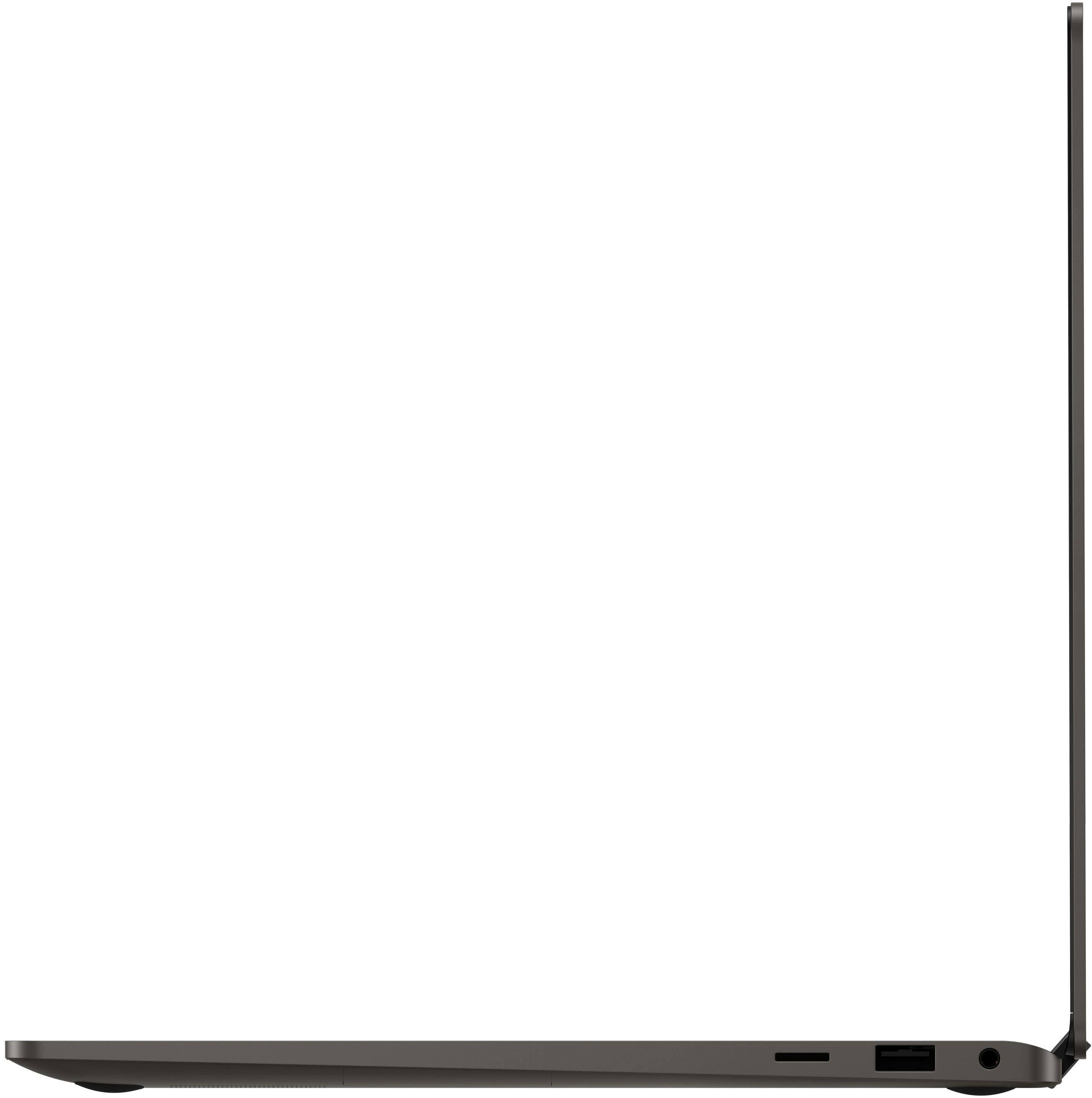
A:AnswerHi there Sedonauthor, thank you for reaching out to us with your question about the Samsung Galaxy Book3 360. This device has a memory card slot, a USB-A slot for connecting various devices like a mouse, keyboard, or camera, a headphone jack, HDMI port for connecting external devices like additional displays, and two USB-C ports one of which is the Thunderbolt port that is used for charging your device. Thank you for being a Samsung customer. -Elizabeth
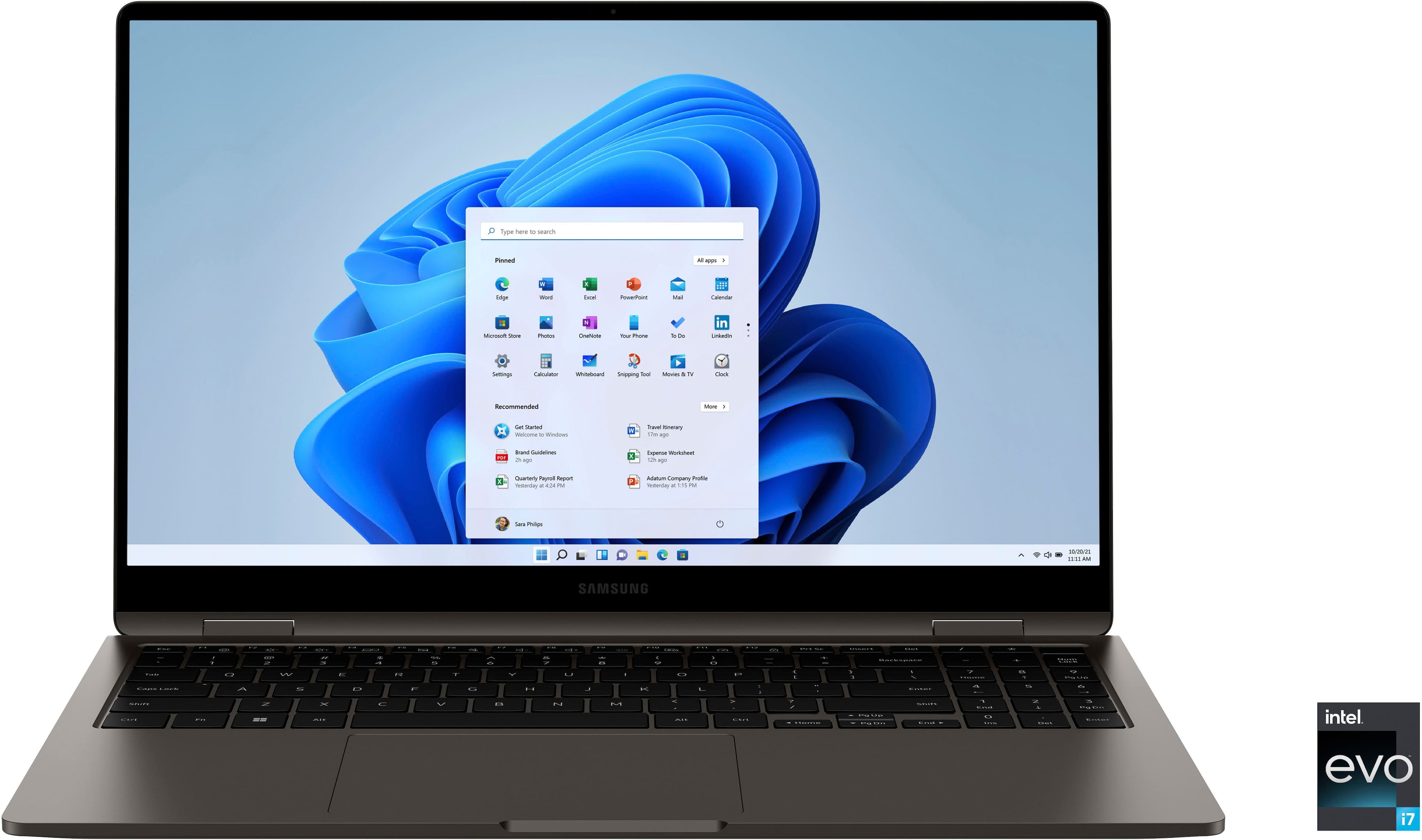
A:AnswerHi there OffOn, thank you for reaching out to us with your question about the Samsung Galaxy Book3 360. The On/Off button on this device is in the top right hand corner of the keyboard. This button is also a fingerprint scanner to help with the security of your device and ease of unlocking. Thank you for being a Samsung customer. -Elizabeth
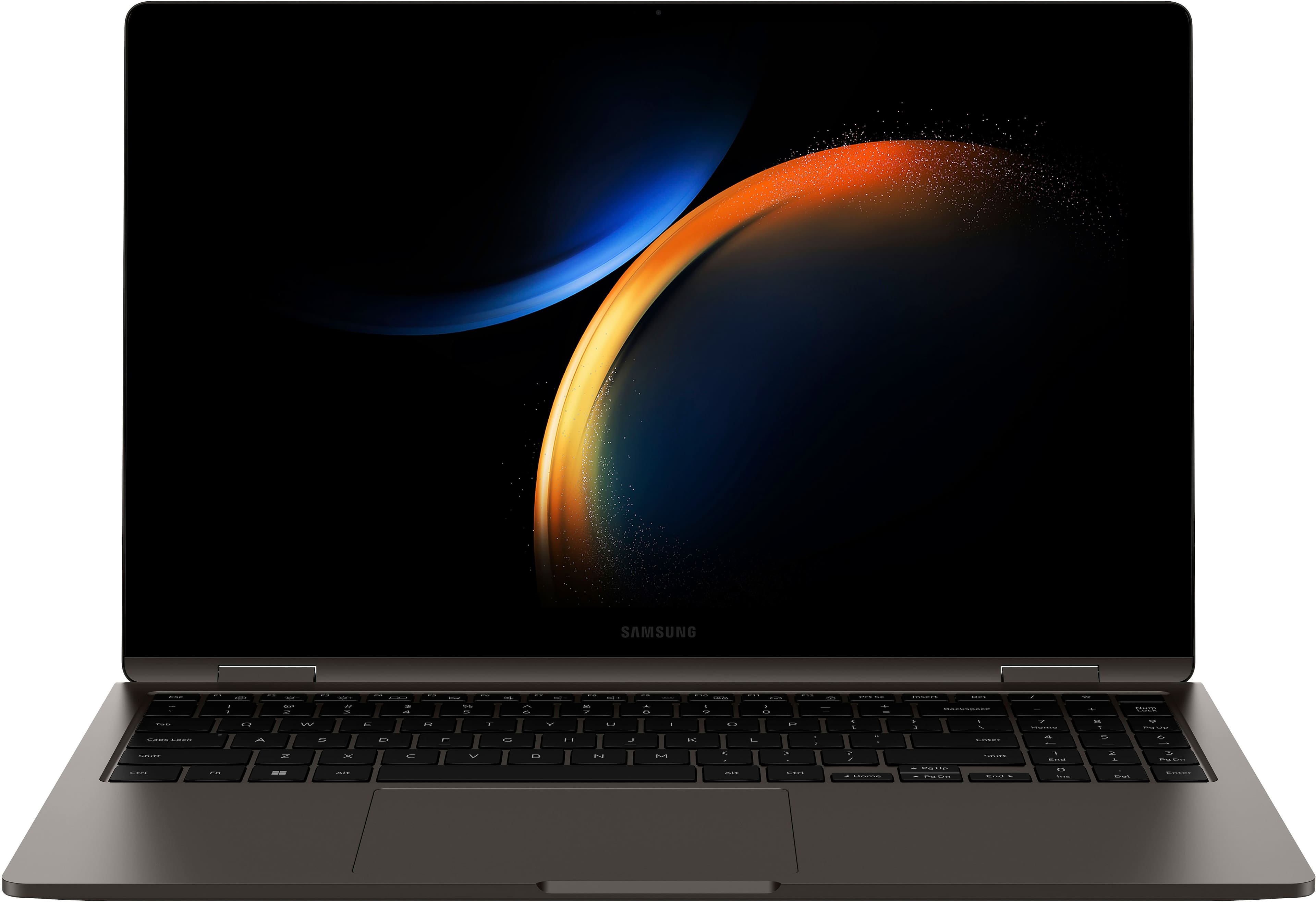
A:AnswerHowdy KEVIN253, thanks for taking the available time out of your busy day to ask us your question about the Samsung Galaxy Book2 360. You can multiply your productivity with one seamless experience across all your Galaxy devices. Quick Share allows you to transfer your photos and videos from your Galaxy smartphone to your Galaxy Book3 360 at full resolution for easy editing and Link to Windows connects your Galaxy Book3 360 and smartphone so you can call, text and access mobile apps from the comfort of your laptop to name a few awesome features available that your wife can look forward to when switching over to the Galaxy Book3 360. Let us know if you have any other questions for us by contacting Samsung Support at your leisure. Thank you for being a valued Samsung customer. - Debra

A:AnswerHello, thank you for finding the available time out of your lively day to ask us your question about the Samsung Galaxy Book3 360. The Galaxy Book3 360 offers a 16GB RAM. Let us know if you have any additional questions by contacting Samsung Support at your leisure. Thank you for being a treasured Samsung customer. - Debra
A:AnswerHello there ML, thank you for finding the available time out of your lively day to ask us your question about the Samsung Galaxy Book3 360. No, the Galaxy Book3 360 does not have a SIM card tray. Here are the ports available: HDMI, Thunderbolt 4, USB-C, USB 3.2, and MicroSD. Please do not hesitate to contact Samsung Support if you think of any additional questions that you think of for us. Thank you for being a steadfast Samsung customer. - Debra
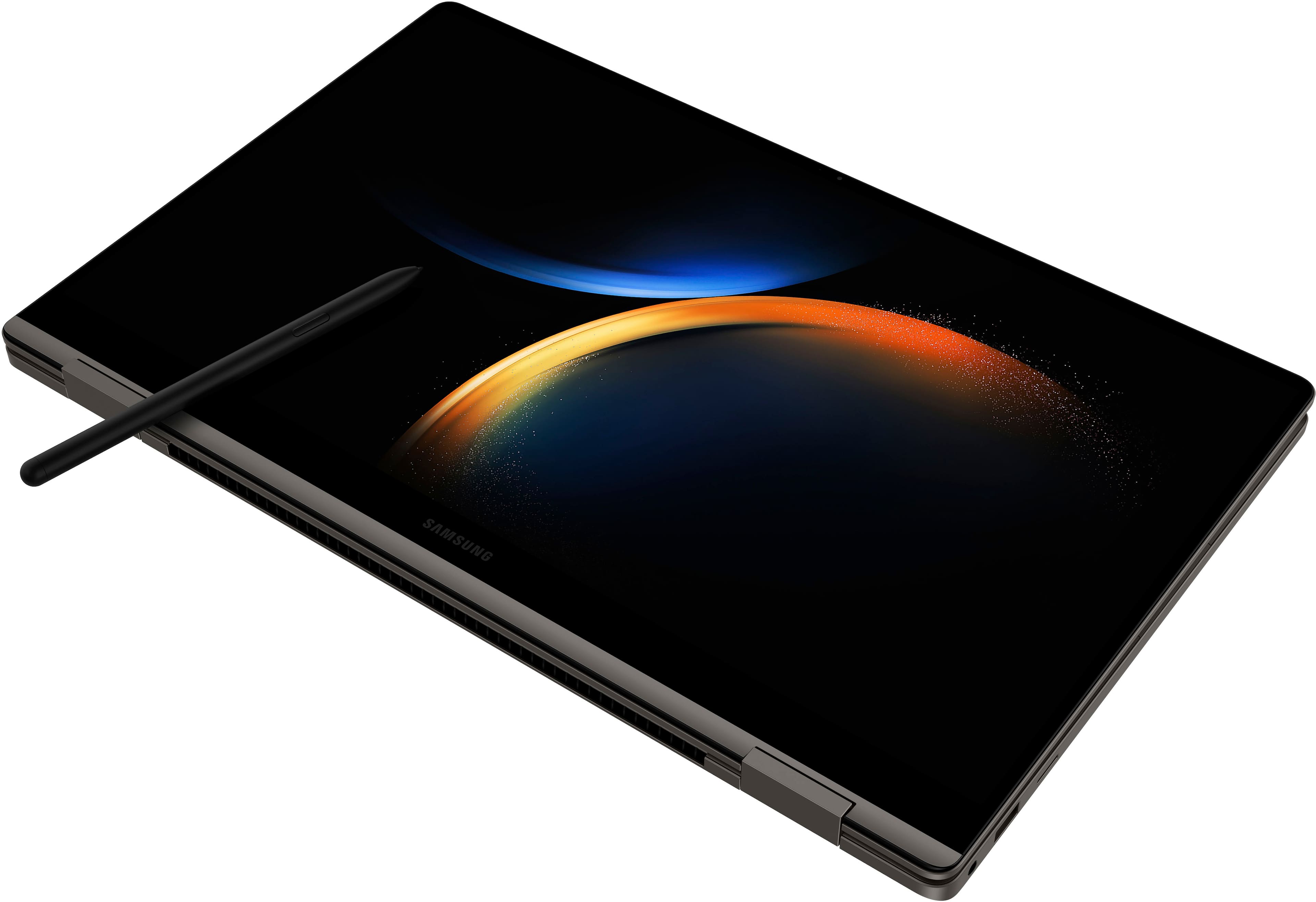
A:AnswerThe S Pen off my S7 tab 'sticks' to my lower right palm rest on this Galaxy Book 3 360. Don't think it charges, but it does magnetically 'stick' lol
A:AnswerHello! I a, also in market but came across ur question and cuz I saw this (“ “below) I couldn’t not share it. It’s a smidge different. But this was one customers review - was very very detailed! (On the 16BG/1TB 1599 model. Its review alone convinced me to 91% that this is likely the gaming machine I will get. Hope it helps. Good luck.
“ 16GB RAM isn't quite enough to make this a great video editing or content creation device since you could be working with huge files and a browser alone can use up 6-8GB of RAM. Unfortunately you can't upgrade the RAM on these units because it is soldered to the board. If you want more RAM, like 32GB you need the Book3 Ultra, but that device doesn't support the S-pen or fold 360 or stand up like a tent. So you have limited options if you stay with the Book3 ecosystem.”

A:AnswerIt has an SD slot. You can expand your memory with it. Also, cloud usage is the new way of saving storage, but it's also benefitial when you're on the go.