A:Answer Question 1&2: Processor Spec given: Octa Core (4x2.3GHz + 4x1.8GHz) and not an oversight, (just hard to find).
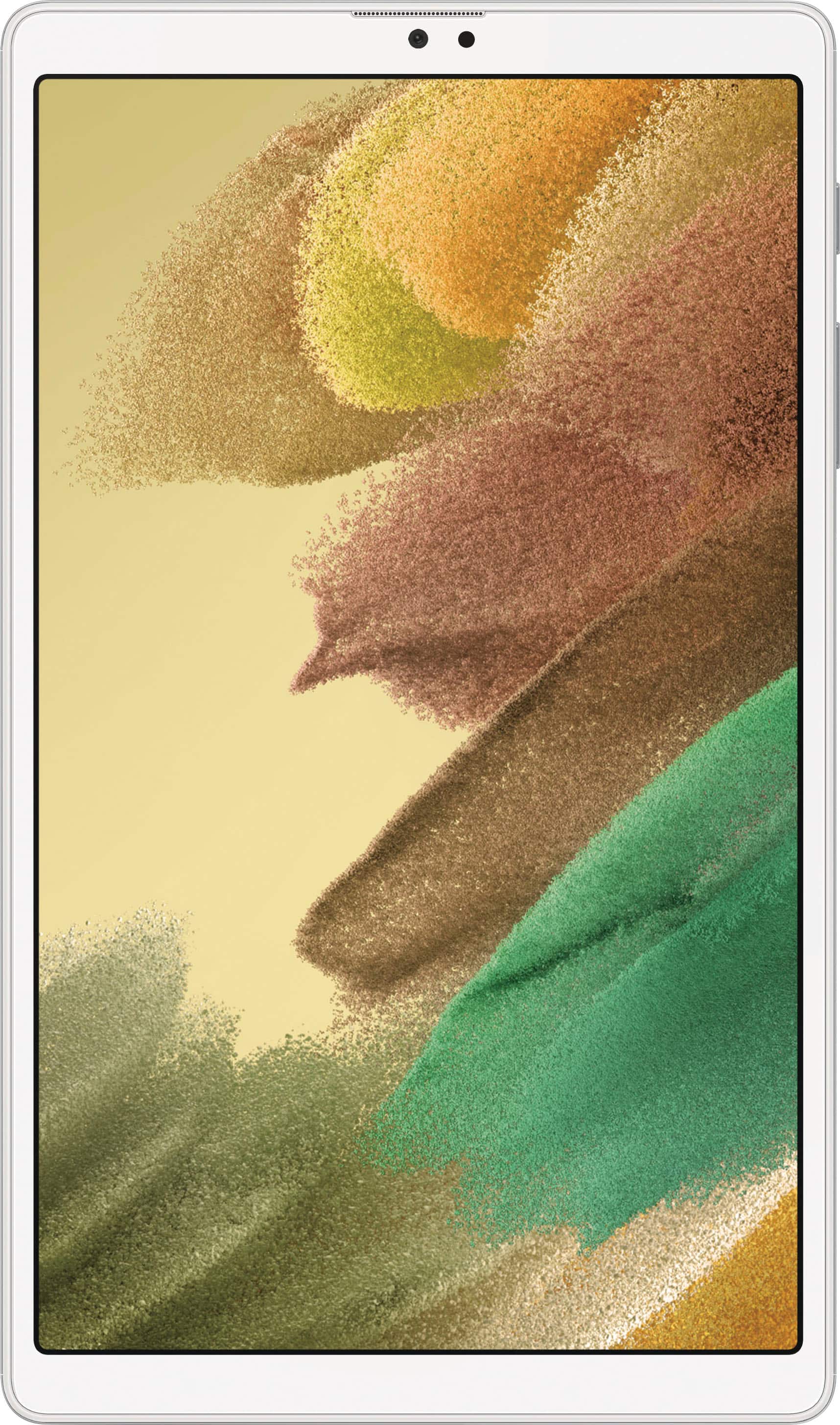
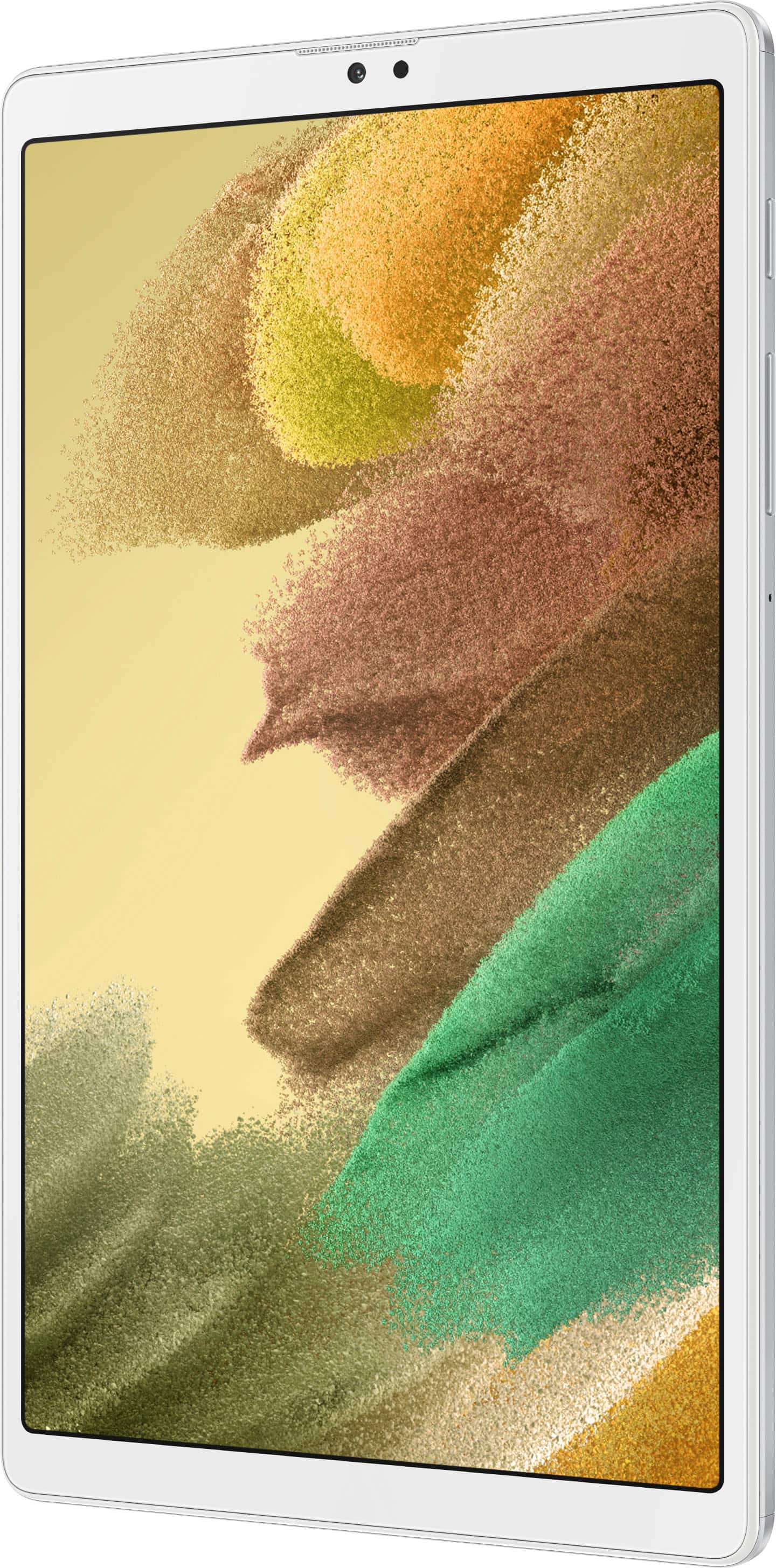
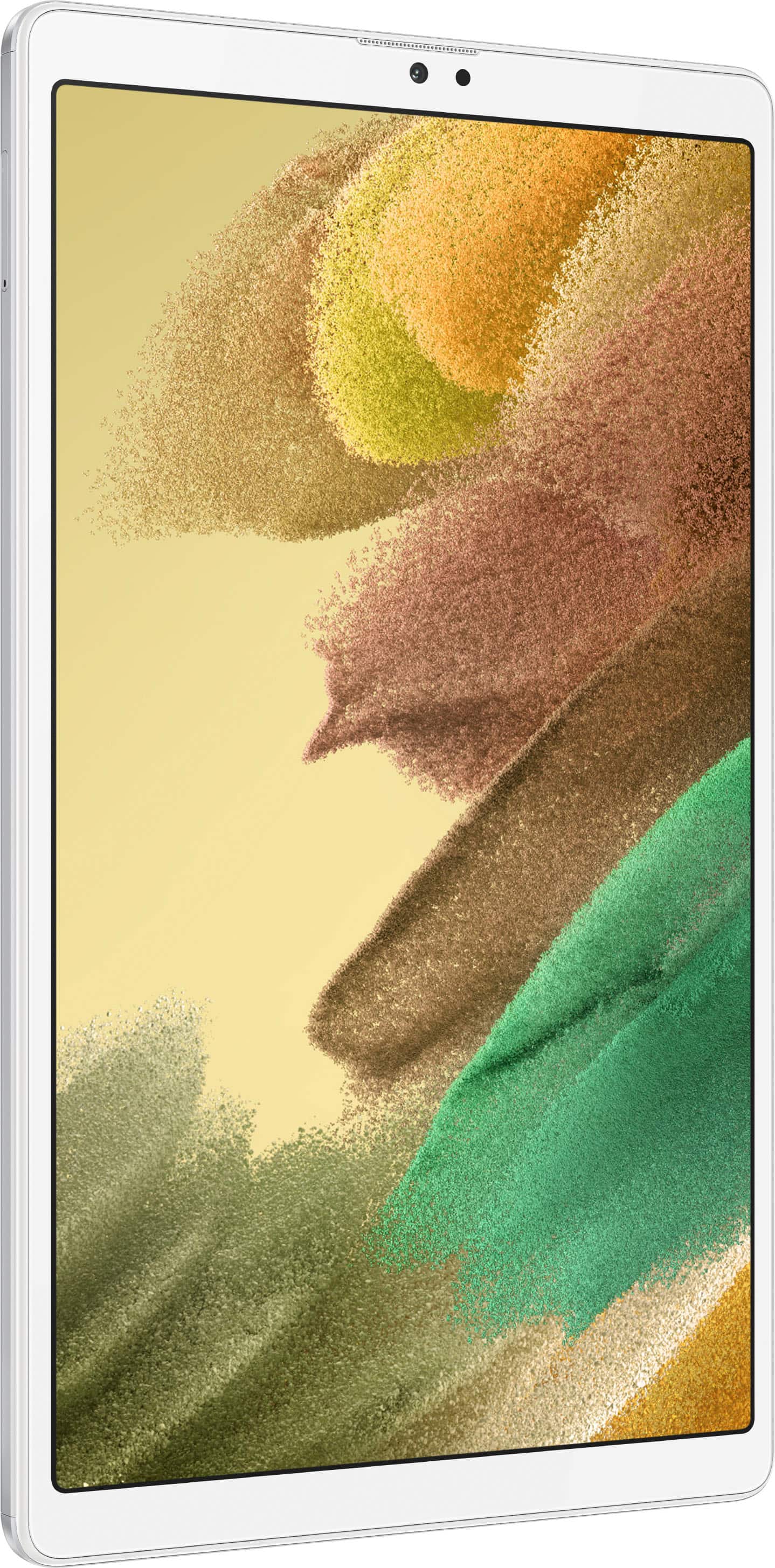
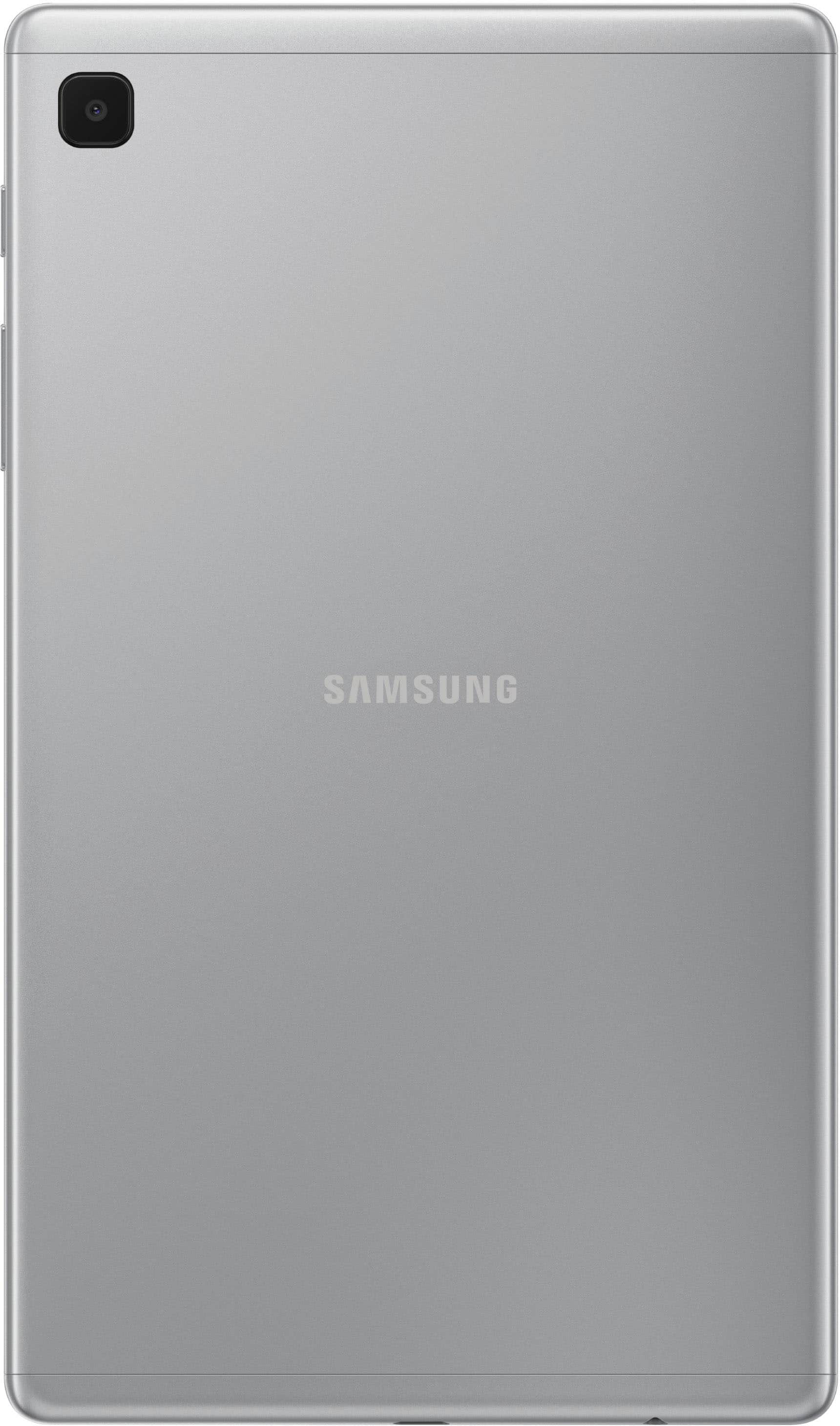
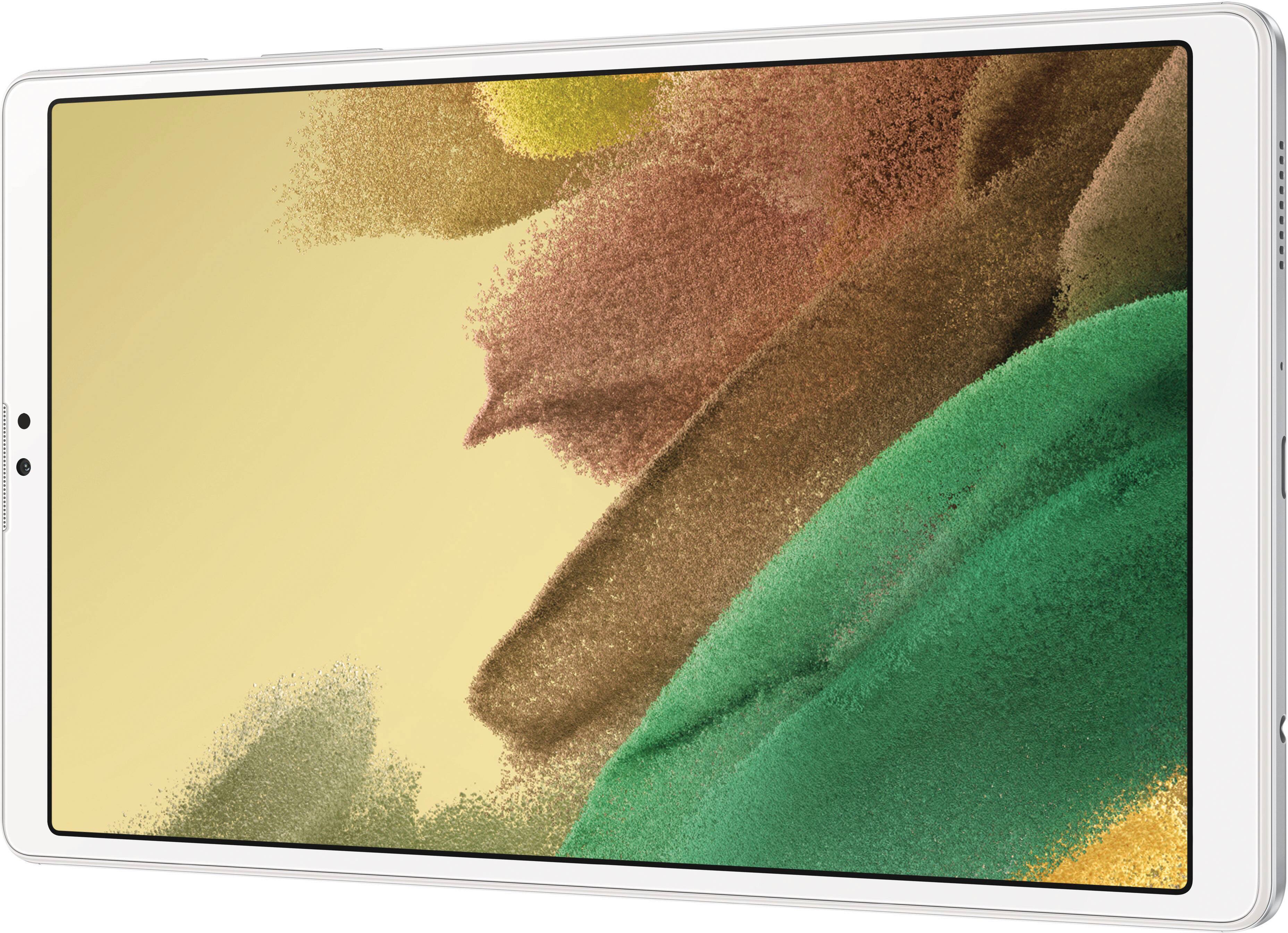
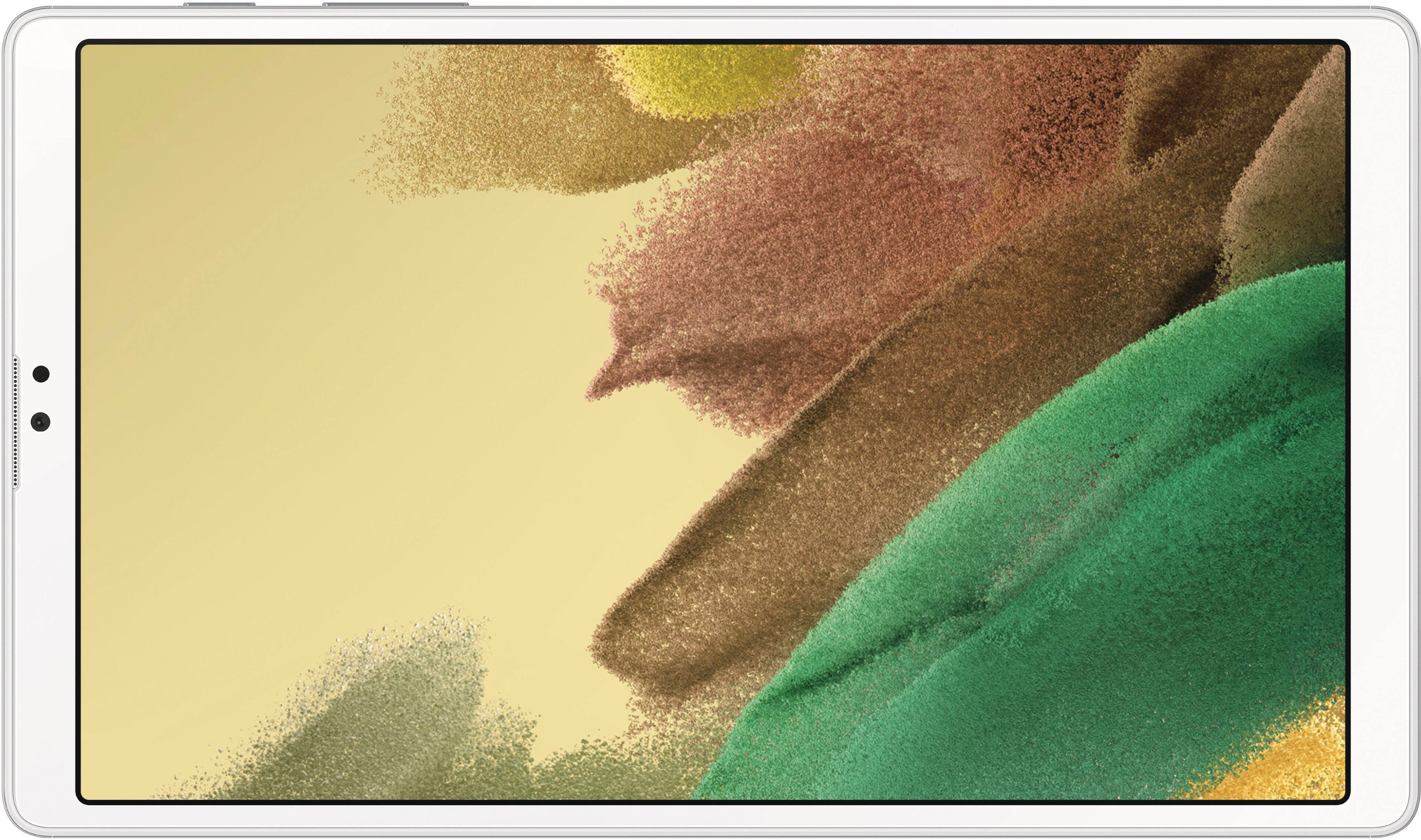
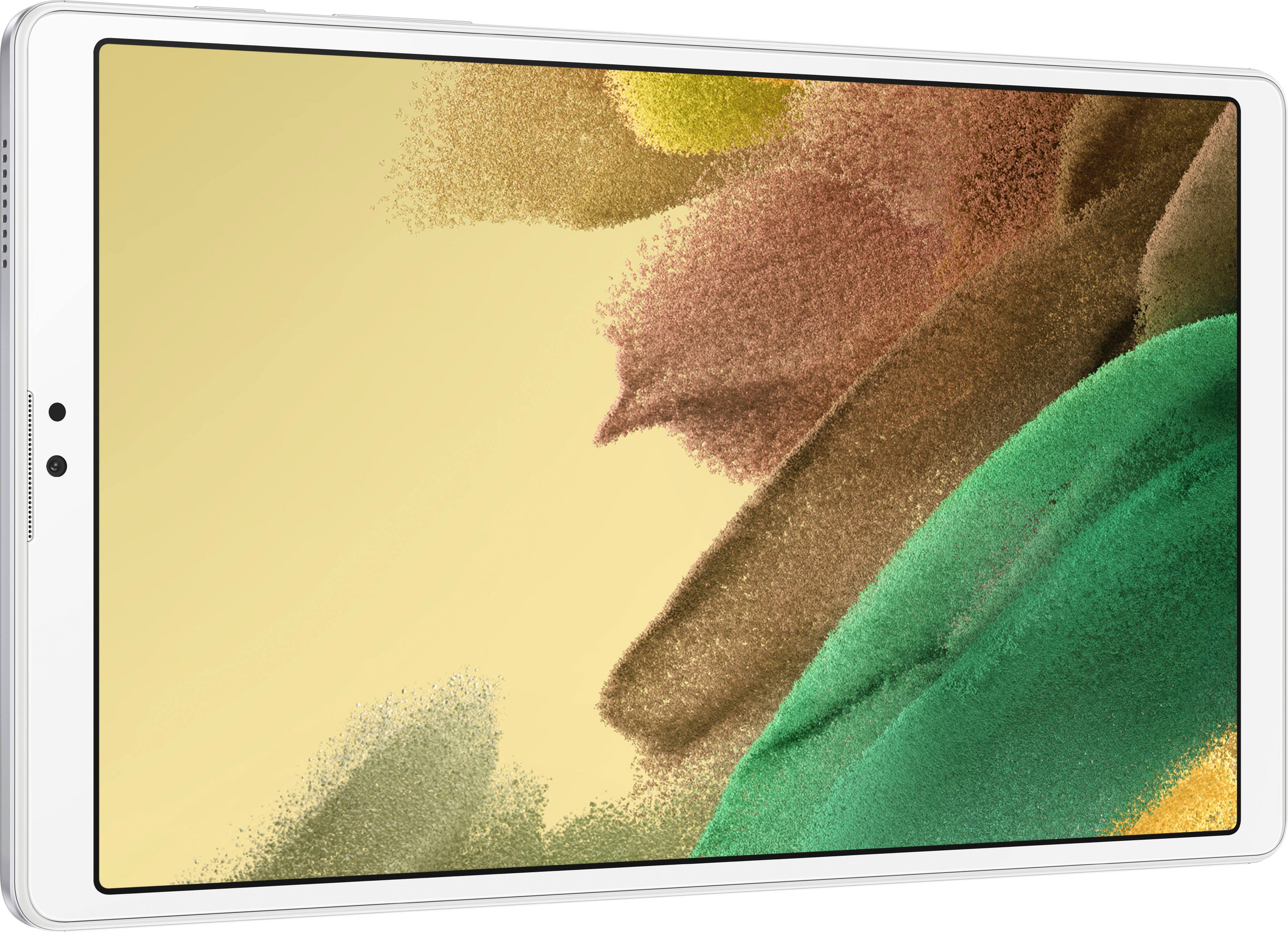
From the BestBuy Website for Samsung: [Galaxy Tab A7 Lite 8.7" 64 GB with Wi-Fi]
To find this, dig down to "From the Manufacturer", then find in the Specification table,
Processor Speed, Type Octa Core (4x2.3GHz + 4x1.8GHz)
Question 3: How to enable Split Screen -
Not all Apps work with Split Screen, but Gmail, Calendar, Clock, Calculator, YouTube and many others work fine.
Start the first App you want to use, then tap the [ ||| Recent apps] . For the first App, tap the ICON (i.e. the Bubble, not the Tile) and the Pop-up will offer “Open in split screen view.” Compatible Apps are shown in the lower portion. Tap to select the second App, and the first App opens in the top half the screen, and the second App opens in the lower half screen.
Drag the [...] in the middle bar to adjust the size of the split.
A nice combination is to work Gmail in the larger part of the screen, and play a relaxing YouTube like a Country Wildlife scene, Rainfall or Birdsong in the other.
The Split-screen pair of Apps will be saved together as one Tile in [ ||| Recent apps ].